
 View on Asset Store (opens in new tab)
Package details
- Latest version
- 1.2.0
- Last updated
- First released
- Unity version
- 6000.6.5 or later
- Package size
- 1.8 MB
- Files
- 283
- Views in the past week
- 11
Price tracking
- Last checked
- Tracked since
- Lowest recorded
- $31.50 on
Keywords
NetCrafter Relay
Create small-group online multiplayer games, typically 2–10 players. Relay runs on Oracle’s free tier or any low-cost VPS. No subscriptions or CCU fees. Works with Starter Assets and OpenWorlds.
Affiliate link · Purchases support this site
Price history
Last 6 months
USDAsset preview
1 / 7
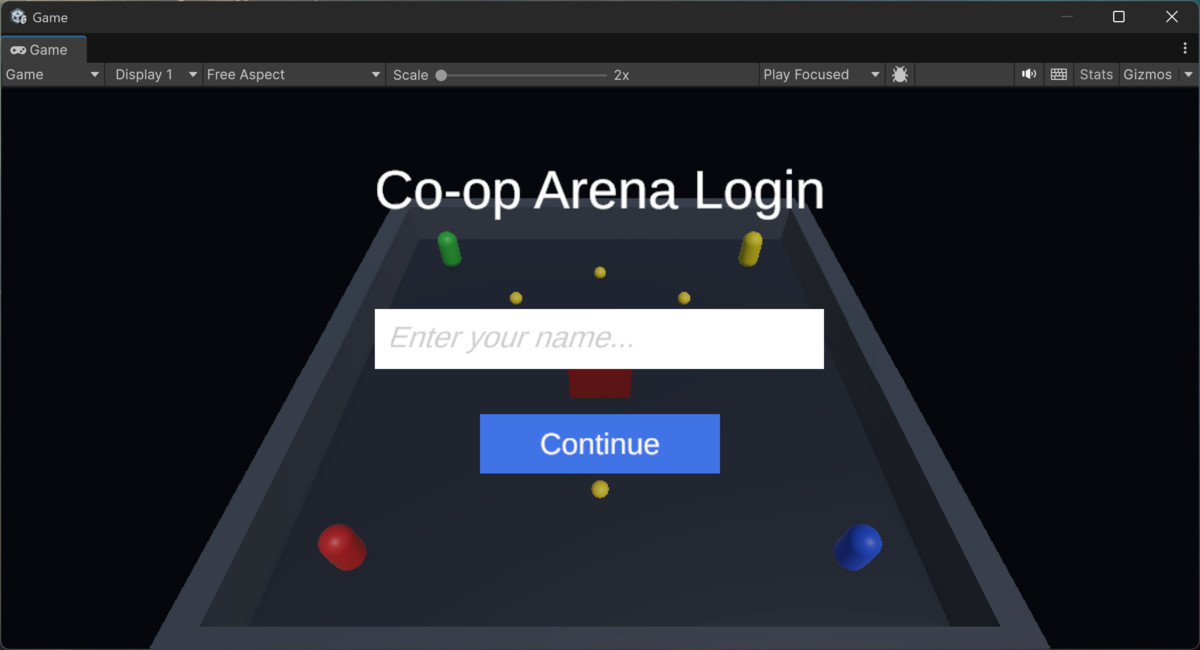
NetCrafter Relay screenshot 1
About this asset
NetCrafter Relay eliminates the repetitive, error-prone work of wiring Unity clients to your own relay server. Instead of hand-writing connection managers, NAT traversal code, join-code matchmaking, and network sync logic, you define your game's message protocol once in a visual schema editor — and NetCrafter Relay generates everything else.
Works with Unity Starter Assets and OpenWorlds. Tested on Unity 6.6
WHAT IT DOES
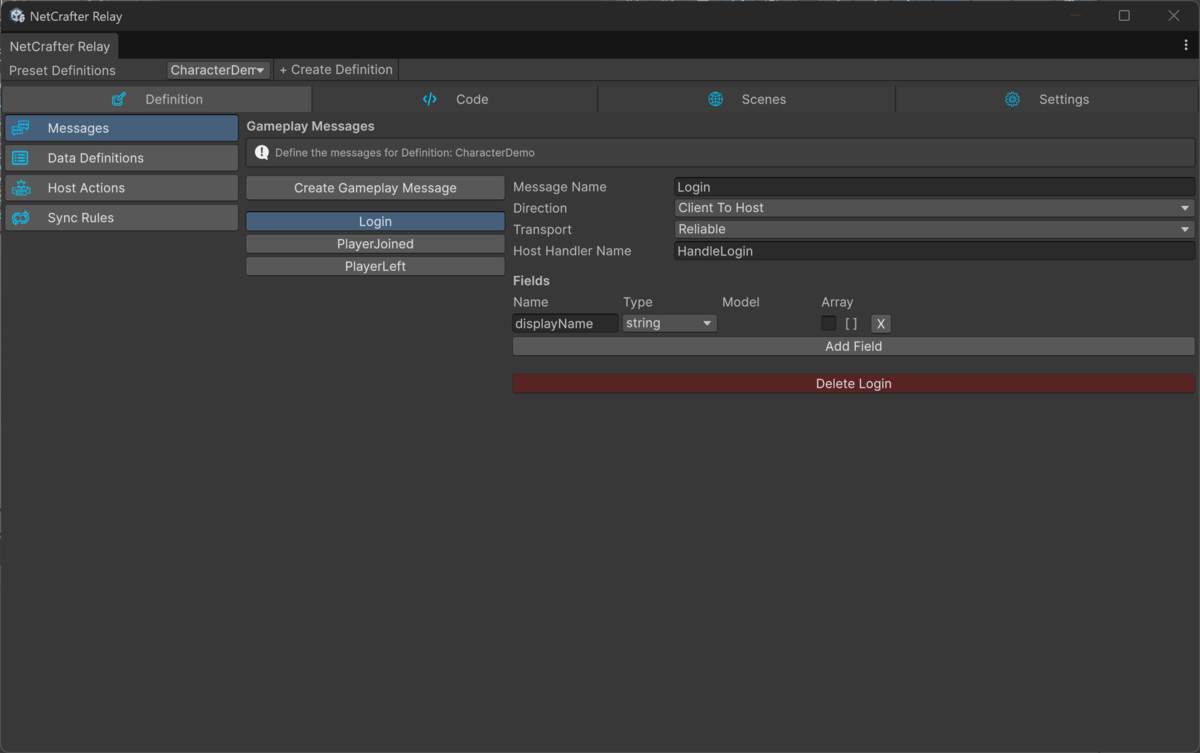
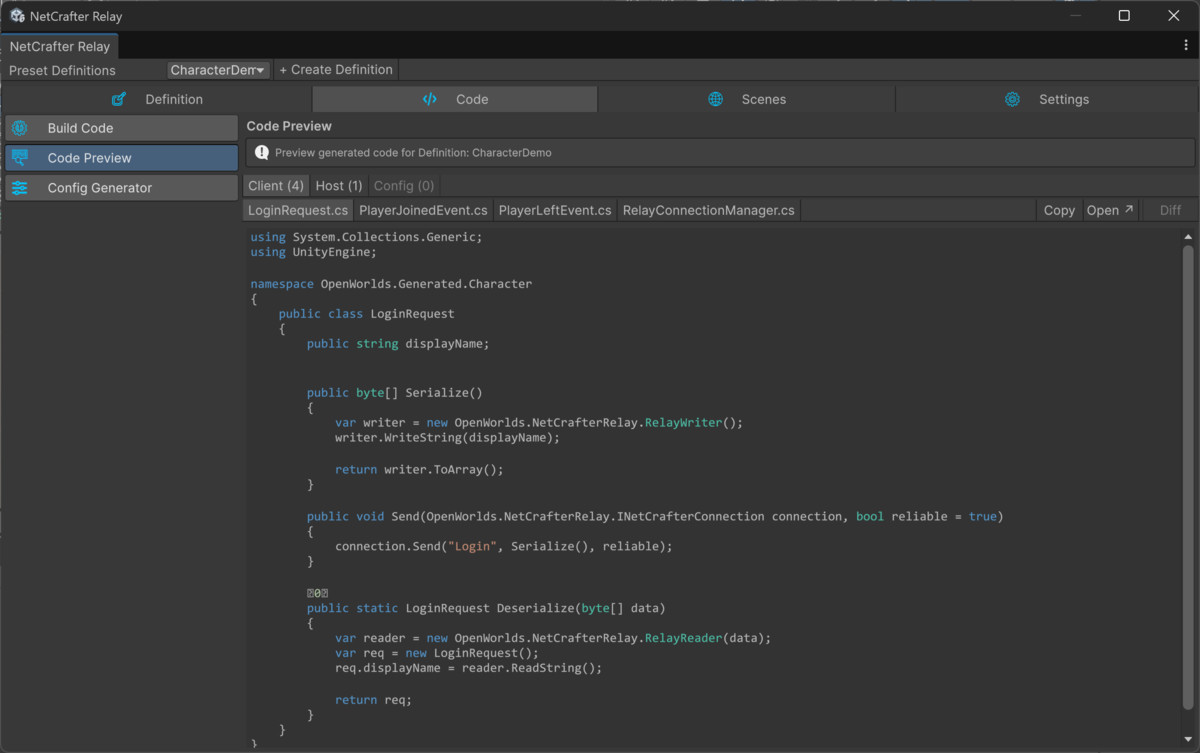
Define your messages, server events, data models, host actions, and sync rules in NetCrafter Relay's visual editor. Click Generate. Instantly receive:
- A typed C# connection manager for your Unity client
- Typed C# request and event classes matching your schema
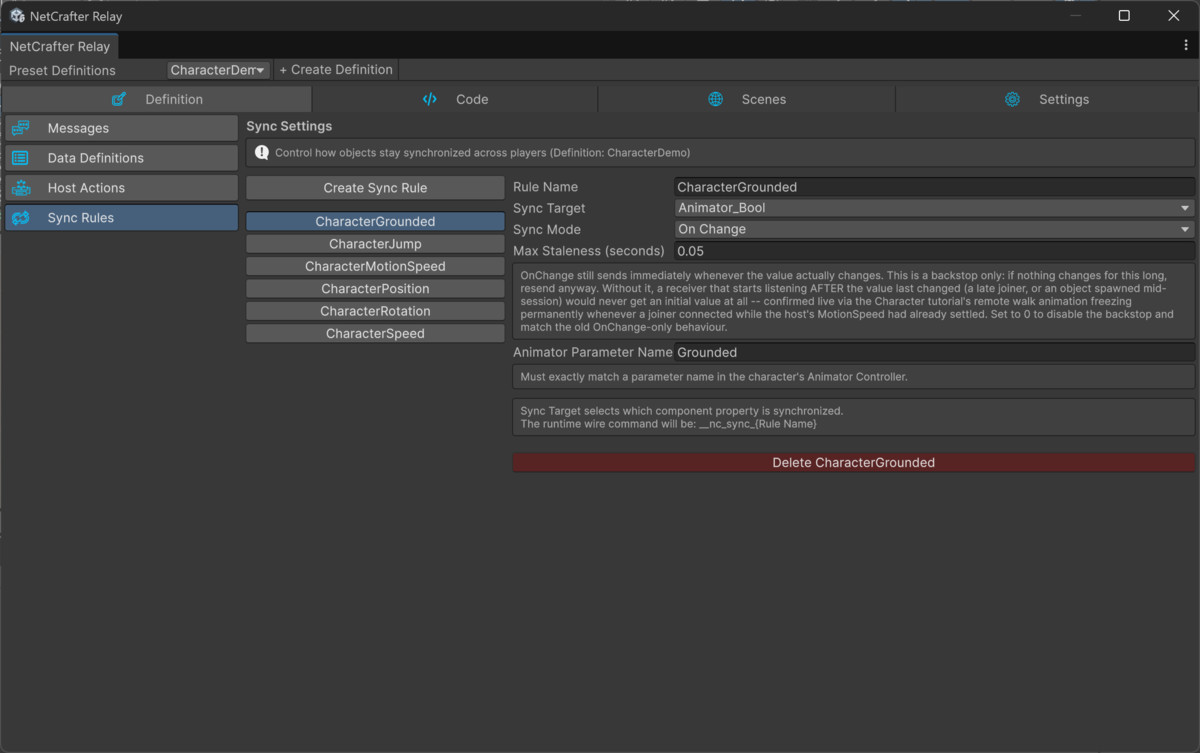
- Real-time transform, rigidbody, and Animator parameter sync — no manual serialisation code.
- A Server Setup Wizard, run from inside the Unity Editor, that installs a fully working coturn (TURN) relay server and join-code (rendezvous) matchmaking service on your own Linux server — and connects your project to it automatically. No networking expertise needed.
- Change your schema, regenerate, and your code updates automatically — no manual synchronisation.
WHY NETCRAFTER RELAY
Peer-to-peer multiplayer sounds simple until NAT traversal gets involved. Most home and mobile connections sit behind NAT that direct peer connections can't cross reliably — you need a relay server (TURN) and a way for players to find each other (a join code). Setting that up correctly — server config, credential security, matchmaking, disconnect handling — is real infrastructure work most developers don't want to do before writing a single line of game logic.
NetCrafter Relay compresses that work to minutes. The built-in Server Setup Wizard deploys cleanly to Oracle Cloud's Always Free tier, or any inexpensive Linux VPS from any provider — typically a few dollars a month at most. There's no platform fee, no per-player cost, and no dependency on Pivec Labs' own infrastructure — you own and control your server.
Define your protocol, run the Server Setup Wizard from inside Unity, and start building your game.
BUILT FOR SMALL GAMES, NOT ENTERPRISE INFRASTRUCTURE
If you're building a large-scale competitive shooter, a battle royale, or an MMORPG, you need dedicated servers and matchmaking at scale — that's a different tool for a different job. Check out NetCrafter Pro (SmartFoxServer 3).
If you're building a small co-op or PvP game — typically 2 to 10 players, a game jam project, an indie title you want to ship without a hosting bill — NetCrafter Relay is built specifically for that:
- No third-party accounts. No Steam integration, no PlayFab signup, no cloud hosting dashboard to configure. Just a Linux server you control.
- No platform fees, no per-player costs. Many multiplayer solutions bring a bill that grows with your player count. NetCrafter Relay's server can run on a free-tier VPS, and its cost doesn't scale with your players.
- Your own protocol, not a pre-built system you configure. Rather than fitting your game into a ready-made lobby/matchmaking/character system, NetCrafter Relay generates the exact networked messages your game actually needs, from a schema you define.
Player count depends on how much your game syncs — fast physics and many moving objects need more bandwidth than turn-based or chat-driven play. For large sessions, see NetCrafter Pro.
KEY FEATURES
- Visual schema editor — define messages, events, models, host actions, and sync rules without writing boilerplate
- Instant code generation — generates production-ready C# client and connection code from your schema in one click
- Four complete tutorials — Chat, Co-op, Character, and Racing multiplayer — all included
- Server Setup Wizard — installs the coturn relay and rendezvous (join-code) service on any Ubuntu Linux server from inside the Unity Editor, then connects your project to it automatically
- Runs on Oracle's free tier or any low-cost VPS — no platform fees, no per-player costs
- Scene Assistant — creates connection manager prefabs and event bindings automatically, schema-scoped so multiple demos never collide
- Sync Rules — declarative Transform, Rigidbody, and Animator parameter sync with configurable intervals — no manual serialisation code
- Built-in disconnect detection — silence-based peer timeout with a clean event your game code can hook into
- Player-facing connection status — clear, plain-language connection error messages, not raw exception text
- Definition Tools — create, duplicate, rename and import schemas across projects
- Professional documentation — Manual, API Reference, Server Deployment Guide, and step-by-step tutorial docs included
INCLUDED TUTORIALS
SIX fully worked multiplayer tutorials are included — each with complete step-by-step HTML guide:
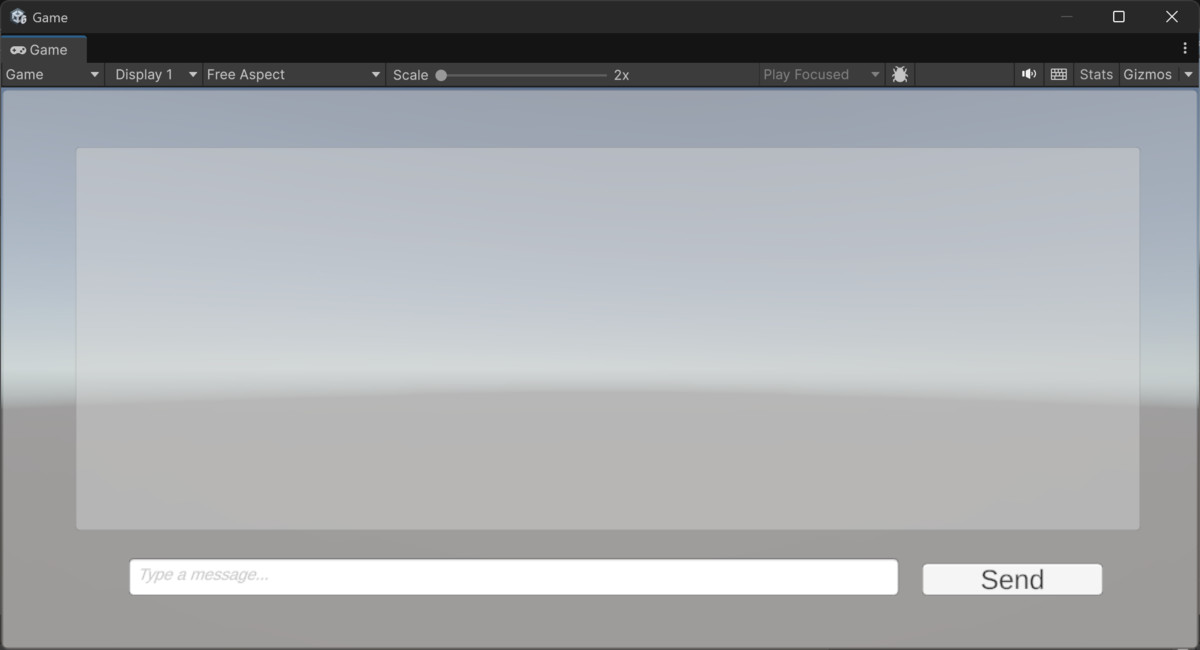
- Chat — named login, real-time broadcast, scroll view UI
- Co-op — shared arena, item pickups, host-authoritative scoring, 2-4 player support
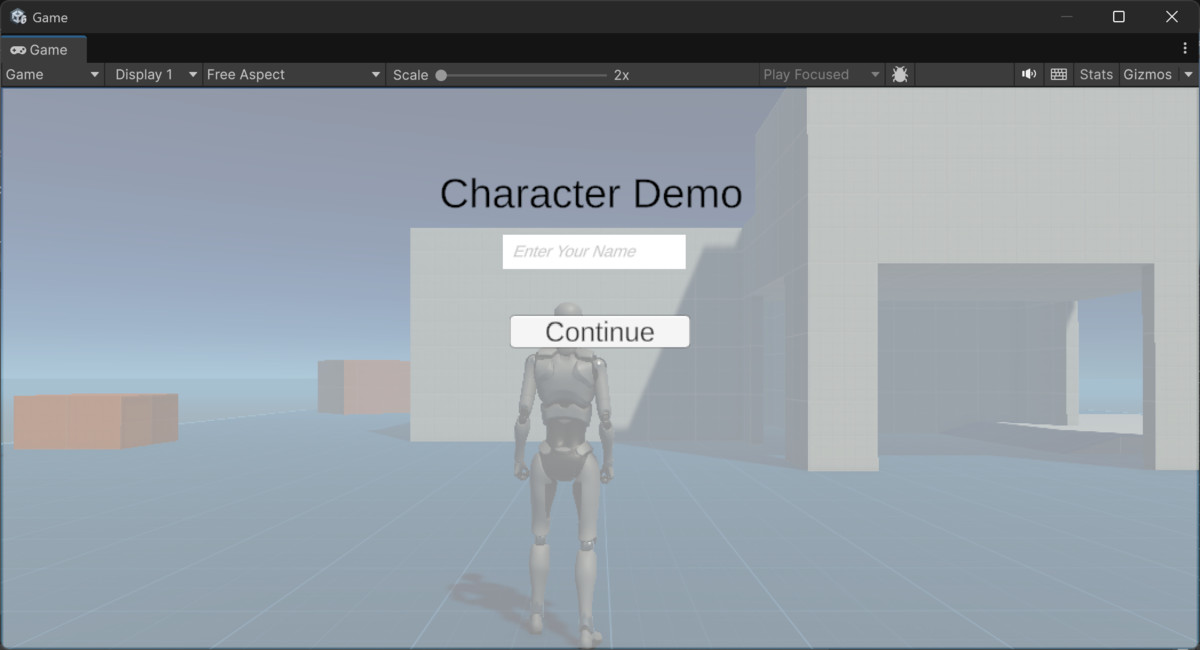
- Character — Starter Assets Third Person Controller sync, full animation state sync, player name display (requires Unity's free Starter Assets — Third Person package, imported separately from the Unity Asset Store)
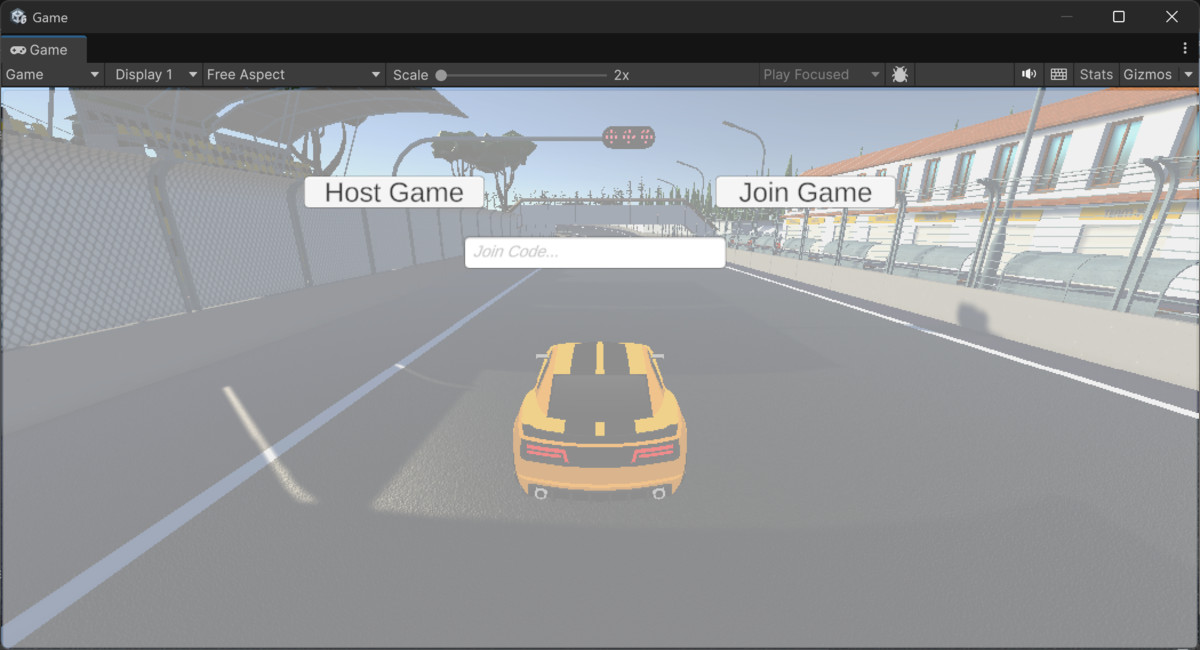
- Racing — car physics sync, host-authoritative lap timing, multi-player with colour-coded cars (requires two free Unity Asset Store packages, imported separately: ARCADE: FREE Racing Car and Cartoon Race Track - Oval)
- Turn-Based — a playable 2-4 player board game with host-validated moves, turn order and late-join support, joined by code (no extra assets required)
- VR — networked VR players with head and hand tracking sync, joined by code (requires OpenWorlds VR for Third Person, sold separately on the Unity Asset Store)
Each tutorial demonstrates a complete end-to-end multiplayer implementation — from schema definition through to real players connecting over the internet via a real join code.
Third-party assets required for the Character and Racing tutorials are free and not included in this package — links are provided in the tutorial documentation. The VR tutorial requires OpenWorlds VR for Third Person, sold separately. The Chat and Co-op tutorials are fully self-contained with no external dependencies.
REQUIREMENTS
- Unity 6.3 LTS or later
- Windows x64 development machine
- For online play: a Linux server you control — an Oracle Cloud Always Free tier instance is sufficient, or any inexpensive Ubuntu VPS
- LAN play works without a cloud server. Online play requires the relay on a cloud server, because home routers block incoming connections.
- Character tutorial only: Unity's free Starter Assets — Third Person package (Unity Asset Store, imported separately)
- Racing tutorial only: ARCADE: FREE Racing Car and Cartoon Race Track - Oval, both free (Unity Asset Store, imported separately).
- VR tutorial only: OpenWorlds VR for Third Person (sold separately on the Unity Asset Store) and a VR headset.
- No proprietary server software, no per-seat server licence, and no ongoing platform fees.
DOCUMENTATION
- Getting Started Guide
- Manual (full feature reference)
- API Reference
- Server Deployment Guide
- Fivestep-by-step tutorial guides
- Changelog
- All documentation is included in the package as offline HTML — no internet connection required to read it.
SUPPORT
Support via the Unity Asset Store publisher page. Publisher: Pivec Labs
From the publisher's Asset Store listing.
Technical details
REQUIREMENTS
- Unity 6.3 LTS or later
- A Linux server you control — a free Oracle Cloud Always Free tier instance is sufficient, or any inexpensive Ubuntu VPS
- Windows x64 development machine
- Character tutorial only: Unity's free Starter Assets — Third Person package (Unity Asset Store, imported separately)
- Racing tutorial only: ARCADE: FREE Racing Car and Cartoon Race Track - Oval, both free (Unity Asset Store, imported separately)
- VR tutorial only: [a Meta Quest or OpenXR-compatible PC VR headset] and [required packages] Unity's XR Interaction Toolkit / OpenWorlds VR sold separately.
Compatibility
| Unity version | Built-in | URP | HDRP |
|---|---|---|---|
| 6000.6.5f1 | Not listed | Compatible | Compatible |
As listed on the Asset Store.