
 View on Asset Store (opens in new tab)
Package details
- Latest version
- 1.0
- Last updated
- First released
- Unity version
- 6000.5.2 or later
- Package size
- 702 KB
- Files
- 55
- Favorites
- 2
- Views in the past week
- 17
Price tracking
- Last checked
- Tracked since
- Lowest recorded
- $7.00 on
Keywords
- Search for spring bones
- Search for Tail Physics
- Search for bone animation
- Search for Procedural Animation
- Search for jiggle bones
- Search for procedural motion
- Search for Character Animation
- Search for hair animation
- Search for bone simulation
- Search for Physics Animation
- Search for secondary motion
- Search for bone physics

AEL Secondary Motion — Procedural Bone Physics
- Price drop
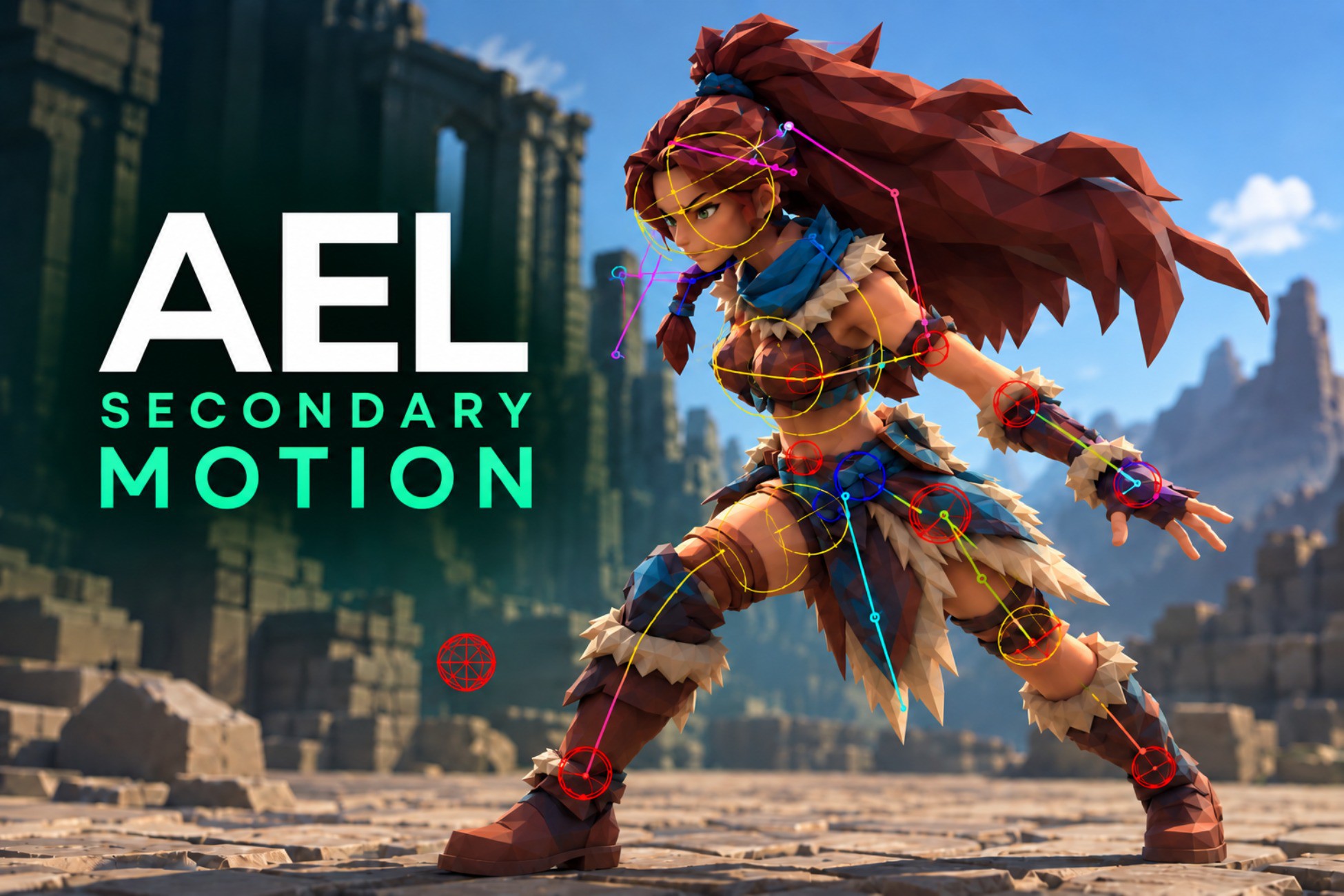
Add natural, responsive secondary motion to hair, tails, ears, clothing, accessories and bone chains. Easy to set up, artist-friendly and built for production-ready Unity projects.
Lowest recorded price
Get 77% off on Asset Store (opens in new tab)Affiliate link · Purchases support this site
Price history
Last 6 months
USDAsset preview
1 / 7
AEL Secondary Motion — Procedural Bone Physics screenshot 1

About this asset
Bring your characters to life with procedural secondary motion.
AEL Secondary Motion is a production-ready Unity tool designed to add natural, responsive movement to bone chains without the need to author additional animations.
Use it to create convincing secondary motion for hair, tails, ears, clothing, accessories, weapons, creature parts and other articulated elements directly inside Unity.
Fast to set up. Easy to control. Built for production.
AEL Secondary Motion is designed to provide useful results quickly while still giving you the control needed to fine-tune the final behavior.
Whether you're working on a stylized character, a creature, an RPG, an action game or any project with animated bone chains, Secondary Motion helps make movement feel more dynamic and less rigid.
Ideal for:
• Hair and ponytails
• Tails and tentacles
• Ears and character appendages
• Clothing and hanging elements
• Accessories and equipment
• Weapons and props
• Creature parts
• Other hierarchical bone chains
Why AEL Secondary Motion?
• Add secondary motion without creating extra animation clips
• Quickly configure bone chains directly in Unity
• Fine-tune motion to match different characters and objects
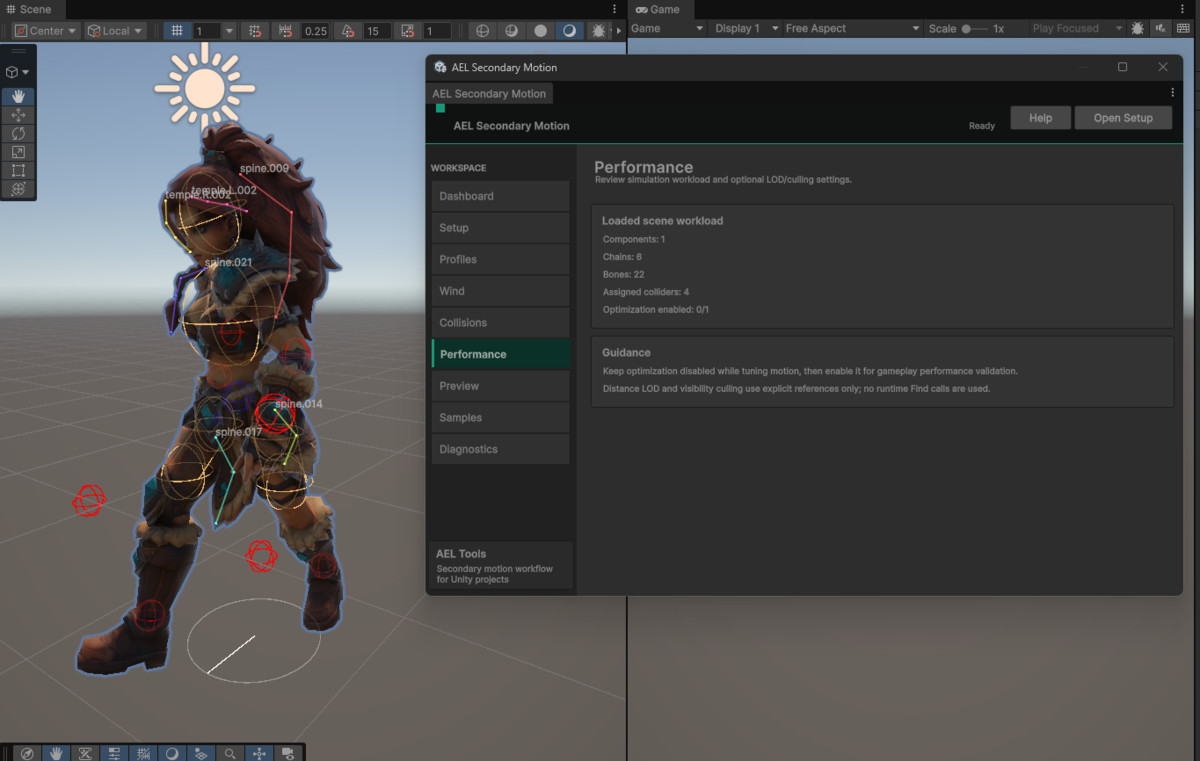
• Use visual tools to understand and adjust the simulation
• Designed with both artists and developers in mind
• Built for real production workflows, not just demos
From subtle hair movement to exaggerated creature motion, AEL Secondary Motion gives you a flexible system for adding an extra layer of life to your animations.
From the publisher's Asset Store listing.
Technical details
Key Features
• Procedural secondary motion for hierarchical bone chains
• Automatic bone-chain workflow
• Real-time secondary motion simulation
• Per-chain configurable motion behavior
• Multiple simulation backends, including Classic and Burst/Jobs
• Runtime-ready simulation
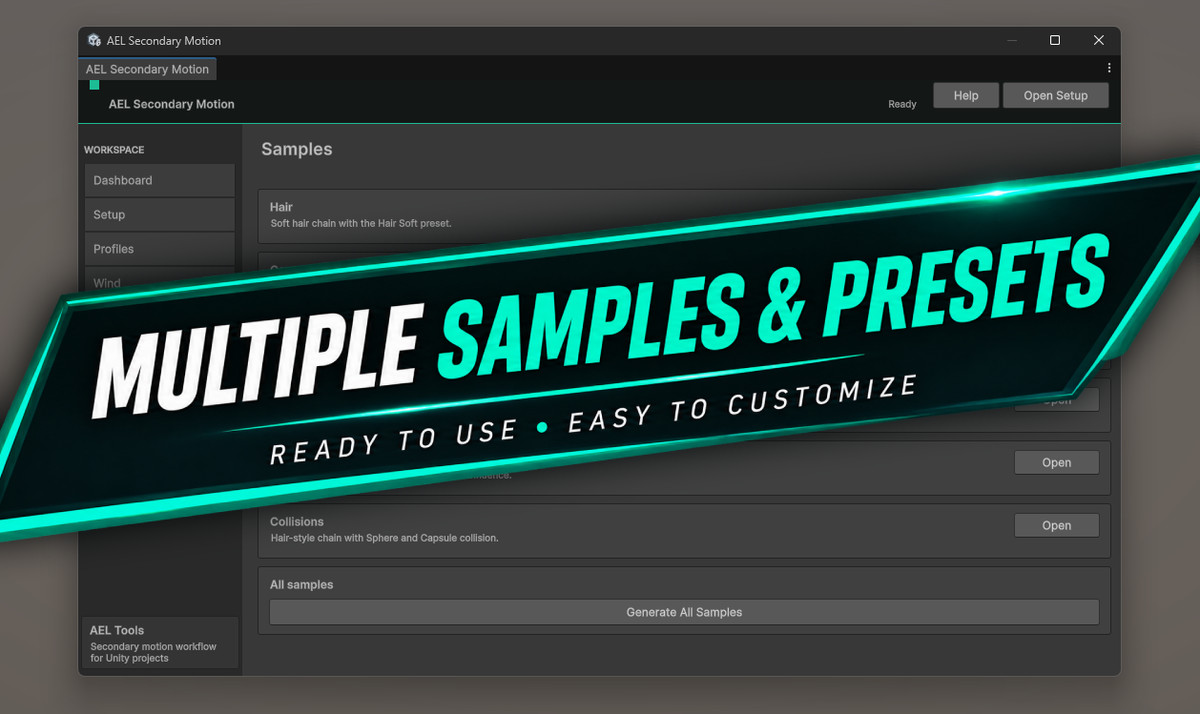
• Editor tools for configuration and workflow management
• Visual debugging and simulation feedback
• Support for multiple Secondary Motion components
• Suitable for humanoid characters, creatures, props and other bone-based objects
• Designed to integrate with existing animation workflows
• No additional animation clips required
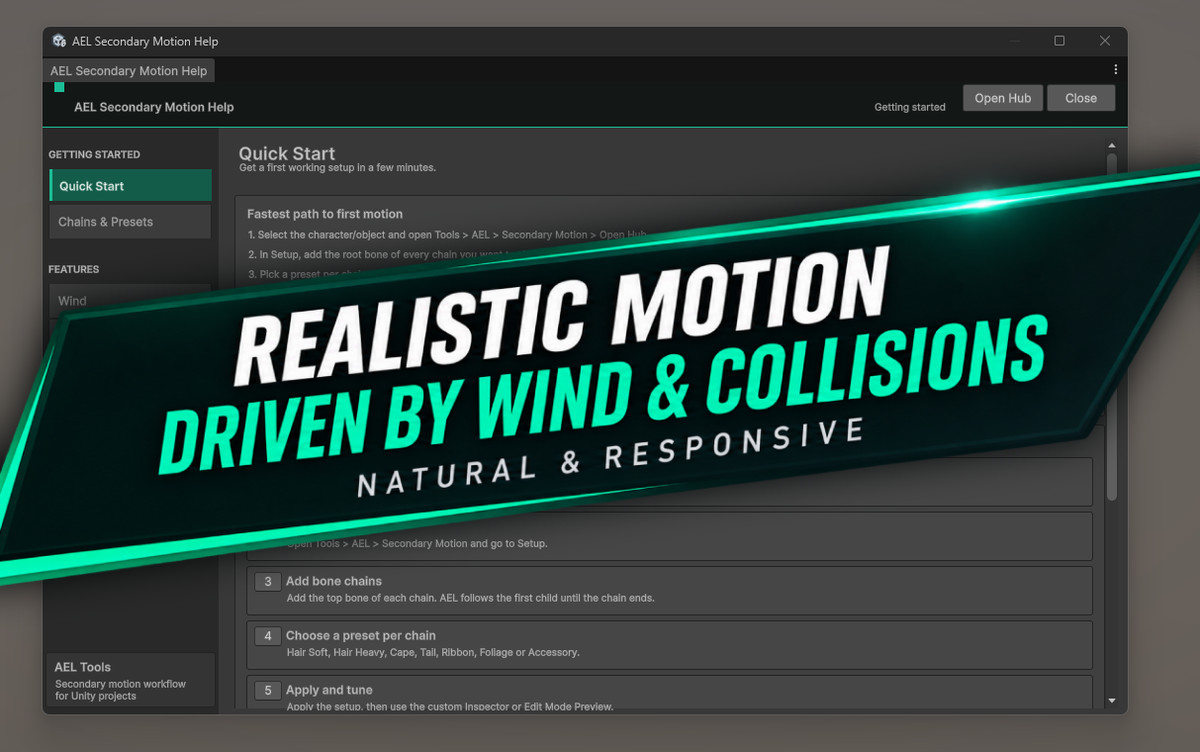
• Built-in Help Center and guided workflow
• Production-oriented validation and tooling
Common Use Cases
• Hair
• Tails
• Ears
• Clothing elements
• Accessories
• Weapons and equipment
• Tentacles and creature appendages
• Hanging or flexible bone-based objects
Performance
AEL Secondary Motion provides both Classic and Burst/Jobs simulation backends, allowing projects to choose the appropriate implementation for their requirements.
Workflow
Configure your bone chains, adjust the desired motion behavior and let Secondary Motion react procedurally to the movement of the animated object.
Compatibility
| Unity version | Built-in | URP | HDRP |
|---|---|---|---|
| 6000.5.2f1 | Not listed | Compatible | Compatible |
As listed on the Asset Store.