
 View on Asset Store (opens in new tab)
Package details
- Latest version
- 1.3.1
- Last updated
- First released
- Unity version
- 6000.0.59 or later
- Package size
- 52.5 MB
- Files
- 234
- Favorites
- 3
- Views in the past week
- 63
Price tracking
- Last checked
- Tracked since
- Lowest recorded
- $31.50 on
Keywords
Mesh Shapes – 2D Vector Art Tools
Create, edit and animate 2D artwork in Unity. Generate fully editable art with AI and Unity MCP, featuring advanced shapes, masking, Boolean operations, gradients and SVG/Image conversion to Vector.
Affiliate link · Purchases support this site
Price history
Last 6 months
USDAsset preview
1 / 21
Mesh Shapes – 2D Vector Art Tools screenshot 1
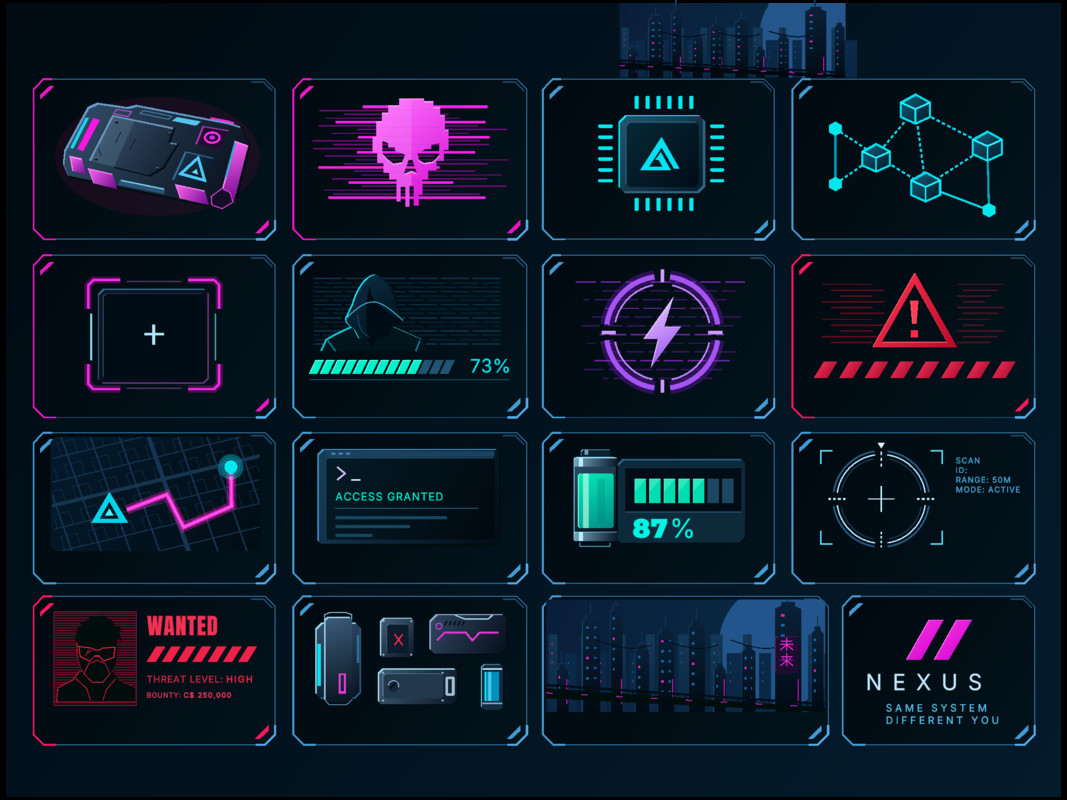
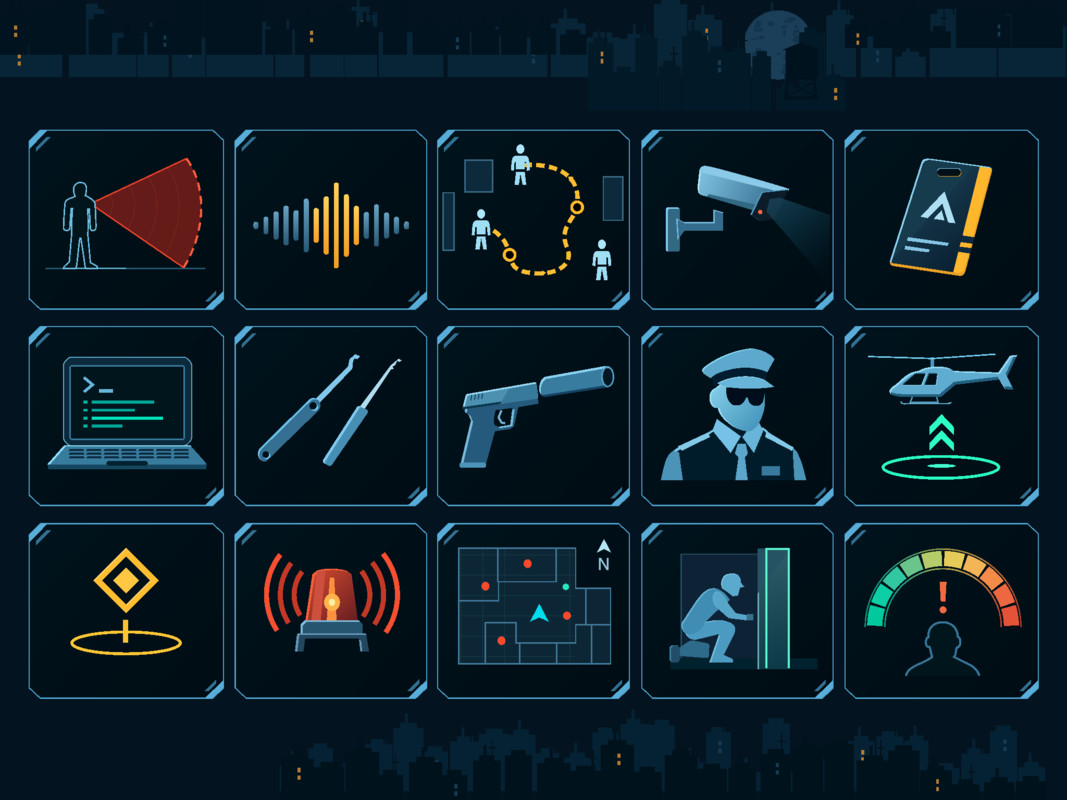
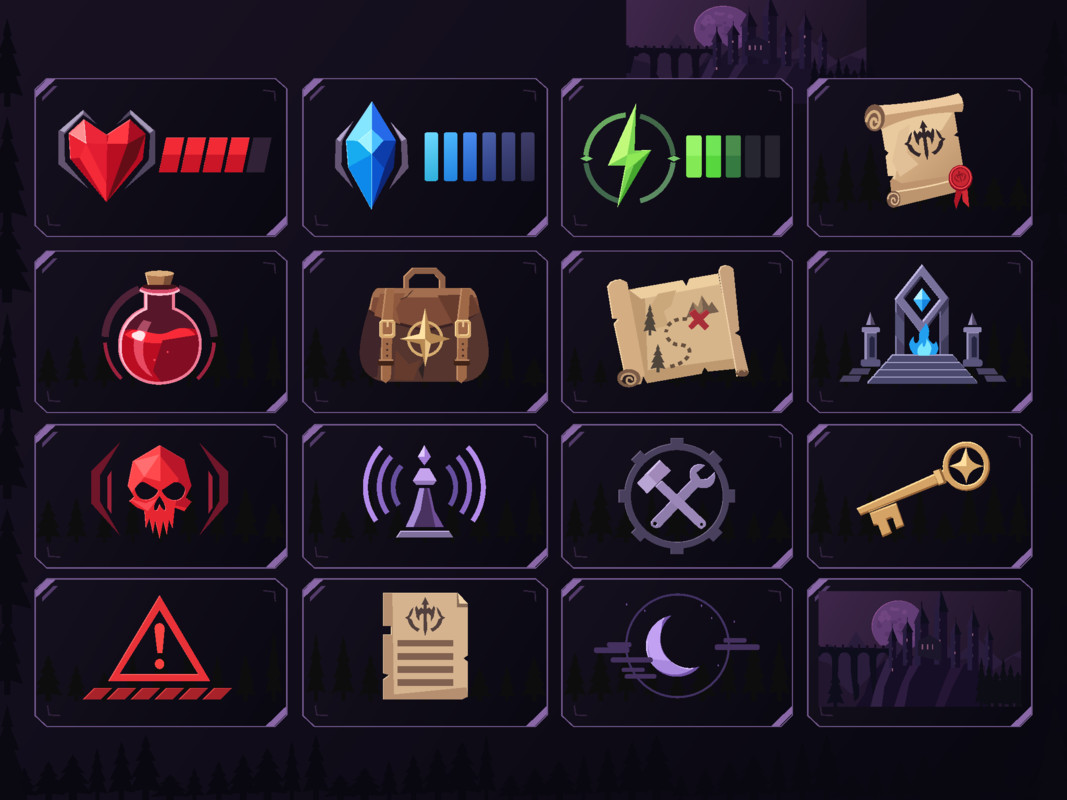
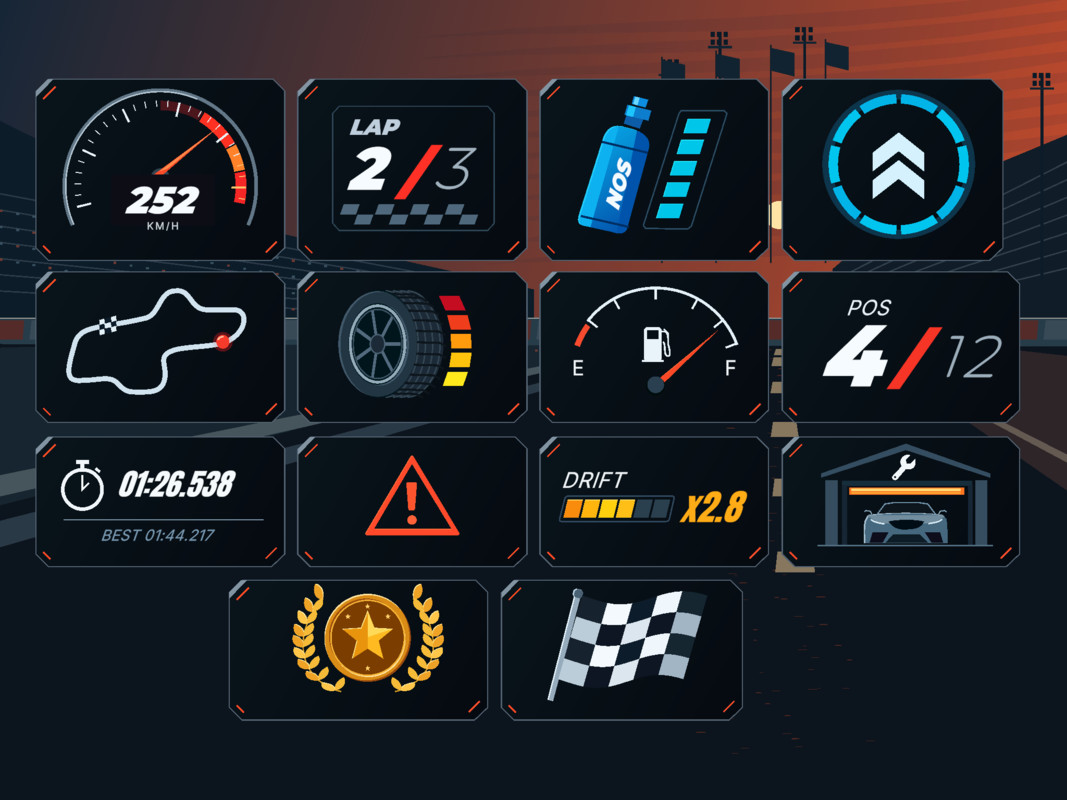
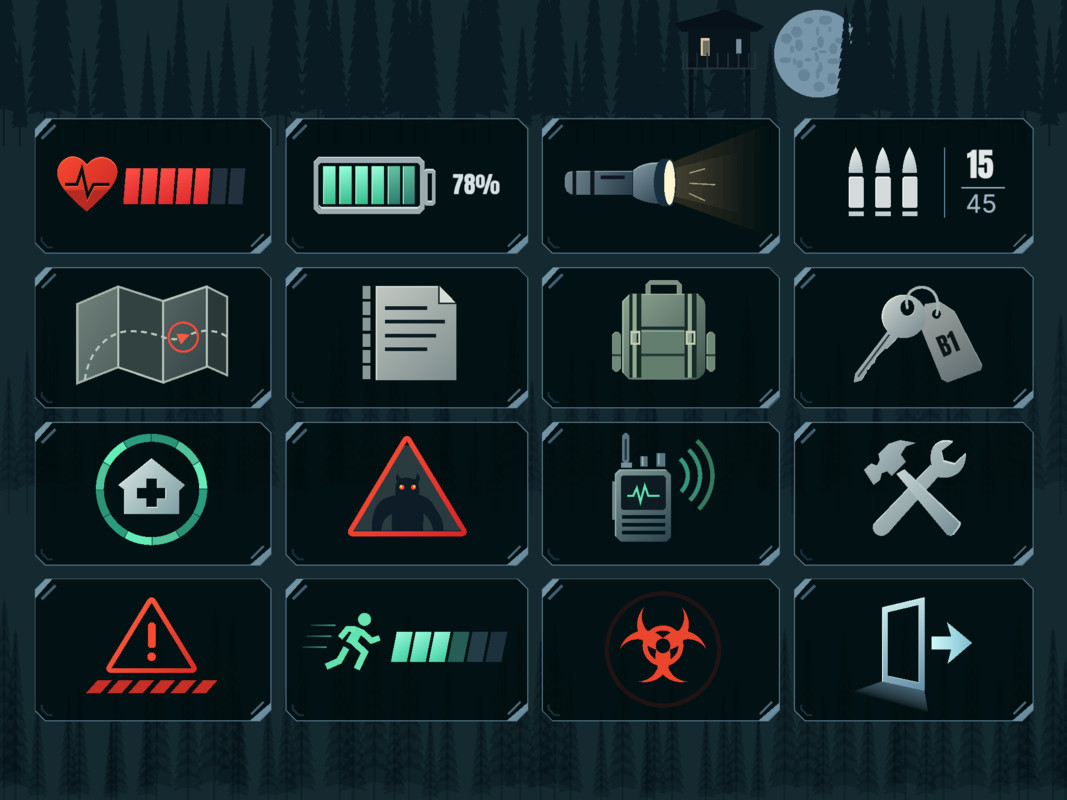
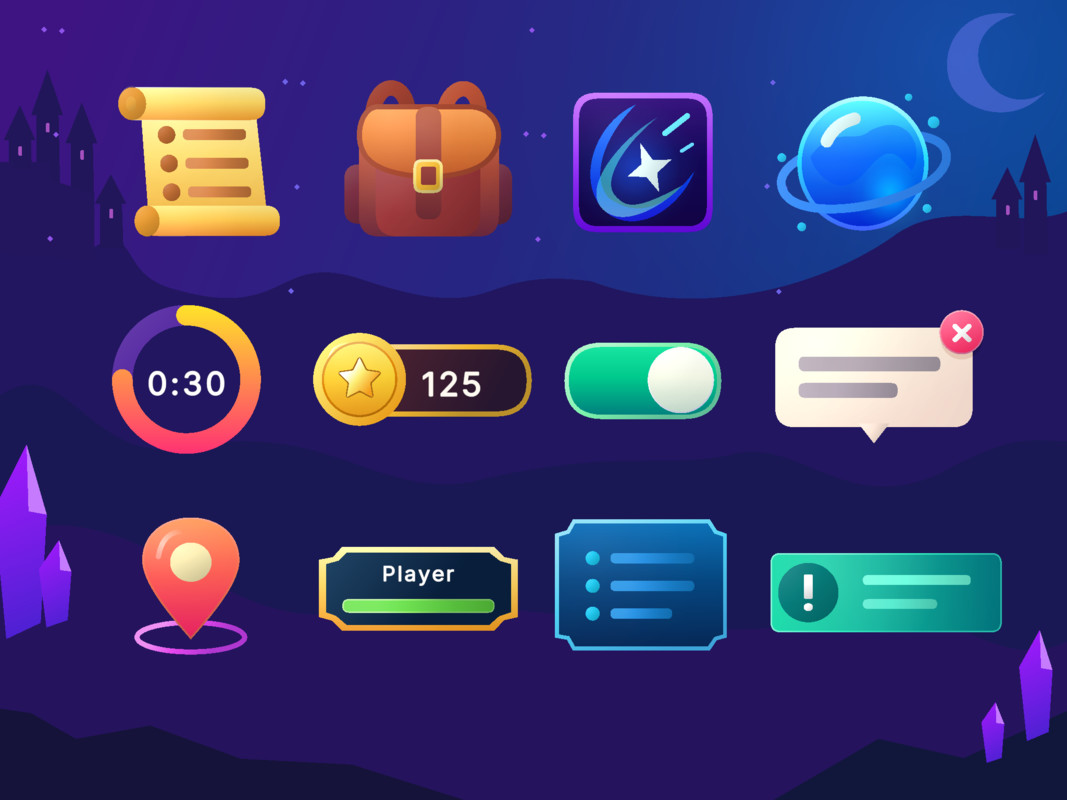
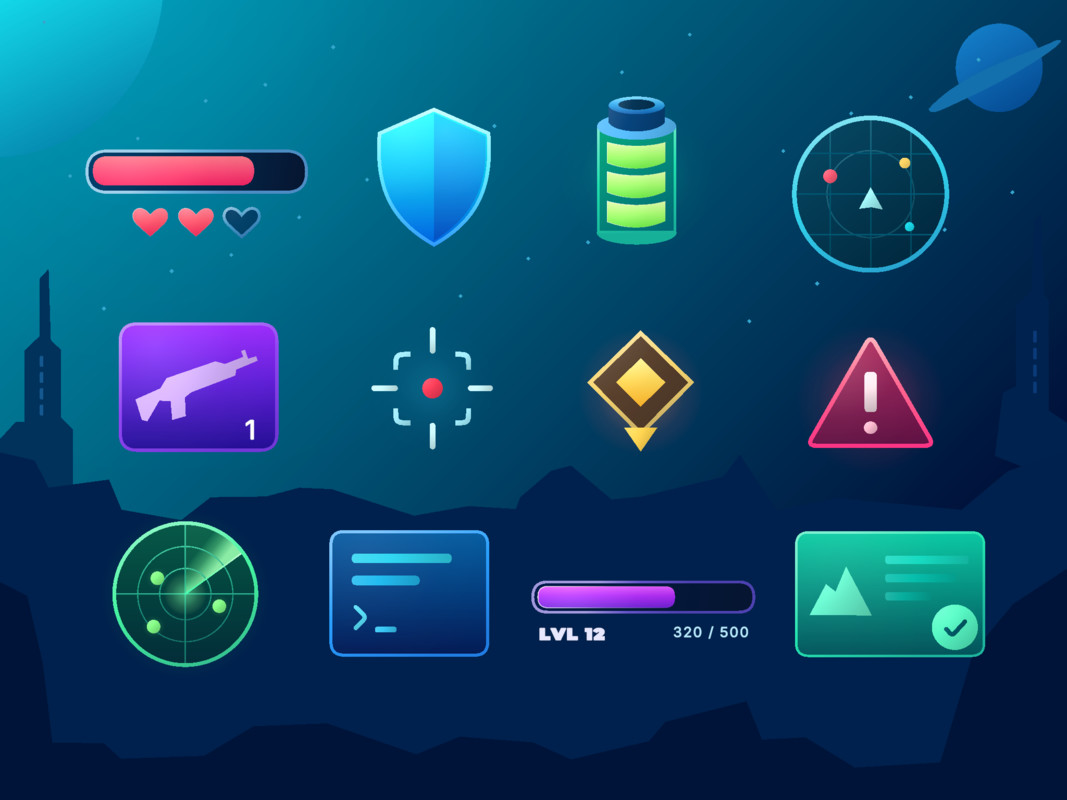
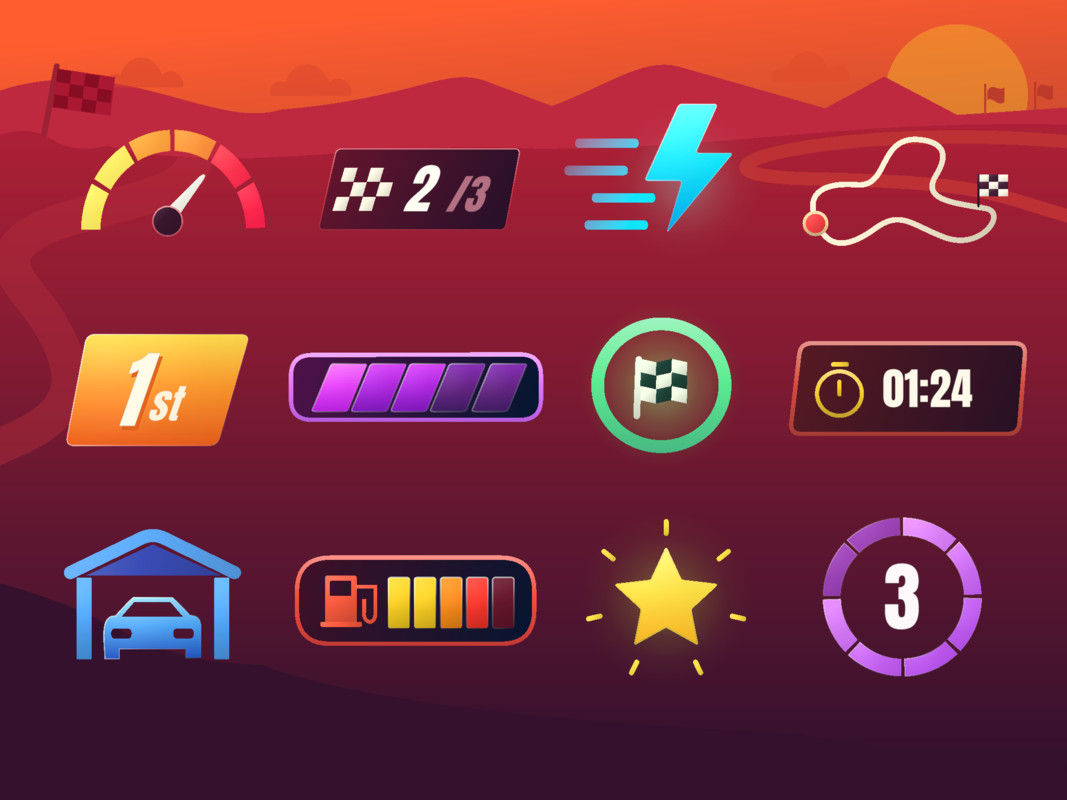

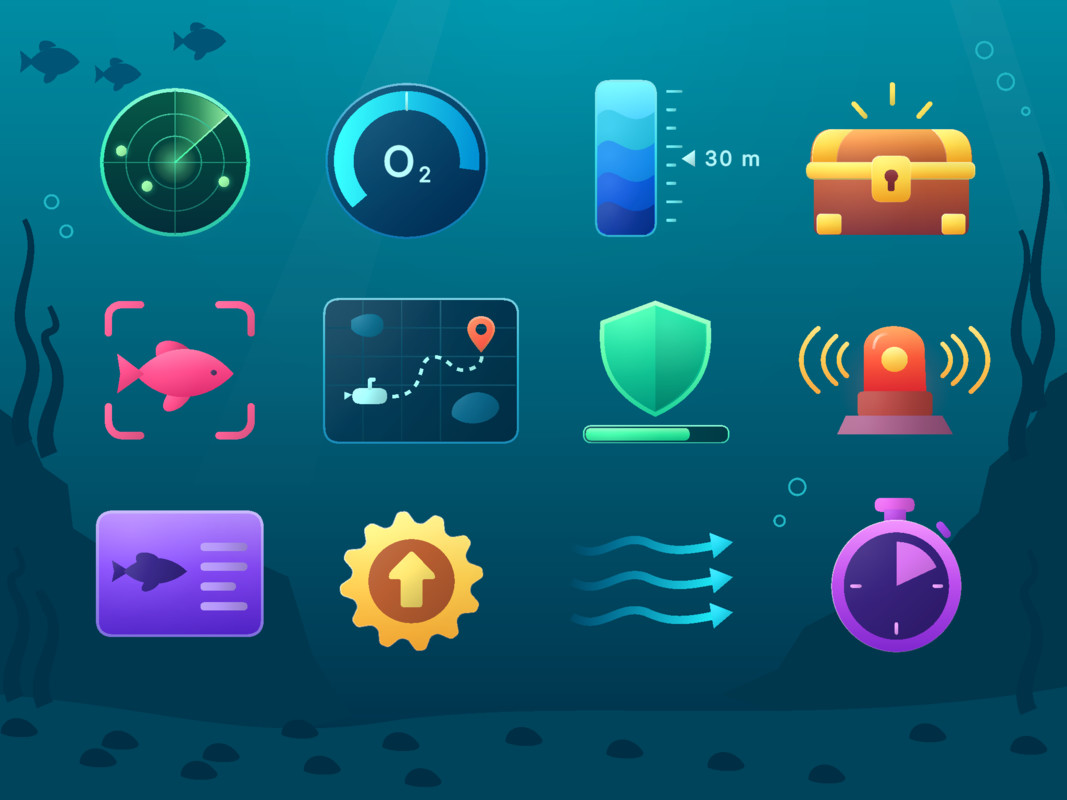

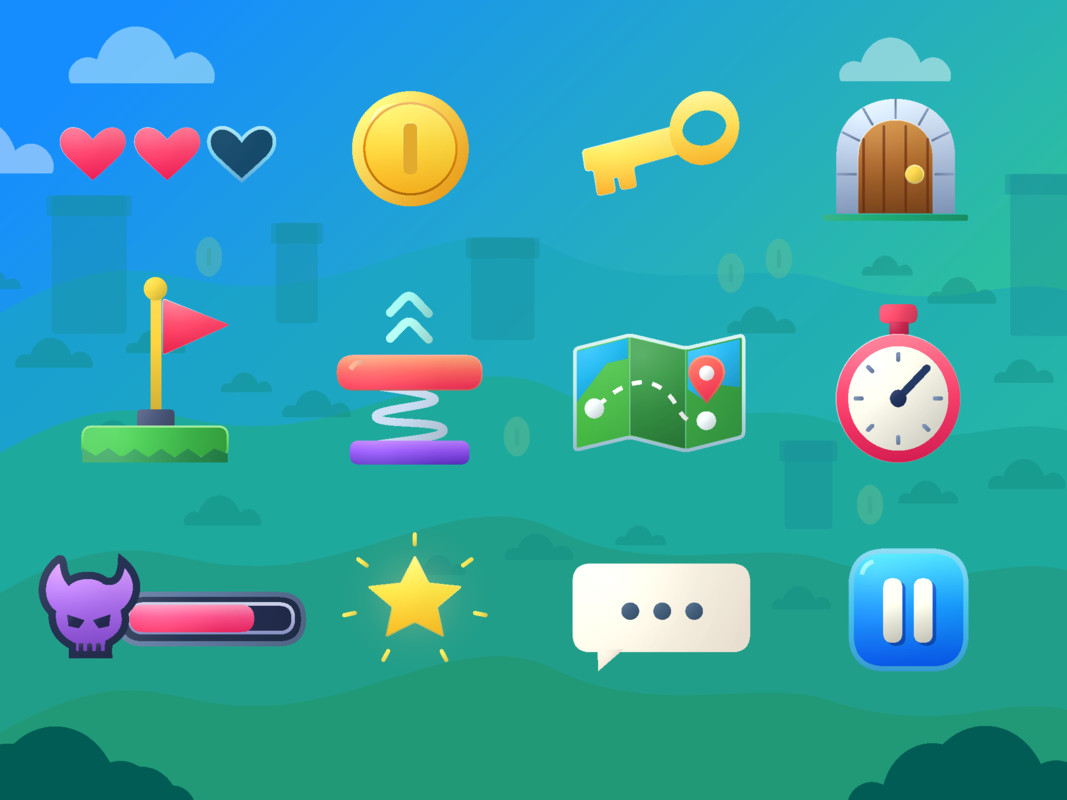
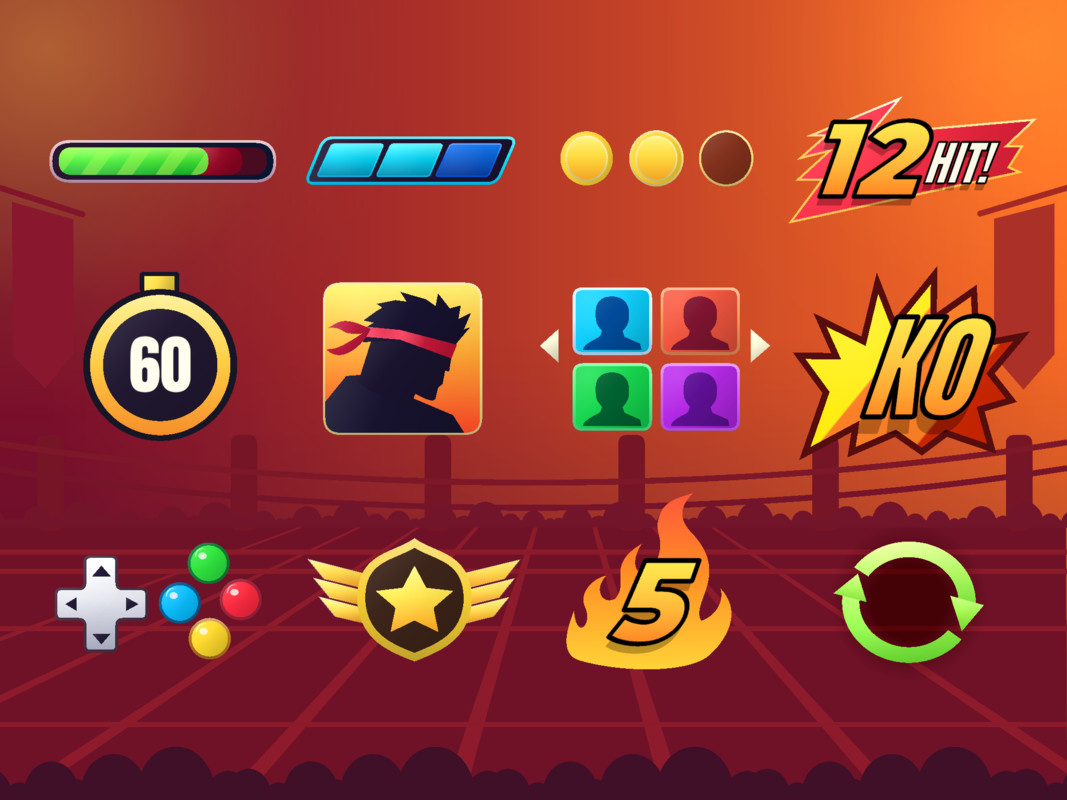
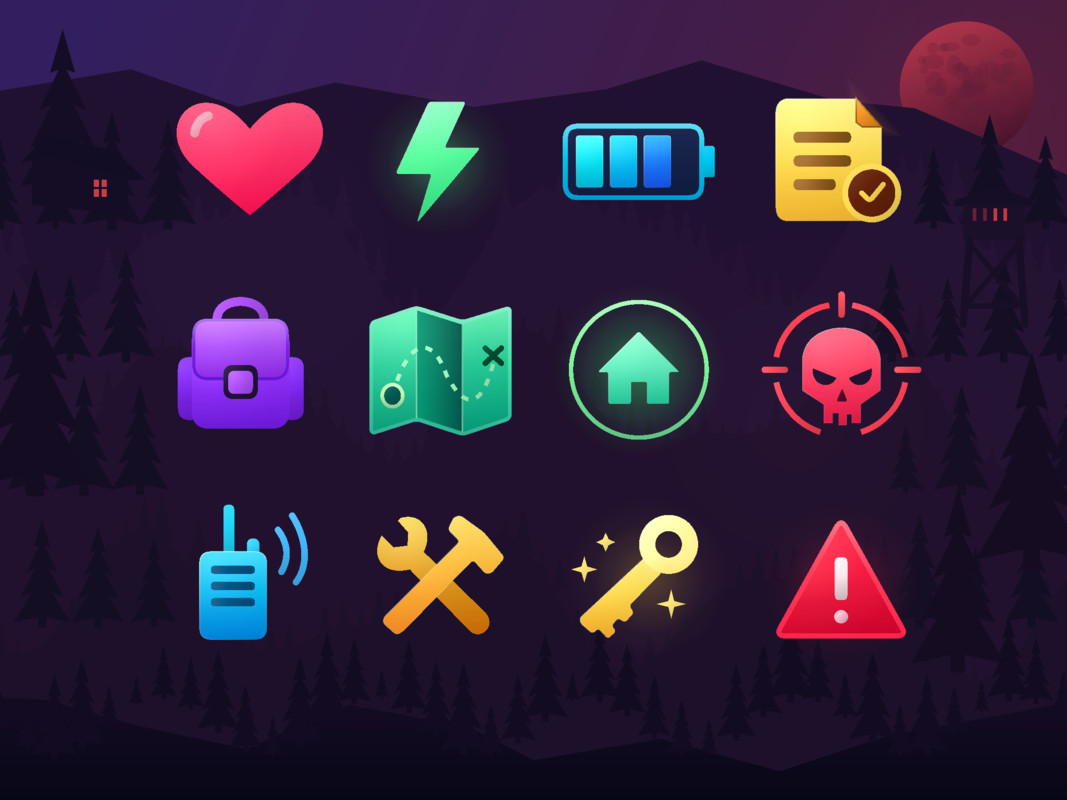
About this asset
Create, Generate and Animate 2D Artwork For UI, Characters and Scenes
Mesh Shapes is a powerful Unity tool for creating, editing and animating procedural 2D artwork directly in the Editor. Build everything from simple UI graphics to complete characters, environments and game assets using fully editable shapes.
With AI-assisted artwork generation through Unity MCP, you can create illustrations from descriptions or reference images. The Artwork Markup feature lets you highlight specific parts of a drawing to guide targeted AI refinements. Unlike flattened images, each shape remains individually editable in Unity.
Key Features
AI Artwork Generation with Unity MCP
Use compatible AI agents connected through Unity MCP to generate characters, props, backgrounds, interfaces, game levels and complete illustrations directly in Unity.
Describe your idea or provide reference artwork, and an agent can build it from editable Mesh Shapes using Bezier paths, polygons, gradients, borders, masks and Boolean operations. Change individual parts after generation without recreating the entire image.
Requires a compatible Unity MCP setup and AI agent.
Artwork Markup – Targeted AI Refinement
Draw annotations directly over artwork in the Scene View to show exactly what needs changing. Highlight incorrect proportions, missing details, unwanted geometry or areas requiring simplification.
- Add visual feedback to selected objects or entire compositions
- Identify specific character parts or shapes for improvement
- Guide AI-assisted changes while preserving existing artwork
- Mark annotations as resolved as each refinement is completed
This supports an iterative AI workflow: generate artwork, mark areas to improve and refine the relevant details rather than starting again.
SVG and Image to Mesh Shapes
- SVG to Mesh Shapes: Convert SVG vector artwork into editable shapes
- Image to Mesh Shapes: Use Vectorizer AI to vectorise raster images and convert them into editable Mesh Shapes
Once converted, artwork can be reshaped, recoloured, animated and masked directly in Unity.
Raster conversion requires the third-party Vectorizer AI service.
Create and Edit Shapes Directly in Unity
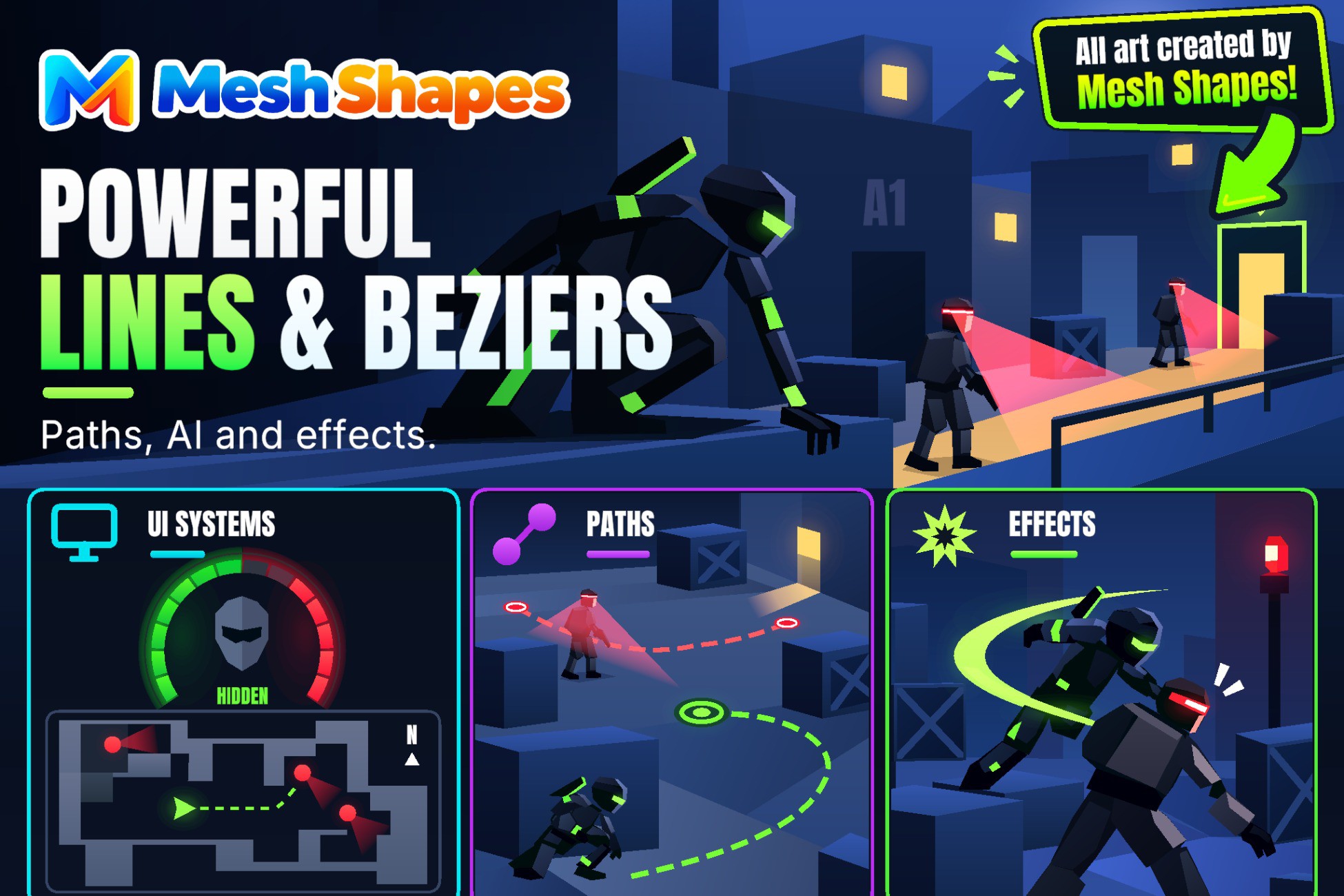
Create circles, rectangles, polygons, lines, Bezier curves and custom paths directly in the Scene or Canvas.
Adjust proportions and shape details with dedicated Scene View controls:
- Interactive Bezier point and tangent editing
- Multi-point and area selection
- Edge and vertex snapping
- Geometry, anchor and recentering tools
Boolean Shape Operations
Build complex silhouettes, cutouts, decorative geometry and layered illustrations from simple shapes using:
- Unite: Combine overlapping shapes
- Subtract: Cut geometry from another shape
- Intersect: Keep overlapping areas
- Exclude: Remove overlapping areas
Highly Customisable Appearance
Style every shape with extensive visual controls:
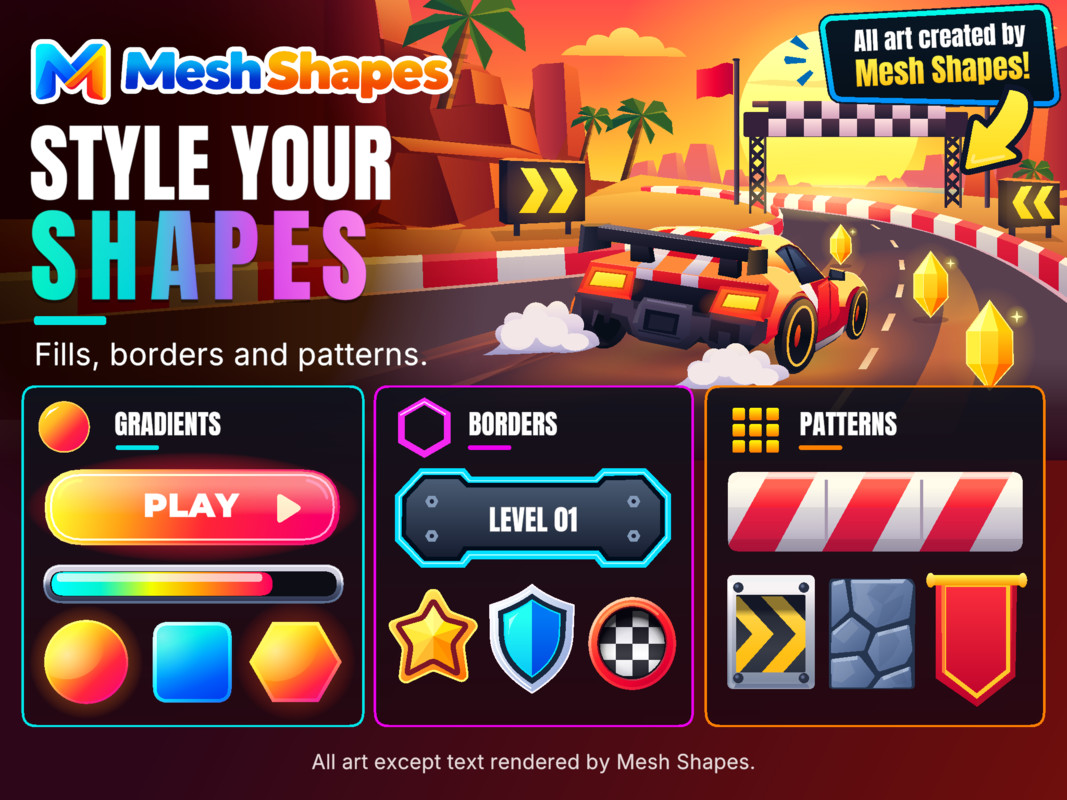
- Solid colours, opacity and HDR colours
- Linear and radial gradients
- Textures, sprites, UV tiling, scaling and rotation
- Alpha, Multiply and Additive blending
- Borders, outlines and variable-width strokes
- Rounded, bevelled and mitred corners
- Open and closed paths
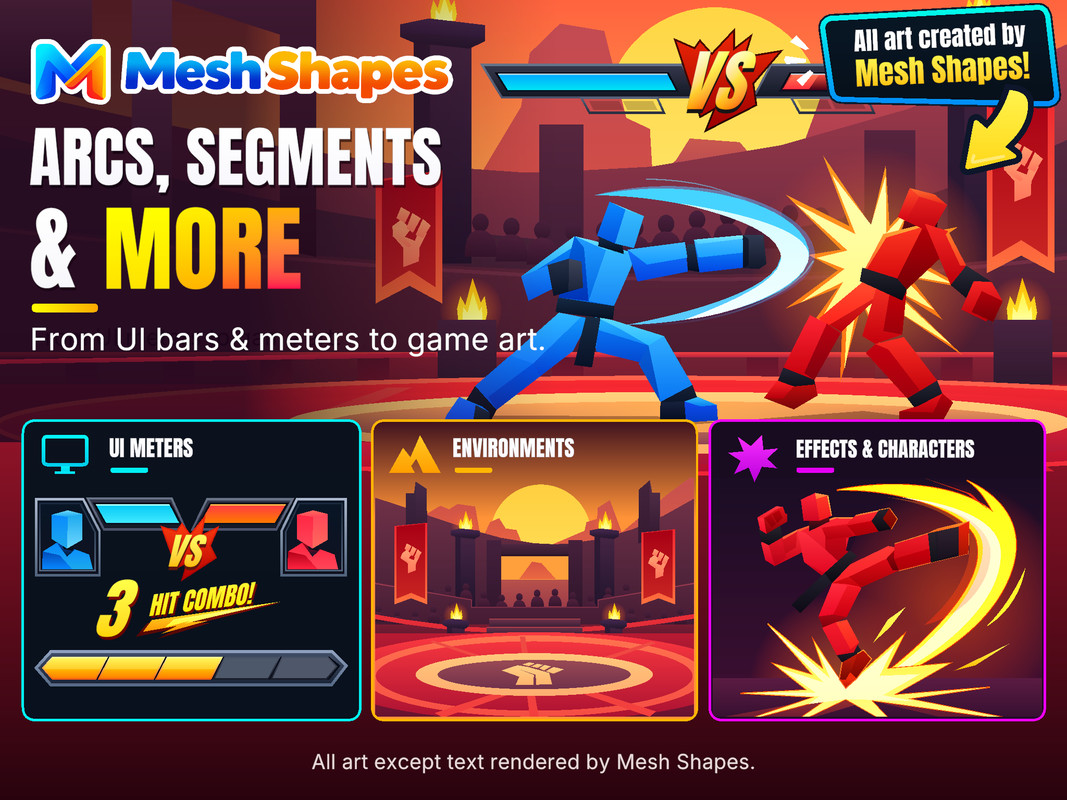
- Progress and partial-shape drawing
- Front, back and double-sided rendering
Create everything from simple flat art to detailed stylised game visuals.
Flexible Borders and Outlines
Fine-tune borders and outlines for everything from clean UI frames to organic illustrations:
- Inside, centred or outside border alignment
- Custom caps, corners and thickness
- Variable-width strokes for organic artwork
Advanced Masking
Build detailed layered artwork with the built-in masking system:
- Nested inclusive and exclusive masks
- Optional mask ignoring for individual shapes
- Clipping, reveals, cutouts and transitions
- Unity UI masking support on Canvas
Characters, Props and Environments
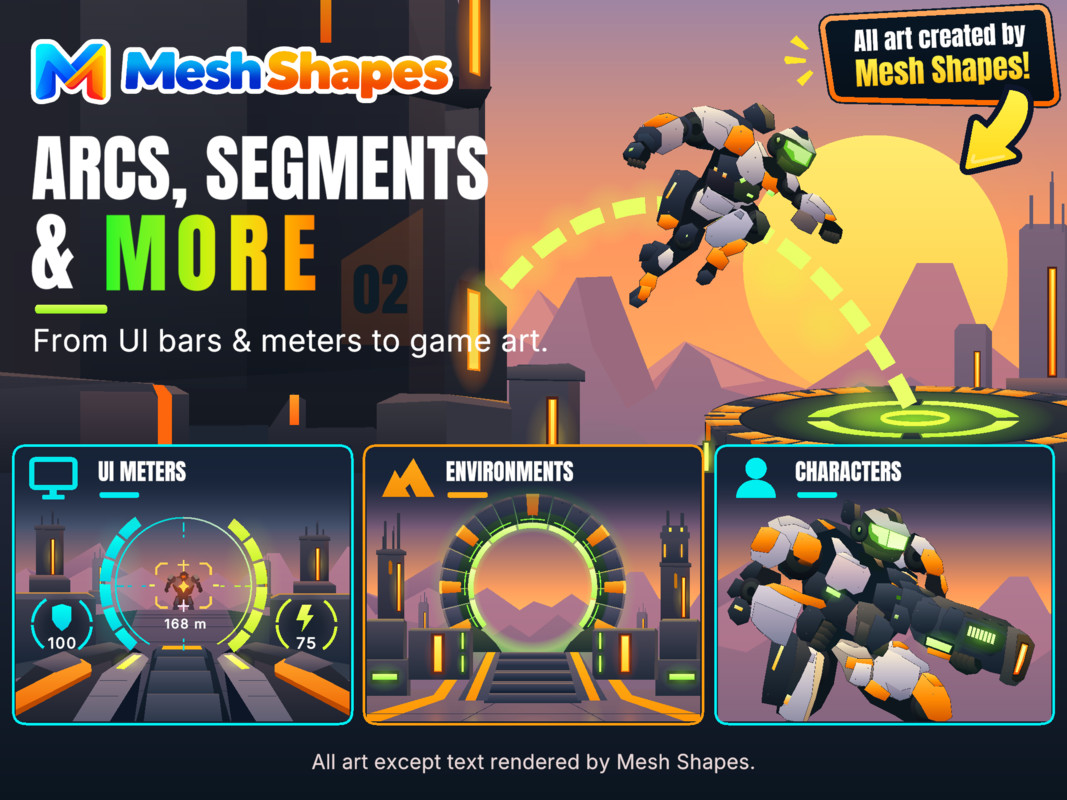
Combine multiple Mesh Shapes to build complete characters, backgrounds, props, scenery and interfaces. Use Bezier paths for organic silhouettes, polygons for structured geometry, gradients for shading and masking or Boolean operations for details. Every element remains editable for ongoing refinement and animation.
Scene and Canvas Support
Use the same procedural artwork across both world-space graphics and Unity UI:
- MeshRenderer artwork for game scenes
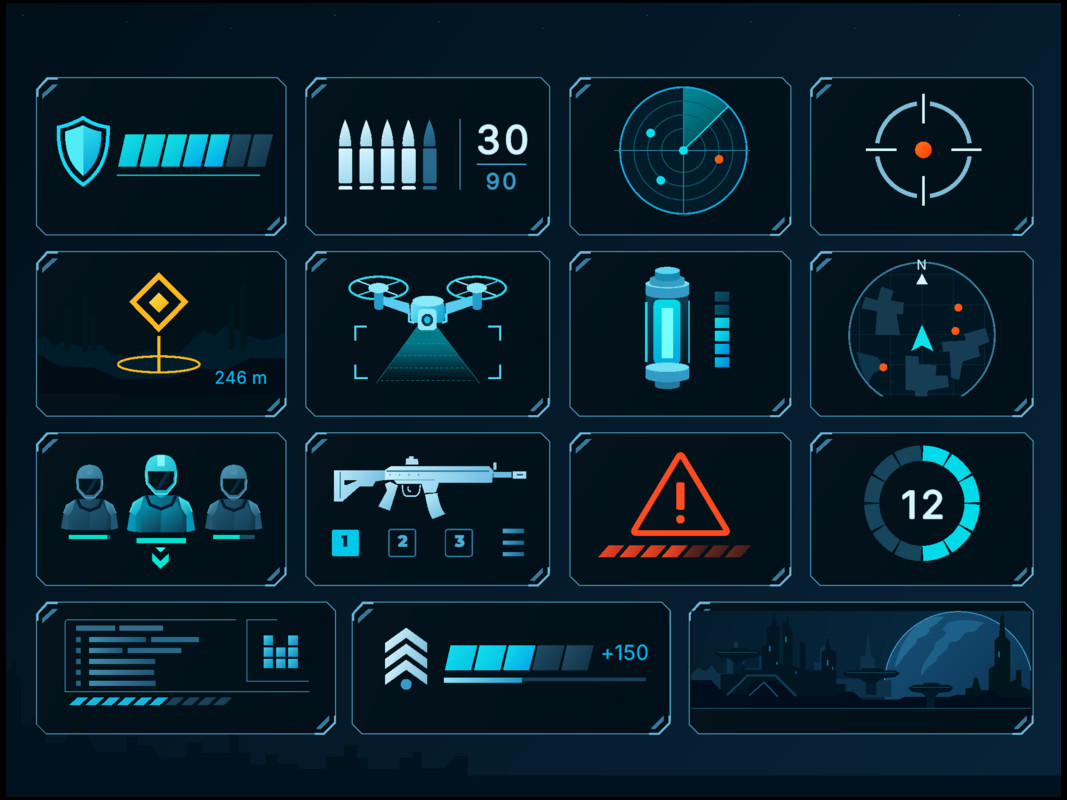
- CanvasRenderer artwork for UI and HUDs
- Convert artwork between Scene and Canvas
- Reuse editable illustrations across different contexts
Automated 2D Collider Generation
Generate colliders from shape geometry for platforms, obstacles and other gameplay objects, reducing the need to manually trace collision outlines.
Rapid Prototyping to Final Artwork
Go from quick placeholder art to production-ready game graphics without replacing your original shapes:
- Build art manually with editing tools
- Start with imported SVG or vectorised images
- Generate illustrations through Unity MCP
- Refine the same artwork from prototype to release
Progress and Runtime Animation
Animate shape progress, borders and geometry at runtime with scripts or Unity animation tools.
Create:
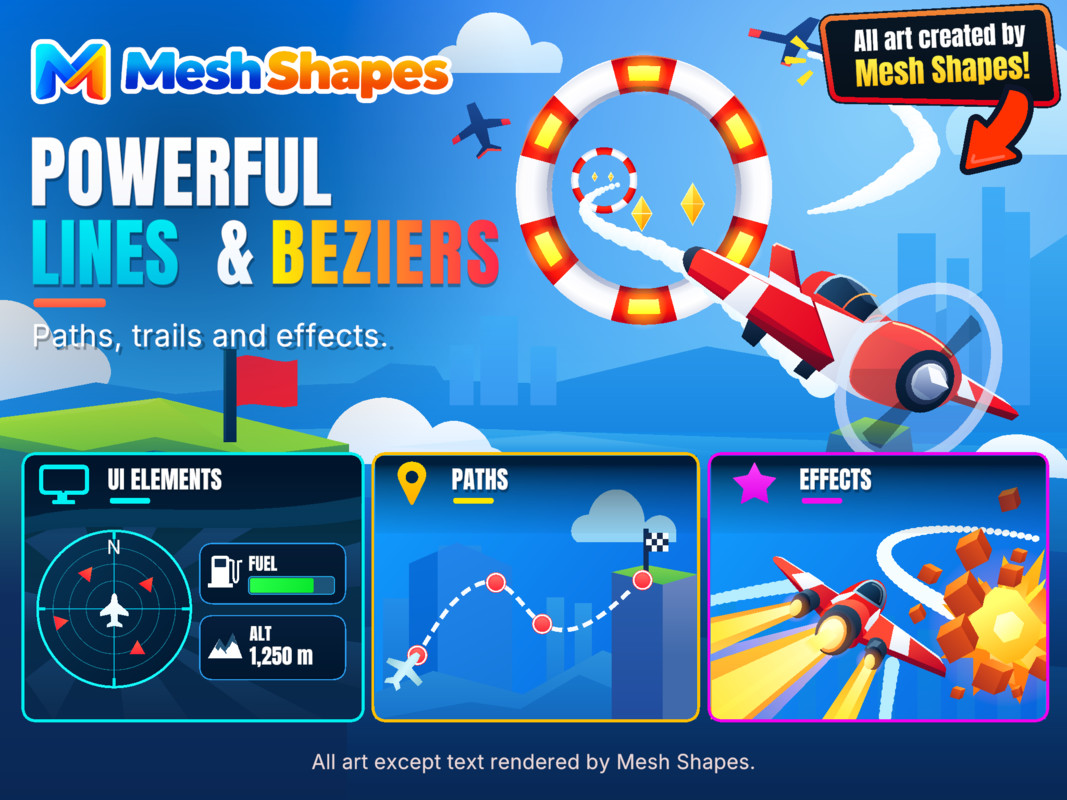
- Health bars, loading indicators and timers
- Cooldowns and circular progress meters
- Animated outlines and drawing effects
- Reactive UI and procedural gameplay effects
Paths and Constraints
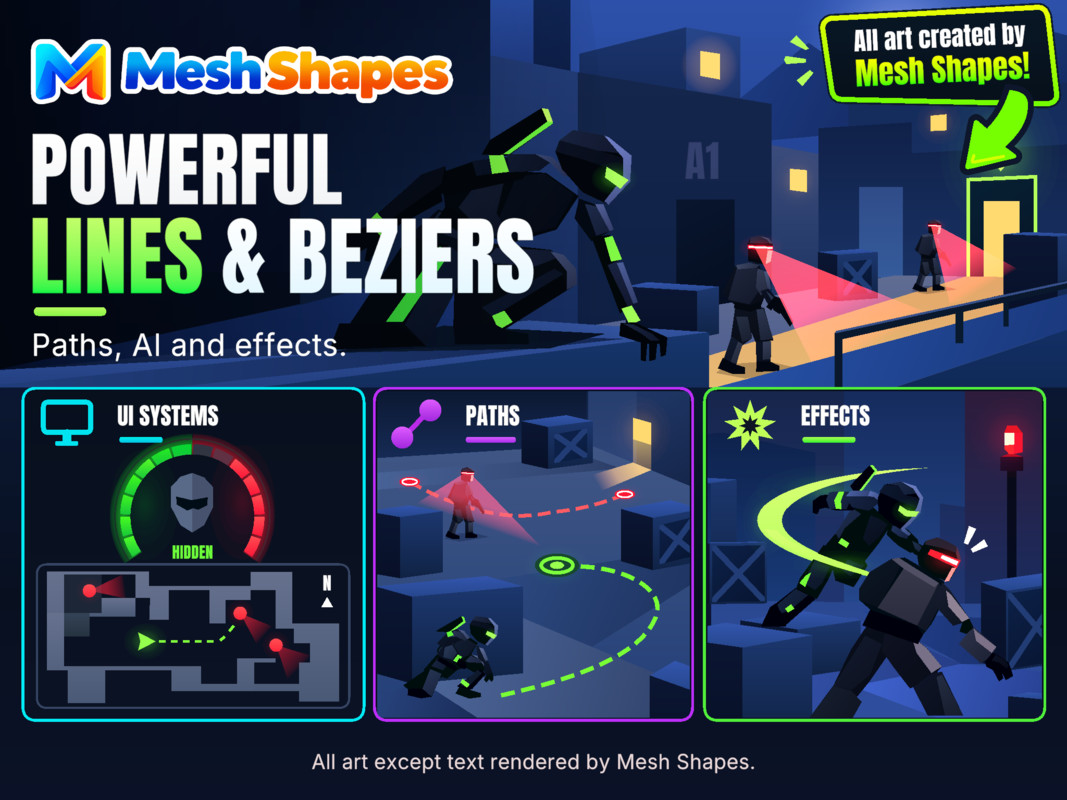
Use lines, polygons and Bezier paths to position and move objects by normalised progress or distance, with clamping and repeating options.
Useful for:
- Object and enemy movement paths
- UI and camera animation
- Procedural placement and route systems
Custom Geometry, Anchors and Layout
Control polygon sides, rotation, shear, Bezier sampling, path closure and sidedness. Use anchors, alignment and recentering tools for precise layout. Canvas artwork integrates with RectTransform pivots and positioning.
Mesh and FBX Export
Export generated geometry as Unity mesh assets or FBX files, with options for organising and combining meshes.
FBX export requires Unity's FBX Exporter package.
Performance-Focused Workflow
Mesh Shapes caches generated data, reuses materials where possible and updates geometry when required. Editor and runtime functionality are separated to keep builds focused on the features they need.
Unity Compatibility
Supports Unity 2021.3 LTS and newer, including Unity 6, with Scene and Canvas workflows and no URP requirement.
From the publisher's Asset Store listing.
Technical details
Mesh Shapes is designed for Unity 2021.3 LTS and newer, including Unity 6.
- Supports both MeshRenderer-based Scene content and CanvasRenderer-based UI
- Works with Built-in Render Pipeline and does not require URP-specific features
- Procedural geometry is generated at runtime and in the Editor
- Supports Sorting Layers, Sorting Order and SortingGroup workflows
- Includes custom masking for Scene and Canvas content
- Supports up to 8 nested mask layers with Inclusive, Exclusive and Ignore mask options.
- Shapes can be modified through C# or by an Animator at runtime
- Mesh and path data can be accessed for custom systems including Particle Systems
- Scene and Canvas hierarchies can be converted between workflows
- Editor-only tools are fully separated from runtime code
- Materials are reused where possible to reduce unnecessary allocations
- Complex shapes, gradients, masking and high point counts will have a higher rendering and geometry cost than simple shapes
- Some Canvas and Scene features behave differently due to Unity’s separate UI and MeshRenderer rendering systems. So dragging between each may require some setup in complex scenes.
- Intended primarily for 2D and 2.5D workflows, although MeshRenderer shapes can be positioned freely within a 3D scene as overlay graphics and uis
- No external packages are required for the core Mesh Shapes functionality
Compatibility
| Unity version | Built-in | URP | HDRP |
|---|---|---|---|
| 6000.0.59f2 | Compatible | Compatible | Not listed |
The sample scenes make use of Text Mesh Pro and Open Source fonts this is only for demo purposes, Mesh Shapes base functionality works without any dependancies.
As listed on the Asset Store.