
 View on Asset Store (opens in new tab)
Package details
- Latest version
- 1.0
- Last updated
- First released
- Unity version
- 6000.3.8 or later
- Package size
- 1.1 MB
- Files
- 64
- Views in the past week
- 12
Price tracking
- Last checked
- Tracked since
- Lowest recorded
- $25.99 on
Keywords
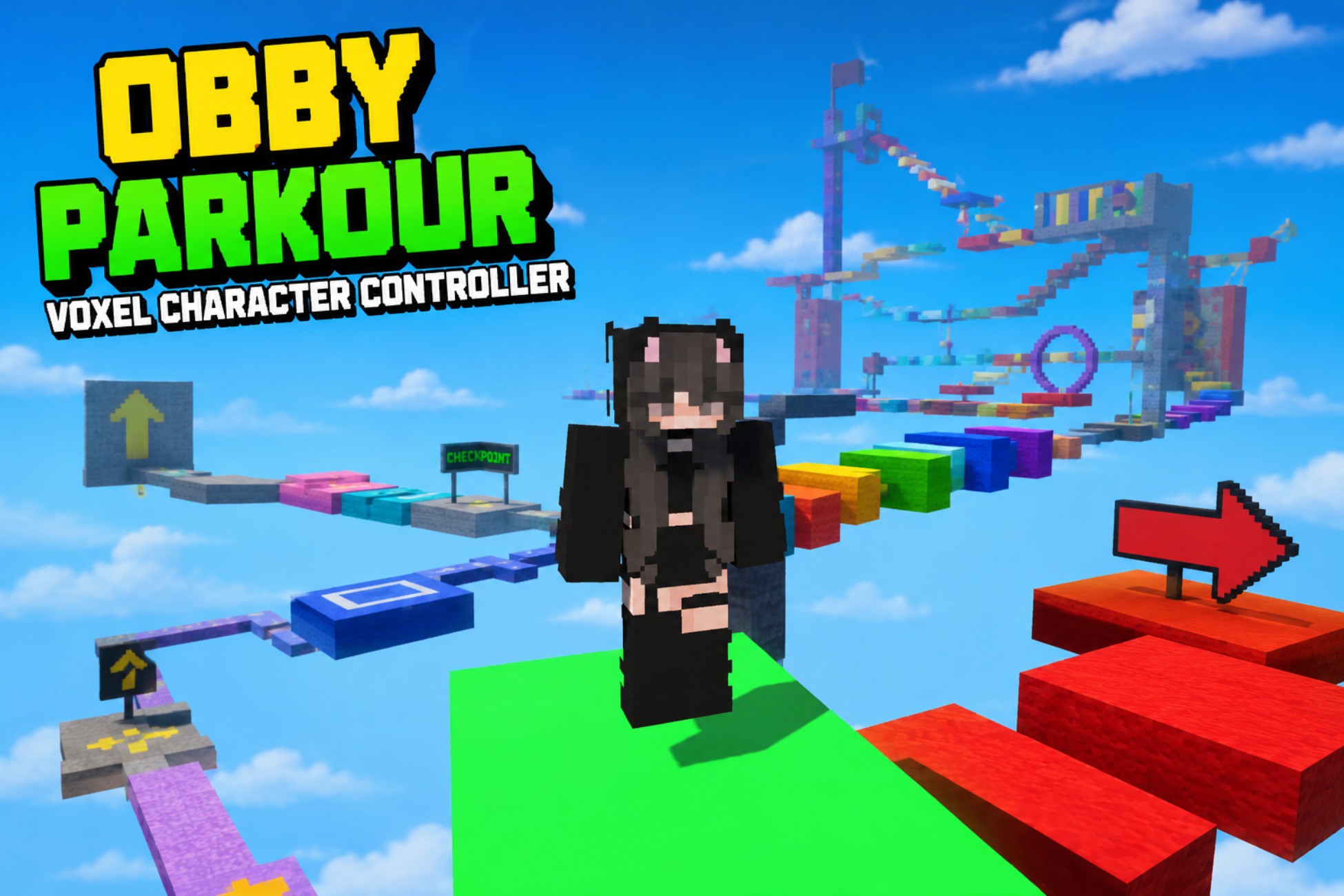
Obby Parkour Voxel Character Controller
A responsive Character Controller built specifically for Unity Obby and Parkour games, with smooth movement, jumping, air control, camera system, Unity Input System and editable animations.
Affiliate link · Purchases support this site
Price history
Last 6 months
USDAsset preview
1 / 1
Obby Parkour Voxel Character Controller video 1 (plays on the Asset Store)
About this asset
DEMO WebGL: itch.io
Obby Parkour Character Controller
Obby Parkour Character Controller is a lightweight and responsive movement system designed specifically for Obby, Parkour, obstacle course, platforming and speedrun games in Unity.
Unlike a general-purpose character controller, this system is designed around the movement requirements of precision platforming: responsive acceleration, controlled air movement, reliable jumping, smooth rotation and camera control.
The system uses Unity's built-in CharacterController and the modern Unity Input System, providing a clean foundation that can be customized and extended for your own game.
Designed Specifically for Obby & Parkour
The controller focuses on the gameplay feel required for obstacle courses and precision platforming.
- Smooth ground acceleration and deceleration
- Walk and Run movement states
- Camera-relative movement
- Responsive air control
- Smooth character rotation
- Configurable jump height and distance
- Coyote Time
- Jump Buffering
- Jump cooldown
- Custom gravity
- Fall detection
- Slope handling
- Step Offset
- Third-person orbit camera
- Camera collision and anti-clipping
- Smooth camera follow
These systems work together to create responsive movement suitable for precision jumps, obstacle courses, speedrunning and parkour-style gameplay.
Unity Input System
The controller uses Unity's modern Input System for player input.
The included configuration supports:
- WASD movement
- Mouse camera control
- Space for Jump
- Gamepad movement through the same input actions
The input architecture is designed so the controller can be extended for additional platforms and mobile controls.
Editable Character
The included character is intentionally modular and simple.
The character is constructed from 10 separate parts:
- Head
- Chest
- Arm L
- Arm R
- Forearm L
- Forearm R
- Leg L
- Leg R
- Shin L
- Shin R
This makes it easy to replace the included character with your own model while keeping the movement system as the gameplay foundation.
Animation System
The package includes 7 editable animation clips:
- Idle
- Walk
- Run
- Jump
- Fall
- Land
- Death
The animations were created directly in Unity and are fully editable.
The animation system manages the different movement states and uses smooth transitions between them.
What Is Included
- Obby Parkour Character Controller
- Character prefab
- Modular character
- 7 editable animation clips
- Demo Scene
- Camera system
- Unity Input System integration
- Core movement scripts
- Animation controller/system
- Setup documentation
Important
This asset is designed specifically as a core movement system for Obby and Parkour games.
It does not include complete Obby gameplay systems such as:
- Moving platforms
- Checkpoints
- Kill zones
- Level progression systems
Those systems can be implemented separately on top of the controller.
From the publisher's Asset Store listing.
Technical details
Controller: Unity CharacterController
Input: Unity Input System
Camera: Third-person orbital camera
Animation: Unity Animator
Animations: 7 editable animation clips
Character: Modular, 10 separate parts
Rig: No external rig required
Materials: Non-PBR
Character Replacement: Supported
Demo Scene: Included
Prefab: Character prefab Included
Demo Content
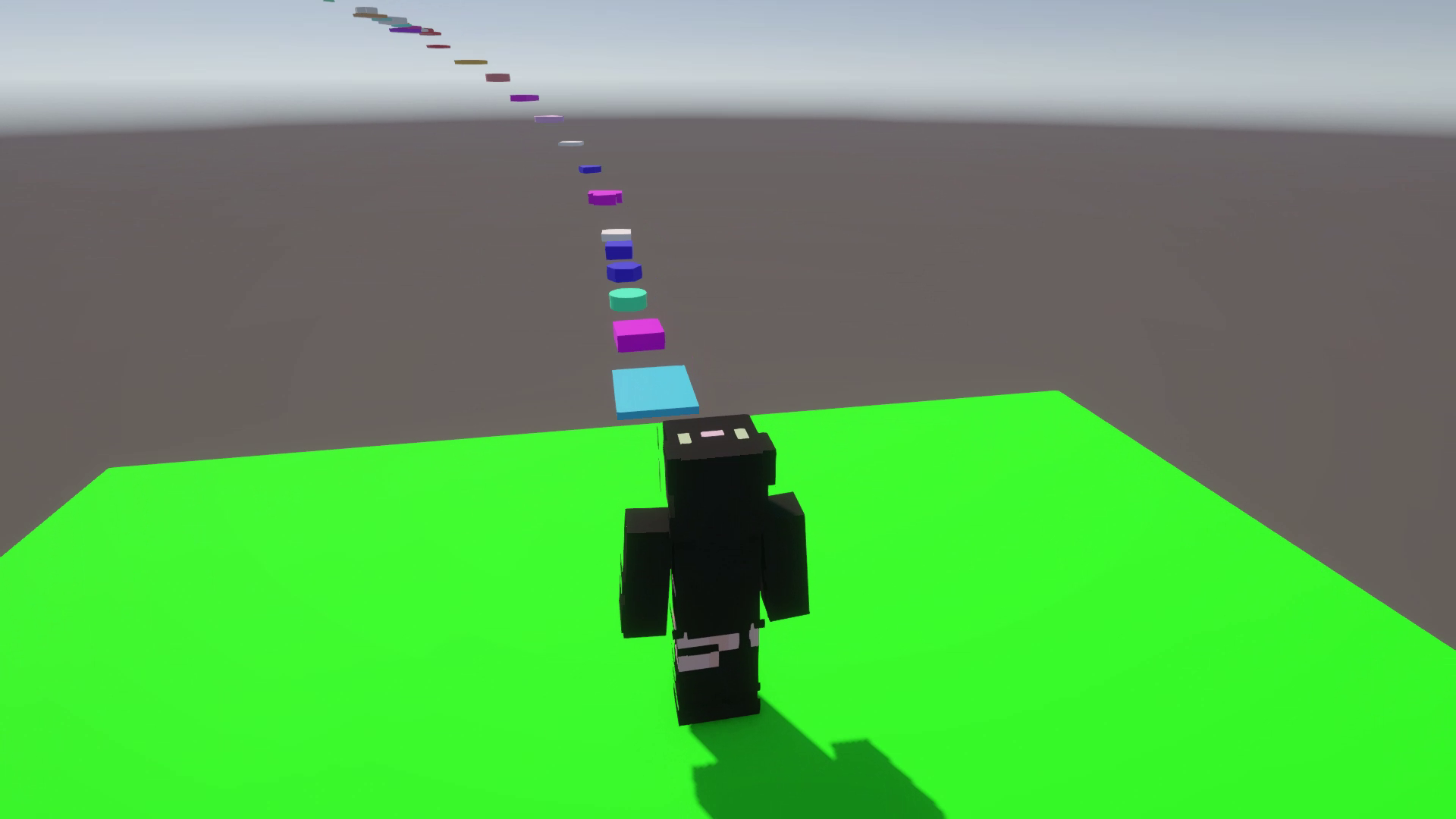
Scene Demo
Parkour prefab Included
Map Demo is a demonstration parkour map containing 104 platforms.
The included map exists solely as a demonstration environment for the Character Controller.
Movement
- Acceleration-based ground movement
- Ground deceleration
- Walk / Run states
- Camera-relative movement
- Air control
- Smooth rotation
- Custom gravity
- Configurable jump height
- Configurable jump distance
- Coyote Time
- Jump Buffering
- Jump Cooldown
- Fall detection
- Slope Limit
- Step Offset
The default controller settings are fully exposed for customization, including movement speed, acceleration, air control, gravity, jump parameters, slope handling and ground detection.
Camera
- 360° orbit
- Mouse look
- Camera collision detection
- SphereCast-based obstacle detection
- Smooth camera follow
- Anti-clipping
- Adjustable camera distance and height
Animation States
- Idle
- Walk
- Run
- Jump
- Fall
- Land
- Death
Animation transitions are controlled through the included animation system with configurable fade time.
The modular construction allows developers to replace the visual character while retaining the controller and gameplay systems.
Compatibility
| Unity version | Built-in | URP | HDRP |
|---|---|---|---|
| 6000.3.8f1 | Not listed | Compatible | Not listed |
The asset is SRP-independent and does not require a specific Scriptable Render Pipeline. It can be used with projects using the Built-in Render Pipeline, URP, or HDRP.
HDRP and Built-in materials are not included by default. Making manual conversion to HDRP or Built-in straightforward if required for your project
As listed on the Asset Store.