
 View on Asset Store (opens in new tab)
Package details
- Latest version
- 1.0
- Last updated
- First released
- Unity version
- 6000.6.3 or later
- Package size
- 12.0 MB
- Files
- 144
- Views in the past week
- 8
Price tracking
- Last checked
- Tracked since
- Lowest recorded
- $4.99 on
Keywords
Easy UI Toolkit Progress Shaders
This is a Progress Shader Graph that has been developed to work with new Panel Renderer in UI Toolkit for Unity 6.5.
Affiliate link · Purchases support this site
Price history
Last 6 months
USDAsset preview
1 / 3
Easy UI Toolkit Progress Shaders video 1 (plays on the Asset Store)
About this asset
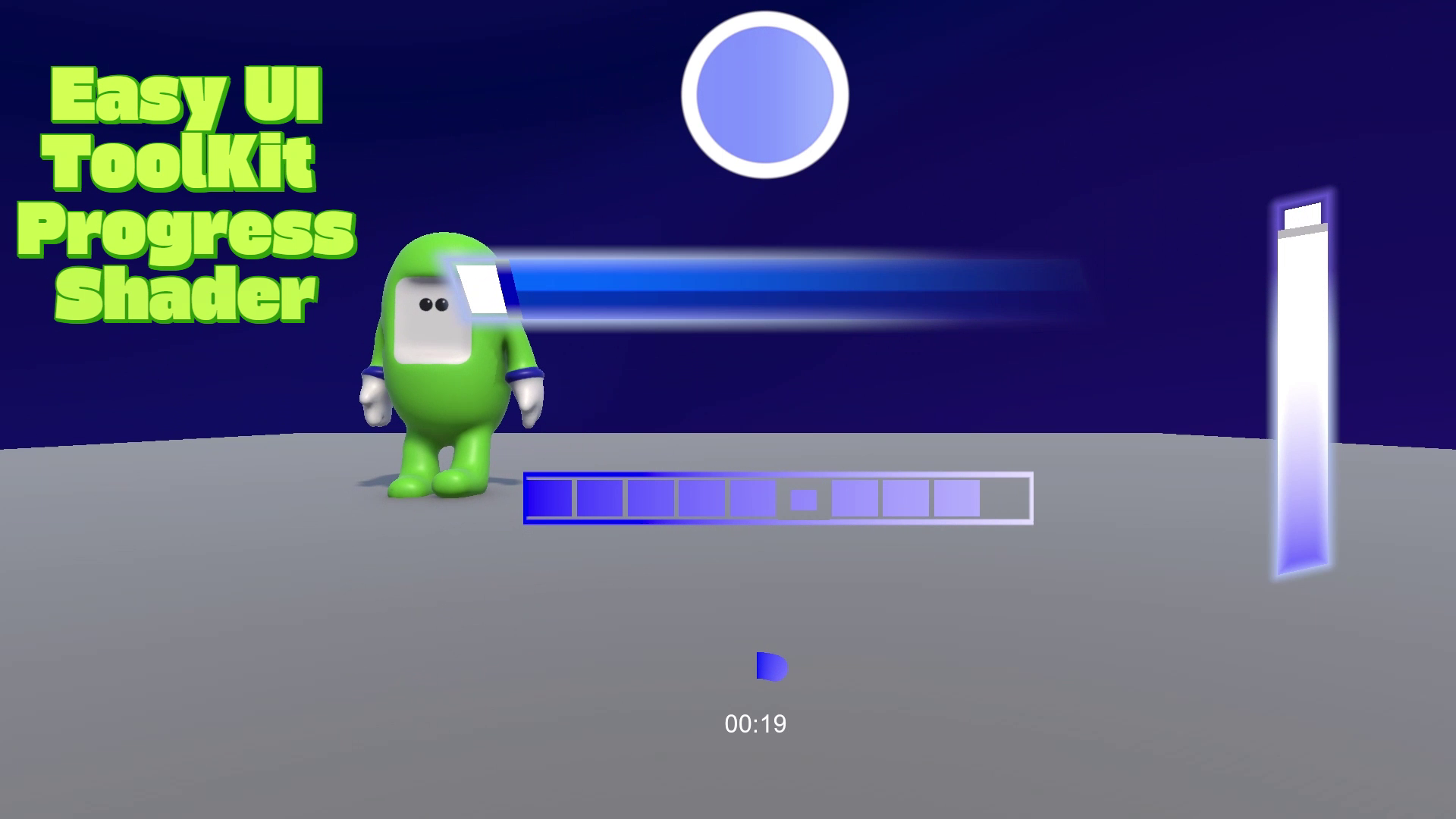
This asset is designed for UI Toolkit Panel Renderer and not legacy UI Docoment. It was created in Shader Graph. It contains:
1. Incremental Shader Graph
2. Orb Shader Graph
3. Progress (Health) Shader Graph
4. Ring (TImer) Shader Graph
How to Use?
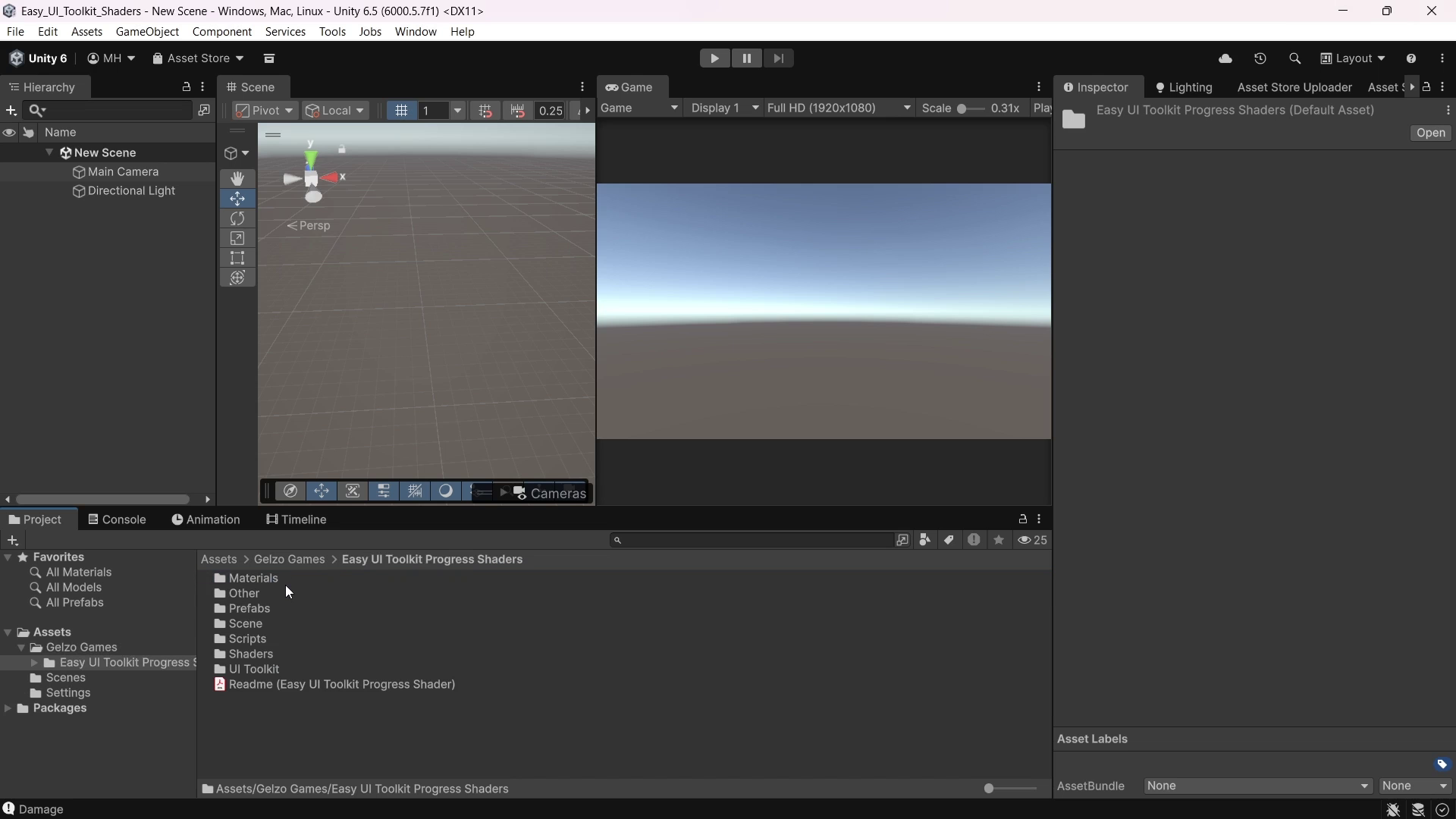
1. Add 1 of the 3 basic core scripts to scene (Basic,Health,Timer). (Assign Panel Renderer object)
2. Add Panel Renderer gameobject.
3. Call the HealthChange function from core script with decrease amount per function call.
In summary the way to create a progress shader in your game is to create a panel renderer and UI document and reference this UI document in the panel renderer component and use one of the 3 main scripts to drive the shader’s fill amount.
From the publisher's Asset Store listing.
Compatibility
| Unity version | Built-in | URP | HDRP |
|---|---|---|---|
| 6000.6.3f1 | Not listed | Compatible | Not listed |
As listed on the Asset Store.