
 View on Asset Store (opens in new tab)
Package details
- Latest version
- 1.0
- Last updated
- First released
- Unity version
- 2022.3.62 or later
- Package size
- 411.8 MB
- Files
- 228
- Favorites
- 3
- Views in the past week
- 12
Price tracking
- Last checked
- Tracked since
- Lowest recorded
- $24.50 on
Keywords
3D Post-apocalyptic Street Elements Vol. 1
Like building dead cities? This pack includes a wide range of old, rusty, and weathered urban street elements to help you bring some life to your post-apocalyptic environments.
Price $35.00
Buy on Asset Store (opens in new tab)
Affiliate link · Purchases support this site
Price history
Last 6 months
USDAsset preview
1 / 16
3D Post-apocalyptic Street Elements Vol. 1 screenshot 1
About this asset
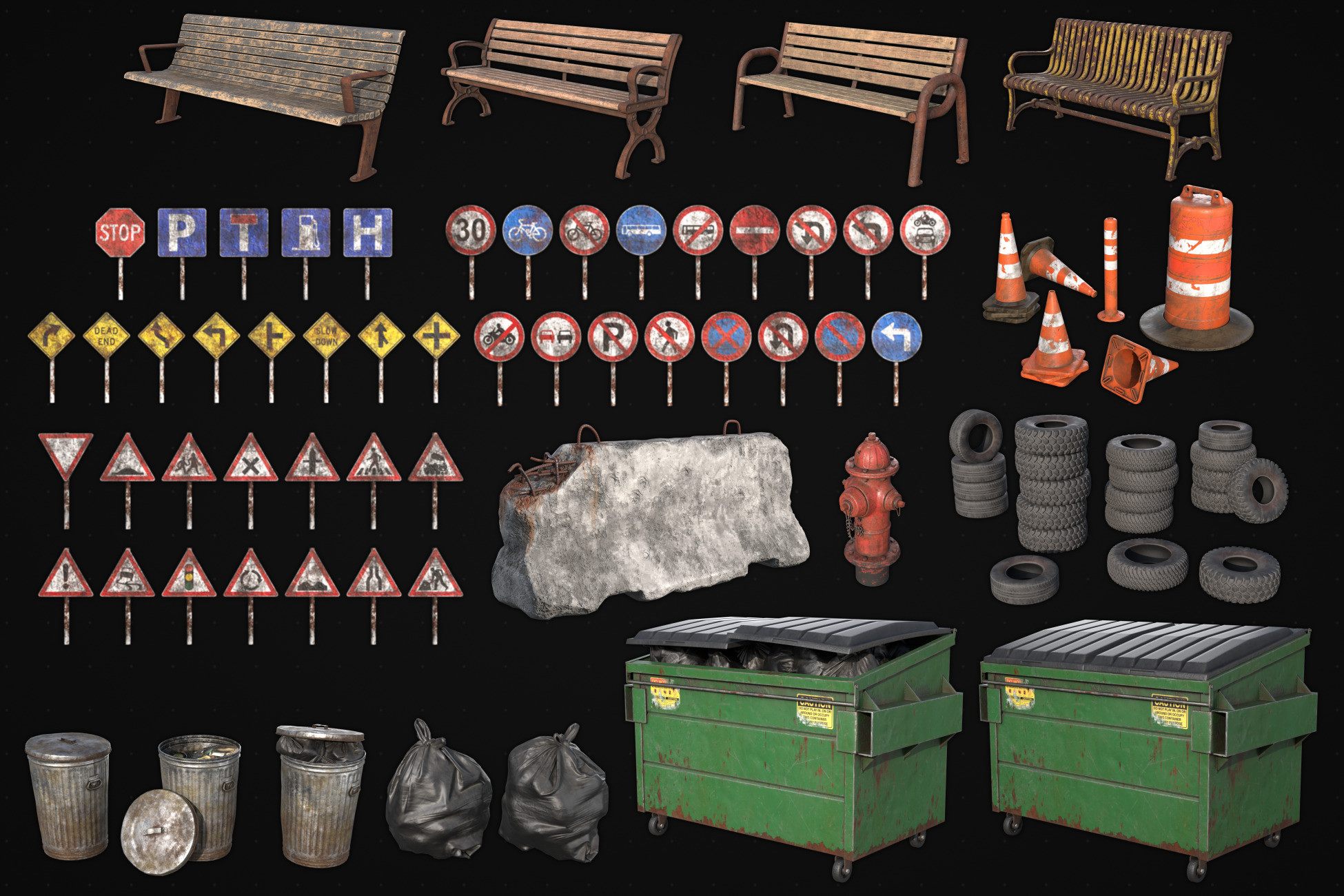
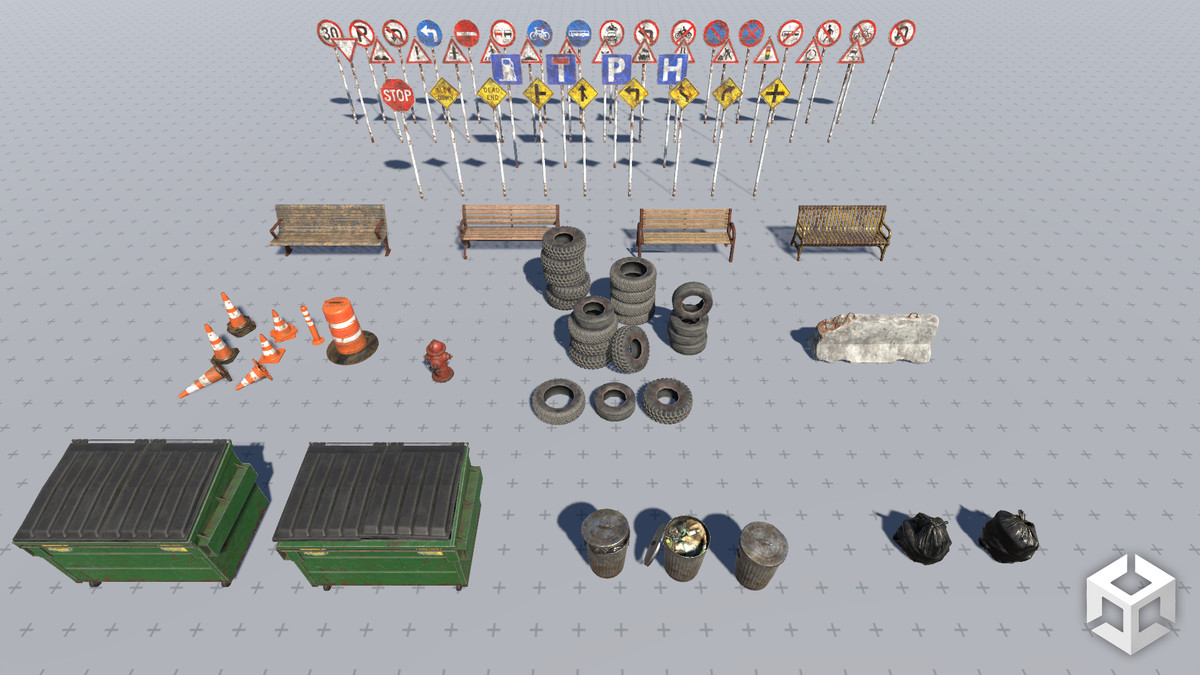
Package Contents:
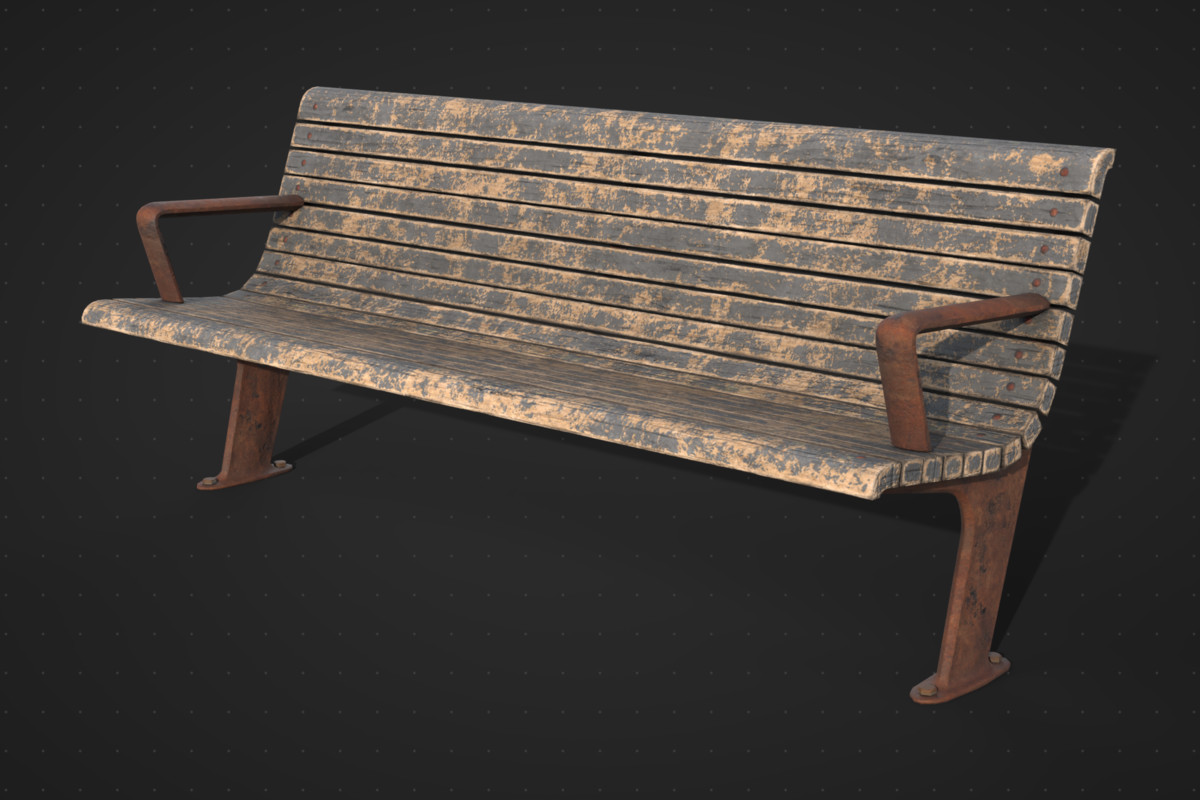
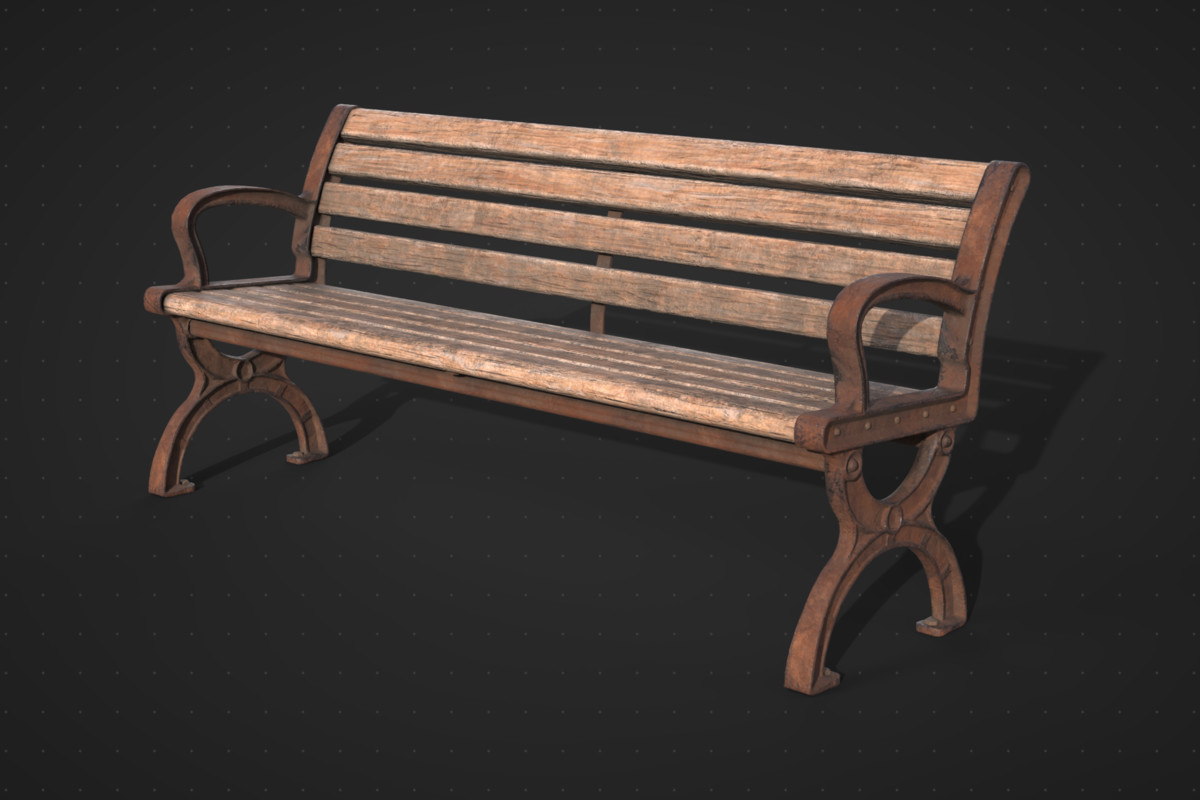
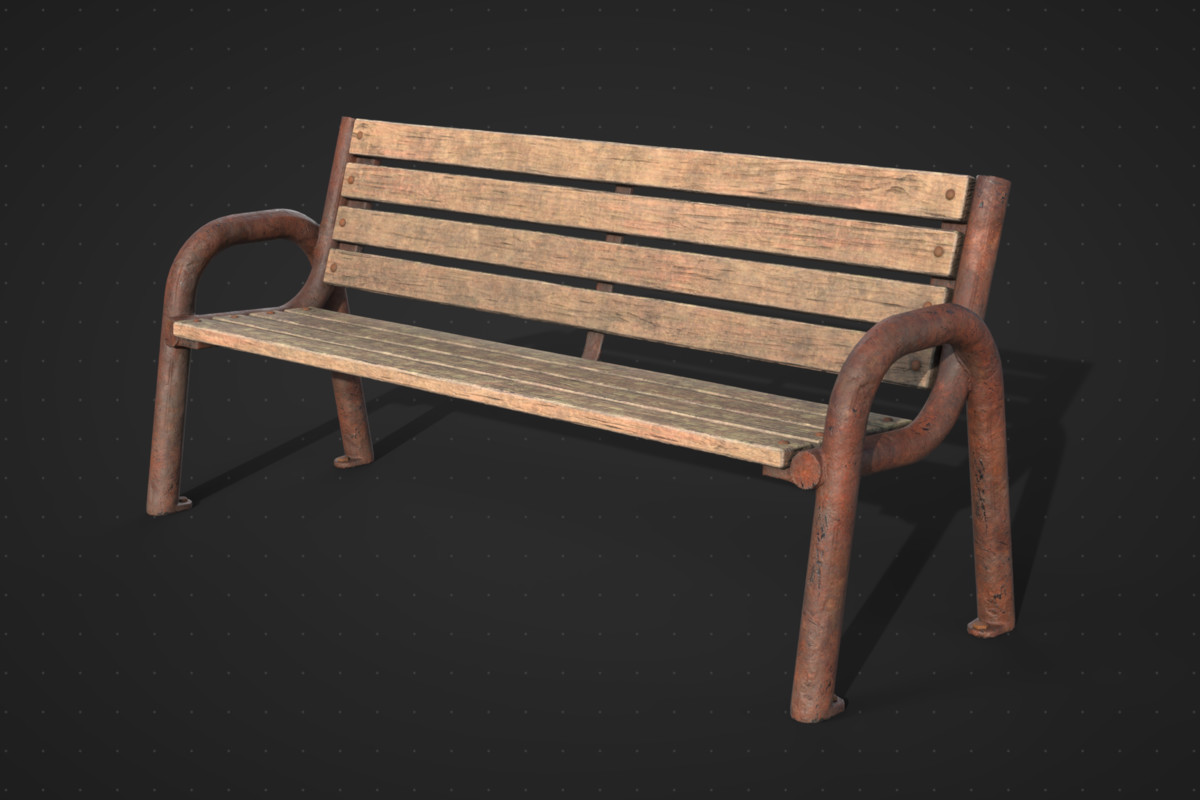
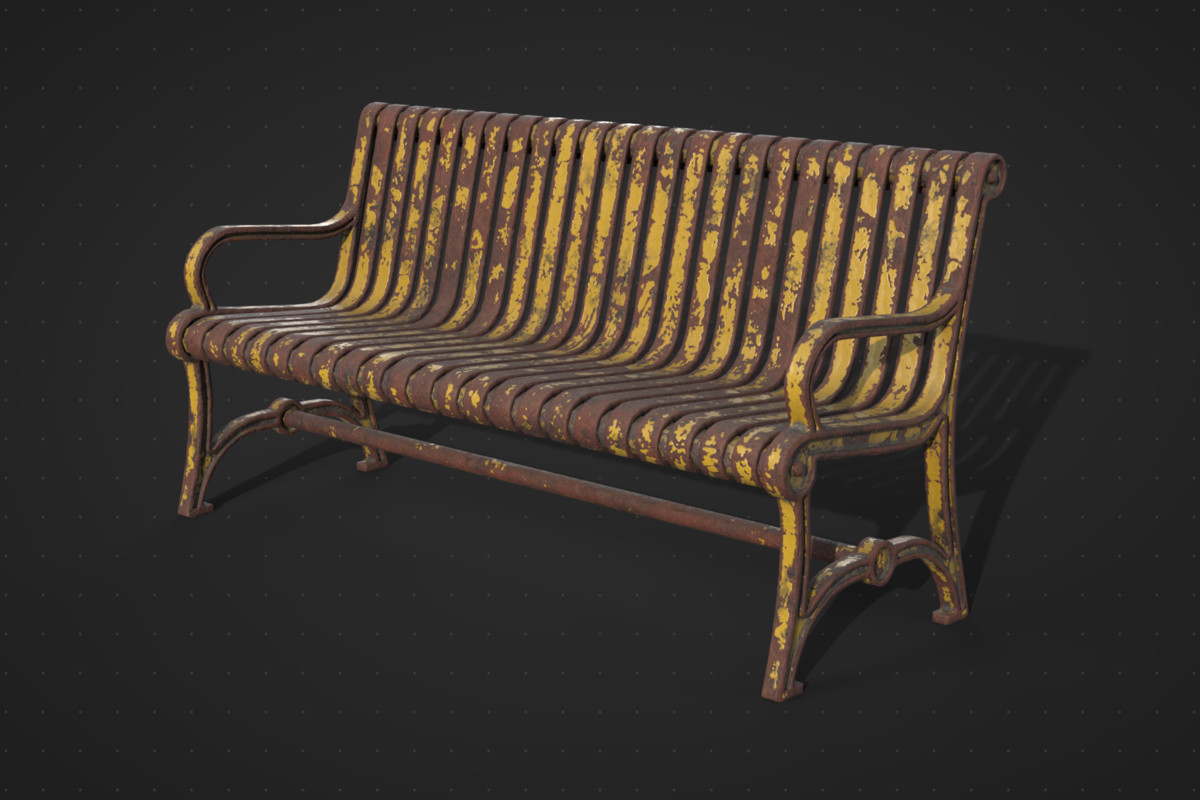
- 4 Park benches (~9000 triangles each)
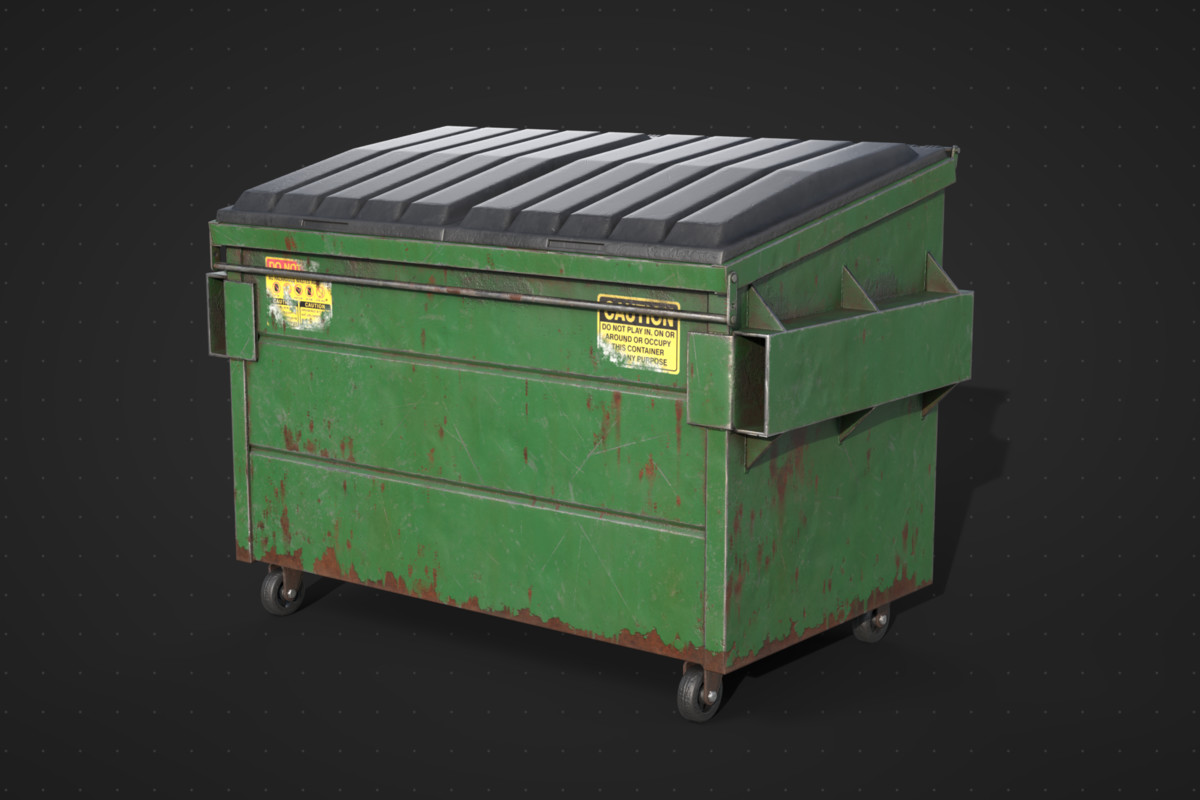
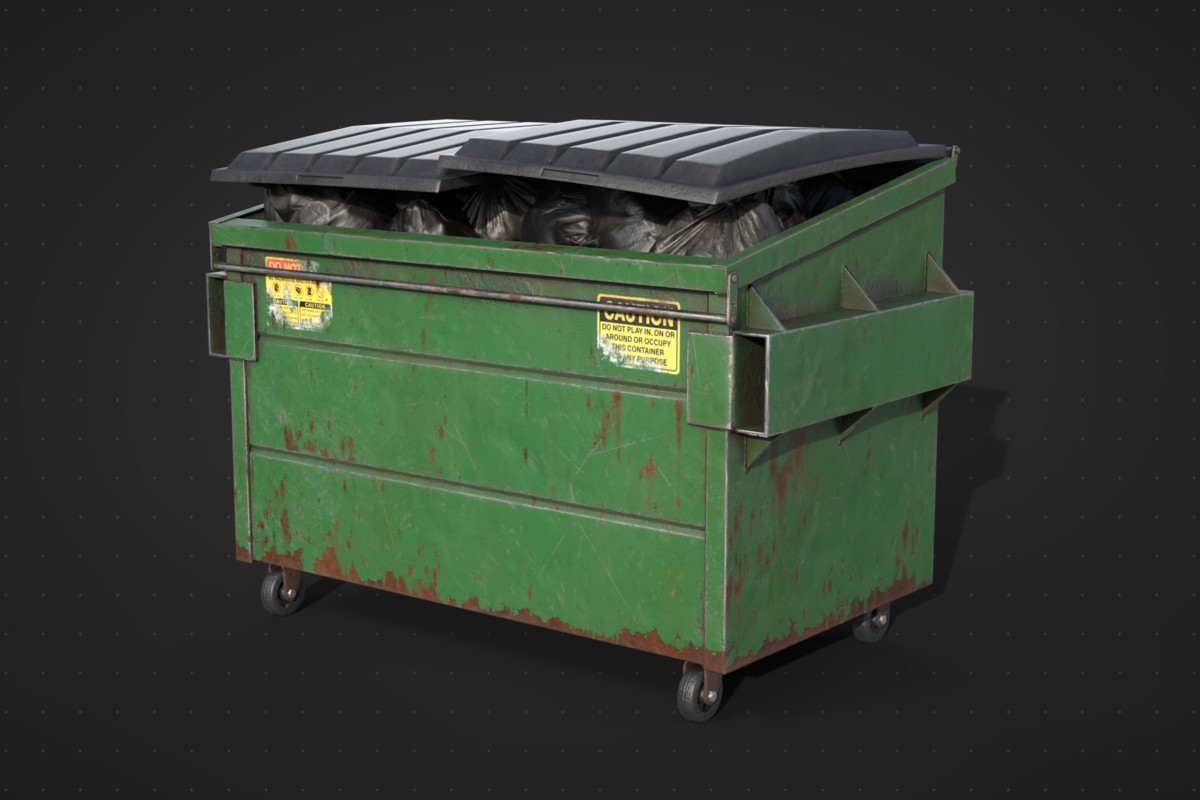
- 2 Dumpsters (~68000 triangles total)
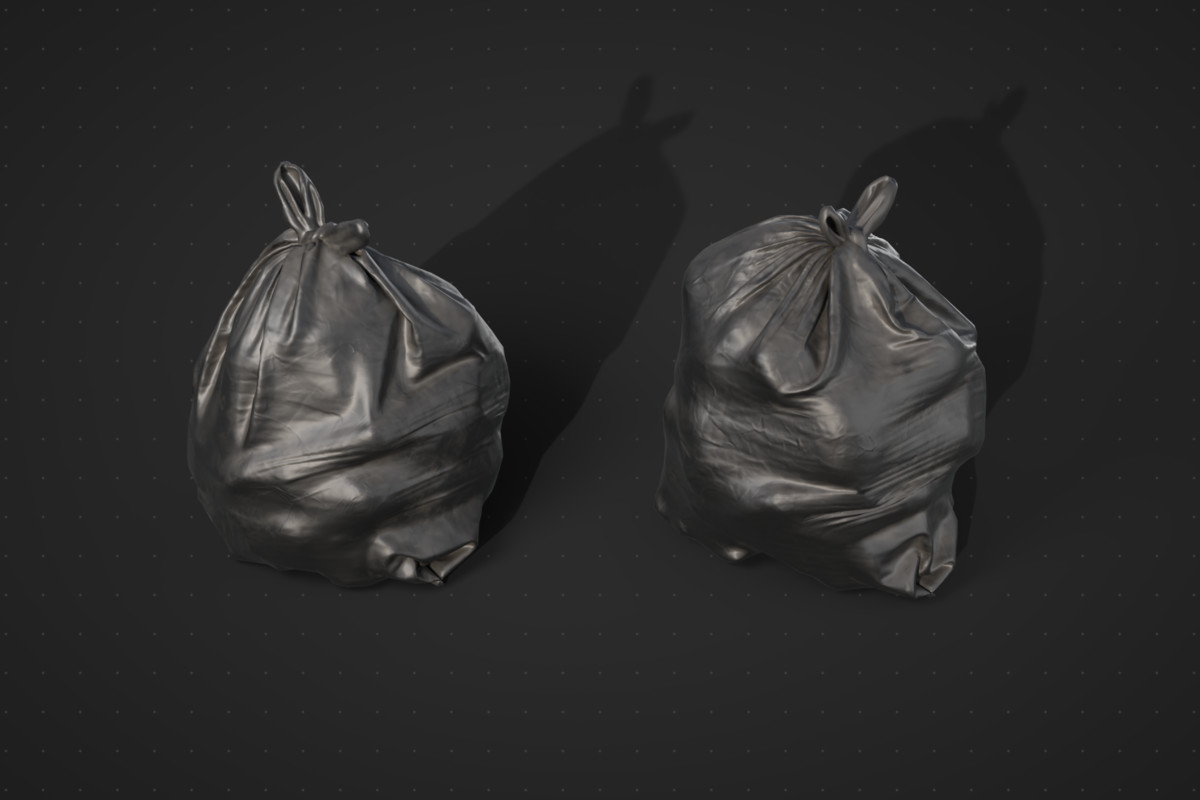
- 2 Trash bags (~6700 triangles each)
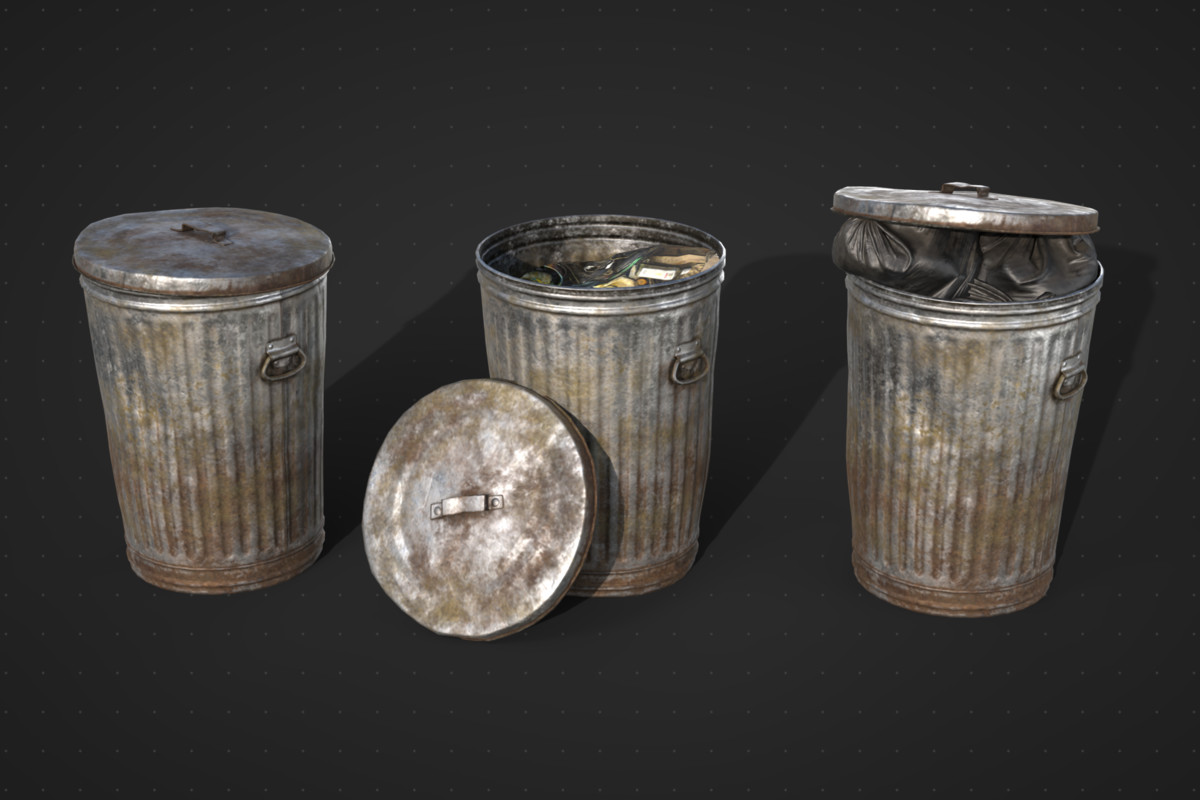
- 2 Trash cans (~26000 triangles total)
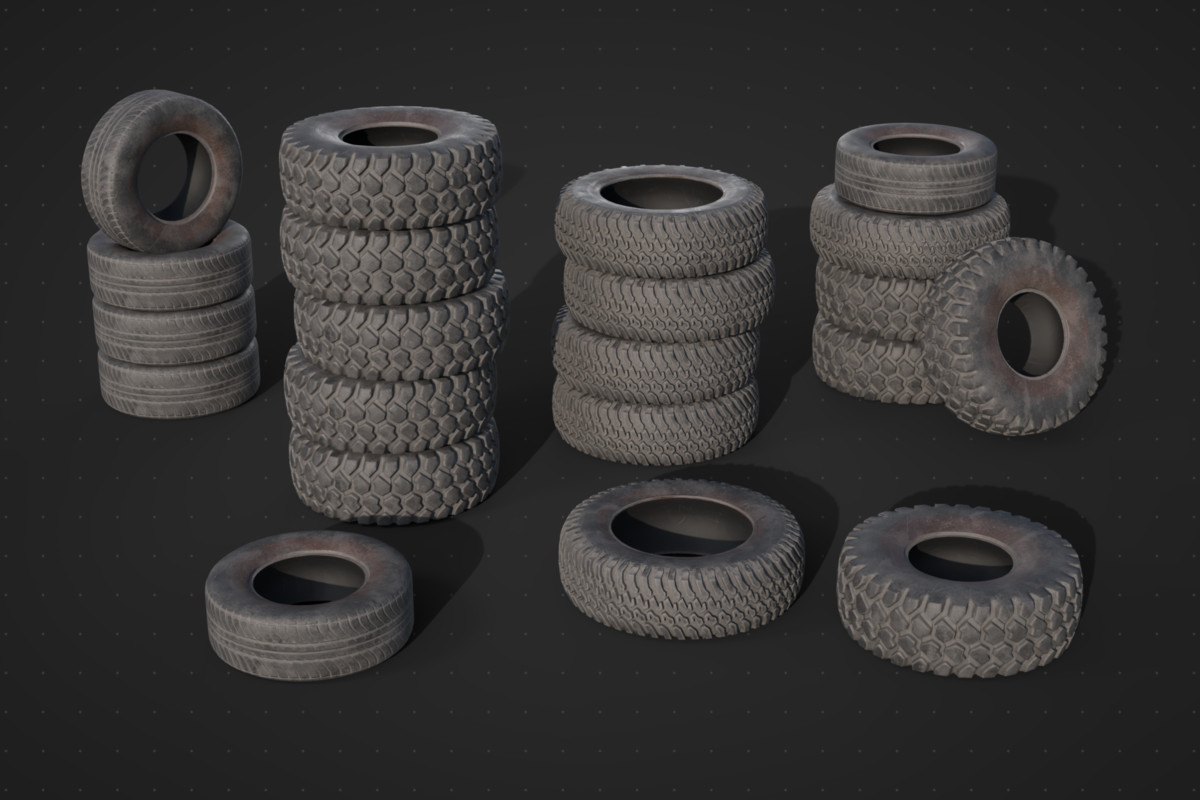
- 3 Tires (~6000 triangles each)
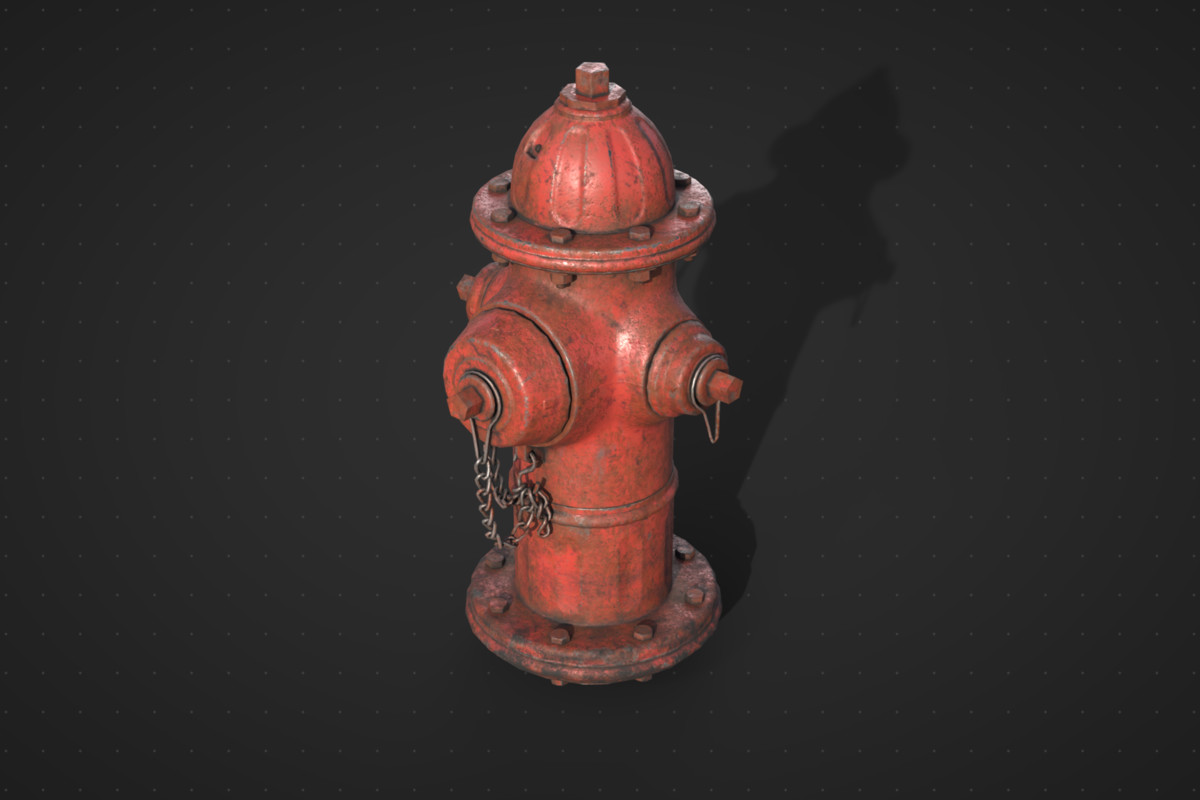
- 1 Fire hydrant (~11000 triangles)
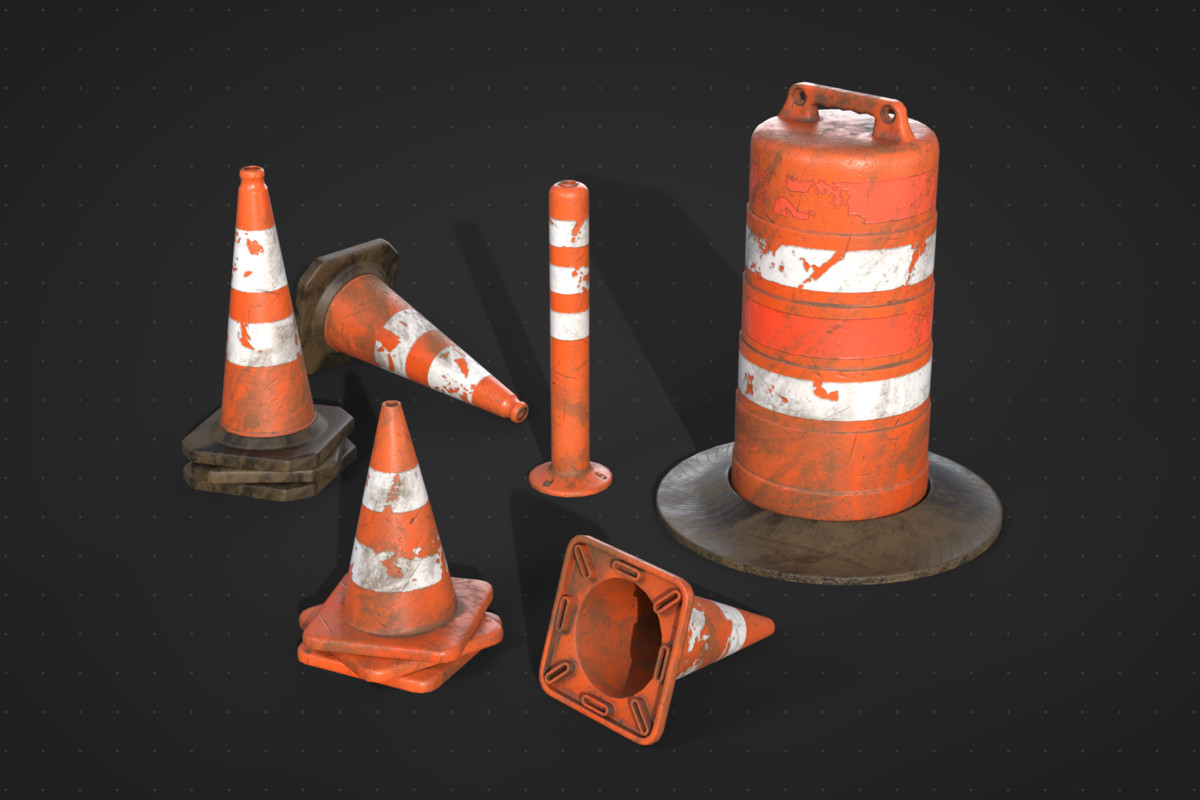
- 2 Traffic cones (~2000 triangles each)
- 1 Delineator post (~1000 triangles)
- 1 Traffic barrel (~3000 triangles)
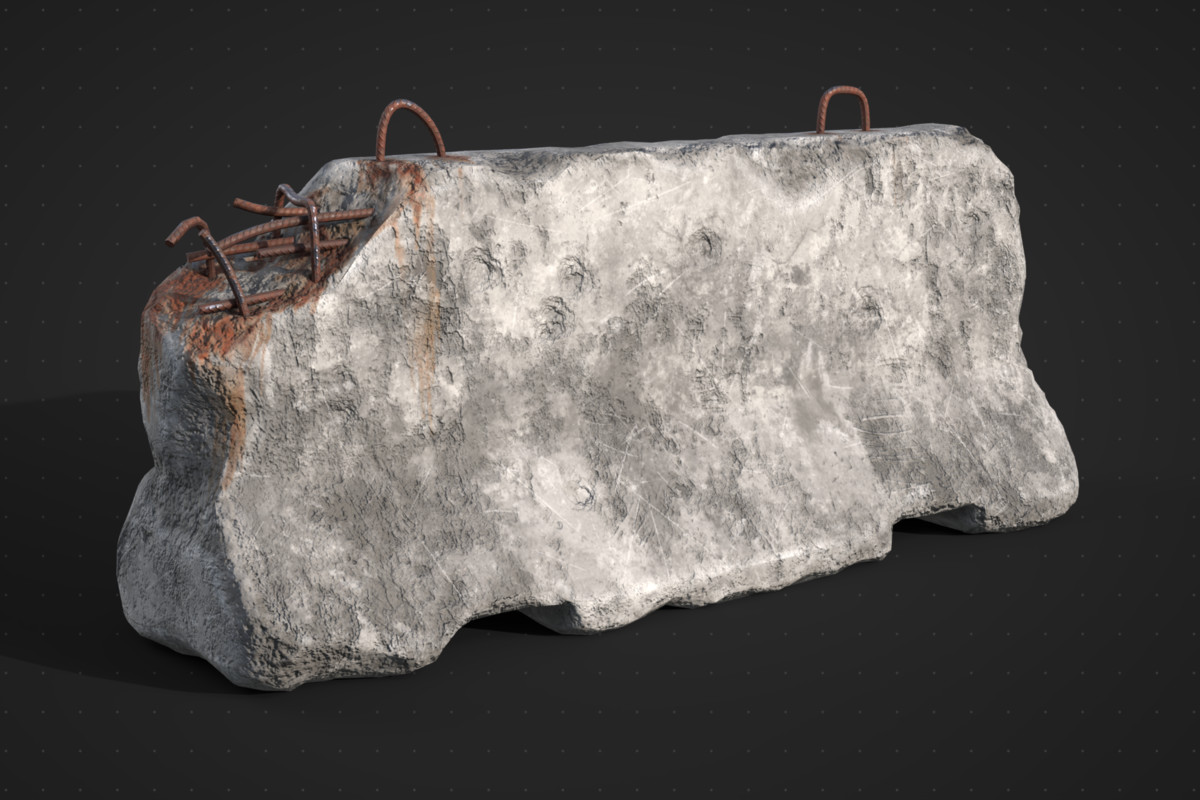
- 1 Concrete barrier (~6500 triangles)
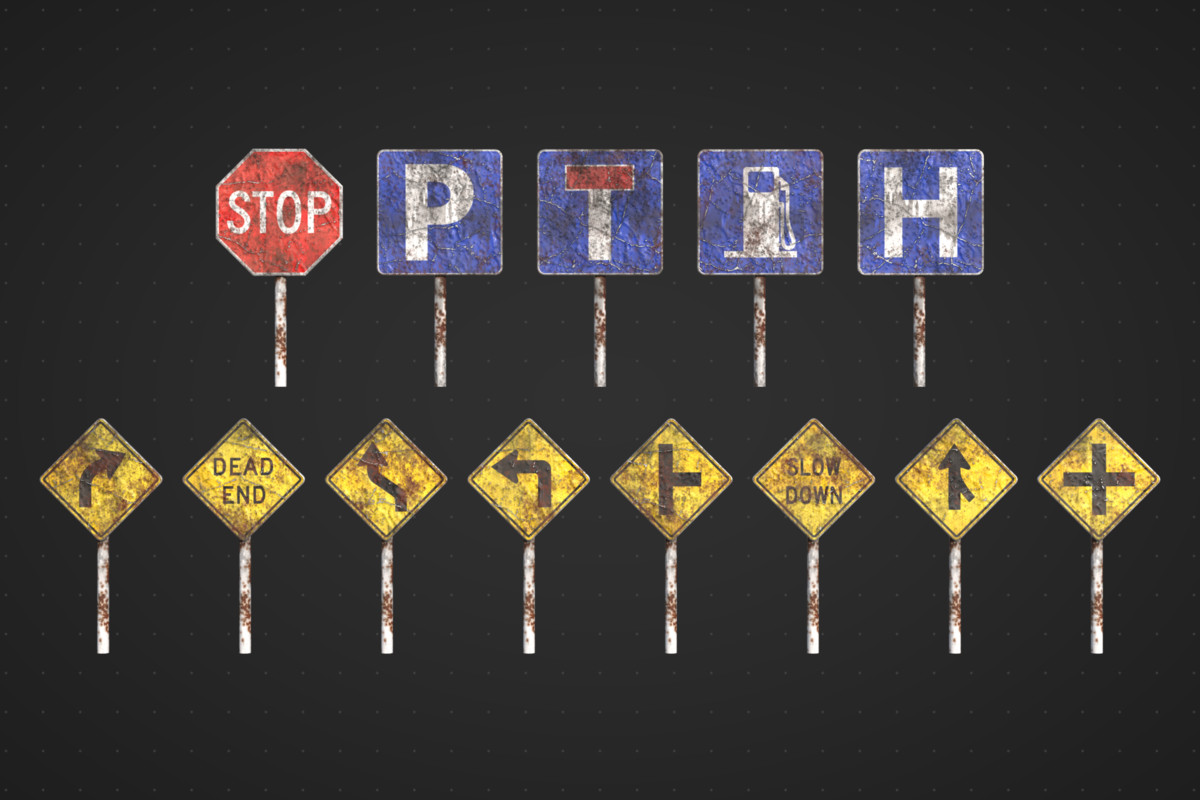
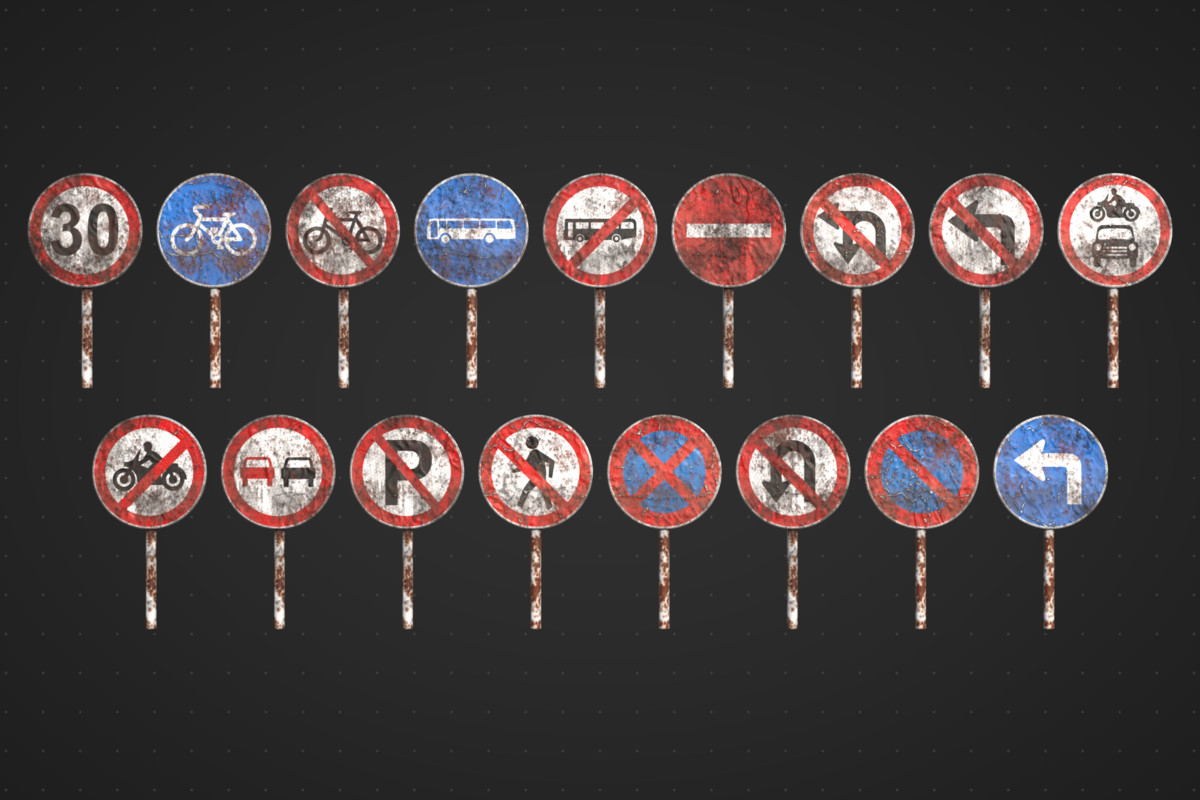
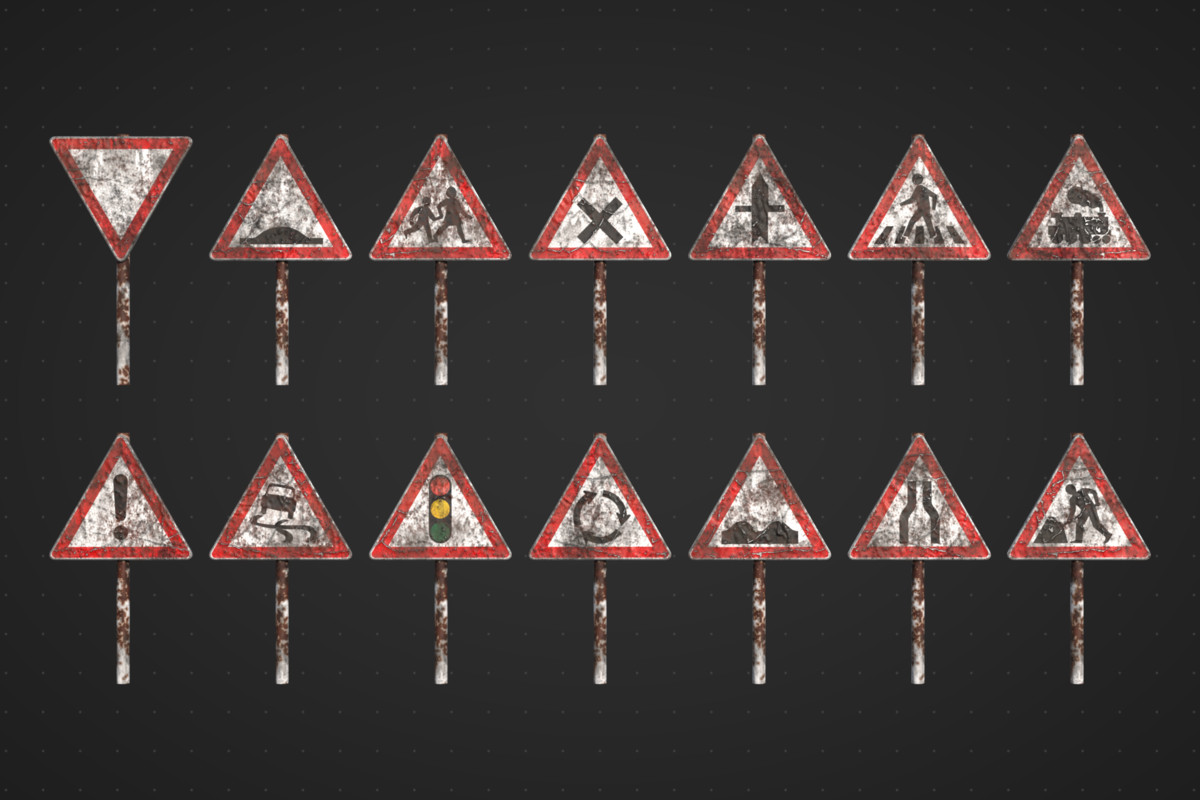
- 44 Traffic signs (~2400 triangles each)
Suitable for:
- Post-apocalyptic
- Survival
- Horror
- Zombie
- Action
- Open-world
- FPS / tactical shooters
- Stealth
- Adventure
- Dystopian
- Apocalypse simulations
Features:
- 63 Photo-realistic objects
- 72 unique prefabs (arrangement variation)
- Optimized poly-count
- Efficient UV mapping
- Real-world scale
- 17 Materials
- 68 Textures
- Up to 4K Resolution
- Texture atlases used for smaller objects to minimize draw calls. Affected objects include: Orange traffic-control devices, trash bags, traffic signs, tires
- Baked textures
- PBR Maps: AlbedoTransparency, MetallicSmoothness, AO, Normal
- Texture formats are png
- All objects, materials, textures and prefabs named appropriately
- 3 LODs (component applied)
- Custom collision mesh (component applied)
From the publisher's Asset Store listing.
Compatibility
| Unity version | Built-in | URP | HDRP |
|---|---|---|---|
| 2022.3.62f2 | Compatible | Compatible | Compatible |
This package was created using Built-in RP and Standard Materials. To use in URP or HDRP, all you need to do is convert the materials to the respective render pipeline by going to Edit > Rendering > Materials > Convert Selected Built-in Materials to URP/HDRP.
As listed on the Asset Store.