
 View on Asset Store (opens in new tab)
Package details
- Latest version
- 1.0.0
- Last updated
- First released
- Unity version
- 6000.3.10 or later
- Package size
- 96 KB
- Files
- 21
- Views in the past week
- 3
Price tracking
- Last checked
- Tracked since
- Lowest recorded
- $4.99 on
Keywords
Extynct Editor Essentials - Workflow Tools
A collection of four focused Unity Editor tools for materials, blend shapes, WheelColliders, and automatic collider fitting.
Affiliate link · Purchases support this site
Price history
Last 6 months
USDAsset preview
1 / 16
Extynct Editor Essentials - Workflow Tools screenshot 1
About this asset
Extynct Editor Essentials
Spend less time on repetitive Editor setup and more time building your game.
Extynct Editor Essentials is a collection of four focused Unity development tools designed to simplify common Editor workflows.
The package combines tools for material creation, blend-shape editing, vehicle WheelCollider setup, and automatic collider fitting into one convenient collection.
Instead of manually repeating the same setup tasks across characters, vehicles, props, and materials, Extynct Editor Essentials gives you purpose-built tools to speed up those workflows.
Included Tools
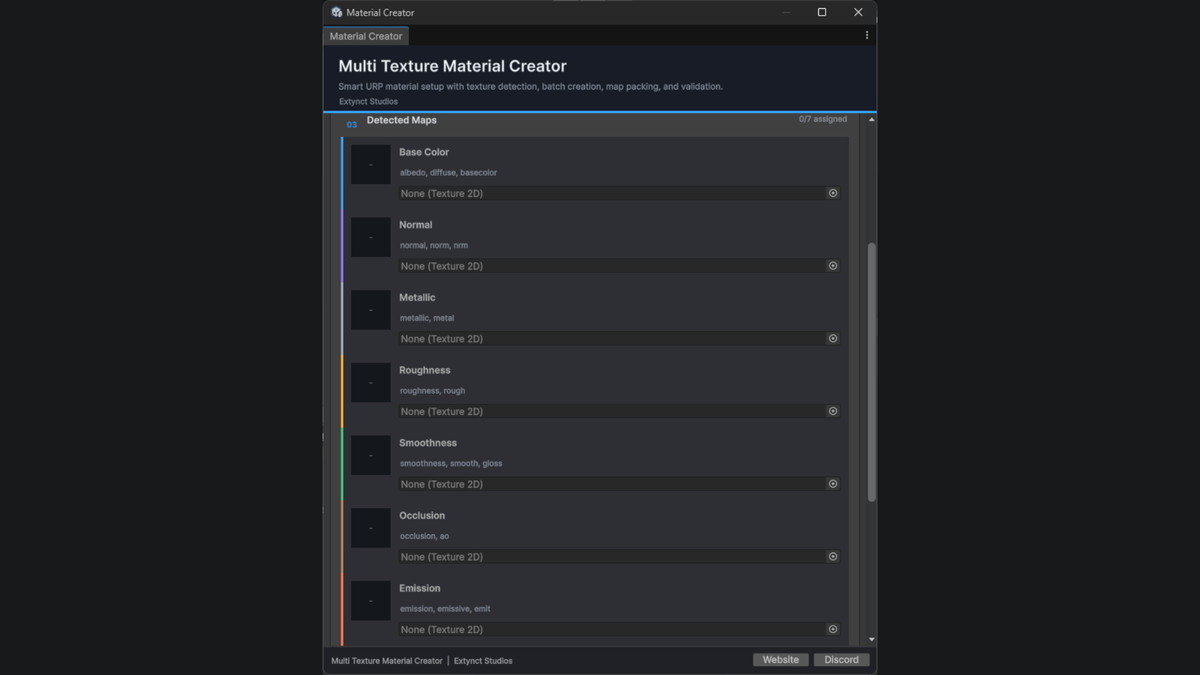
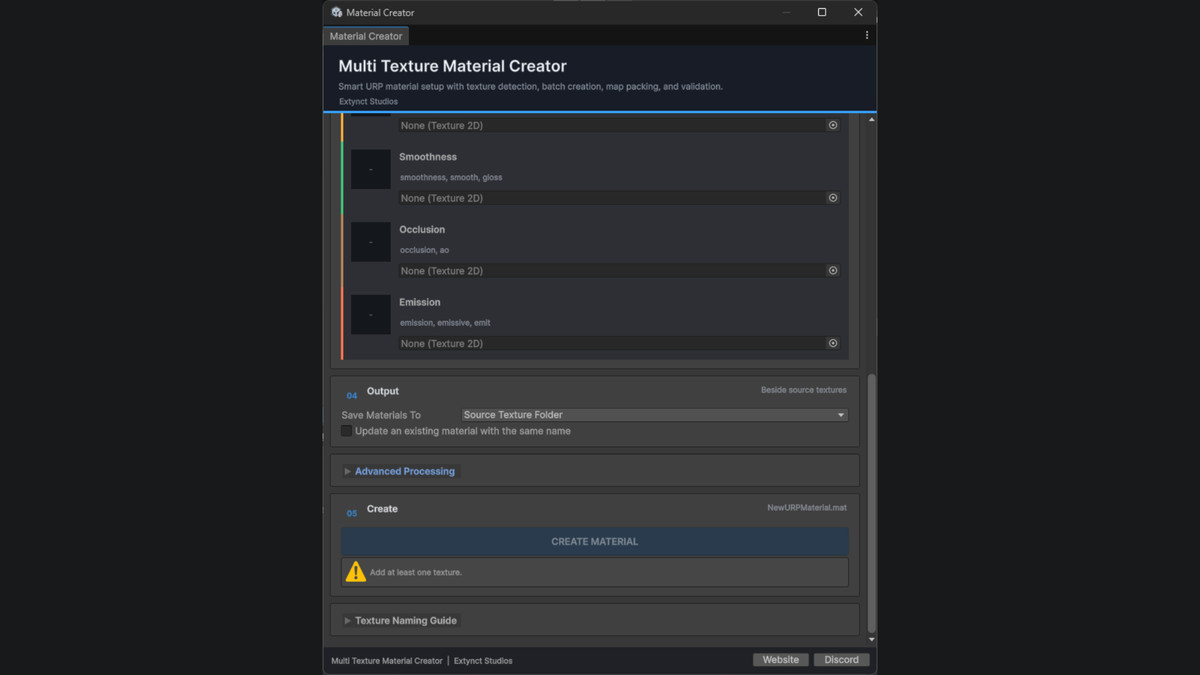
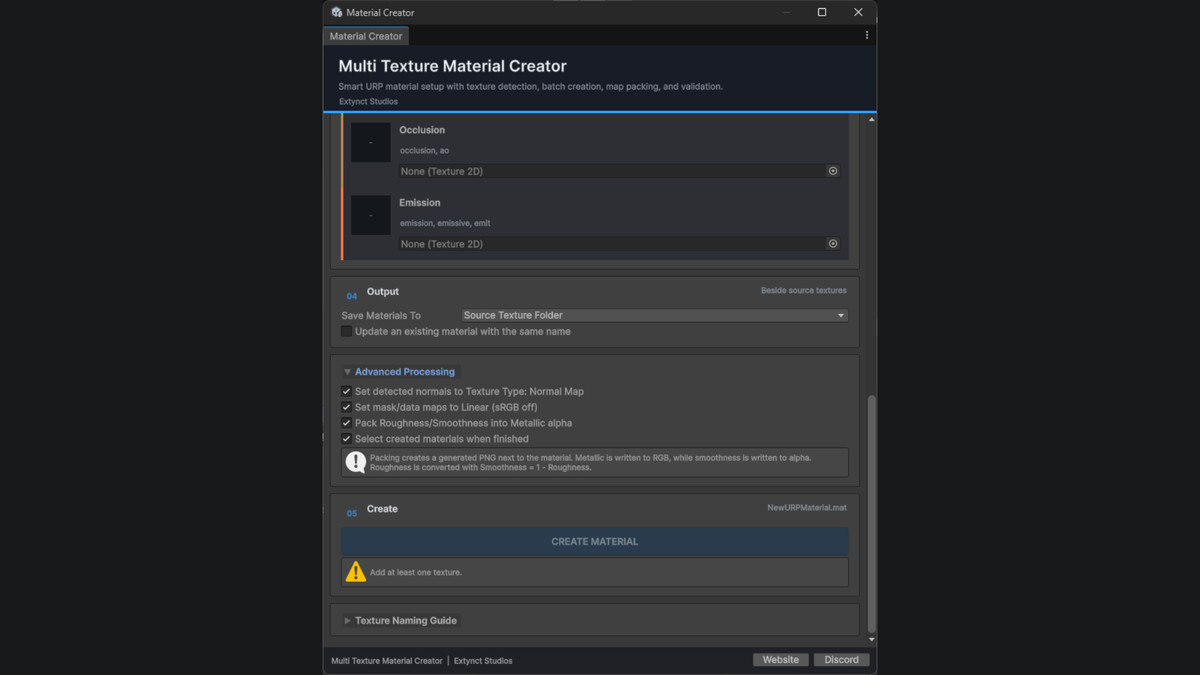
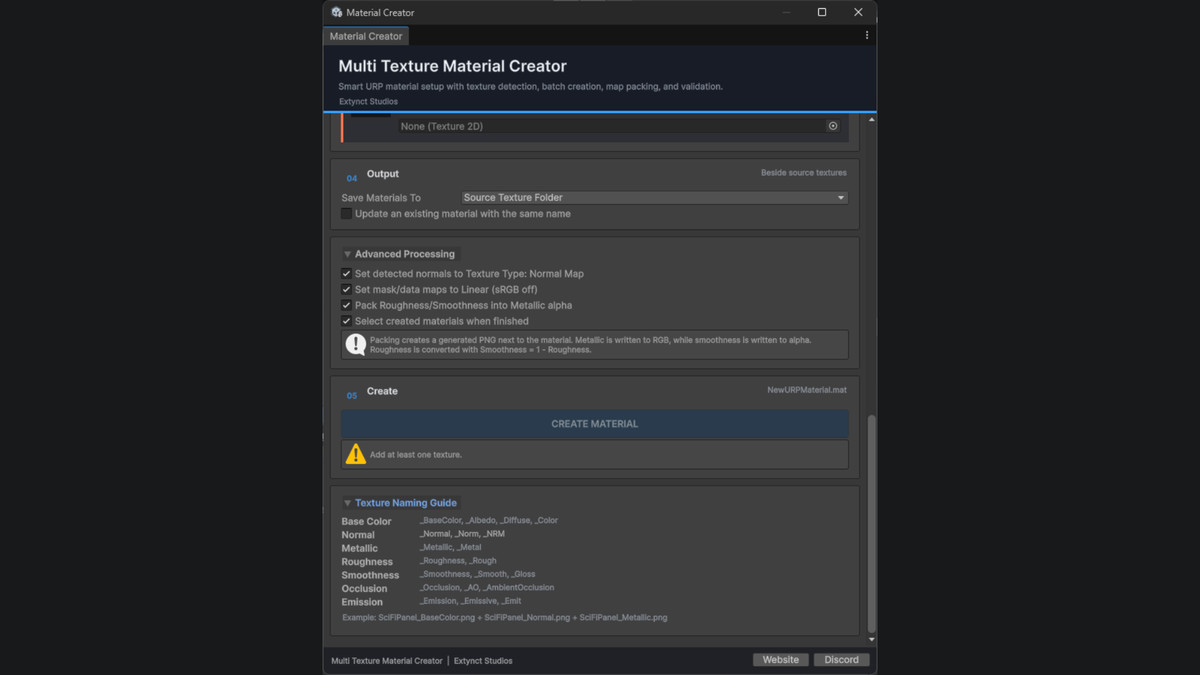
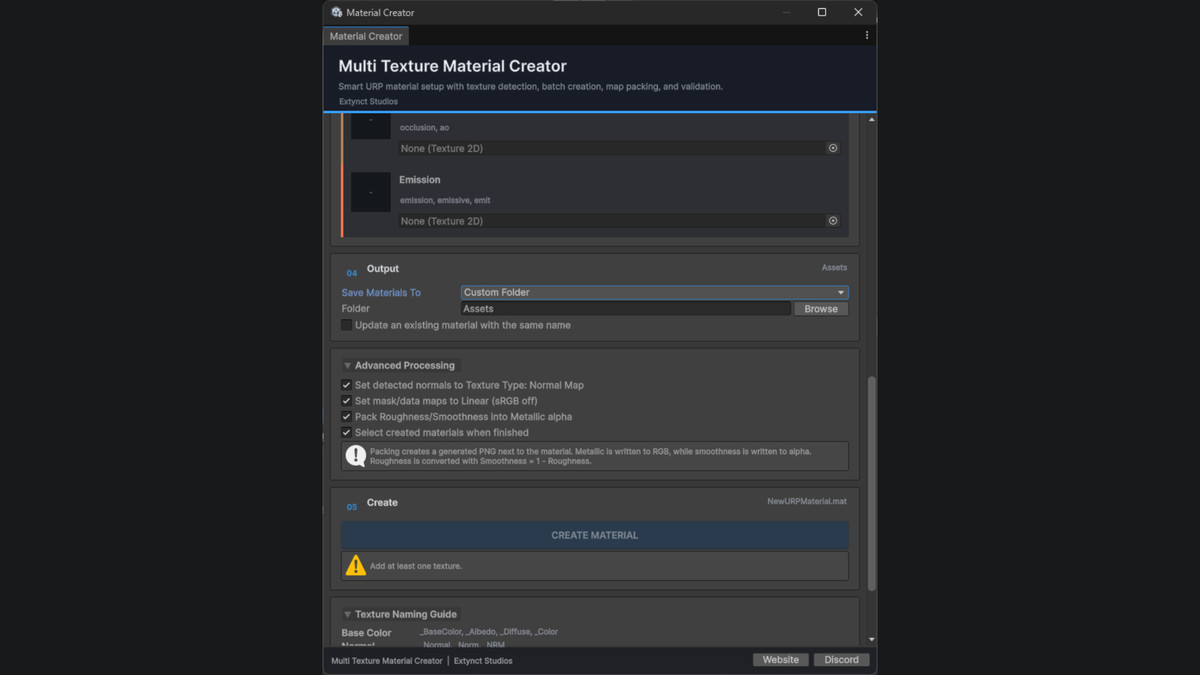
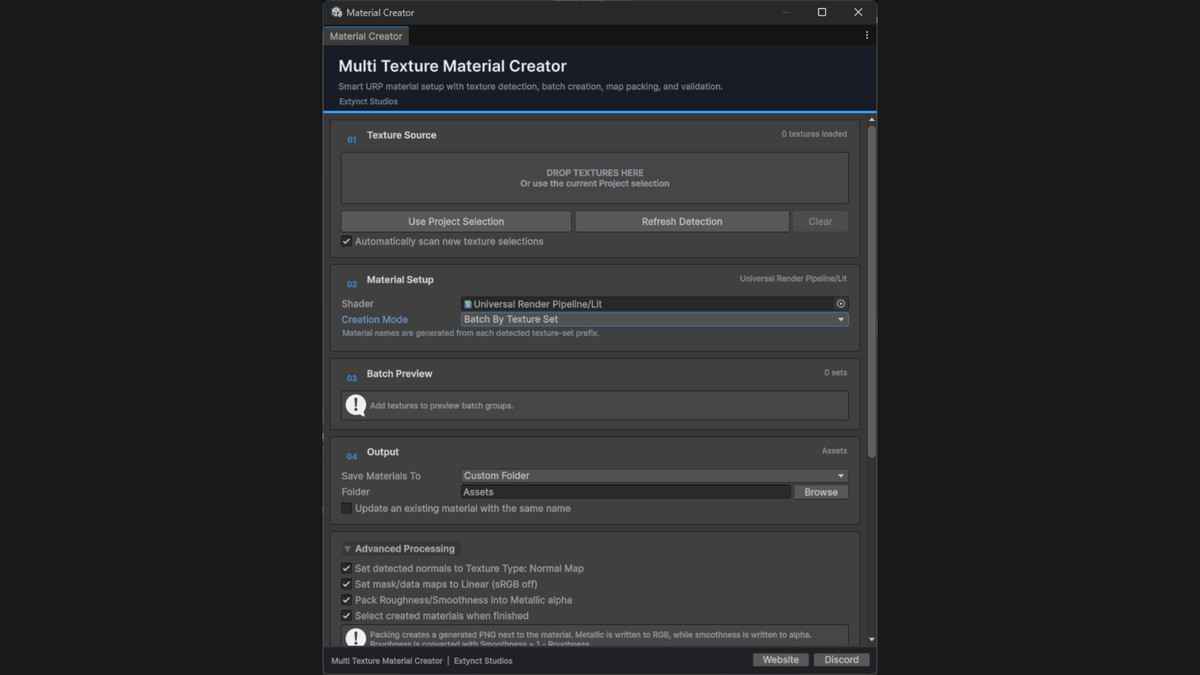
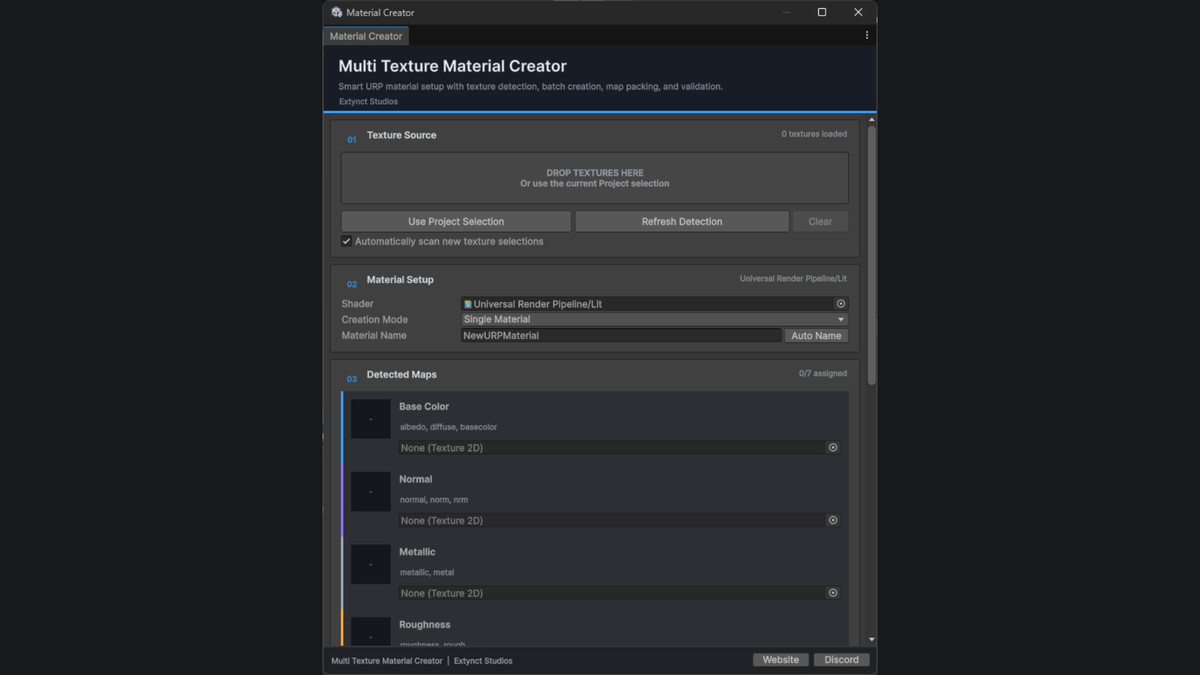
Multi Texture Material Creator
Quickly create materials from groups of textures without manually assigning every texture slot.
Multi Texture Material Creator analyzes texture names and automatically assigns supported textures to their appropriate material properties.
Features include:
- Automatic texture detection
- Automatic texture assignment
- Albedo / Base Map support
- Normal Map support
- Metallic Map support
- Roughness / Smoothness support
- Occlusion Map support
- Emission Map support
- Custom material naming
- Shader selection
- Batch-oriented material creation workflow
- Designed for Universal Render Pipeline projects
Ideal for importing large texture packs, environment assets, props, characters, and other textured models.
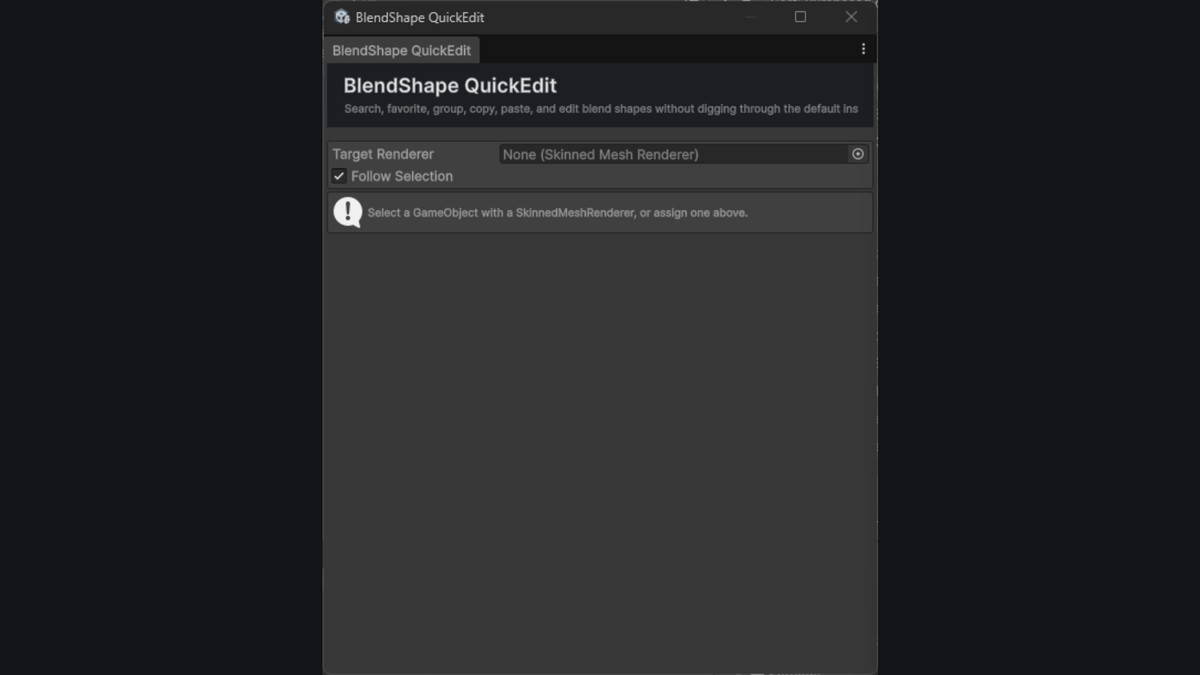
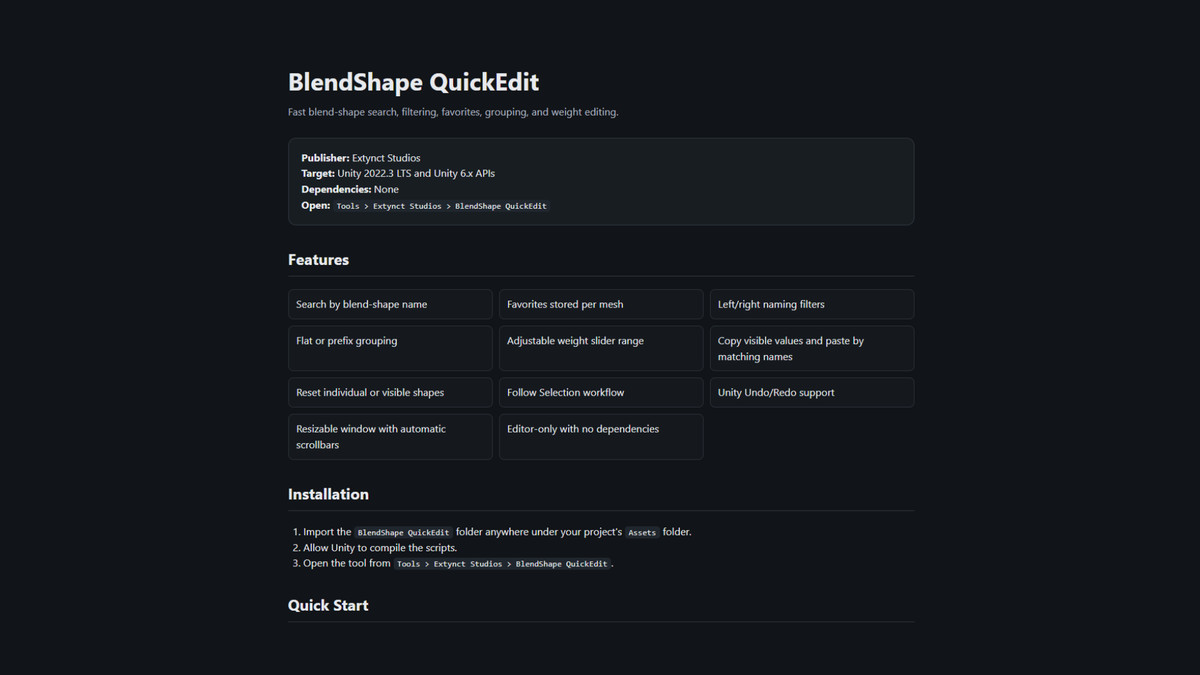
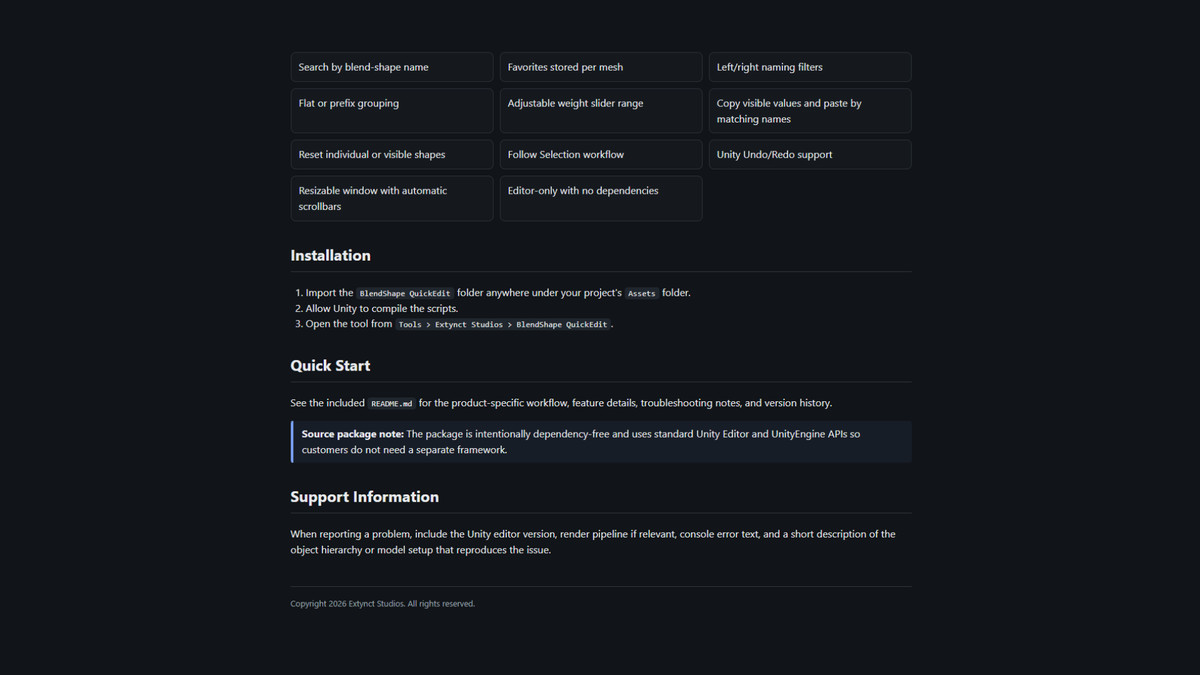
BlendShape QuickEdit
Manage large collections of blend shapes without constantly scrolling through Unity's default Skinned Mesh Renderer inspector.
BlendShape QuickEdit provides a dedicated searchable interface for finding, editing, organizing, and previewing blend shapes.
Features include:
- Search blend shapes by name
- Blend-shape weight sliders
- Favorite frequently used shapes
- Left and right filtering
- Automatic grouping using naming prefixes
- Adjustable weight ranges
- Reset individual blend shapes
- Reset visible blend shapes
- Copy blend-shape values
- Paste values by blend-shape name
- Follow Selection mode
- Skinned Mesh Renderer context menu shortcut
- Undo and Redo support
- Scrollable and resizable Editor interface
Great for:
- Facial animation
- Character customization
- Eye controls
- Lip-sync setup
- Expressions
- Corrective shapes
- VR avatars
- NPC creation
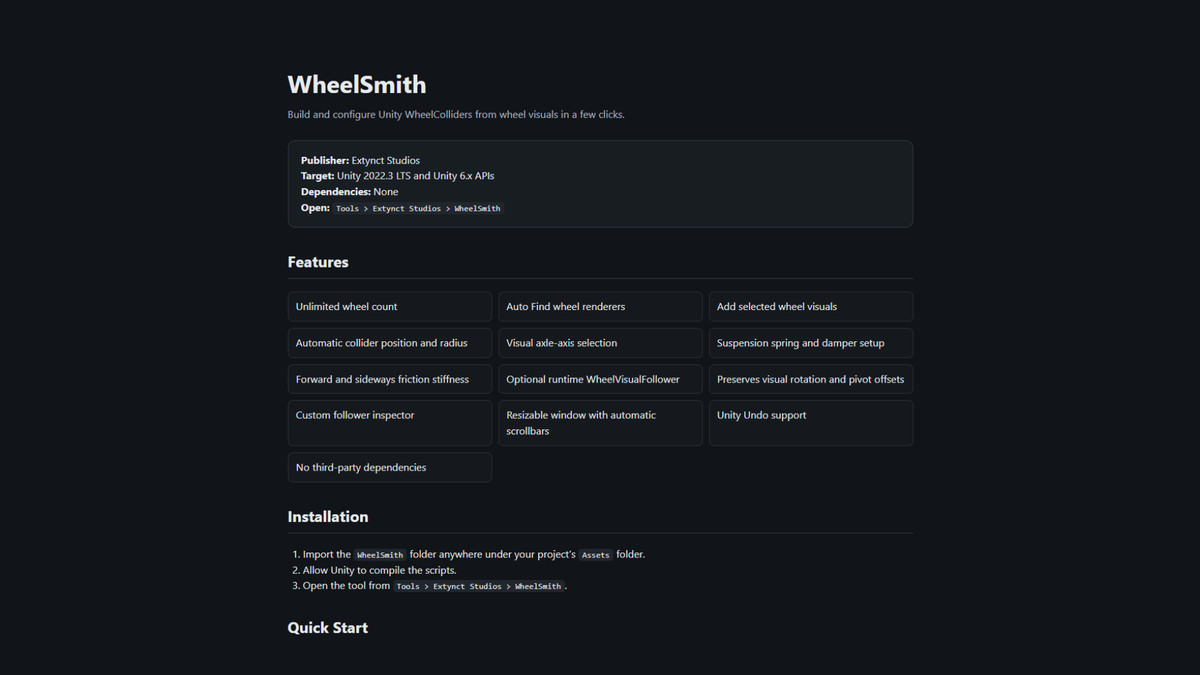
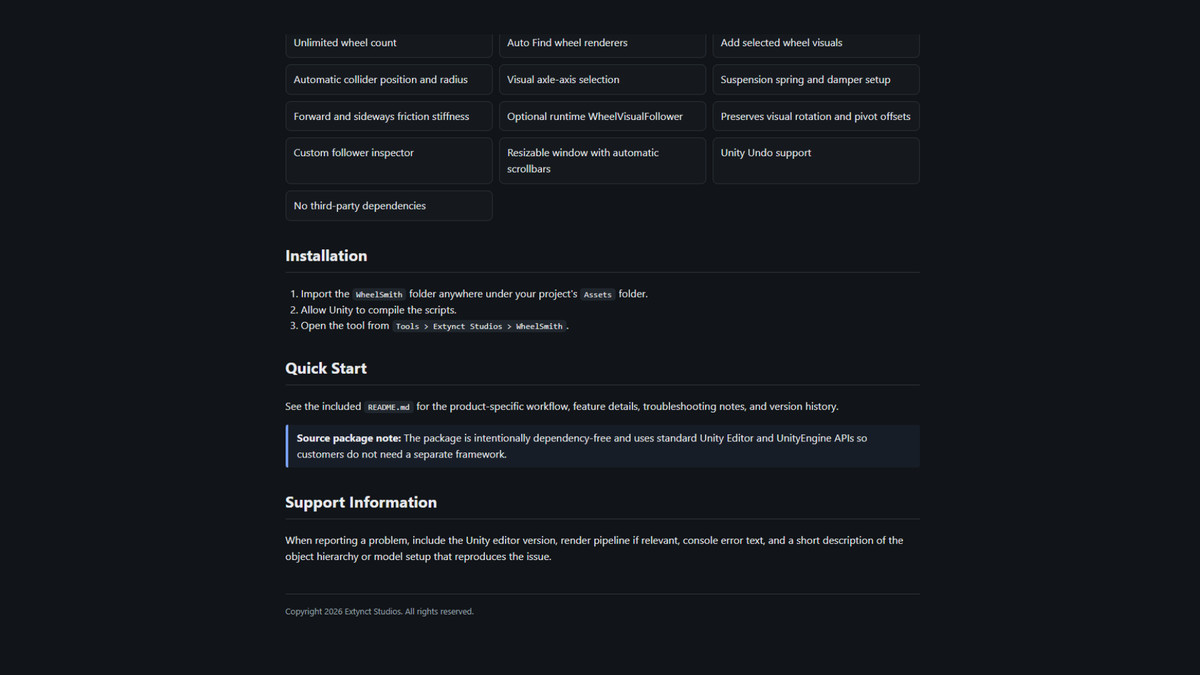
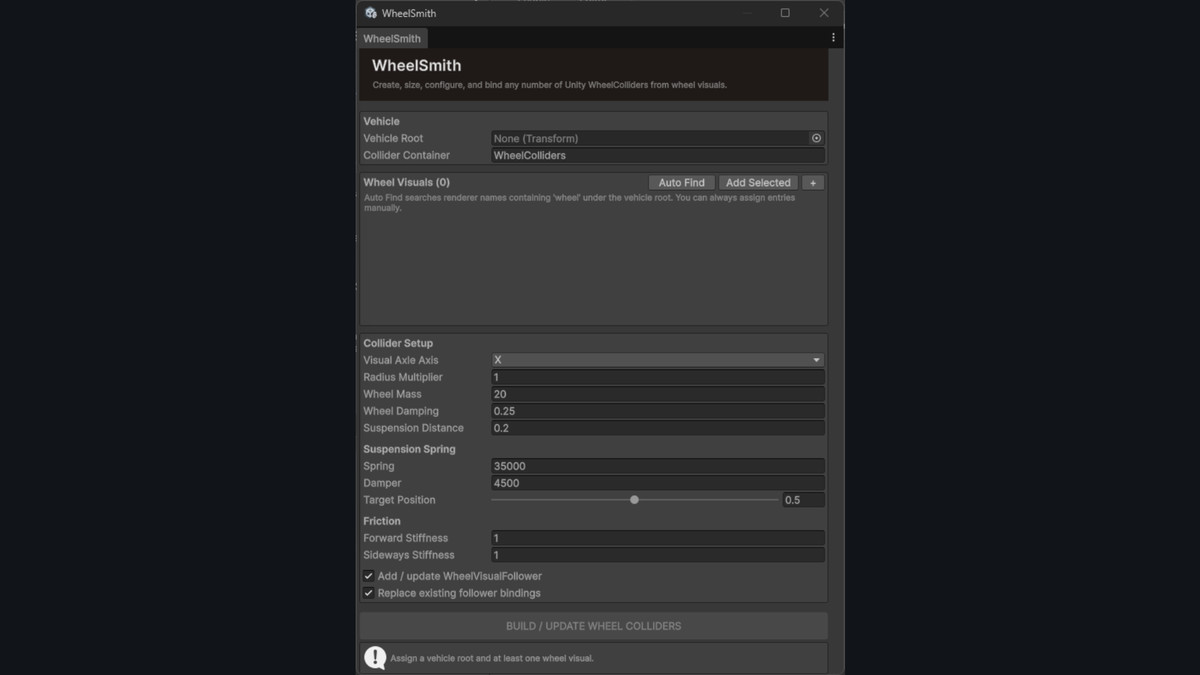
WheelSmith
Set up Unity WheelColliders without manually creating, positioning, and configuring every wheel.
WheelSmith uses your existing wheel meshes to help automate vehicle WheelCollider setup.
It is not restricted to four-wheel vehicles, making it useful for everything from small cars to trucks and unusual vehicle configurations.
Features include:
- Automatic WheelCollider creation
- Unlimited wheel support
- Automatic wheel positioning
- Automatic radius calculation
- Automatic wheel mesh discovery
- Manual wheel assignment
- X, Y, and Z wheel axle support
- Wheel mass configuration
- Wheel damping configuration
- Suspension distance
- Suspension spring
- Suspension damper
- Suspension target position
- Forward friction configuration
- Sideways friction configuration
- Update existing generated WheelColliders
- Automatic Wheel Visual Follower setup
- Preserve imported wheel orientation
- Support for off-center wheel pivots
- Undo and Redo support
- Scrollable and resizable Editor interface
The included Wheel Visual Follower can synchronize wheel meshes with Unity's WheelCollider simulation, including steering, suspension movement, and wheel rotation.
Useful for:
- Cars
- Trucks
- Forklifts
- Trailers
- Construction vehicles
- Six-wheel vehicles
- Eight-wheel vehicles
- Sci-fi vehicles
- Custom vehicle configurations
WheelSmith handles WheelCollider setup and visual synchronization while leaving the actual vehicle controller and driving logic up to you.
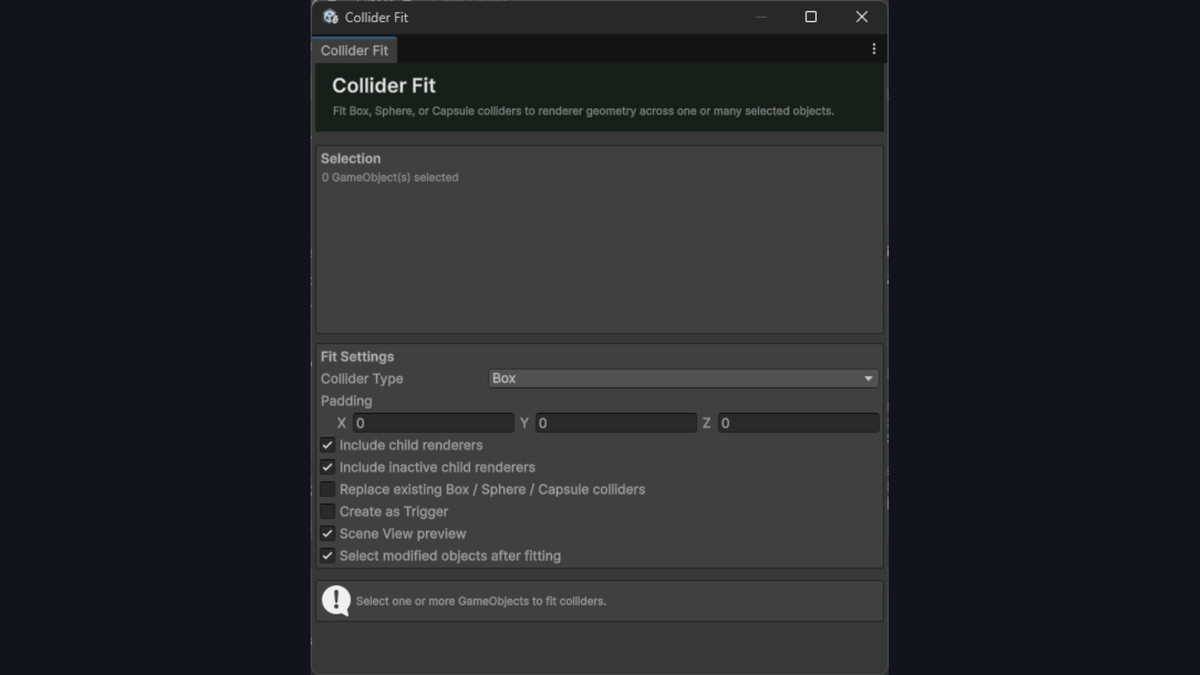
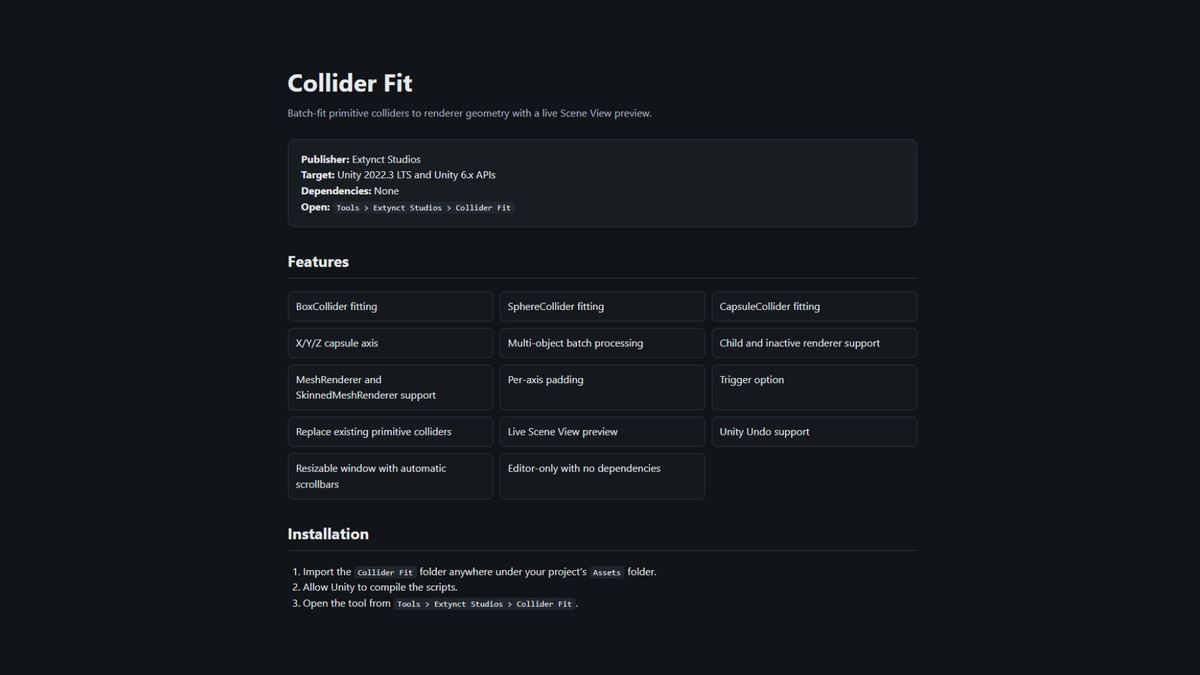
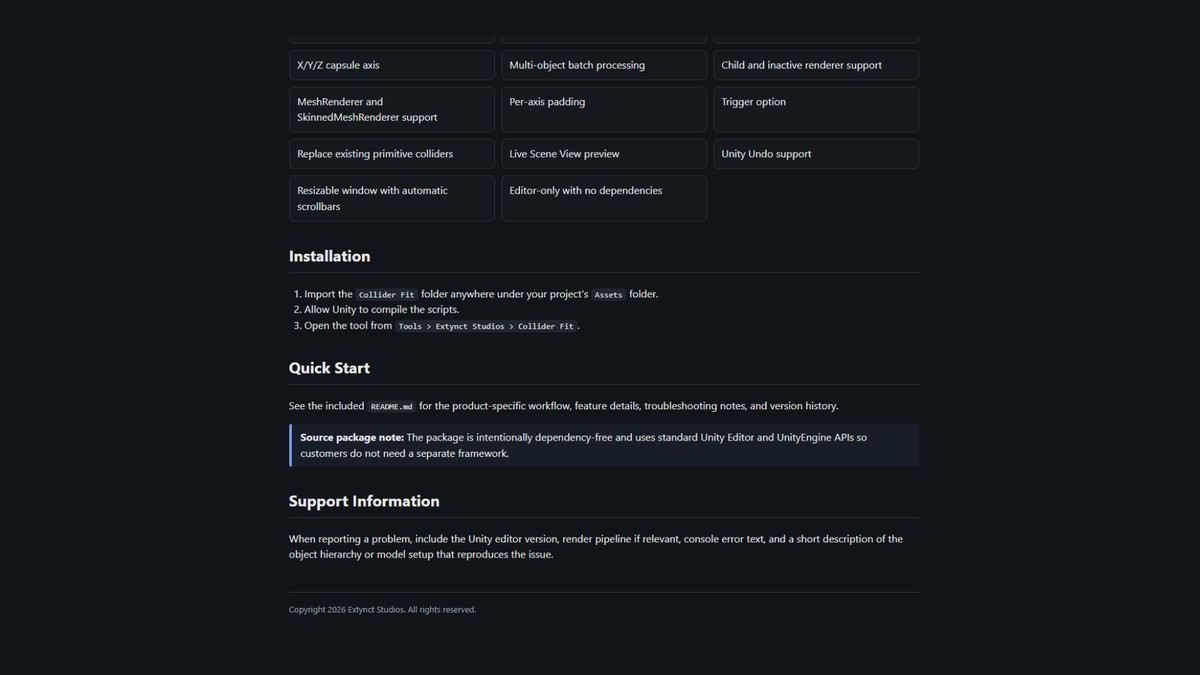
Collider Fit
Automatically create fitted primitive colliders around selected GameObjects.
Collider Fit calculates collider dimensions from your rendered geometry, helping eliminate repetitive manual collider resizing.
Supported collider types:
- Box Collider
- Sphere Collider
- Capsule Collider
Capsule Colliders can be aligned along the X, Y, or Z axis.
Features include:
- Automatic collider fitting
- Box Collider generation
- Sphere Collider generation
- Capsule Collider generation
- X, Y, and Z capsule orientation
- Multi-object batch processing
- Child renderer support
- Optional inactive child support
- Mesh Renderer support
- Skinned Mesh Renderer support
- Per-axis padding
- Automatic collider center calculation
- Trigger collider option
- Replace existing primitive colliders
- Live Scene View preview
- GameObject menu integration
- Undo and Redo support
- Scrollable and resizable Editor interface
Collider Fit is useful for quickly processing:
- Environment props
- Imported asset packs
- Modular level pieces
- Furniture
- Rocks
- Containers
- Character components
- Destructible objects
- Prototype models
- Prefab libraries
Built for Practical Unity Workflows
Each tool in Extynct Editor Essentials is designed around a specific workflow instead of trying to replace Unity's entire Editor.
Open the tool you need, complete the repetitive setup work, and continue developing.
The tools can help reduce the time spent on tasks such as:
- Setting up materials after importing textures
- Searching through hundreds of character blend shapes
- Configuring WheelColliders for vehicles
- Creating primitive colliders for imported models
- Batch processing multiple GameObjects
- Repeating common Editor setup operations
Four Tools in One Package
Extynct Editor Essentials includes:
1. Multi Texture Material Creator
Automatically create and configure materials from texture sets.
2. BlendShape QuickEdit
Search, organize, and edit character blend shapes.
3. WheelSmith
Automatically configure Unity WheelColliders and wheel visuals.
4. Collider Fit
Automatically create fitted primitive colliders.
Whether you're developing characters, vehicles, environments, or props, the collection provides several utilities that can be used throughout a project's development.
Easy to Use
The tools are designed around straightforward Editor workflows with:
- Dedicated Editor windows
- Resizable interfaces
- Scrollable layouts
- Clear controls
- Undo and Redo integration where applicable
- No complicated project setup
No Large Framework Required
Extynct Editor Essentials focuses on lightweight workflow utilities rather than introducing a large gameplay framework into your project.
Use the tools when you need them and continue working with your existing systems.
Compatibility
Designed for modern Unity projects, including Unity 6.
Multi Texture Material Creator is intended for Universal Render Pipeline projects.
The remaining Editor utilities are designed to work independently of a specific gameplay framework.
Save Time Across Your Project
A few seconds of repetitive setup quickly becomes minutes or hours across a full game project.
Extynct Editor Essentials is built to remove some of that repetition with four focused Unity development utilities in one package.
Create materials faster.
Edit blend shapes faster.
Set up vehicles faster.
Fit colliders faster.
Spend less time configuring assets and more time building your game.
No dependencies
From the publisher's Asset Store listing.
Compatibility
| Unity version | Built-in | URP | HDRP | Custom |
|---|---|---|---|---|
| 6000.3.10f1 | Compatible | Compatible | Compatible | Compatible |
Multi Texture Material Creator (URP) - Editor Tool is URP ONLY All the other assets can be used in any pipeline even custom ones.
As listed on the Asset Store.