
 View on Asset Store (opens in new tab)
Package details
- Latest version
- 1.0.1
- Last updated
- First released
- Unity version
- 6000.3.10 or later
- Package size
- 8 KB
- Files
- 5
- Views in the past week
- 5
Price tracking
- Last checked
- Tracked since
- Lowest recorded
- $4.99 on
Keywords
BlendShape QuickEdit
Take control of complex blend shapes without fighting the default Unity inspector.
Affiliate link · Purchases support this site
Price history
Last 6 months
USDAsset preview
1 / 3
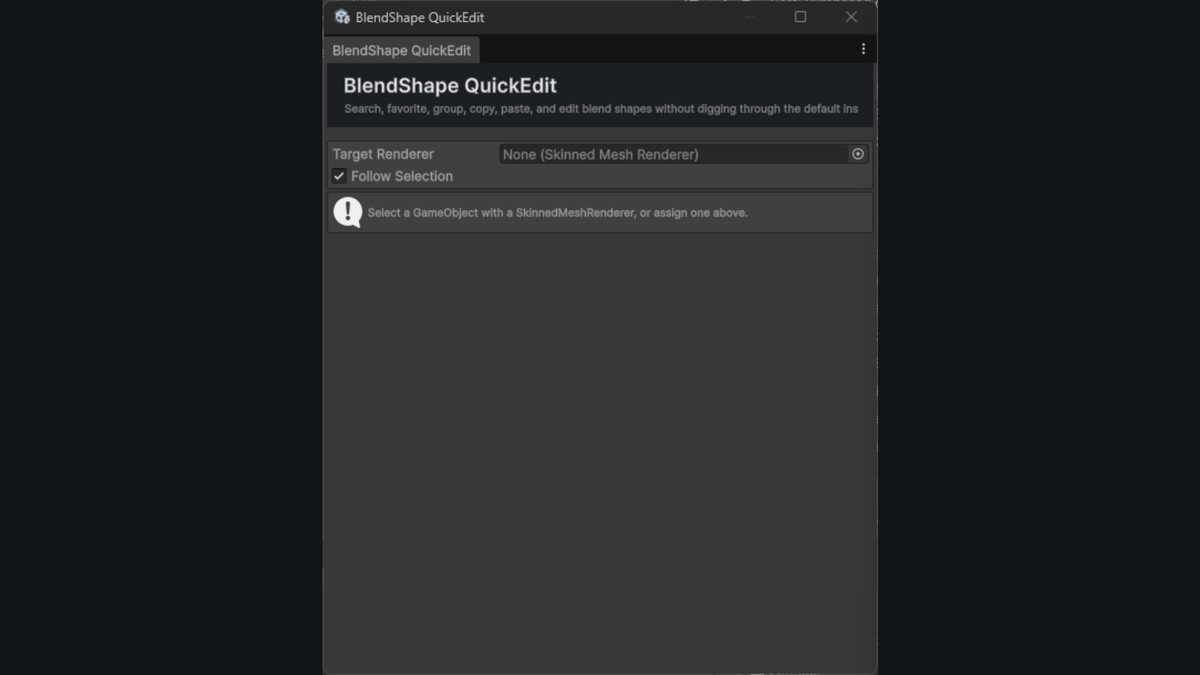
BlendShape QuickEdit screenshot 1
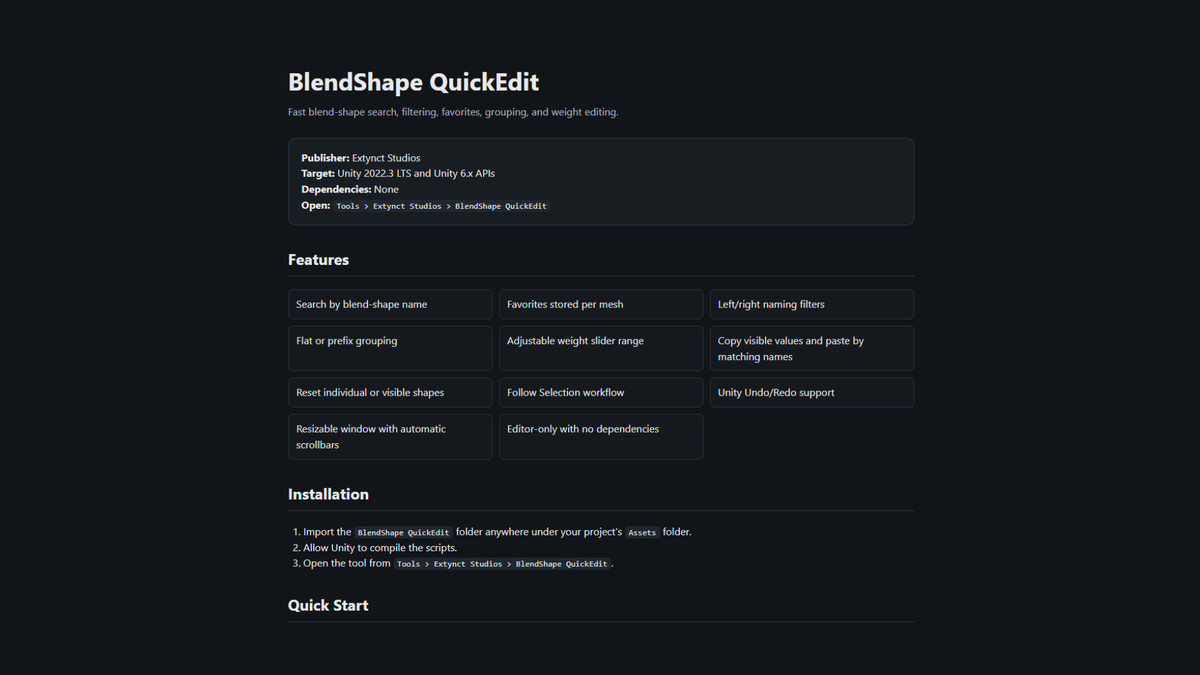
About this asset
BlendShape QuickEdit
Take control of complex blend shapes without fighting the default Unity inspector.
BlendShape QuickEdit is a focused Unity Editor extension designed to make working with Skinned Mesh Renderer blend shapes faster and easier.
Whether you're editing facial expressions, character customization, eye controls, phonemes, corrective shapes, or large character rigs, BlendShape QuickEdit gives you a searchable and organized interface for managing blend-shape values.
Instead of scrolling through long lists of sliders, quickly find the exact blend shape you need and make adjustments from a dedicated Editor window.
Features
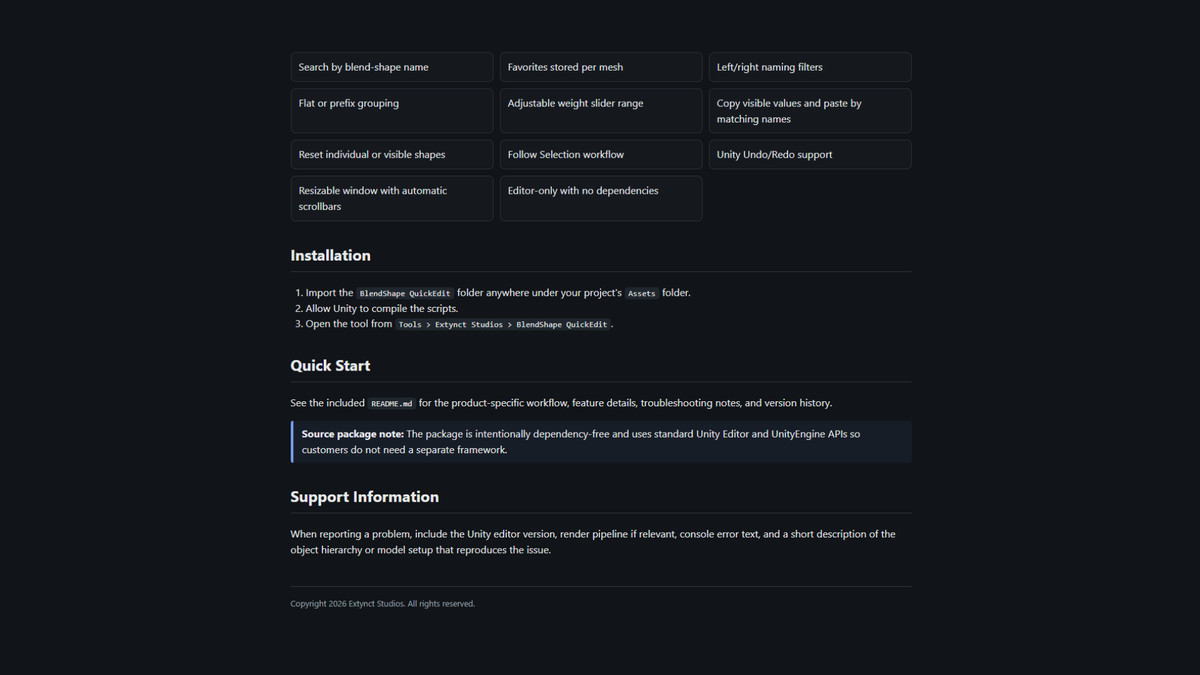
- Search blend shapes instantly by name
- Edit blend-shape weights with responsive sliders
- Favorite frequently used blend shapes
- Filter left and right blend shapes
- Automatically group shapes using naming prefixes
- Adjustable blend-shape weight range
- Reset individual blend shapes
- Reset all currently visible blend shapes
- Copy and paste blend-shape values by name
- Follow the currently selected Skinned Mesh Renderer
- Undo and Redo support
- Scrollable and resizable Editor interface
- Skinned Mesh Renderer context-menu shortcut
- Clean custom Editor styling
- No third-party dependencies
- No runtime overhead
Great For
BlendShape QuickEdit is useful for:
- Character creators
- Facial animation
- Eye and eyelid controls
- Lip-sync setup
- Expression editing
- Character customization
- Corrective blend shapes
- VR avatars
- NPC creation
- Large character rigs
Simple Workflow
- Select a GameObject containing a Skinned Mesh Renderer.
- Open BlendShape QuickEdit.
- Search or filter the available blend shapes.
- Adjust the values you need.
- Continue working without digging through the standard inspector.
BlendShape QuickEdit is built to stay out of your way and improve one specific workflow: working with blend shapes quickly.
Compatibility
Designed for modern Unity versions, including Unity 6.
No external packages or third-party frameworks are required.
From the publisher's Asset Store listing.
Compatibility
| Unity version | Built-in | URP | HDRP | Custom |
|---|---|---|---|---|
| 6000.3.10f1 | Compatible | Compatible | Compatible | Compatible |
As listed on the Asset Store.