
 View on Asset Store (opens in new tab)
Package details
- Latest version
- 1.0
- Last updated
- First released
- Unity version
- 2022.3.62 or later
- Package size
- 635 KB
- Files
- 36
- Favorites
- 1
- Views in the past week
- 13
Price tracking
- Last checked
- Tracked since
- Lowest recorded
- $19.99 on
Keywords

Interactive Charts & Graphs Toolkit
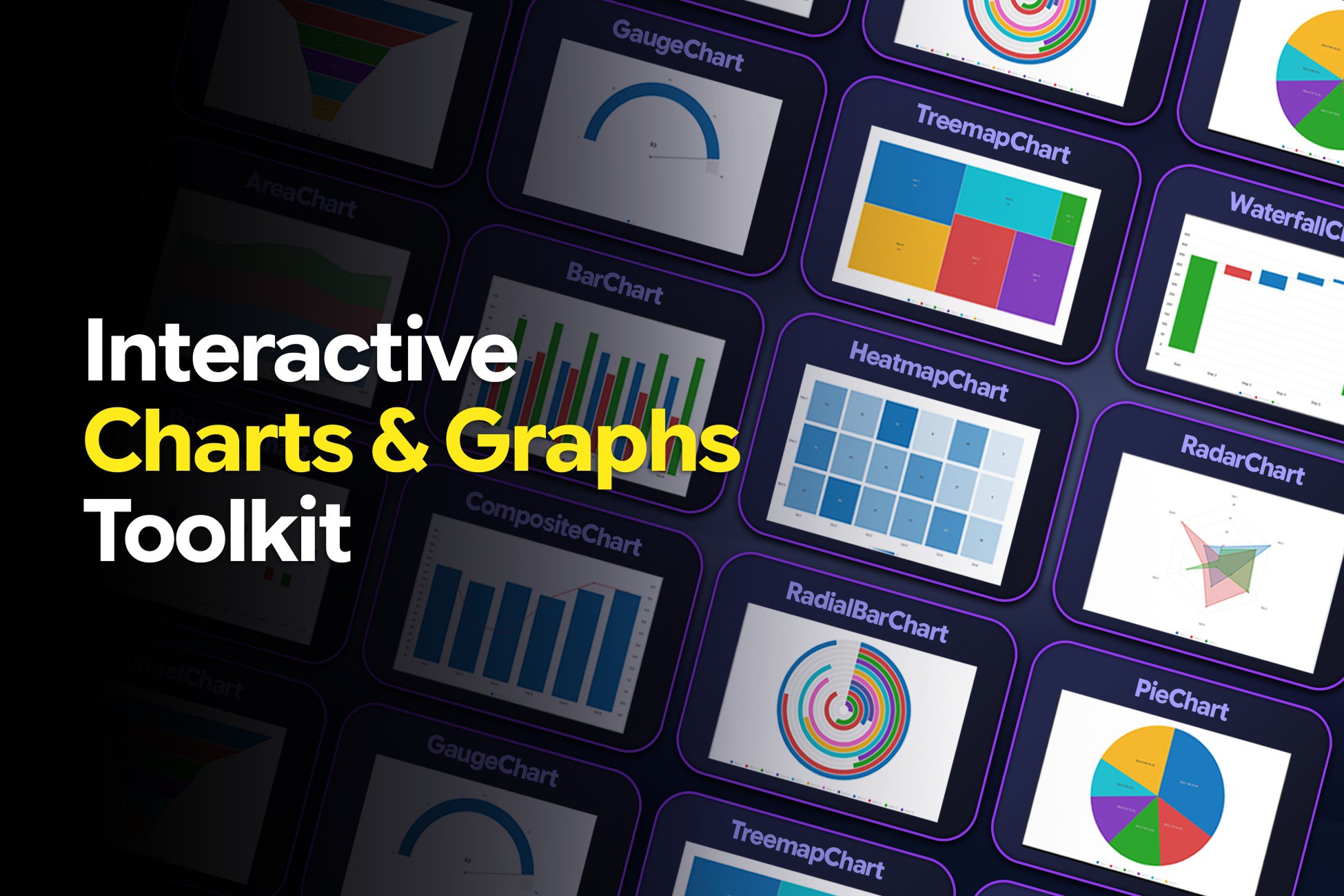
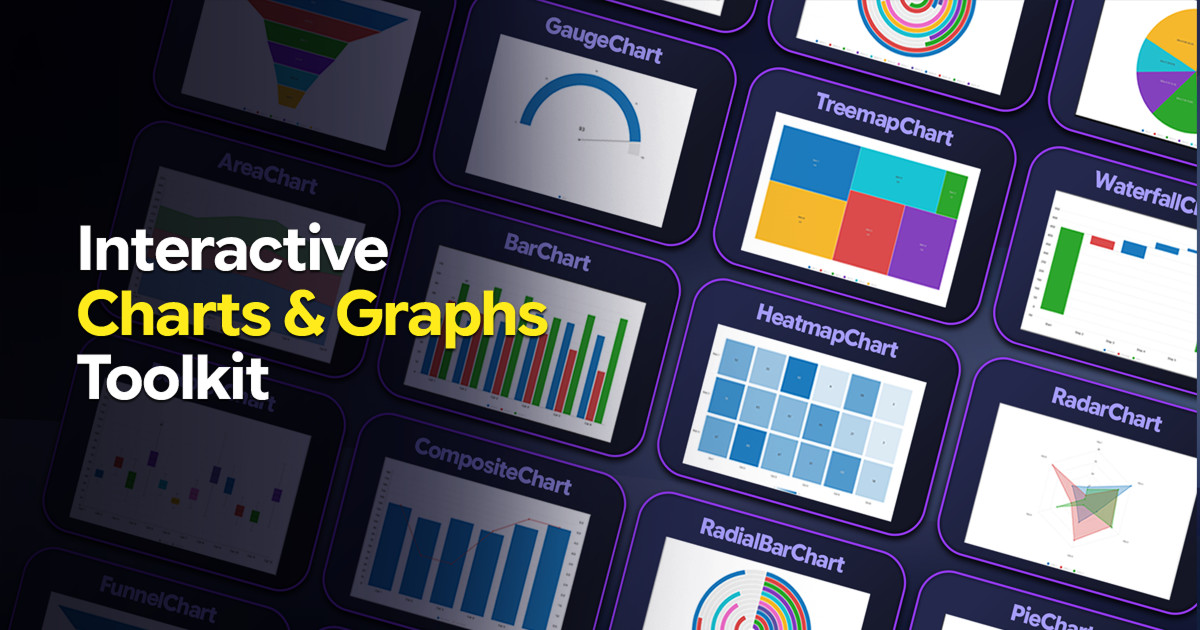
Create polished, animated, interactive charts in Unity UI Toolkit. Choose 16 chart types with runtime APIs or Editor workflows, plus themes, legends, tooltips, hover, labels, and hit-testing.
Affiliate link · Purchases support this site
Price history
Last 6 months
USDAsset preview
1 / 7
Interactive Charts & Graphs Toolkit screenshot 1
About this asset
Build polished, animated, and interactive charts directly inside Unity UI Toolkit with the Interactive Charts & Graphs Toolkit.
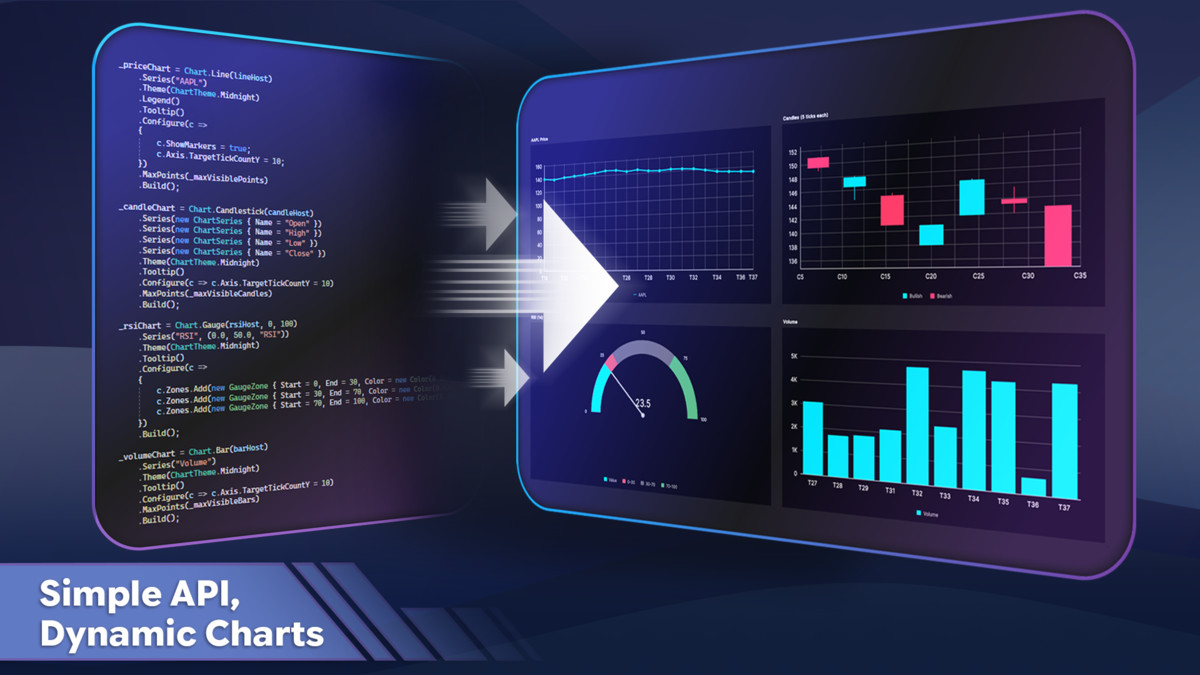
Designed for both developers and designers, the toolkit provides two flexible workflows: create charts through a fluent runtime API in code, or design them visually in the Editor using ChartPreviewAsset and render them at runtime.
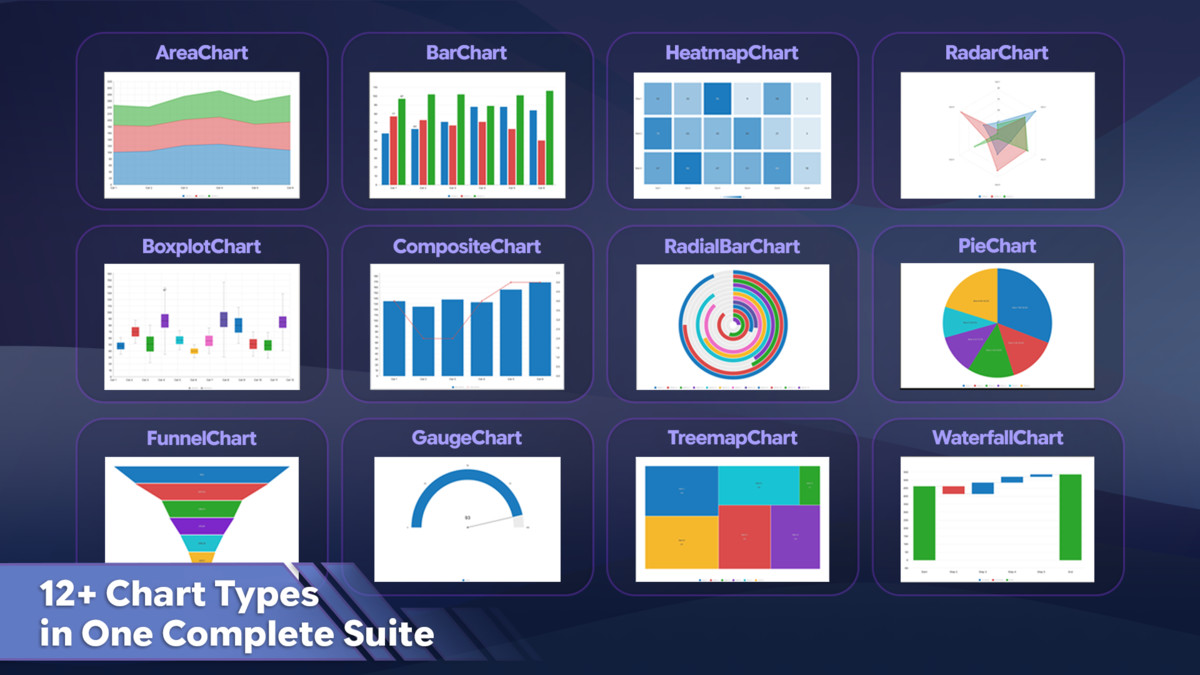
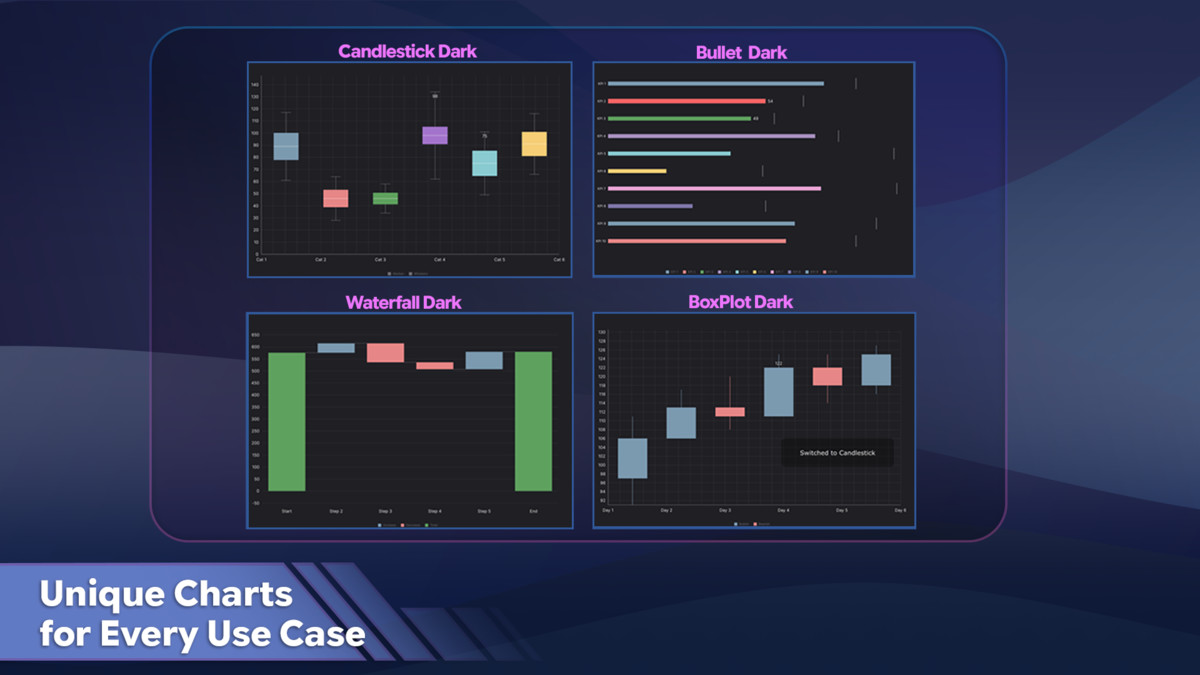
Choose from 16 chart types with shared support for themes, animations, legends, tooltips, hover interactions, value labels, hit-testing, and customizable chart configurations.
Key Features
- 16 interactive chart types
- Code-first Fluent Chart API
- Visual Editor workflow with live preview
- Runtime chart creation and updates
- ChartPreviewAsset workflow
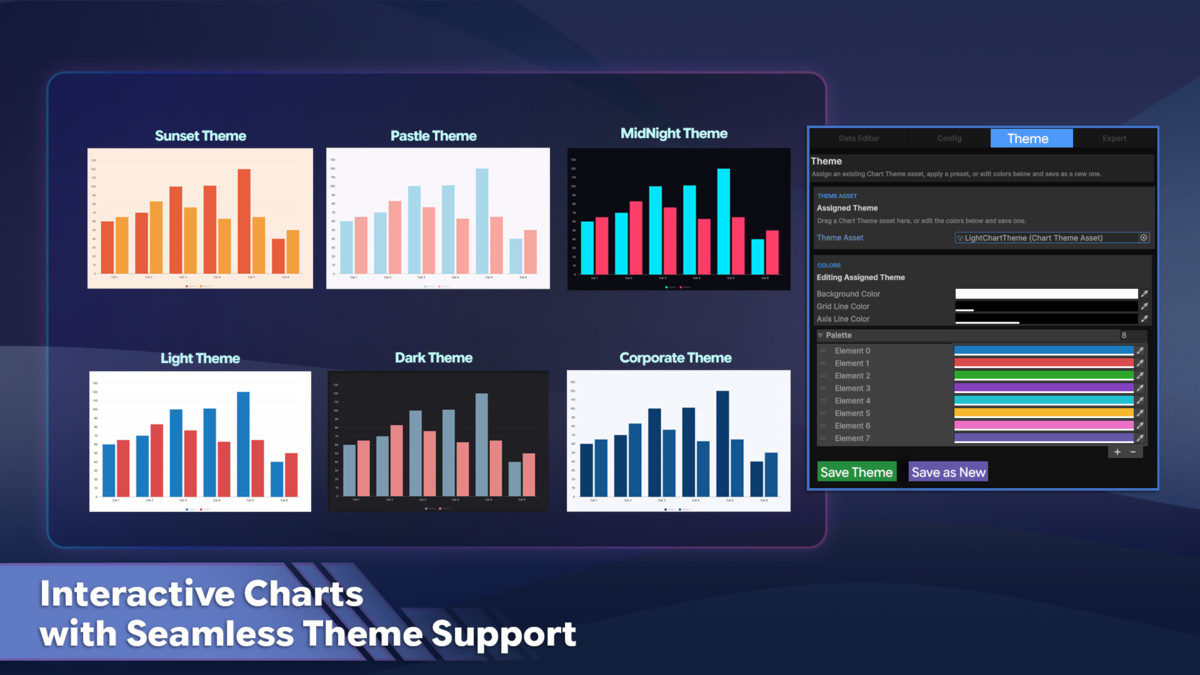
- Custom themes and reusable ChartThemeAsset assets
- Built-in Light, Dark, Pastel, Midnight, Corporate, and Sunset themes
- Animated value transitions
- Interactive hover effects
- Legends with visibility toggling
- Customizable tooltips
- Value labels
- Runtime point addition, updates, replacement, and removal
- Rolling data windows for live charts
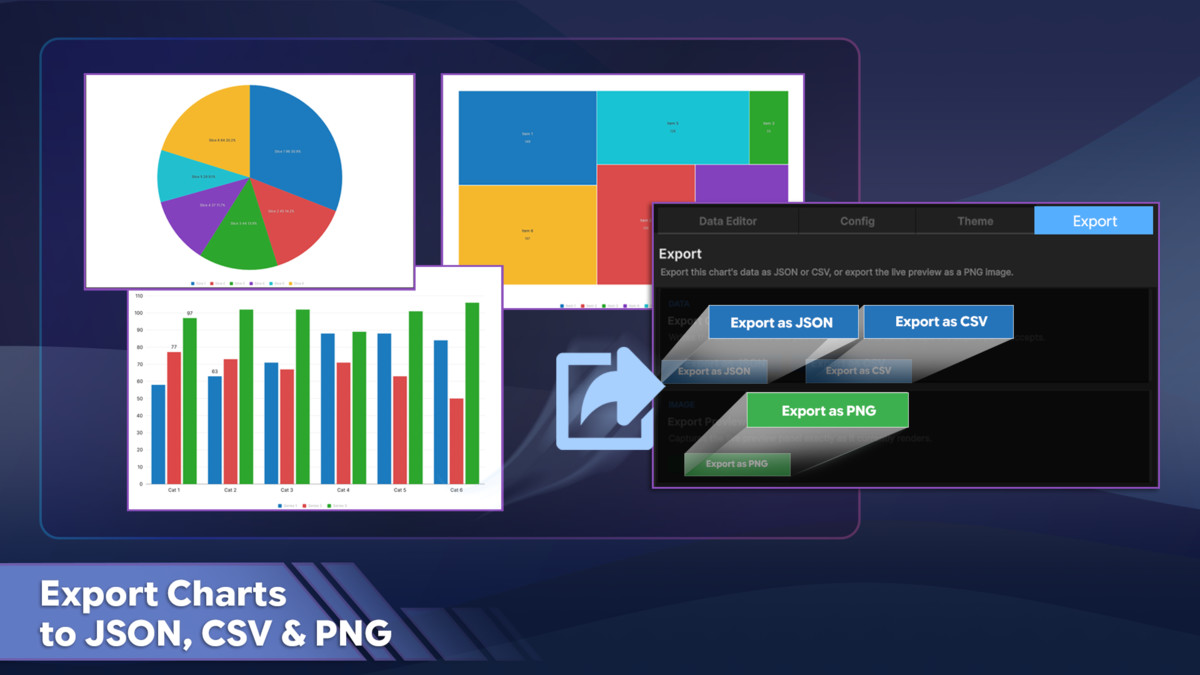
- CSV data import and export
- JSON data import and export
- PNG chart export
- Sample chart assets
- Demo scenes
- Runtime demo scripts
- No third-party dependencies
Included Chart Types
- Line
- Bar
- Area
- Pie
- Radar
- Scatter
- Composite
- Heatmap
- Funnel
- Gauge
- Waterfall
- Treemap
- Candlestick
- Bullet
- Box Plot
- Radial Bar
Editor Workflow
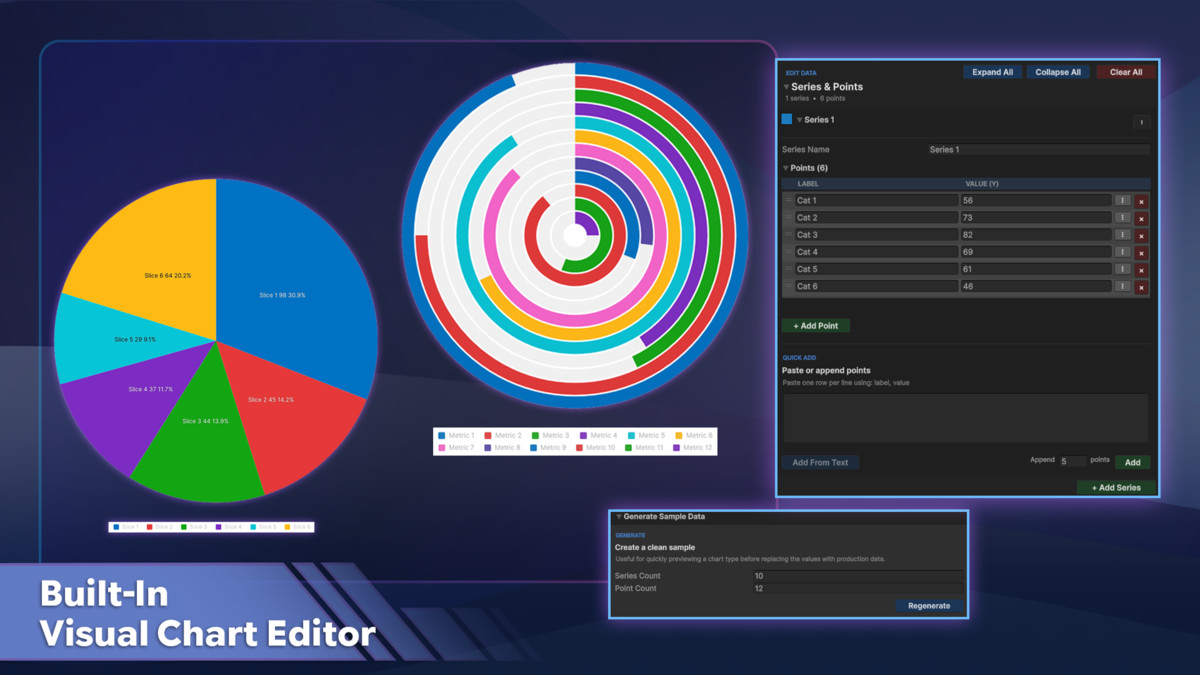
Use the dedicated Interactive Charts & Graphs Toolkit window to build and preview charts without manually creating the chart UI.
The Editor provides:
- Chart type selection
- Data Editor
- CSV / JSON import
- Sample data generation
- Series and point editing
- Chart-specific configuration
- Legend and tooltip configuration
- Theme editing
- Built-in theme presets
- Live chart preview
- JSON / CSV export
- PNG export
- Save and Duplicate workflows for ChartPreviewAsset assets
Runtime Workflow
Create charts directly from code using the fluent Chart API, or render charts that were designed in the Editor through ChartPreviewAsset.CreateElement().
RuntimeChart provides convenient methods for updating live data, including:
- AddPoint
- UpdatePoint
- RemovePointAt
- RemoveLast
- ReplacePoints
- Clear
- Runtime PNG export
This makes the toolkit suitable for live dashboards, telemetry displays, dynamically changing datasets, and other runtime data visualization interfaces.
From the publisher's Asset Store listing.
Technical details
Compatibility & Requirements
- Unity Version: 2022.3 LTS+
- Rendering Backend: Unity UI Toolkit
- UI System: UIDocument / VisualElement
- Runtime Requirement: Active UIDocument with a valid UI Toolkit panel
- Third-Party Dependencies: None
- Dependencies: Unity built-in UI Toolkit only
Framework & Workflow
- Asset Type: Editor & Runtime Framework
- Build Workflows:
- Code-first Fluent Chart API
- Editor-designed ChartPreviewAsset workflow
- Runtime API: Included
- Runtime Chart Updates: Supported
- Live Preview: Included
Data System
- Data Model: ChartDataSource → ChartSeries → ChartDataPoint
- Supported Data Structure: Ordered ChartSeries / ChartDataPoint lists
- Dictionary-Shaped Datasets: Not supported
- Runtime Data Updates: Supported
- Rolling Data / Max Points: Supported
Interaction & Animation
- Animation: Supported
- Easing Modes:
- Linear
- EaseOutCubic
- EaseOutBack
- Hover Interaction: Supported
- Hit Testing: Supported
- Tooltips: Supported
- Legends: Supported
- Value Labels: Supported
- Legend Visibility Toggle: Supported
Themes & Customization
- ChartTheme: Supported
- ChartThemeAsset: Supported
- Custom Theme Editing: Supported
- Built-in Theme Presets: Included
- Per-Series Color Overrides: Supported
- Per-Point Color Overrides: Supported
Data Import & Export
- CSV Import: Supported
- CSV Export: Supported
- JSON Import: Supported
- JSON Export: Supported
- PNG Export: Supported
Editor Tools
- Chart Type Picker: Included
- Data Editor: Included
- Config Editor: Included
- Theme Editor: Included
- Live Preview Panel: Included
- Sample Data Generator: Included
- Quick-Paste / Bulk Data Editing: Included
- Save & Duplicate Chart Assets: Supported
Included Content
- Demo Scenes: 2
- Editable Demo Scripts: 2
- Sample ChartPreviewAsset Files: Included
- Sample ChartThemeAsset Files: Included
- Readme / Help Documentation: Included
Package & Source Code
- Package Format: Precompiled managed assemblies (.dll)
- Unity Asset Formats: ChartPreviewAsset / ChartThemeAsset (.asset)
- Core Source Code: Not included
- Demo Script Source Code: Included (.cs)
Support and Feedback
We value your feedback and are here to help!
Reach out to 300 Mind via our contact page, email us directly, or join our Discord community for support, updates, and discussions.
Our team is ready to help with any questions you might have about setup, implementation, or customization.
Compatibility
| Unity version | Built-in | URP | HDRP | Custom |
|---|---|---|---|---|
| 2022.3.62f3 | Compatible | Compatible | Compatible | Compatible |
As listed on the Asset Store.