
 View on Asset Store (opens in new tab)
Package details
- Latest version
- 1.0
- Last updated
- First released
- Unity version
- 2022.3.62 or later
- Package size
- 10.0 MB
- Files
- 17
- Views in the past week
- 5
Price tracking
- Last checked
- Tracked since
- Lowest recorded
- $9.00 on
Keywords
Snailfish
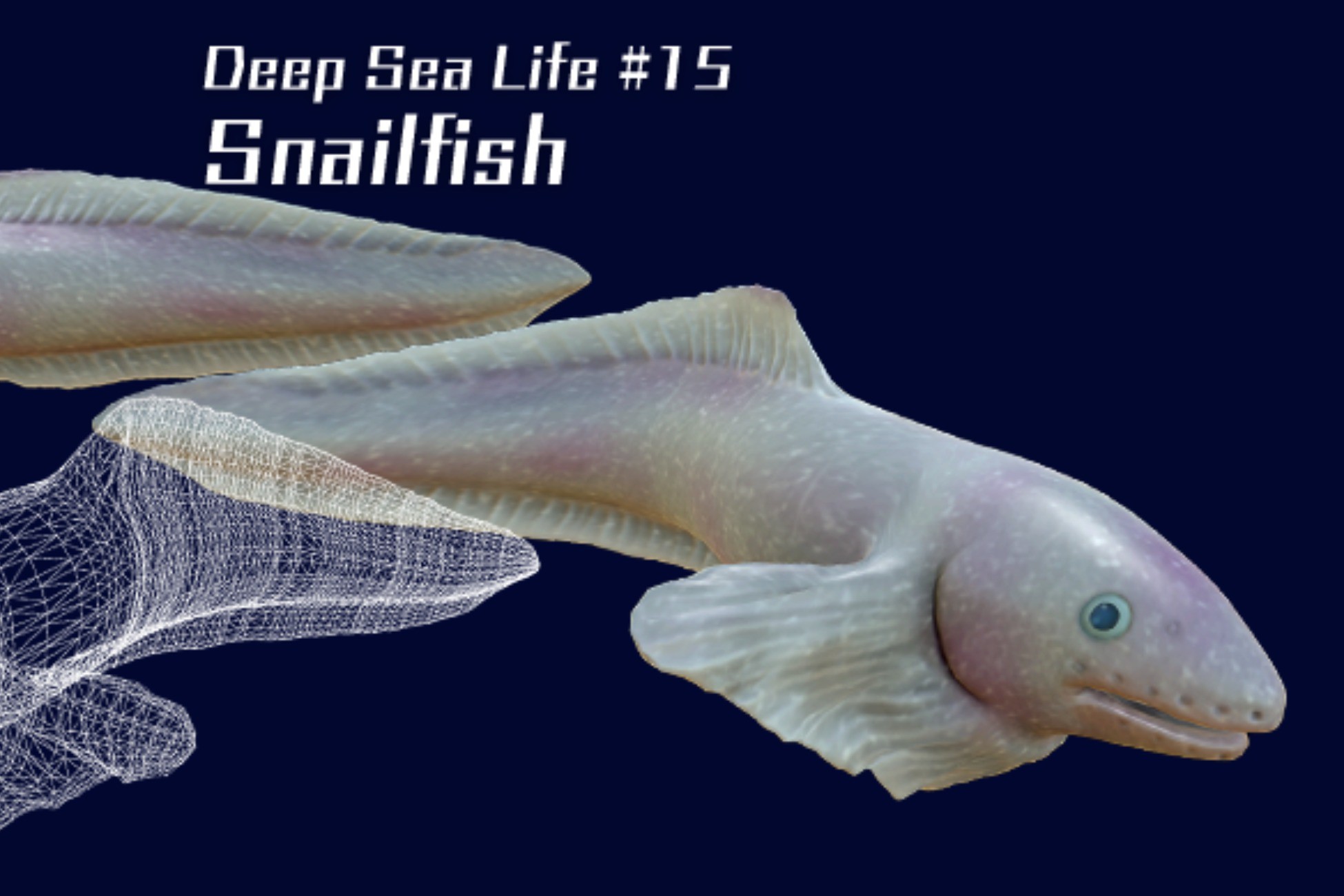
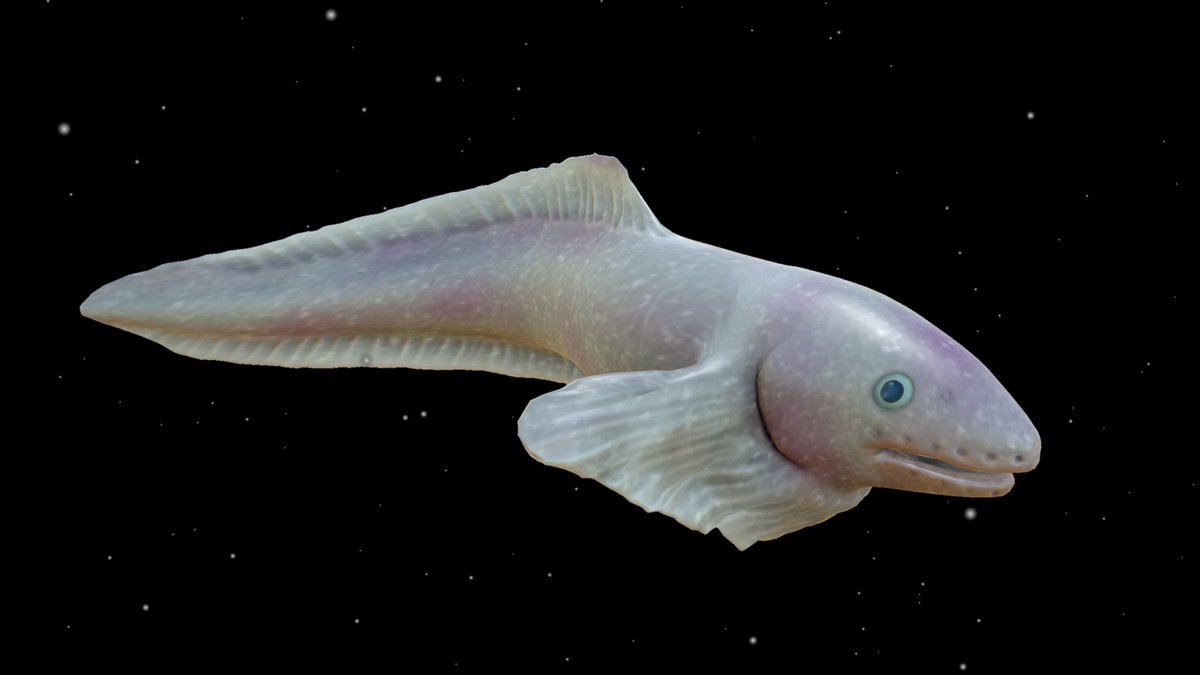
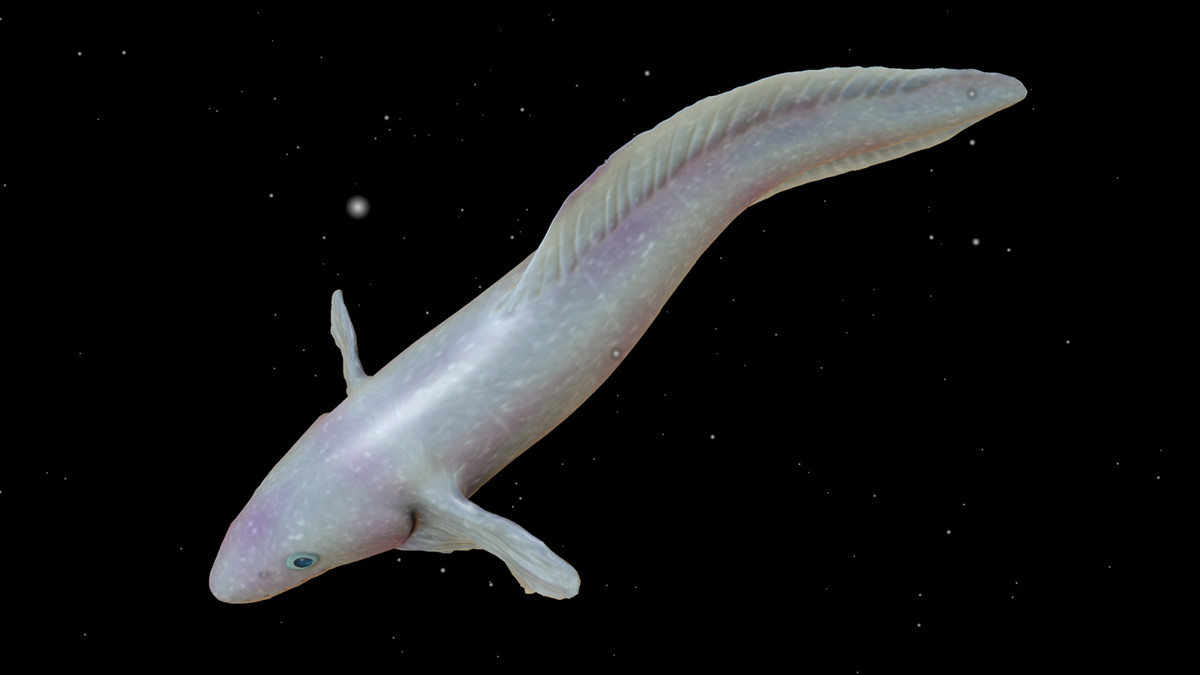
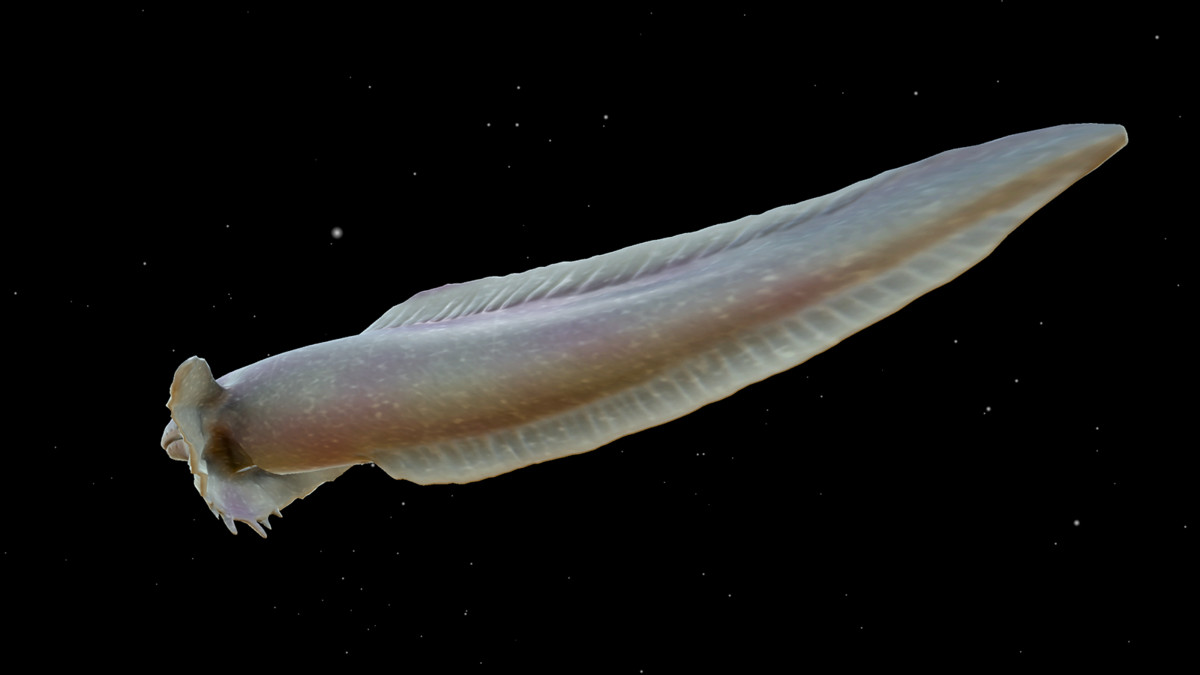
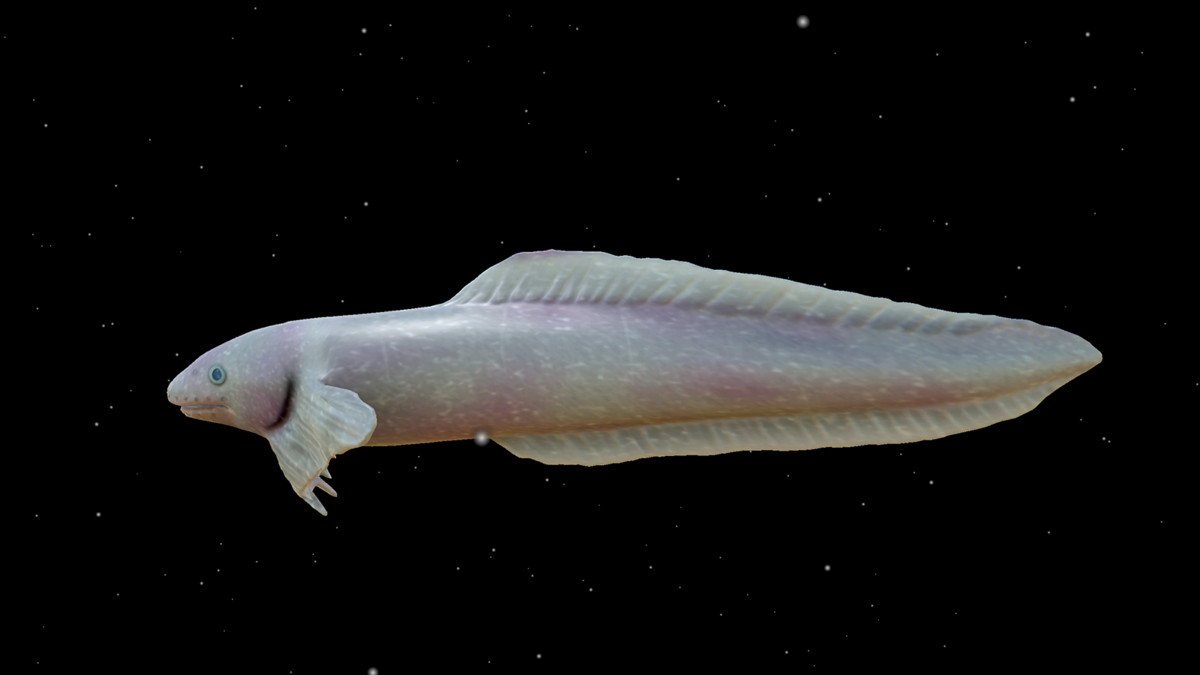
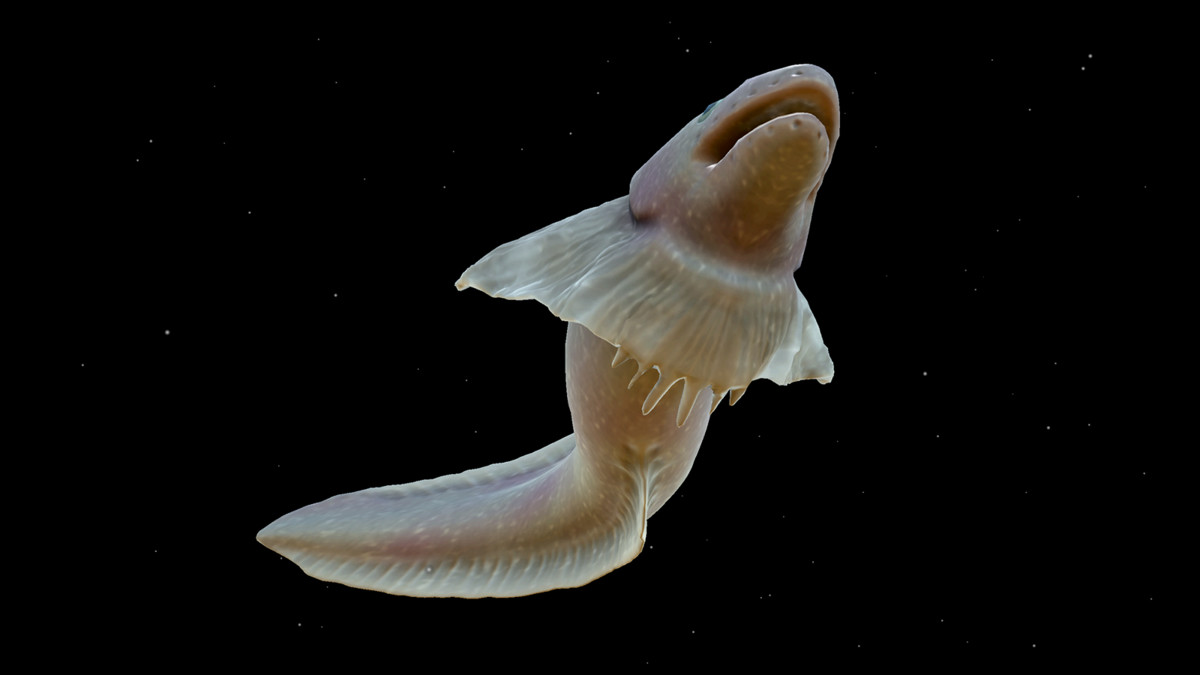
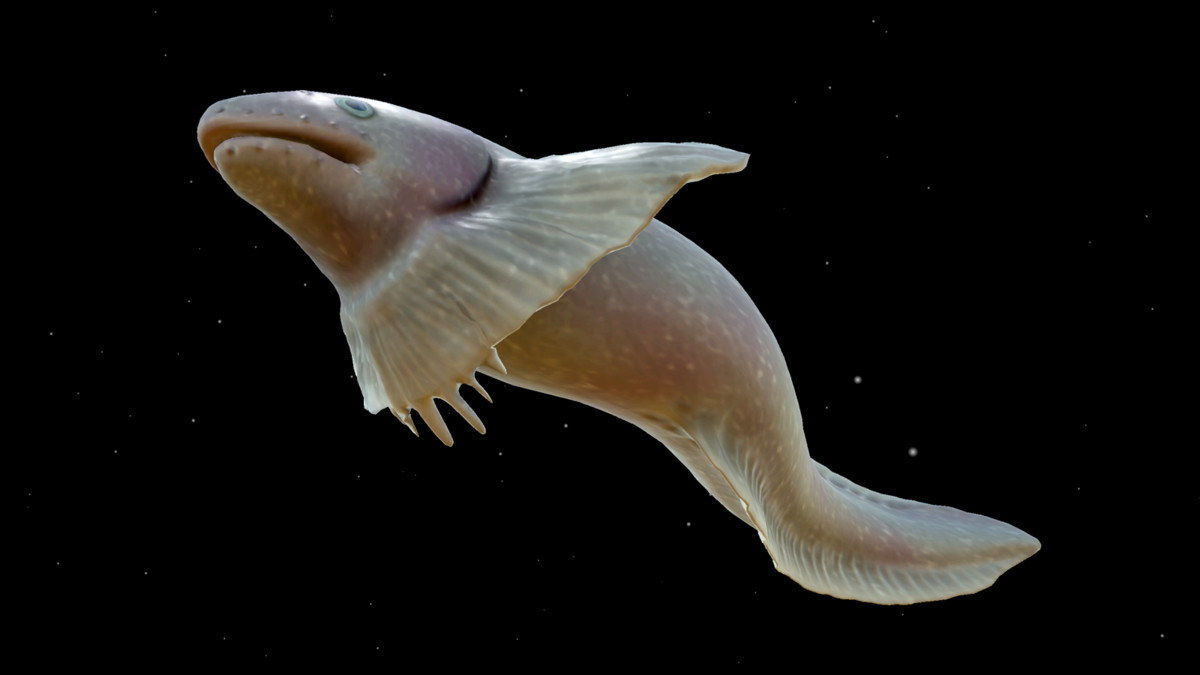
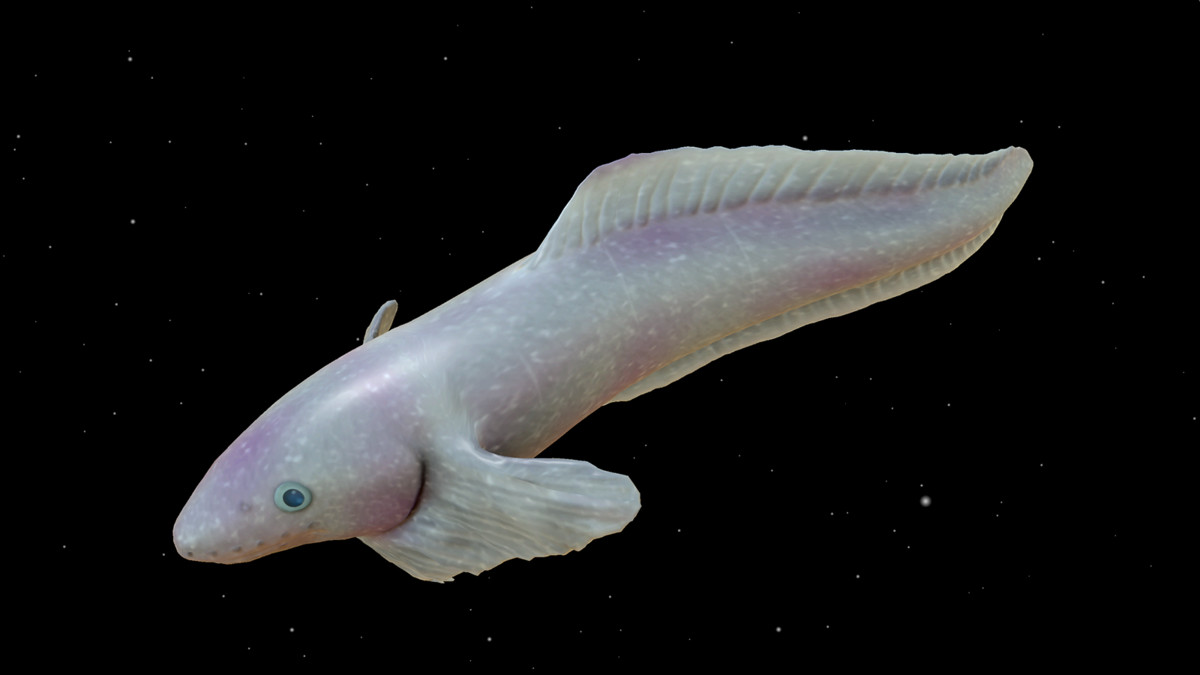
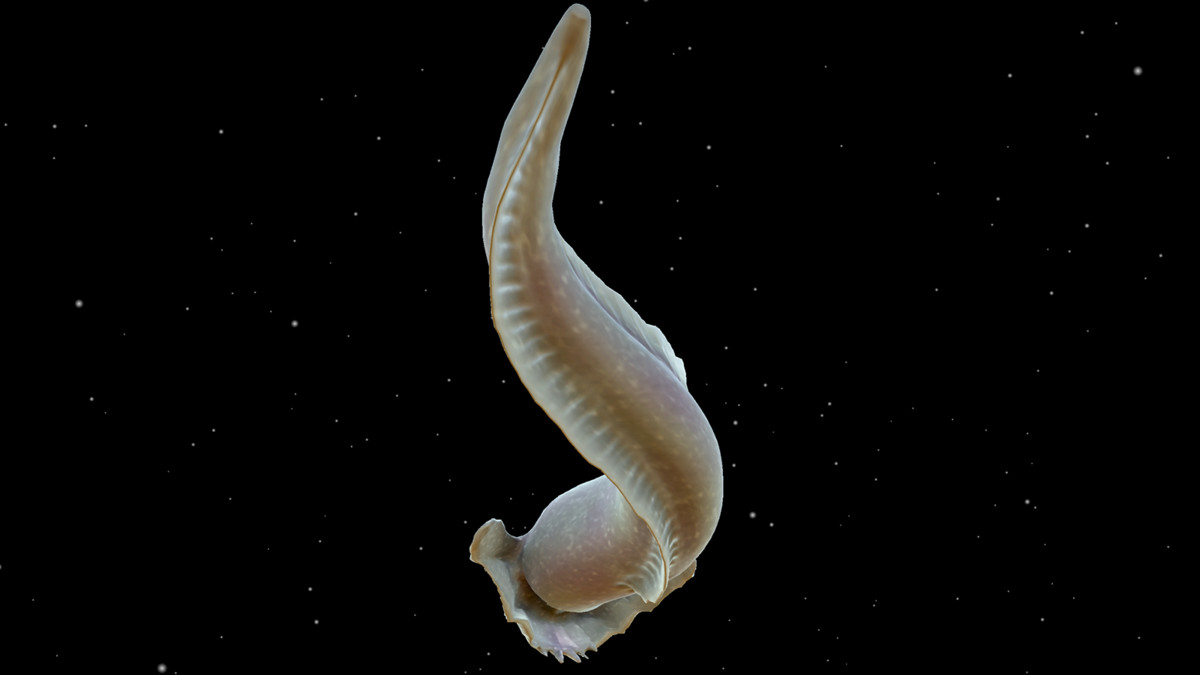
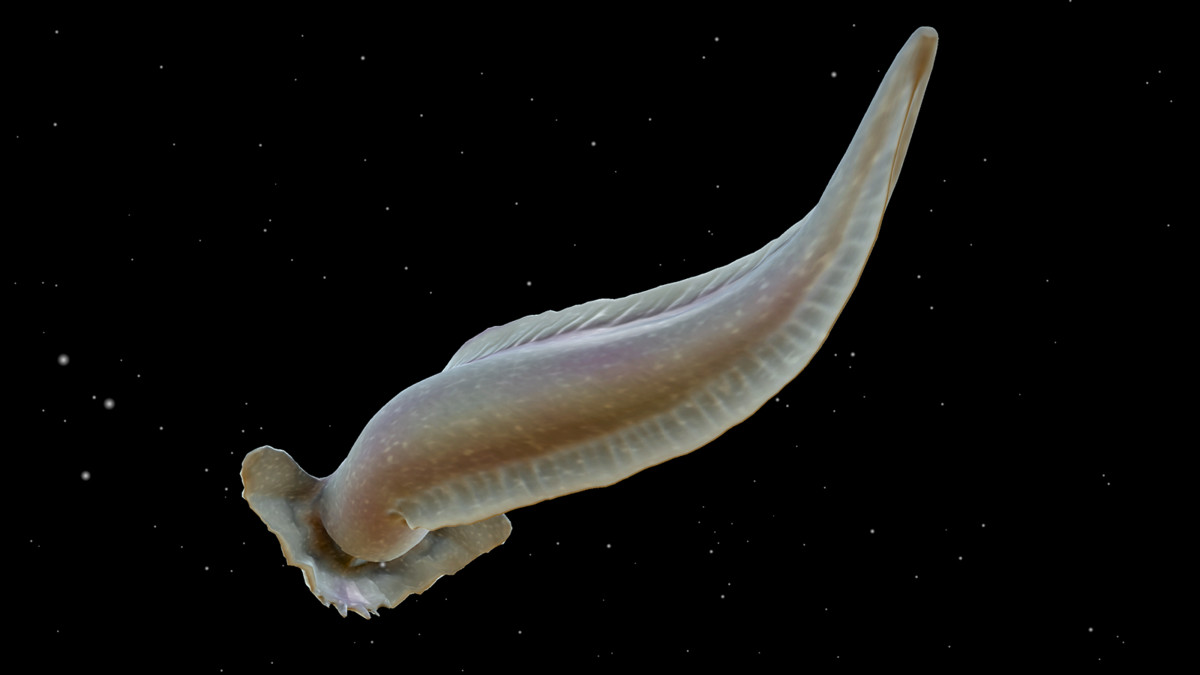
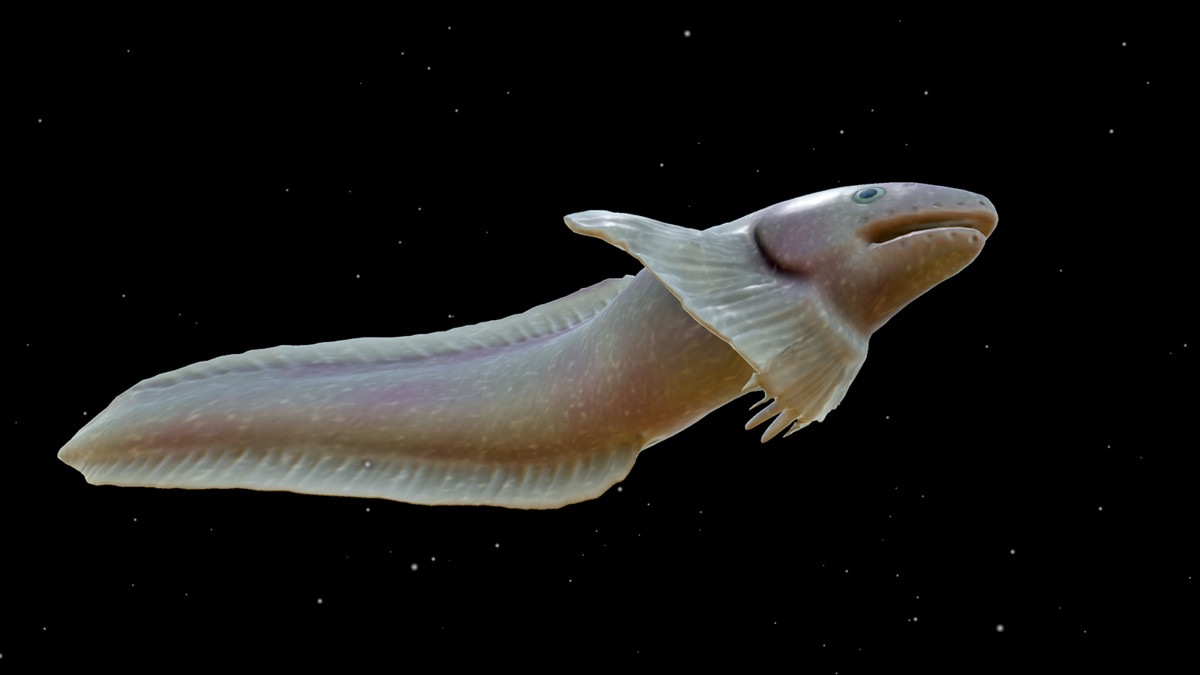
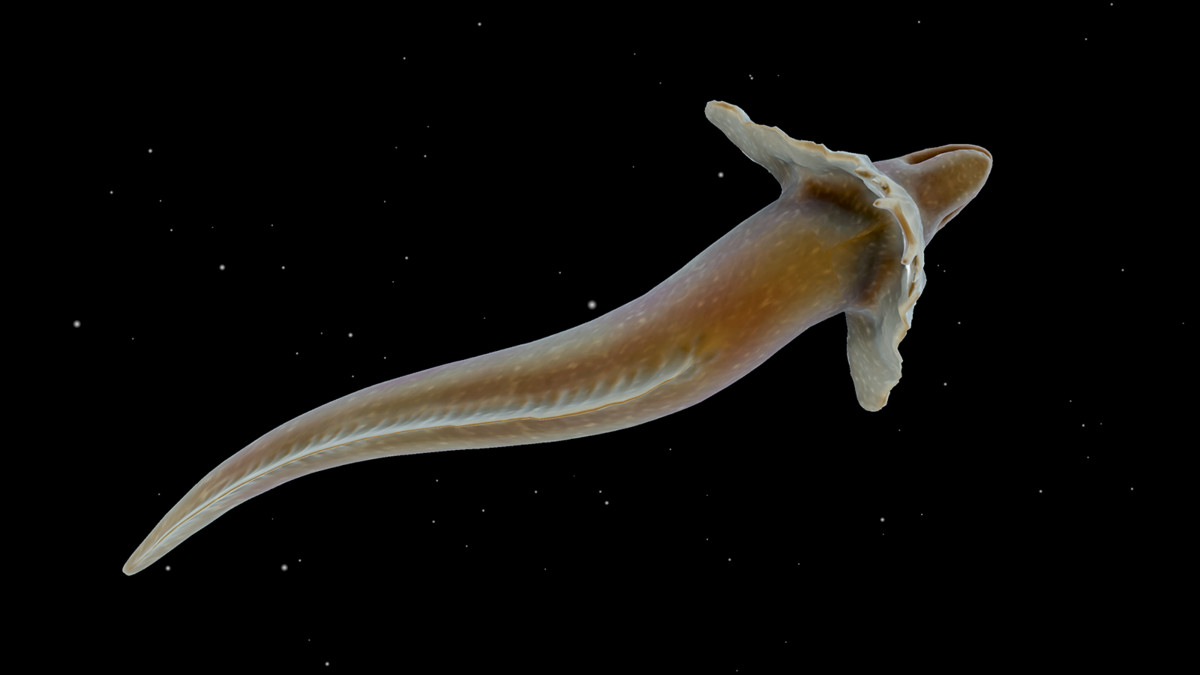
This asset contains a fully animated and textured 3D model of a Snailfish, a deep-sea creature.
Affiliate link · Purchases support this site
Price history
Last 6 months
USDAsset preview
1 / 13
Snailfish screenshot 1
About this asset
This package includes a fully animated and textured 3D model suitable for deep-sea scenes and projects that require unique or unusual creatures.
It is designed for use in game development, cinematic production, and VR/AR projects, offering realistic surface details and animations that help create immersive underwater environments.
Three levels of LOD are included, enabling performance optimization across a wide range of hardware configurations.
Requirements:
- Unity 2022.3.62f2 or later
- Universal Render Pipeline (URP) package
Important:
Please install Universal RP before importing this asset package.
Supported Render Pipeline:
- Universal Render Pipeline (URP)
Not supported:
- Built-in Render Pipeline
- High Definition Render Pipeline (HDRP)
Installation:
For Unity 6 URP template projects, no additional Render Pipeline
configuration should be necessary.
1. Open Window > Package Manager.
2. Select Unity Registry.
3. Install Universal RP.
4. Import this asset package.
5. Open Edit > Project Settings > Graphics.
6. Assign the following asset to Default Render Pipeline:
Settings/Snailfish_URP_Asset
7. Open Edit > Project Settings > Quality.
8. If a Render Pipeline Asset is assigned to the active Quality Level,
assign Settings/Snailfish_URP_Asset there as well, or remove the override.
9. Open the Demo Scene.
The Demo Scene may appear pink until the URP Asset is assigned.
From the publisher's Asset Store listing.
Technical details
Render Pipeline Compatibility:
- Universal Render Pipeline (URP)
Unity Version:
- Unity 2022.3 LTS or later
- Tested with Unity 2022.3.62f2 with Universal RP installed
- Tested with Unity 6000.0.68f1 URP project
Not Supported:
- Built-in Render Pipeline
- High Definition Render Pipeline (HDRP)
Graphics API:
- DirectX 11 or later
Scripting API Compatibility:
- .NET Standard 2.0
Textures:
- Number of textures: 4
- Texture dimensions: 2048 x 2048
- Albedo map: 2048 x 2048
- Normal map: 2048 x 2048
- Specular map: 2048 x 2048
- Occlusion map: 2048 x 2048
Geometry:
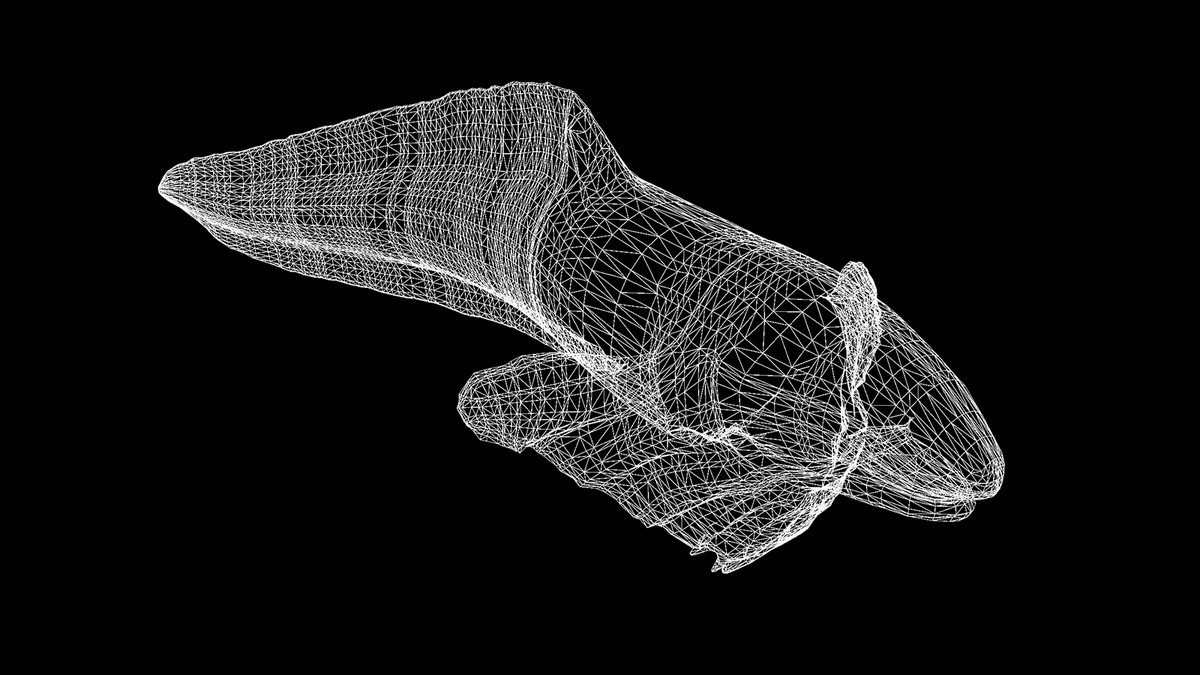
- Minimum polygon count: 1,930 tris
- Maximum polygon count: 20,016 tris
- Minimum vertex count: 967 verts
- Maximum vertex count: 10,010 verts
- Number of meshes/prefabs: 1
- LOD levels: 3
Rigging and Animation:
- Rigging: Yes
- Animation system: Skeletal animation
- Animation count: 2
- Animation clips:
- swim1
- swim2
- Animation type:
- In-Place
UV:
- UV mapping: Yes
Materials and Shaders:
- URP-compatible materials included
- Universal Render Pipeline/Lit
- Universal Render Pipeline/Unlit
- Built-in Render Pipeline materials are not supported
Compatibility
| Unity version | Built-in | URP | HDRP |
|---|---|---|---|
| 2022.3.62f2 | Not listed | Compatible | Not listed |
This asset requires Universal Render Pipeline (URP). Install the Universal RP package before importing.
For Unity 2022.3, assign Settings/Snailfish_URP_Asset to:
Edit > Project Settings > Graphics > Default Render Pipeline
The Demo Scene may appear pink until URP is configured. Built-in Render Pipeline and HDRP are not supported.
As listed on the Asset Store.