
 View on Asset Store (opens in new tab)
Package details
- Latest version
- 1.0.1
- Last updated
- First released
- Unity version
- 6000.3.21 or later
- Package size
- 19 KB
- Files
- 6
- Views in the past week
- 3
Price tracking
- Last checked
- Tracked since
- Lowest recorded
- $20.00 on
Keywords

Active Game View PRO
Select and transform scene objects straight through the Game View camera: a move/rotate/scale gizmo over the Game View, colliderless picking, camera pan/zoom/dolly and a multi-camera cycler.
Affiliate link · Purchases support this site
Price history
Last 6 months
USDAsset preview
1 / 5
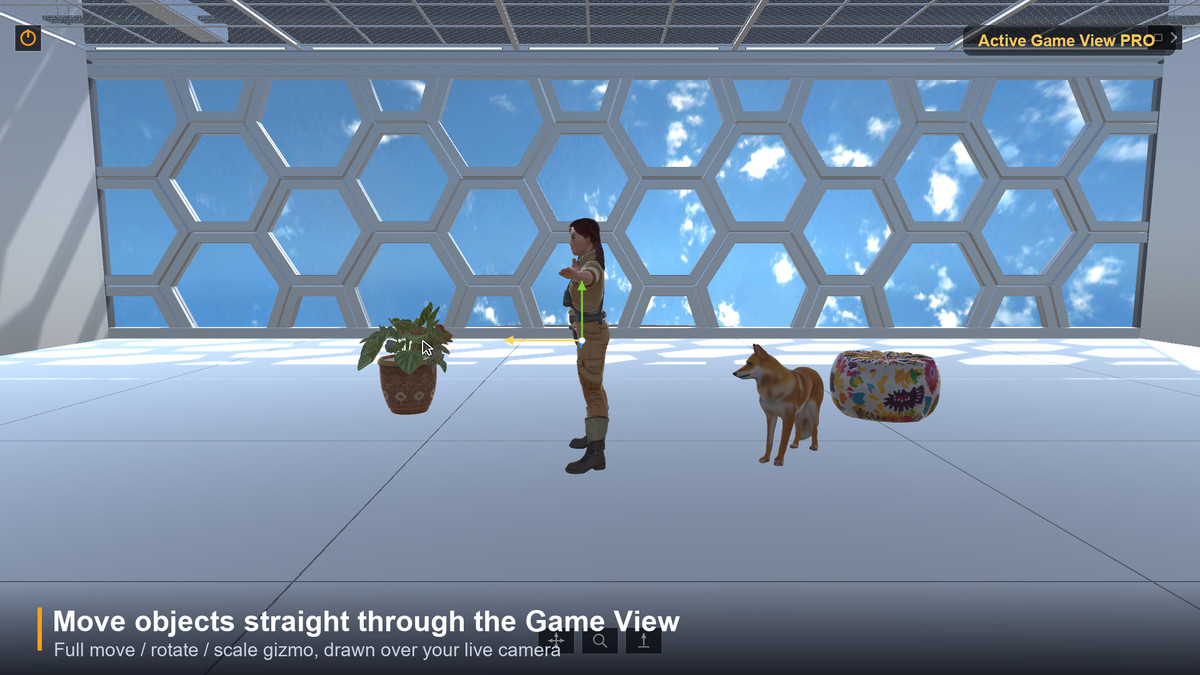
Active Game View PRO screenshot 1
About this asset
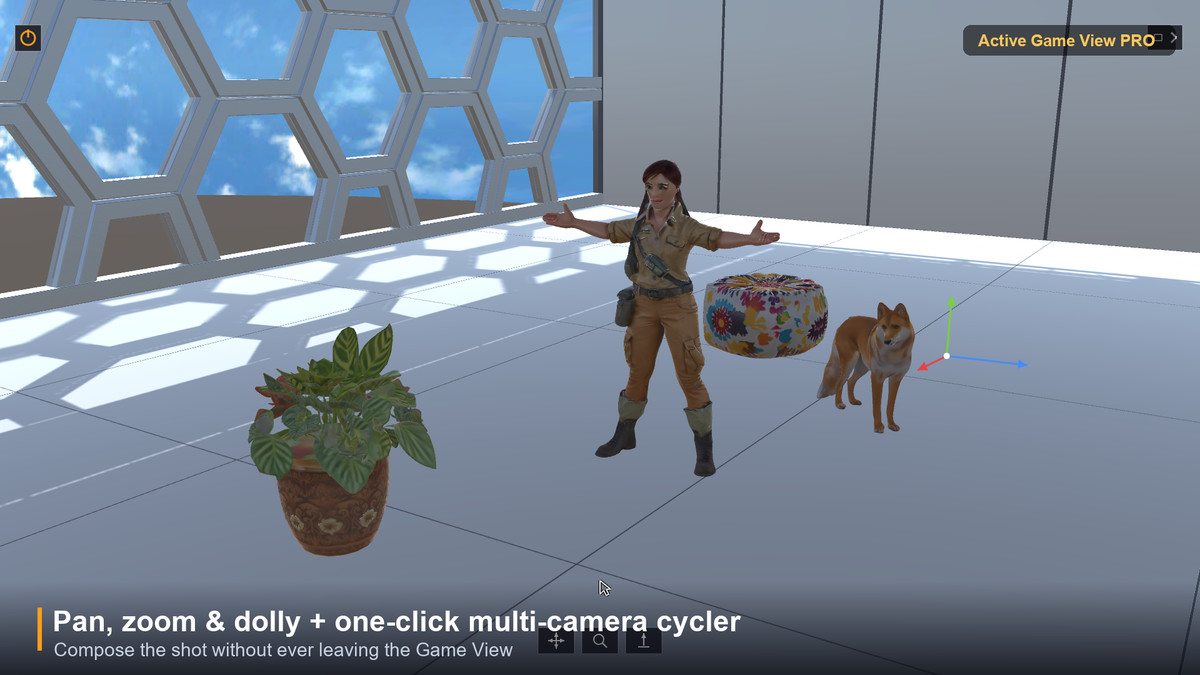
Active Game View PRO brings the editor's transform tools INTO the Game View, so you can compose shots, place props and tune your scene while looking through the exact camera your player sees — no jumping back to the Scene view.
SELECT THROUGH THE CAMERA
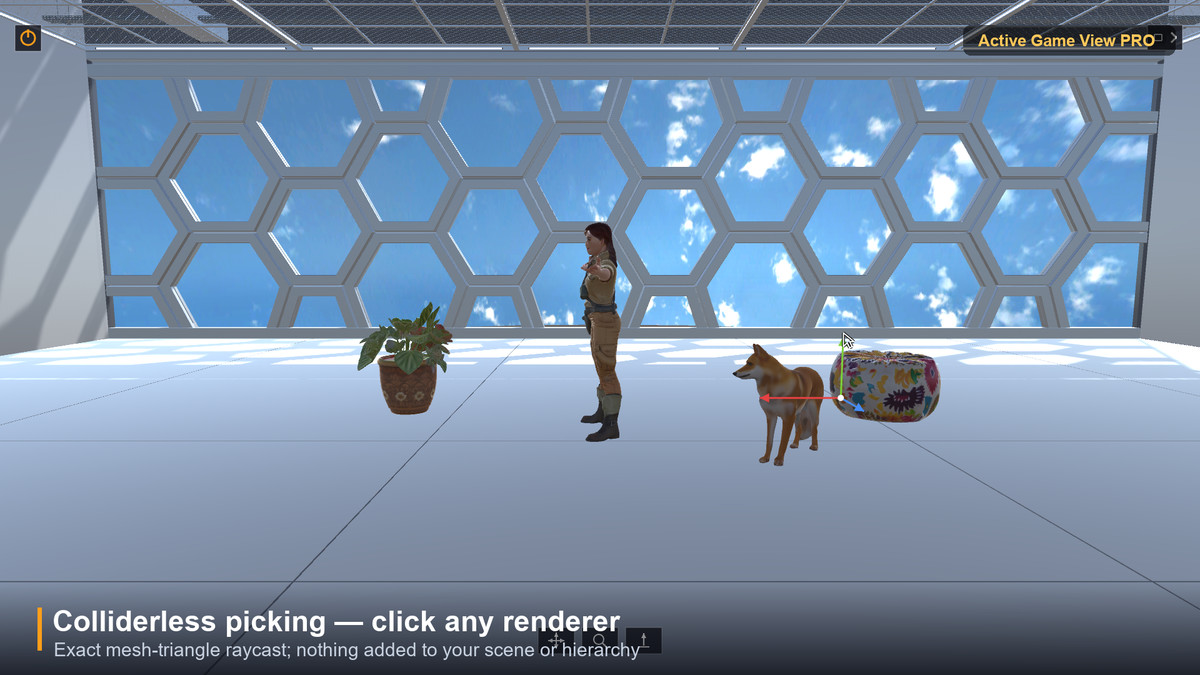
Click to pick any renderer — even objects with NO colliders (exact mesh-triangle raycast; skinned meshes supported). Selection is the tool's own: nothing is added to your scene or hierarchy, and the Scene view is never touched.
EDITOR-STYLE GIZMO, IN THE GAME VIEW
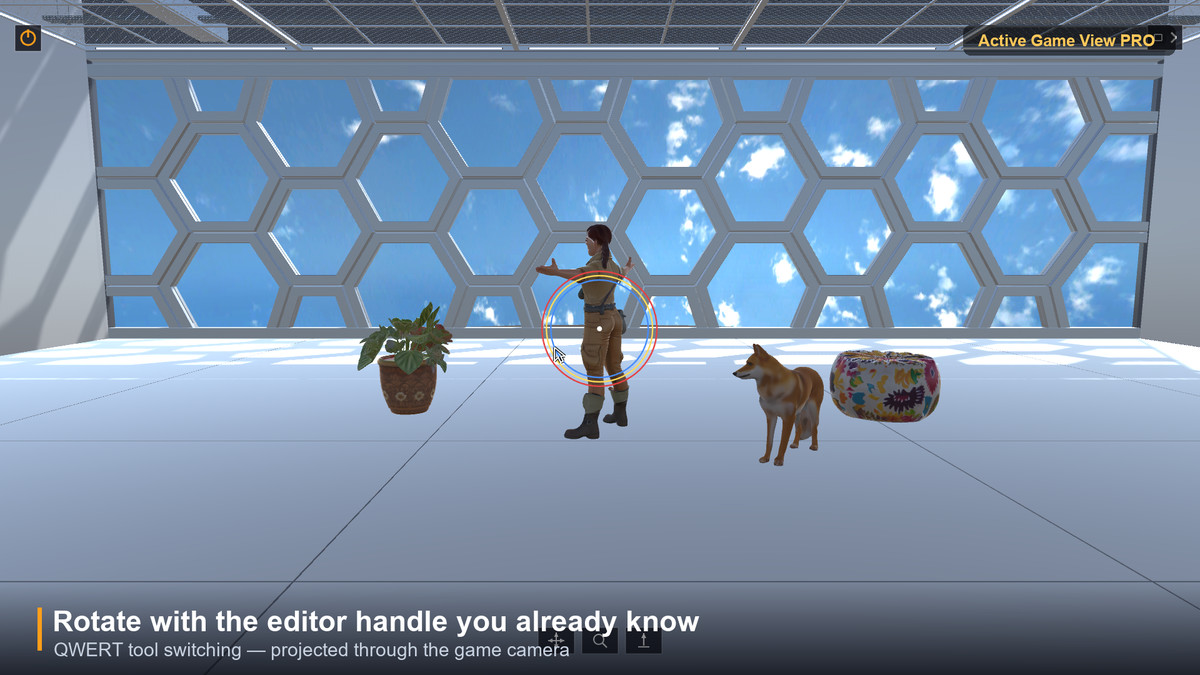
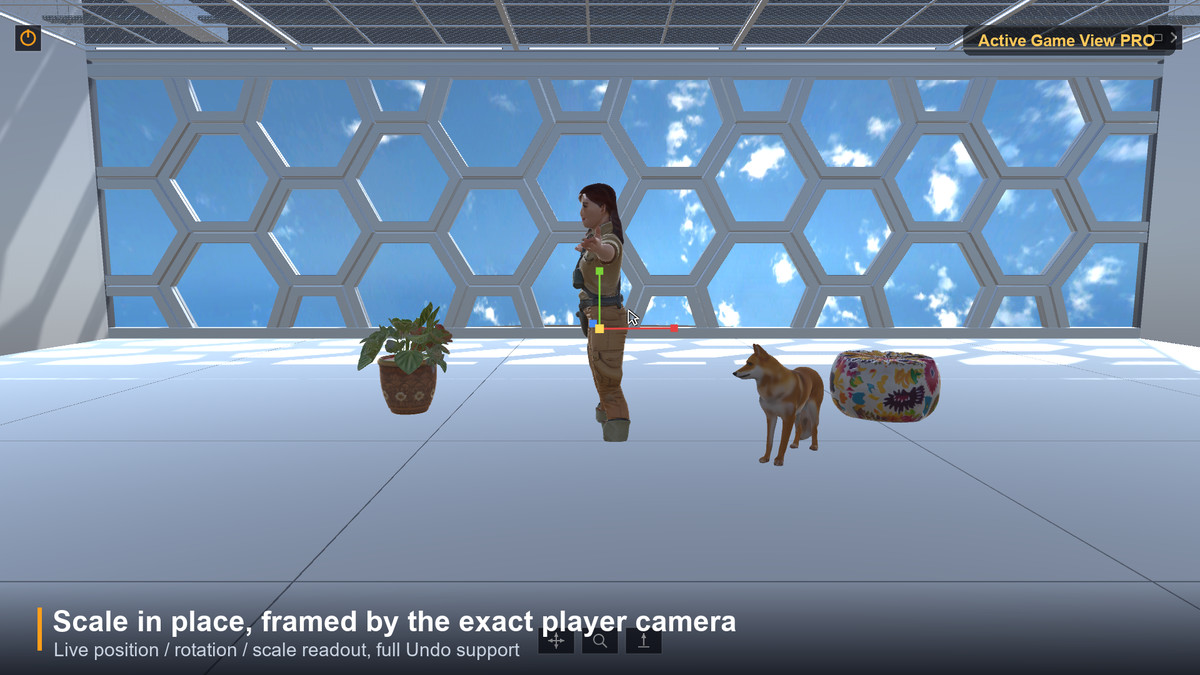
Move (W), Rotate (E), Scale (R), View (Q) — the handles and dragging you already know, projected through the game camera. A live transform readout shows position / rotation / scale, with full Undo support.
FRAME THE SHOT
Icon pads at the bottom of the frame pan, zoom (FOV) and dolly the active camera. The camera button cycles the MainCamera tag across all cameras in your scene, so you can flip viewpoints without leaving the Game View.
SAFE & CLEAN
A power toggle arms or disarms input capture, so the overlay never hijacks your game's input in Play mode unless you want it to. Deselect and the whole overlay disappears. Editor-only: no runtime component, no build footprint.
Works with the Built-in, URP and HDRP render pipelines — the overlay lives in the editor UI layer, independent of your render pipeline.
From the publisher's Asset Store listing.
Technical details
Editor-only extension (single Editor asmdef). Menu: Window > Active Game View PRO. Attaches a UIElements overlay to Game View windows; a power toggle arms input capture. Colliderless picking via Moller-Trumbore ray-triangle intersection (skinned meshes baked). Move / Rotate / Scale gizmos drawn in the editor GUI layer, mapped through the active game camera; QWERT switching; full Undo. Camera pan / zoom / dolly pads and a MainCamera-tag cycler. No runtime scripts, no scene or prefab changes, no third-party dependencies. Works with Built-in, URP and HDRP.
Compatibility
| Unity version | Built-in | URP | HDRP |
|---|---|---|---|
| 6000.6.7f1 | Compatible | Compatible | Compatible |
| 6000.3.21f1 | Compatible | Compatible | Compatible |
As listed on the Asset Store.