
 View on Asset Store (opens in new tab)
Package details
- Latest version
- 1.1.0
- Last updated
- First released
- Unity version
- 6000.3.20 or later
- Package size
- 1.5 MB
- Files
- 325
- Favorites
- 12
- Views in the past week
- 9
Price tracking
- Last checked
- Tracked since
- Lowest recorded
- $9.99 on
Keywords

Hierarchical Finite State Machine
A production-oriented Hierarchical Finite State Machine (HFSM) for Unity — featuring nested/parallel states, state history, flexible transitions, async flows, and a live Editor debugger.
Affiliate link · Purchases support this site
Price history
Last 6 months
USDAsset preview
1 / 10
Hierarchical Finite State Machine screenshot 1
About this asset
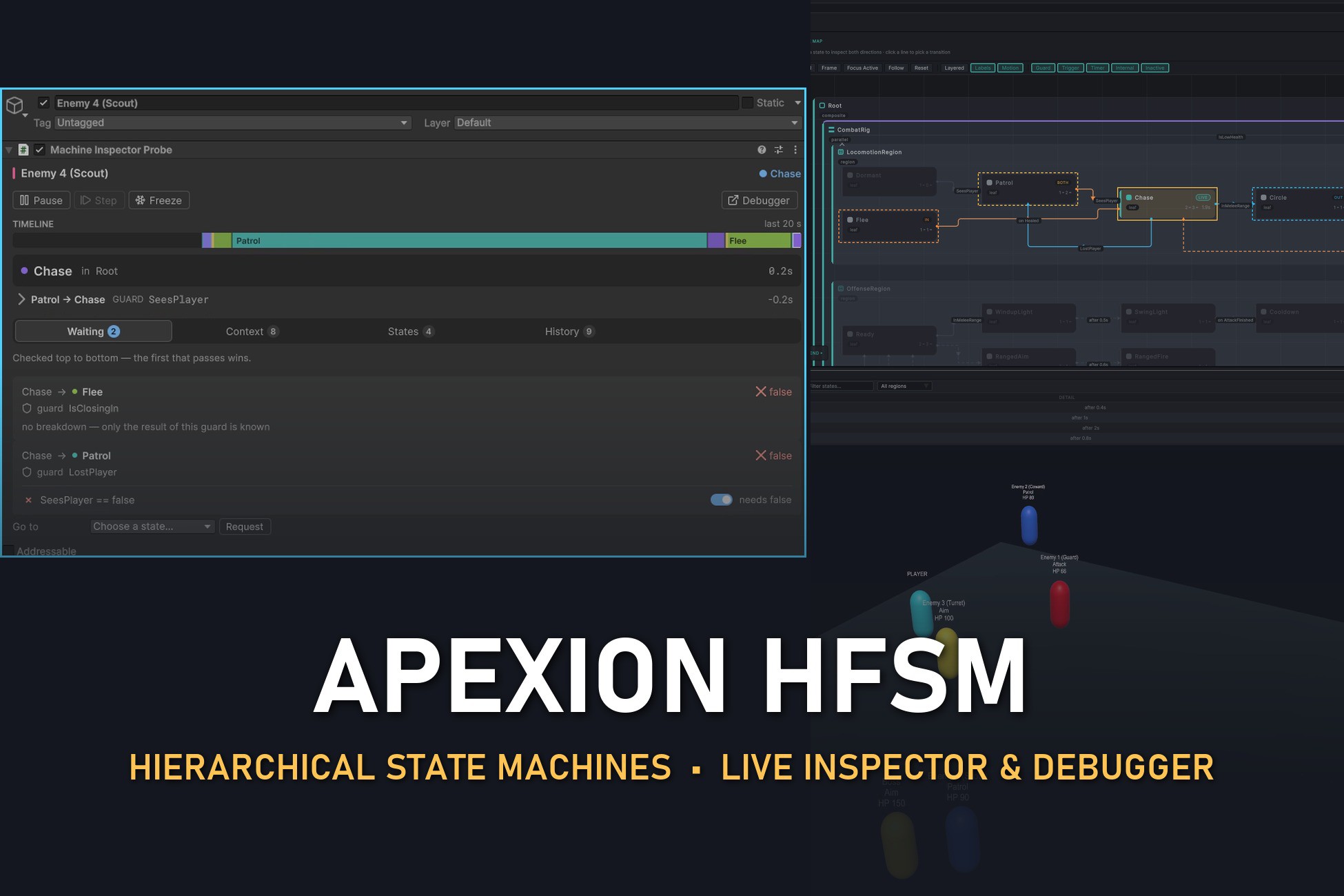
ApexionGame HFSM: a hierarchical state machine for Unity 6, with a debugger that explains every decision.
Enemy AI, boss phases, UI flows and game states all grow into tangled if chains sooner or later. When one misbehaves, the hard question is rarely what the AI did. It's why.
ApexionGame HFSM gives you two things:
- A code-first hierarchical state machine that scales from a two-state door to a boss with parallel behaviours.
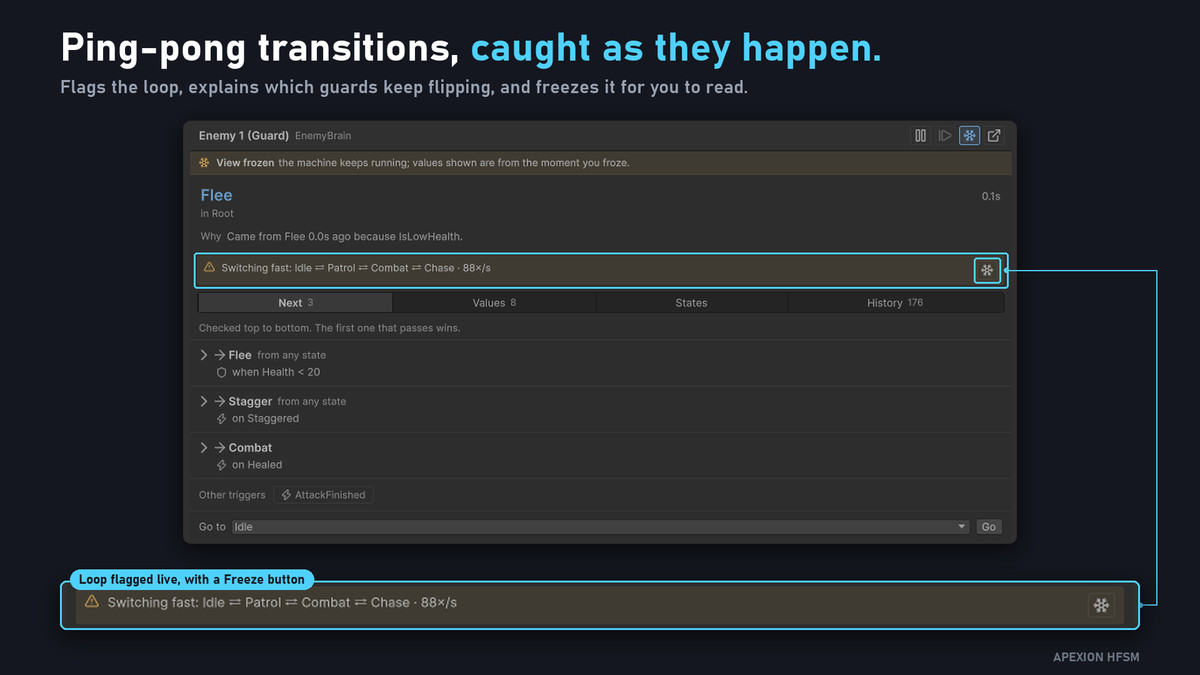
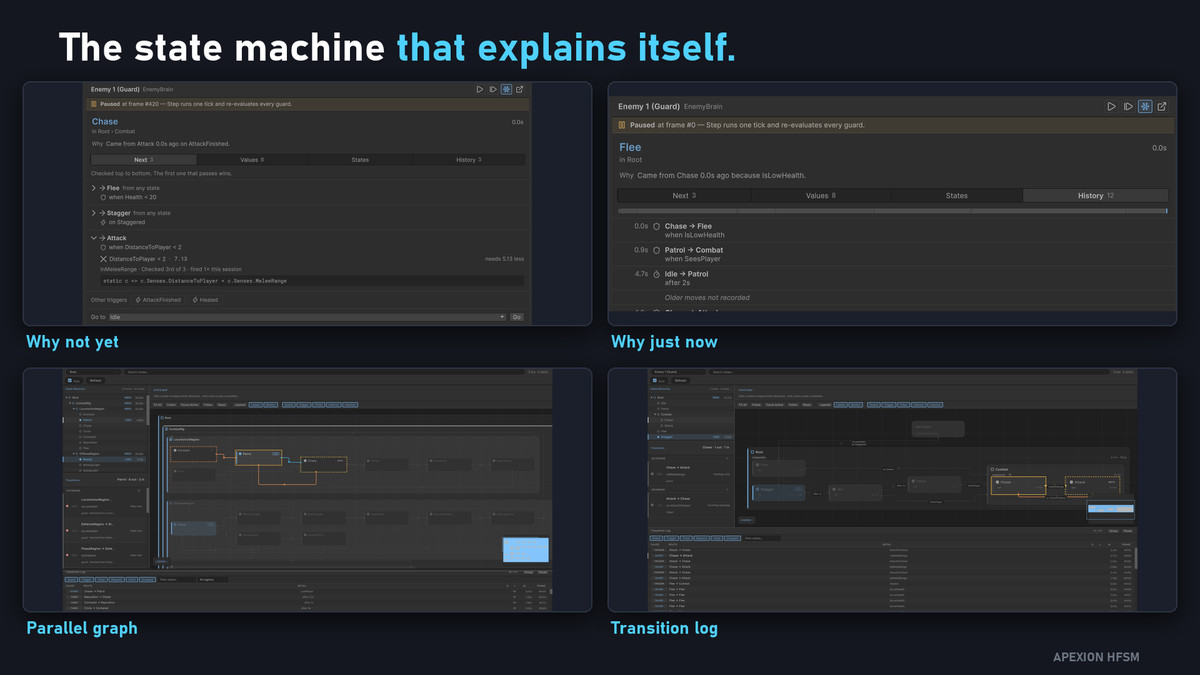
- Live debugging tools that tell you, in plain language, why a machine moved: "Moved here from Chase because InMeleeRange became true (DistanceToPlayer = 4.1 now)."
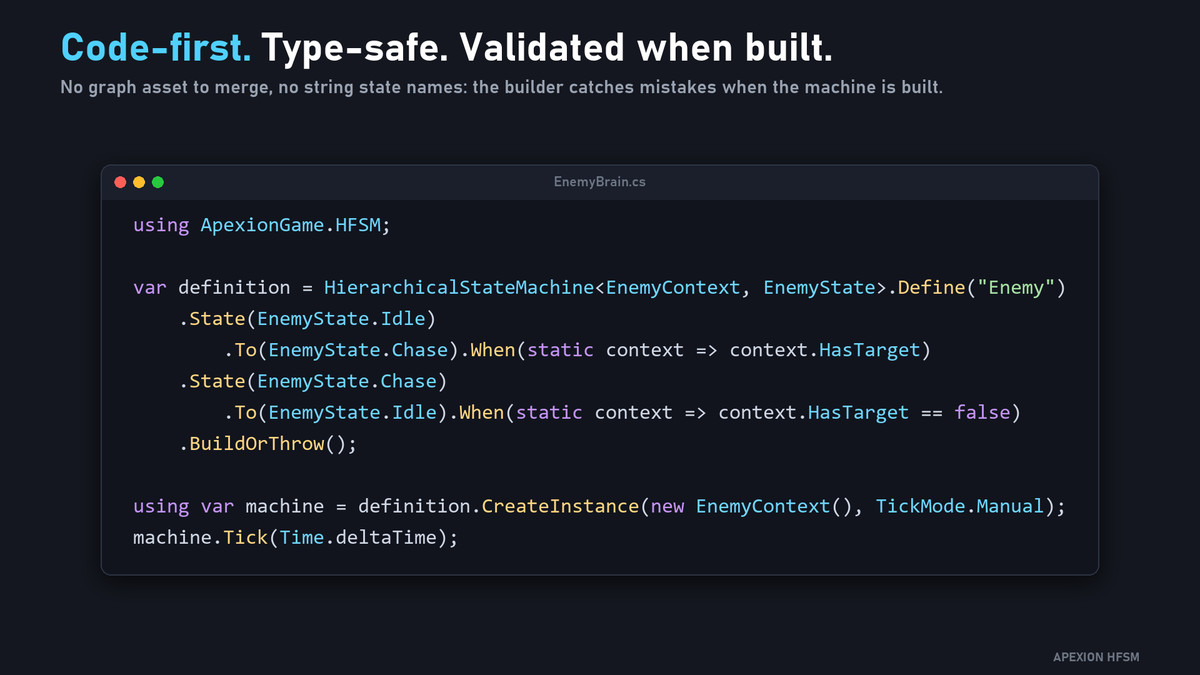
You declare machines in C# with a typed builder. There is no visual graph editor and no lock-in. Full C# source is included.
Who it's for
- Gameplay programmers building enemy, boss, NPC or companion AI
- Teams who want state logic that is readable, testable and diff-friendly in version control
- Anyone who has lost an afternoon asking "why did it switch states?"
Build complex behaviour from simple parts
- Nested composite states, so shared behaviour is written once at the parent
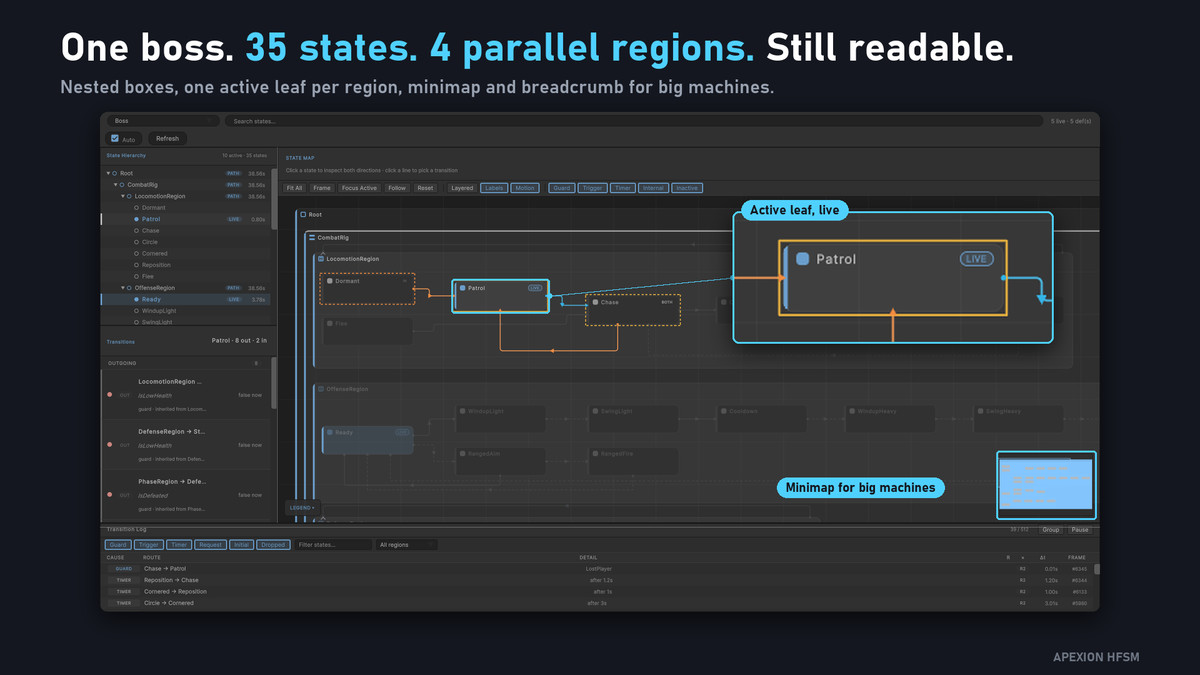
- Parallel regions: locomotion, attacks and guarding run side by side in one machine
- Shallow and deep history, to resume a state tree where it left off
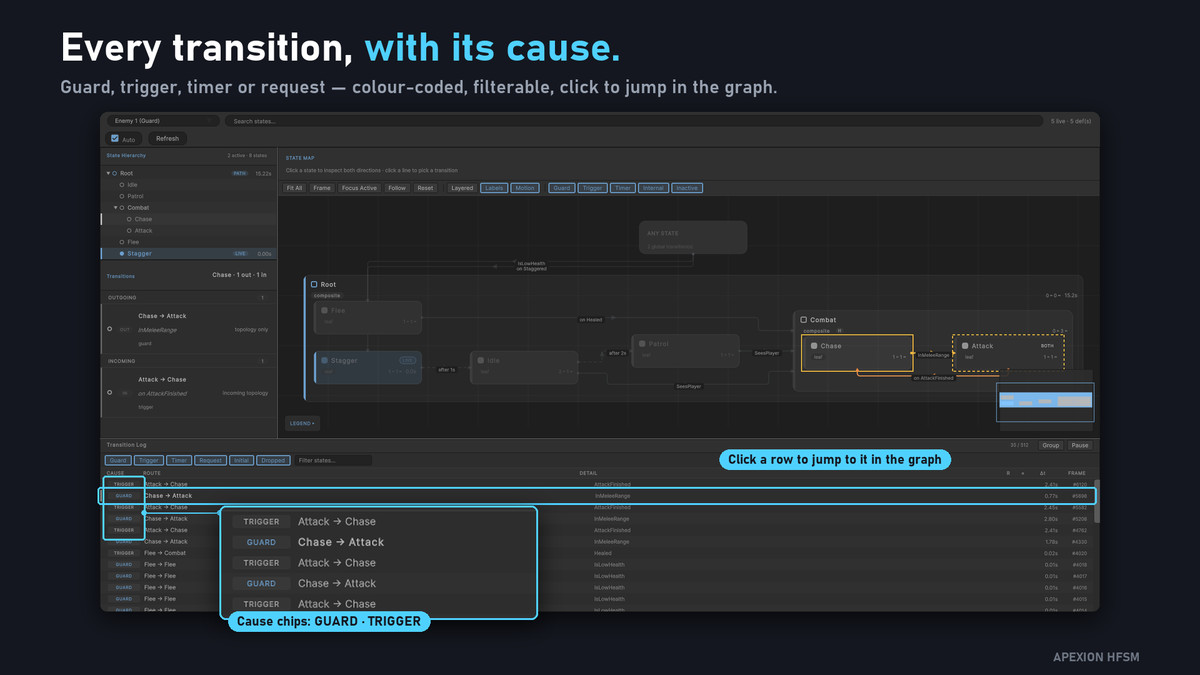
- Guard, trigger, timer and request transitions, with priorities and minimum durations
- Named and composed guards (Named, All, Any, Unless) that stay readable in the debugger
- Async enter/exit for animations, fades and scene loads, using UnityEngine.Awaitable or optionally UniTask
- Declaration modules: write a Combat or Locomotion fragment once and reuse it across several machines
- Snapshots: save and restore a machine's state safely. A save from an outdated machine shape is rejected, not restored wrongly.
See what your AI is thinking
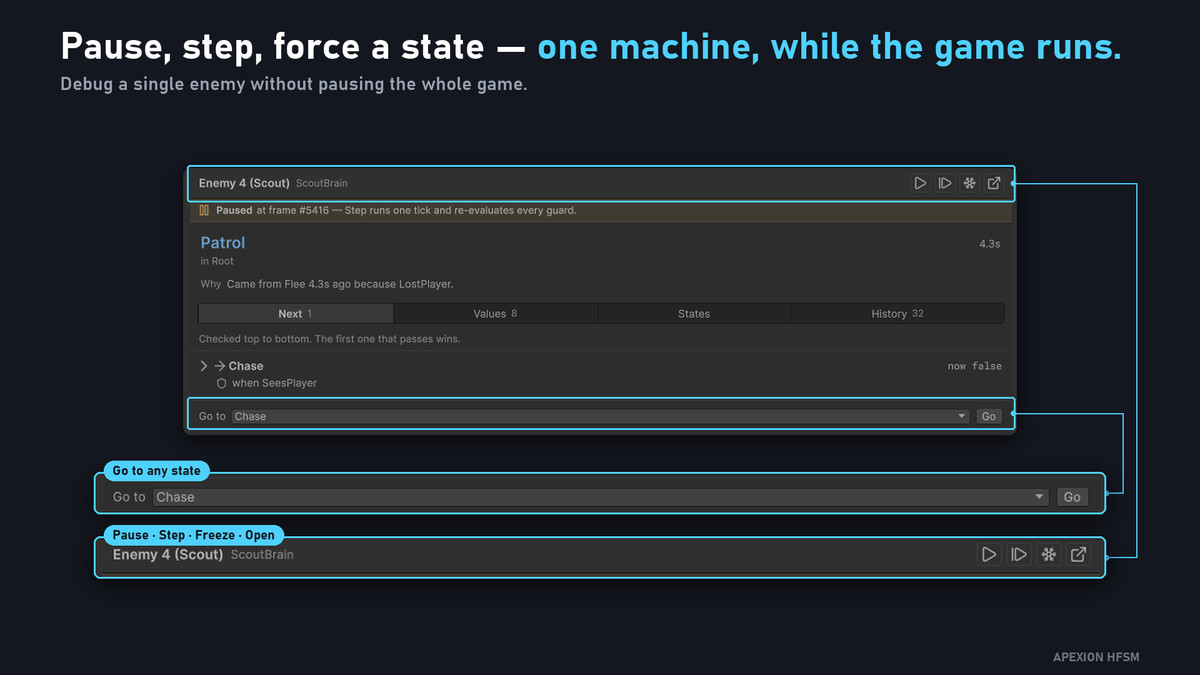
- Machine Inspector Probe: add one component to any GameObject and its Inspector shows, in Play Mode:the active path (Root › Combat › Attack · 0.7s)
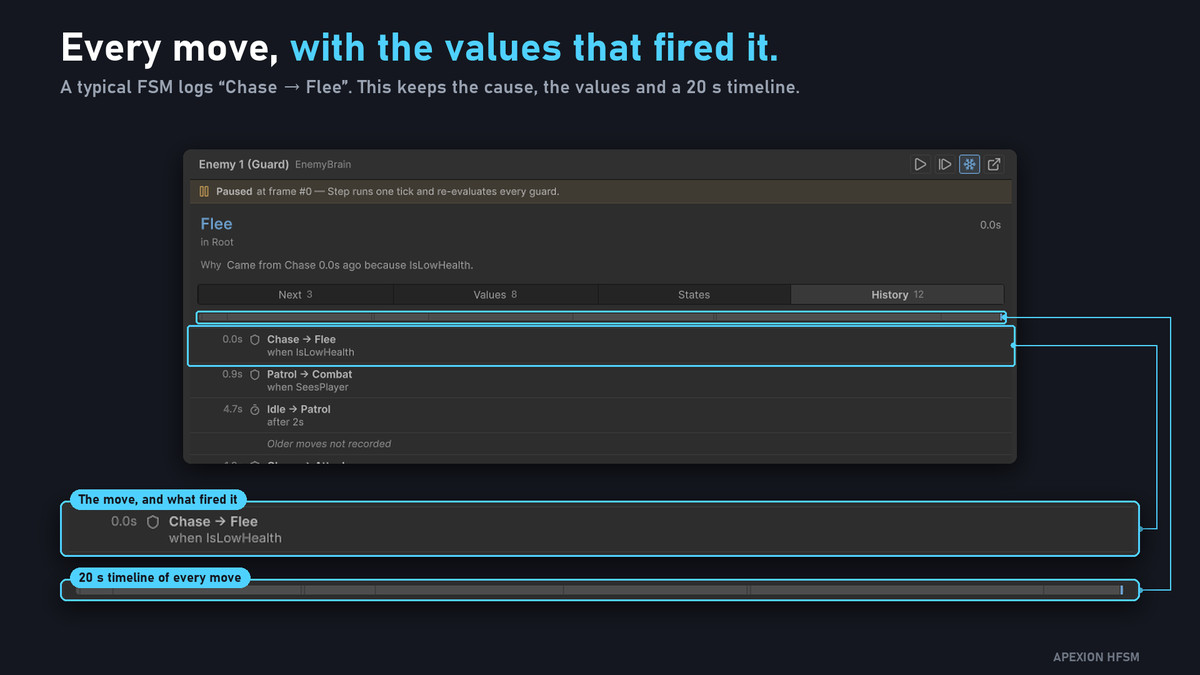
the reason for the last move
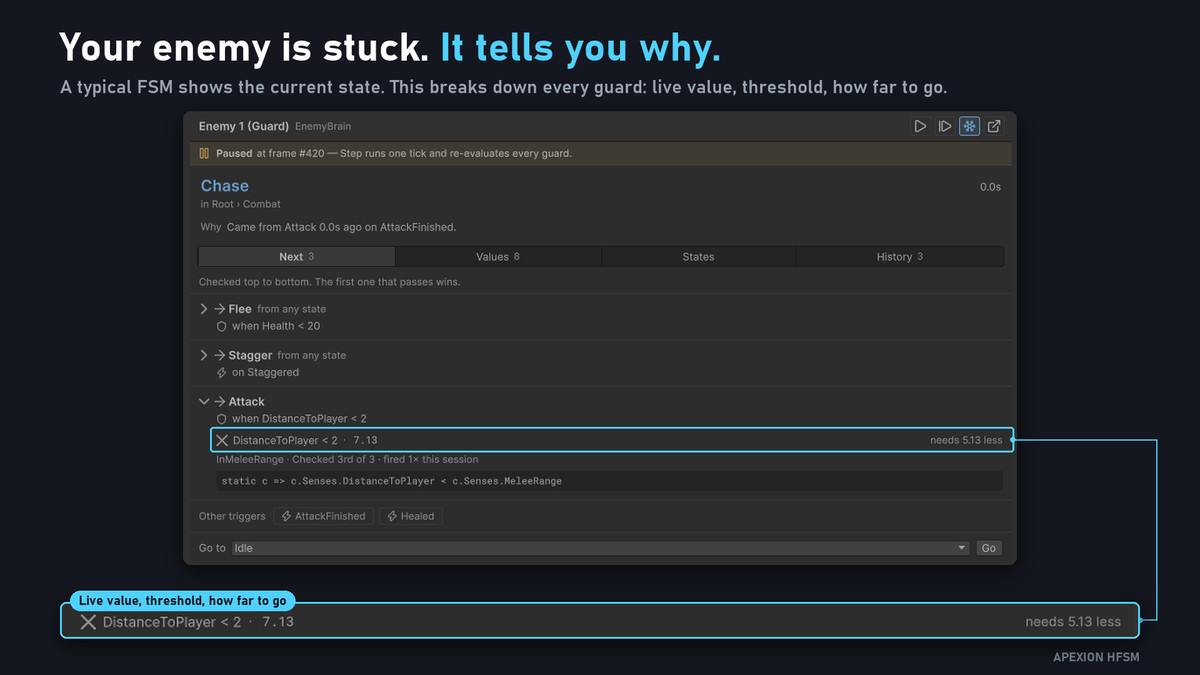
every possible next move, with progress bars for guards that compare numbers
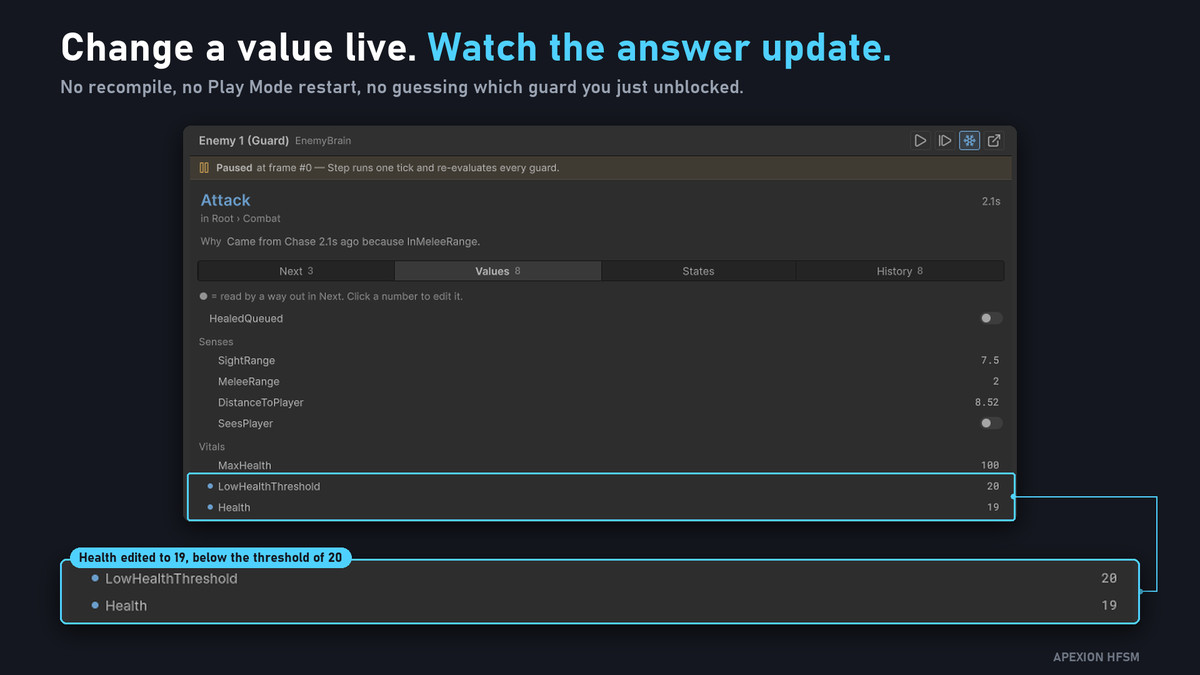
watched context values and history - HFSM Debugger window: a live graph with animated transitions and the decision the last tick actually made, recorded rather than re-evaluated. It includes a minimap, search-free navigation, edge filters and semantic zoom, and it's built for graphs of 150+ nodes.
- A scene ring that marks the selected actor in the Scene and Game views
Built for production
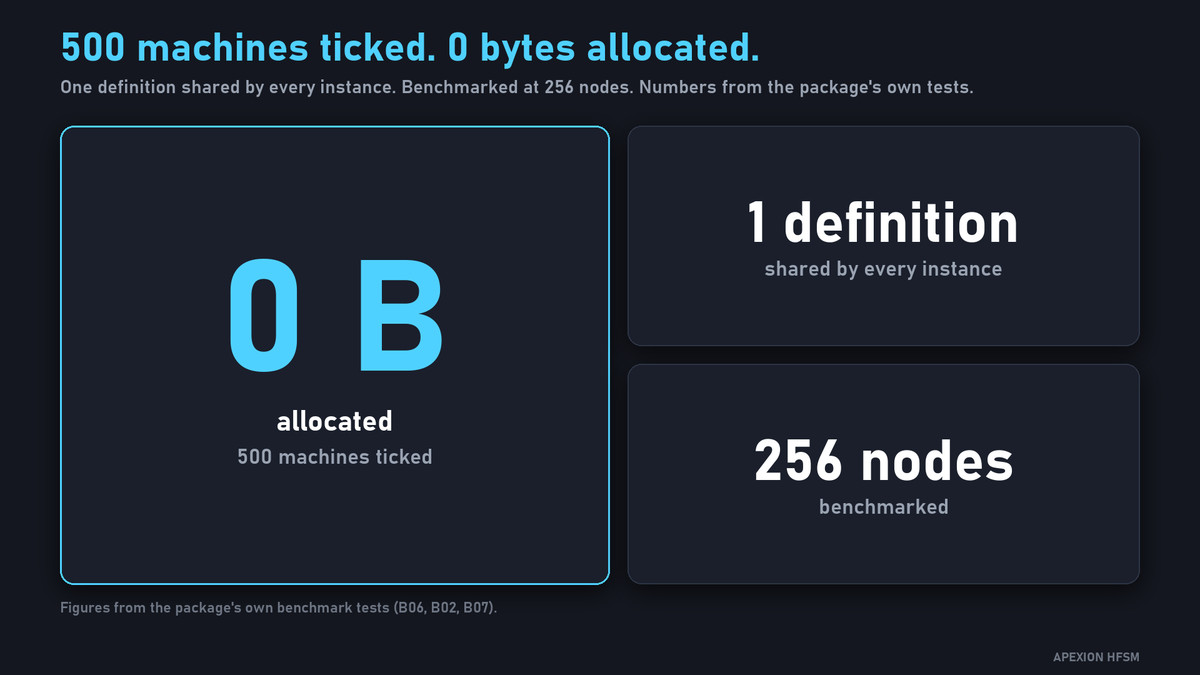
- 0 B managed allocation on the steady-state tick, asserted by the test suite
- Pooled instances with an optional cap, plus a shared runner for many agents
- Profiler markers for Tick, Resolve and Transition
- Debug code is stripped from release builds
Learn by example
The HFSM Playground sample is a ready-to-run scene with five live machines: four enemy archetypes (Guard, Coward, Turret, Scout) and a flagship Boss with four parallel regions. Stats live on prefab components, so balancing is an Inspector edit, not a recompile.
In the box
- Full C# source: runtime and Editor assemblies
- HFSM Playground sample
- PDF User Manual with annotated screenshots, plus 8 guides: Getting Started, Recipes, Concepts, Debugger, Snapshot and Modules, Performance, Troubleshooting and the index
Support and community
- Discord: Ask questions, share your machines and request features.
- Check the Troubleshooting guide first for common compile and build errors.
Requirements
- Unity 6000.3.20f1 or newer (6000.3 stream)
- com.unity.collections and com.unity.mathematics, added automatically on import
Scope: this is a code-first state machine with a read-only live debugger. It has no visual graph authoring.
From the publisher's Asset Store listing.
Technical details
Version Compatibility
Unity 6000.3.20f1 or newer (6000.3 stream).
Platform Support
Any platform Unity supports — pure C#, no native plugins, no platform-specific code.
Dependencies (Not included — must be added separately, see documentation)
- Unity Collections 2.6.8 — required. Resolves automatically from Unity's registry.
- Unity Mathematics 1.3.3 — required. Resolves automatically from Unity's registry.
- UniTask 2.5.11 — optional. Only needed if you prefer it over Unity's built-in Awaitable for async transitions.
What's Included
- Runtime assembly (ApexionGame.HFSM):The state machine core — builder API, transitions, history, parallel regions, async flows, pooling, the shared runner.
- Editor assembly:[A live runtime debugger window (pan/zoom graph, active-leaf/transition animation, guard inspector, scene marker).
- Authoring assembly: The MachineGraphAsset data model and typed MachineGraphBindings for the visual editor.
- Test assembly: The full EditMode test suite (155 tests) used to develop this package.
- Sample: "HFSM Playground" — a self-running Play Mode scene with 5 live machine instances (4 interchangeable enemy archetypes + 1 flagship Boss using parallel regions).
Known Limitations
- The UI Toolkit visual graph editor is implemented but gated behind a "coming soon" notice in this version. All machines must currently be authored through the code-first builder API (fully documented, used throughout the included sample).
Documentation
Full README covers installation, quick start, async transitions, performance characteristics, and the debug scripting defines (APEXION_HFSM_DEBUG, DISABLE_APEXION_CHECKS).
Compatibility
| Unity version | Built-in | URP | HDRP | Custom |
|---|---|---|---|---|
| 6000.3.20f1 | Compatible | Compatible | Compatible | Compatible |
As listed on the Asset Store.