
 View on Asset Store (opens in new tab)
Package details
- Latest version
- 1.0.2
- Last updated
- First released
- Unity version
- 2022.3.0 or later
- Package size
- 750 KB
- Files
- 167
- Views in the past week
- 51
Price tracking
- Last checked
- Tracked since
- Lowest recorded
- Free on
Keywords

Kitwright MCP for Unity - AI Editor Automation
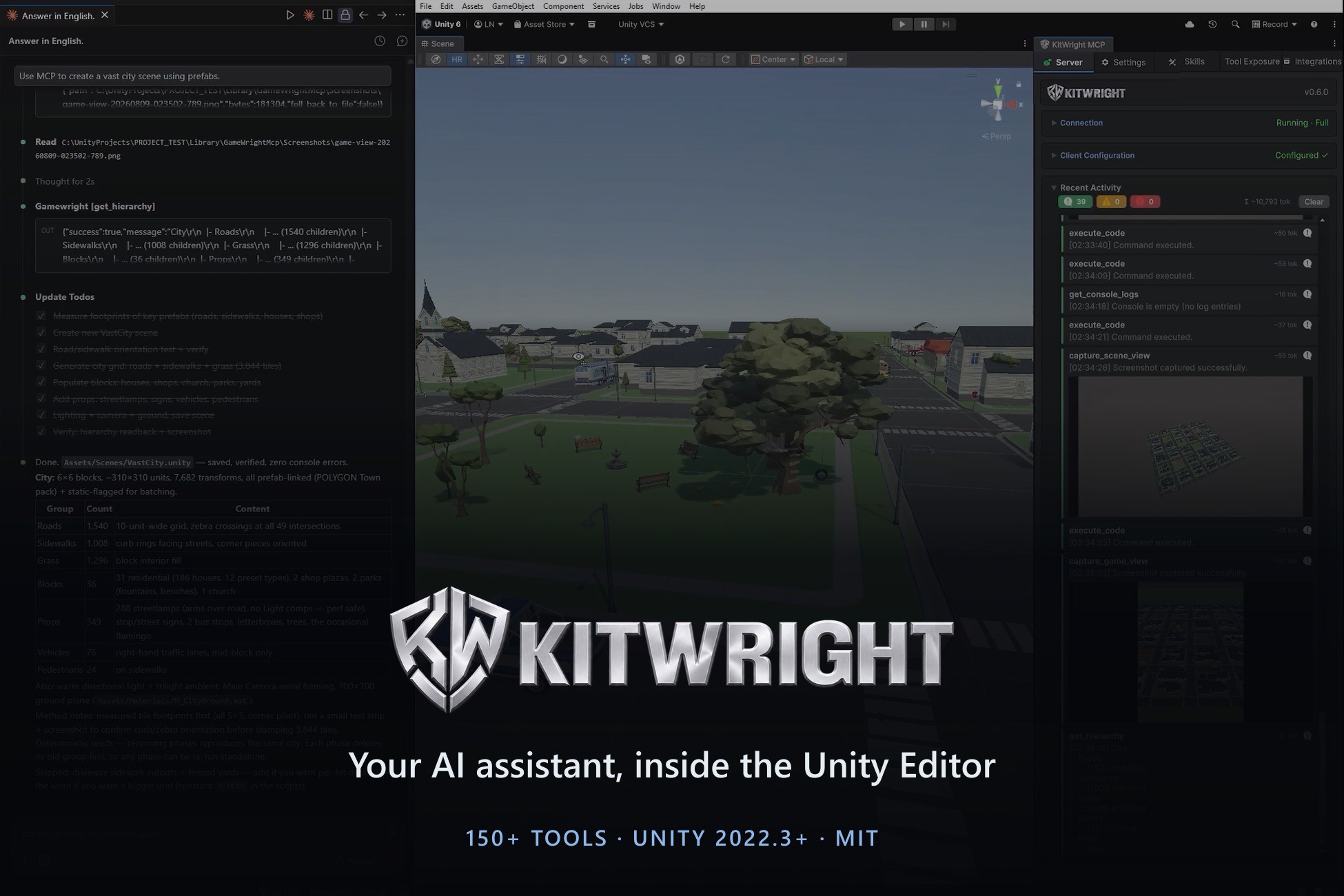
Let Claude Code, Cursor, Copilot or any MCP client drive your Unity Editor: 150 tools for scenes, scripts, prefabs, play mode, screenshots and profiling.
Affiliate link · Purchases support this site
Price history
Last 6 months
USDAsset preview
1 / 4
Kitwright MCP for Unity - AI Editor Automation screenshot 1
About this asset
KitWright MCP for Unity turns your Unity Editor into a live workspace your AI
assistant can operate. It runs an MCP (Model Context Protocol) server inside the
Editor, so any MCP-capable client — Claude Code, Cursor, LM Studio, Windsurf,
Codex, VS Code Copilot — can read your project and act on it directly.
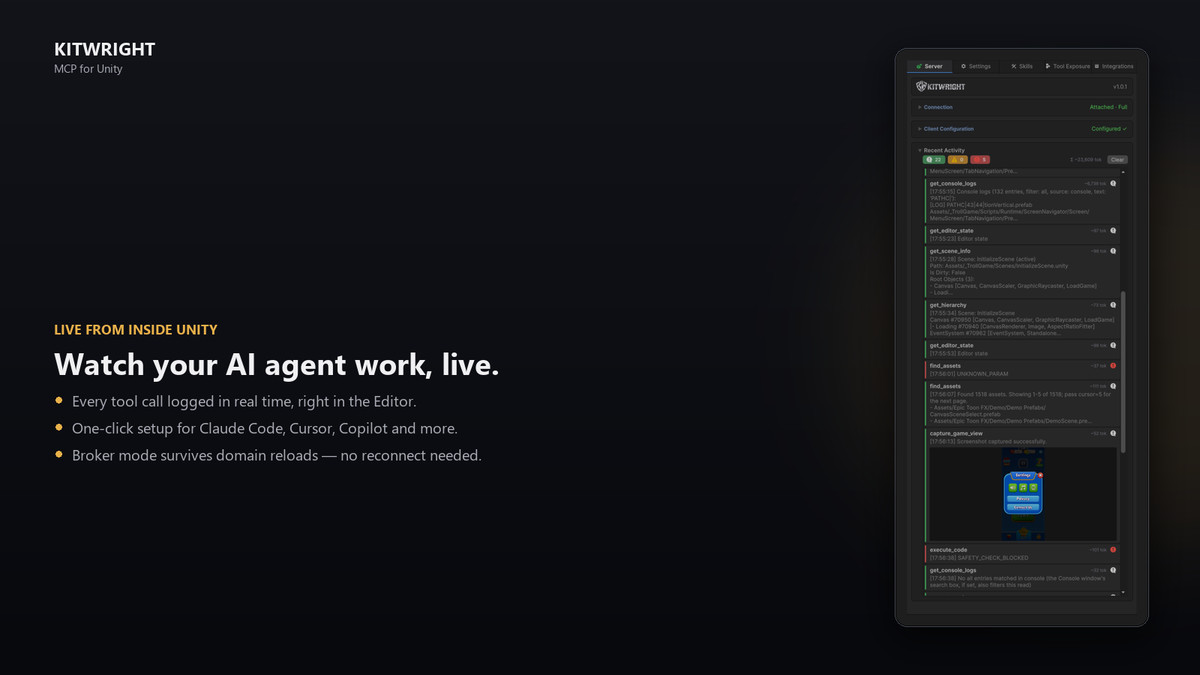
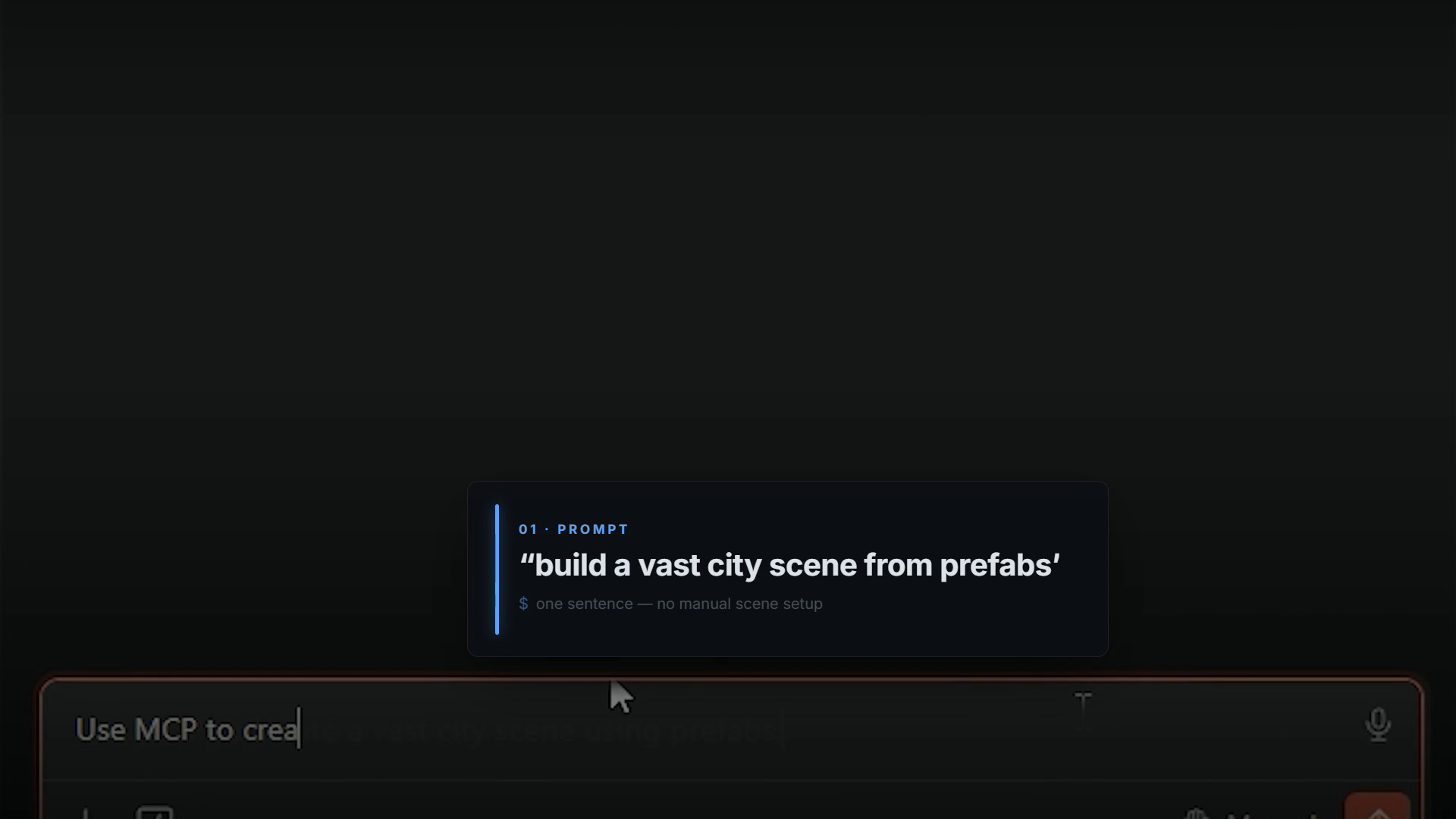
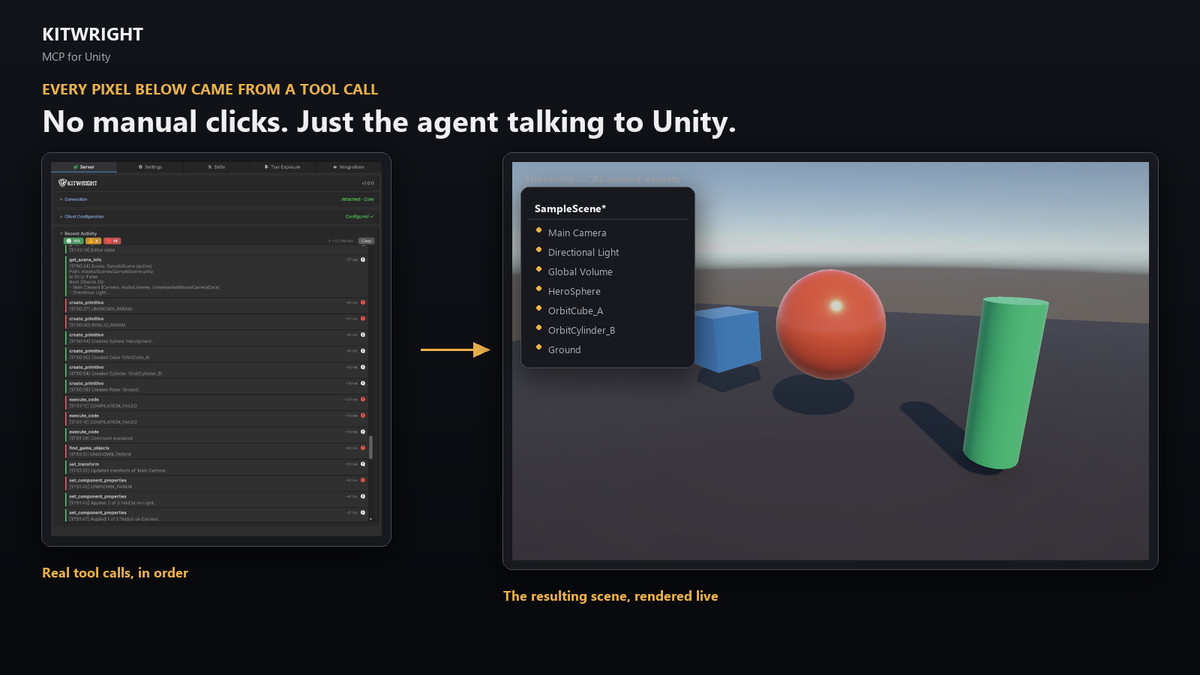
Describe what you want in plain language. Your assistant creates the scene,
generates the scripts, wires the UI, enters play mode, simulates input, captures
a screenshot to verify the result, and reads the console back — without you
switching windows or copy-pasting code.
WHAT IT REPLACES
Instead of pasting code into a chat window, reading it back, and fixing compile
errors by hand, the assistant works against the real project state: real
component values, real console output, real play-mode behaviour.
SETUP
1. Import the package
2. Open KitWright > MCP Server and press Start
3. Use one-click client configuration to generate the MCP entry for your client
No external server to install, no Python, no Node. The transport runs on the
Mono runtime already bundled with Unity.
REQUIREMENTS
Unity 2022.3 or newer. Editor-only: nothing ships into your build. Works on
Built-in, URP, HDRP and custom render pipelines. When Unity asks about Package
Manager dependencies during import, choose Install/Upgrade.
From the publisher's Asset Store listing.
Technical details
150 tools across 35 modules — GameObject, hierarchy, components, prefabs,
scenes, materials, meshes, animation, camera, UI, physics, particles, lighting,
timeline, ScriptableObjects, assets and asset import settings
execute_code — compile and run C# in the live Editor with automatic Undo
registration and a structured changelog returned to the agent
Play mode automation — enter/exit play mode, control time scale, simulate
keyboard and mouse input, then capture game view, scene view, simulator or any
editor window to verify what happened
Profiling and memory — profiler control, frame timing, counters, object memory,
memory snapshots with comparison, frame debugger events
Structured returns with instanceId chaining — every tool returns
{success, message, data} with stable instanceId fields so agents chain by_id
calls instead of re-resolving objects by name
MCP resources and prompts — live project context, scene summaries, selection
state, compile errors, console history, plus workflow prompts such as
fix_compile_errors and runtime_validation
One-click client configuration — generates MCP config for Claude Code, Cursor,
LM Studio, VS Code, Kiro, Trae and Codex from inside the Unity window
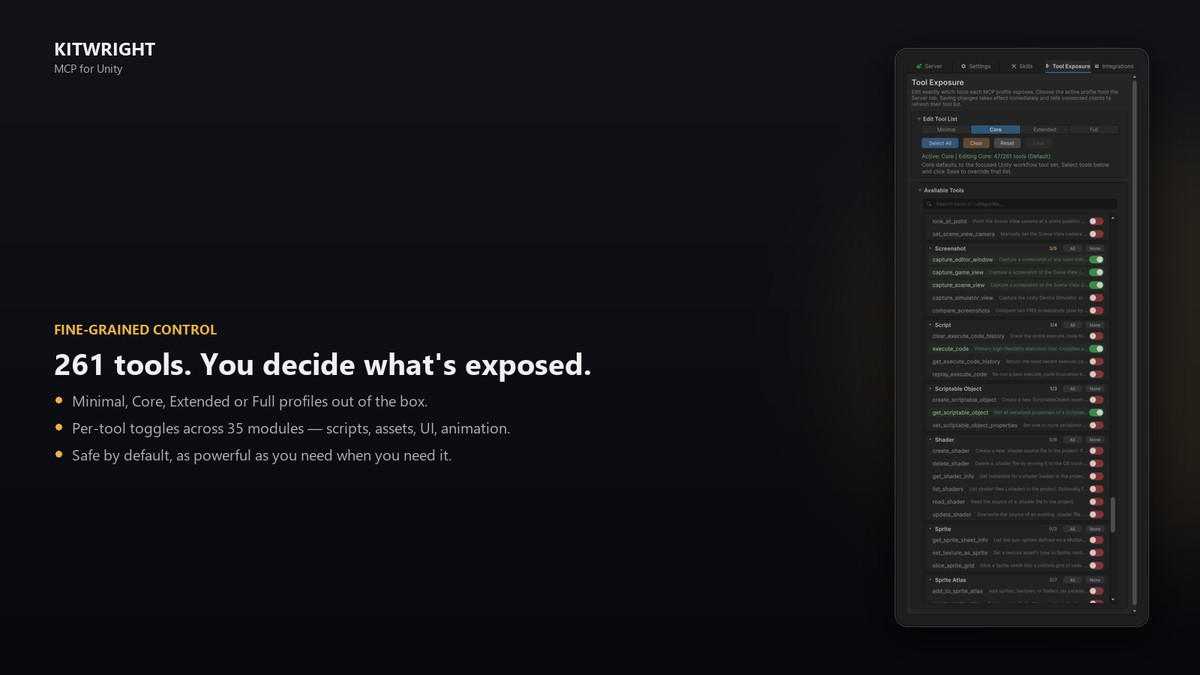
Tool exposure control — choose exactly which tools the core and full profiles
expose to the agent
Scripts, compilation and testing — create, edit and patch scripts, wait for
compilation, read compile errors, run Unity tests as async jobs
Editor state access — selection, prefab stage, active tool, open windows, tags,
layers, build settings, project settings, undo/redo state, menu item execution
Compatibility
| Unity version | Built-in | URP | HDRP | Custom |
|---|---|---|---|---|
| 2022.3.0f1 | Compatible | Compatible | Compatible | Compatible |
Pipeline-agnostic: all tools work on Built-in, URP, HDRP and custom SRPs.
The post-processing Volume tools require the Universal Render Pipeline
package; on other pipelines they report that URP is unavailable instead
of failing.
As listed on the Asset Store.