
 View on Asset Store (opens in new tab)
Package details
- Latest version
- 1.1.1
- Last updated
- First released
- Unity version
- 6000.4.0 or later
- Package size
- 28.9 MB
- Files
- 123
- Favorites
- 4
- Views in the past week
- 22
Price tracking
- Last checked
- Tracked since
- Lowest recorded
- $10.50 on
Keywords
Tree Cutter & Log Prefab Generator
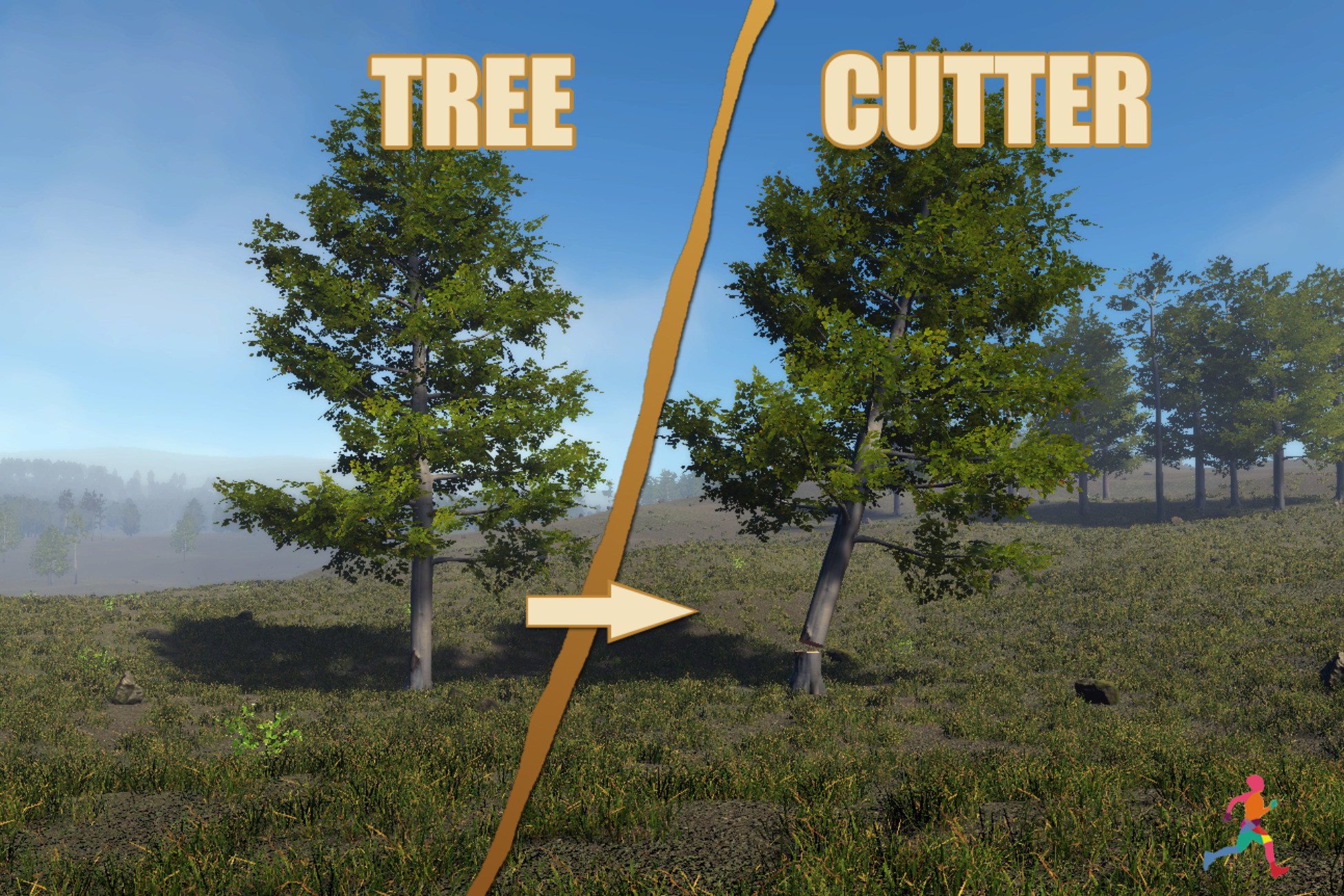
Create stump, detachable tree-top, and log-section prefabs from static trees, with Scene view previews and optional Branch Pruning (Beta).
Affiliate link · Purchases support this site
Price history
Last 6 months
USDAsset preview
1 / 8
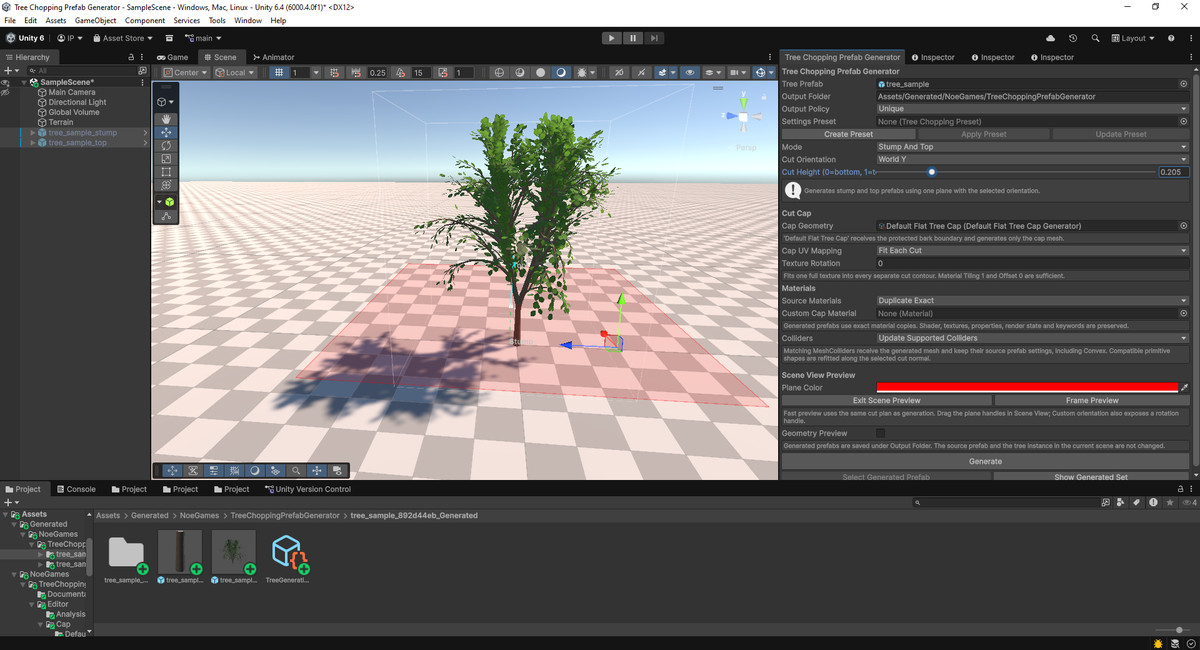
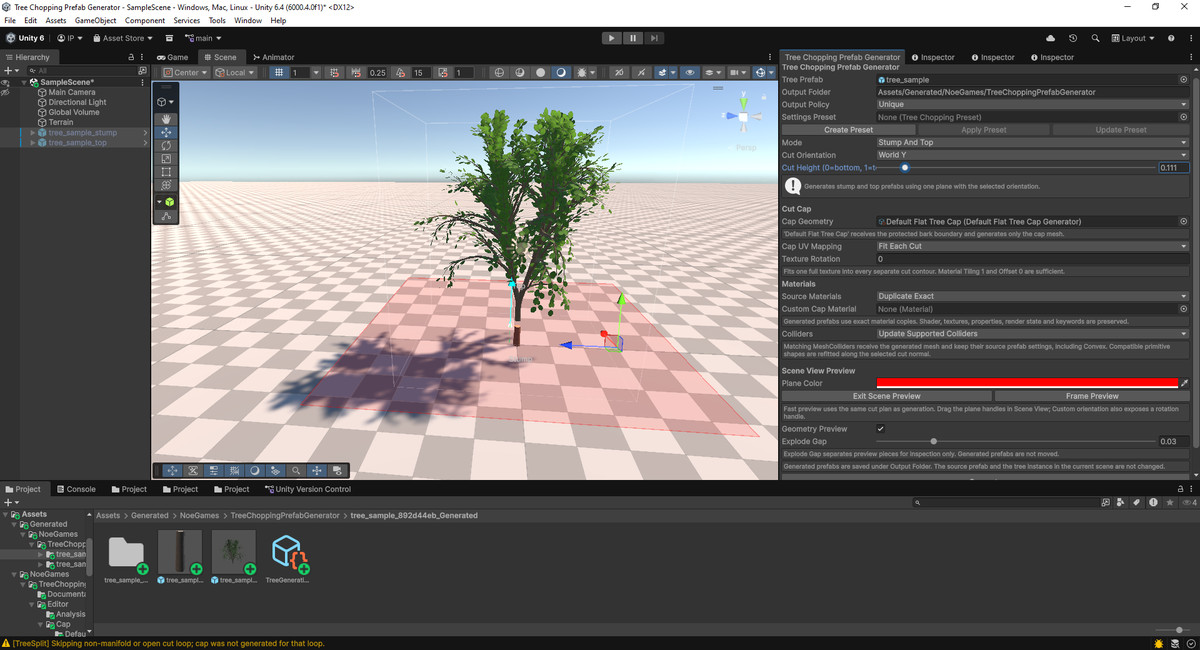
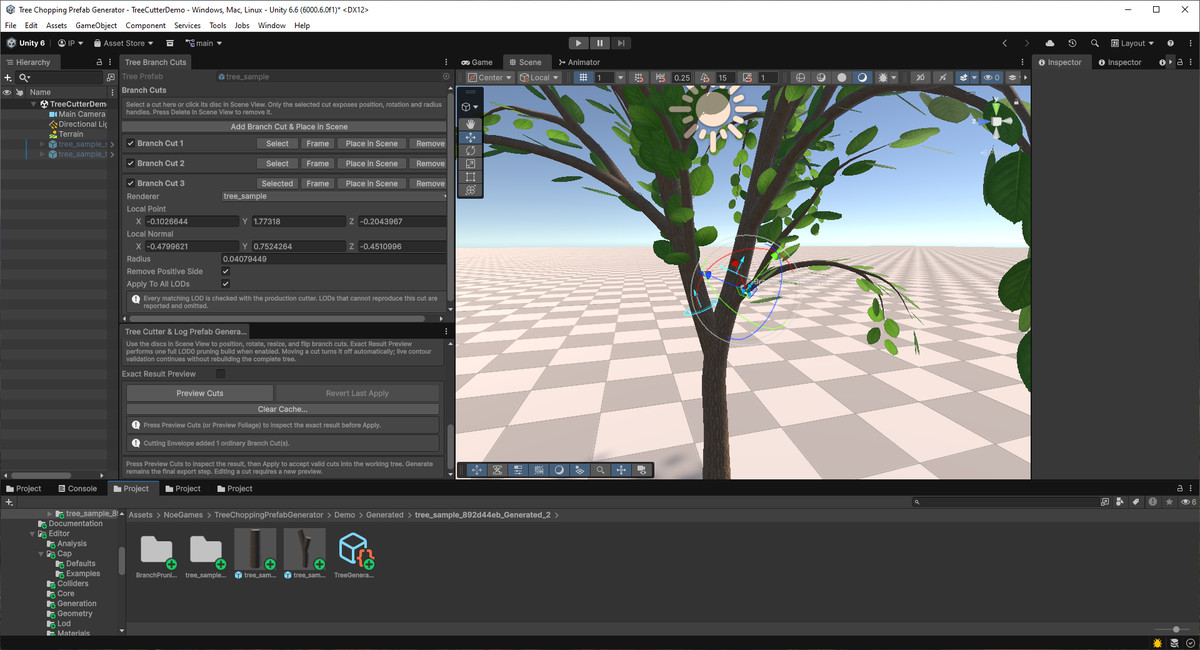
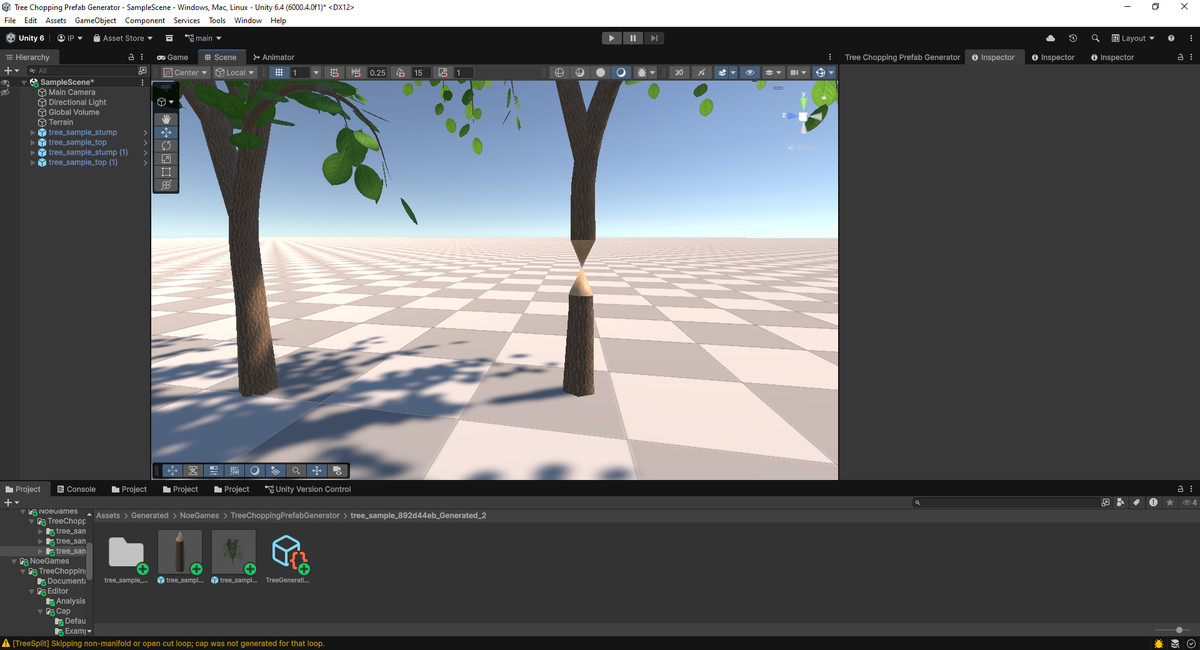
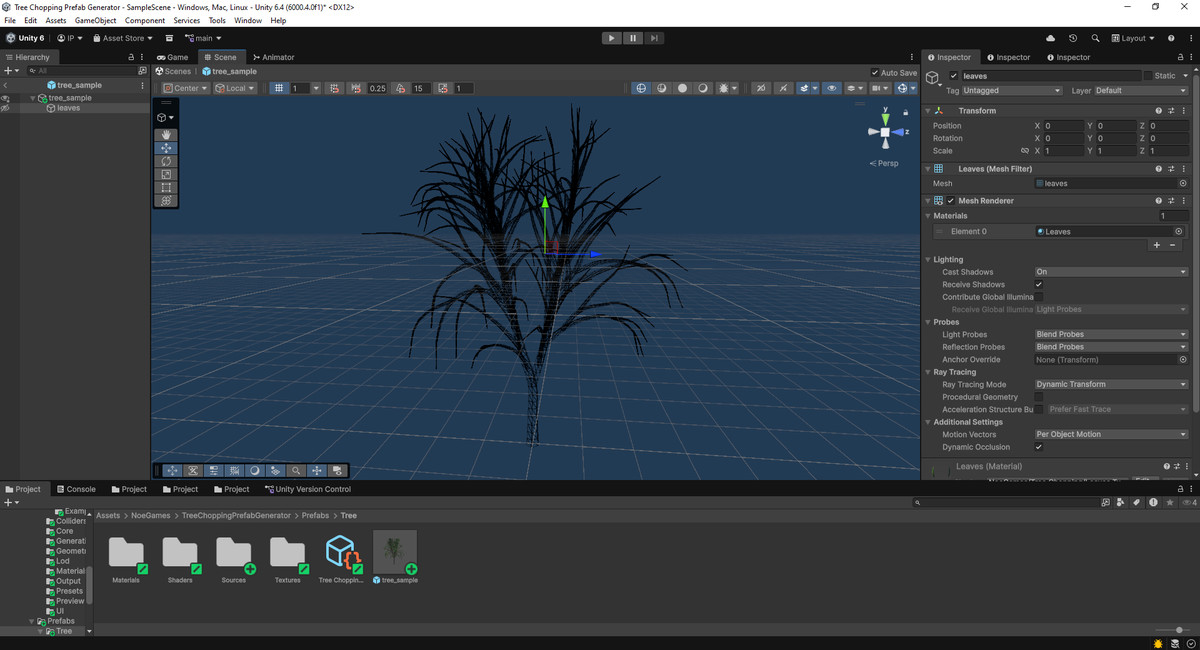
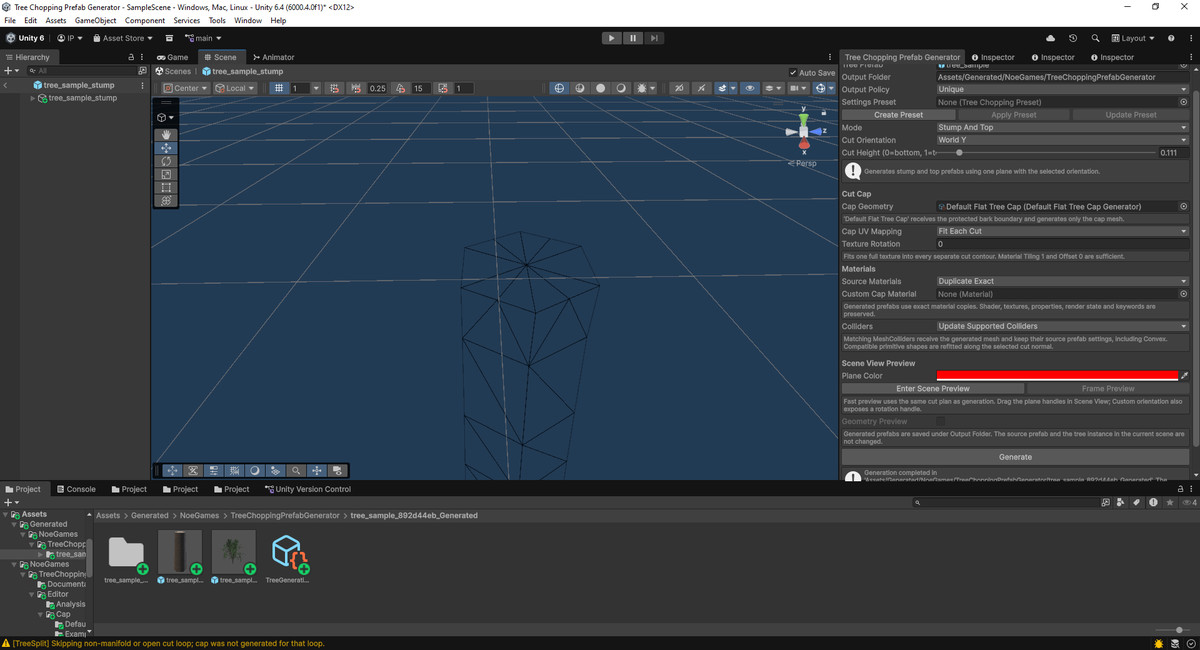
Tree Cutter & Log Prefab Generator screenshot 1
About this asset
Turn the static tree prefabs you already own into reusable stump, detachable tree-top, and log-section prefabs directly inside Unity.
Tree Cutter & Log Prefab Generator is an editor-only authoring tool for preparing trees for survival, crafting, farming, building, resource-gathering, and similar games.
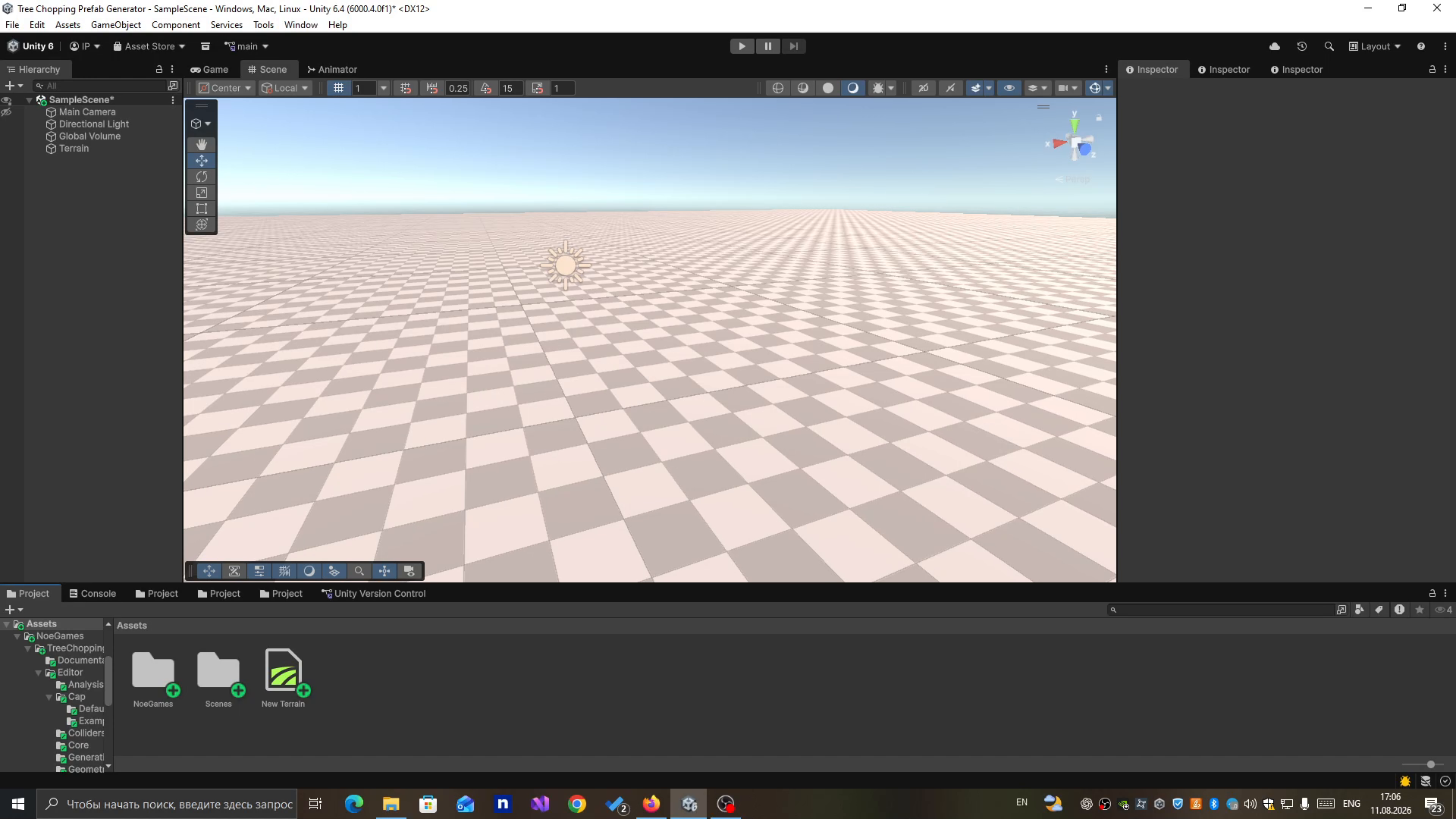
Choose a source tree prefab, configure and preview the cuts, then generate organized prefab parts without modifying the original asset.
QUICK WORKFLOW
1. Select a static tree prefab from the Project window.
2. Choose Stump And Top or Trunk Sections mode.
3. Configure and preview the cut in the Scene view.
4. Generate the new prefabs into a separate output folder.
GENERATION MODES
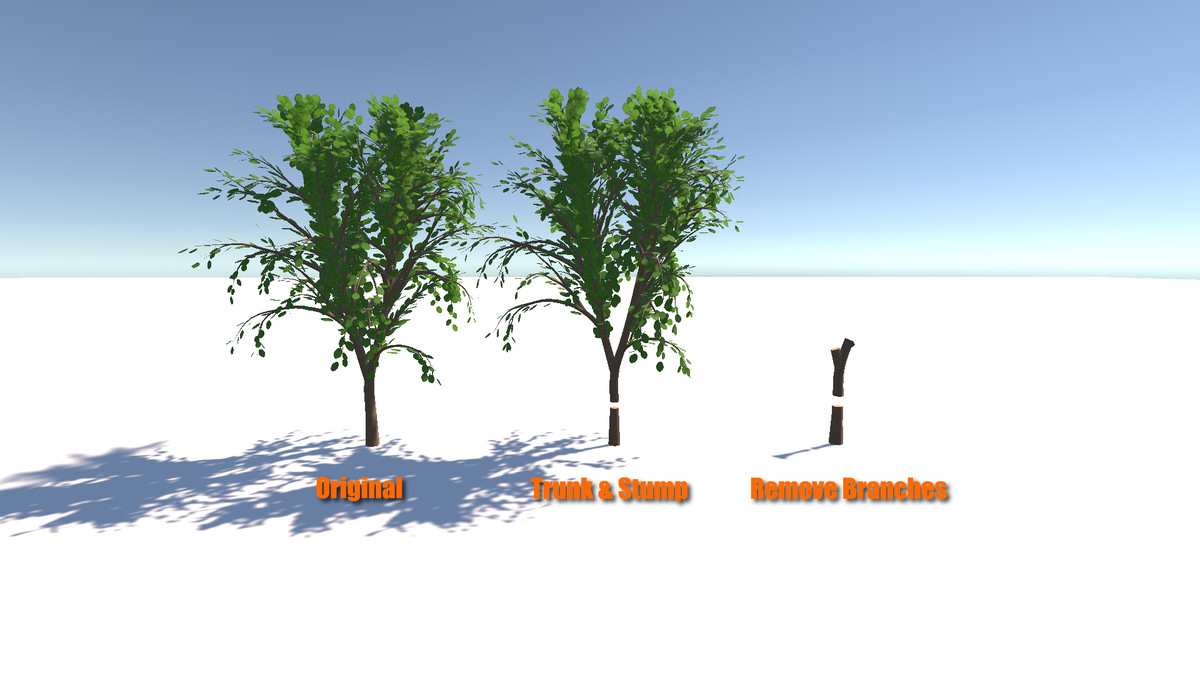
• Stump And Top - creates a stump prefab and a separate detachable tree-top prefab from one cut.
• Trunk Sections - extracts a selected trunk range and divides it into reusable log-section prefabs by count or approximate world-unit length.
BRANCH PRUNING - BETA
Branch Pruning is an optional Beta workflow for preparing a tree before final stump, top, or trunk-section generation.
• Classify renderers and material slots as Wood, Foliage, or Ignore.
• Remove complete foliage renderers or classified foliage geometry.
• Place, rotate, resize, and flip branch-cut discs directly in the Scene view.
• Apply one logical branch cut across related LOD renderers.
• Use Exact Result Preview to verify the production-style LOD0 pruning result.
• Apply valid cuts to a separate working prefab revision without modifying the original source prefab.
• Revert the last applied pruning revision when further adjustments are required.
The Cutting Envelope Beta tool can analyze an editable ring-based envelope around the trunk and propose branch-cut candidates. Candidates must still be reviewed by the user, converted into regular Branch Cuts, verified with Exact Result Preview, and applied before final generation.
Branch Pruning results depend on the source mesh topology and consistency between LOD meshes. Open, hollow, nested, ambiguous, degenerate, or non-manifold selected contours may be rejected. Always inspect the exact preview, Console warnings, and generated LODs.
KEY FEATURES
• Scene view cut preview with draggable plane handles.
• Optional geometry preview with an adjustable explode gap.
• World-axis, local-axis, and custom cut orientations.
• Reusable generation presets.
• Automatic flat cut caps where the source topology allows.
• Included cone cap and raised-surface customization examples.
• Extensible ScriptableObject API for custom cut-cap geometry.
• Fit-to-cut and world-scale cap UV mapping with texture rotation.
• Reference original materials or create exact generated copies.
• Optional custom material for cut surfaces.
• Built-in, URP, and HDRP-compatible default cap materials.
• Preserve colliders or update supported MeshCollider, BoxCollider, CapsuleCollider, SphereCollider, and CharacterController components.
• Maintain supported LODGroup renderer references and recalculate LOD bounds.
• Unique, fail-if-existing, and manifest-controlled replacement workflows.
• Automatic organization of generated prefabs, meshes, materials, collision meshes, and manifest assets.
• Rollback protection when generation cannot be completed.
NON-DESTRUCTIVE WORKFLOW
Generated content is written to a separate folder under Assets. Source prefabs are instantiated as temporary unpacked copies and are never modified.
Generated cut surfaces use separate child renderers, preserving the original renderer's submesh and material-slot mapping.
Output manifests track the assets owned by each generated set. Existing generated sets can be replaced through a staged workflow that refuses to delete unknown or manually added files.
EDITOR-ONLY BY DESIGN
This asset prepares prefabs in the Unity Editor. It does not include runtime mesh cutting, damage handling, axe mechanics, inventory integration, resource gathering, tree replacement, or a complete tree-chopping gameplay system.
There are no runtime scripts or project-specific gameplay dependencies. Connect the generated prefabs to your own physics and gameplay systems.
SOURCE PREFAB REQUIREMENTS
• The source must be a prefab asset or model prefab selected from the Project window, not a scene instance.
• Static geometry must use MeshFilter and MeshRenderer components on the same GameObject.
• Every processed source mesh must have Read/Write Enabled.
• Processed submeshes must use triangle topology.
• Processed renderer transforms must not have a zero world-scale axis.
• SkinnedMeshRenderer objects are preserved in generated prefabs but are not split.
• Open, degenerate, non-manifold, nested, hollow, or otherwise unsupported cut contours may remain uncapped and produce a warning.
COMPATIBILITY
• Verified with Unity 6000.4.
• The generator supports Built-in, URP, and HDRP projects.
• Source-tree materials must be compatible with the active render pipeline.
• The included demonstration shaders contain Built-in and URP implementations. Use HDRP-compatible materials for the sample tree in HDRP projects.
From the publisher's Asset Store listing.
Technical details
COMPATIBILITY AND SETUP
• Currently verified with Unity 6000.4
• Editor menu: Tools > NoeGames > Tree Chopping Prefab Generator
• Supported sources: prefab assets and model prefabs
• Supported geometry: MeshFilter and MeshRenderer on the same GameObject
• Source meshes and additional vertex streams must have Read/Write Enabled
• Processed submeshes must use triangle topology
• No third-party package dependencies
• No runtime scripts or scene components required
GENERATION MODES
• Stump & Top — generates separate stump and detachable tree-top prefabs
• Trunk Sections — generates multiple log-section prefabs by count or approximate world-unit length
• Supports World X/Y/Z, Local X/Y/Z, and custom cut orientations
• Normalized cut positions are calculated along the selected cut direction
GENERATED ASSETS
• Stump and detachable top prefabs
• Multiple trunk/log-section prefabs
• Clipped body mesh assets
• Separate cut-cap mesh assets
• Optional closed collision meshes
• Optional exact copies of source materials
• Render-pipeline-compatible cut-cap material
• Generated-set ownership manifest
The default cap material references the included cut textures. Textures are not duplicated into every generated set.
PRESERVED MESH AND PREFAB DATA
• Vertex positions and normals
• Tangents
• Vertex colors
• UV0–UV7, including supported Z/W components
• Supported vertex attribute formats and dimensions
• Baked additional vertex streams
• Source submesh ordering
• Exact source material-slot ordering
• Supported renderer state
• LODGroup membership and recalculated bounds
CAP GENERATION
• Flat cut caps are generated where the source topology allows
• Fit Each Cut and World Scale UV mapping modes
• Adjustable cap UV rotation
• Included flat and cone cap assets
• Included raised-surface customization example
• Extensible ScriptableObject API for custom cap geometry
• Invalid custom cap geometry automatically falls back to the flat cap
MATERIAL HANDLING
• Reference the original source materials
• Or create exact generated material copies
• Optional custom material for cut surfaces
• Default cap-material support for Built-in, URP, and HDRP
• Source materials are never modified
COLLIDER HANDLING
• Preserve all source colliders unchanged
• Or update supported colliders to match generated pieces
• Matching MeshColliders receive generated mesh data
• Compatible BoxCollider, CapsuleCollider, SphereCollider, and CharacterController shapes are refitted along the selected cut direction
• Unsupported, misaligned, and custom collision shapes are preserved with a warning
• Source collider settings are retained where supported
EDITOR WORKFLOW
• Scene View cut-plane preview
• Draggable position and custom-orientation handles
• Optional temporary geometry preview
• Adjustable preview explode gap
• Reusable generation presets
• Unique, fail-if-existing, and manifest-controlled replacement output policies
• Automatic rollback when generation cannot be completed
• The original source prefab remains unchanged
CURRENT LIMITATIONS
• SkinnedMeshRenderer geometry is preserved but not split
• Cuts use planar surfaces; curved cutting surfaces are not supported
• Branches and leaves inside a selected trunk band are clipped together with the trunk
• Hollow cross-sections with nested loops are not capped
• Open, degenerate, non-manifold, or untriangulatable contours may remain uncapped and produce a Console warning
• Matching MeshColliders are updated only when they reference the processed MeshFilter mesh on the same GameObject
• Custom MeshCollider meshes and unsupported collider types are preserved
• Strongly concave contours may be unsuitable for the included cone cap example
• Generation is synchronous and cannot be cancelled after processing starts
• Replacing a generated set creates new asset GUIDs, so external references must be reassigned
• Runtime chopping and gameplay systems are not included
Compatibility
| Unity version | Built-in | URP | HDRP | Custom |
|---|---|---|---|---|
| 6000.6.0f1 | Compatible | Compatible | Compatible | Compatible |
| 6000.4.0f1 | Compatible | Compatible | Compatible | Not listed |
The tool has been tested with the Built-in Render Pipeline, URP, and HDRP. Please note that the example tree shader may not work with other render pipelines or custom rendering setups. You can always create and use your own compatible material with the included textures.
As listed on the Asset Store.