
 View on Asset Store (opens in new tab)
Package details
- Latest version
- 1.0.1
- Last updated
- First released
- Unity version
- 6000.3.14 or later
- Package size
- 463 KB
- Files
- 11
- Favorites
- 5
- Views in the past week
- 17
Price tracking
- Last checked
- Tracked since
- Lowest recorded
- $7.99 on
Keywords
Cavitoon - Toon Cavity, Screen Space Curvature & Contours Shader Pro
Stylize your URP scenes with customizable screen-space cavity and curvature: World, Screen and Both modes, colored ridges and valleys, masks, blend modes, and fades.
Affiliate link · Purchases support this site
Price history
Last 6 months
USDAsset preview
1 / 8
Cavitoon - Toon Cavity, Screen Space Curvature & Contours Shader Pro screenshot 1

About this asset
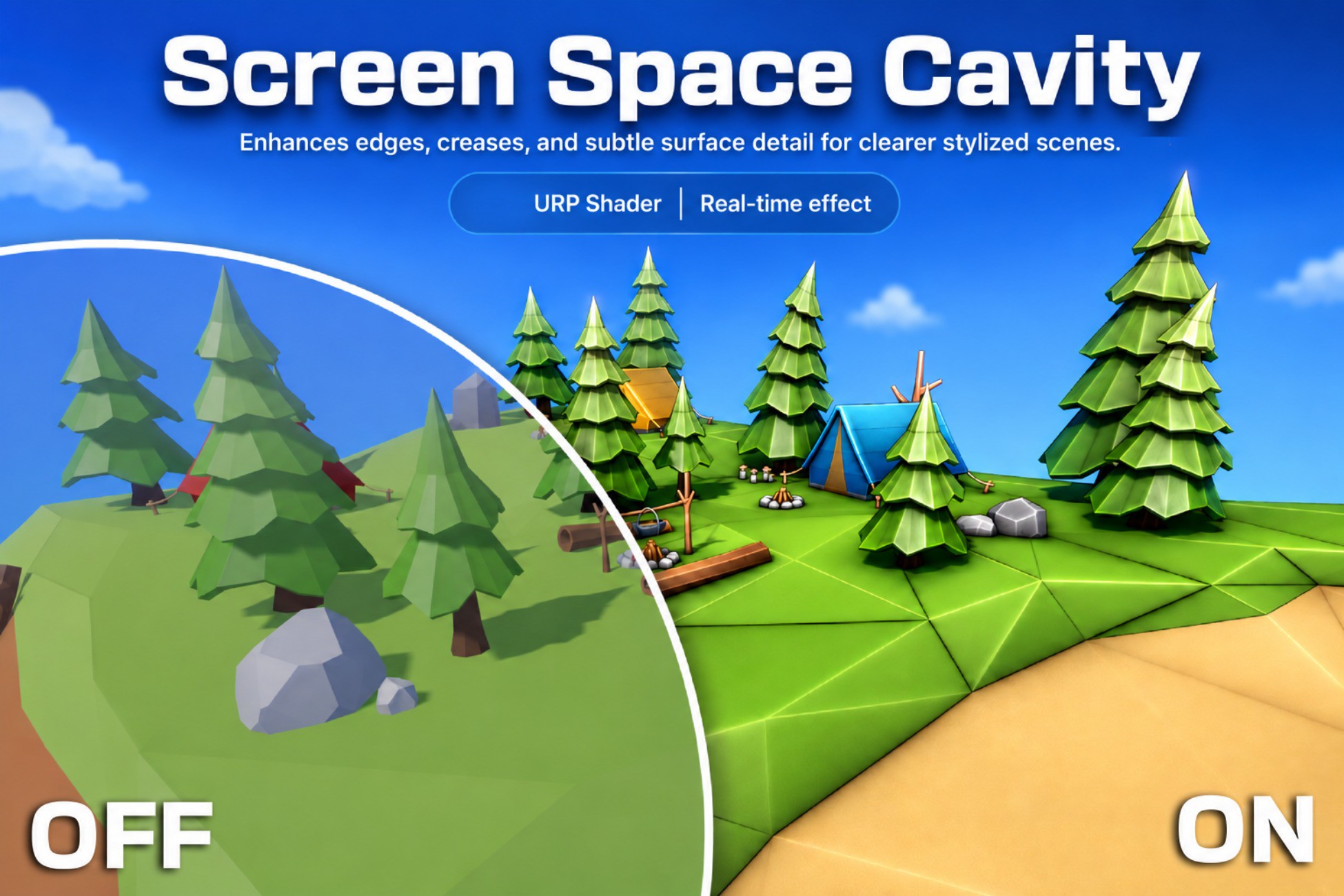
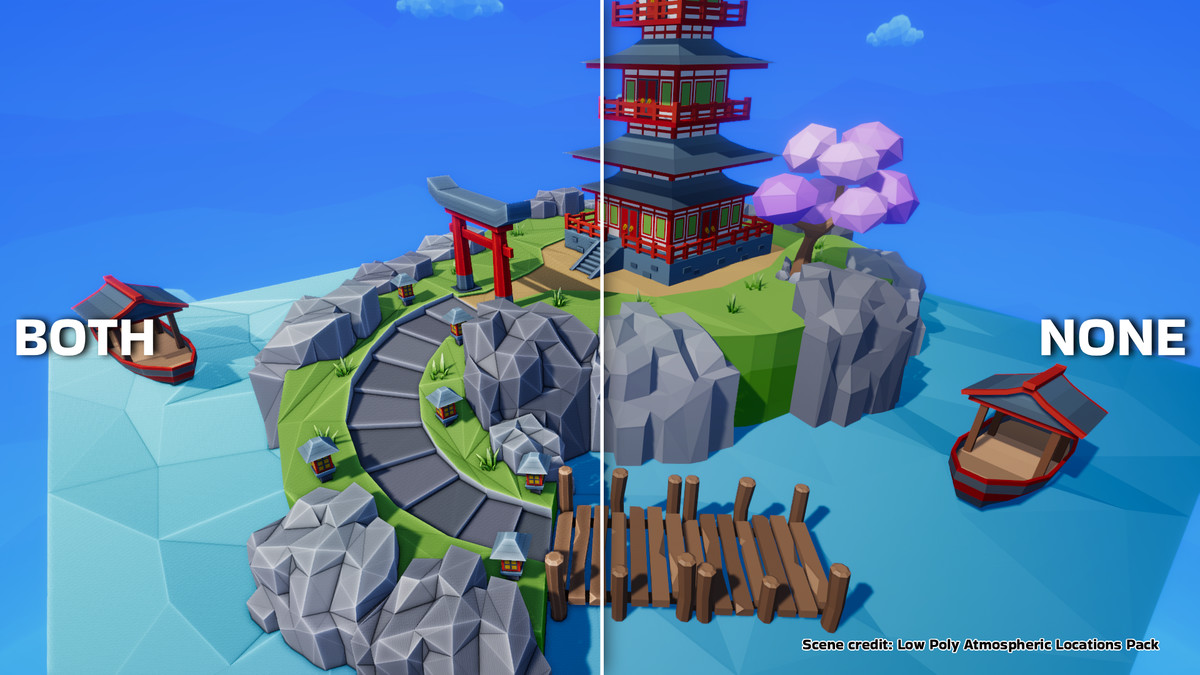
Cavitoon adds clear, art-directable cavity, curvature, and contour detail to Unity URP scenes without modifying the materials on every object.
Use it to brighten convex edges, darken recessed areas, emphasize silhouettes and intersections, or create colorful stylized accents for toon games, level previews, architectural scenes, and technical visualization.
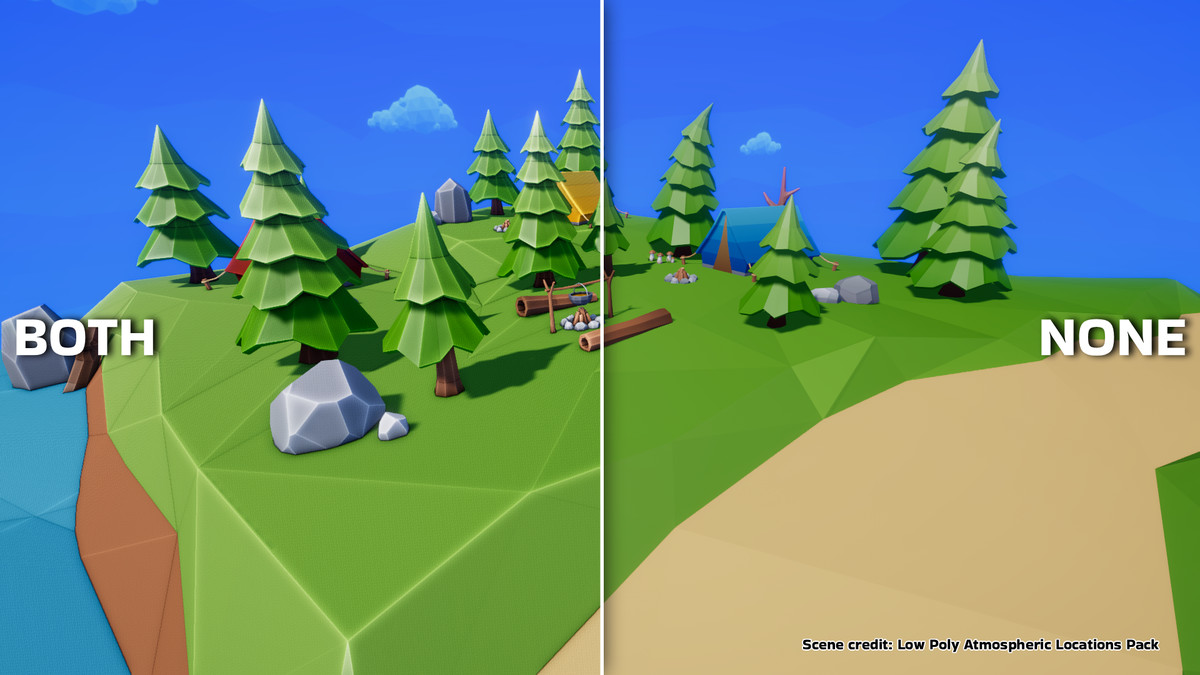
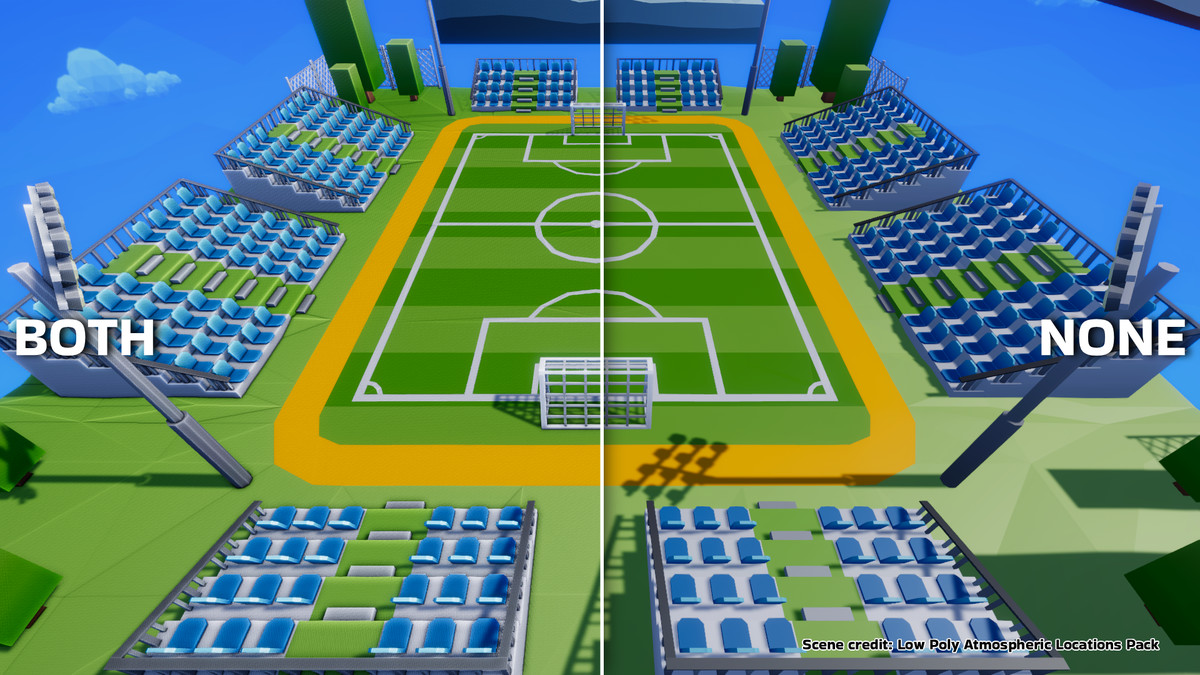
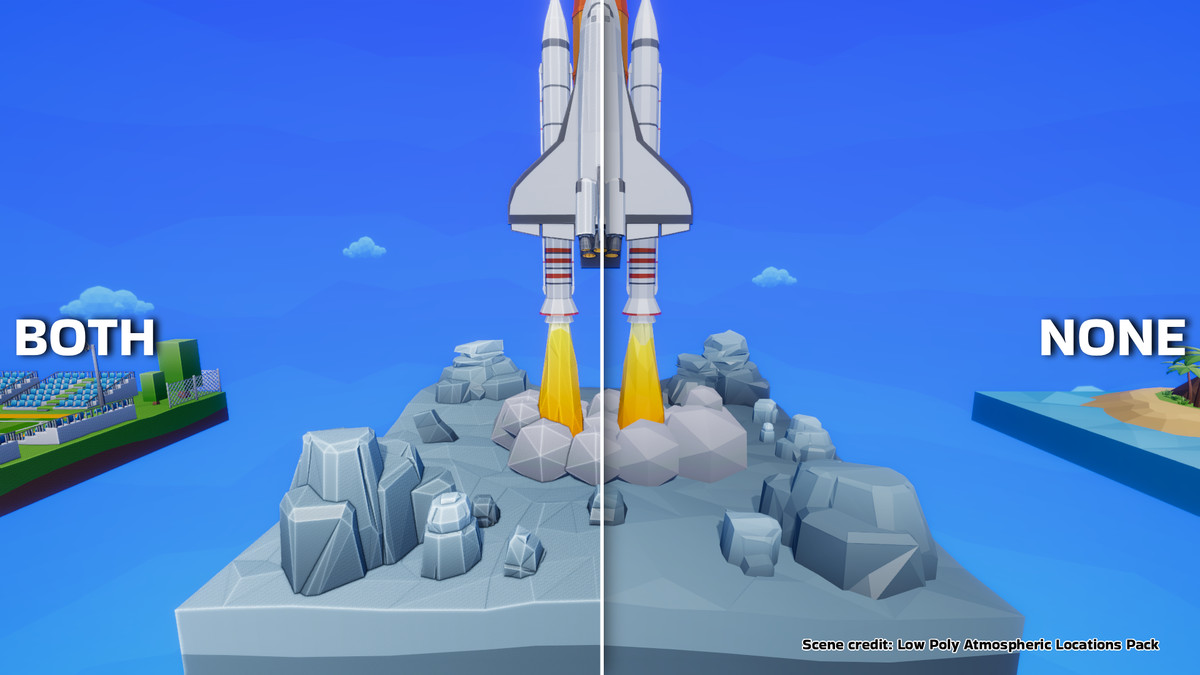
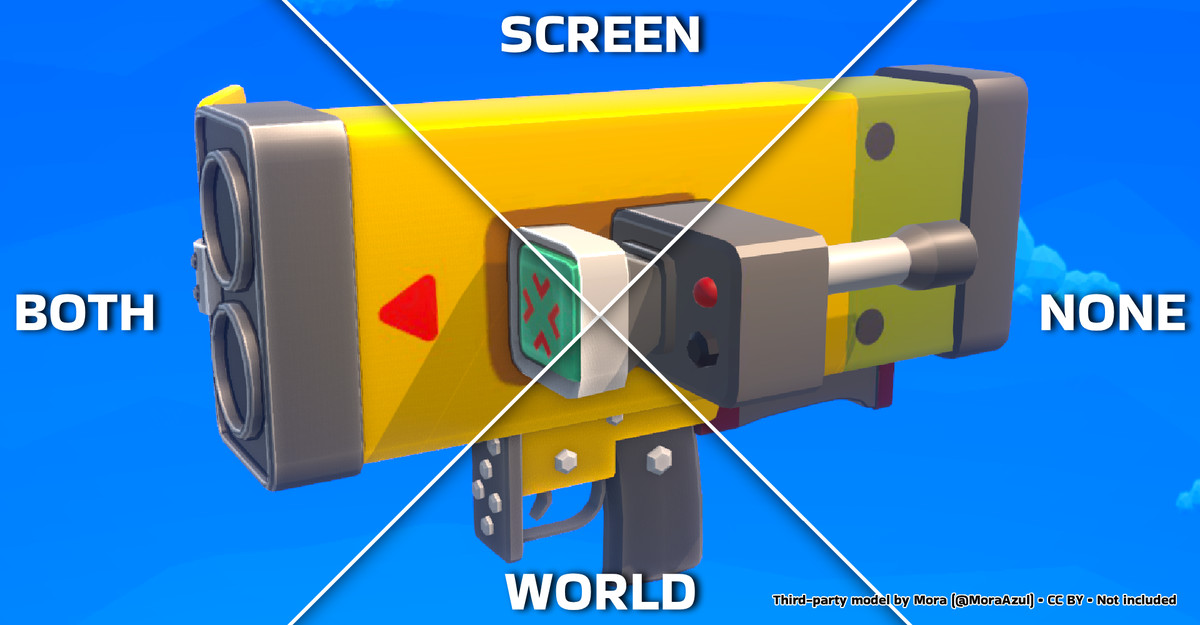
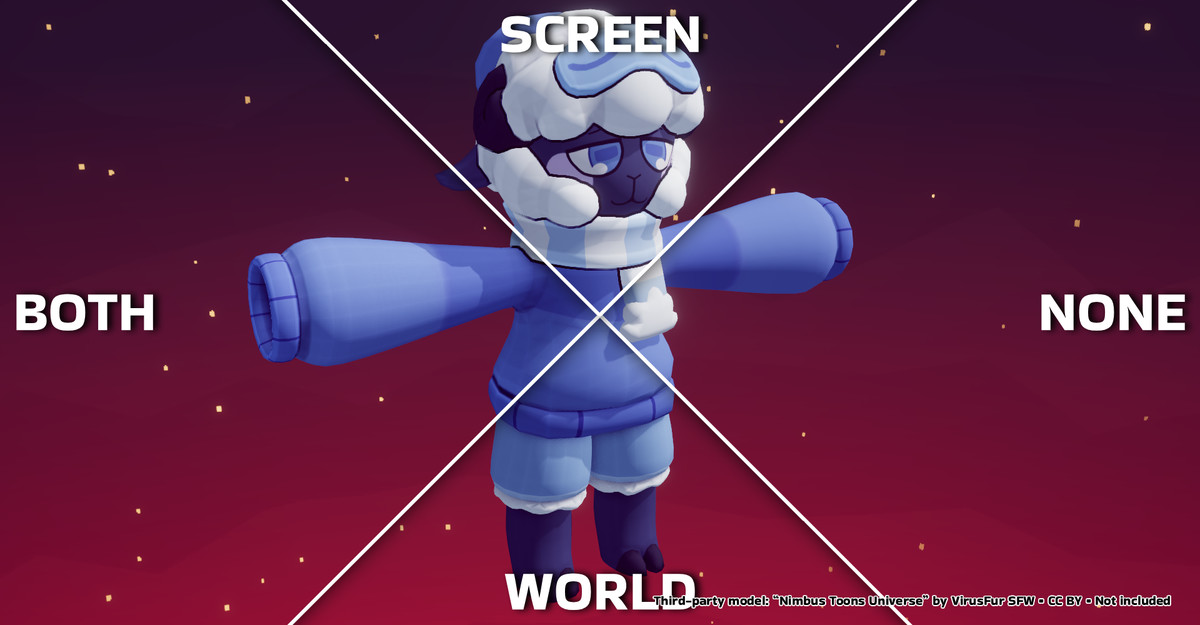
Choose the cavity behavior that fits your art style:
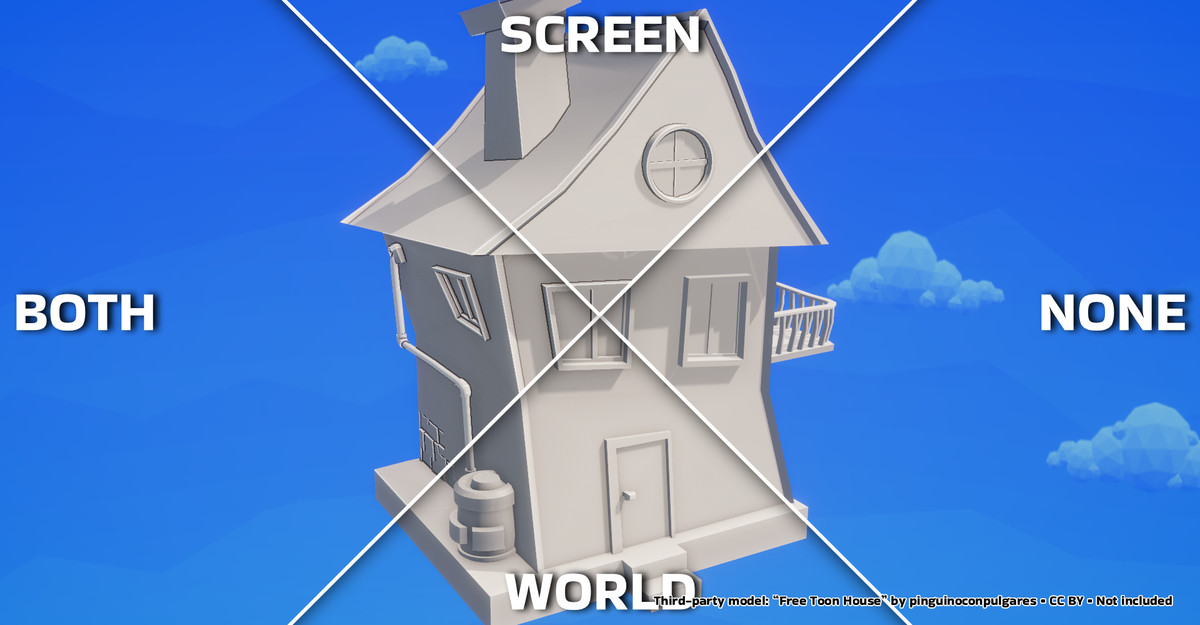
- World uses a radius measured in scene units. It is ideal for larger cavities, joints, overlaps, and contact details that should remain consistent with object scale.
- Screen uses a radius measured in pixels. It is well suited to fine curvature, sharp edges, and graphic contour detail.
- Both combines World and Screen responses while keeping Ridge and Valley independently adjustable.
Customize the final look with separate Ridge and Valley strengths, monochrome or colored output, and three blend modes: Multiply, Additive, and Overlay. Limit the result using standard Unity Layers and Rendering Layers, or fade the effect smoothly by camera depth and absolute world-space height.
Cavitoon is implemented as a URP Renderer Feature, so it works across compatible opaque materials in the scene and does not require a separate cavity material on every mesh. A built-in installer adds the feature to the selected Universal Renderer Data asset, while the organized Inspector exposes only the controls relevant to the selected mode.
Main Features
- World, Screen, and Both cavity modes
- Independent convex Ridge and concave Valley controls
- Monochrome and colored rendering
- Multiply, Additive, and Overlay blend modes
- Include and Exclude object masks
- Unity Layer and Rendering Layer filtering
- Camera-depth Distance Fade
- Bidirectional world-space Height Fade
- Adjustable World quality with 4, 8, or 16 samples
- Screen-space depth rejection for cleaner object boundaries
- Configurable render injection point
- Game view and optional Scene view rendering
- One-click installation into the selected Universal Renderer Data
- Original camera alpha preservation
- Full source code and shader source included
Cavitoon is especially useful for stylized rendering, toon shading, readable gameplay geometry, modeling previews, scene blockouts, and any project that benefits from stronger shape definition.
From the publisher's Asset Store listing.
Technical details
Compatibility
- Render Pipeline: Universal Render Pipeline only
- Target Unity version: Unity 6
- Developed and tested with: Unity 6000.3.14f1 and URP 17.3.0
- Rendering backend: URP Render Graph
- Compatibility Mode: not supported
- Shader model: 3.5
Only platforms and Unity/URP versions listed as supported on the final product page should be considered officially tested.
Rendering
- Full-screen URP ScriptableRendererFeature
- Recommended injection point: Before Rendering Transparents
- Reads camera color, depth, and normals
- URP may generate an additional depth/normals prepass depending on the renderer and platform
- Enabling URP Opaque Texture globally is not required
- Preserves the original camera alpha
- Supports Game Cameras and optional Scene view rendering
- Preview and Reflection Cameras are skipped
World Mode
- Radius is measured in Unity scene units
- Quality levels: 4, 8, or 16 radial samples per pixel
- Adjustable attenuation and maximum projected pixel radius
- Higher sample counts improve stability at an approximately proportional shader cost
Screen Mode
- Radius is measured in pixels of the active render target
- Uses neighboring depth and view-normal samples
- Depth Threshold rejects samples across large depth discontinuities
- Apparent line width is affected by Render Scale, dynamic resolution, and upscaling
Object Masks
- Modes: Disabled, Include, and Exclude
- Unity Layer and Rendering Layer filters are combined using logical AND
- Masking applies to the nearest visible opaque surface
- Enabling a mask creates a camera-sized coverage texture and redraws selected opaque geometry using a depth-tested mask pass
- Standard MeshRenderer, SkinnedMeshRenderer, and GPU Instancing workflows are supported
Fades
- Distance Fade uses linear camera depth
- Height Fade uses absolute world-space Y
- Reversing Height Start and End changes the fade direction
- Distance, Height, and object-mask coverage are combined without changing the original alpha
Important Limitations
- Cavitoon is a screen-space effect and only has information about the nearest visible surface. Hidden, off-screen, and fully occluded geometry cannot contribute.
- The effect is designed for opaque geometry. Regular transparent materials do not provide the required depth and normals information.
- Custom shaders must provide matching DepthOnly and DepthNormals passes, including compatible alpha clipping and vertex deformation.
- Custom vertex displacement, wind, depth offset, procedural geometry, or mismatched depth passes may reduce object-mask accuracy near boundaries.
- Screen mode uses depth discontinuities rather than an object-ID buffer, so some complex intersections may require Depth Threshold adjustment.
- Non-uniform foveated rasterization is currently unsupported.
- Using an injection point after post-processing together with an upscaler is not recommended because color and depth/normals may use different resolutions.
- Mobile performance depends strongly on resolution, depth/normals prepass cost, World sample count, and object masking. Profile on the target device.
Third-Party Assets
Some models and environments shown in screenshots/videos are third-party assets used for demonstration only and are not included in the package.
Showcase assets from Sketchfab are used under CC BY licenses with attribution to their respective authors.
Compatibility
| Unity version | Built-in | URP | HDRP |
|---|---|---|---|
| 6000.3.14f1 | Not listed | Compatible | Not listed |
As listed on the Asset Store.