
 View on Asset Store (opens in new tab)
Package details
- Latest version
- 1.0
- Last updated
- First released
- Unity version
- 6000.5.1 or later
- Package size
- 8.7 MB
- Files
- 141
- Views in the past week
- 12
Price tracking
- Last checked
- Tracked since
- Lowest recorded
- $19.99 on
Keywords

Sprite Compositor
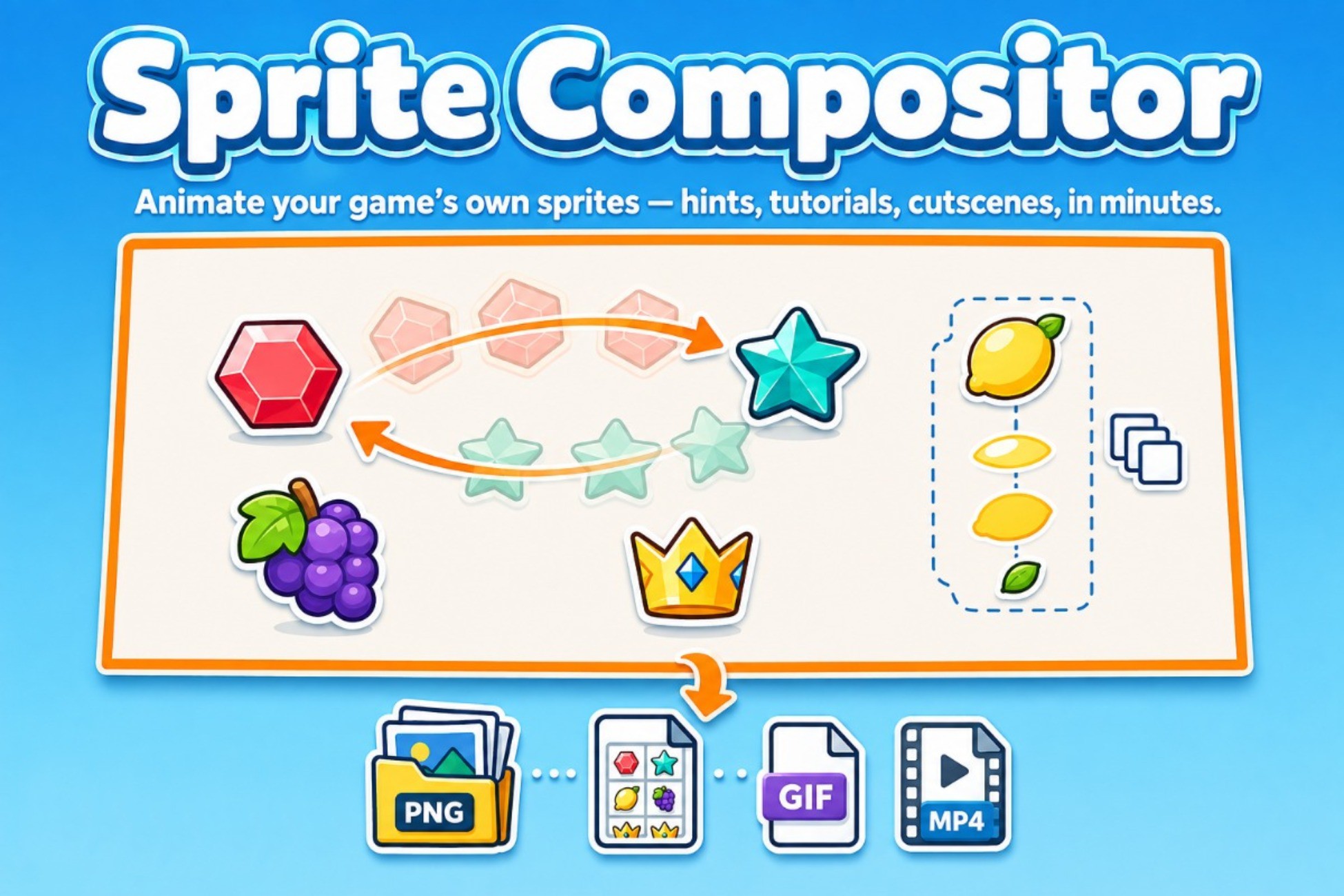
Composite and animate layers of sprites, 3D objects and TextMeshPro 3D text inside Unity Editor - then export to game-ready formats.
Affiliate link · Purchases support this site
Price history
Last 6 months
USDAsset preview
1 / 5
Sprite Compositor screenshot 1

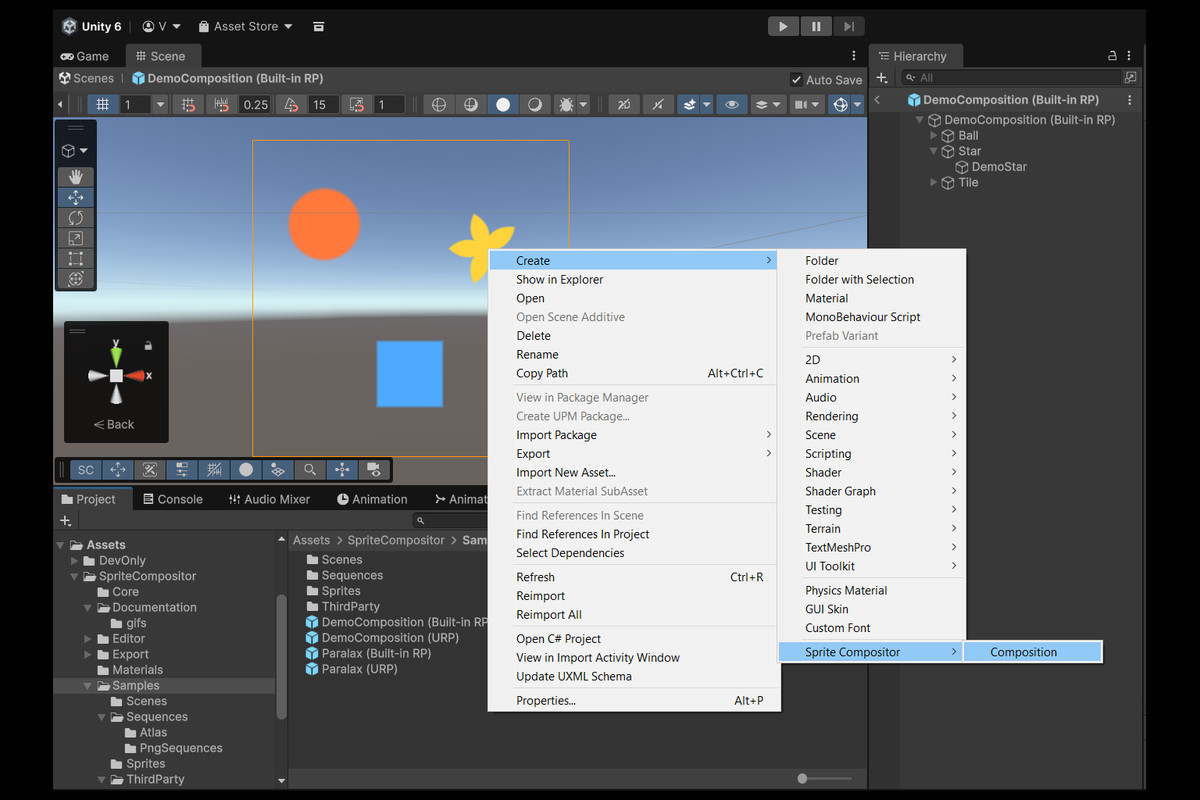
About this asset
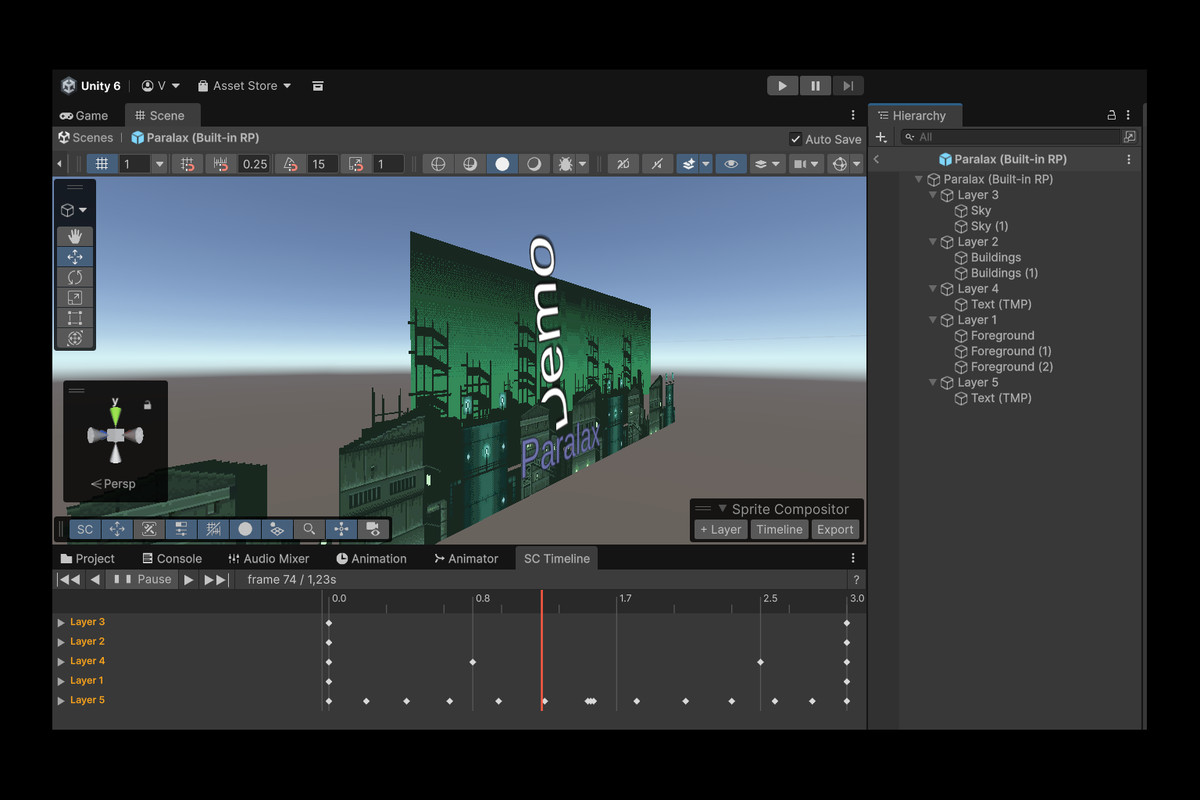
Sprite Compositor lets you animate sprites — position, scale, rotation, opacity, all on independent axes — using a Timeline built on the same keyframe model as professional animation software, without leaving the Unity Editor. Compositions are edited as prefabs, so your scenes stay clean.
Use it for animated in-game hints and tutorials, UI icon animations, cutscene effects, pixel-art sprite animation, or any 2D visual sequence your project needs. Every layer can hold sprites, 3D objects, or TextMeshPro 3D text — not limited to flat pixel art.
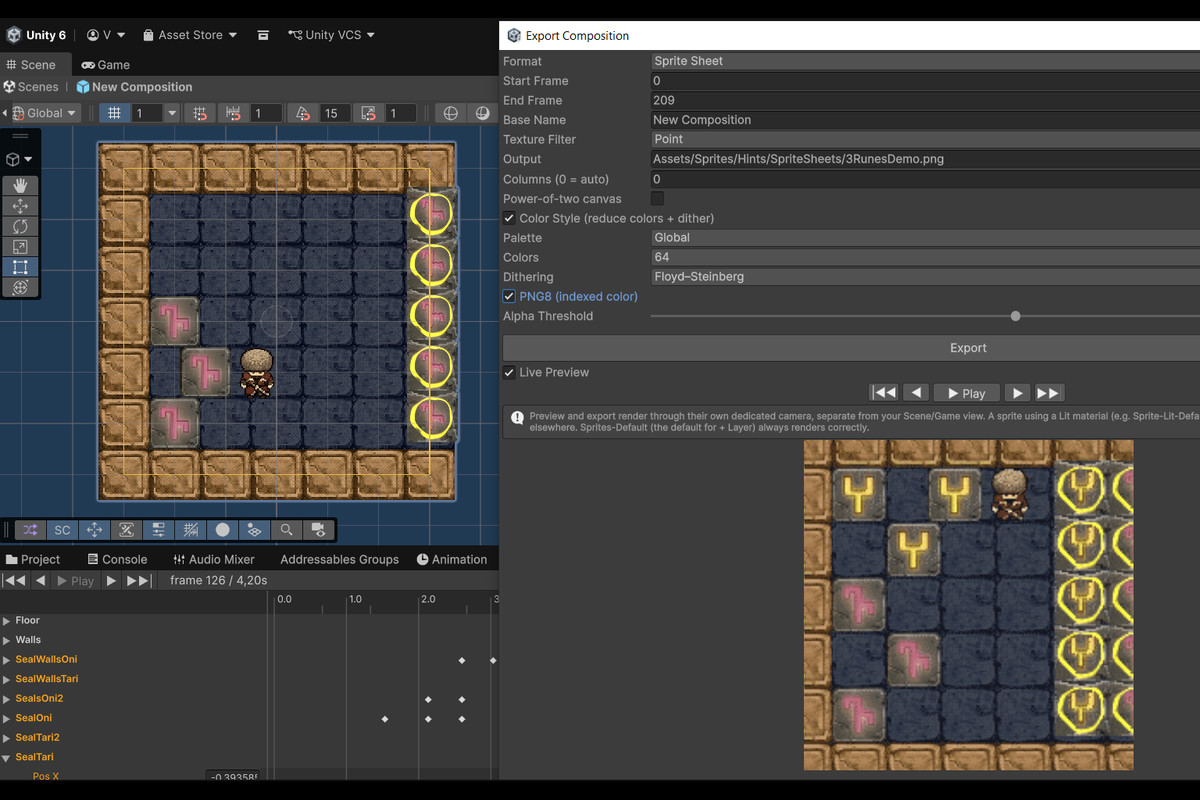
Every property is keyframe-driven. Interpolation is Smooth/Linear/Hold per key, with Bezier tangent editing. Export settings — color count, dithering, palette mode, quality — are fully exposed per format.
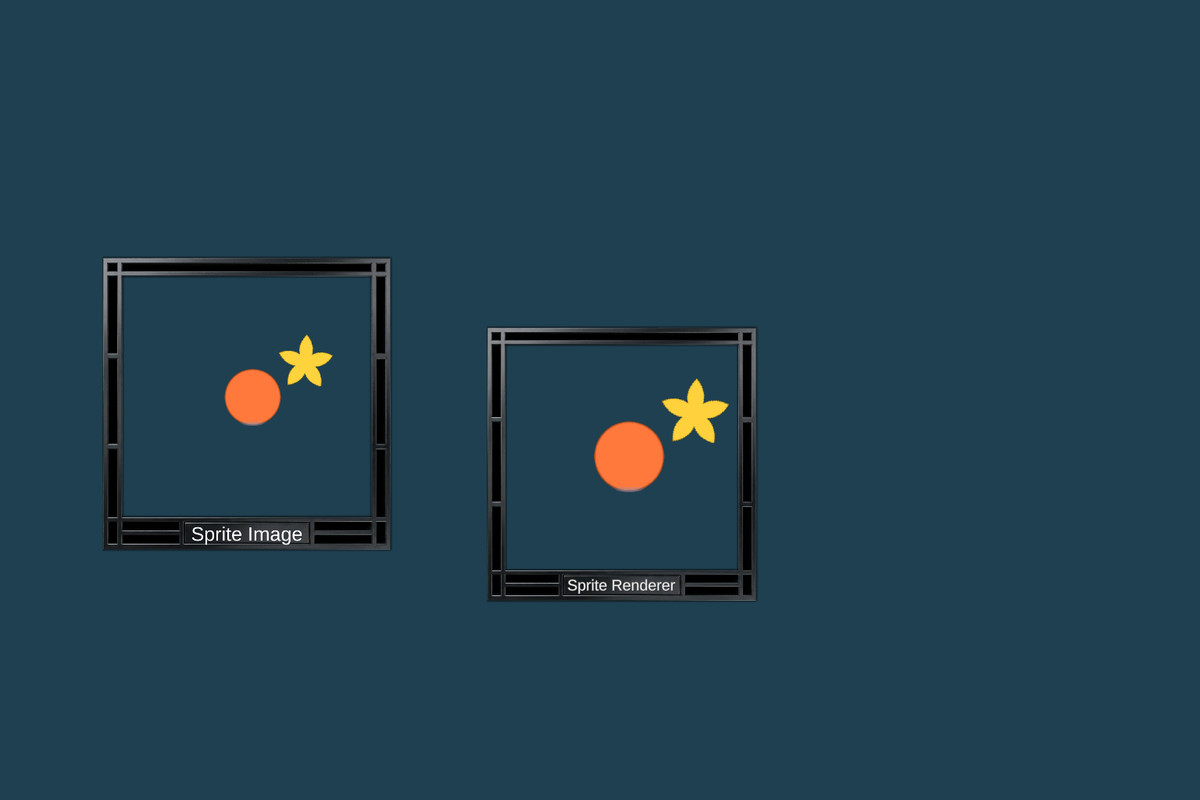
Three runtime options ship with the package: SpriteSequencePlayer (SpriteRenderer) and SpriteSequenceImagePlayer (UI Image) play back exported frame sequences with zero code; Runtime Player Prefab export creates a self-contained prefab that plays the full composition — curves, layers and all — directly in-game, with optional SpriteMask canvas clipping.
Supports Unity 2022.3 LTS and newer, URP and Built-in Render Pipeline.
---
Optional packages (install via Package Manager for additional features):
• TextMeshPro (com.unity.textmeshpro) — TMP 3D text layers and opacity on TMP objects. Not required — the package compiles and runs with zero errors without it; all TMP code is gated by Assembly Definition versionDefines.
• 2D Sprite (com.unity.2d.sprite) — Sprite Editor integration.
• Unity UI (com.unity.ugui) — SpriteSequenceImagePlayer (UI Image playback).
---
Asset uses parallax-industrial-pack by Luis Zuno (@ansimuz) under CC0 1.0 Universal; see Third-Party Notices.txt in the package for details.
---
From the publisher's Asset Store listing.
Technical details
- Timeline-based keyframe animation per property axis (Position X/Y, Scale X/Y/Z, Rotation X/Y/Z, Opacity), Smooth/Linear/Hold interpolation, Bezier tangent editing
- Multi-key selection (rectangle/marquee, Ctrl-click), group drag, full Undo/Redo
- Live scene preview at the playhead — no separate preview/record mode
- Prefab-based compositions; layers can hold sprites, 3D objects, or TextMeshPro 3D text
- 5 export formats: PNG Sequence, Sprite Sheet (auto-slicing + ready-to-use SpriteSequence asset), Animated GIF, MP4 Video, Runtime Player Prefab
- Color Style pass: color reduction + 8 dithering algorithms (Floyd–Steinberg, Atkinson, Sierra/Sierra Lite, Ordered/Bayer, Checkerboard, Diagonal, Crosshatch)
- PNG8 indexed-color export for smaller file sizes
- SpriteSequencePlayer (SpriteRenderer) and SpriteSequenceImagePlayer (UI Image) — play exported frame sequences, no code required
- Runtime Player Prefab (CompositionPlayer) — plays the full composition with curves and layers directly in-game; PlayOnAwake, Loop, Speed, Ignore Time Scale, optional SpriteMask for canvas-bounds clipping
- Live export preview matches exact final output including dithering and quantization
- Supports URP and Built-in Render Pipeline
- Requires Unity 2022.3 LTS or newer
- Dependencies:
- • com.unity.timeline 1.7.6 — required
- • com.unity.textmeshpro (any version) — optional; all TMP-dependent code is compiled out via Assembly Definition versionDefines when absent. Zero compiler errors, zero Missing Script errors, zero Play Mode errors without it. The demo scene and sample prefabs contain no TMP components.
- • com.unity.2d.sprite 1.0.0 — optional; Sprite Editor integration
- • com.unity.ugui 1.0.0 — optional; required only for SpriteSequenceImagePlayer (UI Image). In Unity 6 / ugui 2.0+, TMP is bundled into ugui and is available automatically.
Compatibility
| Unity version | Built-in | URP | HDRP |
|---|---|---|---|
| 6000.5.1f1 | Compatible | Compatible | Not listed |
URP is the primary, fully-tested pipeline. Built-in RP is also supported for backward compatibility, though Unity marks Built-in RP as deprecated starting with Unity 6.6 - new projects are encouraged to use URP. HDRP is not supported: HDRP itself does not support Unity's 2D/SpriteRenderer workflow that this asset is built on.
As listed on the Asset Store.