
 View on Asset Store (opens in new tab)
Package details
- Latest version
- 1.0
- Last updated
- First released
- Unity version
- 6000.4.7 or later
- Package size
- 438 KB
- Files
- 74
- Favorites
- 3
- Views in the past week
- 10
Price tracking
- Last checked
- Tracked since
- Lowest recorded
- $13.99 on
Keywords

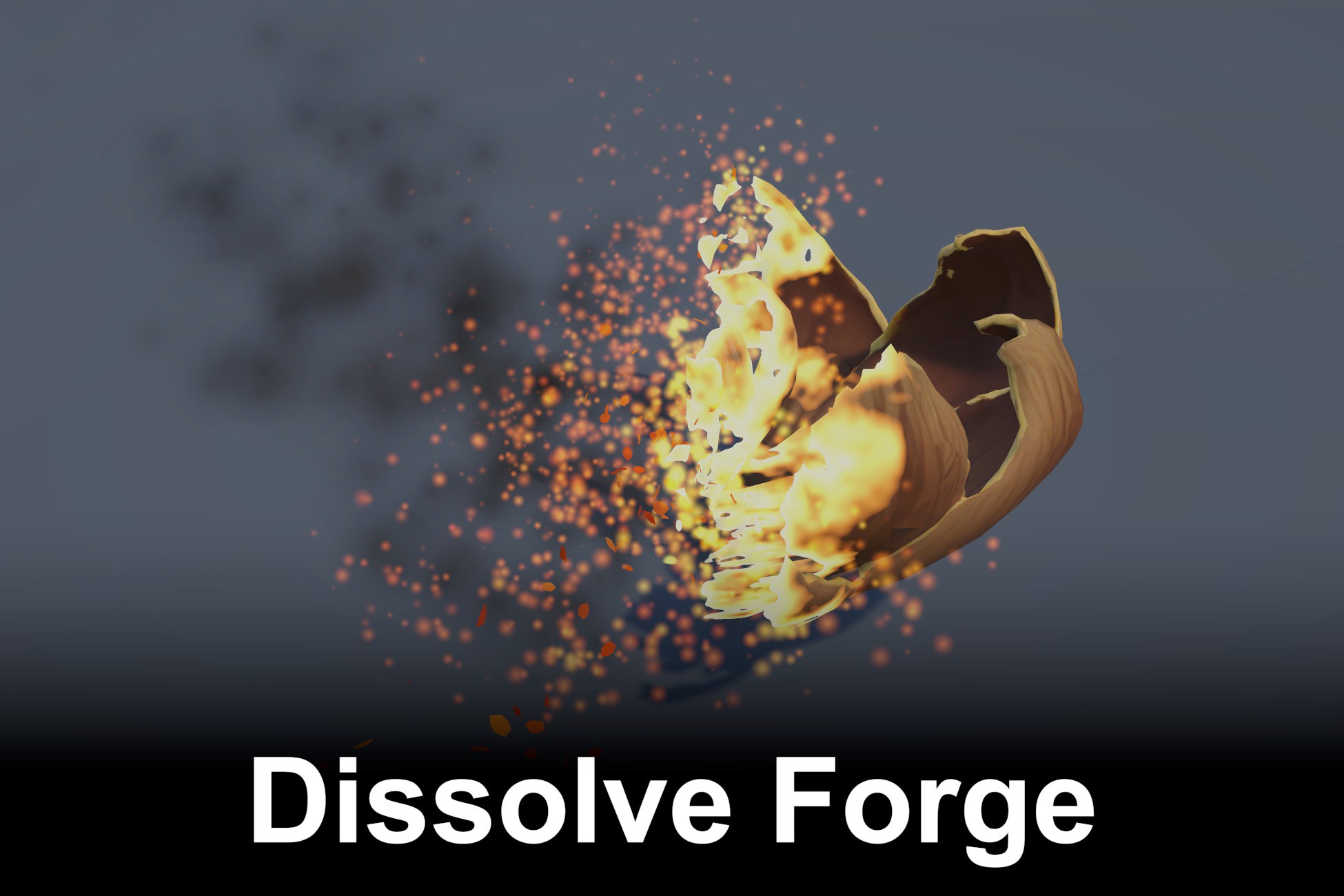
Dissolve Forge
A procedural dissolve and materialize system for any 3D prefab, with 8 styles, front-driven ash and full runtime control.
Affiliate link · Purchases support this site
Price history
Last 6 months
USDAsset preview
1 / 9
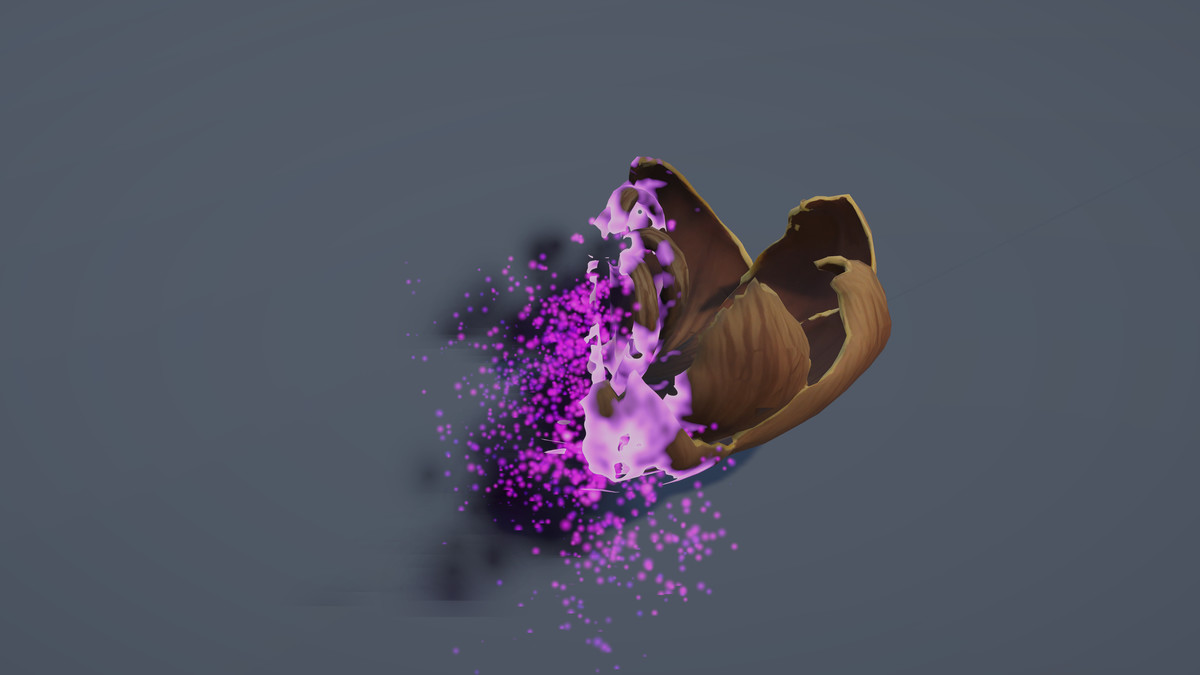
Dissolve Forge screenshot 1

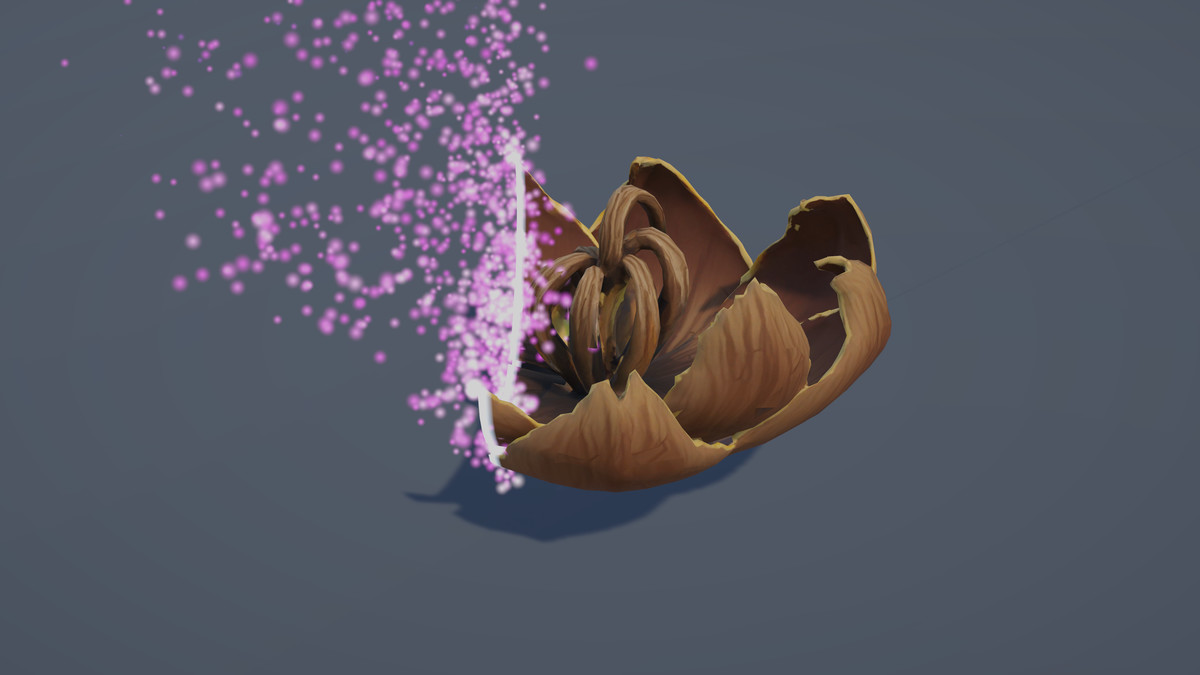
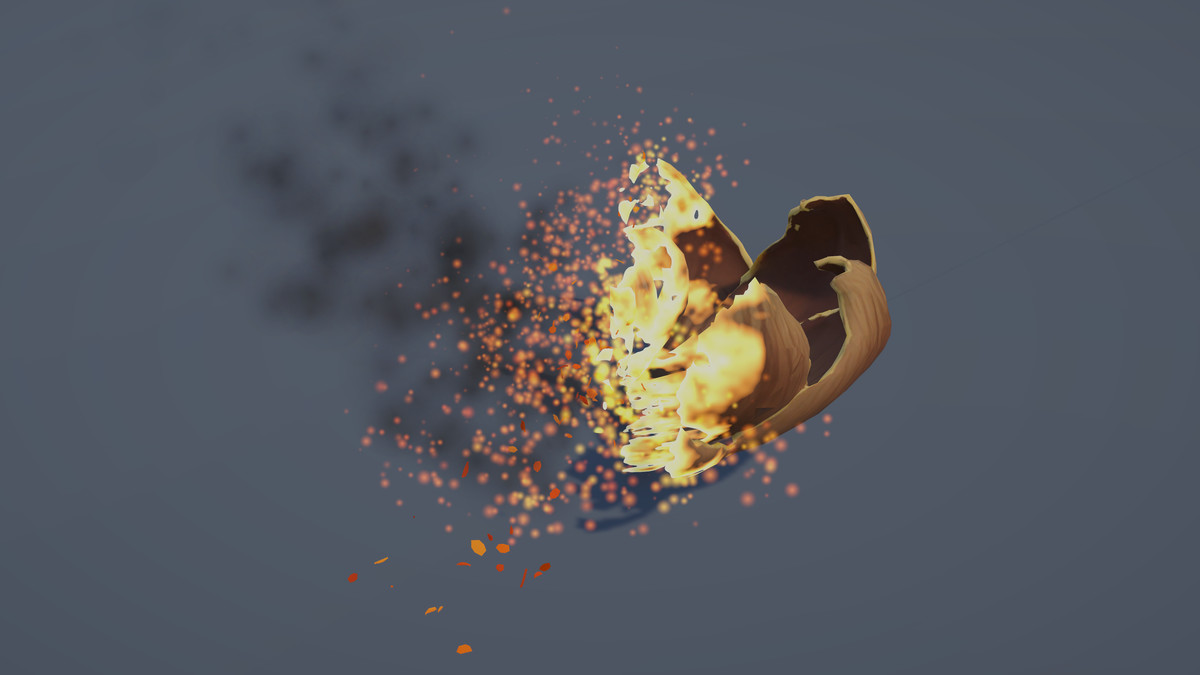
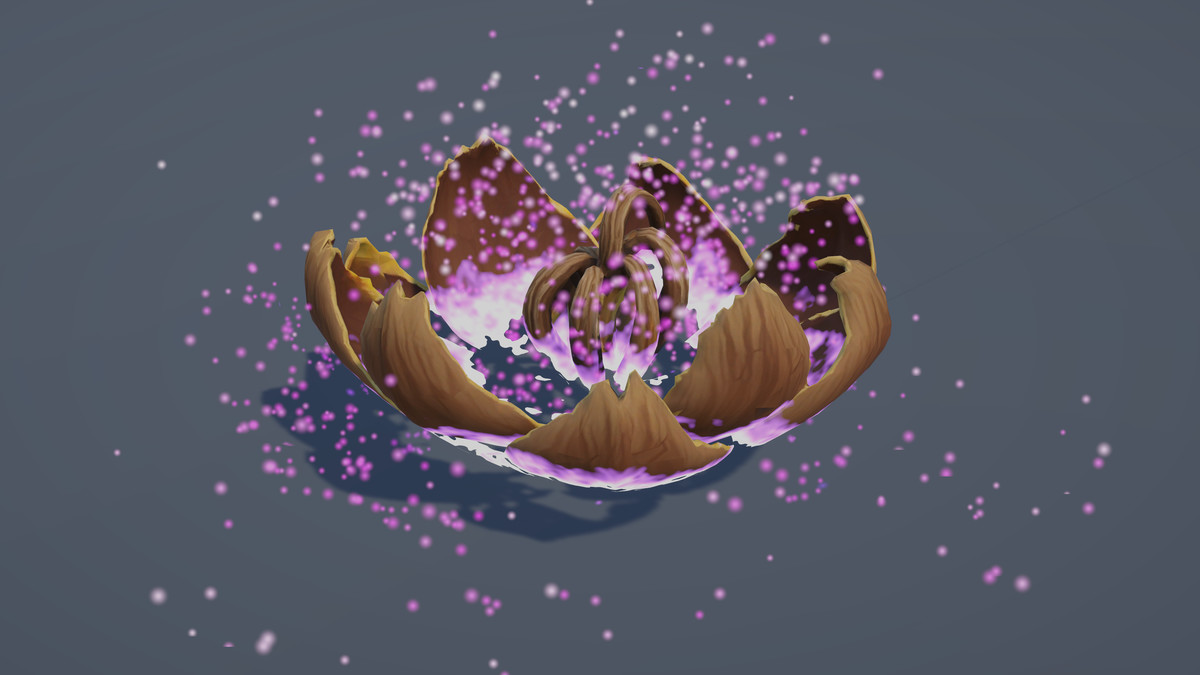
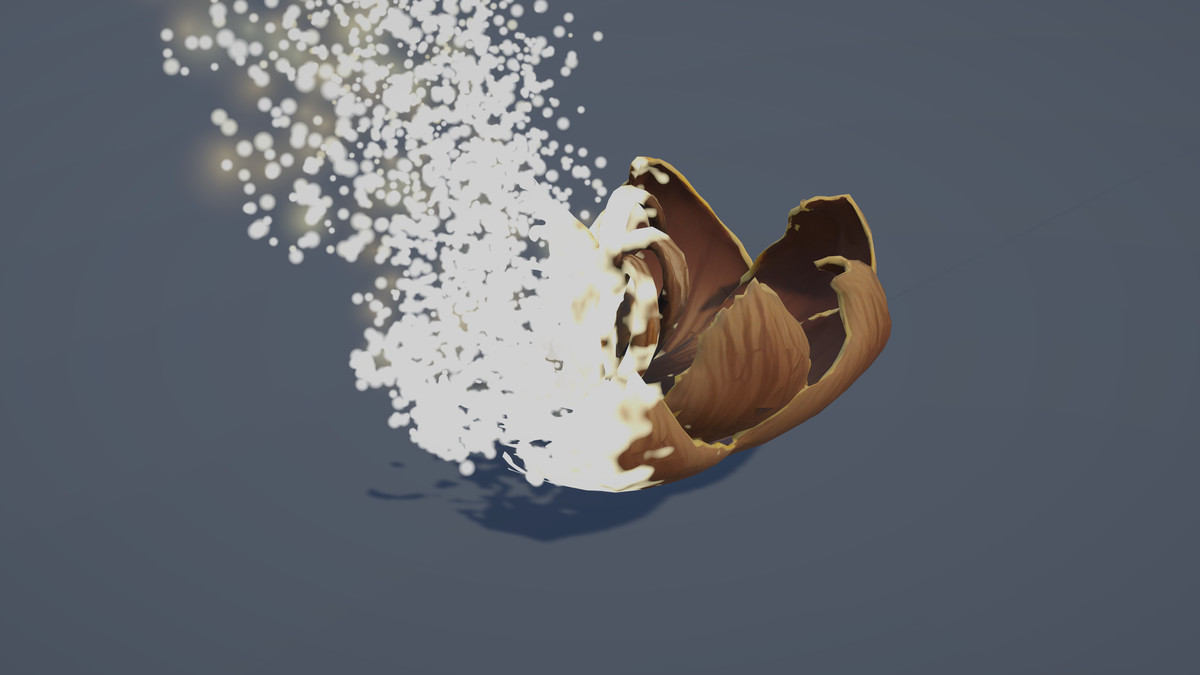
About this asset
🔥 Dissolve Forge — 8 Procedural Dissolve Styles
Dissolve Forge is a procedural dissolve and materialize system for making any 3D object disintegrate or assemble with a visible front, glowing edge, surface transformation and trailing debris.
Works directly with existing prefabs, including animated SkinnedMeshRenderer characters — no UV setup, extra material slots or custom meshes required.
8 Dissolve Styles:
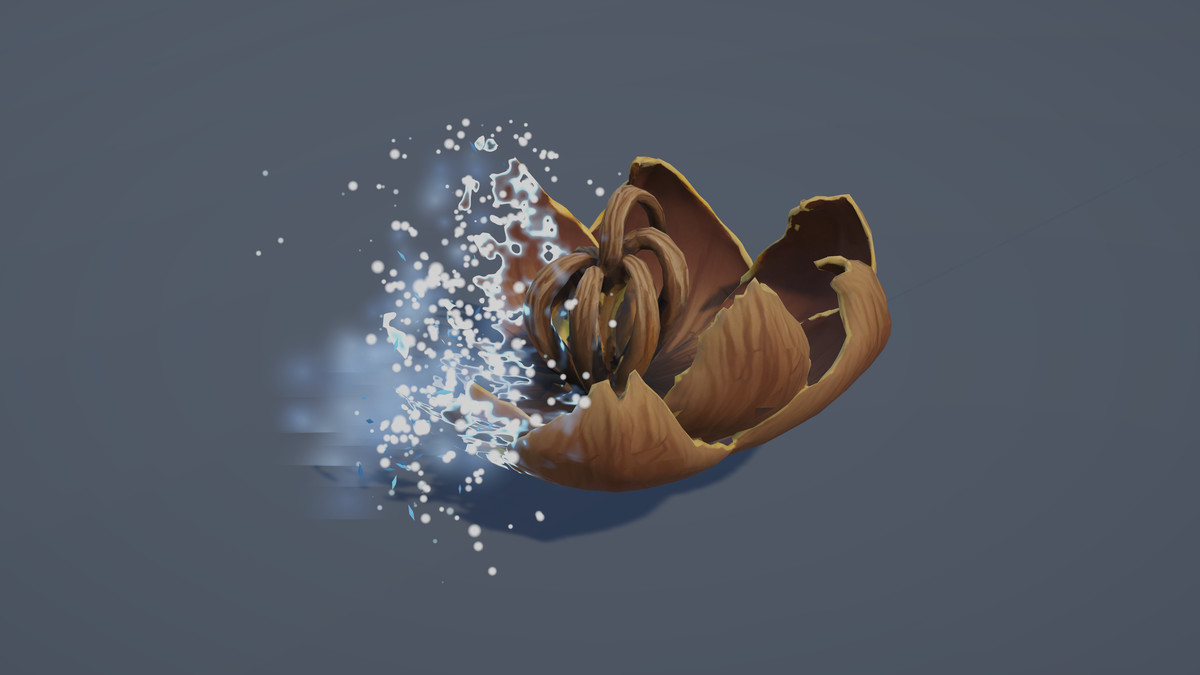
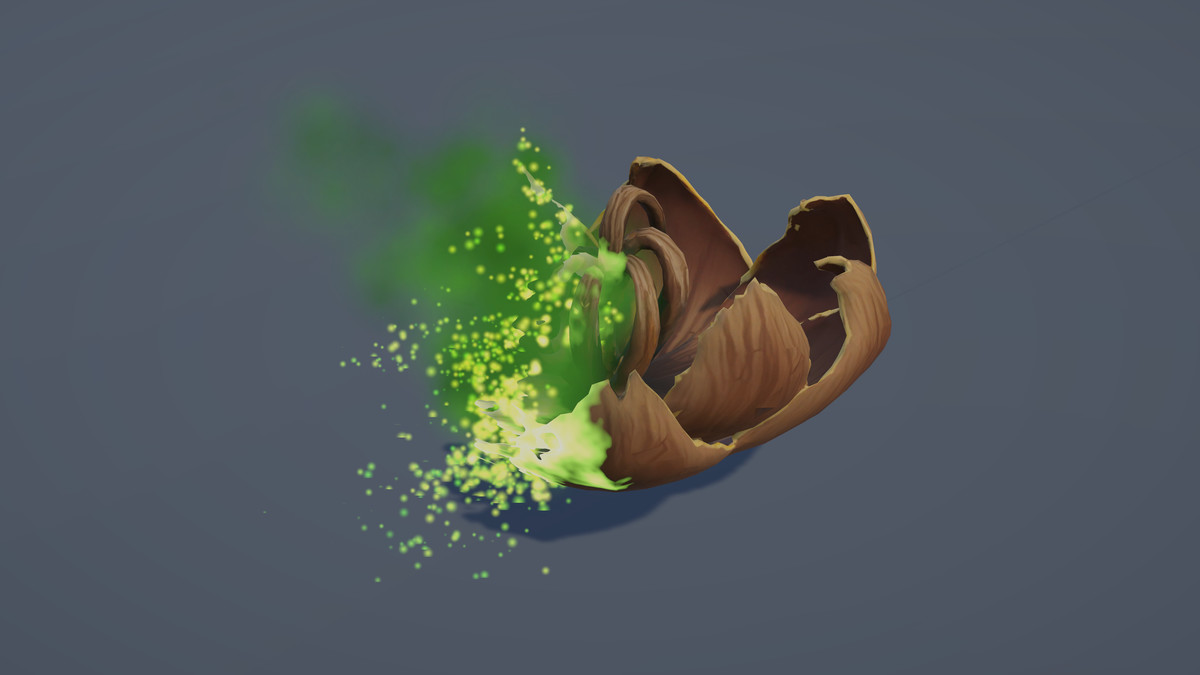
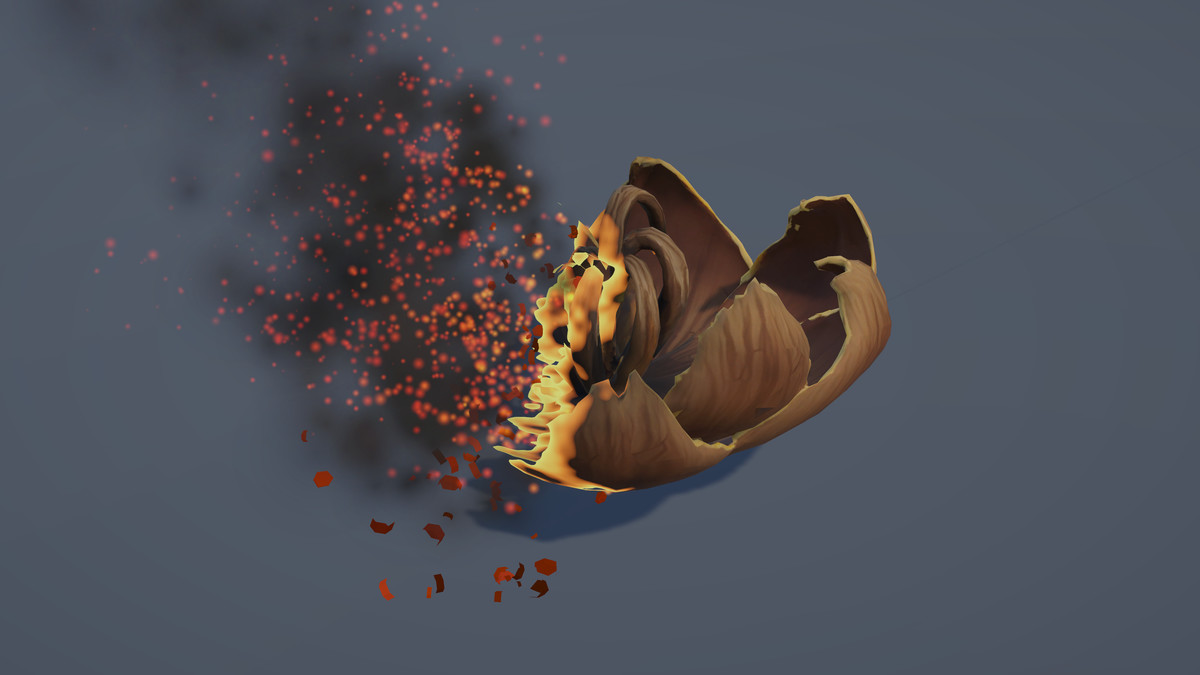
🔥 Char · 🔥 Fire · ❄️ Ice · 🔮 Arcane
☠️ Venom · ✨ Holy · 🌑 Shadow · ▫️ Erase
Dissolve & Materialize:
💥 Front Dissolve · ✨ Front Materialize
Both share the same styles, presets, tuning system, scale handling and API.
🧩 Works With Your Prefabs:
Static meshes · SkinnedMeshRenderer · Multiple renderers
Existing textures and colours · No UV setup · No extra material slots
Automatic preservation of base map, colour and normal map.
⚡ Simple Integration:
Add two scripts to your prefab and call the API.
🚫 No additional installation
🚫 No setup scene or special prefab preparation
🚫 No external dependencies
⚡ Built From Scratch:
Custom HLSL shaders · Procedural noise · Procedural debris meshes
HDR edge colours · Runtime material instances · Automatic scale compensation
🚫 No Shader Graph
🚫 No third-party dependencies
🌪️ Front-Driven Ash:
Ash is emitted only from the surface currently being consumed.
Front: Material · Top · Bottom · Left · Right · Front · Back · Custom
Movement: Surround · Sweep · Sky · Vortex
🎛️ Runtime Tuning:
Duration · Delay · Progress · Sweep · Front shape · Ash
Gravity · Drift · Spread · Turbulence · Swirl · Collision · Bounce
Edge · Char · Colours · Automatic scaling
Each component has independent settings for fully customizable results.
💾 16 Presets:
8 Dissolve · 8 Materialize
Includes style, timing, scale, ash, sweep, edge and component settings.
🎮 Interactive Demo:
Dissolve / Materialize switching · Custom prefab support · Multiple camera views
Mouse orbit controls · Metric floor grid · Live ash tuning · Flat-front testing
Hideable UI · English / Spanish interface
📖 Documentation:
English and Spanish documentation covering installation, API, components, shaders, mechanics, styles, particles, debris, scale handling, presets, customization, performance and troubleshooting.
Make any object disappear — or bring it back.
From the publisher's Asset Store listing.
Technical details
⚙️ This Package Includes
- 💥 8 Dissolve Styles — Char, Fire, Ice, Arcane, Venom, Holy, Shadow & Erase
- 🔄 2 Runtime Components — Front Dissolve & Front Materialize
- ✨ 8 Ash Prefabs — one procedural ash set per style
- 🧩 5 Procedural Flake Meshes — generated debris geometry with no textures
- 🎨 12 Materials — 8 style materials + 4 particle materials
- 🚫 0 Textures — the effect is fully procedural
- ⚡ 4 Custom HLSL Shaders — 3 for the effect + 1 for the demo floor, no Shader Graph
- 🛠️ 5 Runtime Scripts — Front Dissolve, Front Materialize, Dissolve Field, Style Library & Tuning Preset
- 🔧 1 Custom Inspector — dropdown-based style selection, tuning controls and preset management
- 💾 16 Tuning Presets — 8 Dissolve + 8 Materialize
- 📚 1 Style Library Asset
- 🎮 1 Interactive Demo Scene
- 📖 English & Spanish Documentation
- 🧱 Assembly Definitions — Runtime, Editor and Demo code separated into independent assemblies
- 📐 Automatic Scale Compensation — particle movement and effect size adapt to the target object
- 🎯 Runtime API — Play, SetProgress, Begin, StopAndRestore and completion events
- 🎬 Timeline / External Progress Support — manually drive the effect from 0 to 1
- 💥 Depth-based Particle Collision — ash can settle against visible surfaces without requiring colliders
Compatibility
| Unity version | Built-in | URP | HDRP |
|---|---|---|---|
| 6000.4.7f1 | Compatible | Compatible | Compatible |
As listed on the Asset Store.