
 View on Asset Store (opens in new tab)
Package details
- Latest version
- 1.0
- Last updated
- First released
- Unity version
- 6000.4.1 or later
- Package size
- 11.5 MB
- Files
- 22
- Favorites
- 5
- Views in the past week
- 41
Price tracking
- Last checked
- Tracked since
- Lowest recorded
- Free on
Keywords
ArmLink: Sim2Real Robo Arm Control
Affiliate link · Purchases support this site
Price history
Last 6 months
USDAsset preview
1 / 4
ArmLink: Sim2Real Robo Arm Control screenshot 1
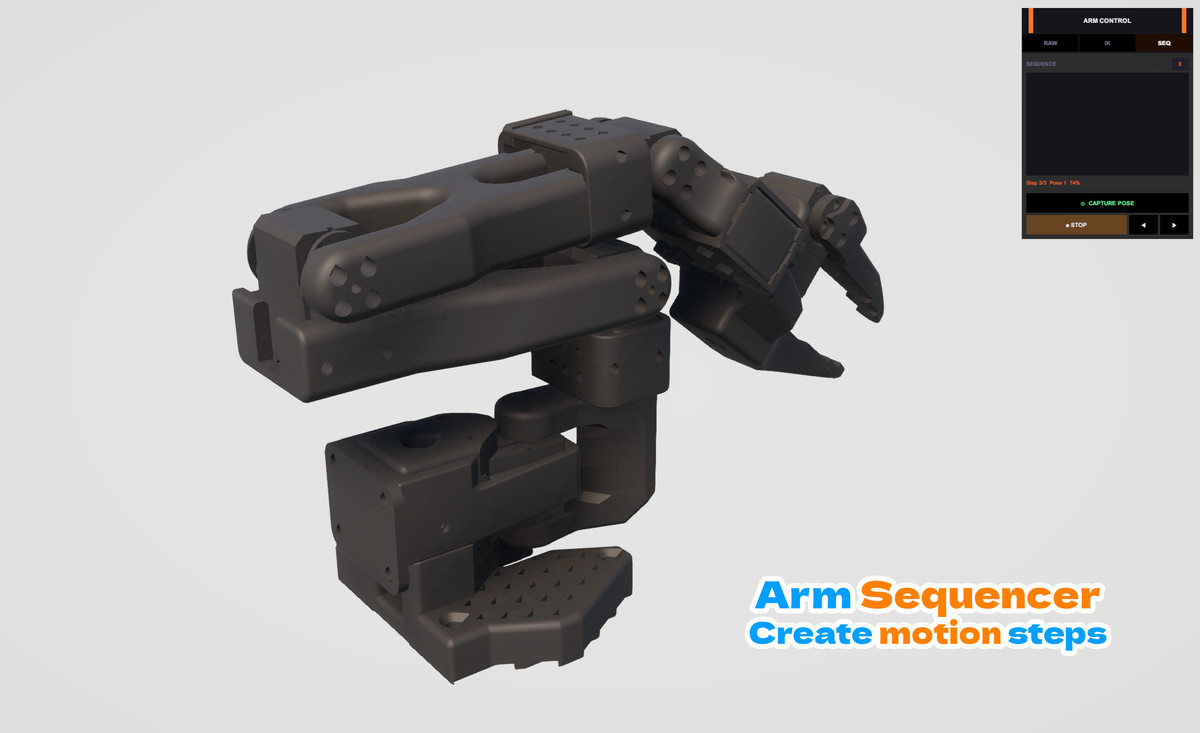
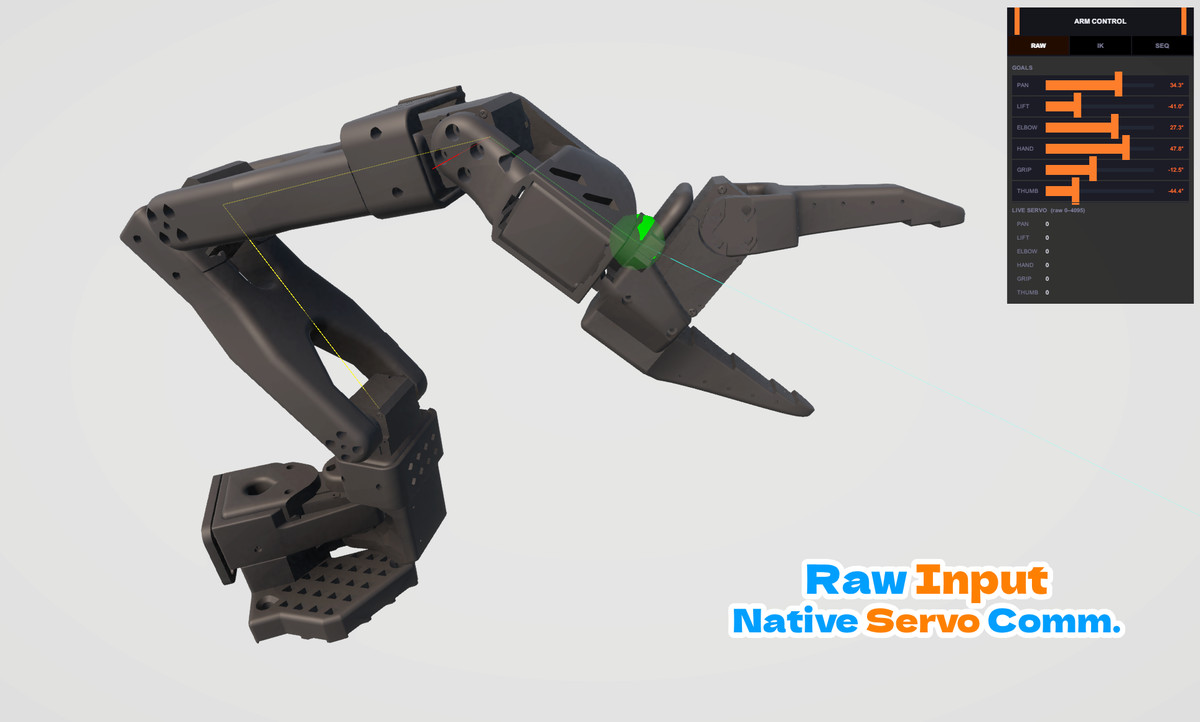
About this asset
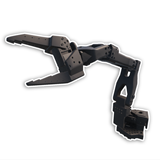
ArmLink is a Unity toolkit for controlling a physical robotic arm in real time, using VR controllers, mouse, or keyboard, with inverse kinematics built in.
LINKS
Website and Support | Documentation
FEATURES
🦾 Two-way sync
Move a joint in Unity and the real arm follows. Move the real arm and Unity updates too.
🎯 Inverse kinematics
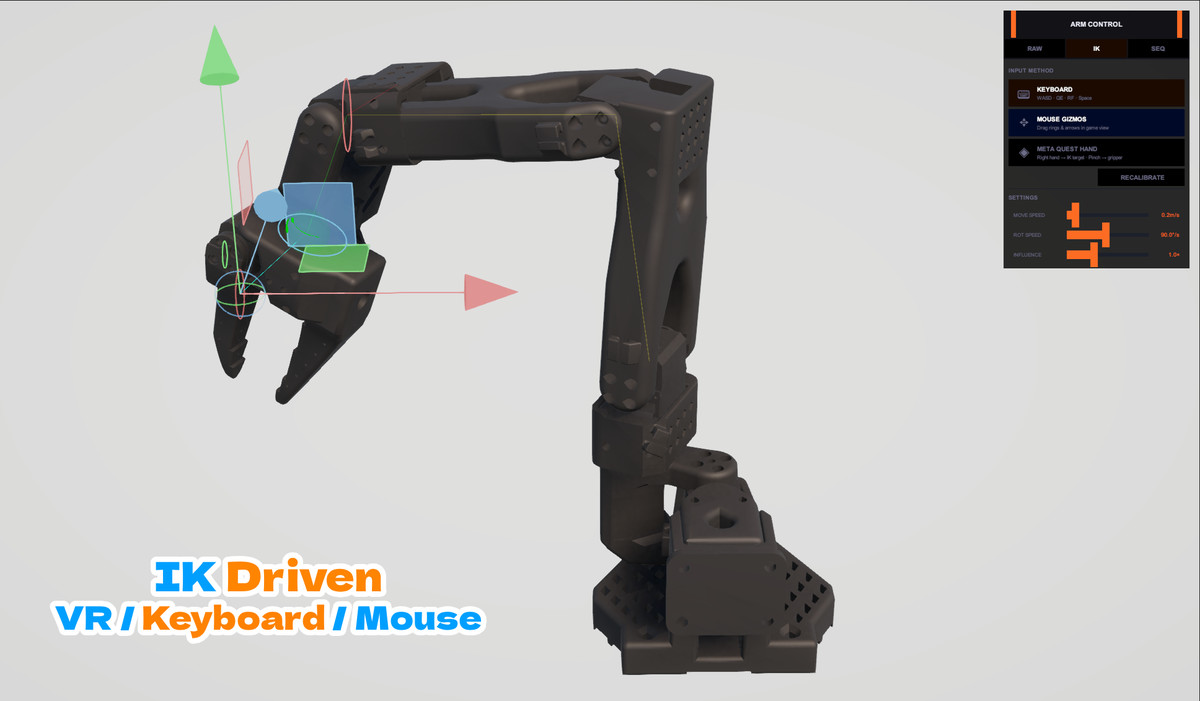
Drag a target in the scene and the shoulder, lift, and elbow joints move to reach it. The hand, gripper, and thumb stay under your control so IK doesn't fight you.
🕹️ Three ways to control it
- Sliders for direct per-joint control
- Mouse or keyboard for IK and gripper control
- VR controller tracking for full teleoperation
🥽 VR support
Works over a USB cable using ADB, so no WiFi setup or powerful GPU required. Optional passthrough so you can see your real surroundings while wearing the headset.
🖱️ On-screen handles
Move and rotate the arm using gizmos drawn right in the Game view, no need to switch to Scene view.
🖥️ Simple on-screen panel
A small draggable UI in your scene to switch between control modes without digging through the Inspector.
CONTROL
🔧 Talks to your servos directly
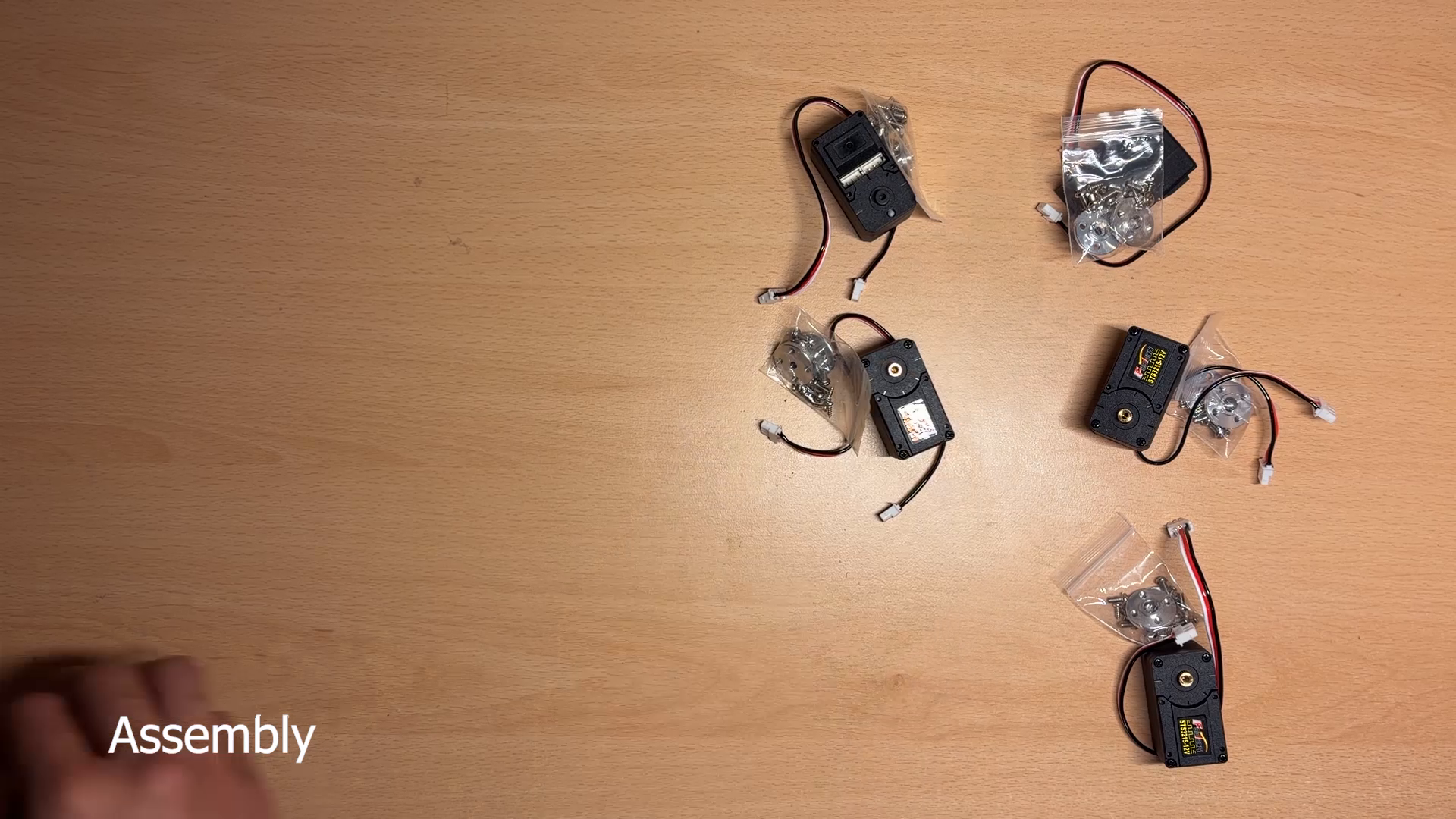
Built for Feetech STS-series serial bus servos over USB. Reads and writes positions, with range limits per joint so you don't stall the motors.
⌨️ Keyboard controls
WASD to move, Shift/Ctrl for up and down, Q/E for gripper, R/F for hand, Space to open and close the thumb. All keys can be changed.
DEPENDENCIES
VR support needs the Input System package, and the optional passthrough companion app needs the Meta XR Core SDK.
PIPELINES SUPPORTED
Built-In / URP / HDRP / SRP: works the same across all of them since nothing depends on materials or shaders.
LIMITATIONS
This is still a work in progress, so a few things to know:
- Right now it supports 6-DOF arms using Feetech STS-series servos. Other brands aren't supported yet. Needs to be configured in FD Software.
- The VR companion app is already built with passthrough enabled, the .apk needs to be running on the Meta Quest 2 for real time transfer of data.
If you would like further details about the fully configured arm, please get in touch with us at [email protected].
From the publisher's Asset Store listing.
Compatibility
| Unity version | Built-in | URP | HDRP | Custom |
|---|---|---|---|---|
| 6000.4.1f1 | Compatible | Compatible | Compatible | Compatible |
As listed on the Asset Store.