
 View on Asset Store (opens in new tab)
Package details
- Latest version
- 1.0
- Last updated
- First released
- Unity version
- 6000.3.19 or later
- Package size
- 4.2 MB
- Files
- 38
- Views in the past week
- 11
Price tracking
- Last checked
- Tracked since
- Lowest recorded
- $7.99 on
Keywords
RPG UI-HEALTH ORBS PACK
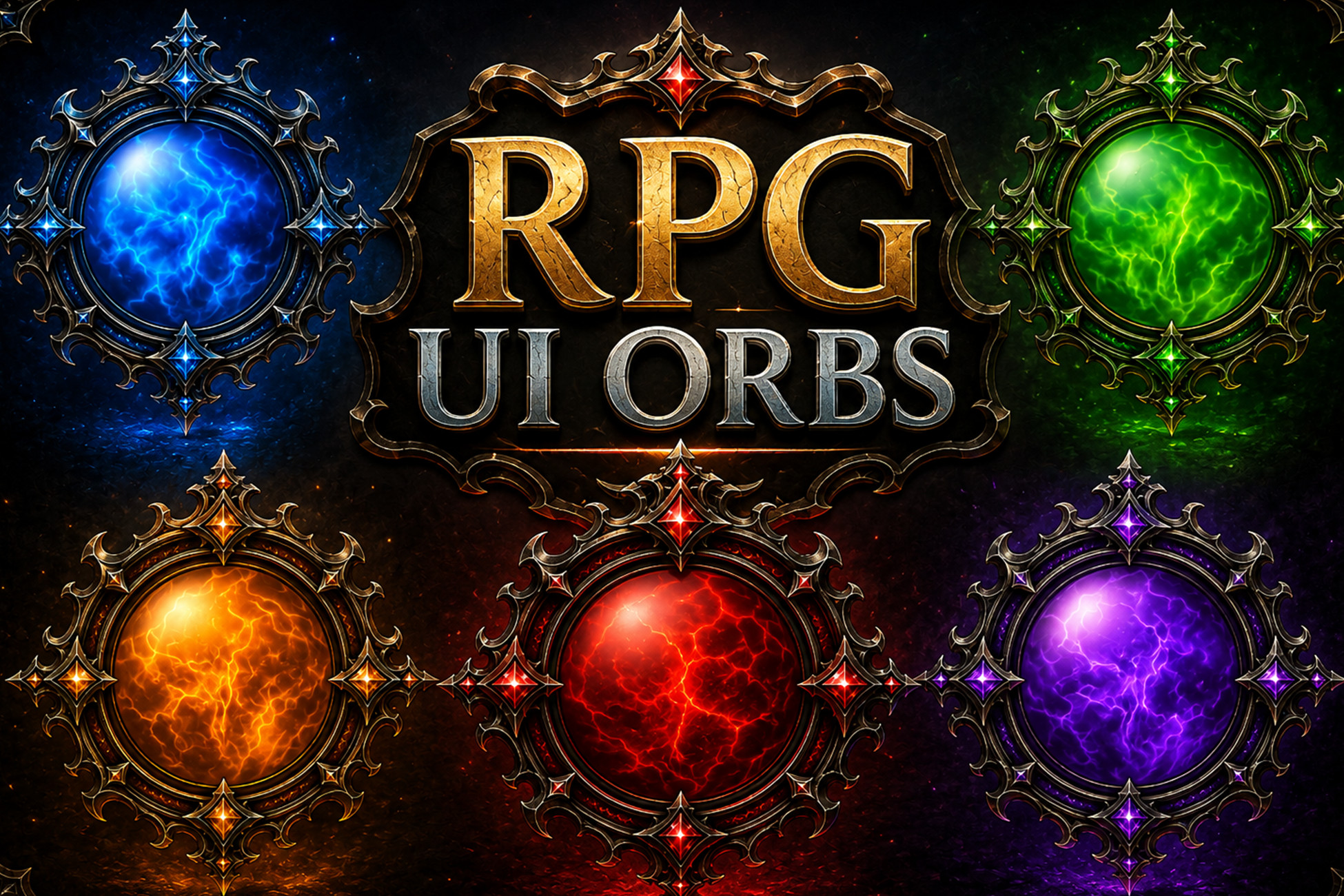
RPG UI Orbs is a collection of high-quality fantasy-style UI elements designed for RPG, adventure, and dark fantasy games.
Affiliate link · Purchases support this site
Price history
Last 6 months
USDAsset preview
1 / 1
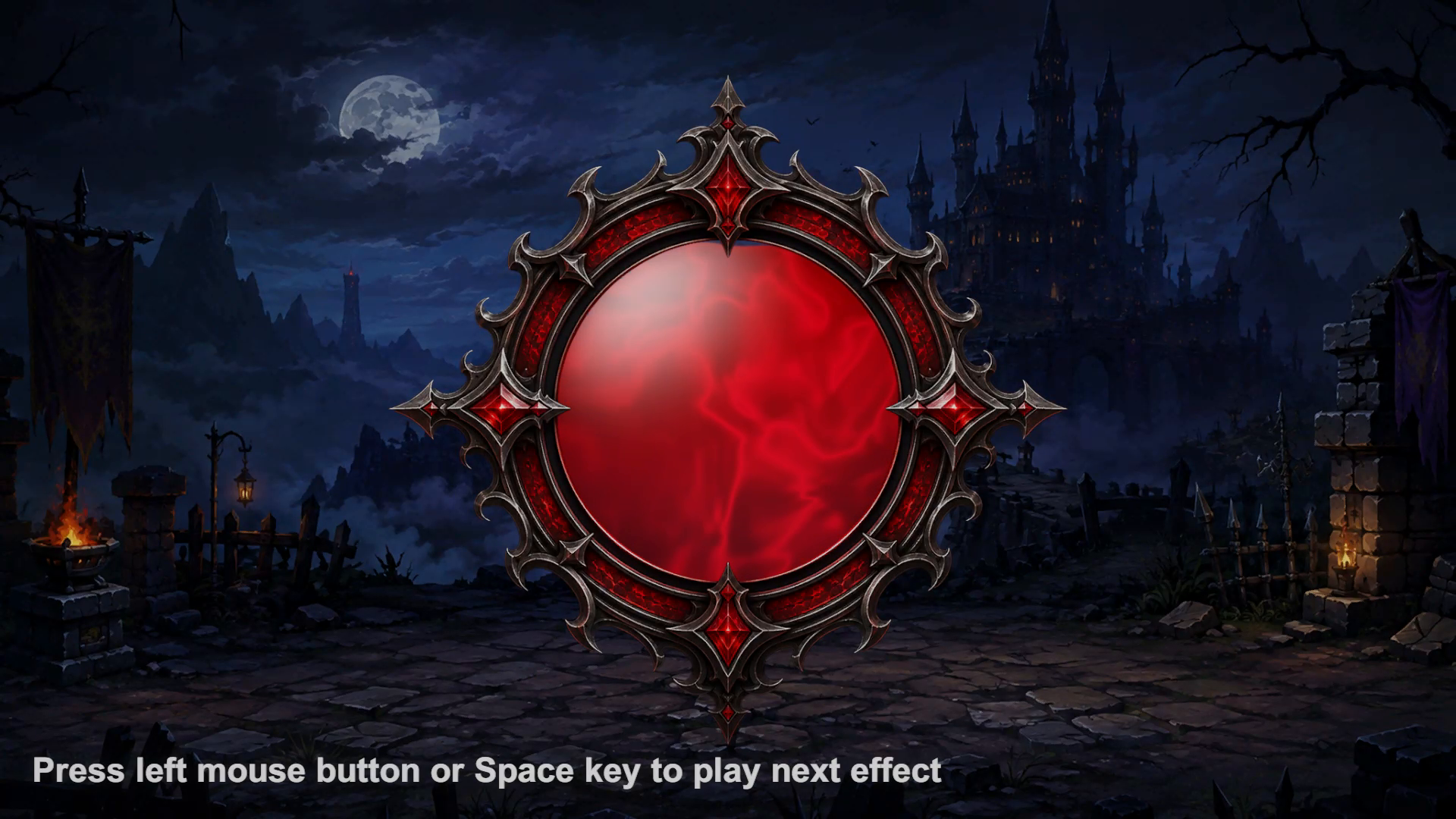
RPG UI-HEALTH ORBS PACK video 1 (plays on the Asset Store)
About this asset
RPG ORBS - LIQUID HEALTH ORBS
1. Create a UI > Image on a Canvas or create game object and add component sprite Renderer.
2. Drag any material from Materials/ onto its Material slot.
3. Press Play. The orb fills, holds, drains and repeats on its own.
Keep the Image square. The globe is a circle inscribed in its rect, so unequal width and height render an ellipse. Prefabs/ contains ready-made orb-and-frame combinations in two styles.
Orb.shader and SpriteFrame.shader each contain two SubShaders: one tagged for the Universal pipeline and one untagged for Built-in. Both are written in CG against UnityCG.cginc, which ships with the engine rather than a package, so neither takes a dependency that could go missing when you switch pipeline.
HDRP: a variant exists at Shaders/HDRP~/Orb_HDRP.shader. To try it, rename the folder from "HDRP~" to "HDRP" (the trailing ~ is what makes Unity ignore it) and assign the "VFXPack/Health Orb (HDRP)" shader to your materials. This variant has NOT been confirmed rendering, and there is no HDRP version of the frame sprite shader, so the frames will not draw. Treat HDRP as a starting point rather than supported.
DRIVING THE FILL FROM GAMEPLAY
By default the orb loops on its own. For a real health bar, tick "Manual Fill" on the material and set the _Fill property from script: material.SetFloat("_Fill", health / maxHealth);. A complete OrbFill component, including the CanvasRenderer caveat that UI. Graphics ignore MaterialPropertyBlocks, is listed in README.md.
From the publisher's Asset Store listing.
Technical details
REQUIREMENTS
- Unity 6000.3 or newer.
- No package dependencies. The demo scene additionally uses the Input System
- package, but the orbs themselves need nothing.
CONTENTS
- Shaders/Orb.shader, SpriteFrame.shader and their shared includes
- Materials/ 11 orb presets plus M_SpriteFrame for the frame sprites
- Prefabs/Style_1 and Style_2 orb-and-frame prefabs
- Textures/frame art
- Scripts/demo cycler only; the orbs need no scripts
Compatibility
| Unity version | Built-in | URP | HDRP | Custom |
|---|---|---|---|---|
| 6000.3.19f1 | Compatible | Compatible | Compatible | Compatible |
As listed on the Asset Store.