
 View on Asset Store (opens in new tab)
Package details
- Latest version
- 1.0.4
- Last updated
- First released
- Unity version
- 6000.6.4 or later
- Package size
- 337 KB
- Files
- 116
- Views in the past week
- 6
Price tracking
- Last checked
- Tracked since
- Lowest recorded
- $10.50 on
Keywords

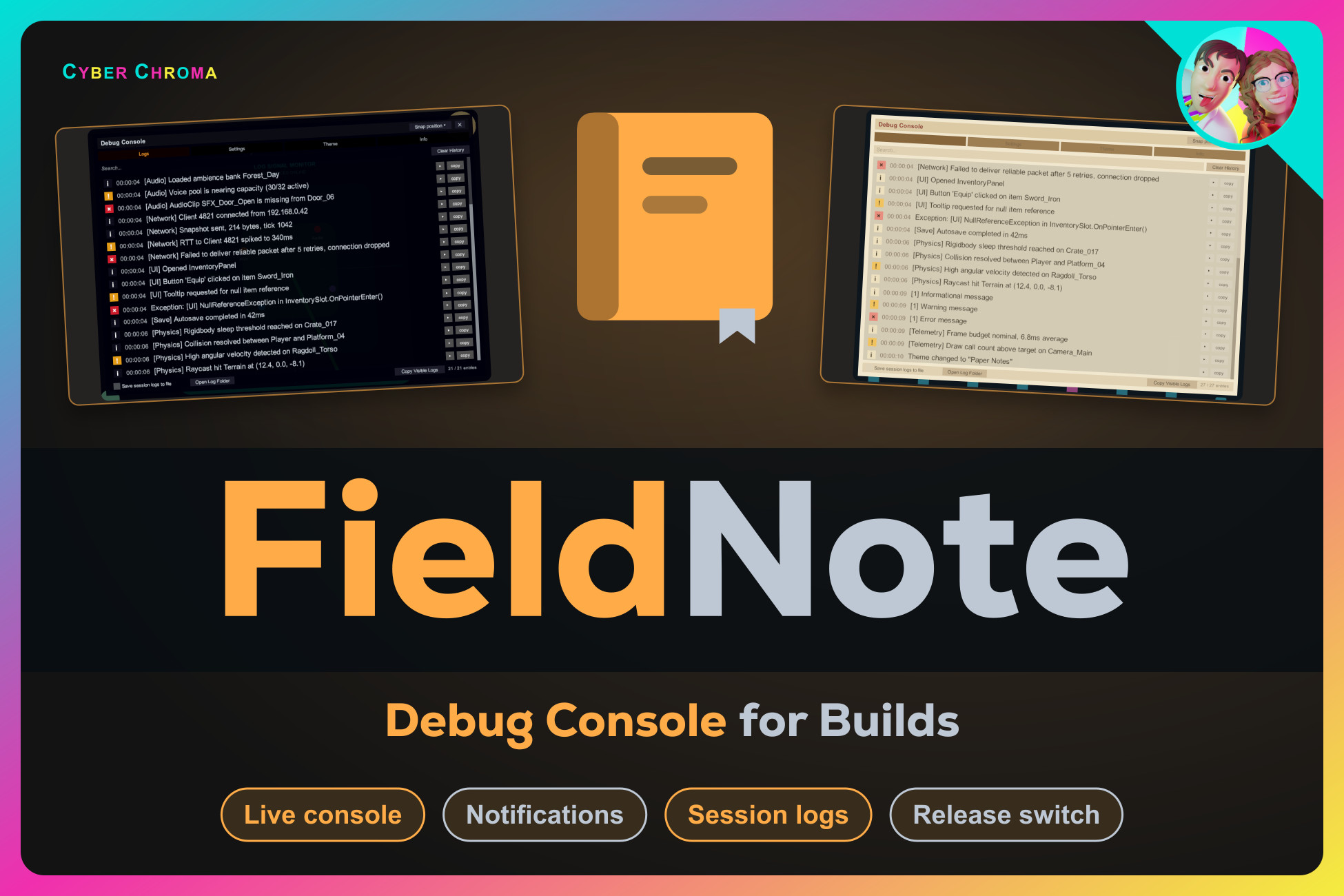
FieldNote | Debug Console for Builds
See logs, warnings and exceptions inside your running build: a searchable in-game console, on-screen notifications and rotating session log files. No setup.
Affiliate link · Purchases support this site
Price history
Last 6 months
USDAsset preview
1 / 6
FieldNote | Debug Console for Builds screenshot 1
About this asset
Inspect logs inside your build.
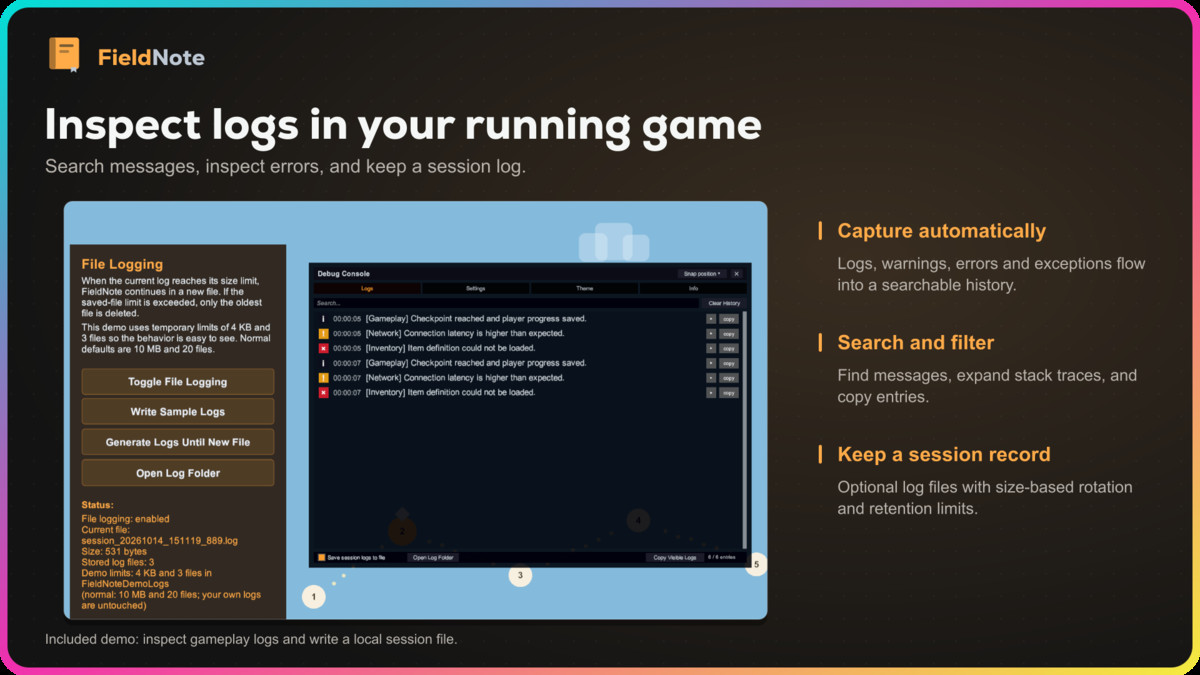
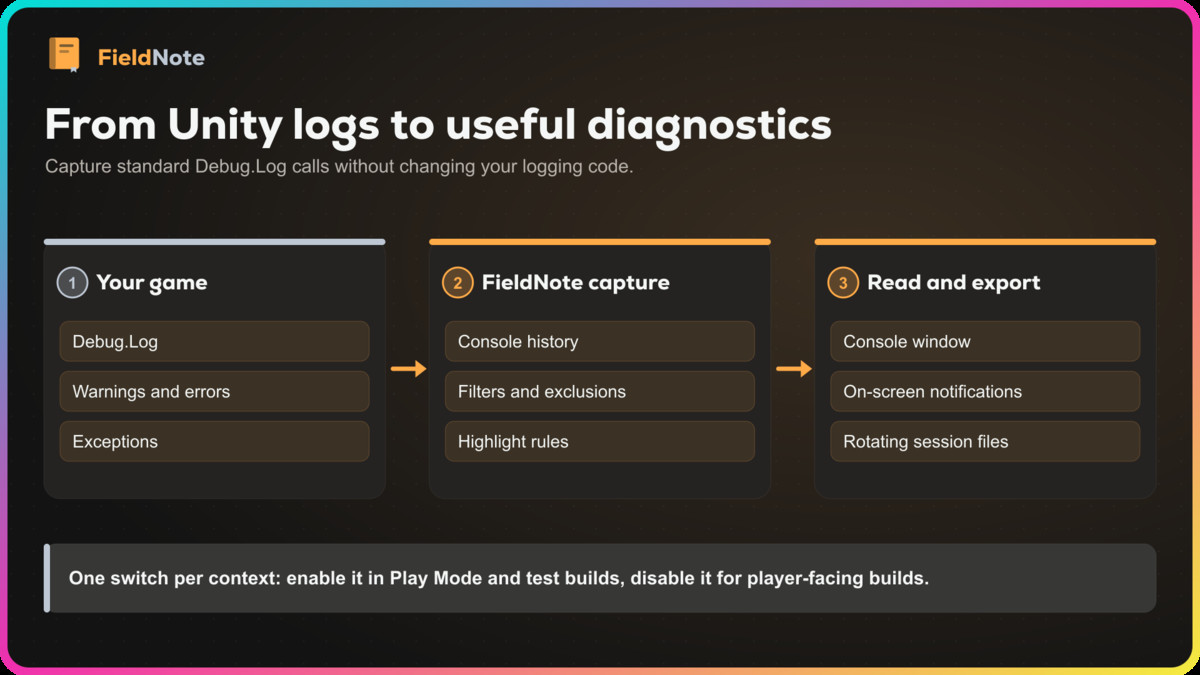
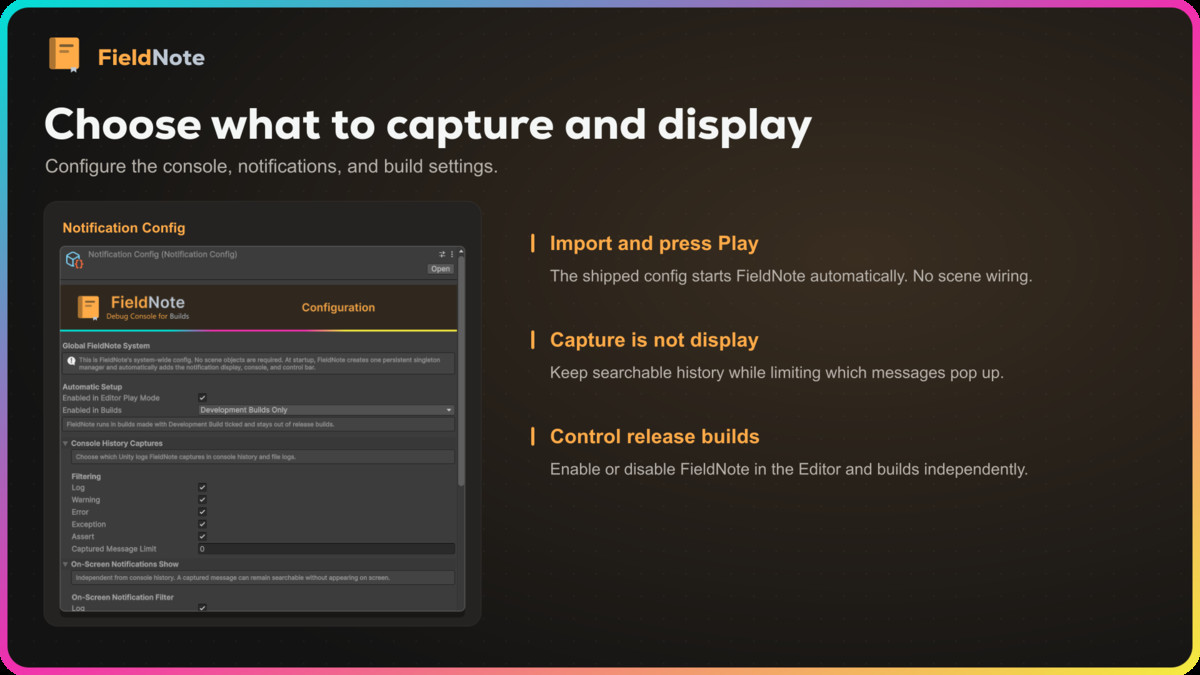
FieldNote is an in-game debug console for Unity. It captures enabled Unity log types, including warnings, errors, exceptions and assertions, from background threads and the first scene's startup. Selected messages appear as on-screen notifications, while a bounded, searchable history stays available inside a development build. Import it and press Play: a shipped config starts the system without scene setup.
Find the problem without the editor
Search messages and stack traces as you type, filter by type, collapse duplicates, expand stack traces and copy the entries you need. The console recycles rows for large histories, and repeated notifications collapse into one with a counter. Highlight rules can pick out messages by text or numeric threshold, and excluded phrases keep noisy messages out entirely. Capture and display are separate, so a message can be kept in history without popping up on screen.
Keep a record of every session
Turn on session file logging to keep a local log per run. Each file starts with the app, Unity, device, operating system and GPU details, errors are written immediately, and files rotate by size with a retained-file limit. Open the log folder from the console, or copy its path on mobile. Nothing is sent over a network.
Make it fit your game
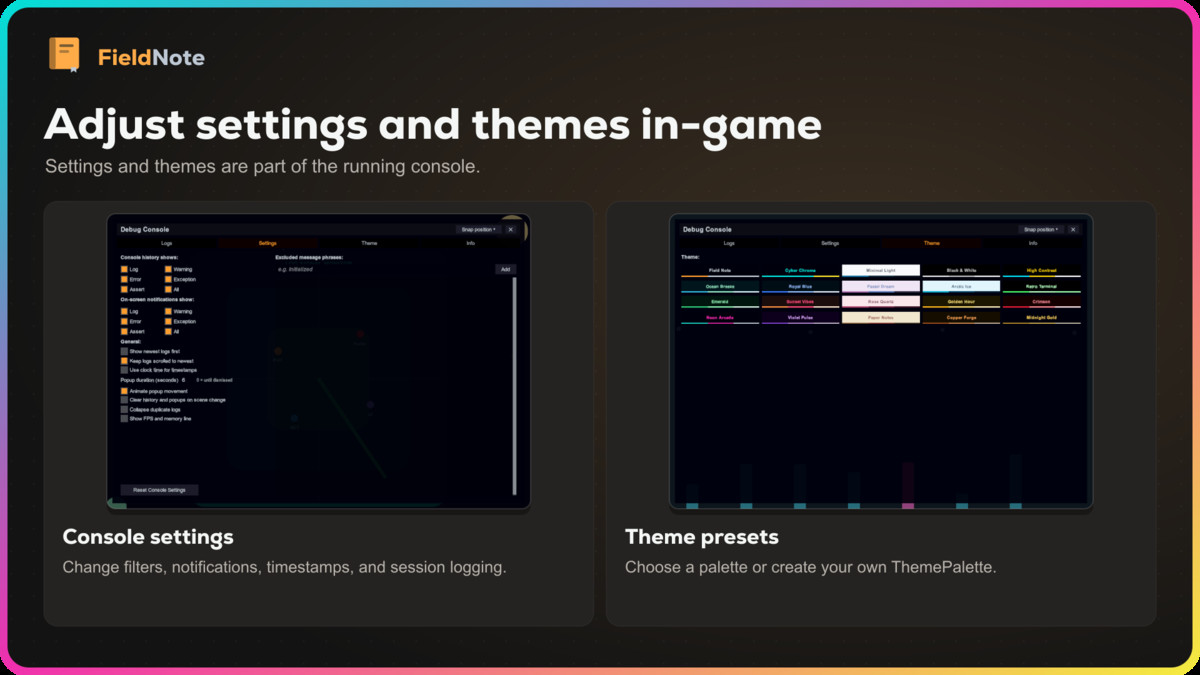
Drag, snap and resize the console; it remembers where you put it. Change filters, timestamps, order and notification behavior from the in-game Settings tab, or switch between twenty ThemePalette presets and create your own. An optional line shows frame rate, frame time and memory. Mouse and touch both work, with an optional three-finger tap to open the console, safe-area aware layout, and a fallback EventSystem when a scene has none. Games that change EventSystems dynamically can explicitly refresh UI input ownership on the main thread. Notifications keep working while the game is paused.
Keep it out of player builds
By default FieldNote runs in the editor and in development builds only, so testers get the console and players never see it in release builds. You can also run it in every build or switch it off entirely.
Learn through four demos
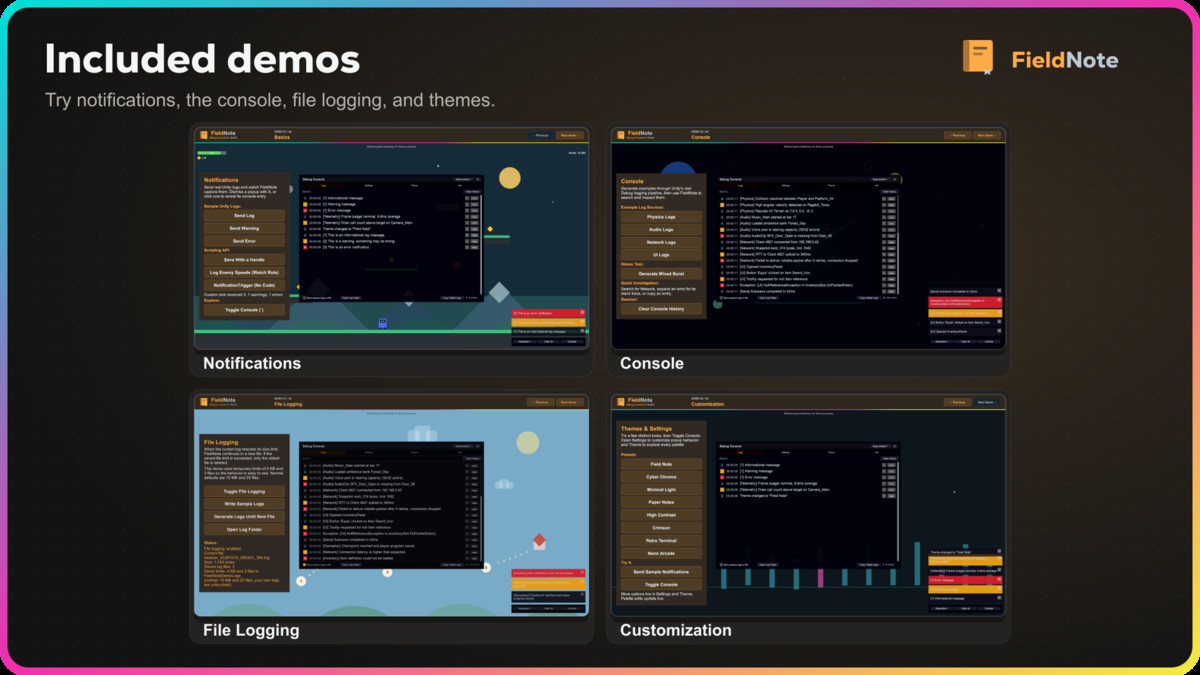
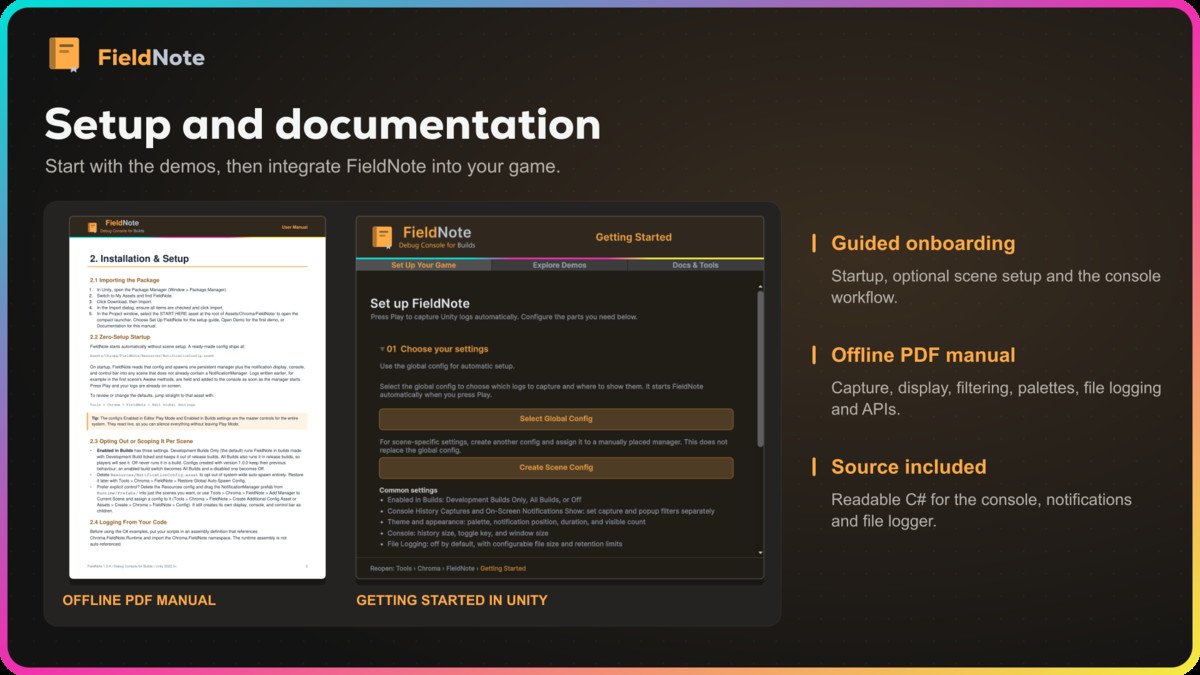
Basics, Console, File Logging and Customization each generate real log traffic so you can try every part of the tool. A Getting Started window and an offline PDF manual cover setup, the console workflow, file logging, theming and the scripting API.
FieldNote includes editable C# source and requires no third-party SDK, service, account, font or art package. Input System support is optional and isolated in its own assembly.
Scope: FieldNote is a local developer tool. It does not upload logs, provide remote crash reporting or analytics, or execute console commands.
From the publisher's Asset Store listing.
Technical details
Capture and display
- Export retained history or the current console view as structured JSON diagnostic reports.
- Automatic capture of Log, Warning, Error, Exception and Assert, including background threads and early startup logs.
- Independent capture and display filters per message type.
- Excluded phrases and highlight rules with optional numeric thresholds.
- Fading notification stack with animated reflow, click-to-reveal, dismissal and xN duplicate collapsing.
- Configurable notification corner, duration, fade, movement and maximum visible count; works at timeScale 0 and inside the safe area.
Console
- Logs, Settings, Theme and Info tabs, all reachable in-game.
- Live search over messages and stack traces, type filters, collapse duplicates, expandable stack traces, copy to clipboard.
- Recycled rows for large histories; optional FPS, frame time and memory line.
- Draggable, snappable, corner-scalable window that remembers its position.
- Twenty ThemePalette presets, editable in Play Mode, plus your own palettes.
Session logging
- Local log file per session with a system information header, size-based rotation and a retained-file limit.
- Errors written immediately; open-log-folder action (copy path on mobile); no networking.
Workflow and included content
- Zero-setup startup from a shipped config; optional per-scene scoping.
- Master switches for Editor Play Mode and builds (off, development builds only, all builds).
- Thread-safe FieldNote facade, NotificationManager API, custom sinks and no-code trigger components.
- Four demo scenes, Getting Started window and offline PDF manual.
- Editable runtime, editor and demo C# source.
Requirements and limits
- Unity 2022.3 or newer.
- Unity UI (com.unity.ugui).
- Input Manager, Input System or Both; the console hotkey backend for the Input System is optional and version-defined, and the on-screen Console button works either way.
Compatibility
| Unity version | Built-in | URP | HDRP | Custom |
|---|---|---|---|---|
| 6000.6.4f1 | Compatible | Compatible | Compatible | Compatible |
Custom RP: Pipeline-independent core logic with a demo material setup tool that creates separate copies using customer-supplied opaque and transparent materials. Requires Unity UI and supported shader passes; lighting and effects need pipeline-specific integration. Tested with Unity 2022.3.62f3 and 6000.6.4f1.
As listed on the Asset Store.