
 View on Asset Store (opens in new tab)
Package details
- Latest version
- 2.0.3
- Last updated
- First released
- Unity version
- 6000.6.8 or later
- Package size
- 200 KB
- Files
- 29
- Favorites
- 3
- Views in the past week
- 19
Price tracking
- Last checked
- Tracked since
- Lowest recorded
- Free on
Keywords
- Search for runtime editor
- Search for Custom Hierarchy
- Search for Inspector Tool
- Search for runtime debug
- Search for Custom Inspector
- Search for Mobile Debugging
- Search for game optimization
- Search for Debugging Tool
- Search for performance optimization
- Search for Inspector
- Search for hierarchy tool
- Search for debugger

Device Hierarchy PRO
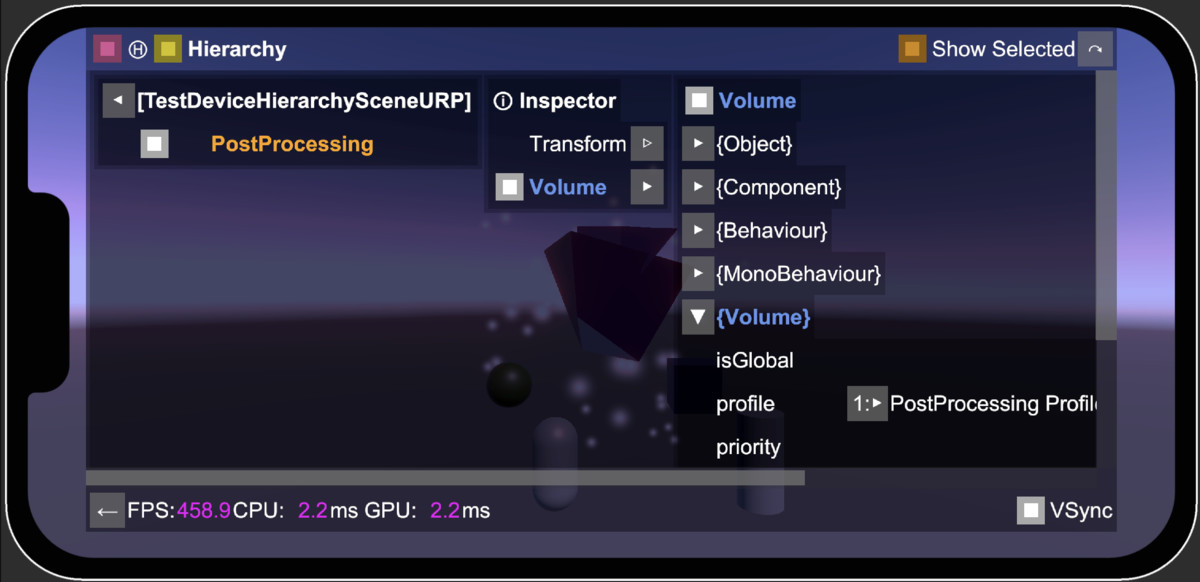
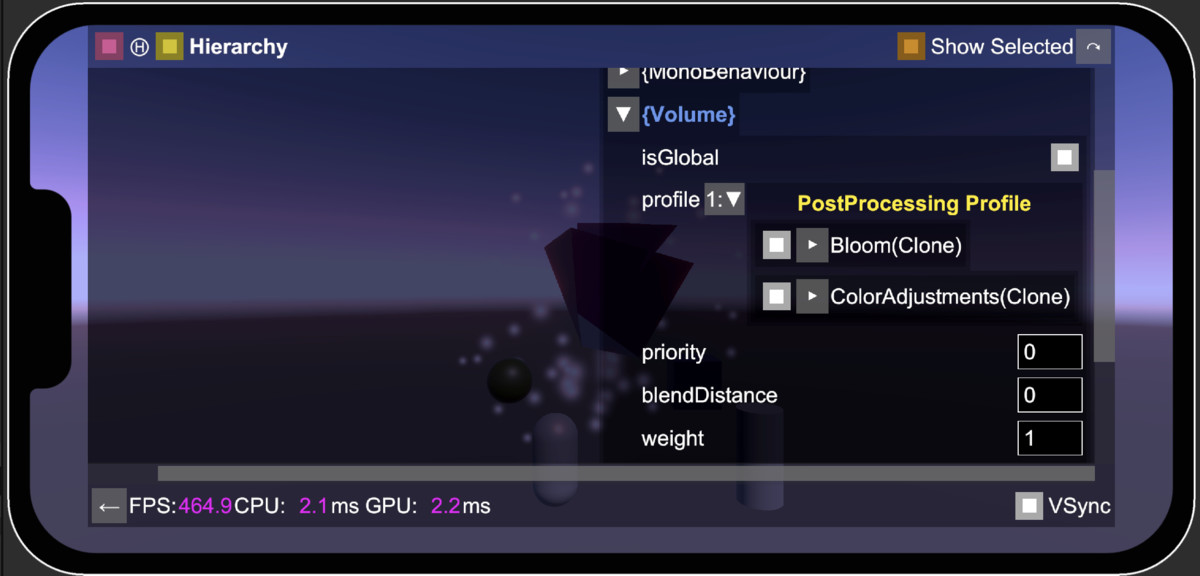
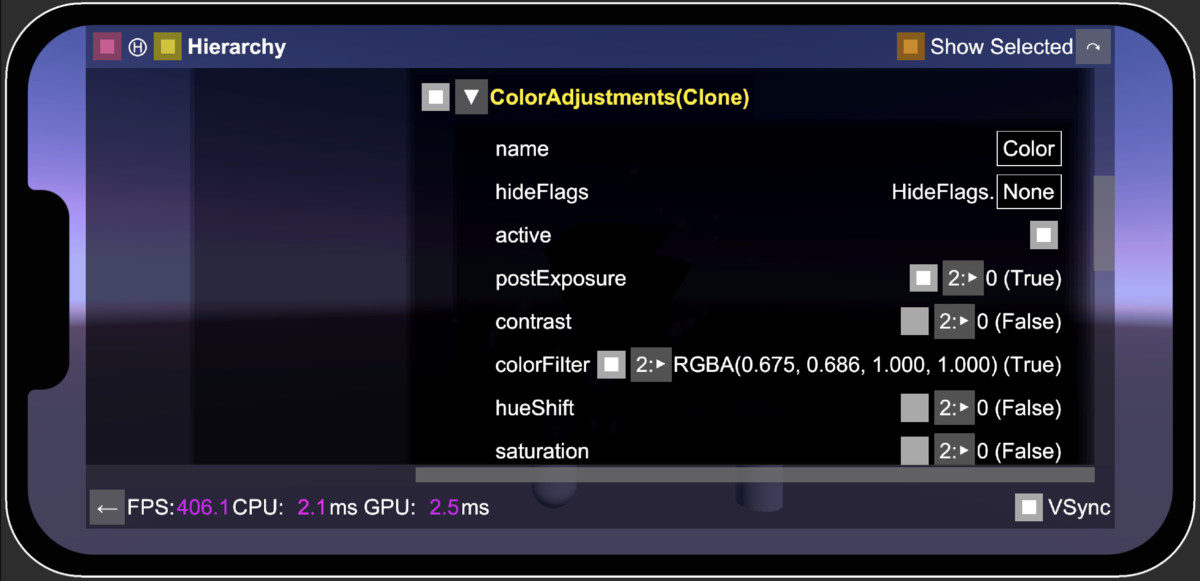
Shows the game Hierarchy and Inspector Panels on target device. Allows modifying game objects and components on device. Shows FPS, CPU and GPU times.
Affiliate link · Purchases support this site
Price history
Last 6 months
USDAsset preview
1 / 10
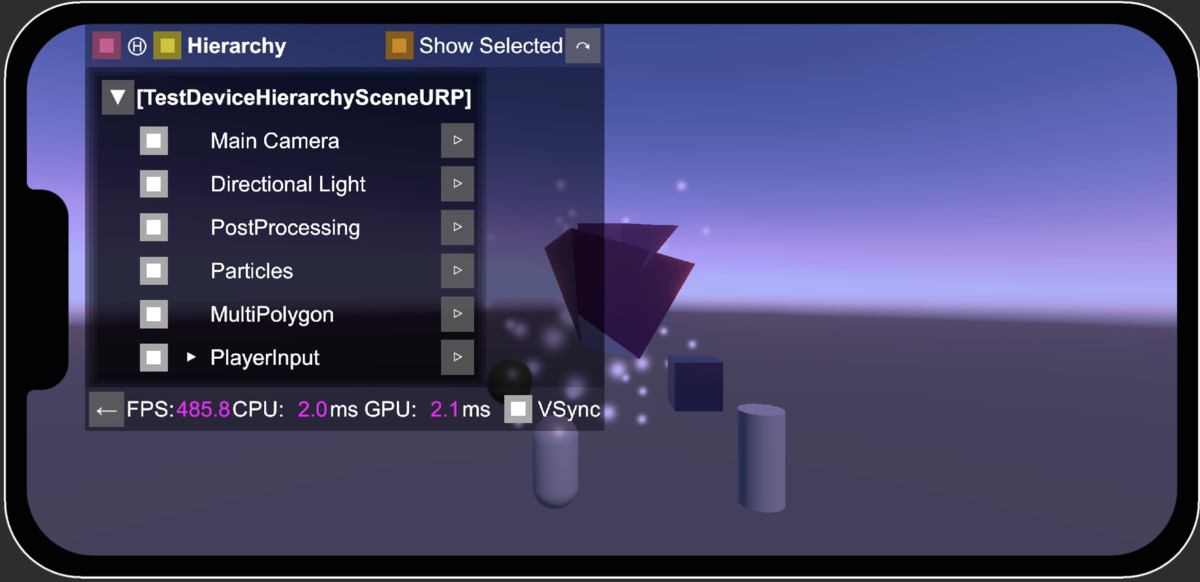
Device Hierarchy PRO screenshot 1
About this asset
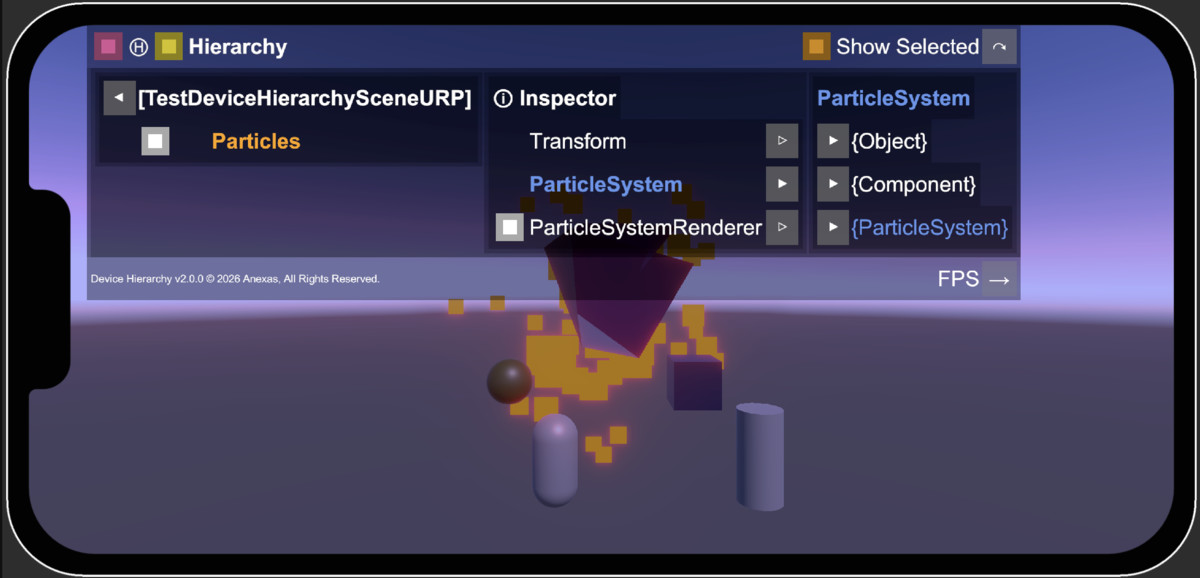
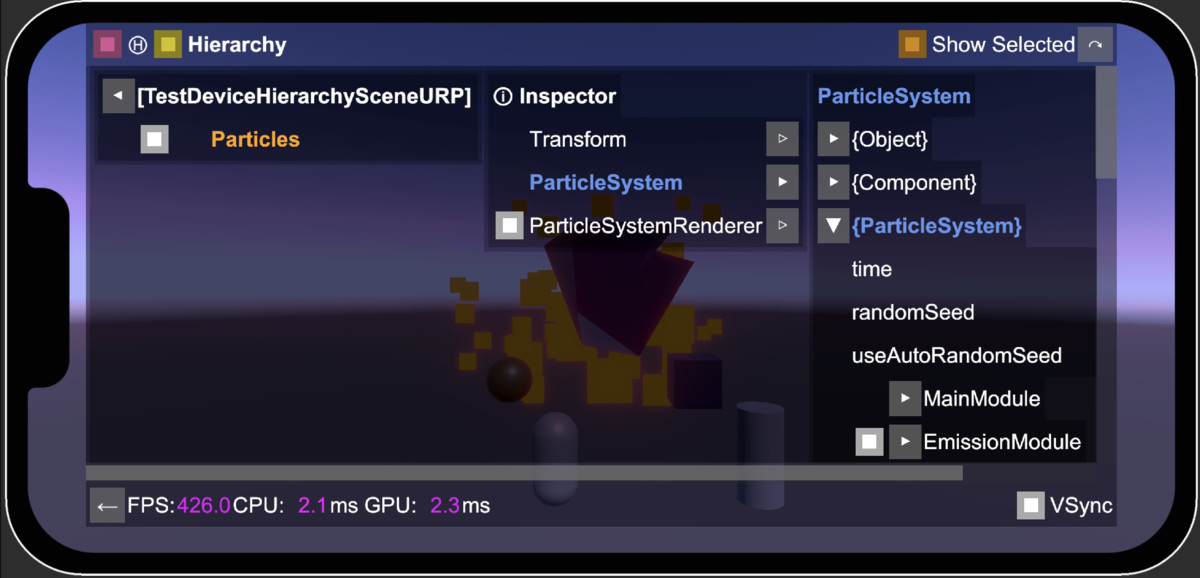
* Shows the game Hierarchy and Inspector Panels on target device without needing to connect to Unity Editor to see the game's internal state.
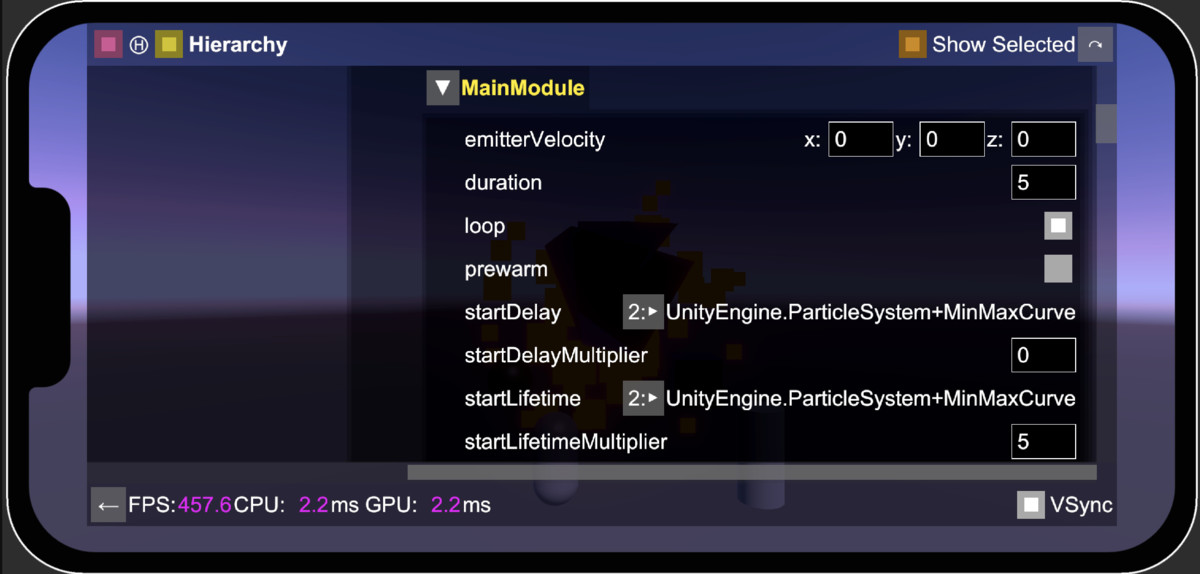
* Allows modifying game objects and components.
* A window shows the hierarchy panel. If you click on arrow button next to a game object, the Inspector panel shows up.
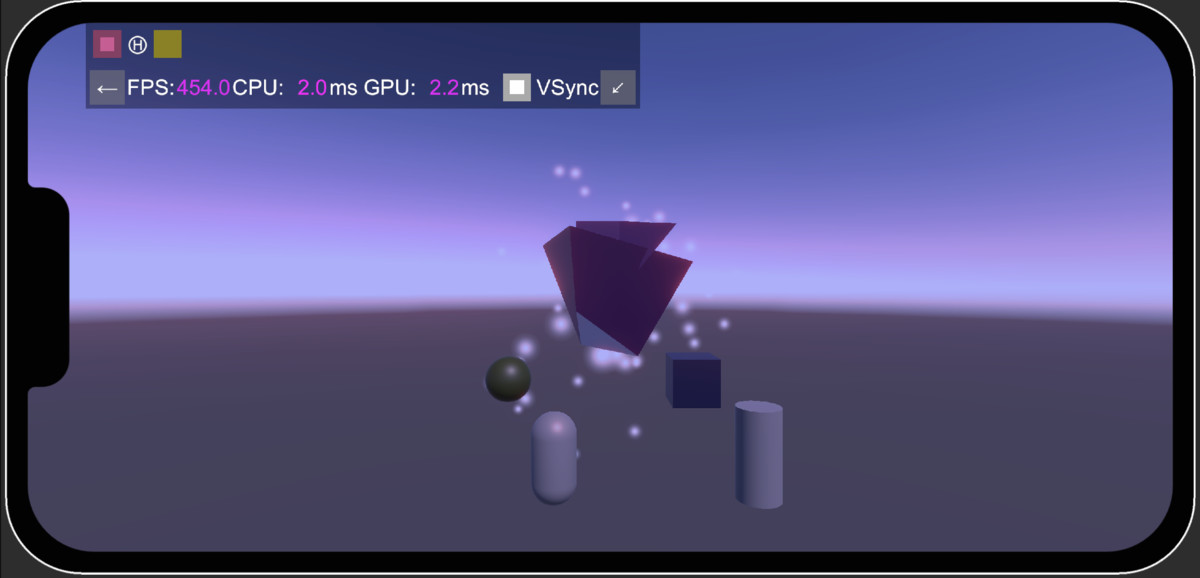
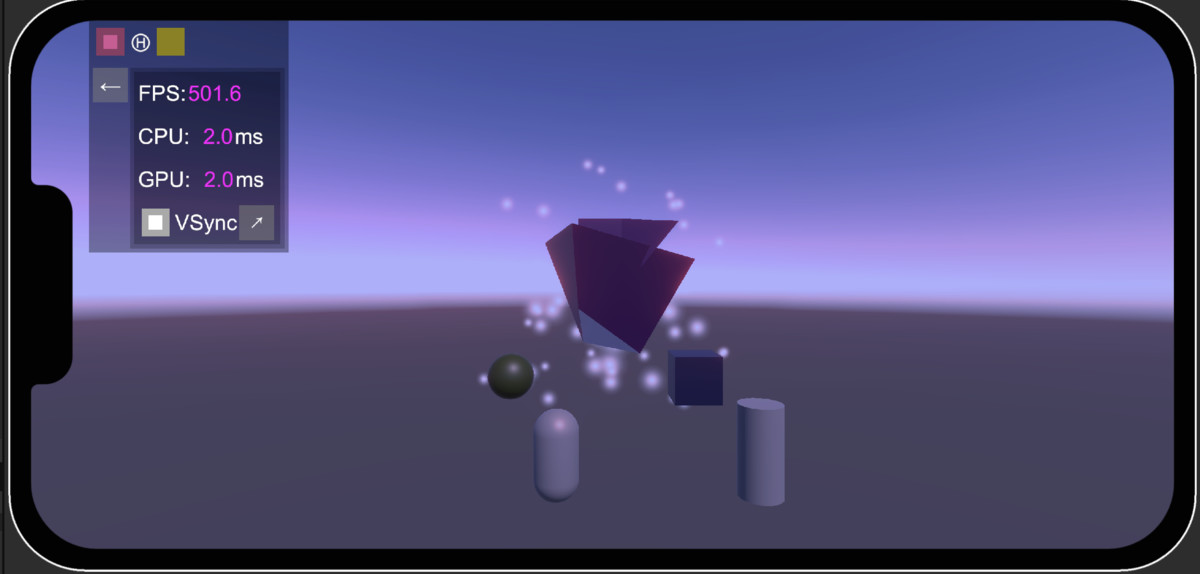
* You can press the FPS button and see the FPS value and CPU/GPU timings, disable/enable the VSync.
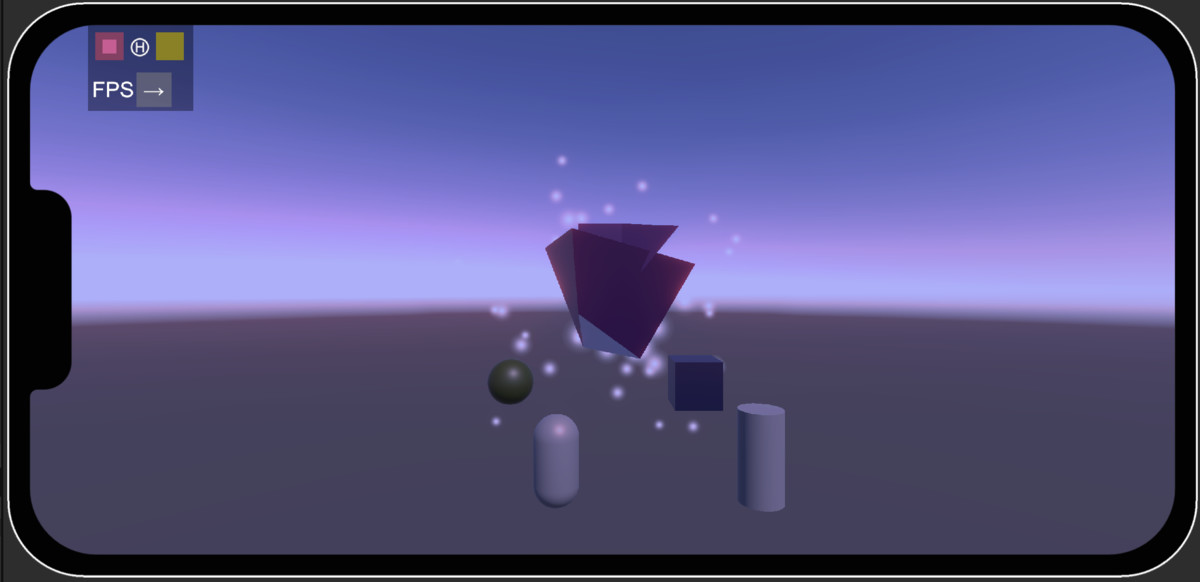
* With FPS showing, you can minimize the window with only FPS values showing in horizontal or vertical layout.
* Navigate through the hierarchy panel by clicking on arrow buttons next to game objects/components in the list hierarchy and inspector panel.
From the publisher's Asset Store listing.
Technical details
* Unity 2022.3+
* Works with both new and old input systems.
* May be used to test performance of the game on device by disabling selected game objects one by one.
Compatibility
| Unity version | Built-in | URP | HDRP |
|---|---|---|---|
| 6000.6.8f1 | Compatible | Compatible | Compatible |
* Unity 2022.3+
As listed on the Asset Store.