
 View on Asset Store (opens in new tab)
Package details
- Latest version
- 1.0.2
- Last updated
- First released
- Unity version
- 6000.3.10 or later
- Package size
- 72 KB
- Files
- 35
- Favorites
- 1
- Views in the past week
- 5
Price tracking
- Last checked
- Tracked since
- Lowest recorded
- $24.99 on
Keywords

Truss Atmosphere - Production Ready Sky & Sun
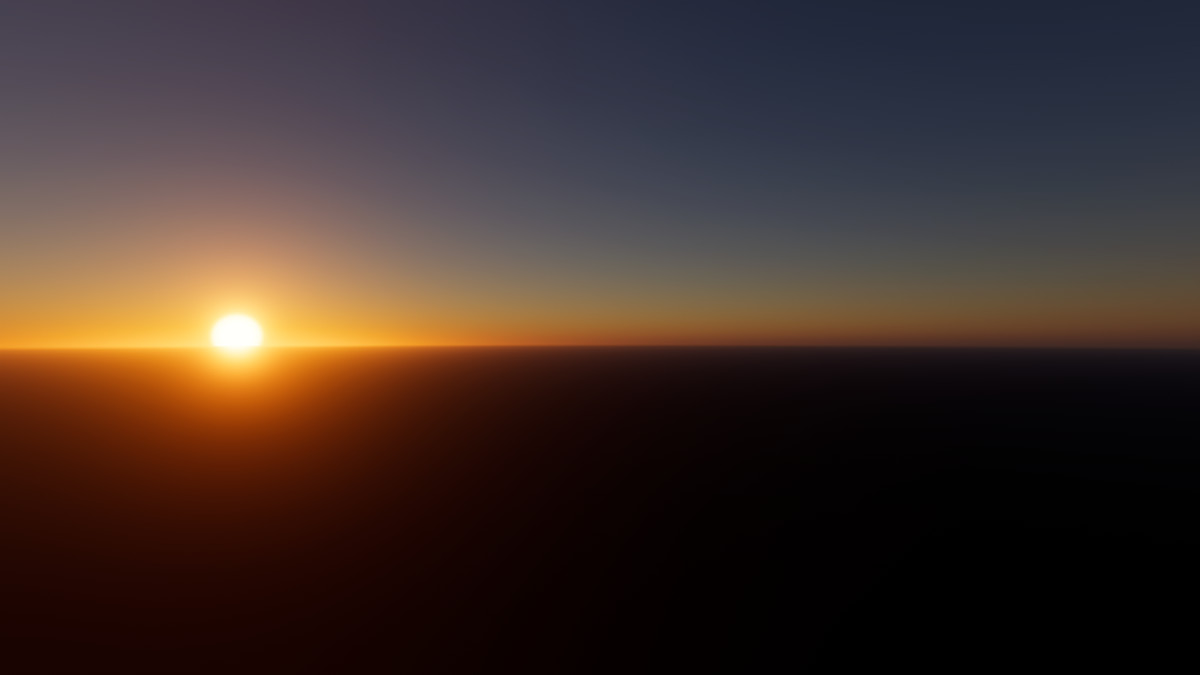
Physically based sky and atmosphere for Unity HDRP, based on the Hillaire 2020 technique used in Unreal Engine’s Sky Atmosphere.
Affiliate link · Purchases support this site
Price history
Last 6 months
USDAsset preview
1 / 8
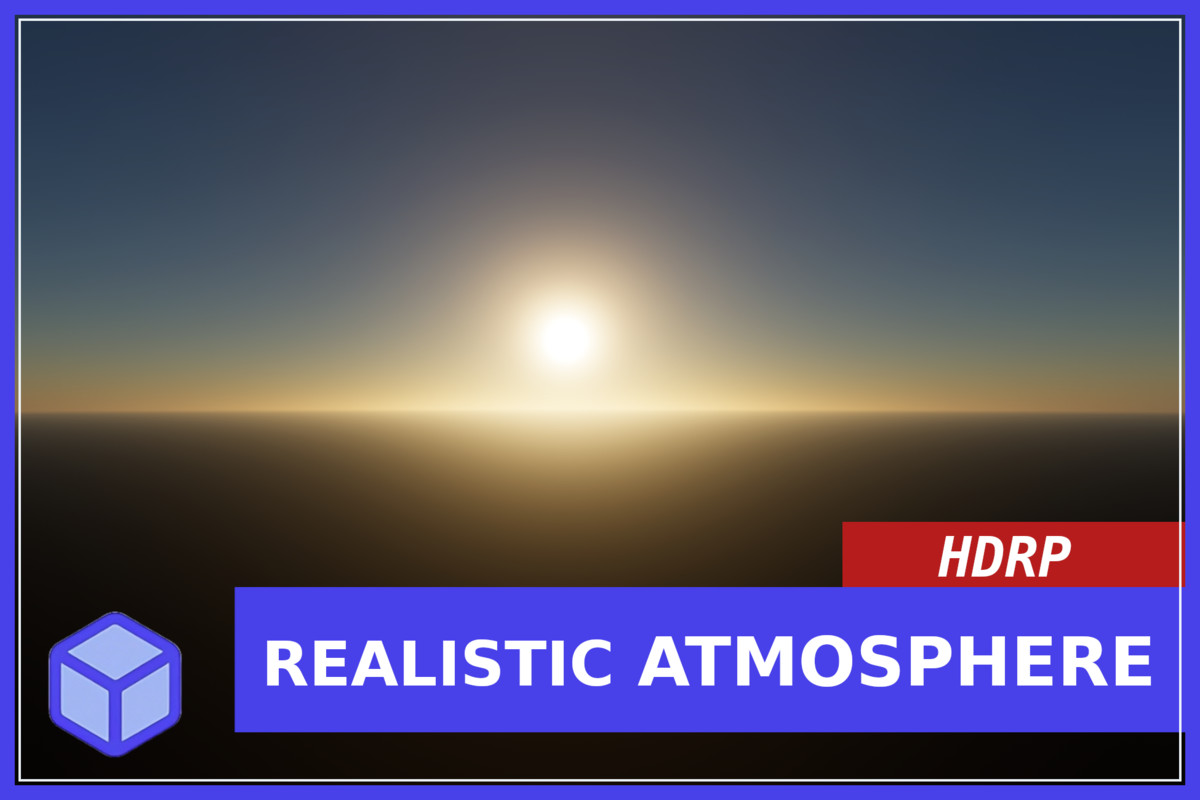
Truss Atmosphere - Production Ready Sky & Sun screenshot 1
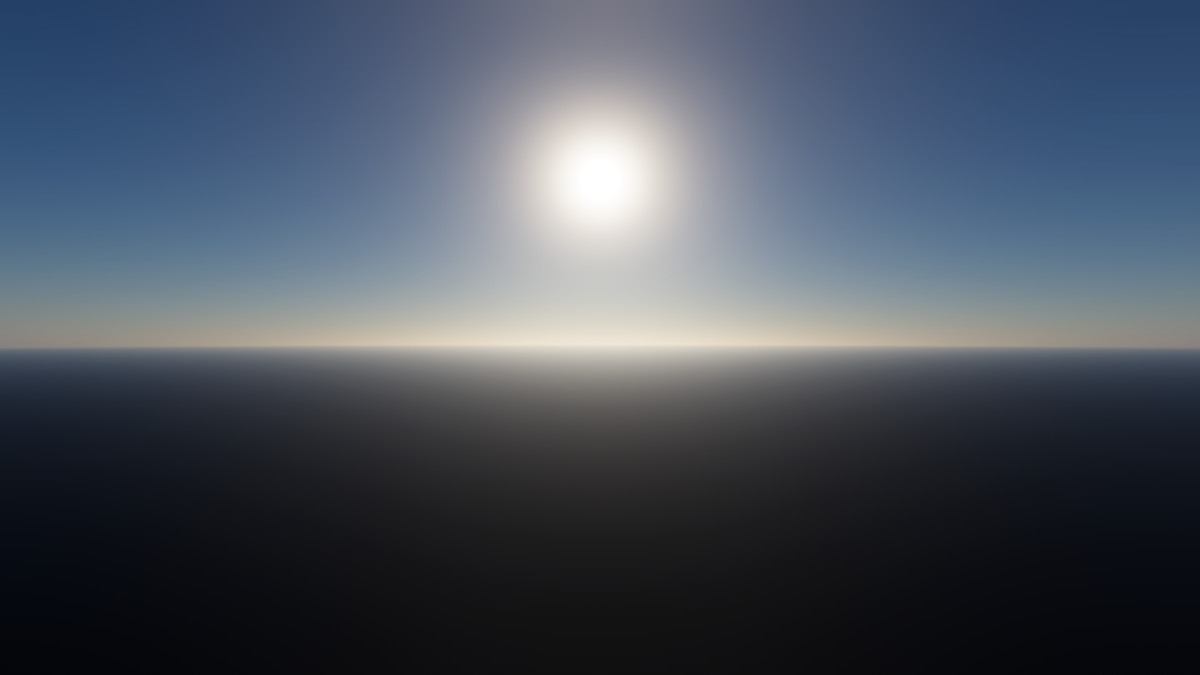
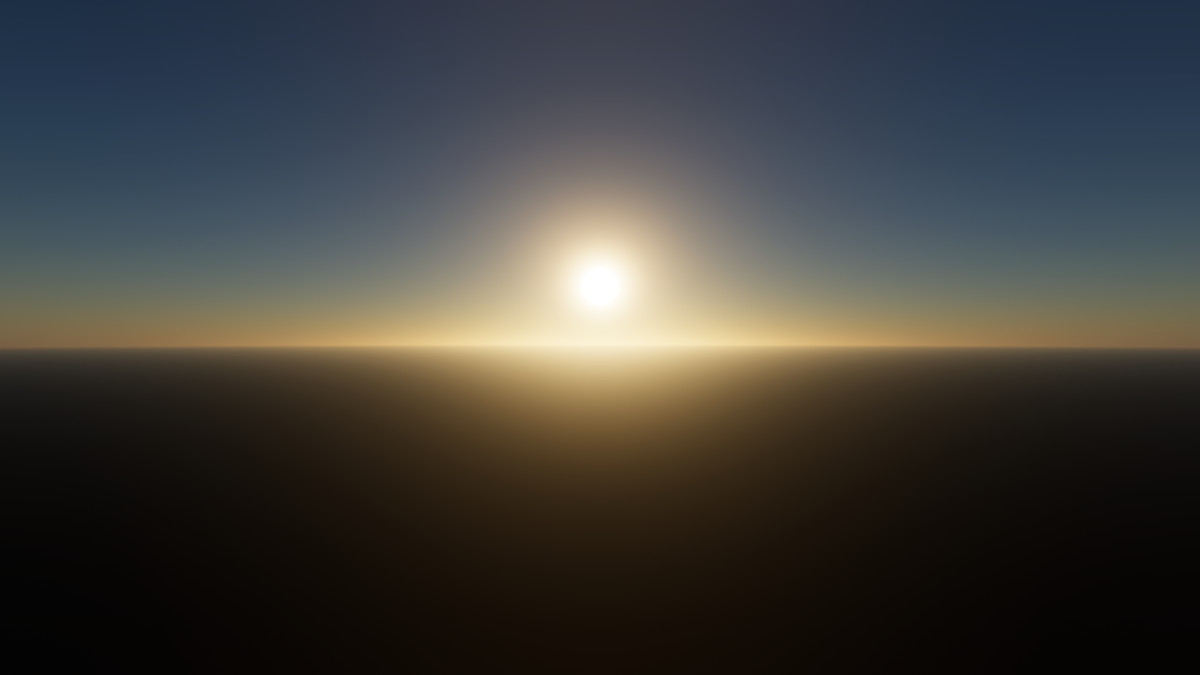
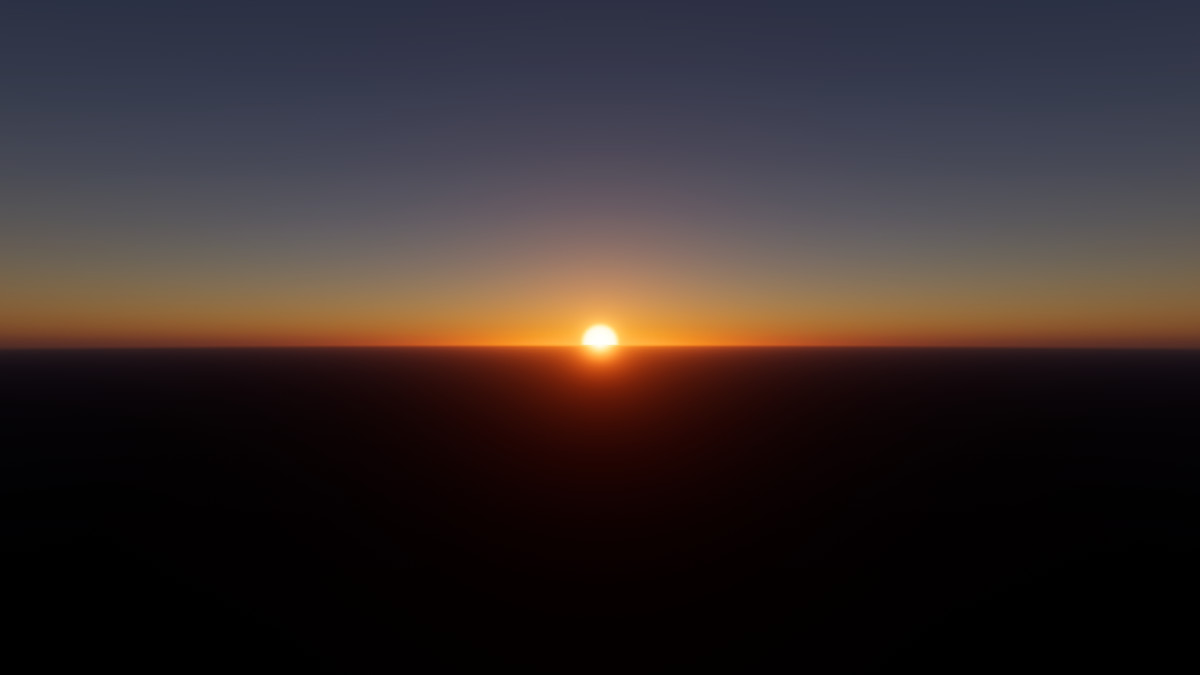
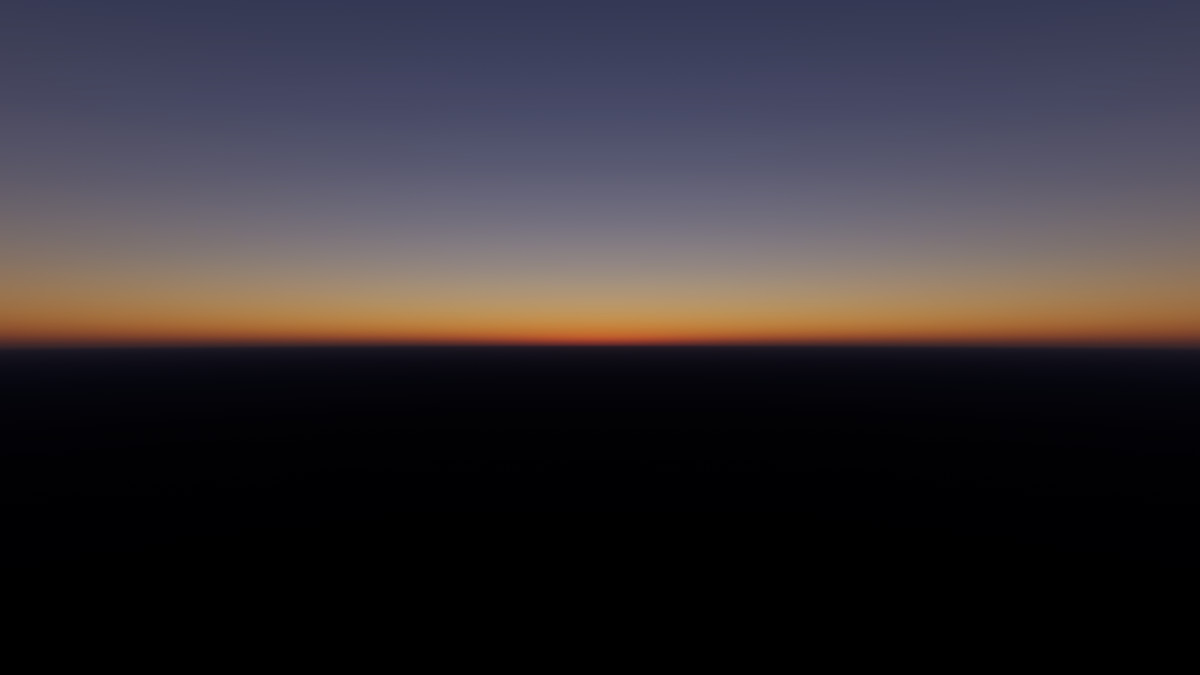
About this asset
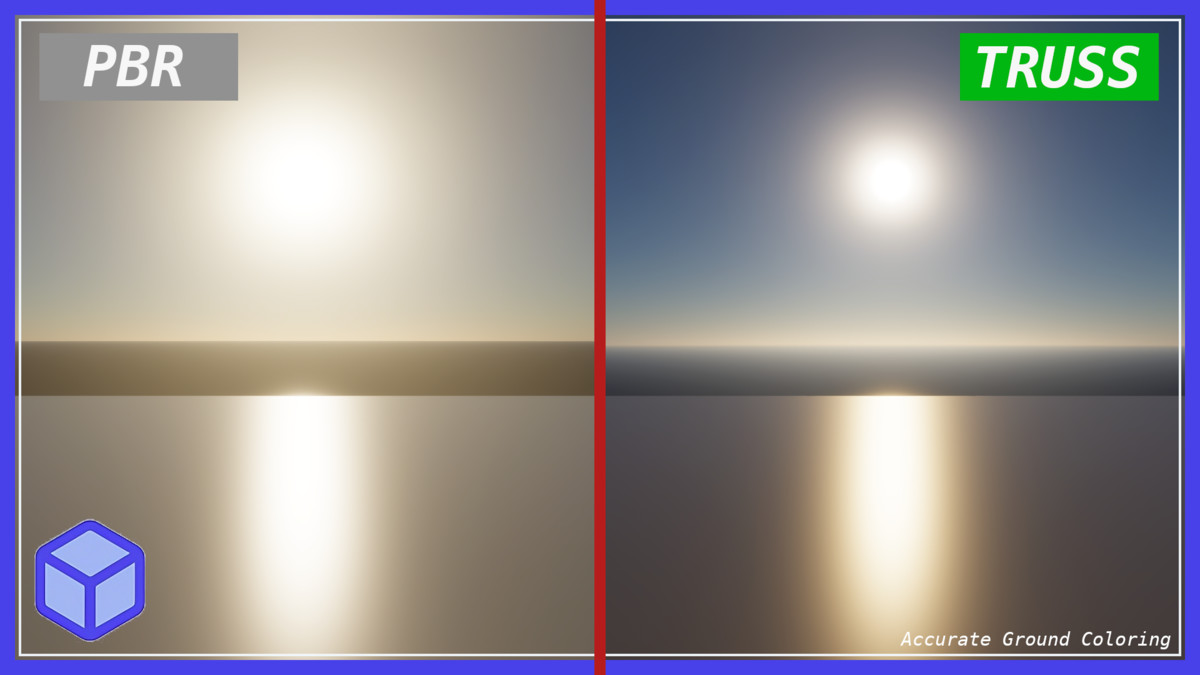
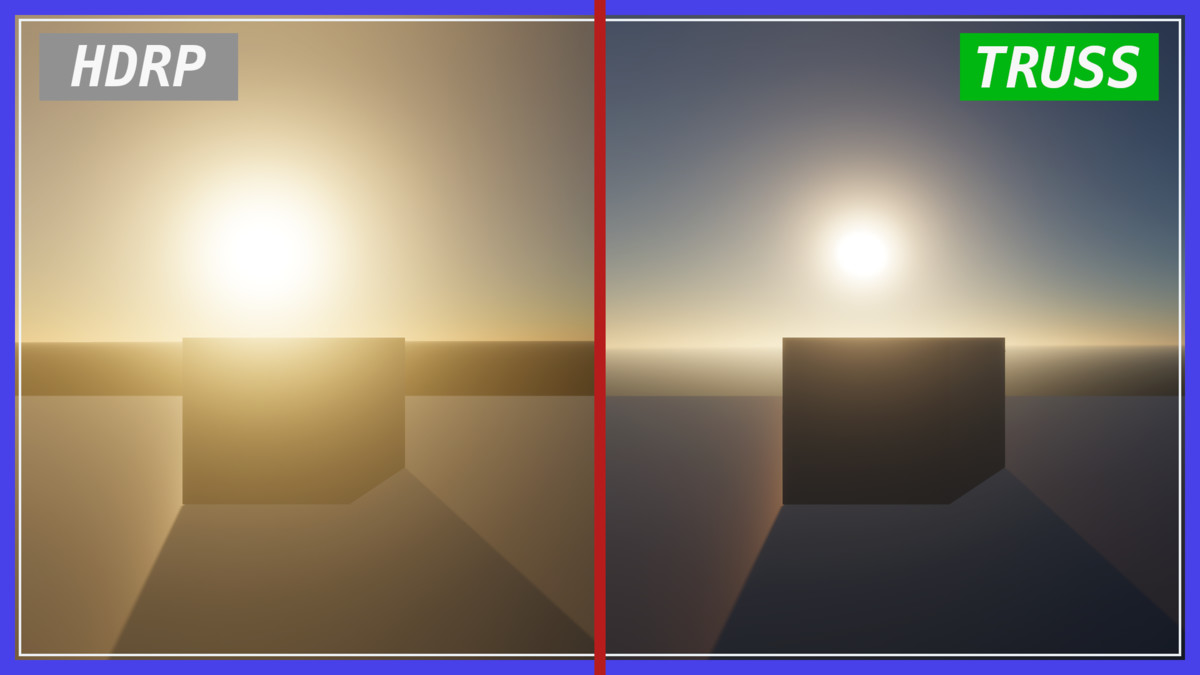
Truss Atmosphere brings the published Hillaire 2020 sky and atmosphere method, the same research behind Unreal Engine’s Sky Atmosphere, to Unity HDRP as an independent implementation.
It gives you a realistic sky and beautiful atmosphere. Tunable Earth size, aerosols, ozone, and sun settings make it easy to fit open-world, flight, and outdoor games.
What you get
• Spectral sky (four wavelengths) with Rayleigh and Mie scattering
• Multiple scattering for softer, more natural daylight
• Aerial perspective on scene geometry (planetary haze at distance)
• Seamless ground-to-space views with planetary curvature
• Visible sun disk and flare from your HDRP Directional LightBE
• Optional sun light attenuation by altitude
• Artistic sky tint plus debug views
• One-click scene setup: Tools > Truss Atmosphere > Setup Scene
An optional mode to have Truss Atmosphere automatically and realistically drive sun strength (lux) based on sky position.
Customizable
Volume settings control altitude, Earth radius, atmosphere thickness, aerosols, haze distance, shadows in aerial perspective, and more. Demo scene included.
Requirements
• Unity 6000.0 or newer
• High Definition Render Pipeline (HDRP)
• Compute Shader capable platform (same targets as HDRP)
Not included / limits
• Built for HDRP only (not URP or Built-in)
• Does not modify or replace the HDRP package
• Water and custom materials do not auto-sample the atmosphere
• Turn off HDRP Global Fog outdoors when using aerial perspective to avoid double haze
This product is independently developed and is not affiliated with or endorsed by Epic Games. Unreal Engine is a trademark or registered trademark of Epic Games, Inc.
Asset uses published research data under academic attribution; see Third-Party Notices.txt in the package for details.
From the publisher's Asset Store listing.
Technical details
• Independent Unity HDRP implementation of the Hillaire 2020 atmosphere technique
• Four-wavelength spectral rendering (630 / 560 / 490 / 430 nm)
• Transmittance, multiple-scattering, and sky-view LUTs
• Aerial perspective Custom Pass with optional directional/cloud shadows
• Guimera aerosol profiles and monthly ozone model
• Sun disk/flare from HDRP Directional Light celestial-body settings
• Optional CPU sun attenuation by observer altitude
• Artistic tint + debug modes (in-scattering, transmittance, optical depth, multiple scattering)
• Uses HDRP public Custom Sky API — no HDRP fork required
• Editor setup menu and demo scene
• Namespace: Truss.Atmosphere
Compatibility
| Unity version | Built-in | URP | HDRP |
|---|---|---|---|
| 6000.3.10f1 | Not listed | Not listed | Compatible |
As listed on the Asset Store.