
 View on Asset Store (opens in new tab)
Package details
- Latest version
- 1.3
- Last updated
- First released
- Unity version
- 6000.3.17 or later
- Package size
- 10.8 MB
- Files
- 60
- Views in the past week
- 17
Price tracking
- Last checked
- Tracked since
- Lowest recorded
- $15.99 on
Keywords

Icon Baker v1.3 - Prefabs to Clean 2D Icons - FOUNDATION STUDIOS
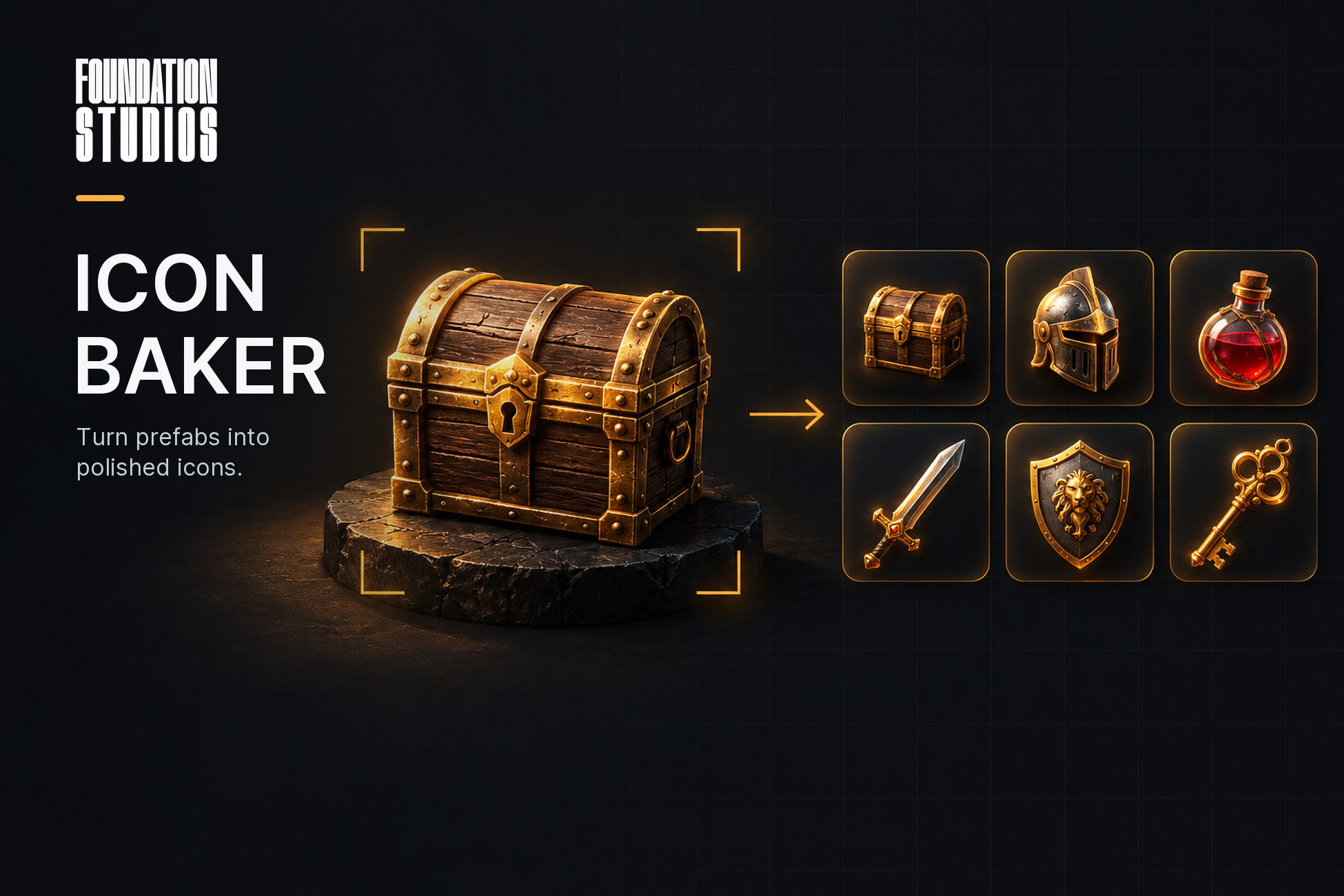
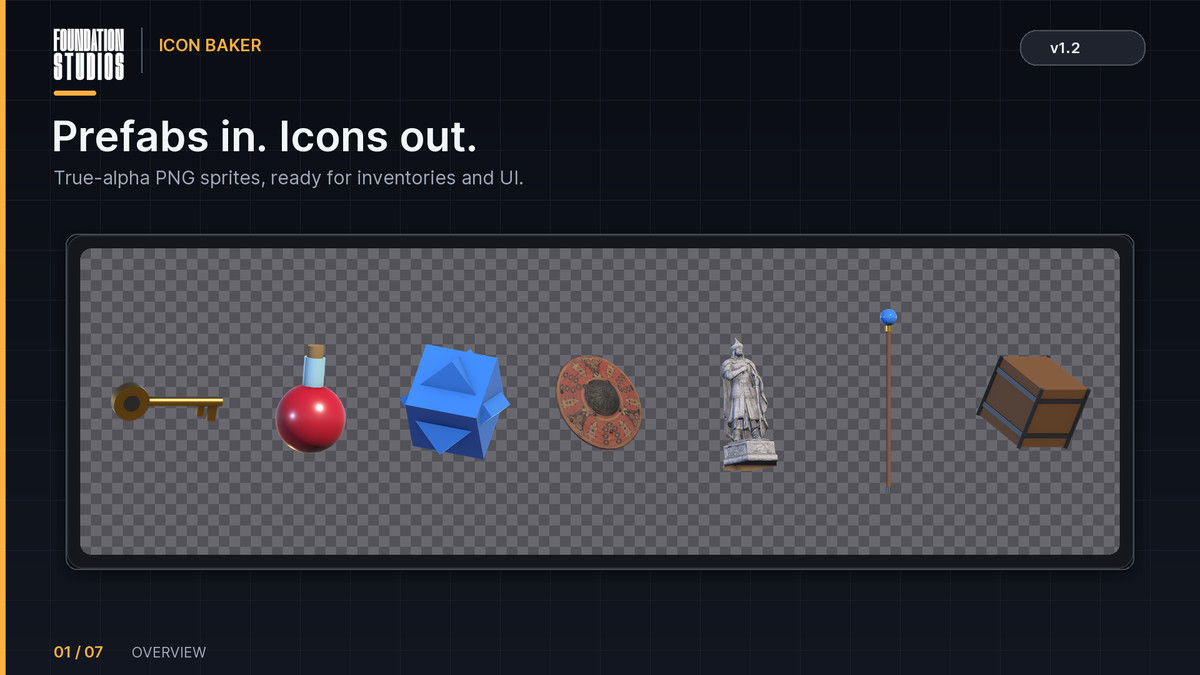
Turn any prefab into a clean 2D icon with true alpha — and keep it in sync. Change the art and icons re-bake themselves. Grid footprints, per-prefab overrides, scripting API. HDRP, URP & Built-in.
Affiliate link · Purchases support this site
Price history
Last 6 months
USDAsset preview
1 / 8
Icon Baker v1.3 - Prefabs to Clean 2D Icons - FOUNDATION STUDIOS screenshot 1

About this asset
ICON BAKER SPECIALS :
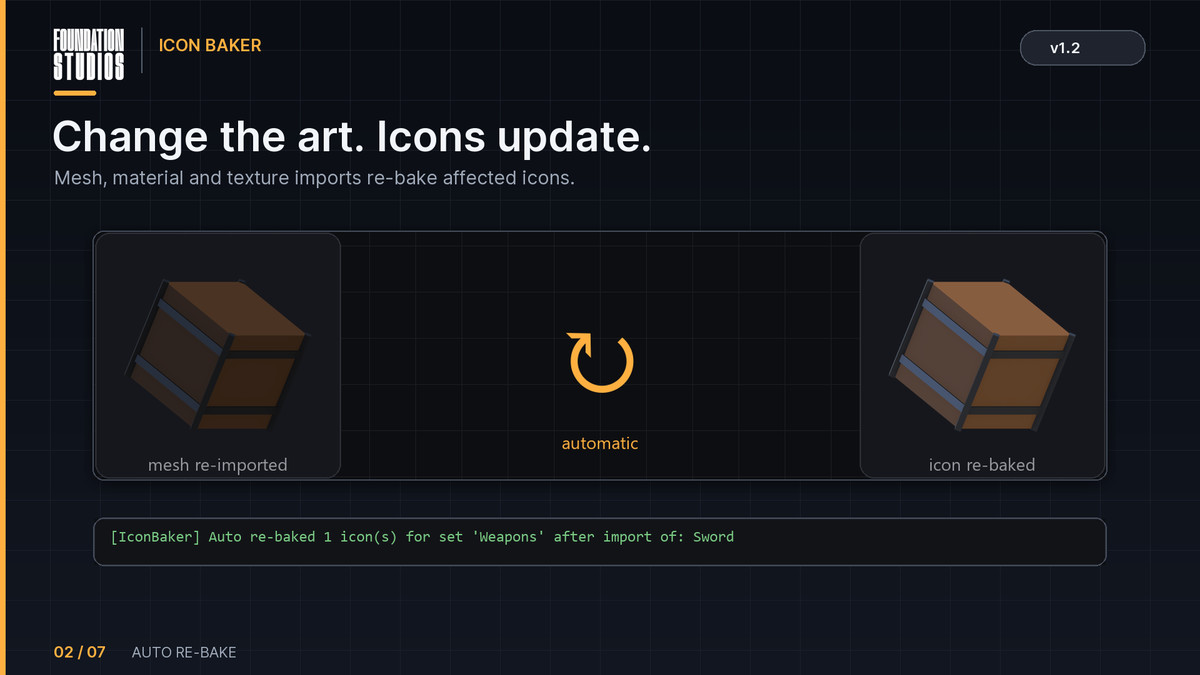
- Auto re-bake — the icon updates itself whenever the mesh, material, or texture changes; saves days of manual rework in a game with 200 items.
- Grid footprint — multi-cell icons (e.g., 2x1, 2x2); designed for RE/Tarkov-style inventories.
- Per-prefab override — each item can maintain its own rotation, zoom, tint, and profile settings.
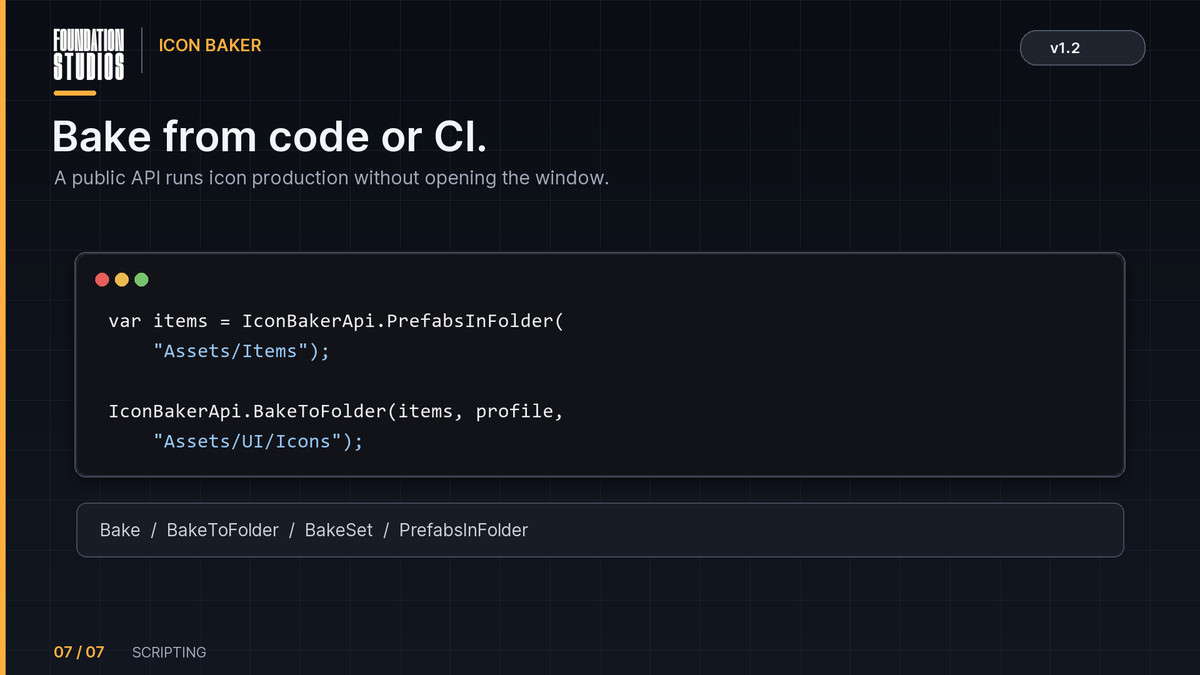
- Scripting API + CI — icon generation during the build process without opening the UI.
- Profile = project asset — version-controlled and shareable across the team.
- True alpha — transparency derived from a two-pass (black/white) capture; ensures glass, foliage, and alpha-cutout elements render correctly.
Icon Baker turns any prefab into a clean 2D icon with a real transparent background — and then keeps it that way
Most icon tools photograph a prefab once and hand you a PNG. Icon Baker treats icons as part of your project. Point a set at your item prefabs and it watches them: change a mesh, a material or a texture, and every affected icon re-bakes itself on import. Item art and item icons stop drifting apart.
Built for real inventories
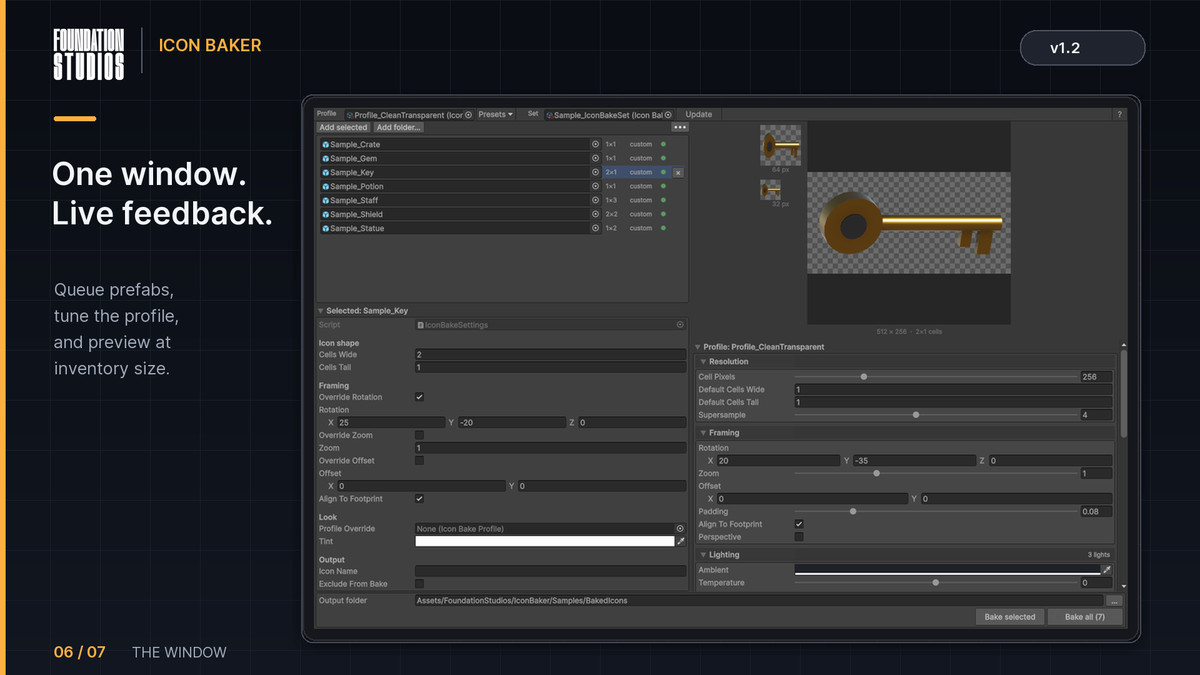
Icons are measured in grid cells, not just pixels — a 2x1 rifle at 256 px per cell bakes to 512x256, and long items are laid along the frame automatically. Any prefab that needs different treatment gets an Icon Bake Settings component: its own rotation, zoom, tint, profile or filename, or a flag to skip it entirely.
Transparency is solved, not approximated
Render pipelines write an opaque alpha channel, so a naive capture gives you a background to key out by hand. Icon Baker shoots each frame twice, against black and against white, and recovers the true alpha from the difference. Glass, foliage, alpha-clipped edges and soft antialiased silhouettes all come out correct.
Consistency by construction
The light rig is parented to the camera, not the world, so item #200 matches item #1 no matter how it is turned. Scene lights, ambient, fog and post-processing are all held out of the shot and restored afterwards.
A look you can version
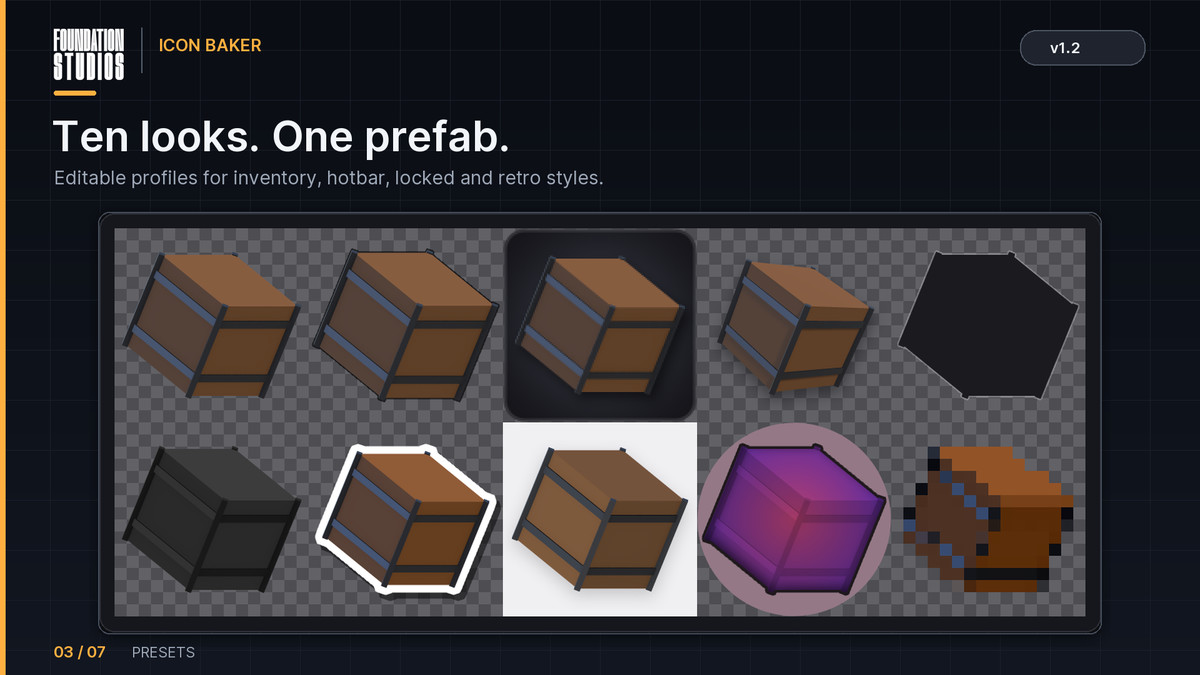
A profile is a plain project asset holding the whole style: resolution, framing, up to five lights with a temperature control, post effects and output settings. Keep one per style, share it with your team, diff it in source control. Ten presets ship as starting points: Clean Transparent, Grid Inventory, Hotbar, Isometric Prop, Silhouette (Locked), Greyed Out, Sticker, Front Orthographic, Locked (Gradient Mask) and Retro Pixel.
Full creative control
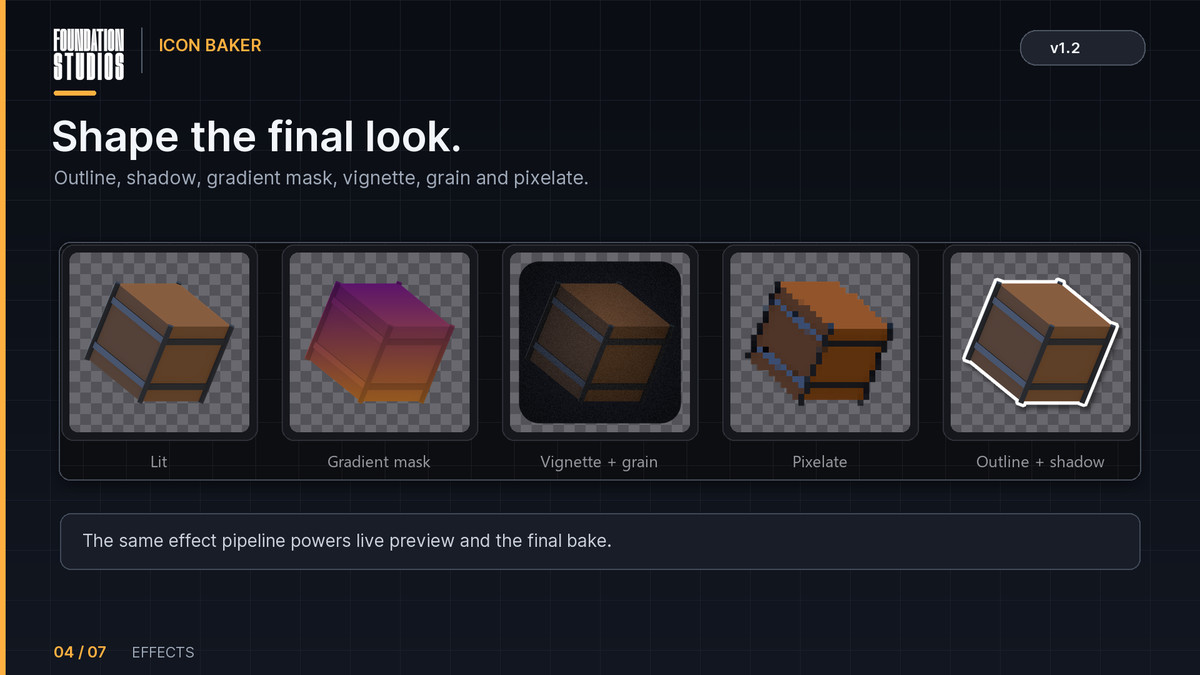
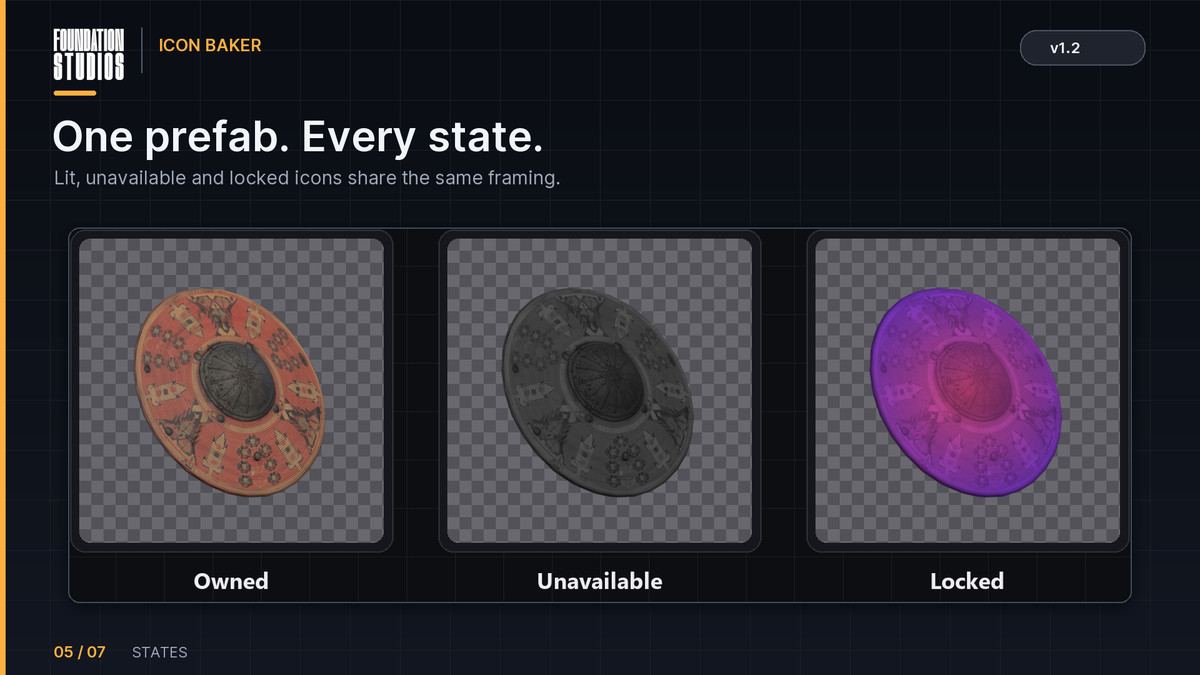
Outline, drop shadow and inner shadow; solid, gradient or radial background plates with rounded corners up to a full circle crop; exposure, contrast, saturation, colour tint; vignette, chromatic aberration, film grain and pixelate; and a two-colour gradient mask that recolours an item while keeping its shading, for locked and ability icons. Everything previews live at capture resolution, with real-size 64 px and 32 px thumbnails so you always know how the icon reads in an actual slot.
Calm to work in
The profile is grouped into collapsible sections, and a disabled effect shows only its tick-box instead of a wall of settings you are not using. When a prefab frames itself, the profile fields it overrides are greyed out and say so, with one click to hand control back — so a value on screen is never one the icon is quietly ignoring.
Scriptable
IconBakerApi.Bake, BakeToFolder, BakeSet and PrefabsInFolder do everything the window does, so a build step or a CI job can produce icons with no UI at all.
Full C# source included. Editor-only assembly, no runtime footprint, no external dependencies. Works with URP and the Built-in Render Pipeline.
From the publisher's Asset Store listing.
Technical details
• Unity 6000.0+ (Unity 6)
• Render pipelines: URP, Built-in and HDRP
• Editor-only tool. Runtime folder contains data-only components and ScriptableObjects (no Update, no allocations, nothing in the build).
• 12 C# scripts (~2,400 lines), full source, two asmdefs (FoundationStudios.IconBaker.Editor / .Runtime), no third-party dependencies.
• Output: PNG sprites with true alpha, importer configured automatically (Sprite, alpha-is-transparency, clamp, pivot and PPU from the profile).
• Sample content: 1 demo scene, 7 prefabs, 2 textured FBX models (1024² textures), 8 profile assets, 1 bake set. Samples folder can be deleted.
• Documentation: README.md and Documentation/IconBaker_Manual.pdf inside the package.
NOTE : For HDRP Demo, Launch once the "Fix Sample Materials for Active Pipeline" from the menu.
Compatibility
| Unity version | Built-in | URP | HDRP |
|---|---|---|---|
| 6000.3.17f1 | Compatible | Compatible | Compatible |
As listed on the Asset Store.