
 View on Asset Store (opens in new tab)
Package details
- Latest version
- 1.0.0
- Last updated
- First released
- Unity version
- 2022.3.44 or later
- Package size
- 24 KB
- Files
- 19
- Views in the past week
- 0
Price tracking
- Last checked
- Tracked since
- Lowest recorded
- $9.99 on
Keywords

Package Compatibility Lab
Test a Unity asset folder across installed Editor versions in clean projects, then keep the compatibility matrix, logs, hashes, and NUnit evidence.
Affiliate link · Purchases support this site
Price history
Last 6 months
USDAsset preview
1 / 1
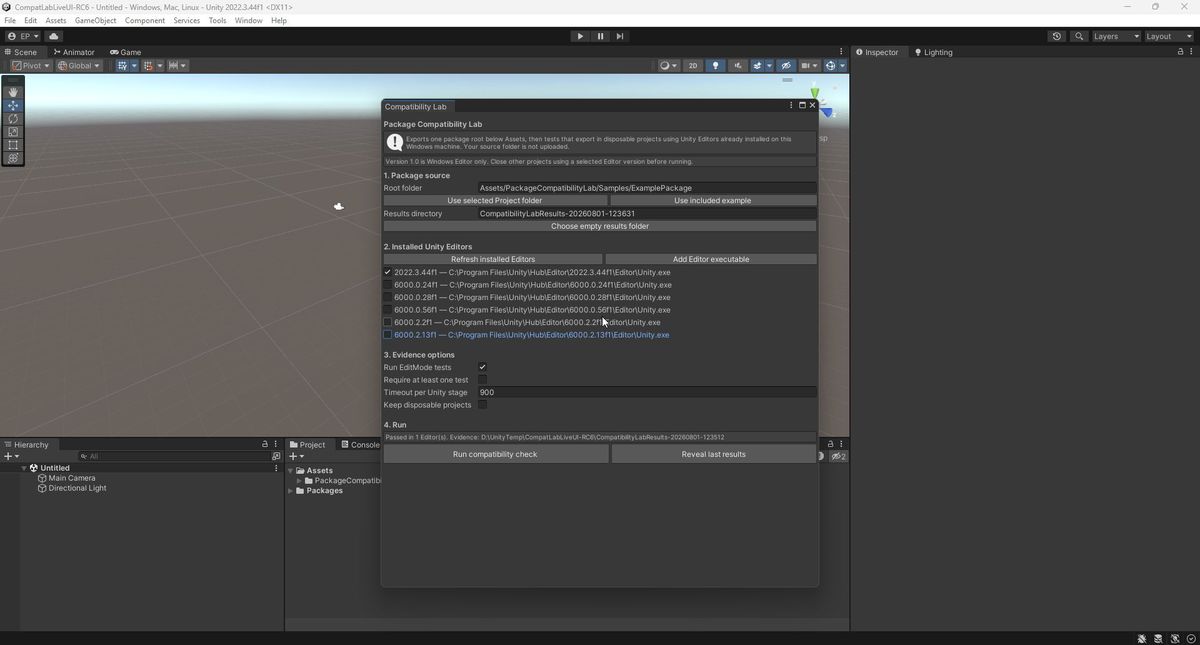
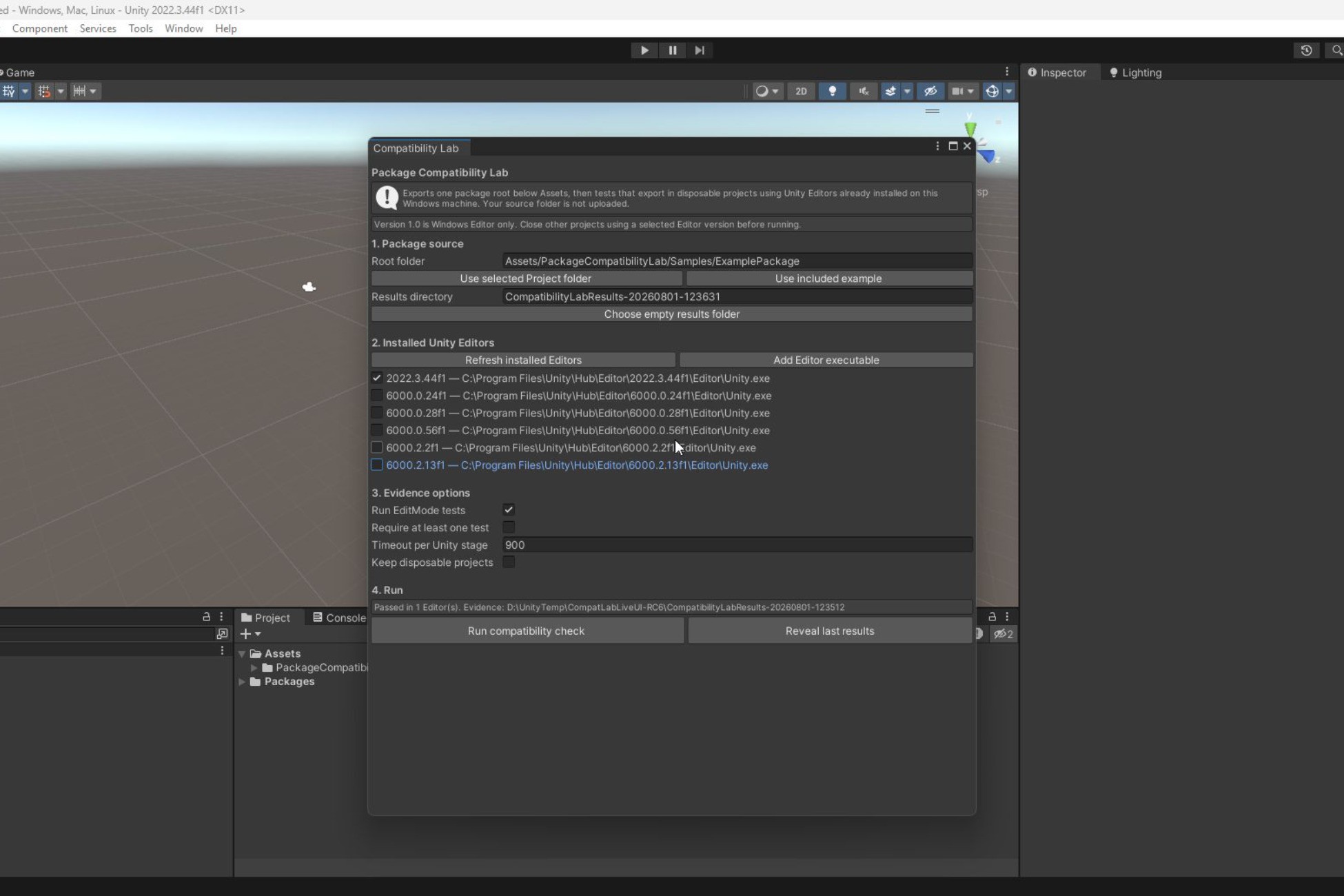
Package Compatibility Lab screenshot 1
About this asset
Package Compatibility Lab is a local Windows Unity Editor utility for package publishers and tool developers who support more than one Unity version.
Select one content root below Assets and one or more installed Unity Editors. The tool exports that root, creates a separate disposable project for each target, imports the package, checks the expected assets, compiles scripts, and optionally runs EditMode tests. It records a clear result for each Editor along with source and Editor fingerprints.
Evidence retained for each run:
- JSON compatibility matrix
- Human-readable Markdown report
- Package import, probe, and test logs
- NUnit XML when EditMode tests run
- Source-package and Unity executable hashes
The workflow stays local. Package Compatibility Lab includes no hosted service, product account, analytics, subscription, custom executable, or source upload. Unity may still perform its normal licensing and Package Manager network operations when an Editor starts.
Start from Tools > Package Compatibility Lab and run the included example before testing your own package. Comprehensive offline documentation, JSON Schemas, setup instructions, troubleshooting, and uninstall instructions are included.
Current limits: version 1.0 supports Windows Editor only. The controller project requires Unity 2022.3 or newer, and target Editors must already be installed and licensed on the same machine. The tool tests one selected root below Assets and does not automatically include unrelated dependencies outside that root. It checks asset import, C# compilation, and optional EditMode tests; it does not run PlayMode tests or player builds.
From the publisher's Asset Store listing.
Technical details
Features:
- Discover Unity Hub Editors installed on the Windows machine
- Test one selected Assets root in disposable per-version projects
- Verify expected imported asset paths and C# compilation
- Run optional package-owned EditMode tests
- Classify missing assets, compile failures, test discovery failures, test failures, timeouts, tool errors, and cancellation
- Preserve JSON, Markdown, raw logs, hashes, and NUnit XML
- Recheck the source hash after a run
- Support unattended workflows through a batch entry point and included JSON Schemas
- Include an example package and comprehensive offline manual
Supported OS: Windows Editor only
Controller: Unity 2022.3 or newer
Render pipelines: Built-in, URP, HDRP, and custom pipelines; the tool includes no runtime rendering content
Asset Store dependencies: None
Documentation: included at Assets/PackageCompatibilityLab/Documentation/Manual.md
Product information: https://redcircuit.obsoletehq.com/projects/package-compatibility-lab
Support: https://redcircuit.obsoletehq.com/support
Compatibility
| Unity version | Built-in | URP | HDRP | Custom |
|---|---|---|---|---|
| 2022.3.44f1 | Compatible | Compatible | Compatible | Compatible |
Editor-only utility. It contains no shaders, materials, scenes, or runtime rendering content, so its workflow is independent of the active render pipeline.
As listed on the Asset Store.