
 View on Asset Store (opens in new tab)
Package details
- Latest version
- 2.0.0
- Last updated
- First released
- Unity version
- 6000.0.80 or later
- Package size
- 12.6 MB
- Files
- 45
- Favorites
- 4
- Views in the past week
- 32
Price tracking
- Last checked
- Tracked since
- Lowest recorded
- Free on
Keywords
- Search for runtime editor
- Search for game balancing
- Search for ScriptableObject
- Search for Game Design
- Search for live tuning
- Search for runtime inspector
- Search for Gameplay Tools
- Search for data driven
- Search for ScriptableObject Editor
- Search for Debug Tools
- Search for in-game debug menu
- Search for runtime debug menu

Runtime ScriptableObject Editor - TuneKit LiveData Lite
Edit ScriptableObjects live while your game runs - one field or a whole table.
Affiliate link · Purchases support this site
Price history
Last 6 months
USDAsset preview
1 / 5
Runtime ScriptableObject Editor - TuneKit LiveData Lite screenshot 1

About this asset
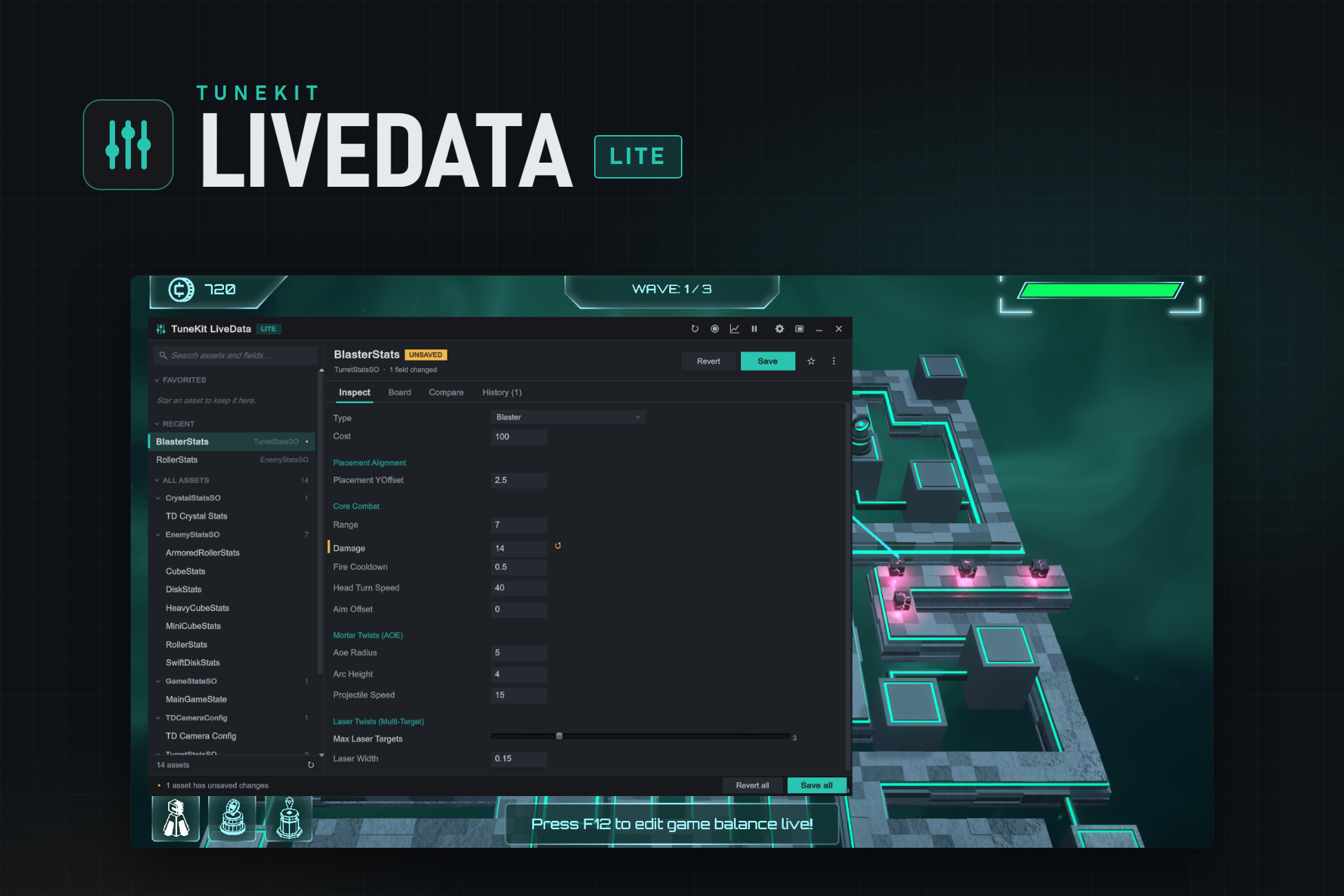
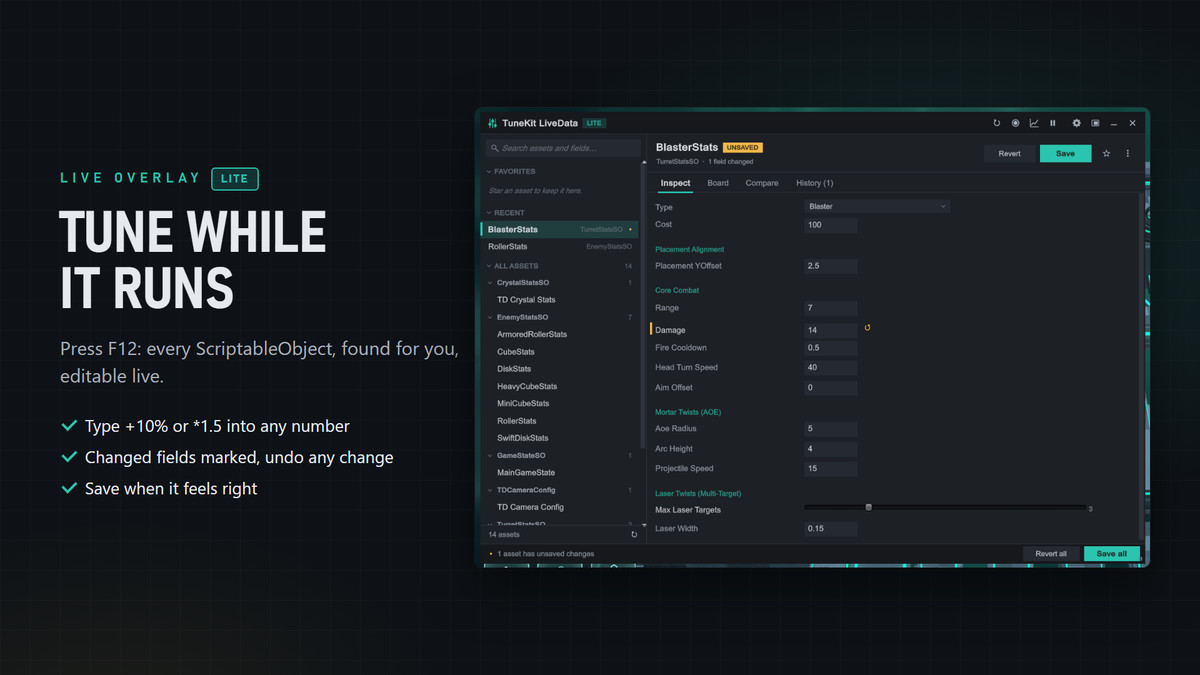
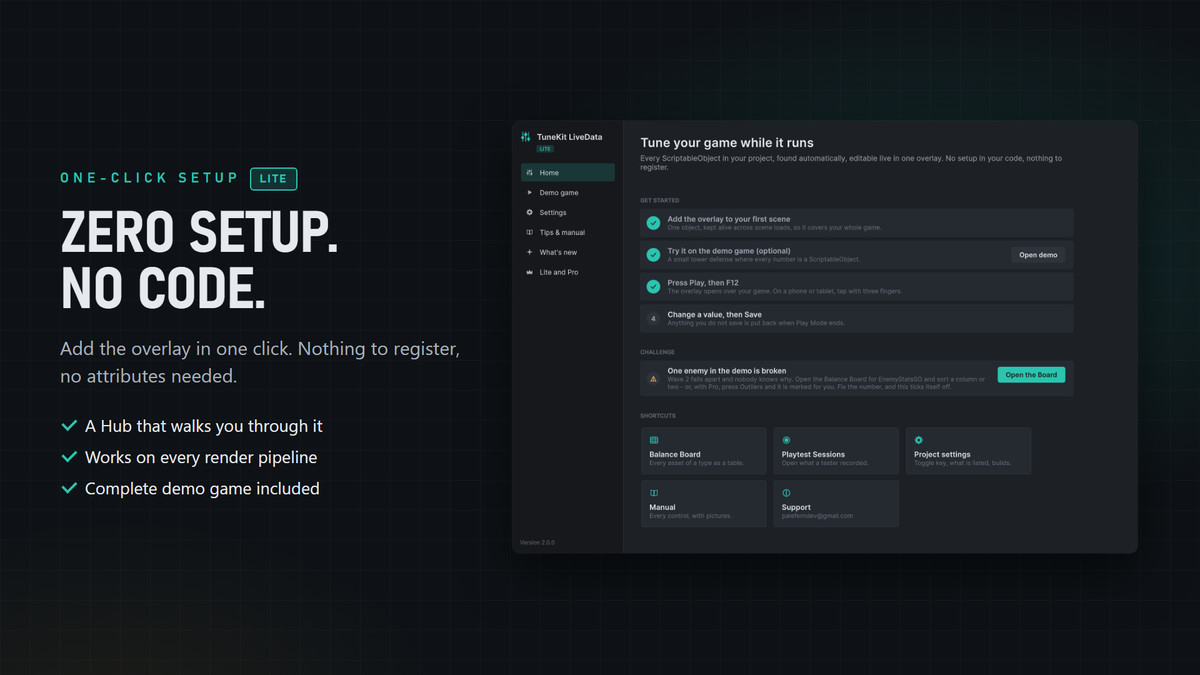
Edit any ScriptableObject live while your game runs. Press F12 in Play Mode and every ScriptableObject in your project is there, searchable by name or by field. Change a value, watch the game react, and save it straight to the asset - no restart, no recompile, and the numbers you like survive when you stop.
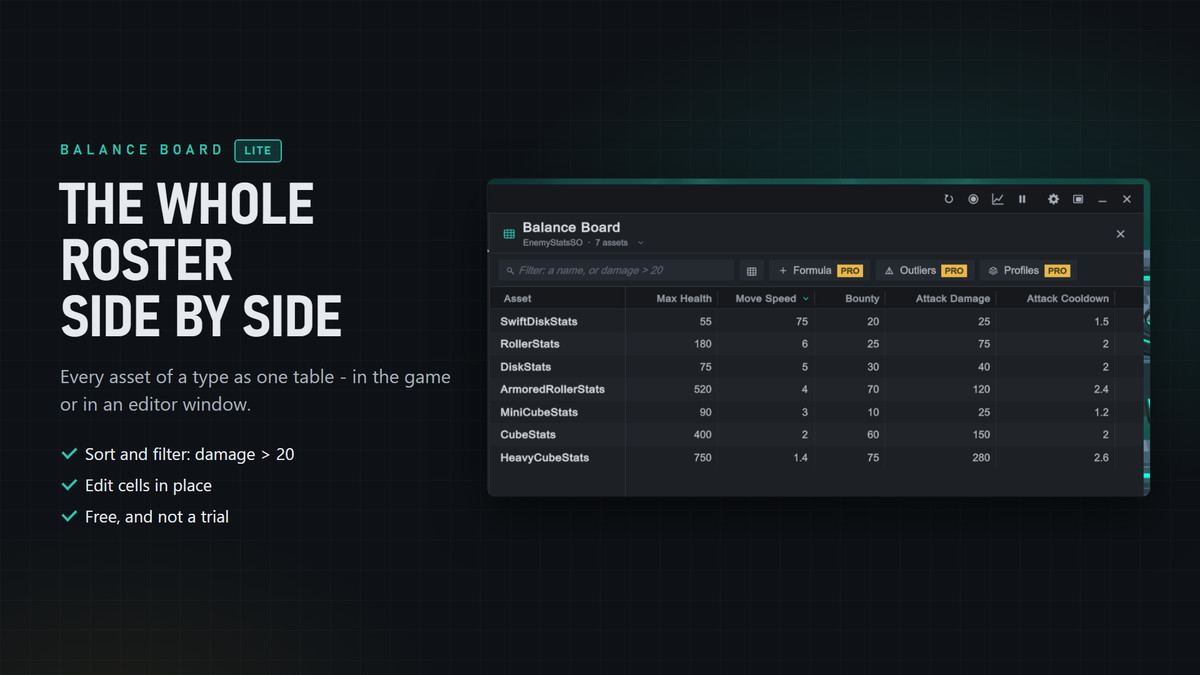
Tune one value or a whole table. The Balance Board shows every asset of a type as one table: sort, filter (damage > 20) and edit cells in place, in the running game or in an editor window that also works outside Play Mode.
What you get, free:
- Automatic discovery of every ScriptableObject - nothing to register, no attributes required
- Every common field type: numbers, vectors, colours, enums, curves, lists, nested structs, [SerializeReference]
- Type +10% or *1.5 into any number; changed fields marked, per-field revert, History with undo, Compare
- [LiveDataButton] turns your methods into overlay buttons, with parameters - a debug menu in one attribute
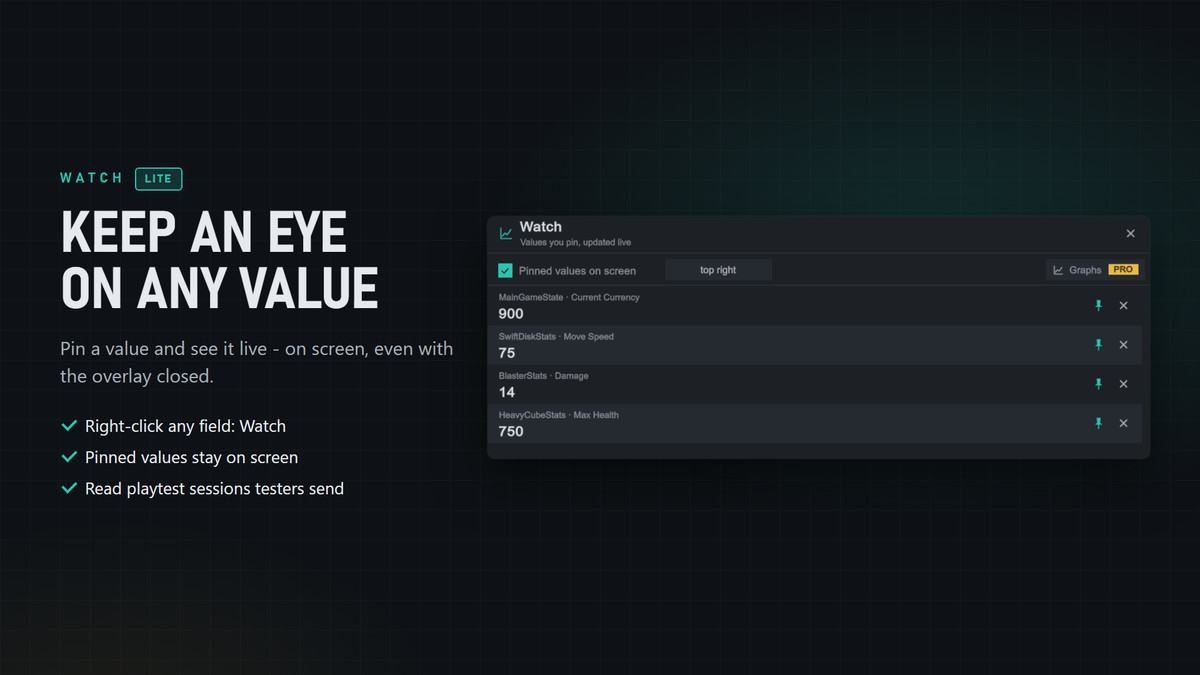
- Watch: pin any value and see it live on screen, even with the overlay closed
- Open and read Playtest Sessions recorded by testers using Pro
- Docking, search across assets and fields, favourites, UI scaling, both input systems
- A complete tower defense demo with a planted balance bug to find, and an illustrated PDF manual
Lite is not a trial and does not expire. Everything in it works exactly as it does in Pro.
What Pro adds: tuning inside your built game - including ScriptableObjects no scene has loaded - with testers' changes saved and imported back safely; Playtest Sessions with Review & Merge; Remote Link to a build on another device; Bulk Edit, Formula Columns, Outlier Check and Sheets Sync on the Balance Board; Profiles and Watch Graphs.
Setup and requirements. Add the overlay from the GameObject menu or the setup Hub, enter Play Mode and press F12. 6000.0 or newer; Built-in, URP and HDRP.
From the publisher's Asset Store listing.
Technical details
Key Features:
- Automatic ScriptableObject discovery via reflection, with namespace and assembly noise filtering and an editable Hidden Namespaces list.
- Editor persistence: Save writes straight to the .asset during Play Mode, with per-field revert, History and undo.
- Balance Board: a whole type as one table - sort, filter and edit - in the overlay and in an editor window that works outside Play Mode.
- Watch: pinned values shown on screen while the overlay is closed.
- Playtest Sessions viewer: opens sessions recorded with LiveData Pro, with their changes, timeline, notes and screenshots.
- Struct bubbling writes nested value types back correctly, including elements inside Lists and arrays.
- Field types: int, long, float, double, bool, string, enums, Vector2/3/4, Vector2Int/3Int, Quaternion, Rect, Bounds, colours, LayerMask, AnimationCurve, arrays, lists, nested structs and classes, and [SerializeReference].
- [LiveDataButton] turns methods into overlay buttons, with parameters, in deterministic order.
- Attributes: [LiveDataCategory], [LiveDataStep], [LiveDataUnit], [LiveDataReadOnly], [LiveDataHide].
- Culture-invariant number handling: a machine that writes decimals with a comma never changes a value by displaying it.
- Per-type field and method caching and a virtualised asset list: 0.6 ms and 11 KB per frame with 2,400 assets; long collections are paged.
- Custom UI scaling from 0.5x to 2.0x and docking.
- LiveDataEditor.Show() / Hide() / Toggle() to open the overlay from your own code.
- Out-of-the-box support for both the legacy Input Manager and the Input System.
- 6000.0 or newer; Built-in, URP and HDRP (no rendering dependencies). C# source only, no DLLs, no third-party dependencies.
Documentation:
- An illustrated PDF manual with a table of contents is included in the package folder (Assets/PaleFernStudio/TuneKit - LiveData/Documentation/LiveData_Lite_Docs.pdf).
- A setup Hub (Window > TuneKit LiveData > Hub) with a get-started checklist, the demo and tips.
Compatibility
| Unity version | Built-in | URP | HDRP |
|---|---|---|---|
| 6000.0.80f1 | Compatible | Compatible | Compatible |
As listed on the Asset Store.