
 View on Asset Store (opens in new tab)
Package details
- Latest version
- 1.0.12
- Last updated
- First released
- Unity version
- 2022.3.62 or later
- Package size
- 8.3 MB
- Files
- 41
- Views in the past week
- 8
Price tracking
- Last checked
- Tracked since
- Lowest recorded
- $34.99 on
Keywords

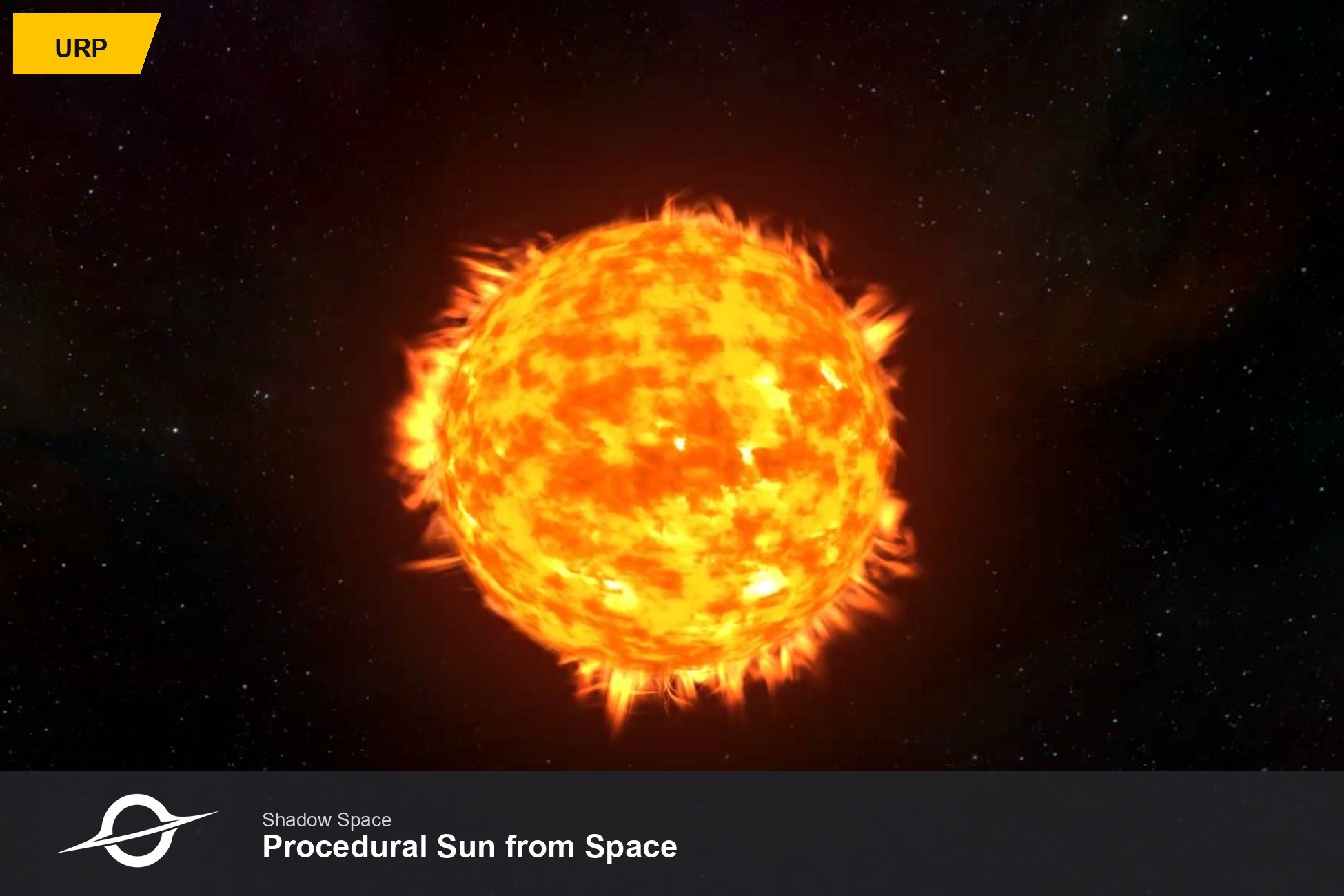
Procedural Sun from Space (URP)
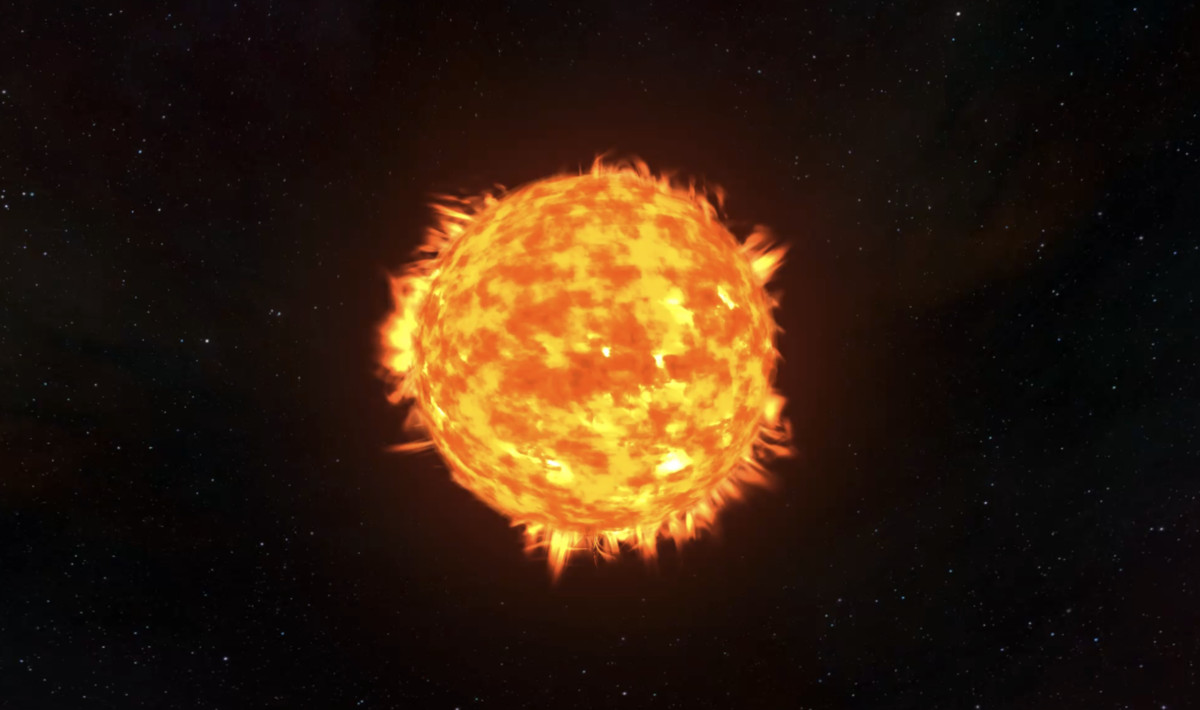
Drop-in procedural sun with lava surface, corona halo, chromosphere plasma, and starfield skybox for URP.
Affiliate link · Purchases support this site
Price history
Last 6 months
USDAsset preview
1 / 3
Procedural Sun from Space (URP) screenshot 1
About this asset
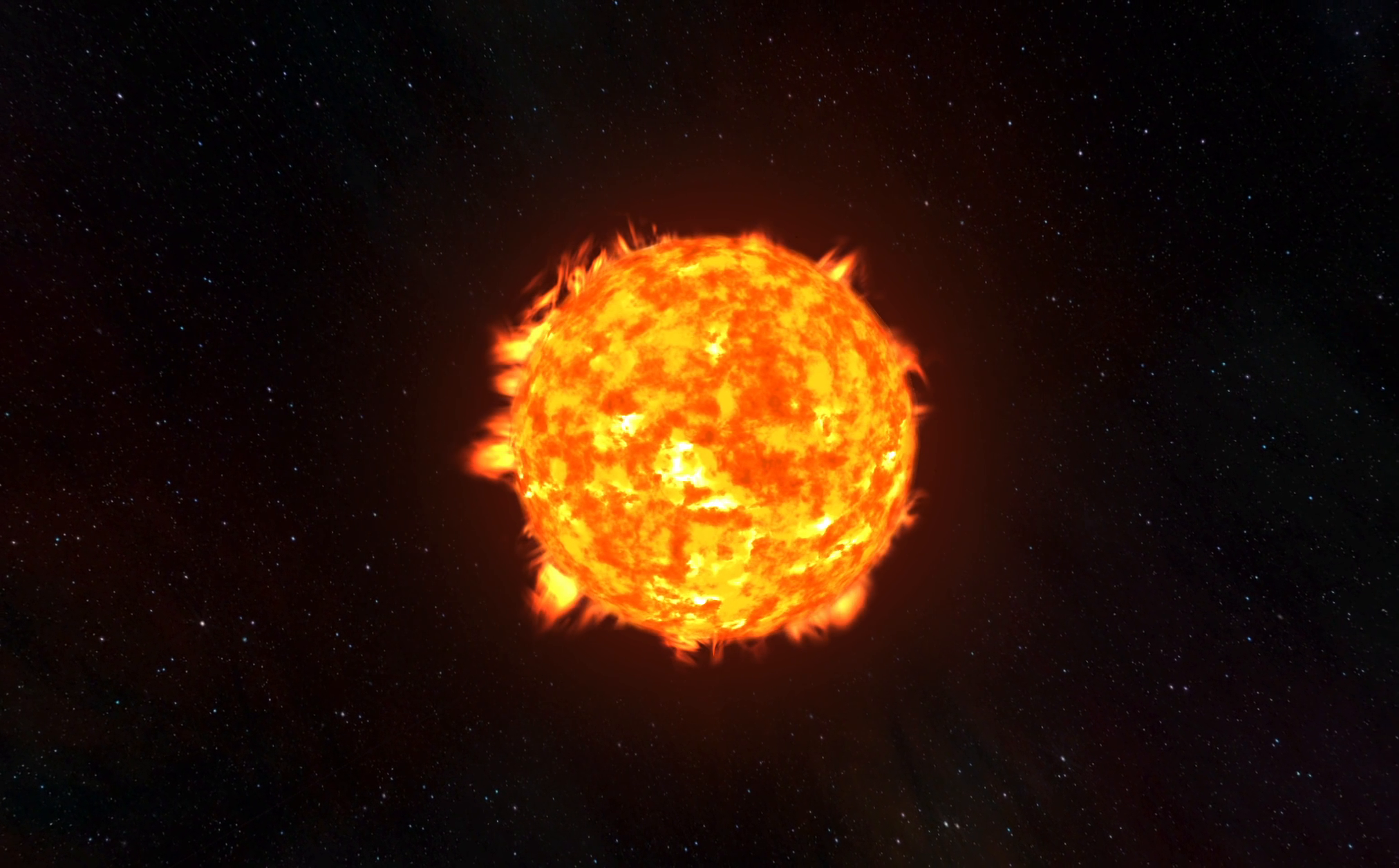
rocedural Sun from Space is a drop-in procedural sun system for Unity URP. Add a cinematic star with an animated lava surface, glowing corona halo, ray-marched chromosphere plasma, and a tiled starfield skybox — no animation clips, sprite sheets, or video textures required.
Perfect for space games, sci-fi environments, planetarium / educational projects, cinematic trailers, and any scene that needs a believable sun at the center of a solar system.
What's included
- Lava surface — triplanar FBM shader with flowing, heat-driven detail
- Corona halo — soft rim glow around the sun disk
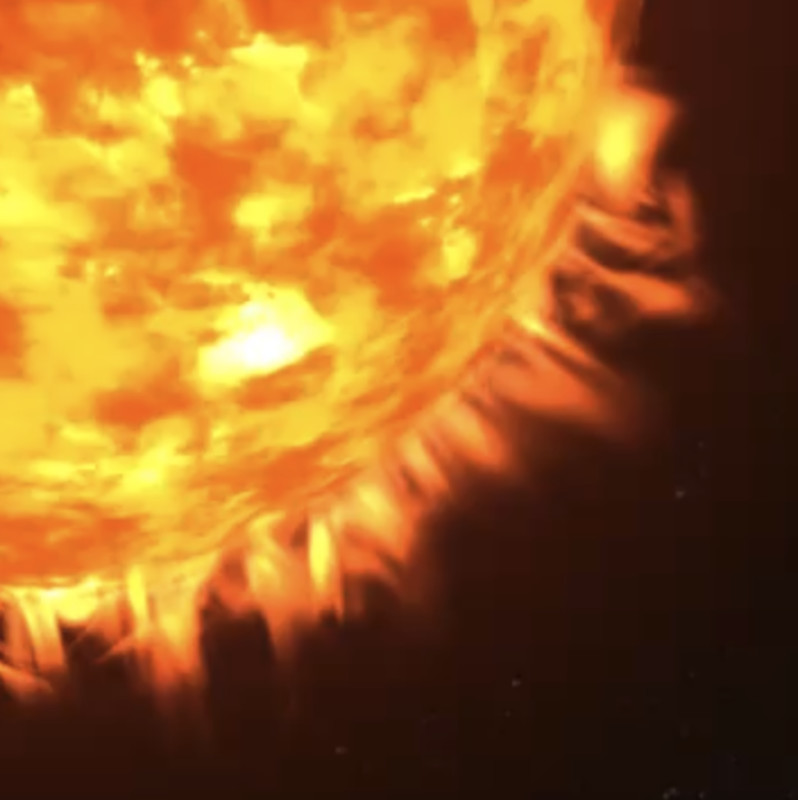
- Chromosphere plasma — volumetric-style plasma shell with animated spicules
- Starfield skybox — equirectangular tiled space background
- Point light — warm sun light, pre-configured for large-scale scenes
- Editor menus — one-click setup from the GameObject menu
- Runtime API — spawn and control the sun from code
Quick setup
- Use a URP project (Unity 2021.3 LTS or newer).
- GameObject → Shadow Space → Procedural Sun
- GameObject → Shadow Space → Procedural Skybox
- Add a global Volume with Bloom (recommended: intensity 0.14, scatter 0.42, threshold 0.78).
- Press Play.
Or use Shadow Space → Setup Demo Scene to create the sun, skybox, camera rig, and controls in one step.
Customization
Everything is fully procedural and tweakable:
- Sun radius, halo falloff, and halo intensity — on the ProceduralSun component
- Lava colors — six gradient stops (dark → hot → white) via LavaColorSettings
- Plasma density, intensity, and variation — material properties or defaults in ProceduralSunResources
- Light intensity and range — adjustable on the component
- Toggle plasma and sun sphere at runtime (demo shortcuts: P and S)
Shaders are included as source — edit SunLava, SunHalo, SunChromosphere, and ProceduralSkybox to match your art direction.
Runtime API
var sun = ProceduralSun.Create();
sun.UpdateSun(Time.time, Camera.main);
sun.Radius = 10.752f;
sun.SetChromosphereVisible(true);
ProceduralSkybox.Create(ProceduralSunResources.SpaceboxTexture);
Requirements
- Unity 2021.3 LTS or newer
- Universal Render Pipeline (URP) 12+
- URP only — not compatible with Built-in RP or HDRP
- Bloom on a global Volume is recommended for the best corona and plasma look
Support
Questions or issues: [email protected]
From the publisher's Asset Store listing.
Technical details
- Fully procedural sun — no animation clips, sprite sheets, or video textures
- URP-only shaders: lava surface, corona halo, chromosphere plasma, procedural skybox
- One-click setup via GameObject → Shadow Space editor menus
- Runtime API: ProceduralSun.Create(), radius, colors, plasma/sphere toggles
- Animated lava surface with triplanar FBM noise
- Soft corona halo with adjustable falloff and intensity
- Ray-marched chromosphere plasma shell with density and intensity controls
- Tiled starfield skybox texture included (spacebox.png)
- Built-in warm point light (intensity and range configurable)
- Demo scene setup menu with orbital camera and Play mode shortcuts (P/S)
- Customizable lava color gradient via LavaColorSettings
- Shader source included — edit materials and defaults in Inspector or code
- Correct transparent render order: skybox → halo → plasma → sun sphere
- Unity 2021.3 LTS+, URP 12+
- No Asset Store package dependencies
Compatibility
| Unity version | Built-in | URP | HDRP |
|---|---|---|---|
| 2022.3.62f3 | Not listed | Compatible | Not listed |
URP only. Requires Unity 2021.3 LTS or newer with Universal Render Pipeline 12+. Not compatible with Built-in Render Pipeline or HDRP. A global Volume with Bloom is recommended for the corona and plasma look. Shaders use URP transparent queues and premultiplied alpha blending.
As listed on the Asset Store.