
 View on Asset Store (opens in new tab)
Package details
- Latest version
- 1.0.0
- Last updated
- First released
- Unity version
- 6000.5.6 or later
- Package size
- 25 KB
- Files
- 15
- Favorites
- 2
- Views in the past week
- 3
Price tracking
- Last checked
- Tracked since
- Lowest recorded
- $14.99 on
Keywords
Formation System — Squad Movement & Tactical Formations
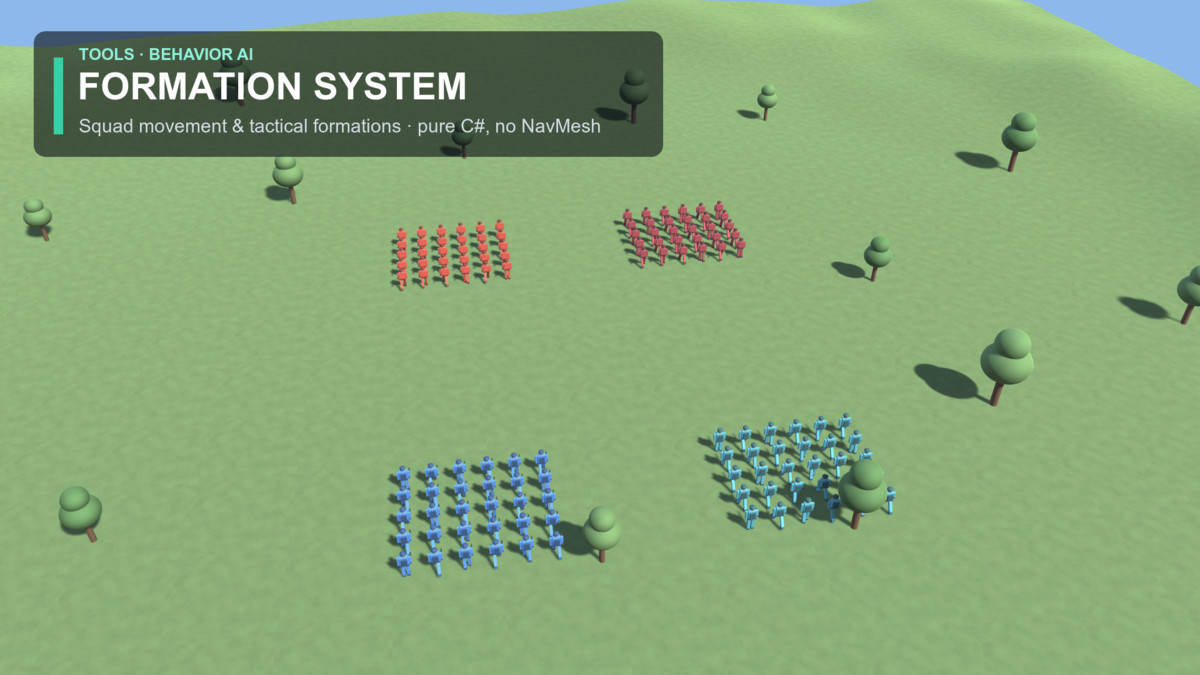
Command multiple squads in clean tactical formations — RTS drag-to-place preview, obstacle avoidance, 7 formations, and animated low-poly soldiers. Pure C#, no NavMesh required.
Affiliate link · Purchases support this site
Price history
Last 6 months
USDAsset preview
1 / 7
Formation System — Squad Movement & Tactical Formations screenshot 1
About this asset
Give any group of units real military discipline in a single line of code.
Formation System keeps squads locked in formation while they march, turn, and re-form around a moving heading — no NavMesh baking, no Rigidbody physics, no external packages. Just clean, readable C# transform movement.
MULTI-SQUAD RTS CONTROL
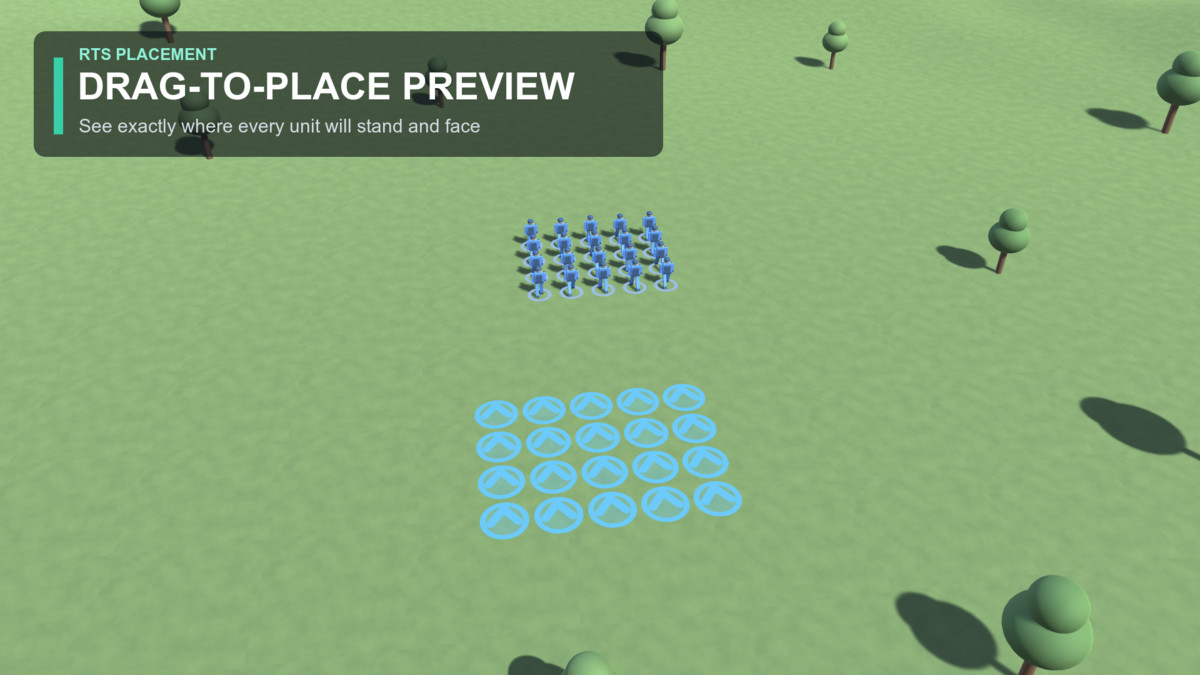
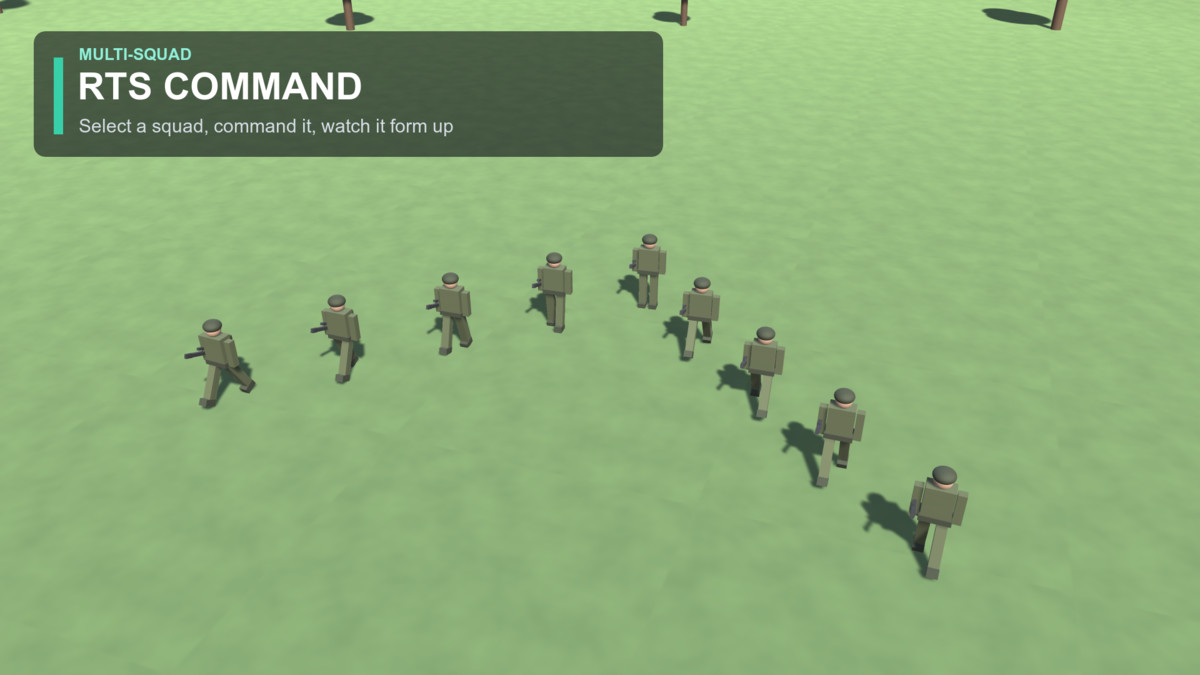
Run many squads at once, each with its own team colour. Click one to select it, then drag on the ground to place it — a live ghost footprint shows exactly where each unit will stand and which way it will face. Release and the squad marches over and forms up. A drop-in RtsFormationController + Squad you can build on.
OBSTACLE AVOIDANCE
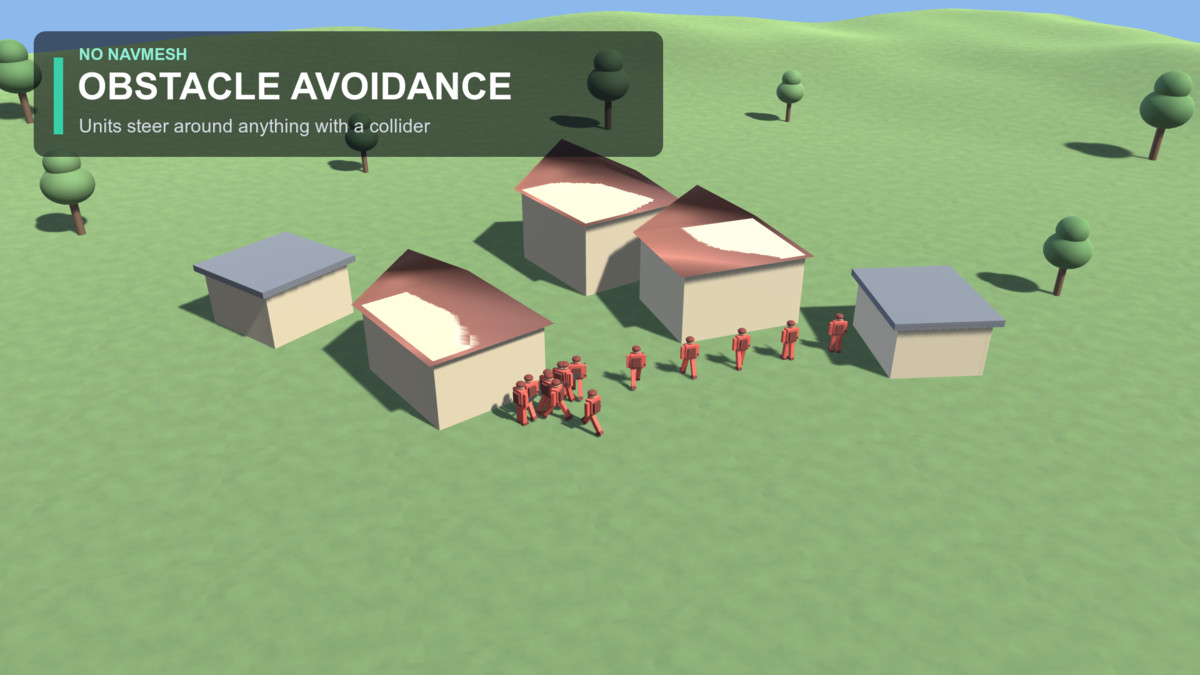
Units steer around anything with a collider — buildings, props, terrain — funnelling through gaps instead of clipping through walls, then reform on the far side. No NavMesh required.
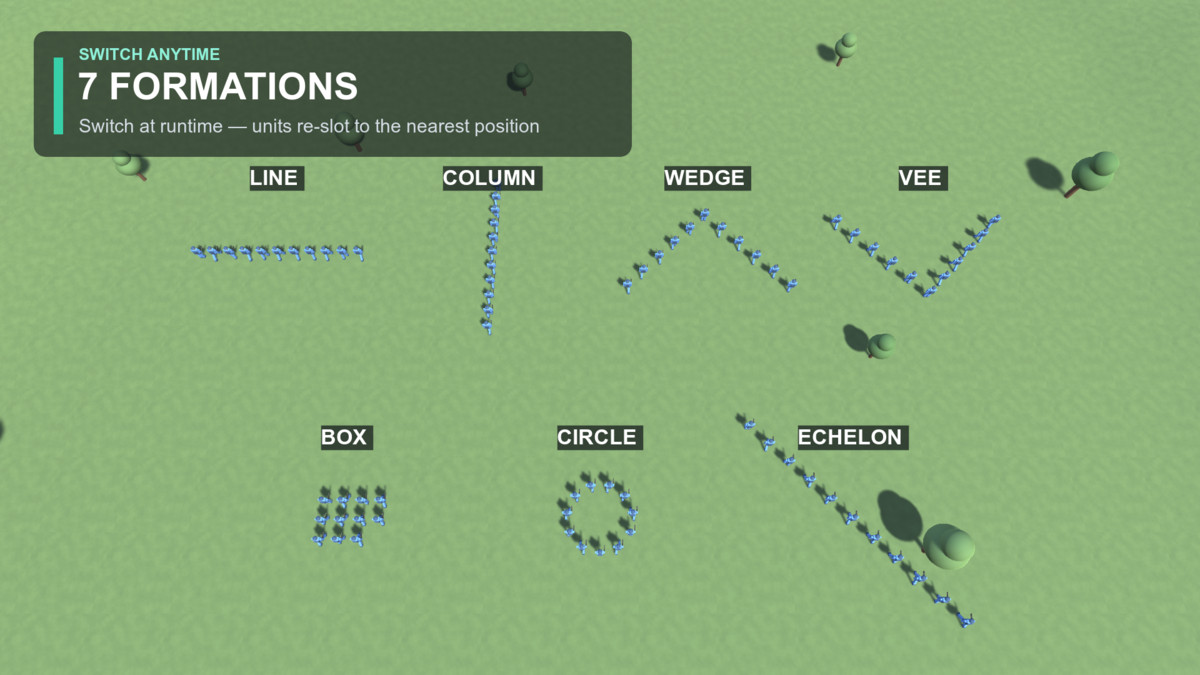
7 BUILT-IN FORMATIONS
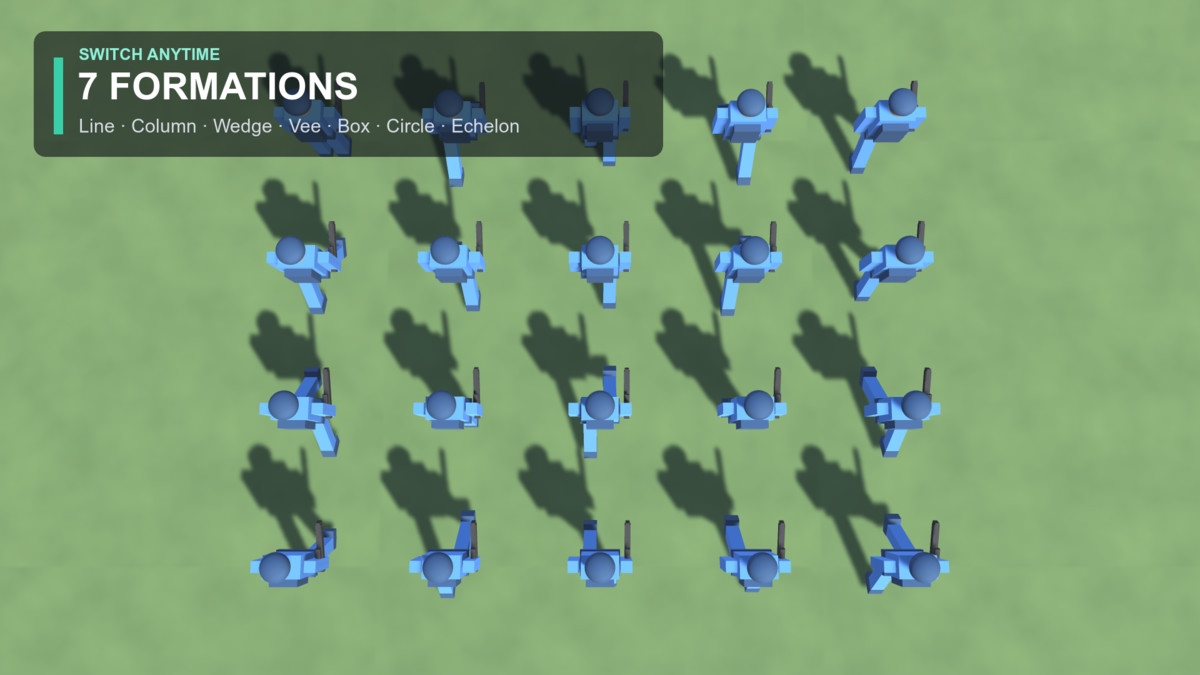
Line, Column, Wedge, Vee, Box, Circle, Echelon. Switch at runtime — units re-assign to their nearest new slot with no crossing or teleporting.
ANIMATED SOLDIERS INCLUDED
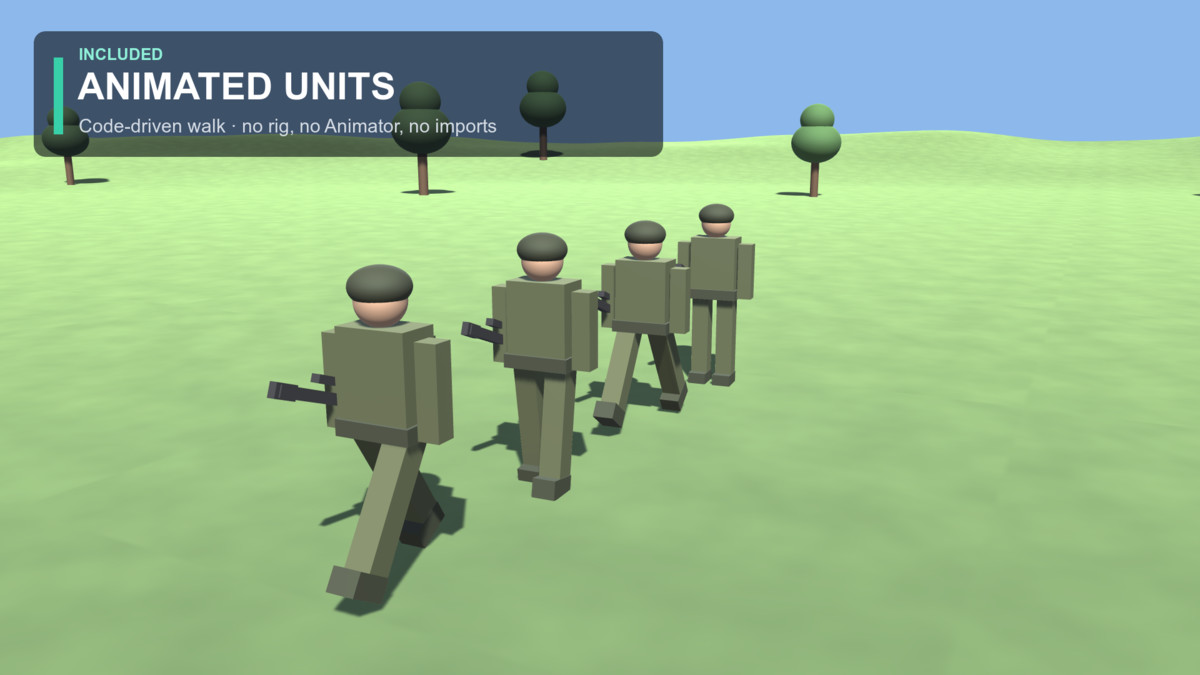
A stylised low-poly soldier built from primitives, with a code-driven walk cycle — legs and arms swing, stride tied to speed. No imports, no rig, no Animator. Prefer your own characters? Drop your prefab into one field.
CLEAN & YOURS TO EXTEND
- Fully commented C# source, no DLLs
- Small, single-purpose classes: FormationManager, FormationUnit, ProceduralWalk, Squad
- Works with both the legacy Input Manager and the new Input System
- One-click demo scene: Tools > Formation System > Create Demo Scene
Built for the Built-in Render Pipeline. The core system has no shaders or materials, so it runs in any pipeline — convert the demo materials for URP/HDRP.
Perfect for RTS, tower defense, tactics, auto-battlers, and any game with groups that need to move as one.
From the publisher's Asset Store listing.
Technical details
- 7 formations: Line, Column, Wedge, Vee, Box, Circle, Echelon
- Multi-squad selection + RTS drag-to-place footprint preview (drag sets facing)
- Obstacle avoidance via colliders — no NavMesh required
- Global nearest-slot assignment (no path crossing) + crowd separation
- Stable formation when moving/rotating — no needless unit shuffling
- Animated low-poly soldier included: code-driven walk, no rig or Animator
- Works with both the legacy Input Manager and the new Input System
- Fully commented C# source — no DLLs, no third-party dependencies
- One-click demo scene: Tools > Formation System > Create Demo Scene
- Runtime API: MoveTo, MoveToFacing, SetFacing, Reform, Slots()
Compatibility
| Unity version | Built-in | URP | HDRP |
|---|---|---|---|
| 6000.5.6f1 | Compatible | Not listed | Not listed |
The core formation system is pure C# with no shaders or materials, so it works in
any render pipeline (Built-in, URP, HDRP). The included demo scene uses Built-in
(Standard) shaders — for URP/HDRP, convert the demo materials via
Edit ▸ Rendering ▸ Materials ▸ Convert Selected Built-in Materials, or reassign
them to your pipeline's shader.
As listed on the Asset Store.