
 View on Asset Store (opens in new tab)
Package details
- Latest version
- 1.0.0
- Last updated
- First released
- Unity version
- 6000.3.10 or later
- Package size
- 95 KB
- Files
- 17
- Favorites
- 5
- Views in the past week
- 17
Price tracking
- Last checked
- Tracked since
- Lowest recorded
- Free on
Keywords

CompileScope
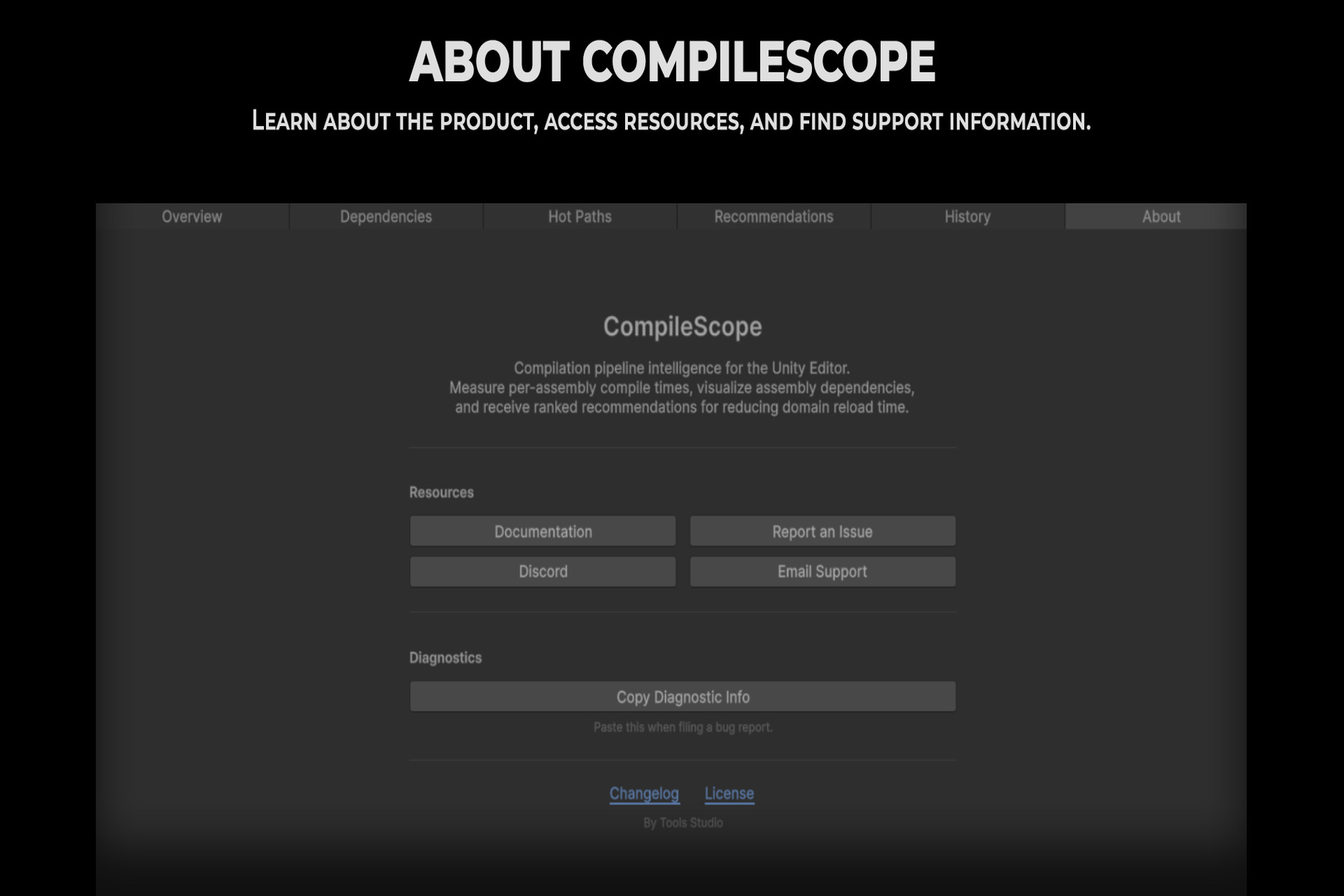
Measure per-assembly compile times, visualize your Assembly Definition dependency graph, and get ranked recommendations for reducing Unity domain reload time.
Affiliate link · Purchases support this site
Price history
Last 6 months
USDAsset preview
1 / 11
CompileScope screenshot 1
About this asset
The problem. As a Unity project grows, a small script change can trigger a recompile of a much larger fraction of the project than expected, and domain reload time climbs without an obvious cause. Diagnosing which Assembly Definition boundary is actually responsible usually means manually tracing .asmdef references by hand.
How CompileScope addresses it. CompileScope reads your project's existing Assembly Definition files and Unity's own compilation and domain reload events, builds a dependency graph in the background, and turns it into a ranked, actionable list of what to fix — without requiring any change to your code or .asmdef files to analyze it.
What it does:
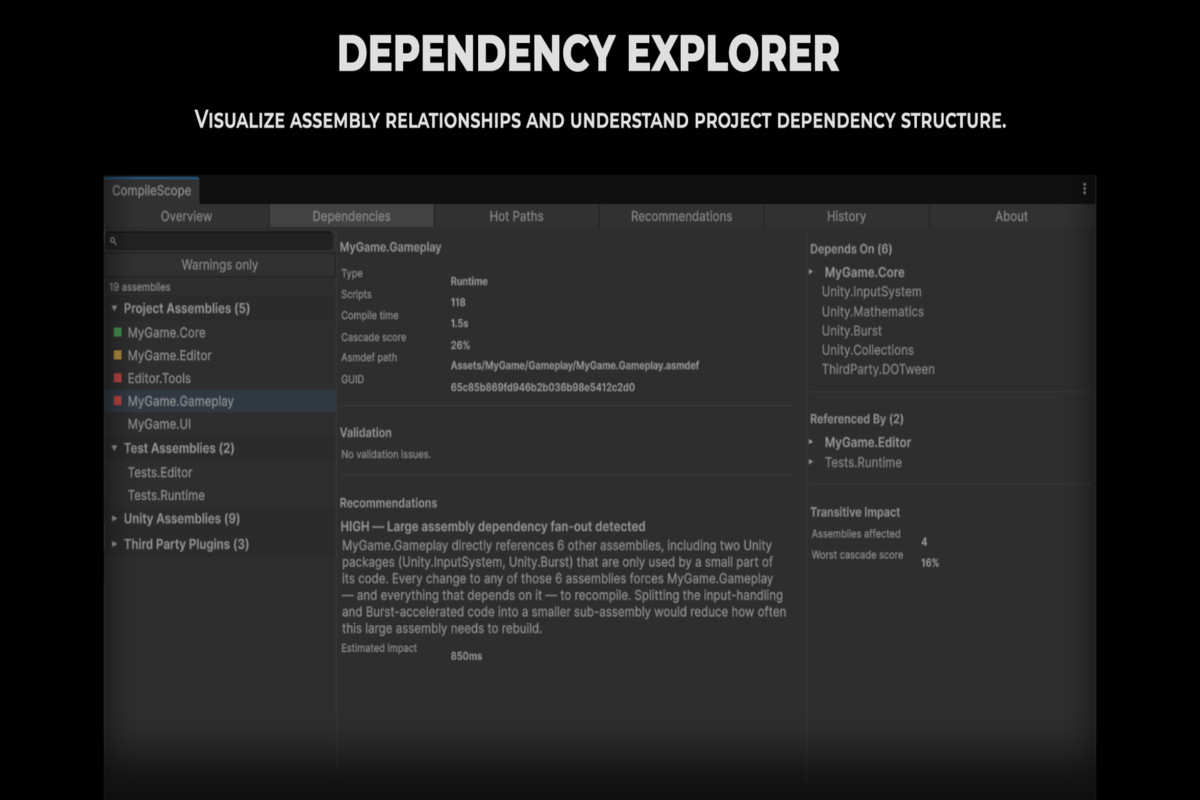
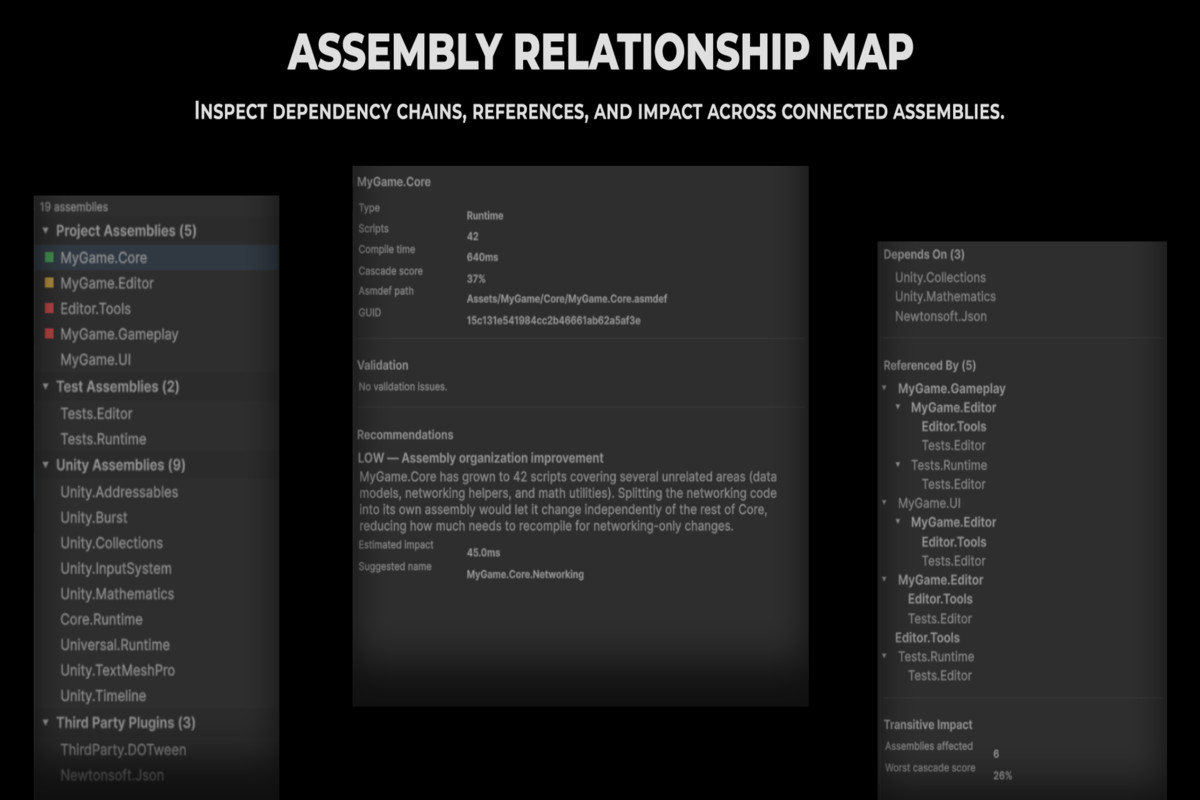
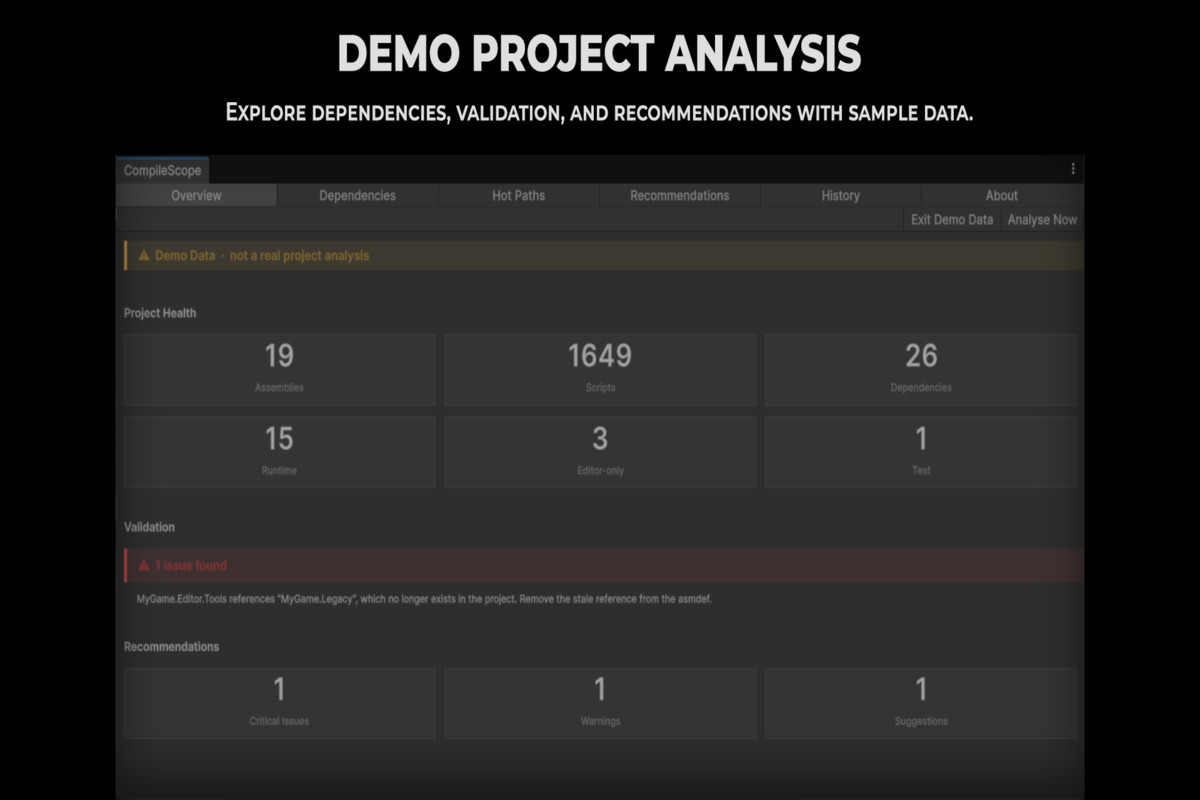
Discovers every assembly in your project and builds a full dependency graph from real .asmdef references, with a three-pane relationship viewer for any assembly you select.
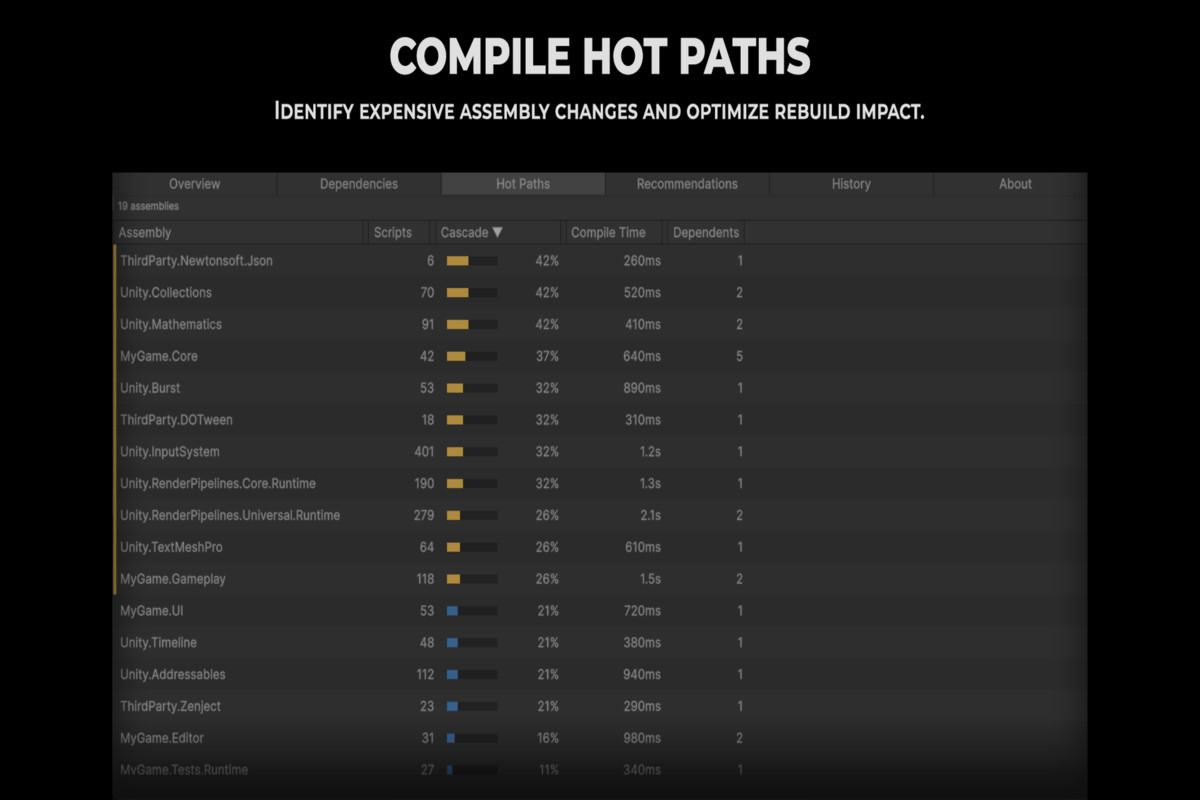
Calculates a cascade score for every assembly — the fraction of the project that recompiles when that assembly changes — so you can see which assembly is actually worth splitting, not just which one is slow.
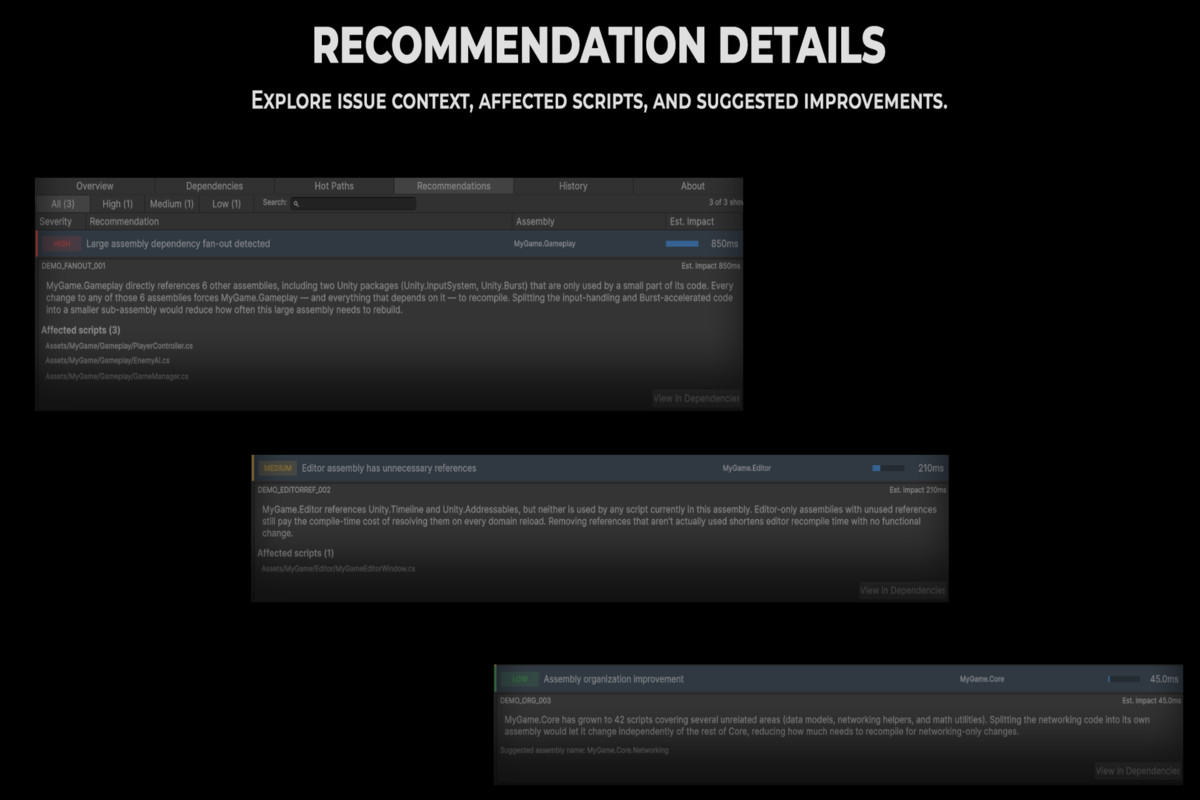
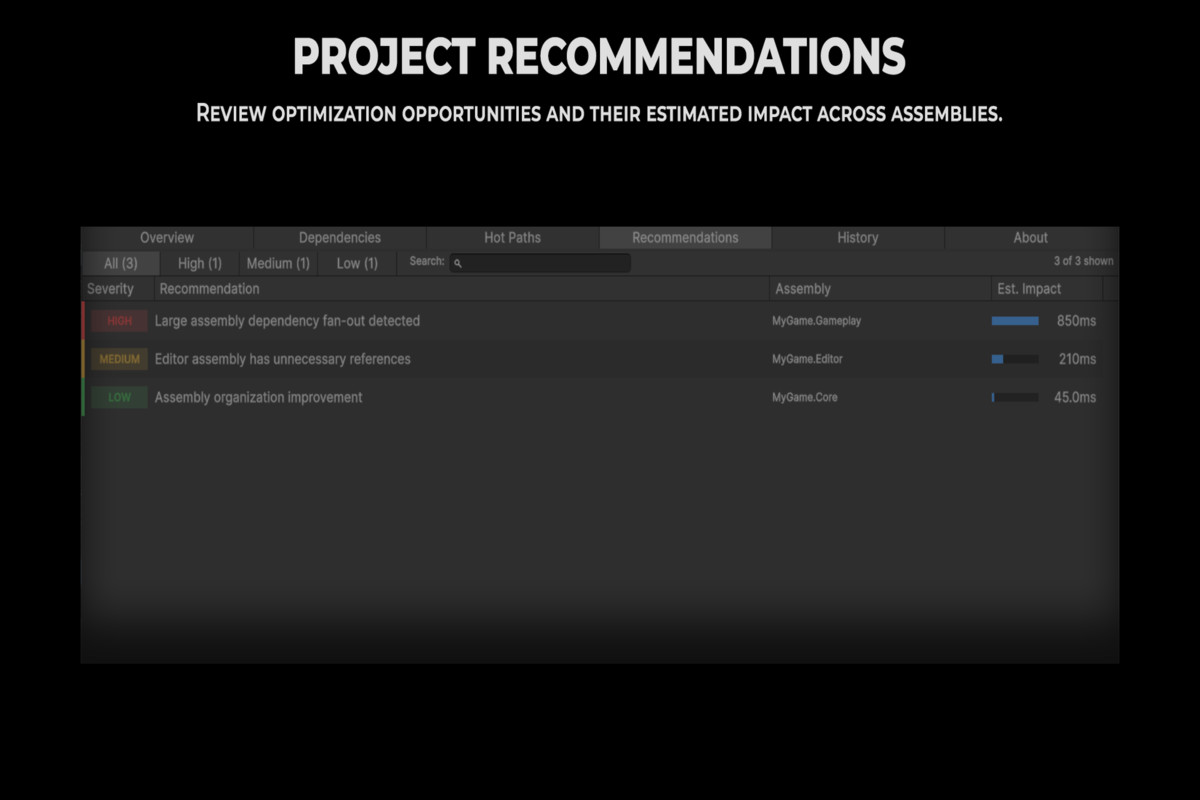
Generates ranked recommendations from five built-in rules: orphan scripts with no assembly boundary, editor code in a non-editor assembly, high-cascade utility assemblies, test assemblies with heavy production dependencies, and near-circular dependency candidates.
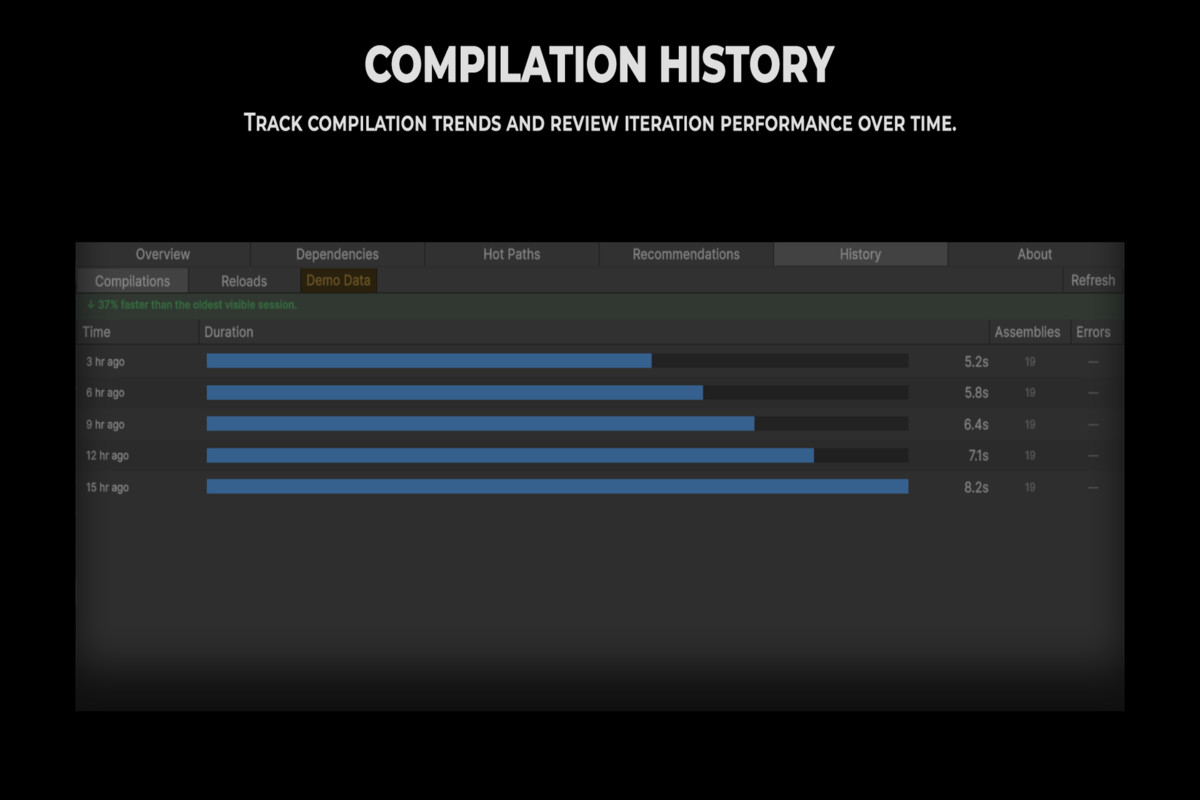
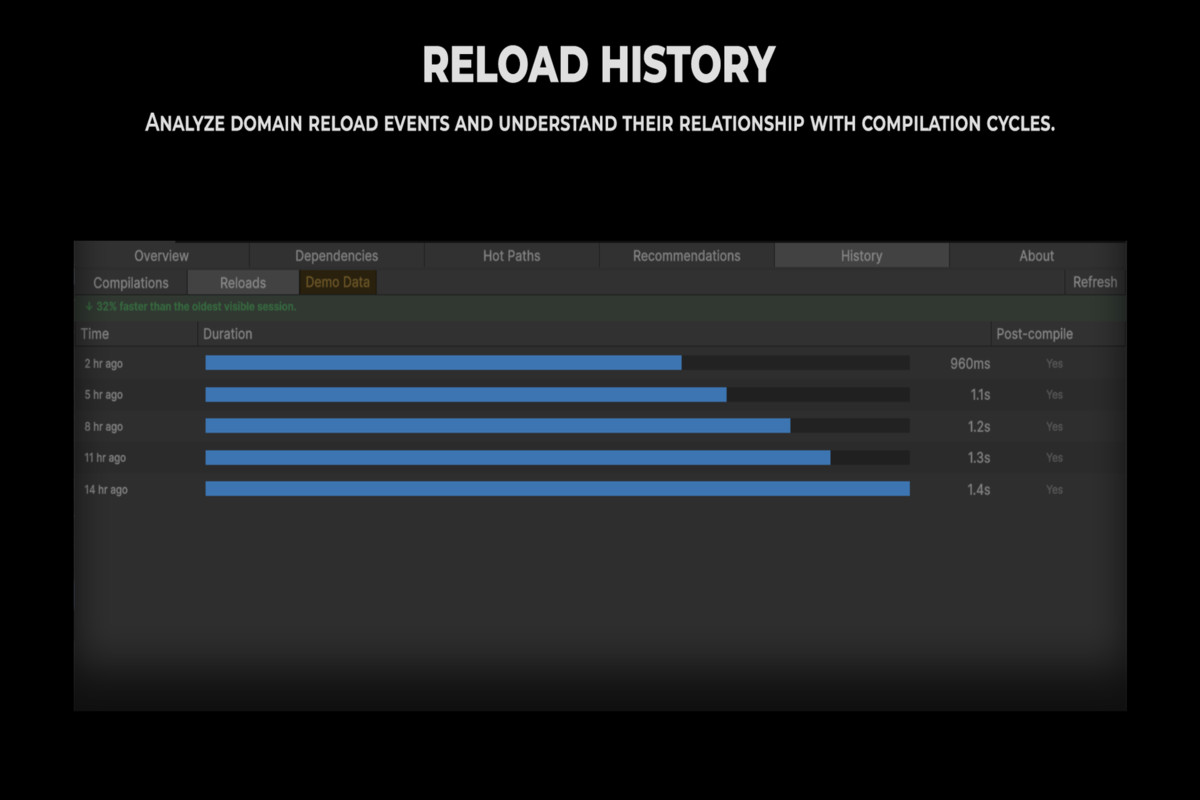
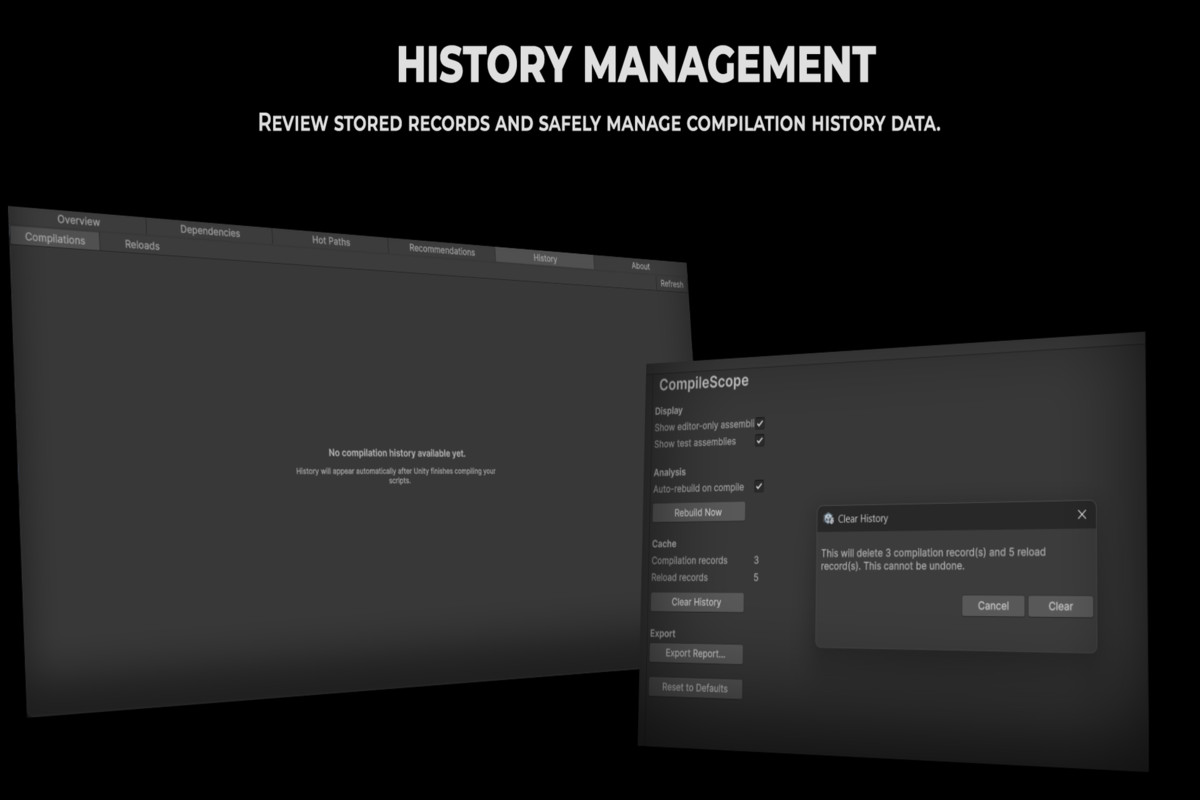
Tracks compilation and domain reload history automatically in the background, so you can confirm a restructuring actually helped rather than guessing.
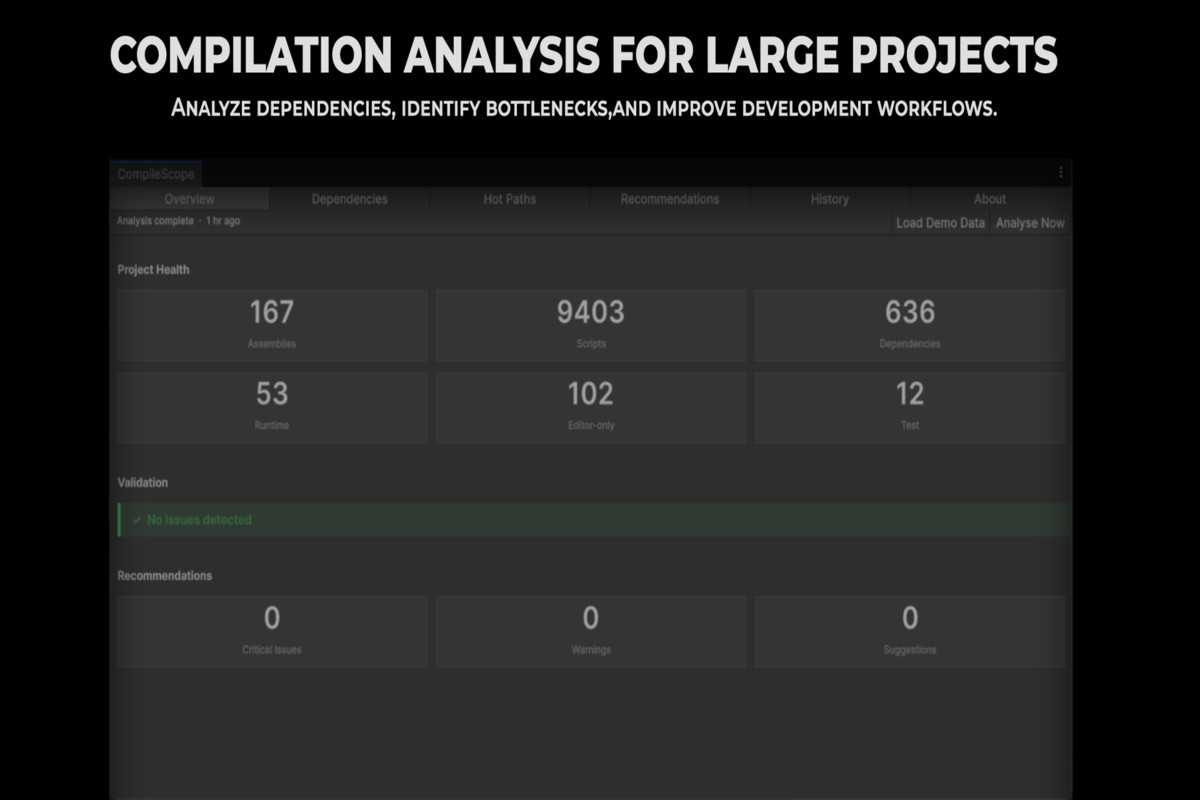
Includes a synthetic demo dataset, so you can explore every tab before pointing it at a real project.
From the publisher's Asset Store listing.
Technical details
Unity version range:
2022.3 LTS or later (as tested)
Render pipeline compatibility:
Not applicable — Editor-only, no render pipeline dependency
Compatibility info (free text):
Editor-only; adds nothing to any player build on any platform
Platforms:
Windows, macOS (Intel + Apple Silicon)
Known Limitations
Disclosed here in the same terms as the product's own documentation:
The dependency graph reflects declared .asmdef references, not actual code-level usage.
The editor-code-in-runtime-assembly check is a text scan of each script's first 50 lines, not a full syntax parse.
Compile time requires at least one real compile to populate; player build compilation (IL2CPP, scripting backend) is a separate pipeline this doesn't measure.
History is stored under the project's Library/ folder, which most teams exclude from version control, so it doesn't sync across team members by default.
Report export is plain-text only in this release.
Compatibility
| Unity version | Built-in | URP | HDRP |
|---|---|---|---|
| 6000.3.24f1 | Compatible | Compatible | Compatible |
| 6000.3.10f1 | Compatible | Compatible | Compatible |
Editor-only tool. No runtime components added to scenes. Requires Unity 2022.3 LTS or later. Compatible with Built-in, URP, and HDRP render pipelines. Supports Mono and IL2CPP scripting backends. Requires .NET Standard 2.1. Compatible with Disable Domain Reload projects. Runs entirely in the Unity Editor and does not affect player builds.
As listed on the Asset Store.