
 View on Asset Store (opens in new tab)
Package details
- Latest version
- 1.1.0
- Last updated
- First released
- Unity version
- 2022.3.62 or later
- Package size
- 676 KB
- Files
- 25
- Favorites
- 2
- Views in the past week
- 34
Price tracking
- Last checked
- Tracked since
- Lowest recorded
- $9.99 on
Keywords
ArcCanvas – Curved VR UI Toolkit
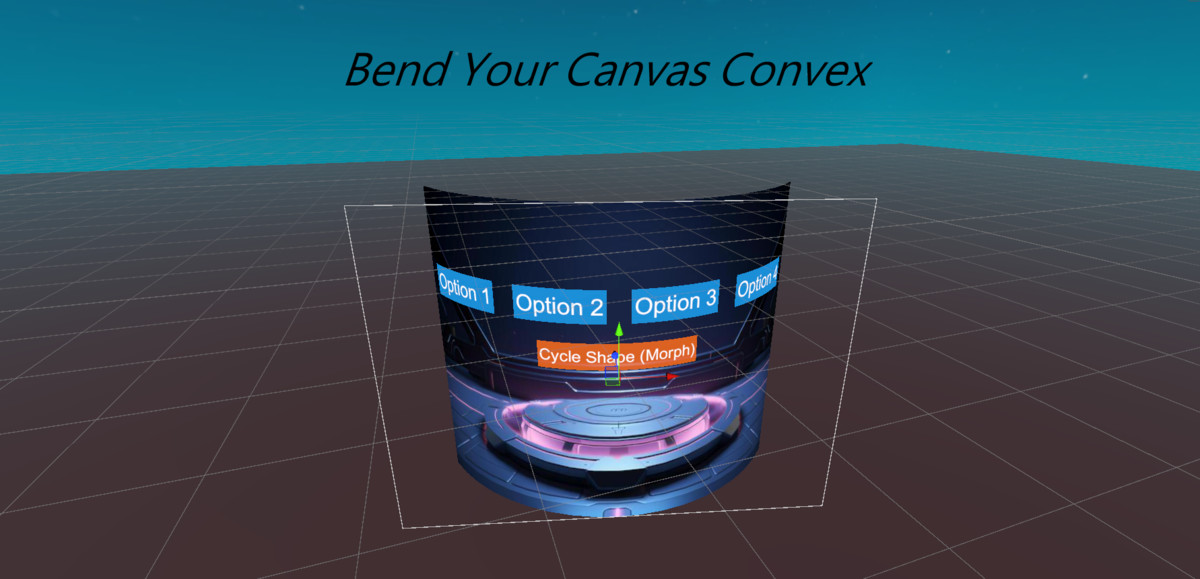
Transform flat UI into immersive curved VR interfaces. One-click setup, 7 shapes, perfect interaction, TextMeshPro support, and optimized performance.
Affiliate link · Purchases support this site
Price history
Last 6 months
USDAsset preview
1 / 8
ArcCanvas – Curved VR UI Toolkit screenshot 1
About this asset
Create beautiful curved VR interfaces in seconds.
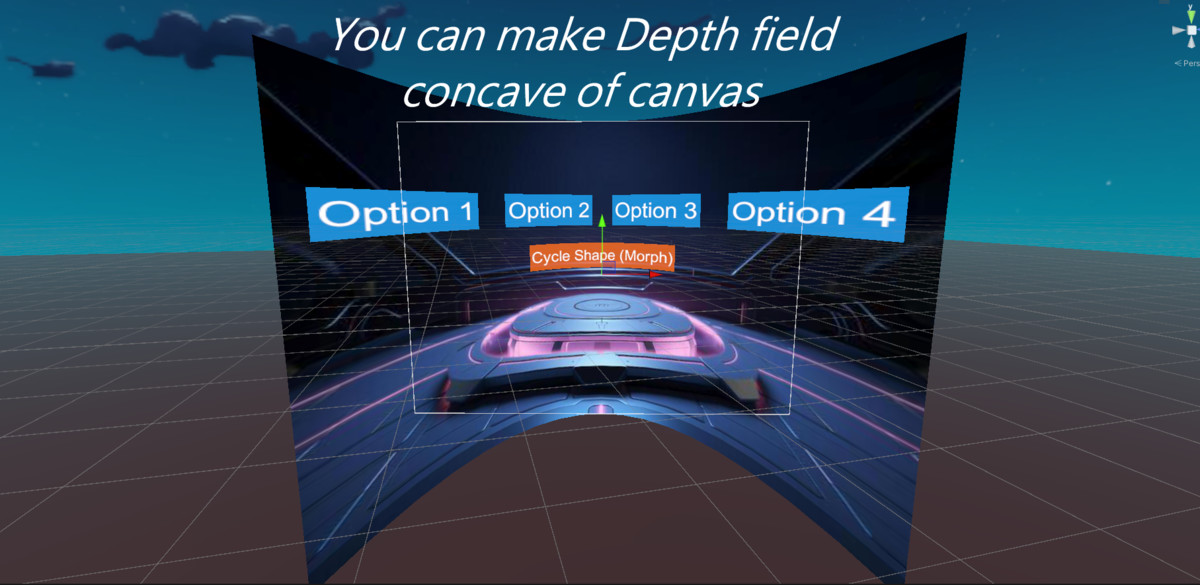
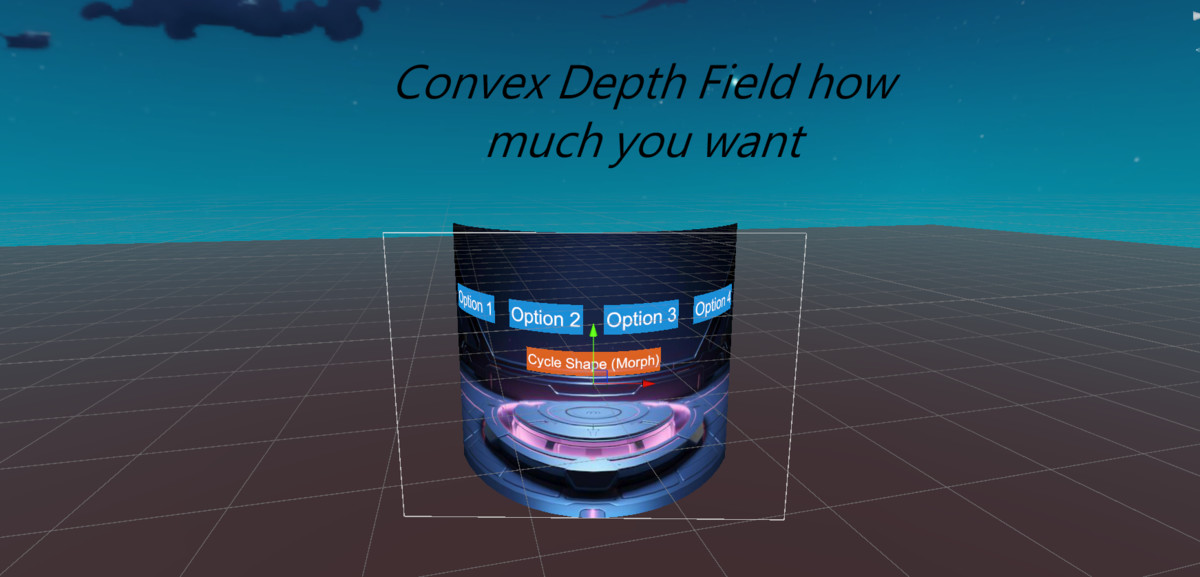
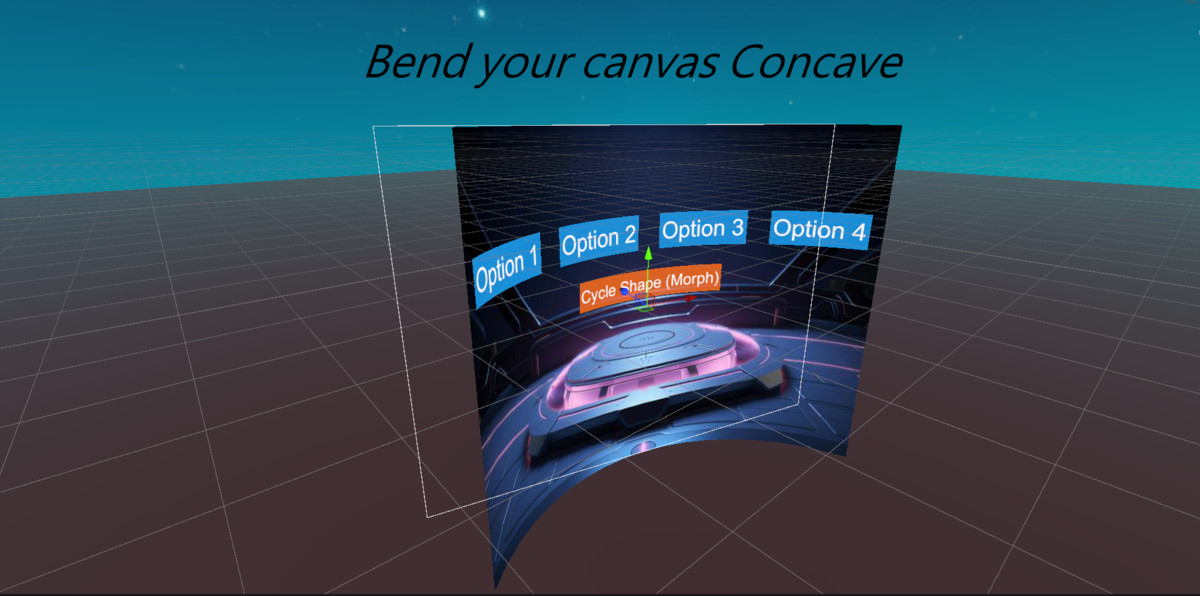
Turn any Unity Canvas into a fully interactive curved UI with a single component. ArcCanvas preserves your existing Buttons, Images, ScrollRects, and TextMeshPro while providing pixel-accurate interaction for VR controllers, gaze, and mouse—no rebuilding, no manual setup.
Why ArcCanvas?
Flat UI feels unnatural in VR. It breaks immersion, forces uncomfortable head movement, and many curved UI solutions sacrifice interaction accuracy or performance.
ArcCanvas solves these problems with a true curved canvas system that keeps your UI looking great and working exactly as expected.
Key Features:
- ✅ One-Click Setup – Add one component "ArcCanvasSettings" to any Canvas and you're done.
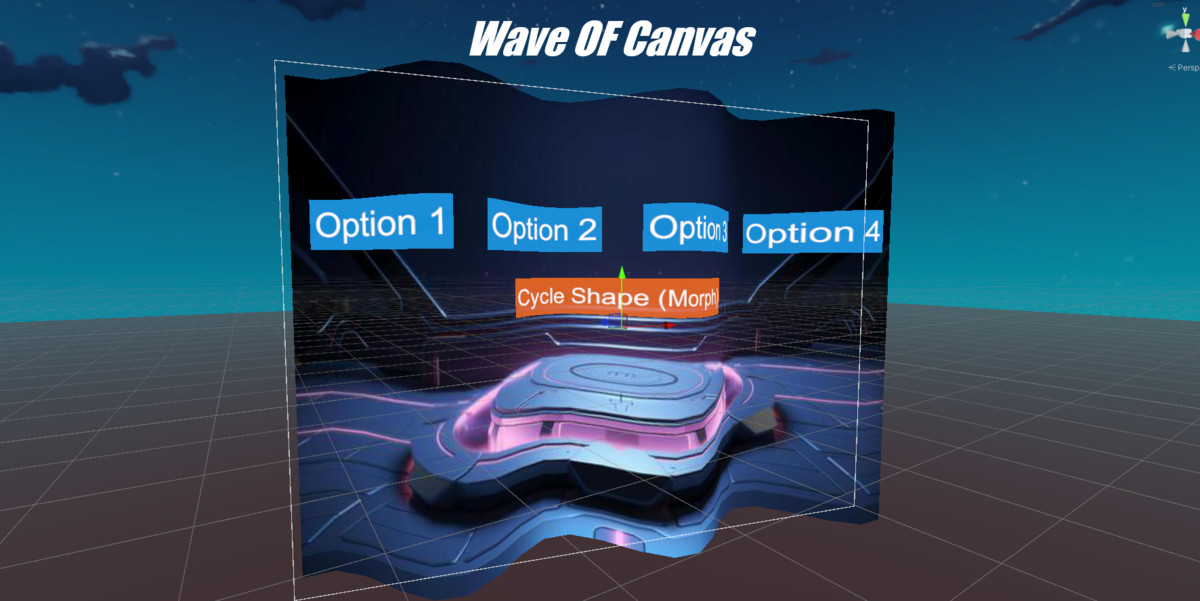
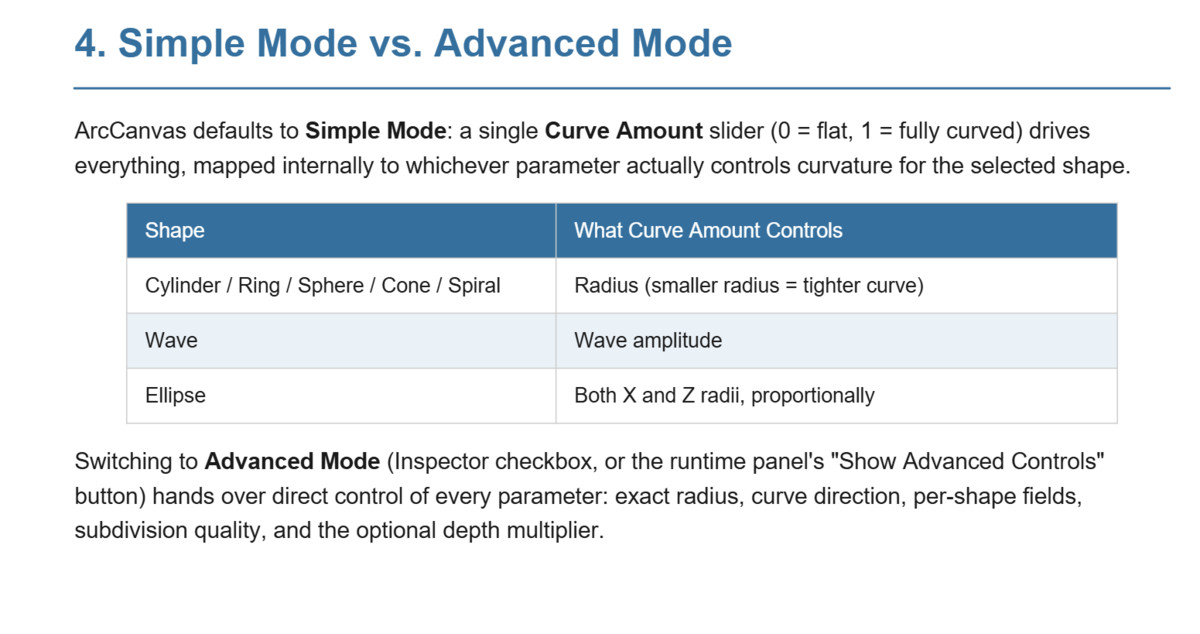
- 🎨 7 Curved Shapes – Cylinder, Ring, Sphere, Wave, Cone, Spiral, and Ellipse.
- 📝 Full TextMeshPro Support – Including nested text inside Buttons and complex UI hierarchies.
- 🎯 Accurate Interaction – Mouse, gaze, and VR controller input matches the visual surface perfectly.
- 🕹️ VR Ready – Compatible with OpenXR, Meta XR, and XR Interaction Toolkit.
- ⚡ Performance Optimized – Optional GPU vertex bending and built-in optimization for multiple canvases.
- 🔄 Runtime Animation – Smoothly transition between flat and curved layouts or morph between shapes.
- 📦 Automatic Detection – Existing and dynamically created UI elements work without extra setup.
- 🎛️ Ready-Made Presets – Quickly create curved monitors, wrap-around menus, helmet HUDs, kiosks, and more.
- 🎮 Demo Scene Included – Explore every shape and feature with interactive examples.
Perfect For
- VR Games
- XR Applications
- Simulators
- Cockpit & Vehicle UI
- Sci-Fi HUDs
- Curved Dashboards
- Interactive Kiosks
- 360° Experiences
- Training & Education
- Mixed Reality Projects
Stop fighting flat VR menus.
Build immersive curved interfaces that look better, feel natural, and just work—with ArcCanvas
From the publisher's Asset Store listing.
Technical details
Compatibility
- Unity 2020.3 LTS or newer
- Built-in Render Pipeline
- Universal Render Pipeline (URP)
- High Definition Render Pipeline (HDRP)
- PC, Mobile, and VR Platforms
Compatibility
| Unity version | Built-in | URP | HDRP |
|---|---|---|---|
| 2022.3.62f3 | Compatible | Compatible | Compatible |
As listed on the Asset Store.