
 View on Asset Store (opens in new tab)
Package details
- Latest version
- 1.0.0
- Last updated
- First released
- Unity version
- 6000.1.17 or later
- Package size
- 2.1 MB
- Files
- 68
- Favorites
- 1
- Views in the past week
- 11
Price tracking
- Last checked
- Tracked since
- Lowest recorded
- $119.00 on
Keywords

Eris - Voronoi Fracture
Runtime and Editor-time Voronoi mesh fracture for Unity. Break convex meshes into physically plausible fragments with one click or from script — impacts, explosions, destructible props.
Affiliate link · Purchases support this site
Price history
Last 6 months
USDAsset preview
1 / 10
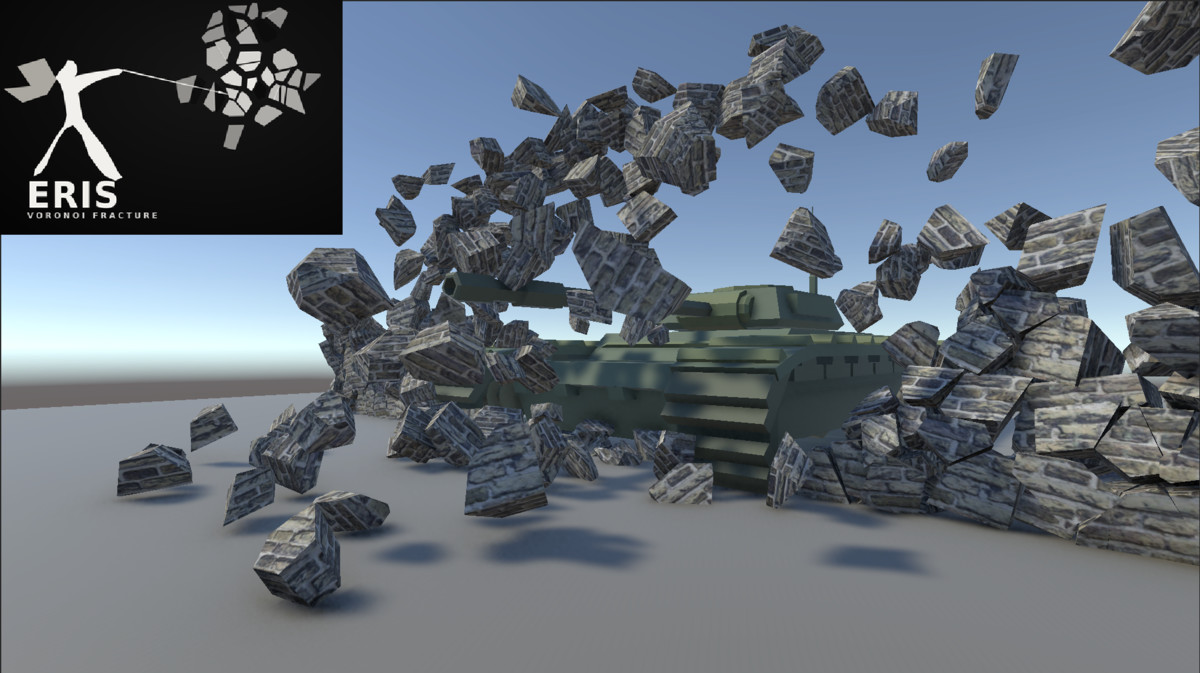
Eris - Voronoi Fracture screenshot 1

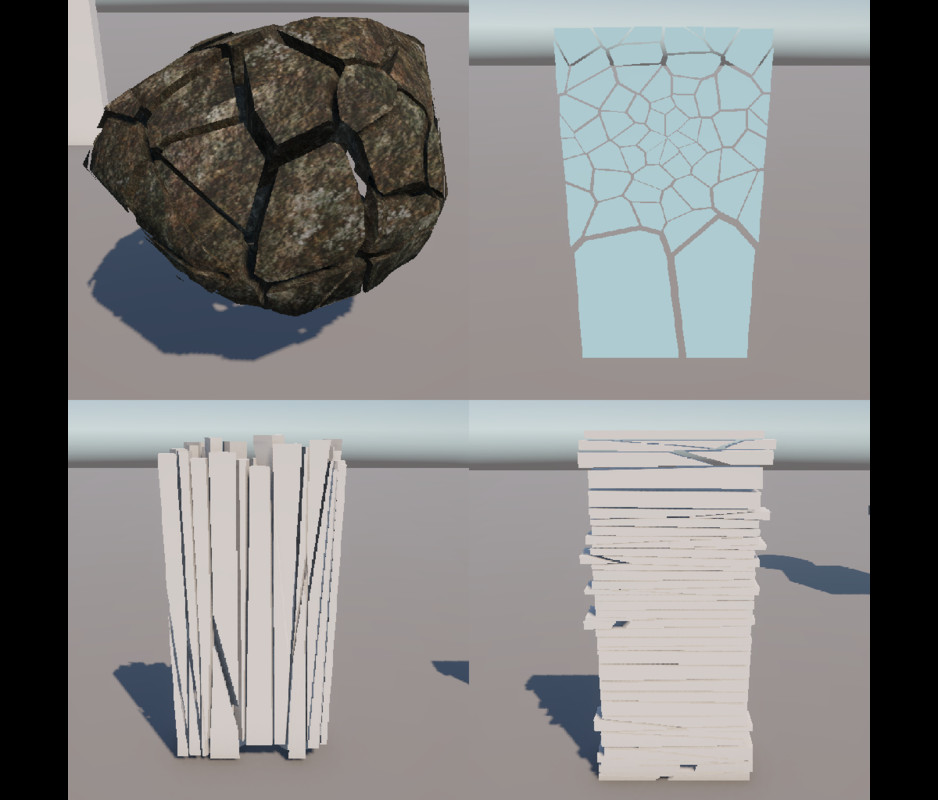
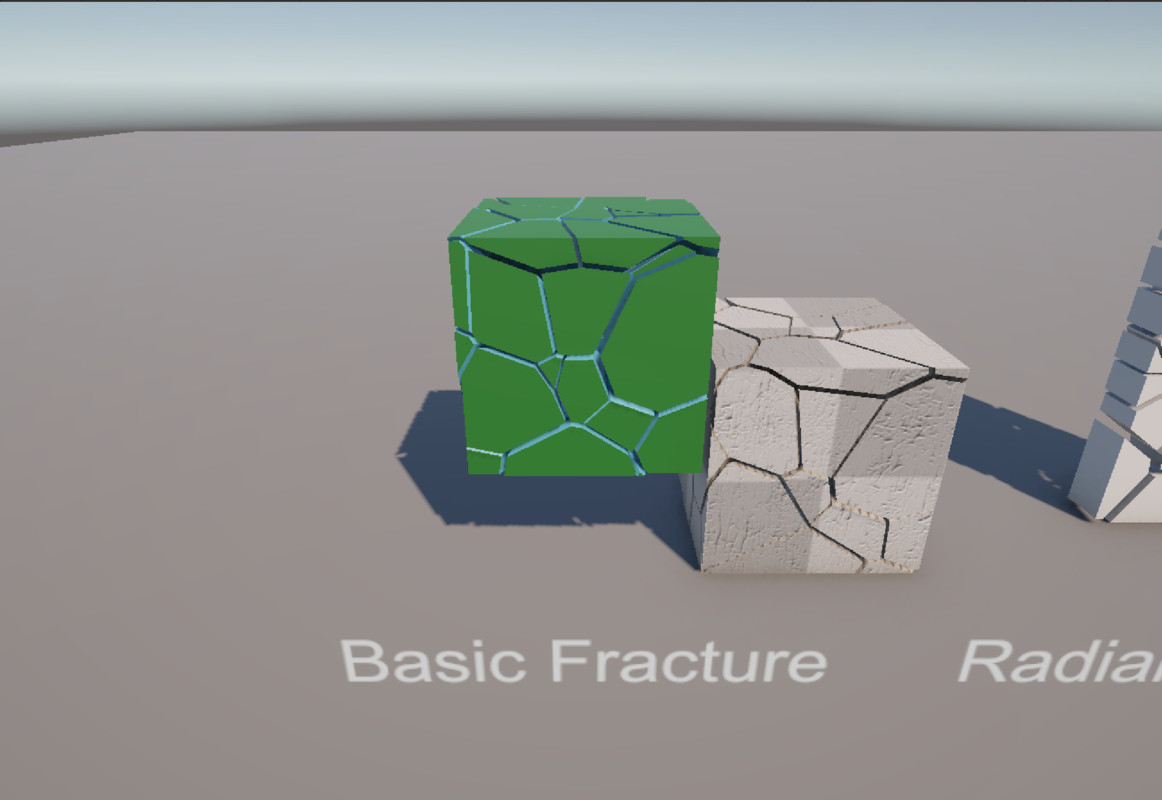
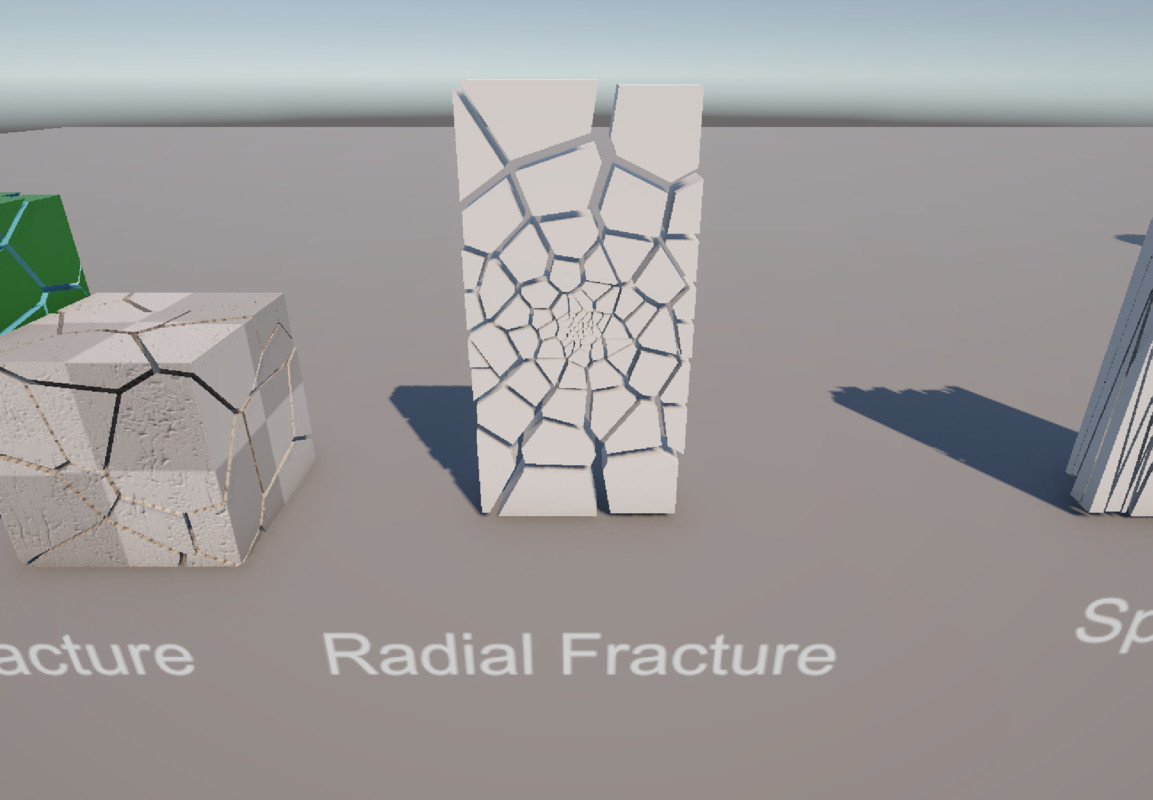
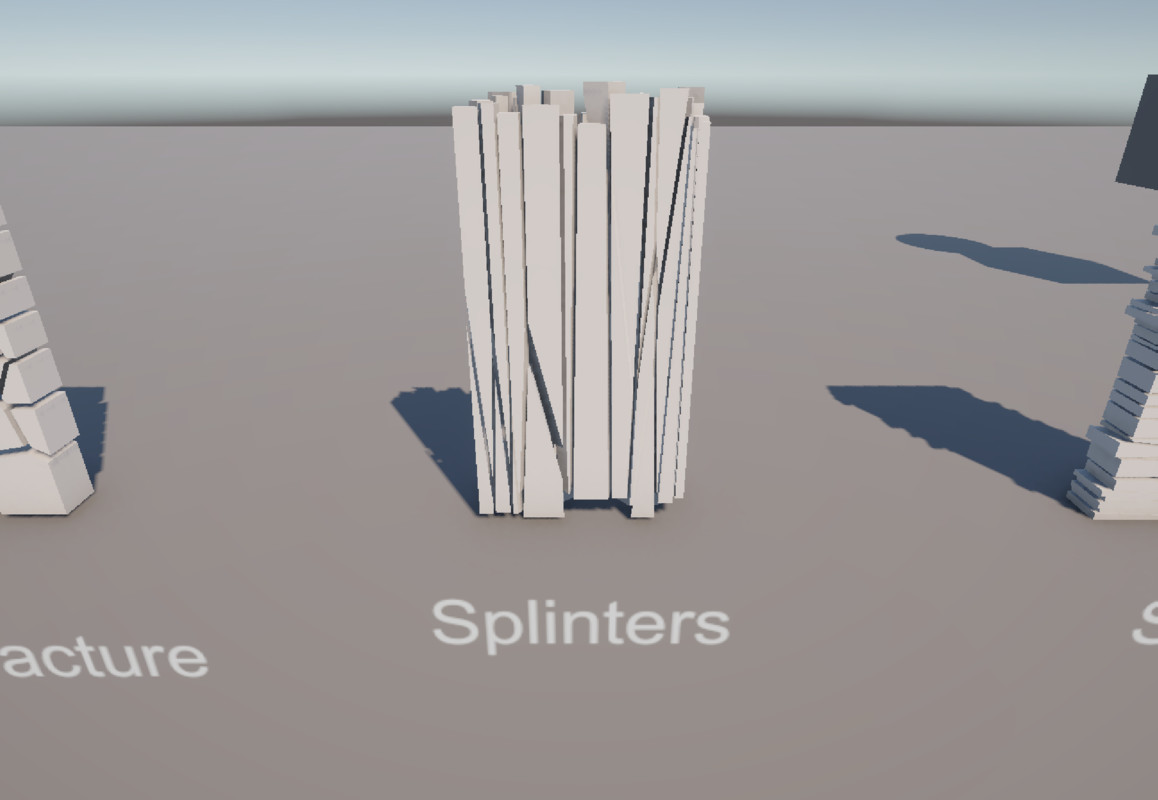
About this asset
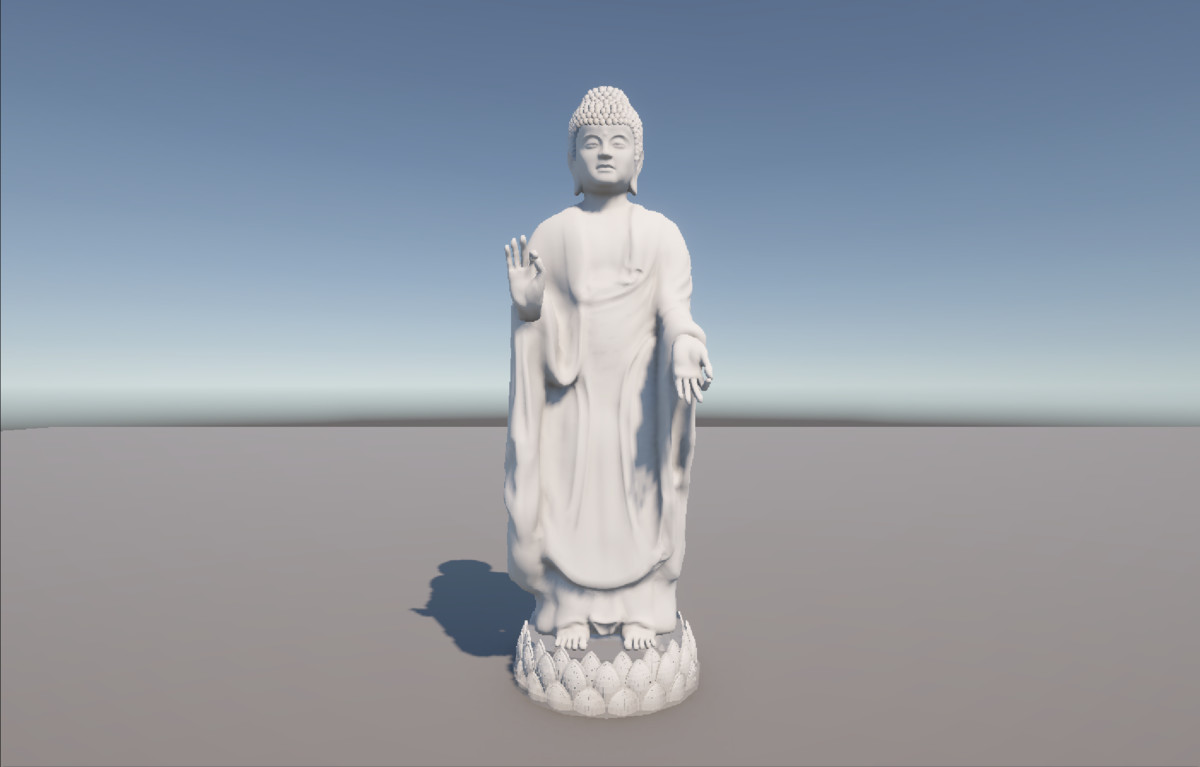
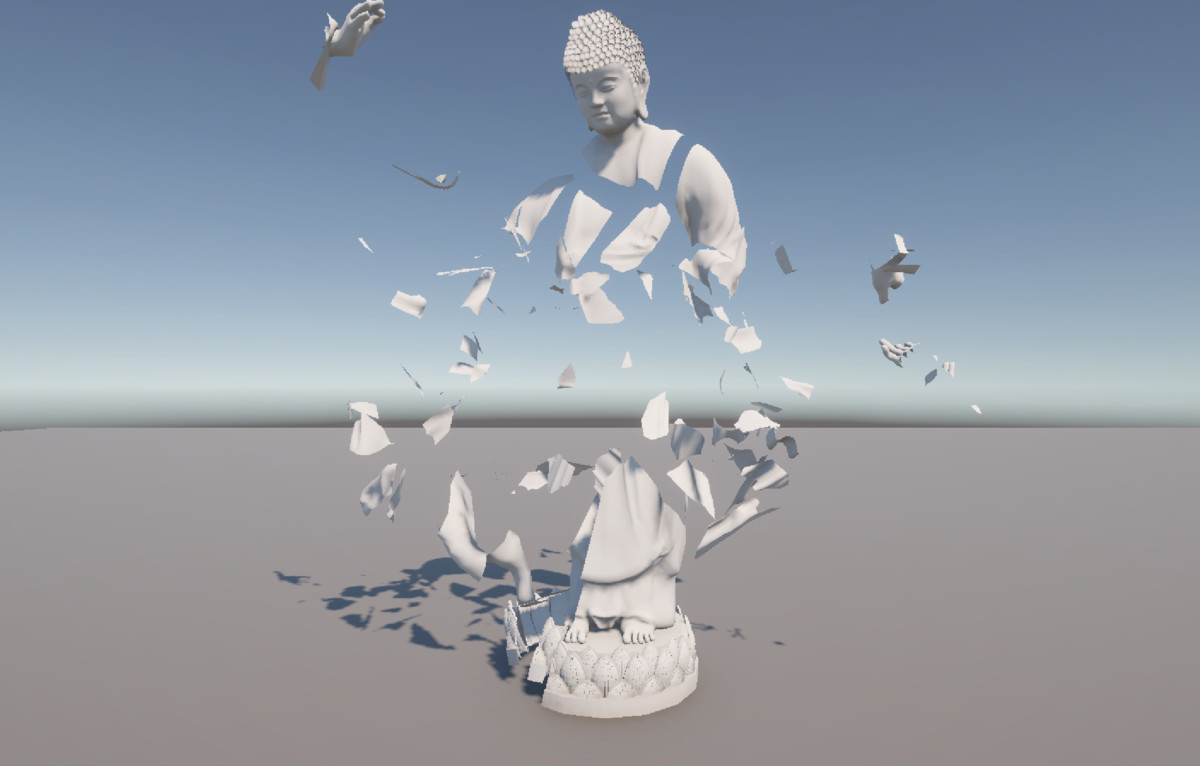
Eris breaks convex meshes into physically plausible fragments — in the Editor with one button, or at runtime on collision, bullet impact, or however your game triggers it. Native C++ backend for fast fracture computation, a full C# scripting API for gameplay code, and complete Editor tooling for one-off destructible props.
SIMULATION TYPES (VoronoiFractureRigid)
- Dynamic (default). Falls immediately under gravity, like a normal Rigidbody.
- Sleeping. Frozen until any collision, then behaves like Dynamic.
- Inactive. Frozen until a collision's impact force (impulse magnitude, mass-aware) exceeds Activation Impact Force, then behaves like Dynamic.
- Kinematic. Never falls on its own (drive it via script/Animator) — collisions can still trigger fracture.
- Static. Same behavior as Kinematic — separate option only for naming parity with other destruction tools.
FRACTURE TRIGGERS
- Editor-time. Fracture Mesh Inspector button — one-off, pre-authored breakage; save the result as a persistent Asset or Prefab for zero runtime fracture cost.
- Runtime, Collision. VoronoiFractureRigid fractures automatically on collision, optionally gated by a Damage Threshold instead of a one-hit break.
- Runtime, Script. VoronoiFractureRuntime.FractureAt (one-line bullet-impact helper) or the full Fracture.Execute/ExecuteAndSpawn API for any custom trigger.
FRACTURE PATTERNS
- Voronoi. Classic cell fracture.
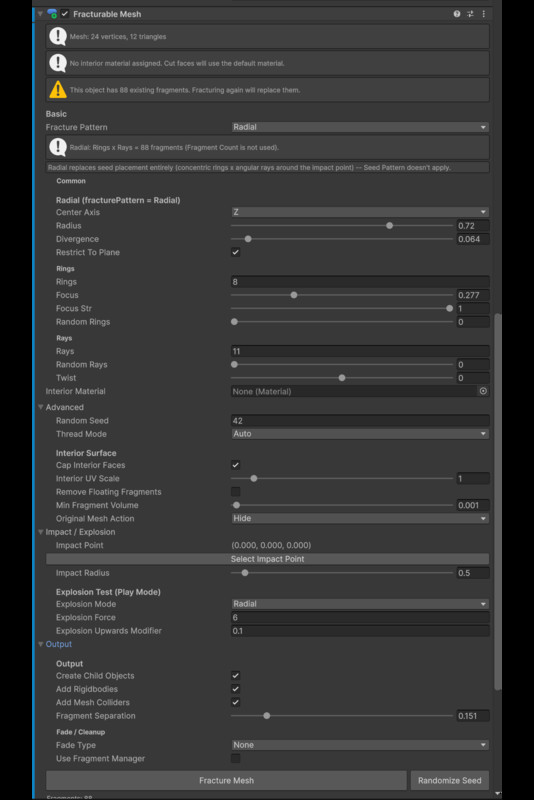
- Radial. Concentric Rings x angular Rays polar grid around an Impact Point — glass/panel-style breaks.
- Splinters. Cells stretched long along one axis — elongated shard fragments.
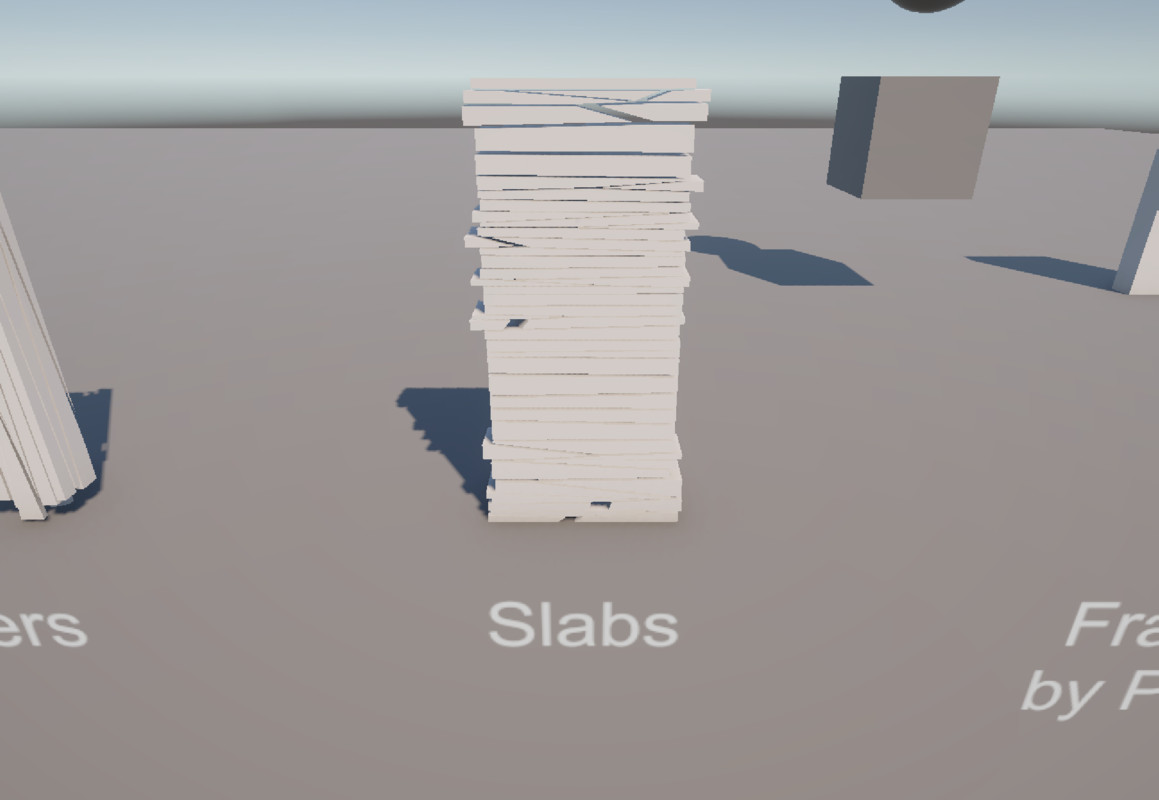
- Slabs. Cells stretched flat along two axes — plate/panel fragments.
SEED PLACEMENT
- Uniform. Even random placement across the mesh.
- Clustered. Seeds packed within a radius of the Impact Point — localized impact break.
- Surface Weighted. Biased toward the mesh's surface — thinner shell, thicker interior fragments.
- Density Bias. Gradient control (0-1) concentrating fragments toward the Impact Point while still covering the whole mesh.
- Custom. Implement your own seed placement via the ISeedGenerator interface.
FRAGMENT LIFECYCLE & MANAGEMENT
- Fade Types. None / SimExclude (strips Collider+Rigidbody) / MoveDown / ScaleDown / Destroy — ticked centrally by one manager, not a per-fragment component.
- Fragment Manager. Global fragment-count cap (oldest-first eviction), GameObject pooling, gravity override, Y-threshold cleanup — opt-in per fracture call.
MATERIALS & OUTPUT
- Multi-material fragmentation. Separate exterior/interior materials — interior (cap) faces get their own material automatically.
- Save Fragment Meshes as Asset / Save Fragments as Prefab. Persist fracture results for reuse instead of one-off in-memory meshes.
- Export Fragments as FBX. Inspect results in Blender/other DCC tools (optional dependency, see above).
SCRIPTING API
- Fracture.Execute/ExecuteAsync. Data-first — returns fragment meshes + volume/ centroid data, spawns nothing.
- Fracture.ExecuteAndSpawn(Async). Fractures and spawns fragment GameObjects in one call — the usual gameplay entry point.
- FractureSettings.Builder. Fluent, validating configuration from code.
PERFORMANCE
- Thread Mode. Sequential/Auto/Manual native multithreading — Auto uses all available CPU cores; affects wall-clock time only, never the fracture result.
- BVH-accelerated. Native pipeline is BVH-accelerated for meshes with 64+ triangles.
KNOWN LIMITATIONS
- Concave meshes are not supported — convex input only.
- Cluster Strength and Smoothing Iterations fields are not yet implemented (labeled as such in the Inspector, not silently ignored).
- macOS is planned but not yet available — Windows x64 only for now.
From the publisher's Asset Store listing.
Technical details
- Unity 2021.3 LTS or newer, including Unity 6 — verified on 2021.3.45f2, 2022.3.62f3, and 6000.1.17f1
- Platform: Windows x64 (native C++ DLL backend)
- Render pipeline: none required for the fracture API itself; demo scene materials are authored for URP (any version) — Built-in/HDRP work fine for your own materials
- Native backend: C++ with Voro++ (BSD-licensed, bundled with Third-Party Notices), BVH-accelerated for meshes with 64+ triangles, multithreaded per-cell computation
- Input requirement: convex source meshes only (Mesh Validator/Mesh Fixer included)
- Optional dependency: FBX Exporter package (com.unity.formats.fbx) — only required for the Export Fragments as FBX button; everything else works without it
- Full C# scripting API (Fracture.Execute/ExecuteAsync/ExecuteAndSpawn(Async), FractureSettings.Builder) alongside complete Editor/Inspector tooling
- Known limitations: concave meshes not supported; Cluster Strength and Smoothing Iterations fields are not yet implemented (labeled as such, not hidden)
Compatibility
| Unity version | Built-in | URP | HDRP |
|---|---|---|---|
| 6000.1.17f1 | Compatible | Compatible | Compatible |
As listed on the Asset Store.