
 View on Asset Store (opens in new tab)
Package details
- Latest version
- 1.0
- Last updated
- First released
- Unity version
- 6000.4.1 or later
- Package size
- 23 KB
- Files
- 11
- Favorites
- 4
- Views in the past week
- 13
Price tracking
- Last checked
- Tracked since
- Lowest recorded
- Free on
Keywords

HintOnce — First-Time Hints With One Line of Code
Show a first-time hint with a single line of code. No prefab, no canvas, no manager: the overlay builds itself and shows each hint only once. Full C# source, free.
Affiliate link · Purchases support this site
Price history
Last 6 months
USDAsset preview
1 / 2
HintOnce — First-Time Hints With One Line of Code screenshot 1
About this asset
Every game has to explain itself the first time a player opens the shop, the map, the inventory. Building that means a prefab, a canvas, a manager and a "have they seen it?" flag, all for a card with two lines of text.
HintOnce is that card, minus the work:
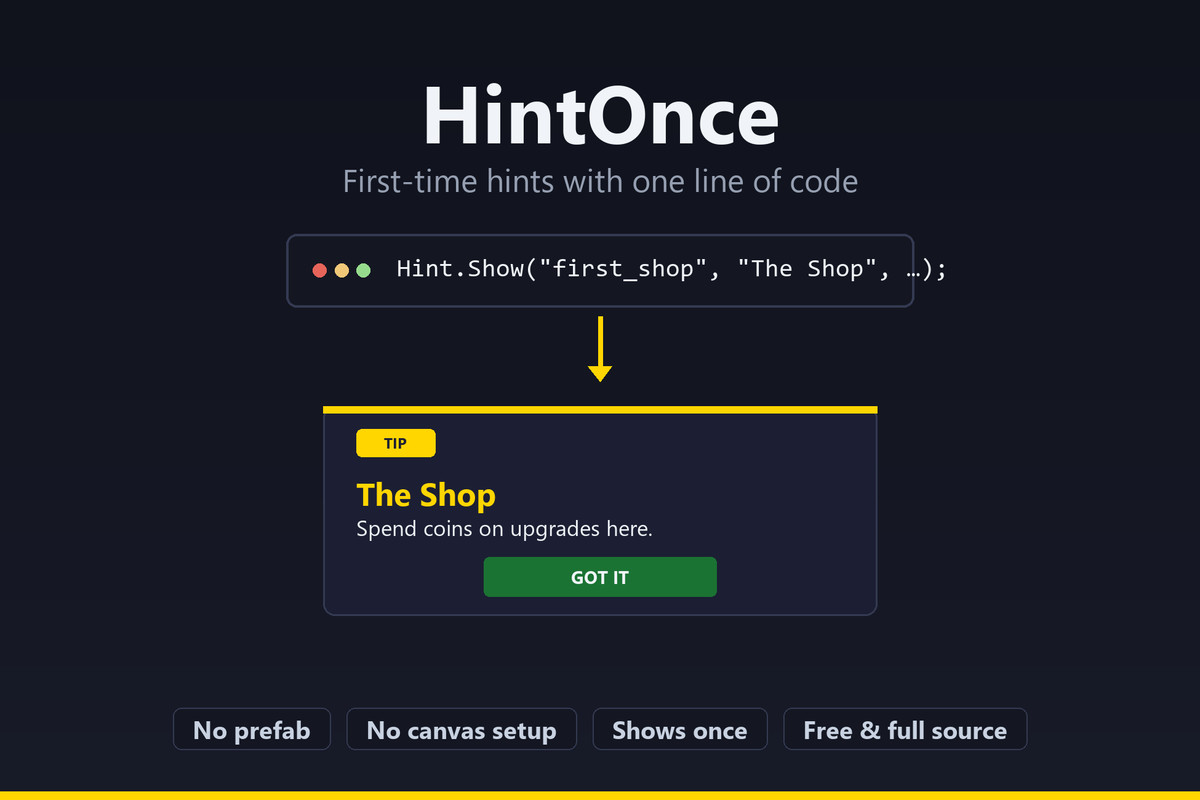
Hint.Show("first_shop", "The Shop", "Spend coins on upgrades here.");
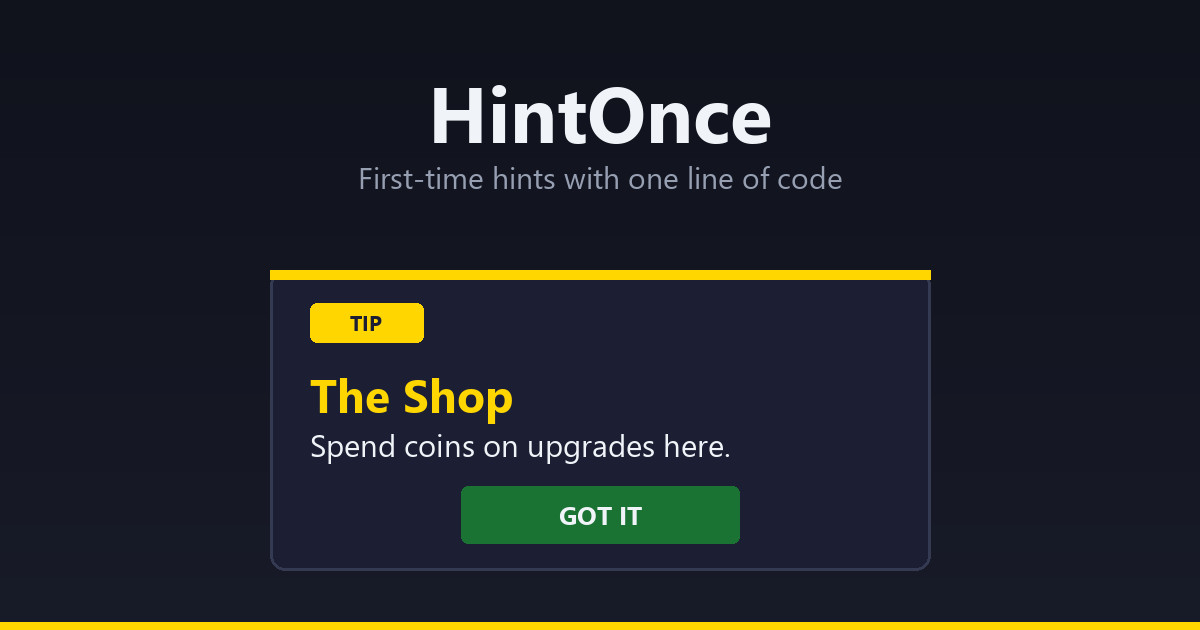
That is the whole integration. The FIRST time this line runs, a styled hint card appears over your game. Every later time, it does nothing. No prefab to place, no canvas to configure, no manager to drag into a scene: the overlay builds itself the first time it is needed and survives scene loads.
WHAT YOU GET
- One-line API: Hint.Show(id, title, body), and that is the integration
- Shows once per id, remembered across sessions (PlayerPrefs)
- Optional callback that also fires for already-seen hints, so coroutine chains never stall
- Several hints in the same frame queue up instead of overwriting each other
- Full theming: colors, badge/button labels, card size, sorting order; dark and light themes
- Events for audio and analytics, with no dependency on any specific audio system
- Reset(id) / ResetAll() for "New Game", plus a Reset All Hints editor command
- Interactive demo that builds its UI at runtime
- Full C# source, no DLLs, no external dependencies
WHAT IT IS NOT
A tutorial framework: no arrows pointing at buttons, no multi-step tours, no highlight cut-outs. It does the 90% case, "explain this thing once", in one line.
REQUIREMENTS
Unity 6+ with uGUI and TextMeshPro (both ship with Unity 6). Works on all platforms including WebGL and mobile, with both input backends, and is Fast Enter Play Mode safe.
Extracted from the shipped game Famechaser, where it explains day planning, the studio and the shop the first time each is opened.
FROM THE SAME PUBLISHER
Every Schnurbusch tool follows the same rule: one line of code, your project stays as it is, full C# source.
SettingsNow: a settings menu and key rebinding in one line
https://assetstore.unity.com/packages/tools/gui/settingsnow-settings-menu-and-key-rebinding-400724
RowPool: virtualised lists for uGUI, a hundred thousand rows in one line
https://assetstore.unity.com/packages/tools/gui/rowpool-recycling-scroll-view-for-ugui-401652
LocLayer: localize without refactoring
https://assetstore.unity.com/packages/tools/localization/loclayer-localize-without-refactoring-394954
ChipForge: procedural retro SFX and music, zero audio files
https://assetstore.unity.com/packages/tools/audio/chipforge-procedural-retro-sfx-music-zero-audio-files-386476
PortraitFit: portrait WebGL template for Unity
https://assetstore.unity.com/packages/tools/utilities/portraitfit-portrait-webgl-template-for-unity-395204
All tools, manuals and what is coming next: https://schnurbusch.github.io
From the publisher's Asset Store listing.
Technical details
- 3 assemblies (Runtime, Editor, Demo), full C# source, ~600 lines, no DLLs and no external dependencies.
- Runtime: self-bootstrapping overlay with its own canvas (sorting order configurable), PlayerPrefs persistence with an id index so ResetAll() removes only HintOnce keys, hint queue, Shown/Closed events, HintStyle struct with Default (dark) and Light themes.
- Editor: Reset All Hints, Show Seen Hints, Add Demo To Scene.
- Demo: builds its UI at runtime, six trigger buttons plus an event log; works with both input backends.
- Verified with 28 logic tests and 6 PlayMode tests (visibility, dismissal, once-only, queue order, ResetAll, click blocking), plus an import test in a project without uGUI.
Compatibility
| Unity version | Built-in | URP | HDRP |
|---|---|---|---|
| 6000.4.1f1 | Compatible | Compatible | Compatible |
As listed on the Asset Store.