
 View on Asset Store (opens in new tab)
Package details
- Latest version
- 1.6.0
- Last updated
- First released
- Unity version
- 2022.3.62 or later
- Package size
- 280.1 MB
- Files
- 1,210
- Favorites
- 82
- Views in the past week
- 237
Price tracking
- Last checked
- Tracked since
- Lowest recorded
- $15.00 on
Keywords
- Search for card game framework
- Search for deckbuilder
- Search for single player card game
- Search for card game
- Search for turn based card game
- Search for ccg
- Search for Node Editor
- Search for card battle system
- Search for card game template
- Search for roguelike deckbuilder
- Search for Visual Scripting
- Search for card battler

Game Card System (GCS)
- Price drop
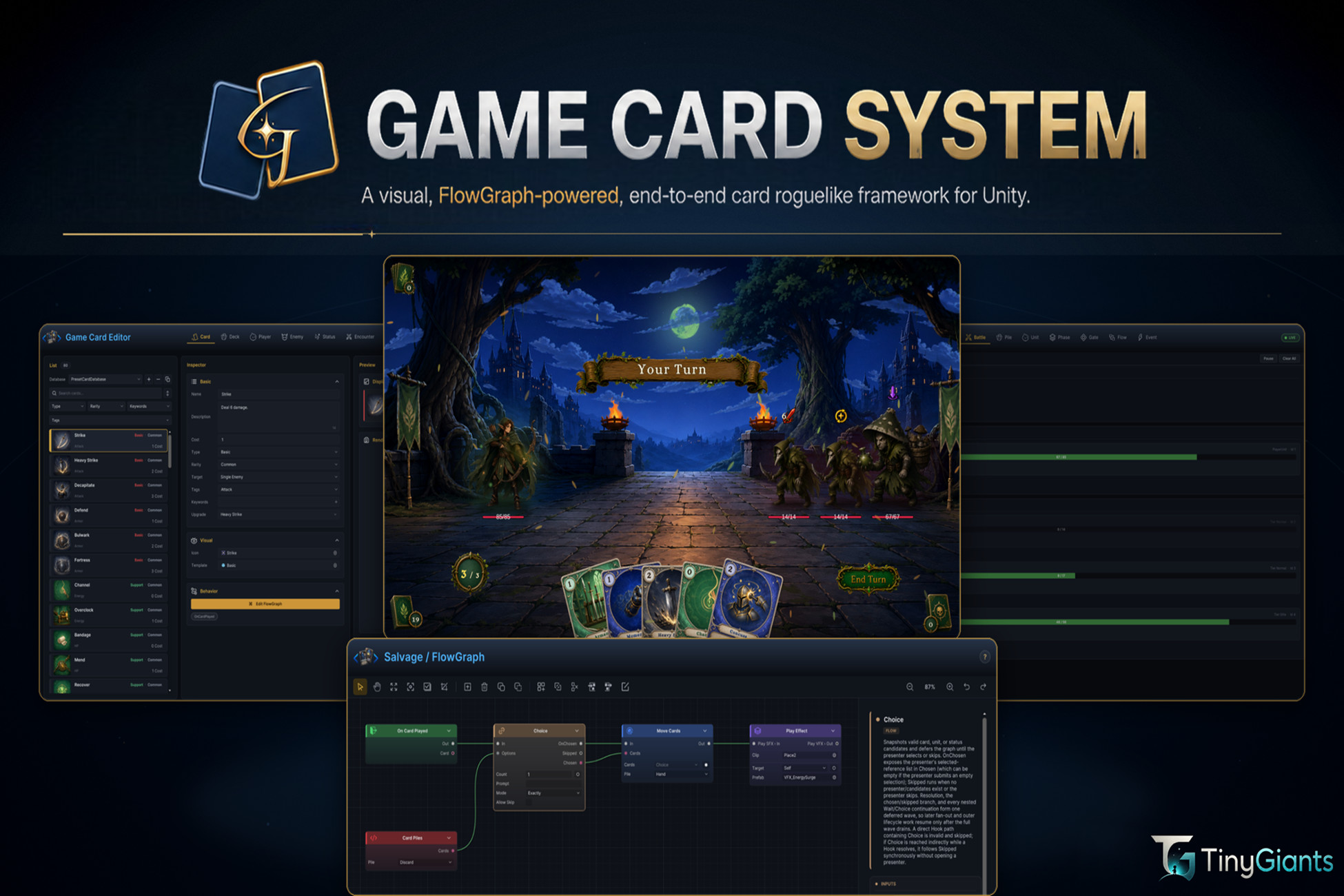
GameCardSystem (GCS) is a visual card roguelike framework for Unity with unified databases, FlowGraph authoring, a complete battle runtime, and live diagnostics for developers and AI agents.
Affiliate link · Purchases support this site
Price history
Last 6 months
USDAsset preview
1 / 22
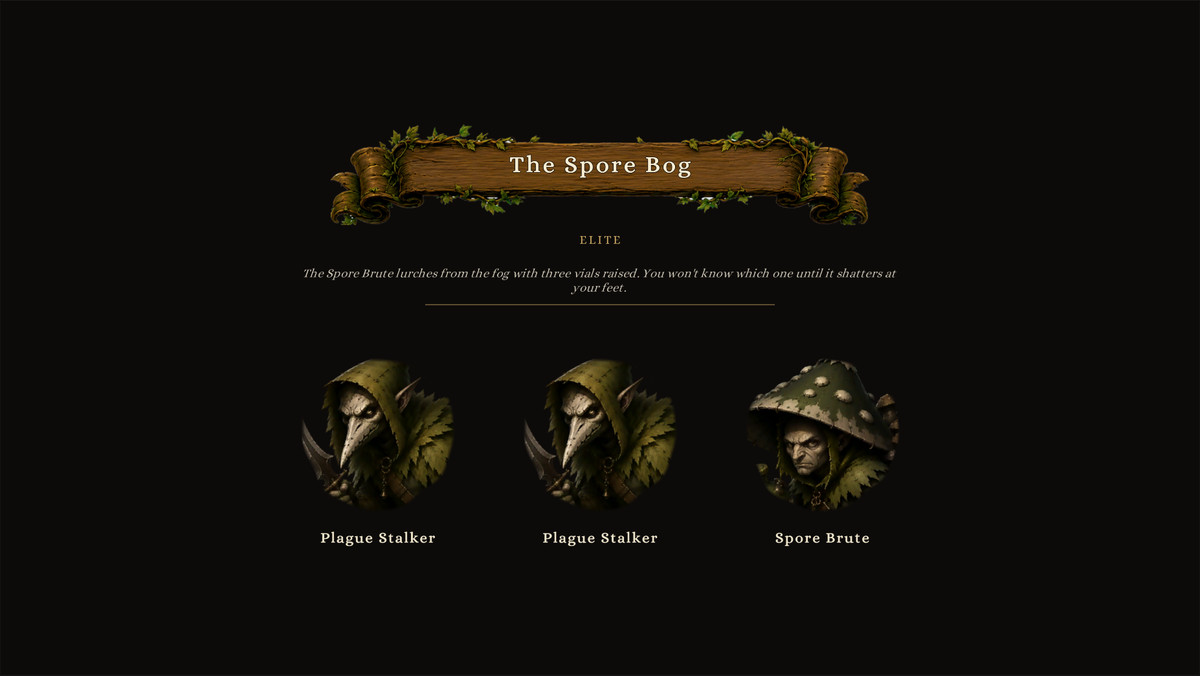
Game Card System (GCS) screenshot 1


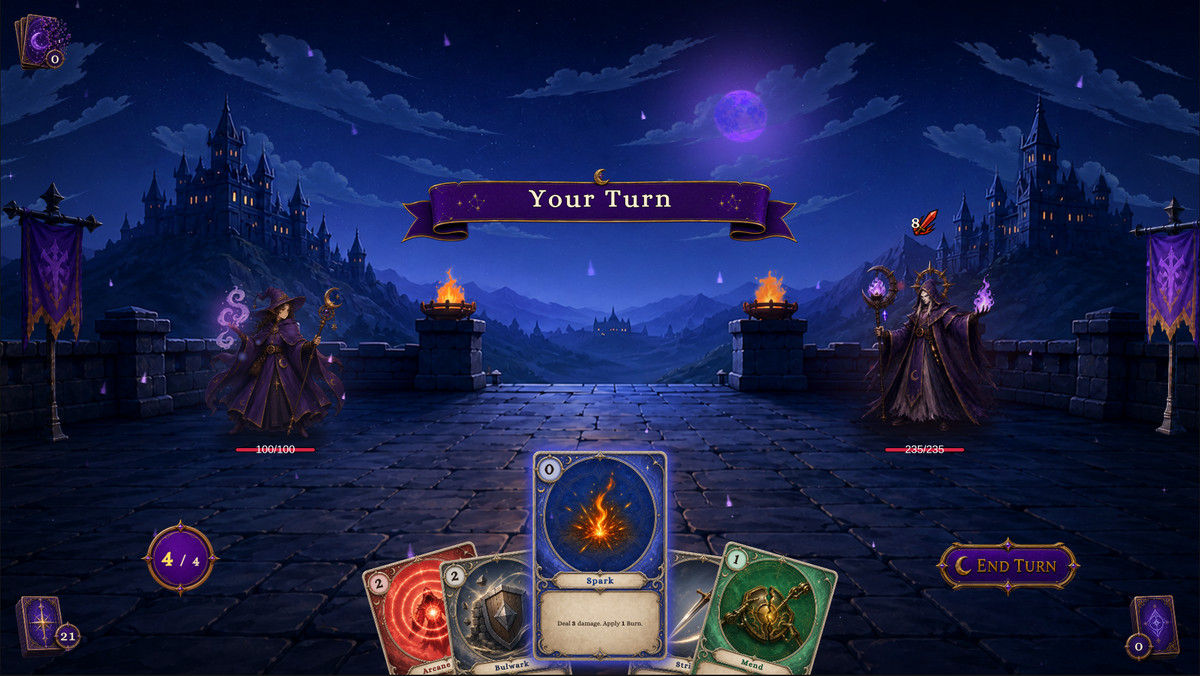
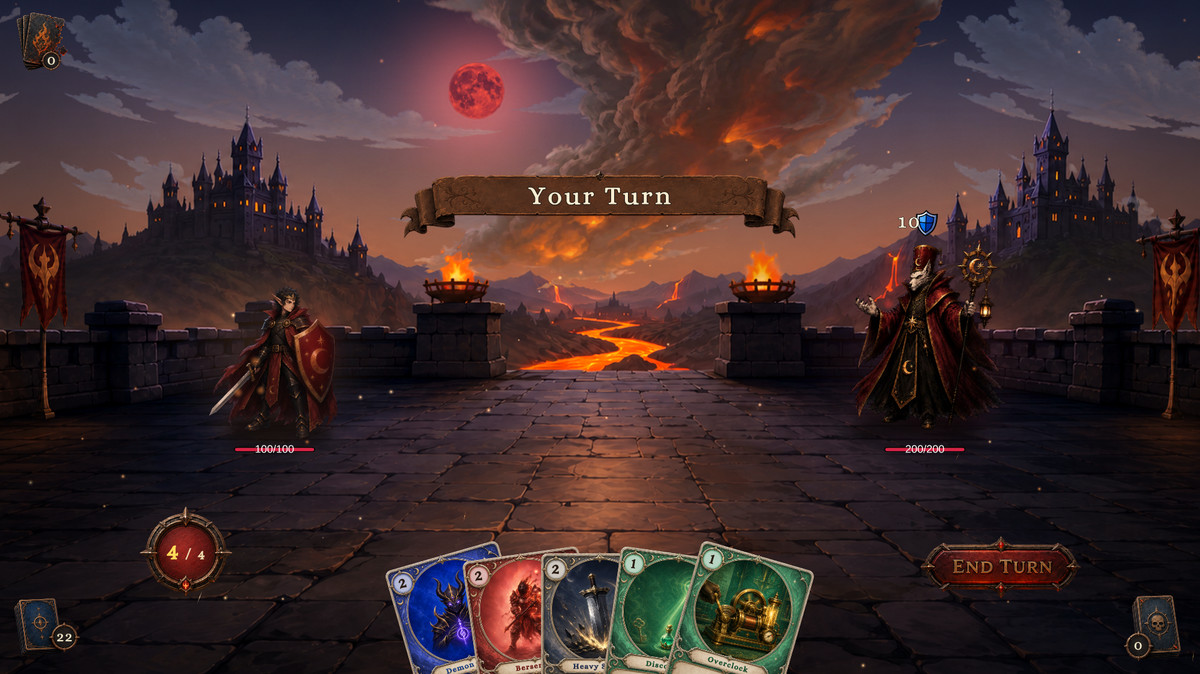
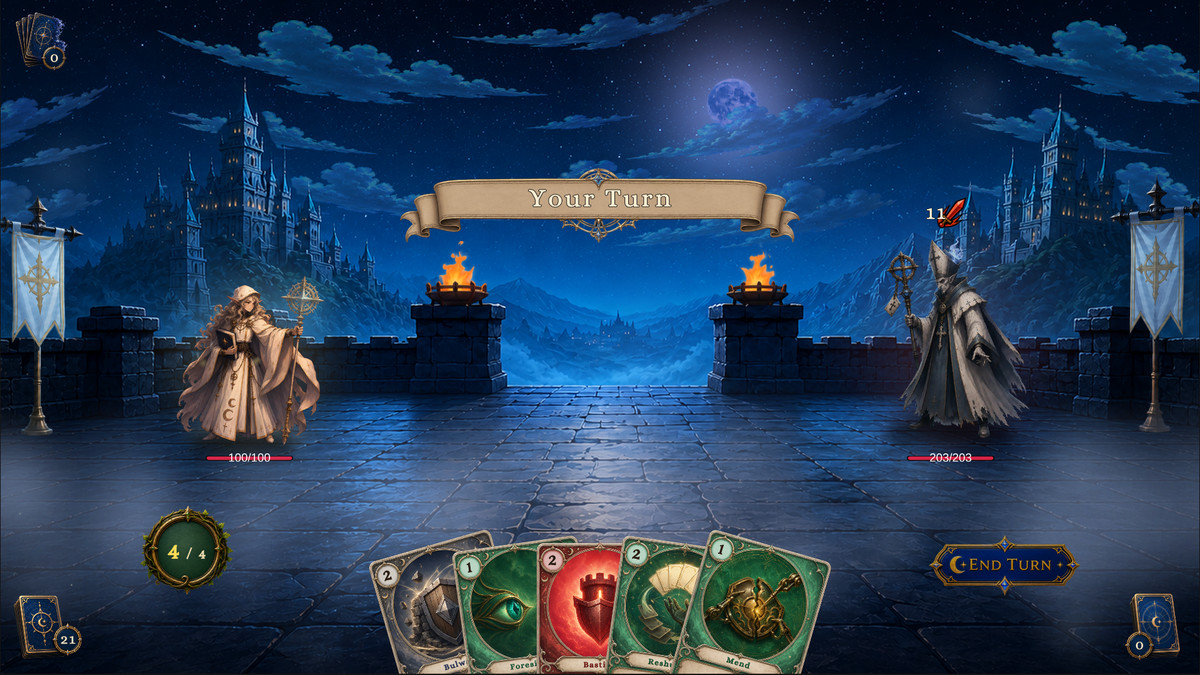
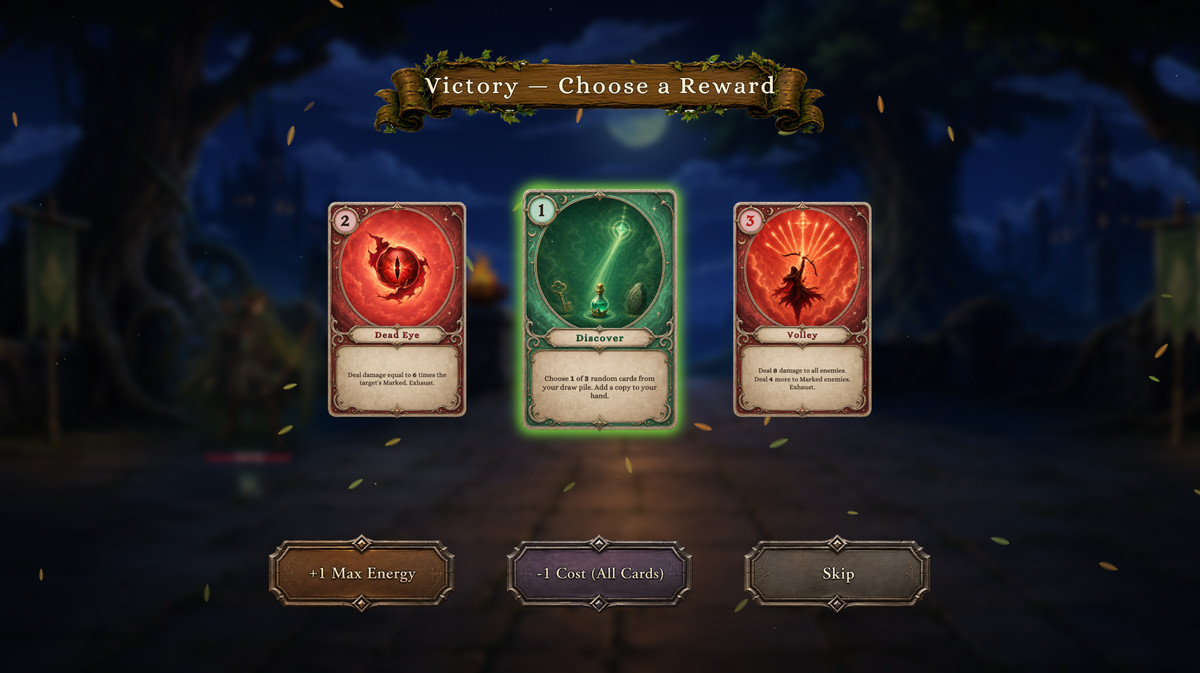
About this asset
Create Content Visually and Build Complete Card Roguelike Battles with FlowGraph
Official Website | Play Demo | Documentation | Video Tutorials | Discord
Game Card System (GCS) is a visual card roguelike battle framework for Unity. It combines content authoring, FlowGraph-based gameplay design, a complete battle runtime, Play Mode diagnostics, and open C# extension APIs in one workflow.
Create cards, decks, player units, enemies, statuses, and encounters without rebuilding turns, energy, targeting, piles, status resolution, enemy Intents, rewards, or battle results for every project. The assets and Behaviors edited in GCS run directly in the production runtime and remain inspectable while the battle is running.
🚀 Core Features
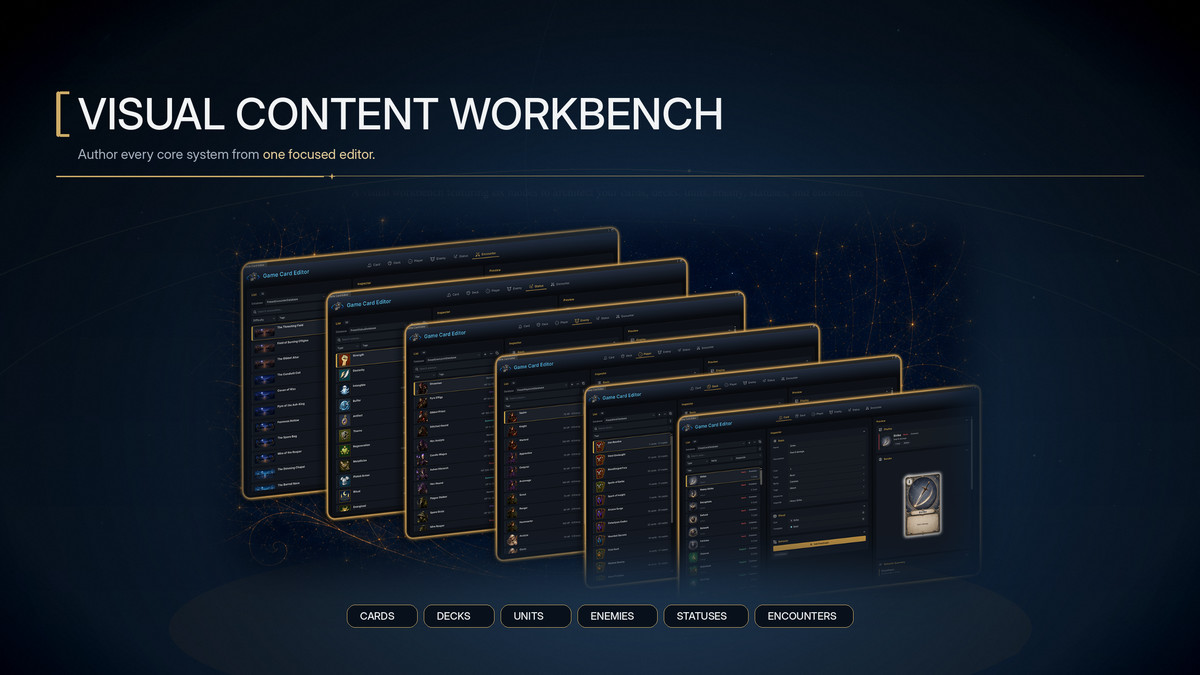
- Six-Mode Visual Content Editor: Create and manage Cards, Decks, Players, Enemies, Statuses, and Encounters in one window. Search, filter, sort, preview, validate, inspect references, and use Undo/Redo throughout the workflow.
- Extensible Workbench Inspectors: Extend all six Workbench modes with project-owned content types, serialized fields, custom sections, selectable options, GCS references, inline data, FlowGraph fields, validation, and custom UI Toolkit controls without modifying GCS source.
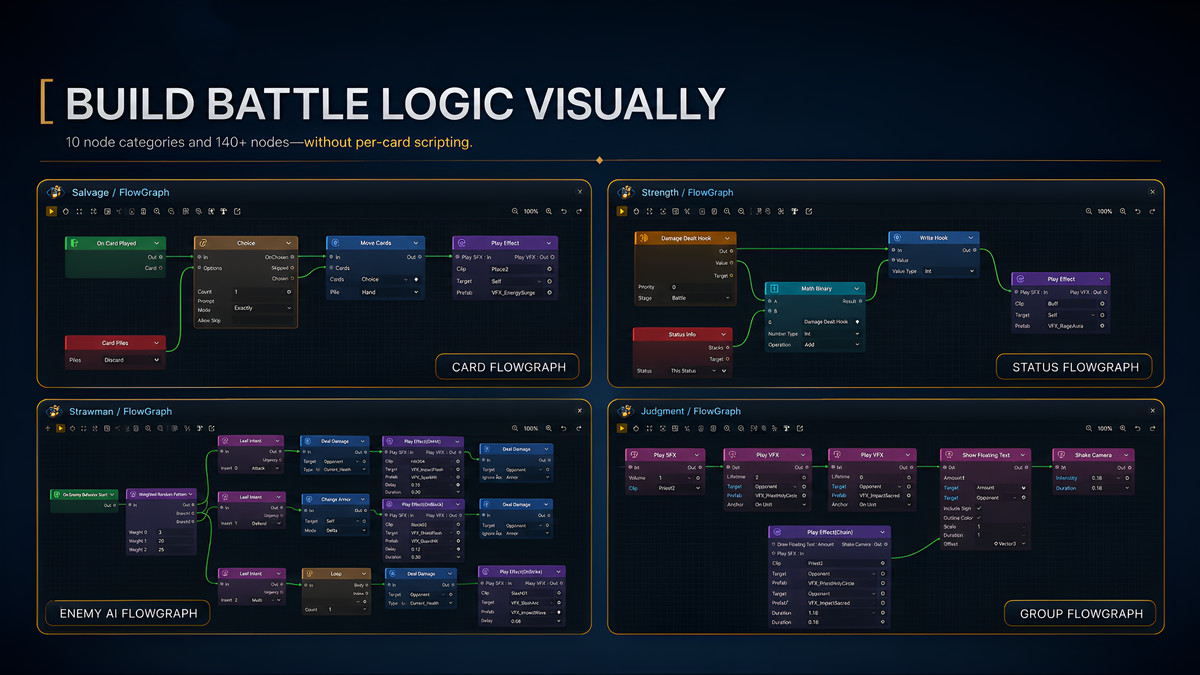
- FlowGraph Gameplay Authoring: Cards, Statuses, and Enemies each own a FlowGraph Behavior. A complete Demo installation provides 147 available nodes for damage, healing, Armor, Energy, card movement, targeting, calculations, branches, loops, Hooks, enemy Intents, events, VFX, SFX, animation, and waits.
- 103 Documented Mechanic Recipes: Start from 52 card recipes, 30 status recipes, and 21 enemy behavior recipes. Each recipe documents its node connections, configuration, and runtime boundaries.
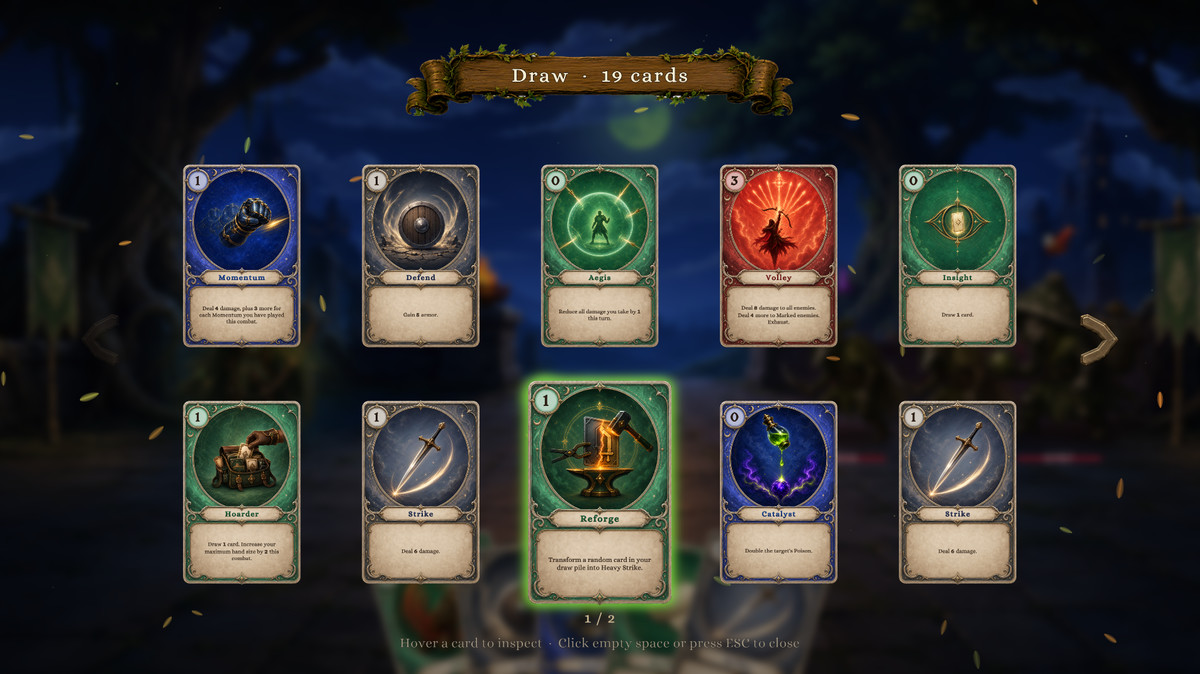
- Complete Battle Runtime: GCS manages battle phases, Energy, targeting, Draw, Hand, Discard, Exhaust, Master Deck, statuses, Hooks, delayed effects, summons, player Choices, rewards, permanent upgrades, cost changes, animation Gates, victory, and defeat.
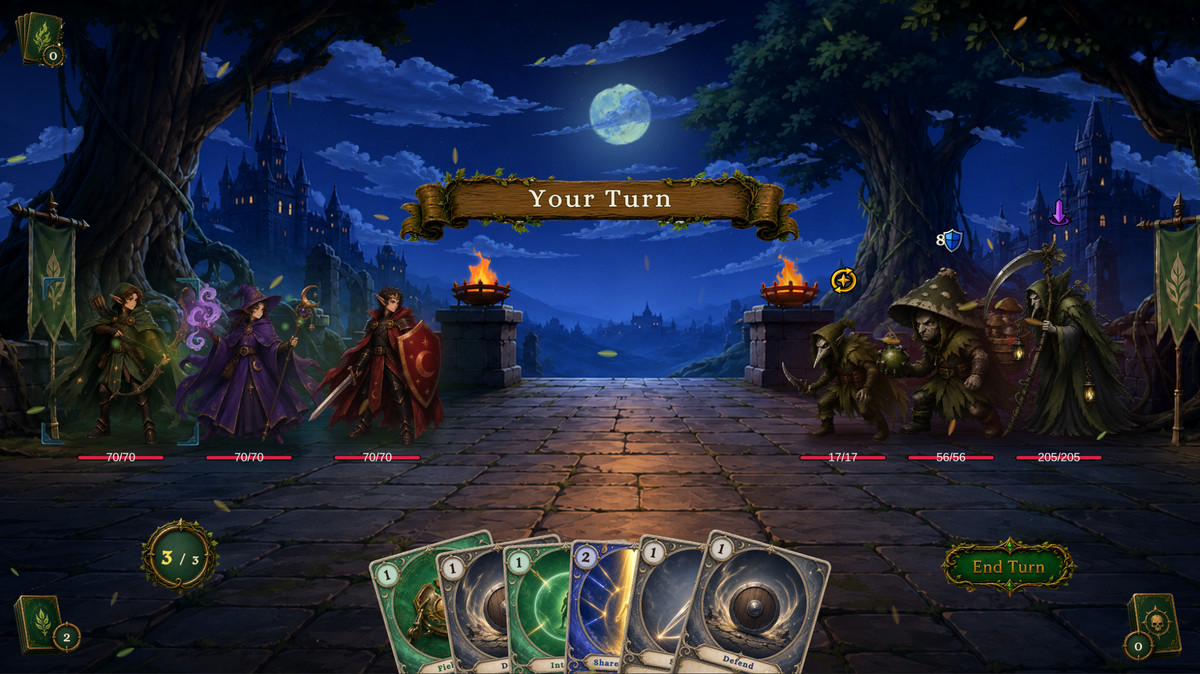
- Multi-Character Party Battles: Build battles with up to three player units. The party shares its Hand, Draw, Discard, Exhaust, and Energy while each member retains independent HP, Armor, statuses, Hooks, identity, and presentation. Switch the Active Player, target allies or opponents, and add, replace, remove, defeat, or revive units at runtime.
- Configurable Party Policies: Control ordered or automatic member activation, reaction windows, enemy target selection, and custom victory or defeat rules through battle policies supplied before combat begins.
- Status and Hook Systems: Combine stacking, decay, numerical modifiers, Hook interception, and independent Status Behaviors. Hooks can modify or cancel damage, healing, Armor, Energy, drawing, card play, status application, and maximum hand size before results are committed.
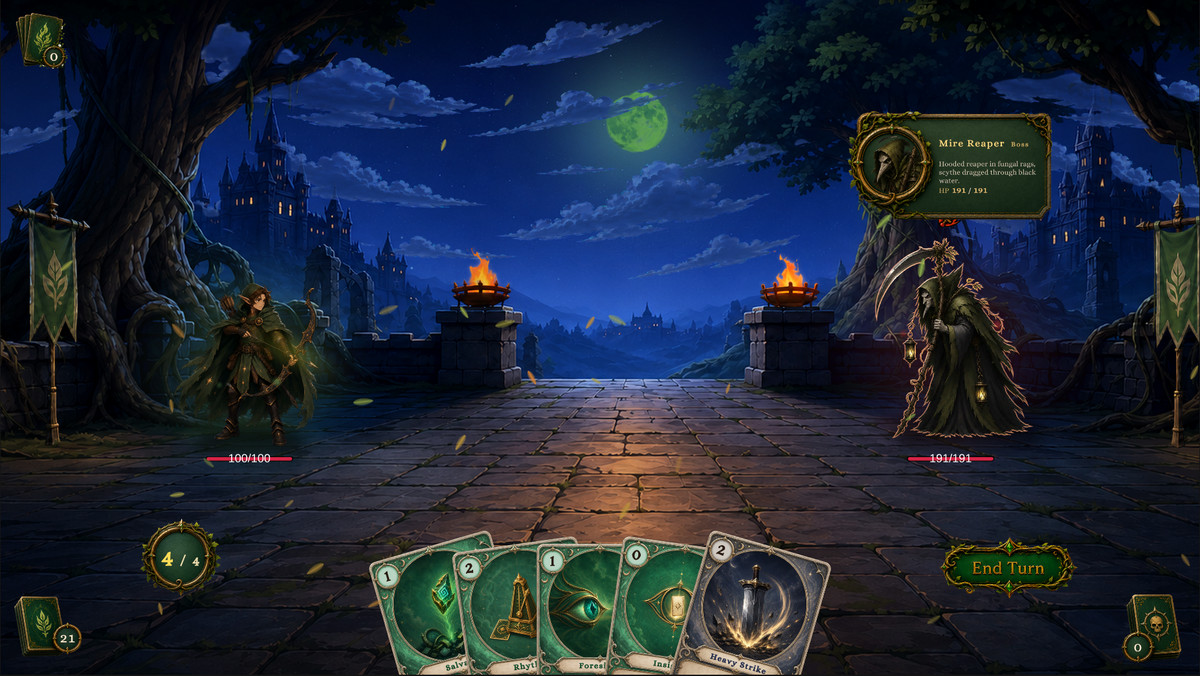
- Previewable Enemy Intents: Build enemy behavior with Sequence, Weighted Random, HP Threshold, Once Per Battle, and Every N Turns patterns. The HUD previews upcoming Intents while the runtime preserves pattern state.
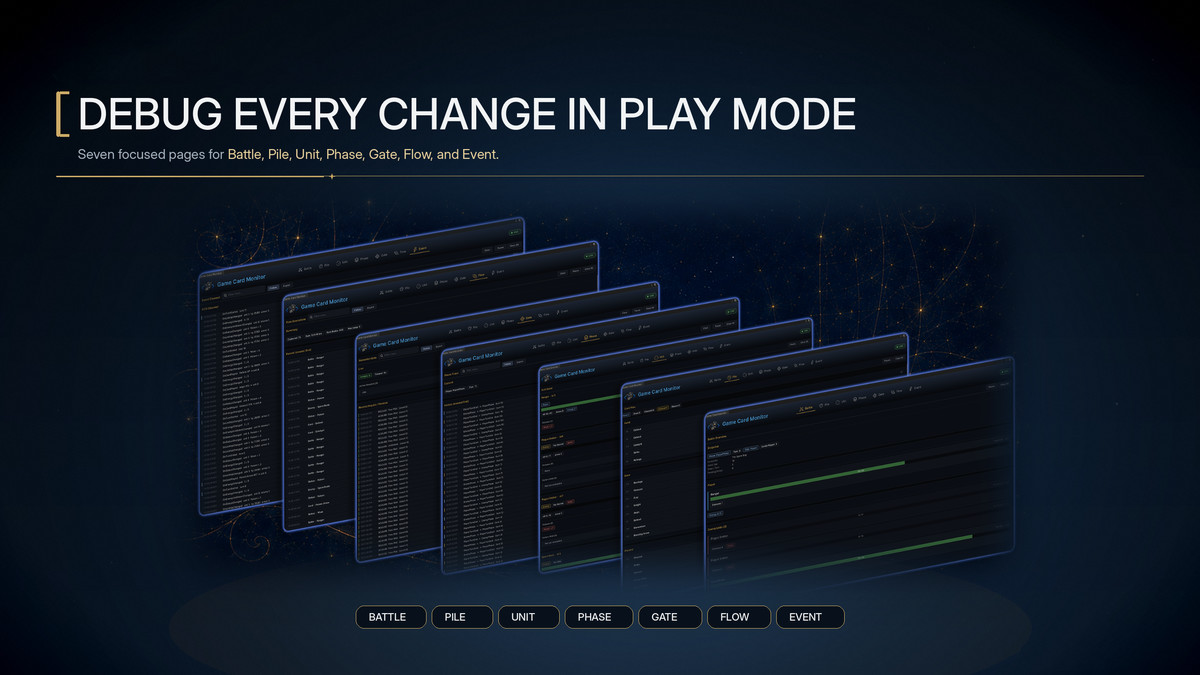
- Real-Time Battle Diagnostics: Game Card Monitor provides Battle, Piles, Units, Phase, Gate, Flows, and Events views for inspecting live state, FlowGraph execution, wait sources, pile changes, and event history.
- Open C# Extension APIs: GCSApi provides battle control, state access, party management, content discovery, and event subscription. GCS includes 47 built-in events, four automatic extension registries, seven custom node base categories, complete source code, copy-ready templates, and runnable examples.
🧩 Built for Structured Content Production
GCS uses one shared data model across authoring, execution, diagnostics, and extension APIs. Costs, targets, piles, statuses, Hooks, Intents, UI, animation, and waits remain visible and testable instead of being distributed across unrelated control scripts.
GCS does not include or require an AI model. Developers using AI agents can work through the same structured databases, FlowGraphs, Validation results, GCSApi, and Monitor records used by the production workflow. The resulting assets remain editable, inspectable, and under the developer's control.
📦 Included Content
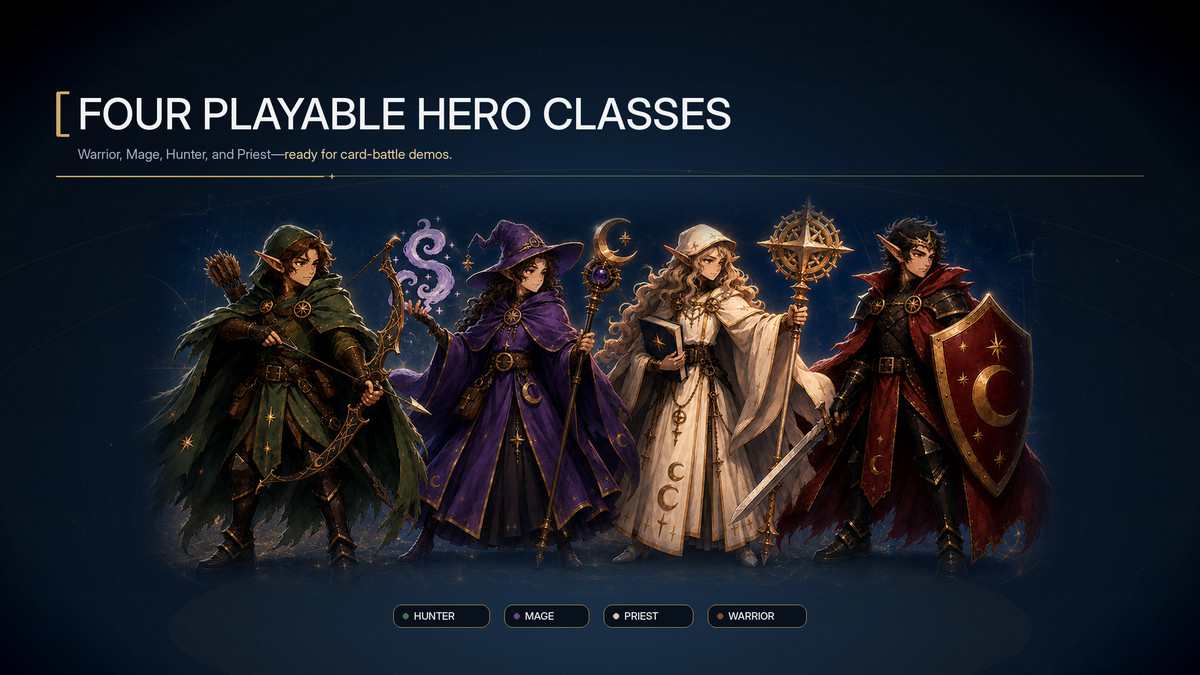
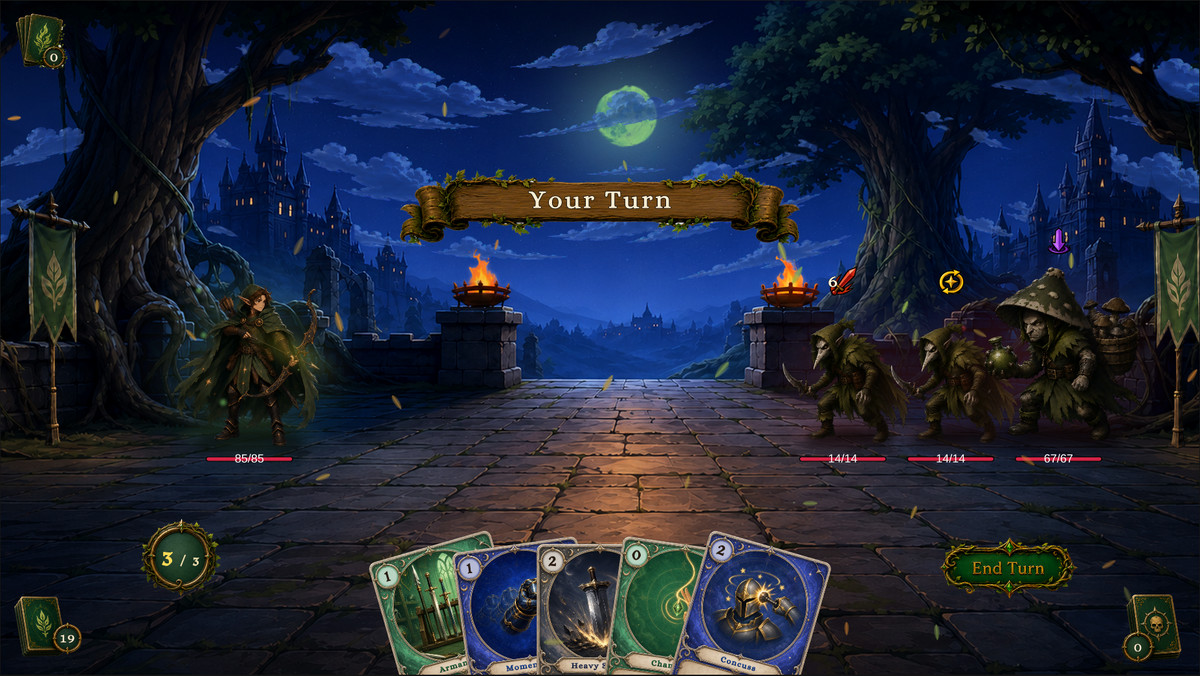
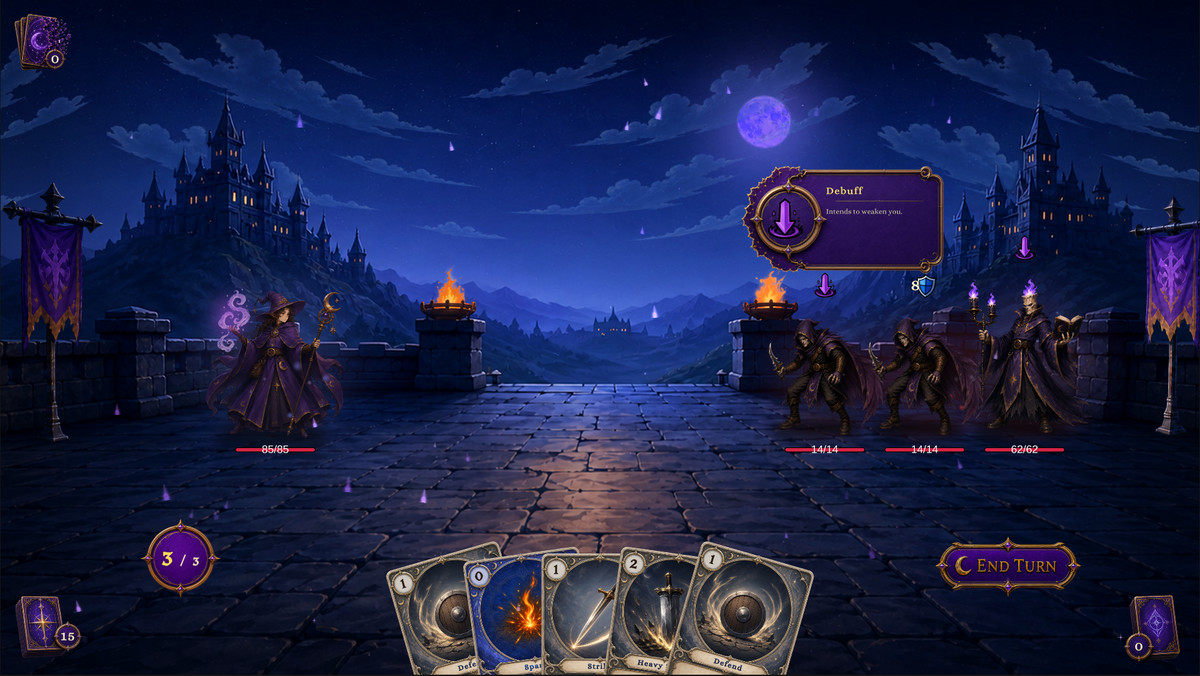
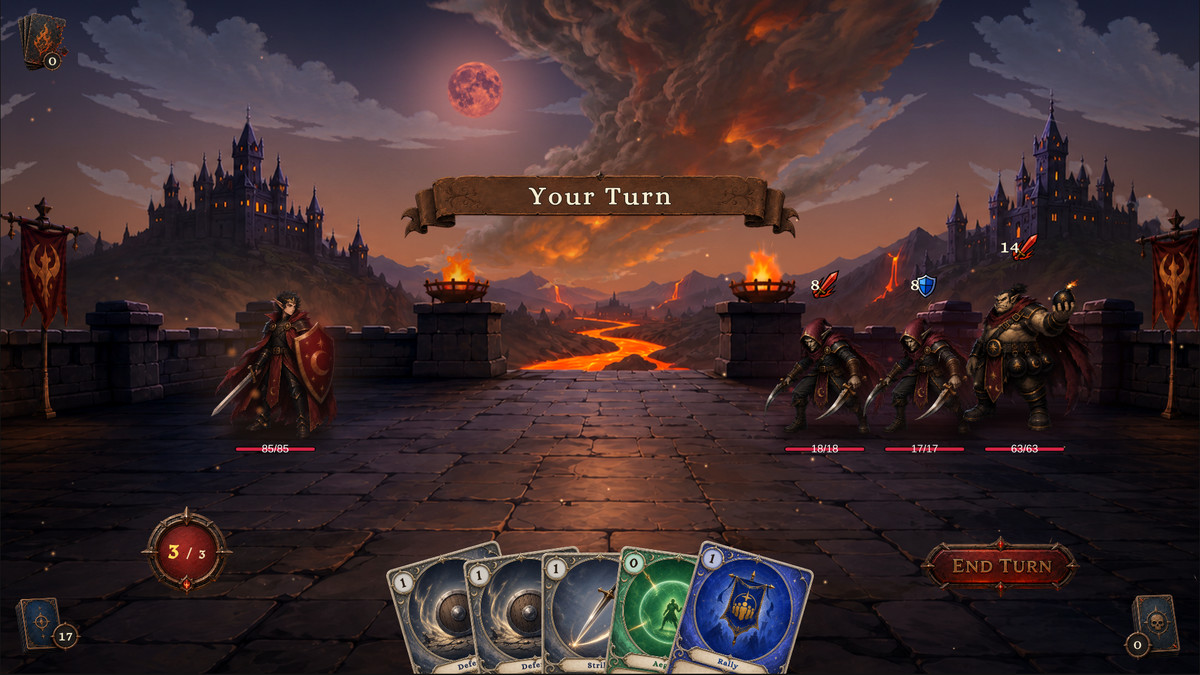
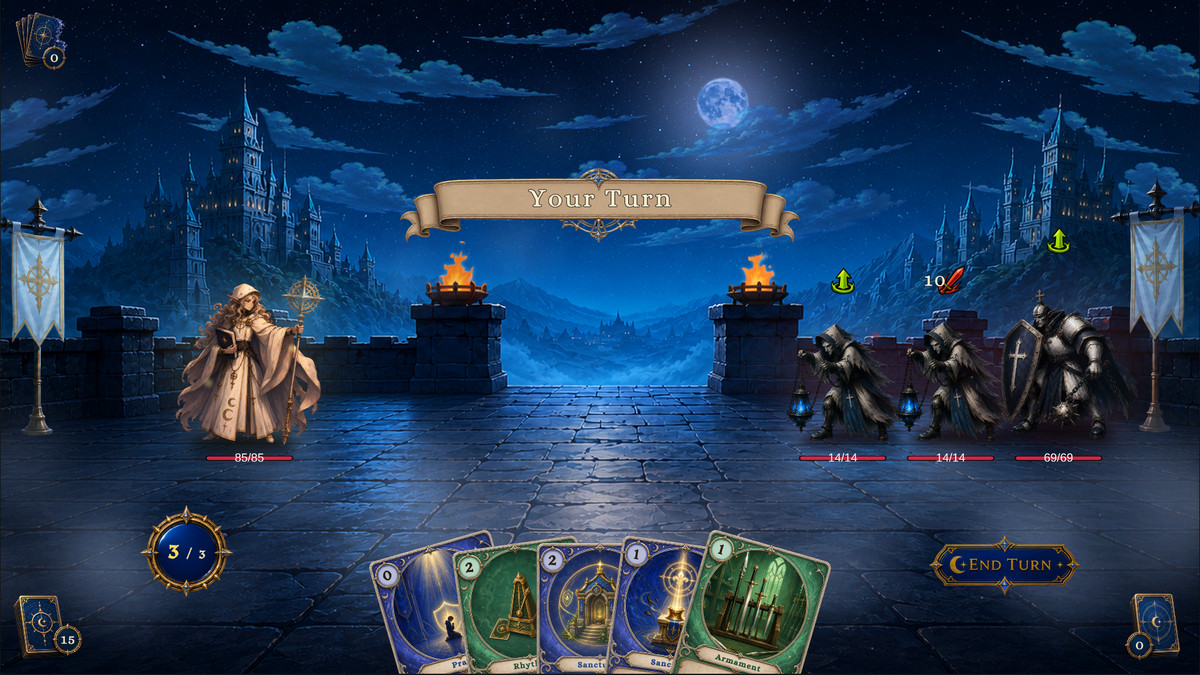
- 13 playable battles and 13 encounters: 12 single-character battles across Warrior, Mage, Hunter, and Priest, plus one three-member Party Showcase
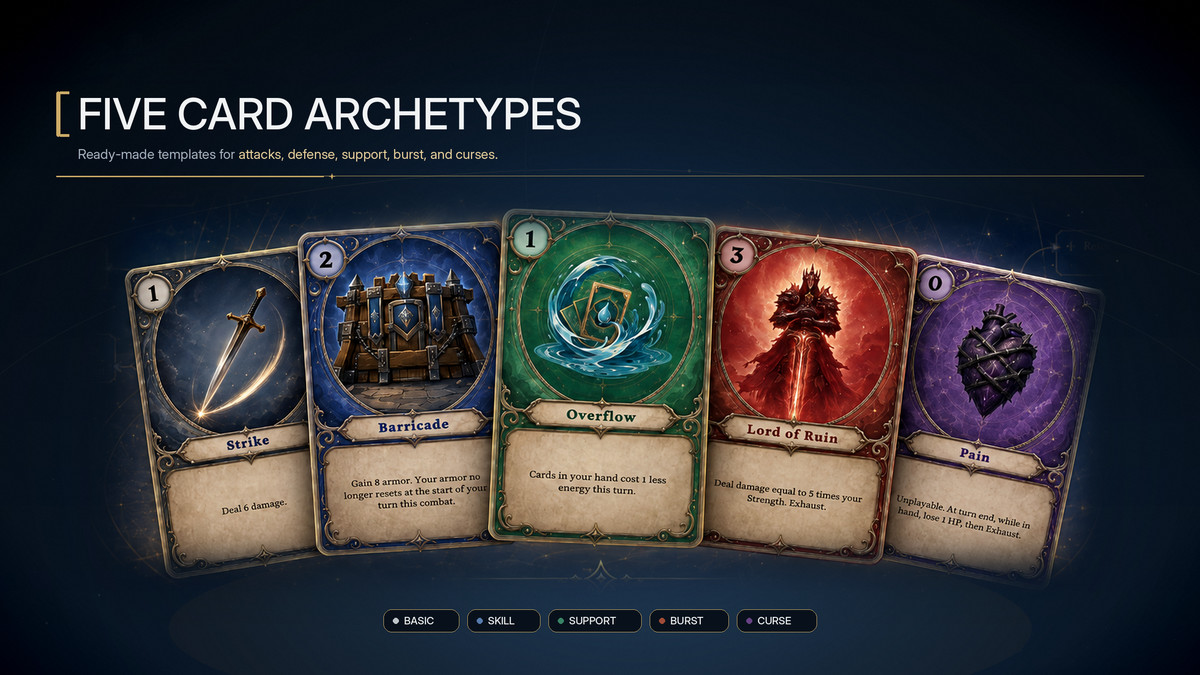
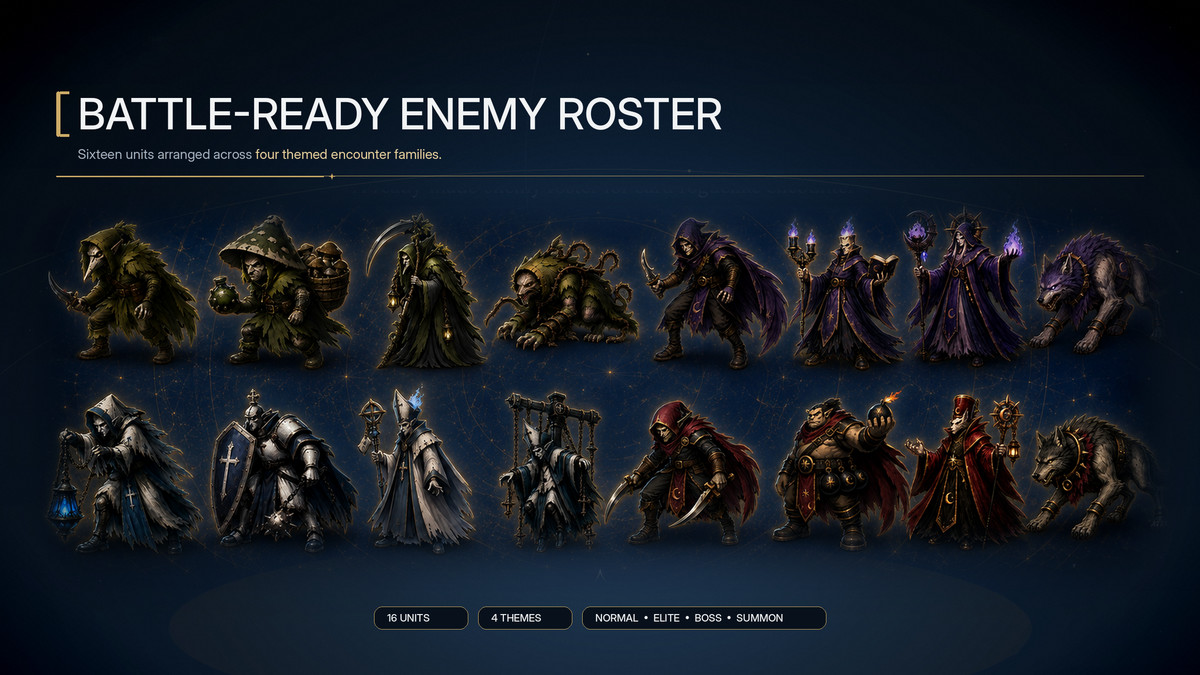
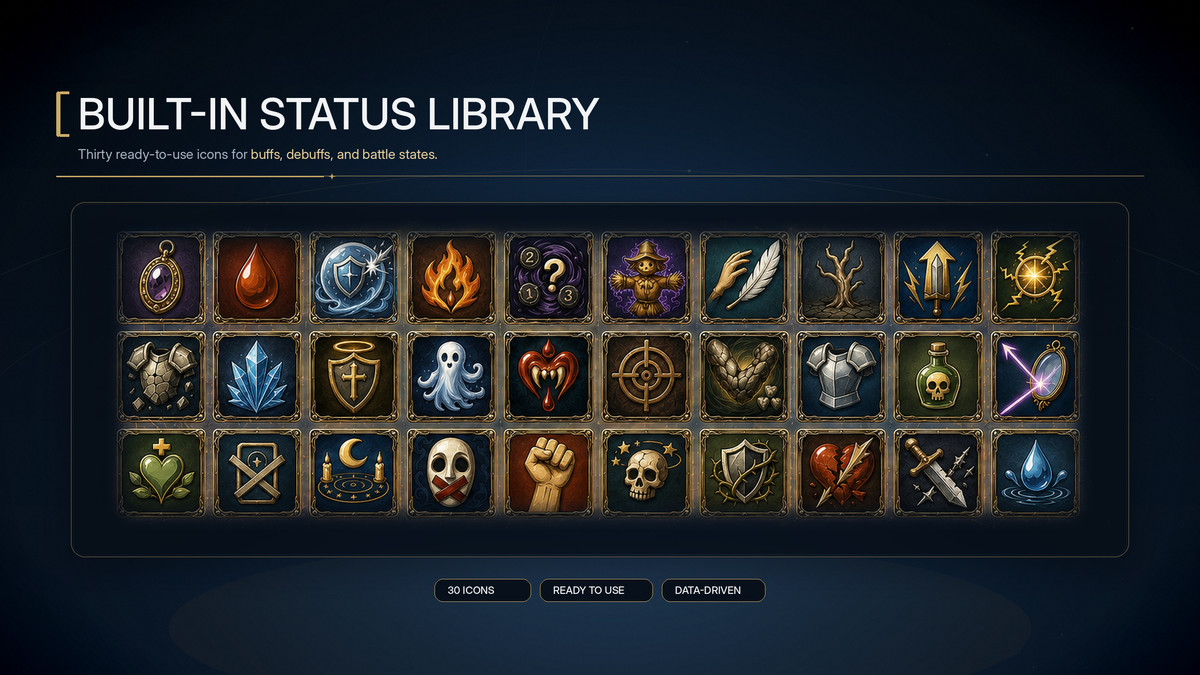
- 86 cards, 17 decks, 15 player units, 19 enemy definitions, 35 statuses, and 8 enemy Intent icons across isolated single-character and multi-character Demo database sets
- A Party Showcase featuring shared resources, Active Player switching, ally targeting, member defeat, revival, reinforcement, removal, and replacement
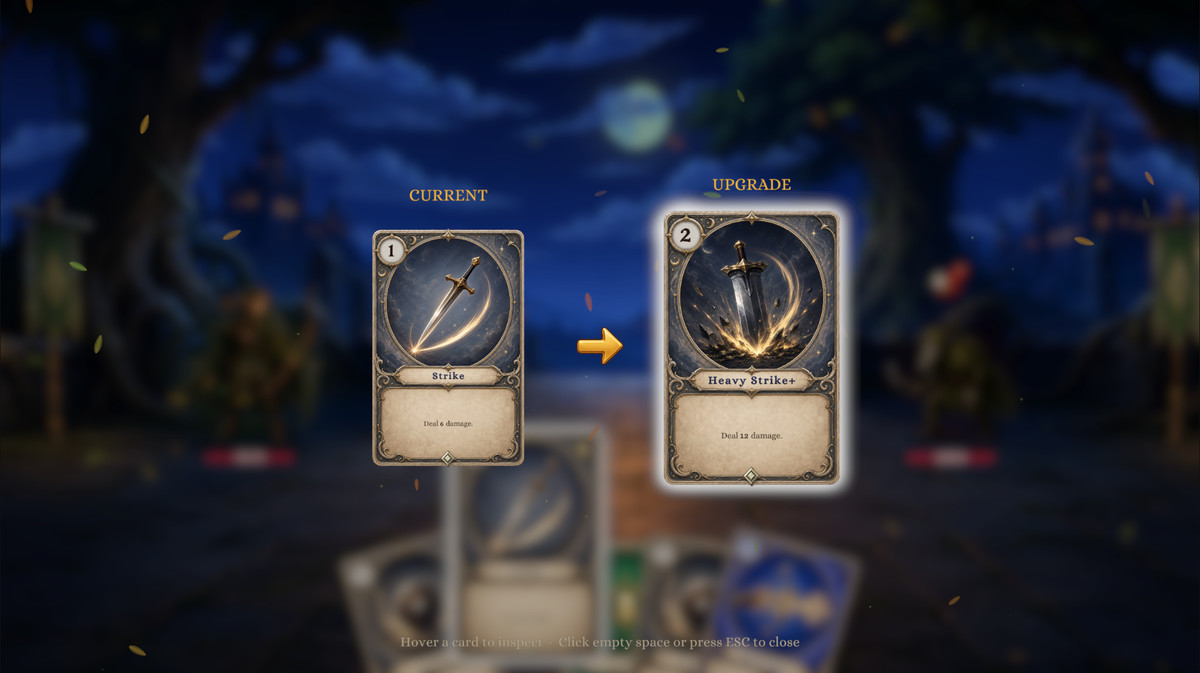
- Complete battle UI, hand, targeting, reward, upgrade, and result flows
- English and Chinese documentation with 103 FlowGraph recipes
- Seven custom node templates, seven finished extension examples, and a tutorial that builds a battle from an empty scene
Every Demo battle uses the packaged databases, editors, FlowGraphs, and production runtime. There is no separate presentation-only battle implementation. Open the Demo content to inspect, copy, and adapt its assets and Behaviors.
🛠️ Technical Specifications
- Unity: Unity 2021.3 LTS and later, including Unity 6
- Render Pipelines: Built-in Render Pipeline and URP Demo support
- Runtime Dependencies: No third-party dependencies
- Source Code: Complete C# source included
- Data Architecture: Six ScriptableObject database categories with GUID identification
- FlowGraph: 145 core nodes plus two Demo FX extension nodes
- Mechanic Recipes: 103 documented recipes
- API: 170 public member names across 184 public signatures
- Events: 47 built-in events
- Monitor: Seven real-time diagnostic views
- Extension Registries: FlowNode, CardType, CardTag, and DescriptionToken
- Custom Nodes: Seven public extension base categories
- Animation: TinyGiants TGTween included
- GES Integration: Optional; GCS and GES work independently
Use the links above to review the documentation and tutorials, play the browser Demo, or contact TinyGiants through Discord and the Unity Forum.
From the publisher's Asset Store listing.
Technical details
【Version】 Game Card System
- Original Unity Version: 2021.3.45f2c1
- Supported Unity Versions: Unity 2021.3 LTS and later
- Compatible Unity Version: Unity 6
【Render Pipelines】
- Built-in Render Pipeline: Supported
- Universal Render Pipeline: Supported
- High Definition Render Pipeline: The core runtime and editor tools are compatible, but Demo Materials and Shaders must be adapted by the project
【Dependencies】
- Third-Party Runtime Assets: None
- Demo UI: TextMeshPro
- Animations and Transitions: TinyGiants TGTween included
- Game Event System: Optional integration; GCS operates independently when GES is not installed
【Architecture】
- Six ScriptableObject database categories: Card, Deck, Player Unit, Enemy Unit, Status, and Encounter
- Databases and entities are identified by GUIDs
- Card, Status, and Enemy assets contain embedded FlowGraph Behaviors
- The project data root directory can be moved anywhere under Assets
- Complete C# source code included
【FlowGraph】
- 145 core FlowGraph nodes
- 9 executable node categories: Entry, Hook, Action, Get, Operator, Flow, FX, Event, and Intent
- Editor Groups organize FlowGraph sections without changing execution
- 7 public custom node base categories: Mutator, Operator, Source, Selector, Control, Pattern, and VFX
- 4 automatic extension registries: FlowNode, CardType, CardTag, and DescriptionToken
【Runtime and API】
- Complete turn and phase state machine
- Single-character and multi-character battles with up to 3 player units
- Shared party Hand, Draw, Discard, Exhaust, and Energy with independent HP, Armor, Statuses, Hooks, identity, and presentation for each member
- Active Player switching, ordered or automatic activation, reaction windows, and configurable battle-result policies
- Self, Ally, Opponent, Random, group, and Any Unit targeting
- Runtime player reinforcement, replacement, removal, defeat, and revival
- Draw, Hand, Discard, Exhaust, Master Deck, and Reward Pile
- Status stacking, decay, numerical modification, and Hook resolution
- Enemy Intent previews, Pattern state, and turn execution
- Delayed effects, player selections, post-battle rewards, permanent card upgrades, and animation Gates
- Dynamic player and enemy roster changes during battle
- GCSApi: 170 public member names across 184 public signatures
- Built-In Events: 47
【Editor Tools】
- Six-mode Game Card Editor: Card, Deck, Player, Enemy, Status, and Encounter
- Extensible Workbench Inspectors for project-owned content types, fields, validation, and custom UI Toolkit controls
- FlowGraph Editor: in-node editing, search, grid snapping, alignment, distribution, automatic layout, Groups, Validation, and Undo/Redo
- Seven-mode Game Card Monitor: Battle, Piles, Units, Phase, Gate, Flows, and Events
- Additional Tools: search, filtering, sorting, previews, Used By, reference pickers, Validation, and maintenance tools
【Demo Content】
- 13 playable battle scenes
- 86 cards
- 17 decks
- 15 player units
- 19 enemy definitions
- 35 statuses
- 13 encounters
- 8 enemy Intent icons
- 12 single-character battles across Warrior, Mage, Hunter, and Priest
- 1 three-member Party Showcase with shared resources, ally targeting, Active Player switching, and runtime roster changes
- Separate Single-Character and Multi-Character database sets
【Documentation and Extension Resources】
- Complete Chinese and English online documentation
- 103 FlowGraph mechanic recipes
- 7 custom node templates
- 7 complete extension examples
- A complete tutorial for creating your first battle from an empty scene
【Product Scope】
- GCS provides content authoring, rule orchestration, single-character and party battle runtime systems, diagnostic tools, and extension entry points for card roguelike battles
- World maps, quest systems, account backends, online multiplayer, matchmaking systems, and project-specific save formats are not included as core systems. They must be implemented by the project and integrated through GCSApi or the event interfaces
Compatibility
| Unity version | Built-in | URP | HDRP | Custom |
|---|---|---|---|---|
| 6000.3.21f1 | Compatible | Compatible | Not listed | Compatible |
| 2022.3.62f2c1 | Compatible | Compatible | Not listed | Compatible |
As listed on the Asset Store.