
 View on Asset Store (opens in new tab)
Package details
- Latest version
- 1.0
- Last updated
- First released
- Unity version
- 6000.4.4 or later
- Package size
- 68.9 MB
- Files
- 42
- Favorites
- 2
- Views in the past week
- 9
Price tracking
- Last checked
- Tracked since
- Lowest recorded
- $7.99 on
Keywords

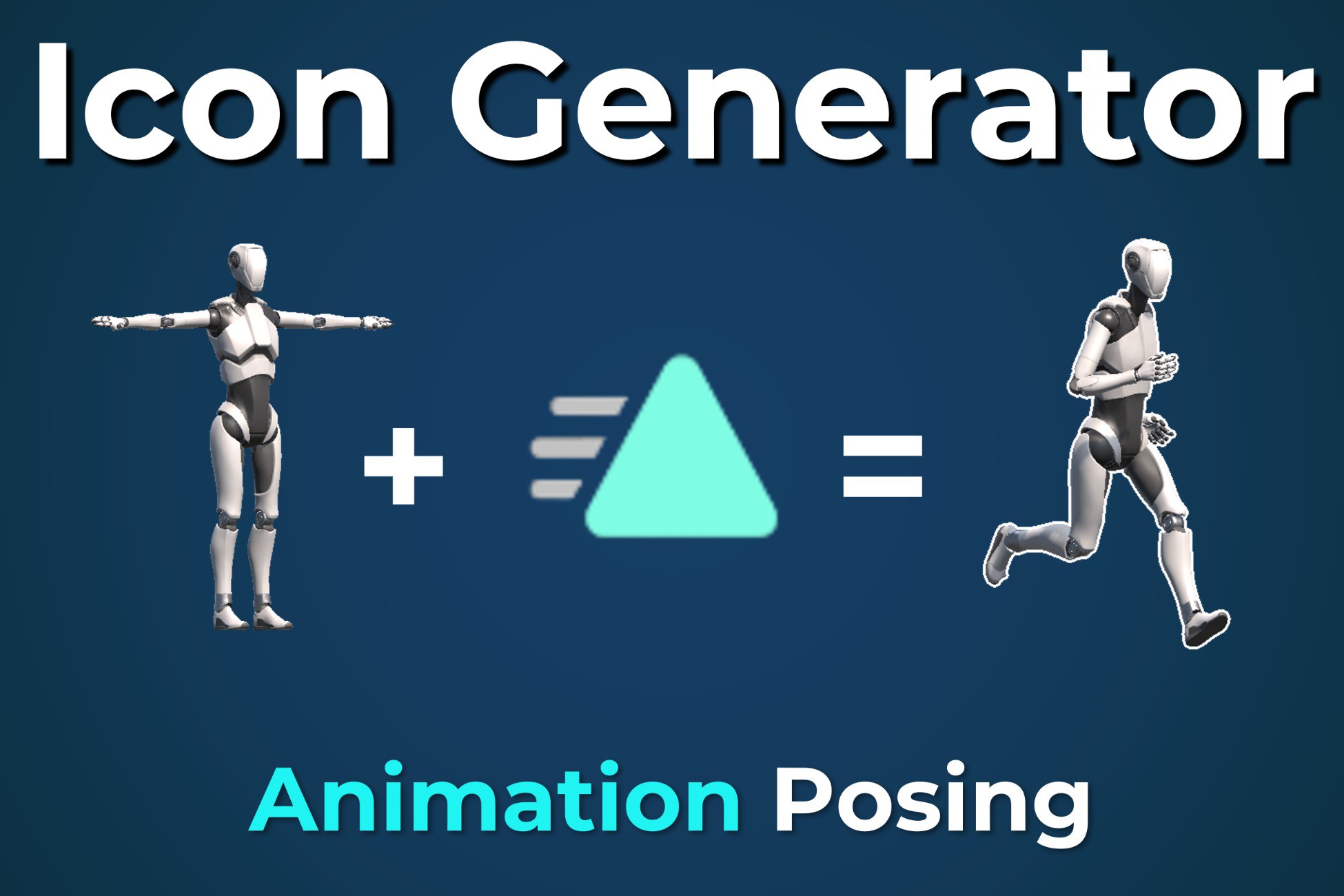
Icon Generator - Animation Posing
Instantly batch-render stunning 2D icons from your 3D models! The Icon Generator automates your UI pipeline with auto-padding, interactive previews, animations, profiles, and built-in image FX.
Affiliate link · Purchases support this site
Price history
Last 6 months
USDAsset preview
1 / 7
Icon Generator - Animation Posing screenshot 1

About this asset
Icon Generator - Animation Posing
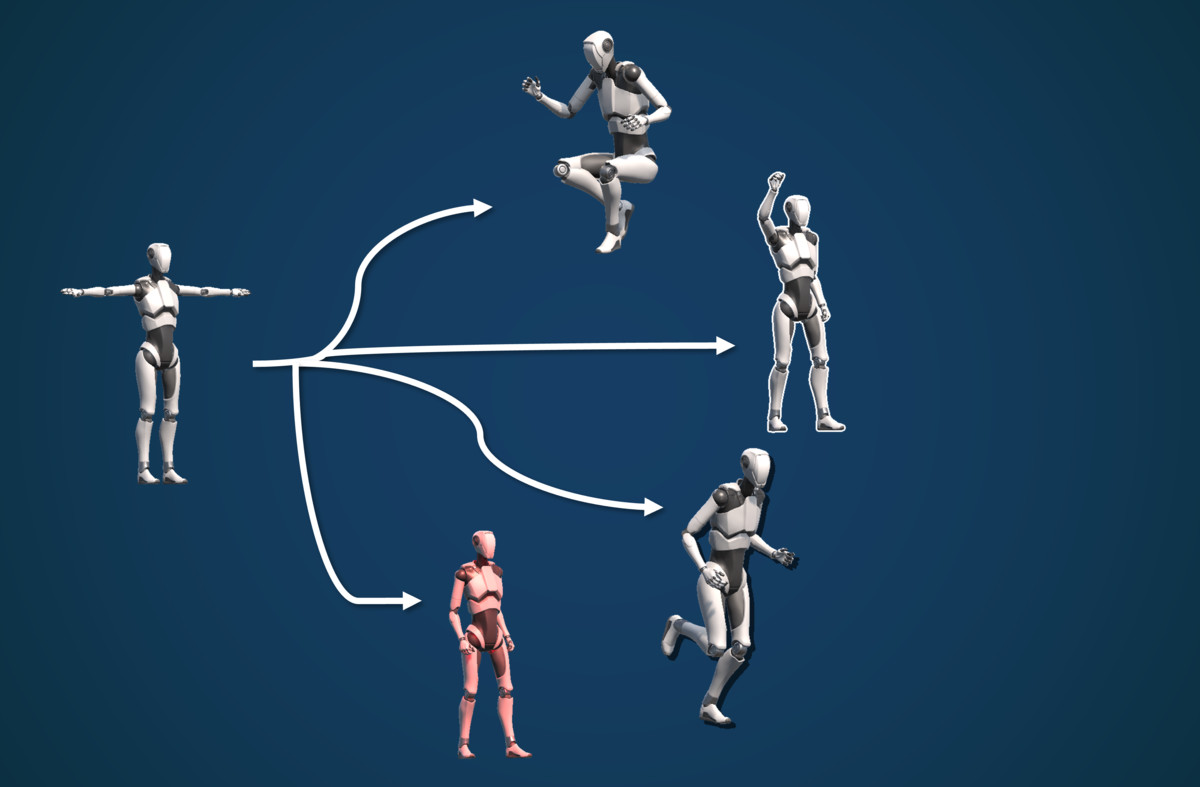
Generate high-quality 2D icons from your 3D models and prefabs including Animation Poses in seconds!
Stop wasting hours manually setting up scenes, cameras and lights just to create inventory icons in T-Pose. This Icon Generator is a powerful, all-in-one editor tool designed to automate and perfect your Icons.
Whether you need a single perfectly lit weapon icon or want to batch generate an entire folder of 100+ animated characters as icons, this tool handles it effortlessly, all without leaving the Unity Editor.
STANDOUT FEATURES
- Animation Pose Extraction
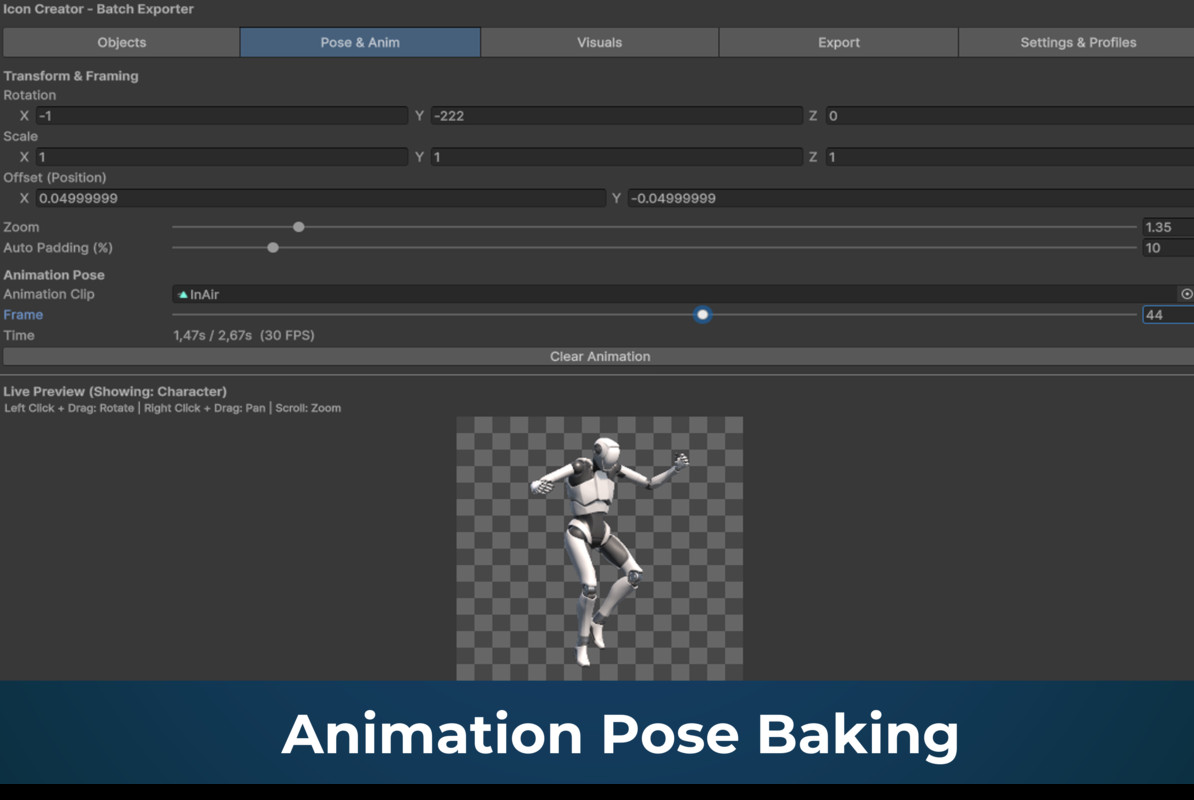
Want a dynamic action pose instead of a boring T-Pose? Assign an Animation Clip (works with Humanoid & Generic rigs) and adjust the timeline slider to freeze the perfect frame for your icon.
- Built-In Image Effects (No Photoshop Needed)
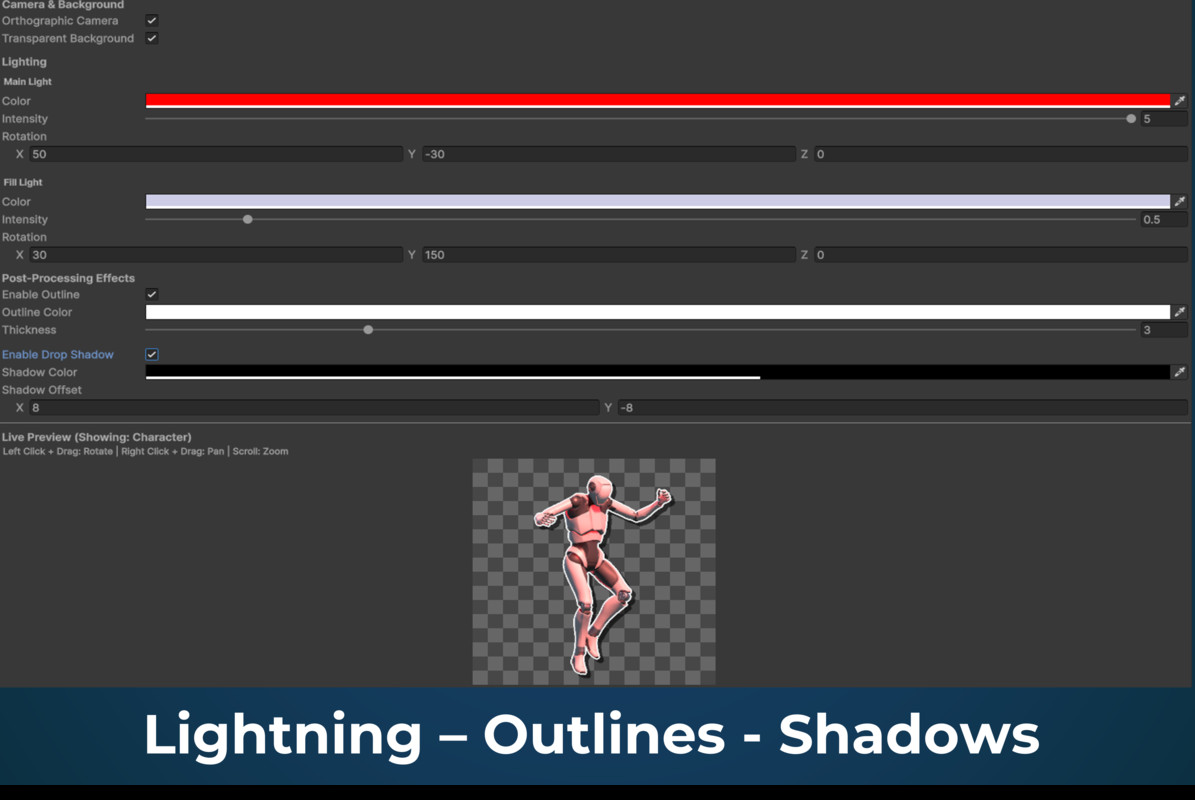
Add Outlines (with adjustable color and pixel thickness) and Drop Shadows (with custom offsets and opacity) directly through our built-in post-processing. Works seamlessly on transparent backgrounds.
- Interactive Live Preview
Click, drag, and scroll directly inside the live preview window to intuitively rotate and zoom your icon object. See every lighting tweak and effect update in real-time.
- Precision Framing & Transforms
Manually fine-tune the exact X/Y/Z rotation, object scale, and camera positional offset. Easily frame off-center weapons or specifically scale down oversized models to fit your UI slots perfectly.
- Custom Dual-Light Studio
You get full, independent control over a Main Directional Light and a Fill Light. Tweak their colors, intensities, and 3D rotations directly in the tool to make your assets look their absolute best.
- Smart Batch Processing & Auto-Padding
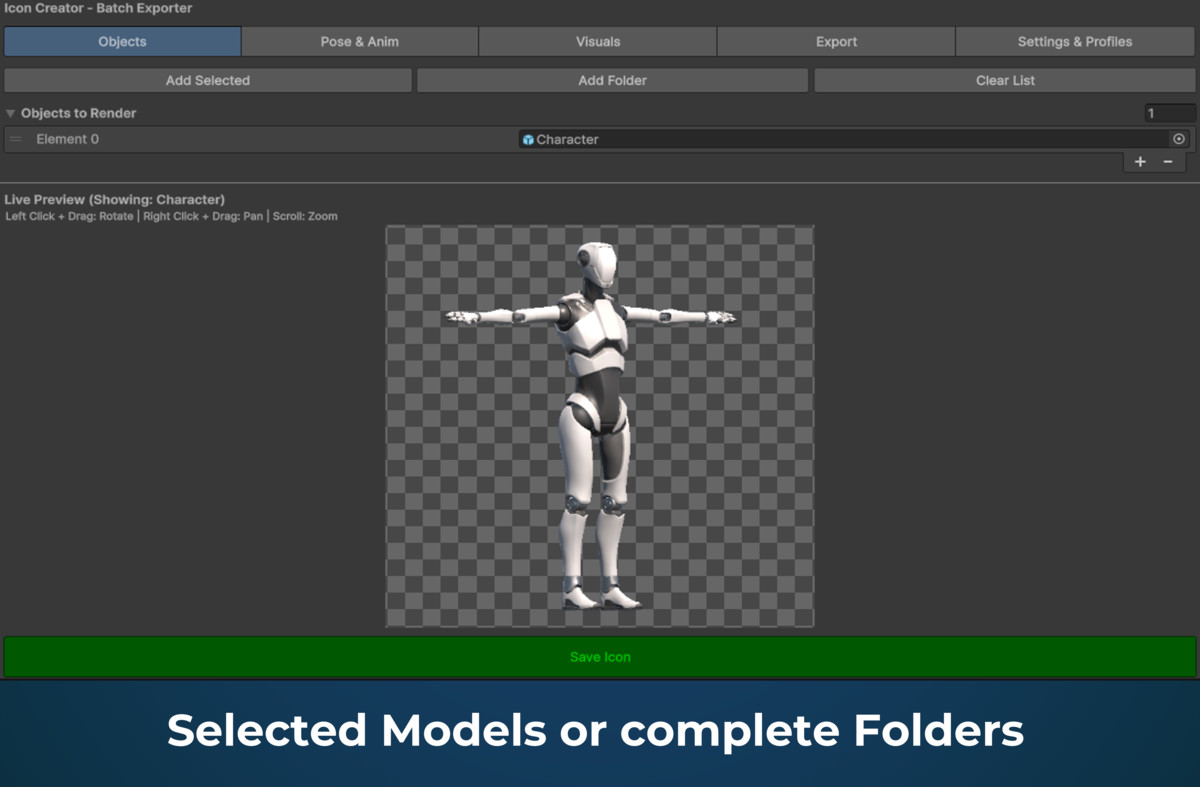
Add entire folders of models with one click. The "Auto-Padding" feature automatically calculates the perfect margins for each item, ensuring consistent framing across all your batch-rendered icons, regardless of their original 3D scale.
- Profile Management System
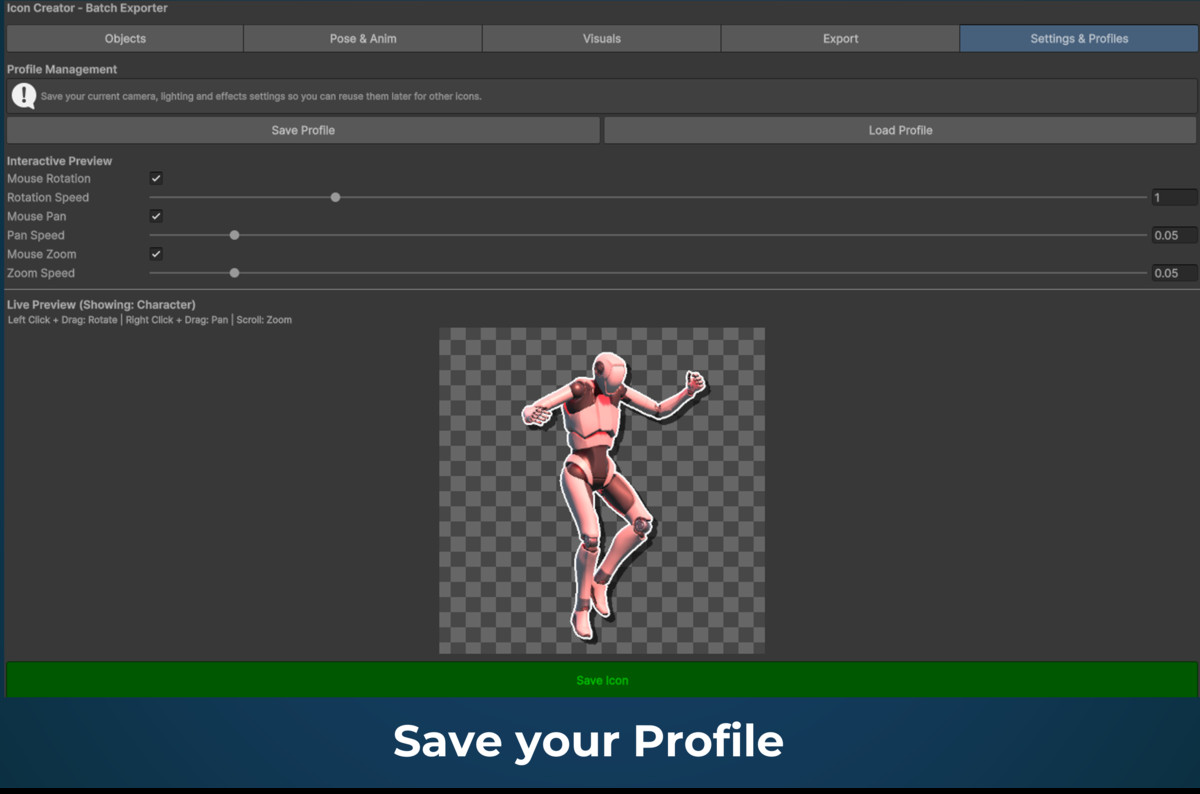
Need a dark, moody lighting setup for weapons, but a bright, orthographic setup for potions? Save your complete camera, lighting, and effect settings as a .json profile and switch between styles instantly.
FULL FEATURE LIST
- Batch Processing System: Import individual prefabs/models or entire folders and render them sequentially with a single click.
- Interactive Editor GUI: Live preview window (drag to rotate, scroll wheel to zoom).
- Animation Frame Extraction: Freeze and capture specific frames of an .anim clip. Fully compatible with both Humanoid and Generic rigs.
- Dynamic Auto-Padding: Ensure objects are perfectly centered and never clip the image edges.
- Built-in CPU Image Effects: Generate Outlines and Drop Shadows (no custom shaders or materials required).
- Advanced Camera Controls: Supports both Orthographic and Perspective projection modes with adjustable Field of View (FOV) and positional offsets.
- Custom Studio Lighting: Independent controls for Main Directional Light and Fill Light (Color, Intensity, 3D Rotation).
- Profile Serialization: Save and load complete tool configurations (transforms, lighting, post-processing, export settings) as .json files via JsonUtility.
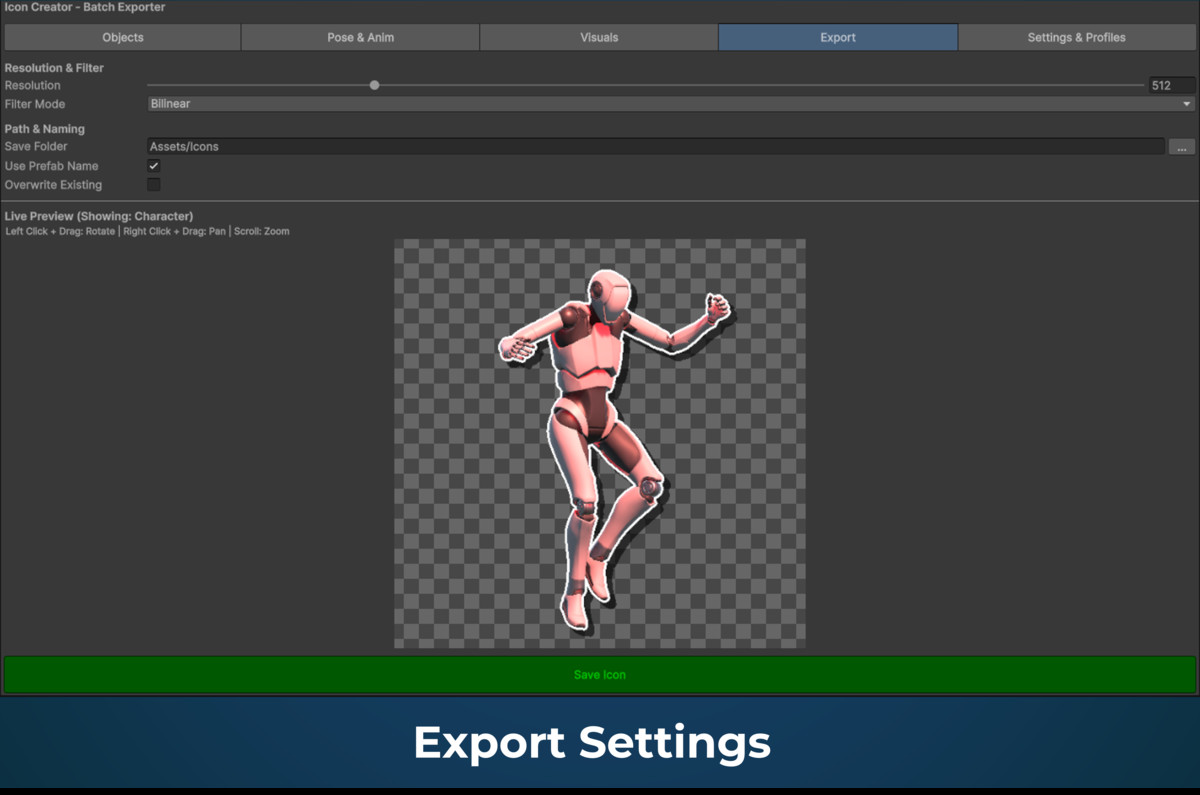
- Automated Asset Import: Automatically triggers the TextureImporter to configure the saved .png files as 2D Sprites with correct transparency and user-defined Filter Modes (Point, Bilinear, Trilinear).
- Resolution Support: Generates ARGB32 PNGs in customizable square resolutions ranging from 64x64 up to 2048x2048 pixels.
PERFECT FOR
RPGs (Inventories, Equipment), Strategy Games (Unit Portraits, Building Icons), Mobile Games (Shop Items, Resources), and Promotional Material.
COMPATIBILITY
Works with any 3D Model (.fbx, .obj, .blend), Prefabs, Generic Rigs, and Humanoid Avatars. No special setup required!
From the publisher's Asset Store listing.
Technical details
- Batch Processing System: Import individual prefabs/models or entire folders and render them sequentially with a single click.
- Non-Destructive Rendering: Uses a temporary, hidden scene (HideFlags.HideAndDontSave) to render objects, ensuring your active scene hierarchy remains completely untouched.
- Interactive Editor GUI: Live preview window with custom event handling for mouse interaction (drag to rotate, scroll wheel to zoom).
- Animation Frame Extraction: Utilizes AnimationMode.SampleAnimationClip to freeze and capture specific frames of an .anim clip. Fully compatible with both Humanoid and Generic rigs.
- Dynamic Auto-Padding: Algorithmic framing based on Renderer.bounds calculation to ensure objects are perfectly centered and never clip the image edges.
- Built-in CPU Image Effects: Custom pixel-analysis algorithms applied directly to the Texture2D after rendering to generate Outlines and Drop Shadows (no custom shaders or materials required).
- Advanced Camera Controls: Supports both Orthographic and Perspective projection modes with adjustable Field of View (FOV) and positional offsets.
- Custom Studio Lighting: Independent controls for Main Directional Light and Fill Light (Color, Intensity, 3D Rotation).
- Profile Serialization: Save and load complete tool configurations (transforms, lighting, post-processing, export settings) as .json files via JsonUtility.
- Automated Asset Import: Automatically triggers the TextureImporter to configure the saved .png files as 2D Sprites with correct transparency and user-defined Filter Modes (Point, Bilinear, Trilinear).
- Resolution Support: Generates ARGB32 PNGs in customizable square resolutions ranging from 64x64 up to 2048x2048 pixels.
Compatibility
| Unity version | Built-in | URP | HDRP |
|---|---|---|---|
| 6000.4.4f1 | Compatible | Compatible | Not listed |
As listed on the Asset Store.