
 View on Asset Store (opens in new tab)
Package details
- Latest version
- 1.0
- Last updated
- First released
- Unity version
- 6000.0.58 or later
- Package size
- 10.6 MB
- Files
- 60
- Views in the past week
- 10
Price tracking
- Last checked
- Tracked since
- Lowest recorded
- $9.99 on
Keywords

Networked JU TPS
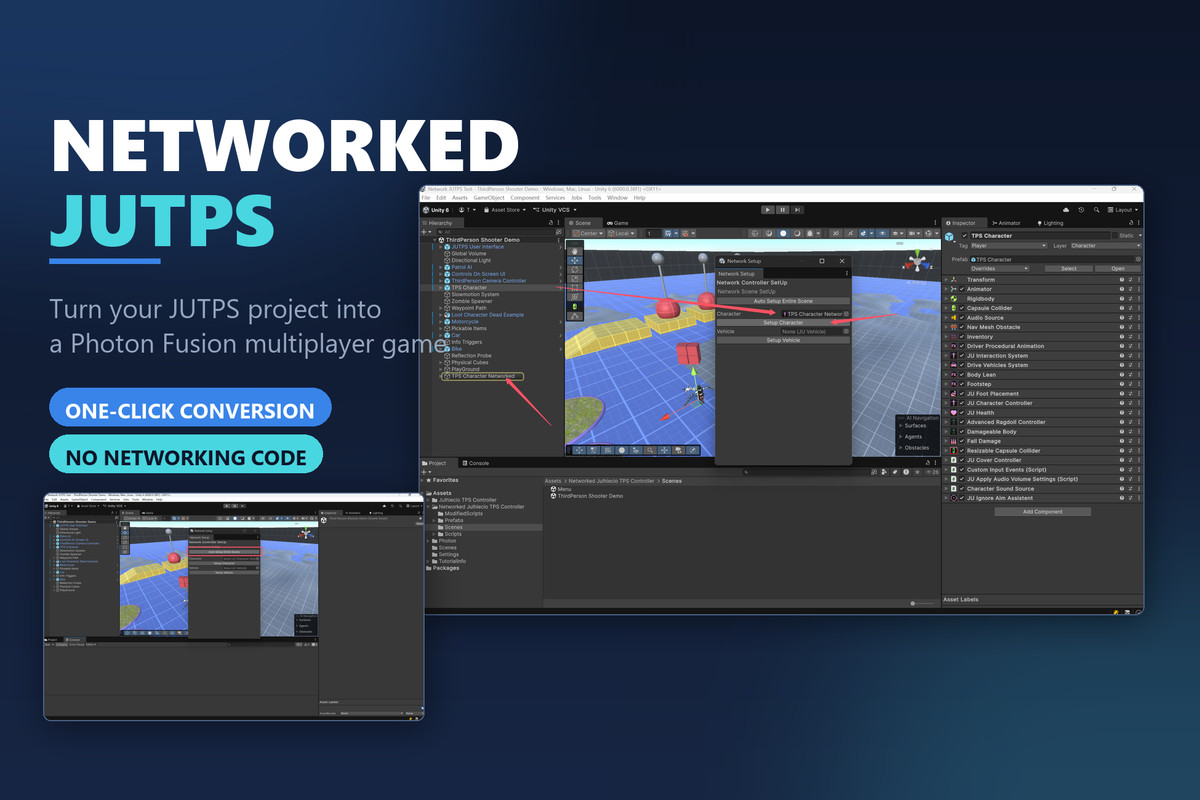
Convert your JUTPS project into a Photon Fusion multiplayer game with one click. Characters, vehicles and AI become networked prefabs with synced animation, ownership and spawning.
Affiliate link · Purchases support this site
Price history
Last 6 months
USDAsset preview
1 / 16
Networked JU TPS screenshot 1
About this asset
I have a question: What is the best way to convert an existing project to networked?
I think that the best way is adding components – for instance, add a NetworkObject to any GameObject, and if it has a Transform, add a NetworkTransform as well. This is really friendly for developers. And this is how Networked JUTPS works.
Networked JUTPS converts an existing JUTPS (Third Person Shooter) project into a
working Photon Fusion multiplayer game, without you writing networking code.
JUTPS ships a complete single-player TPS — character controller, weapons,
vehicles, AI, damage, inventory. None of it is network-aware. Rebuilding it on
Fusion by hand means adding NetworkBehaviours, moving movement and shooting into
the tick loop, replicating animation state, assigning state authority to the
right client, and pooling every spawned bullet and item. That is weeks of work,
and the failure modes are subtle.
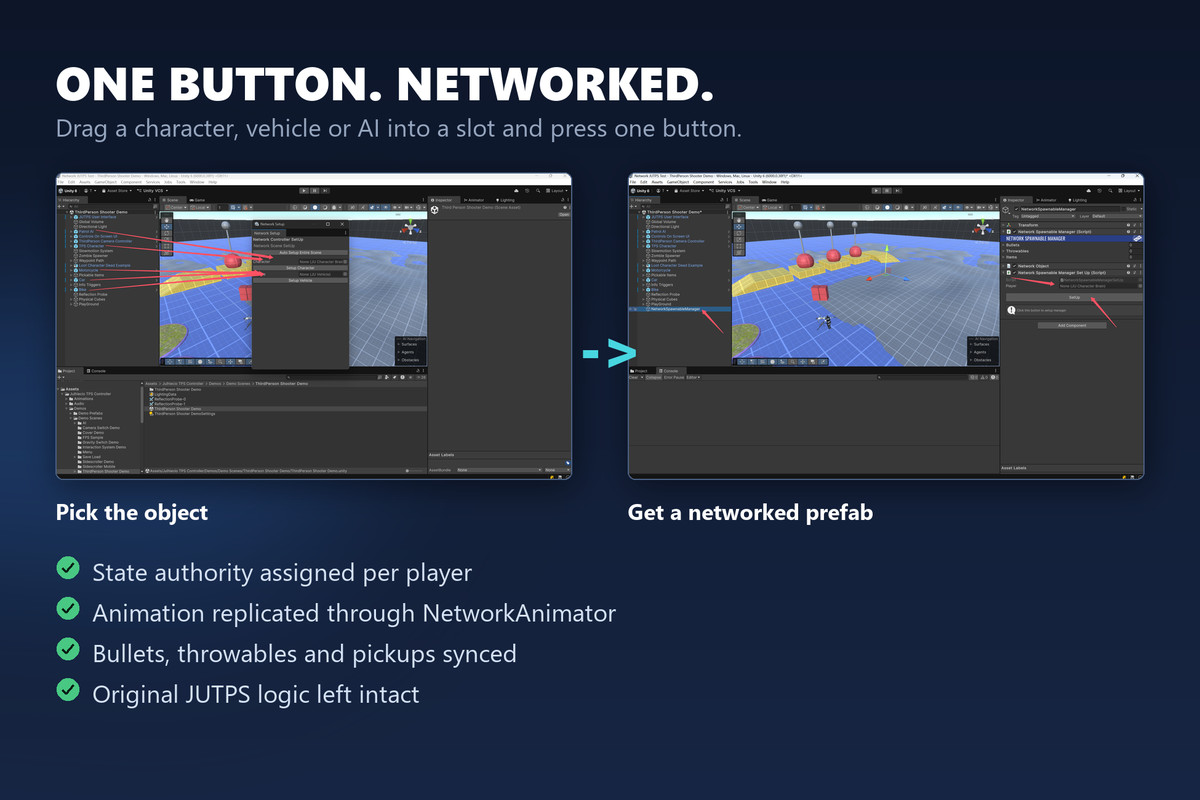
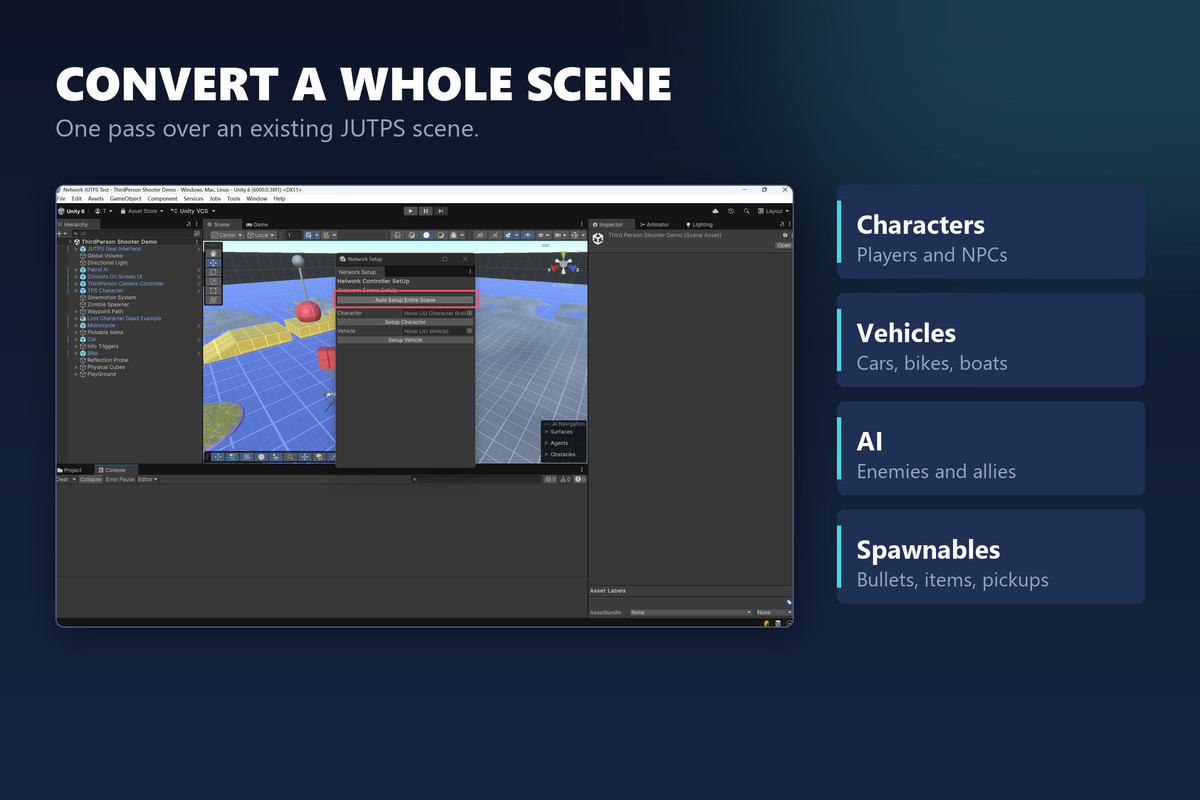
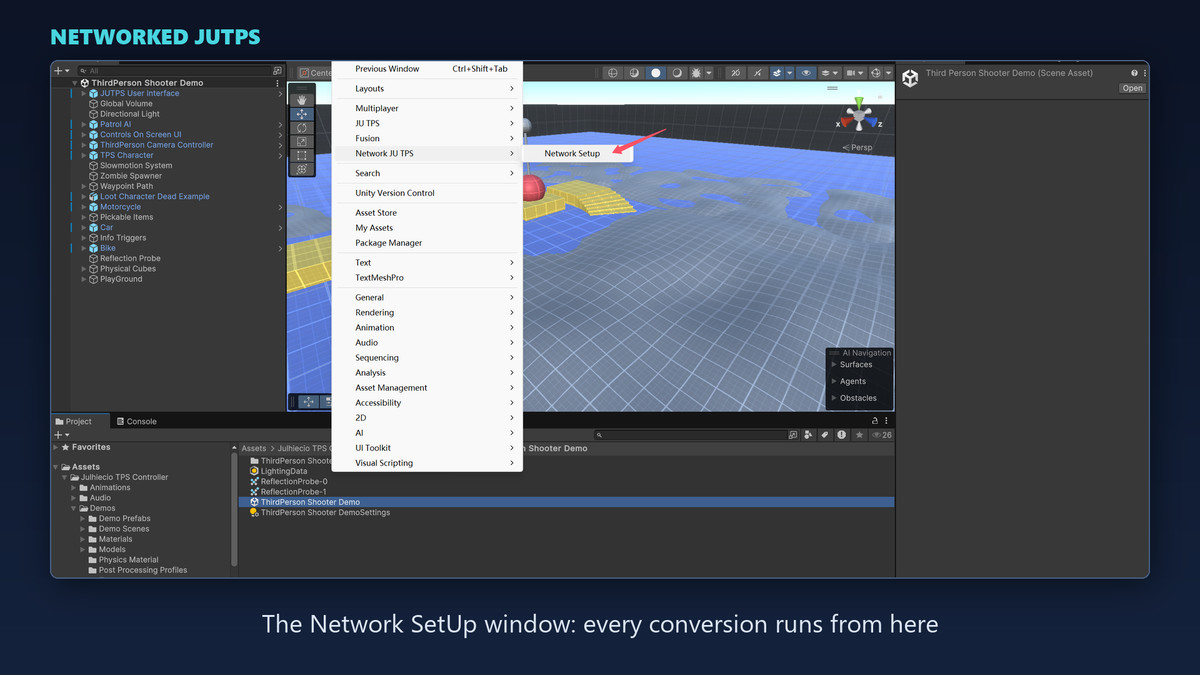
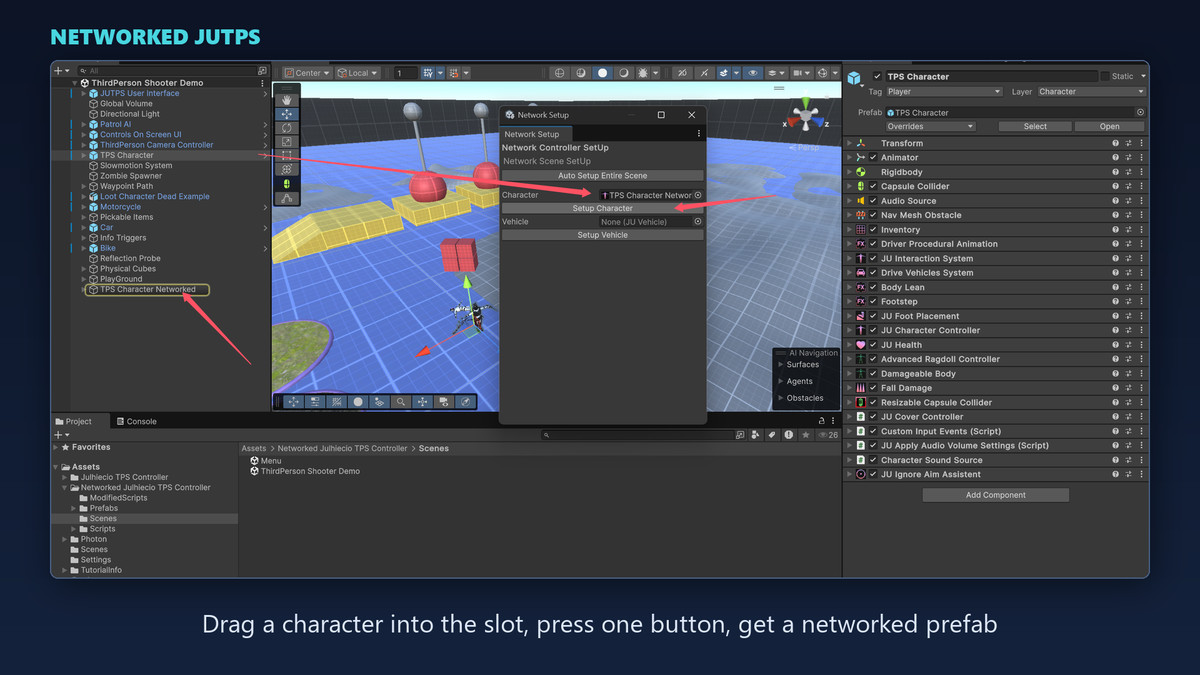
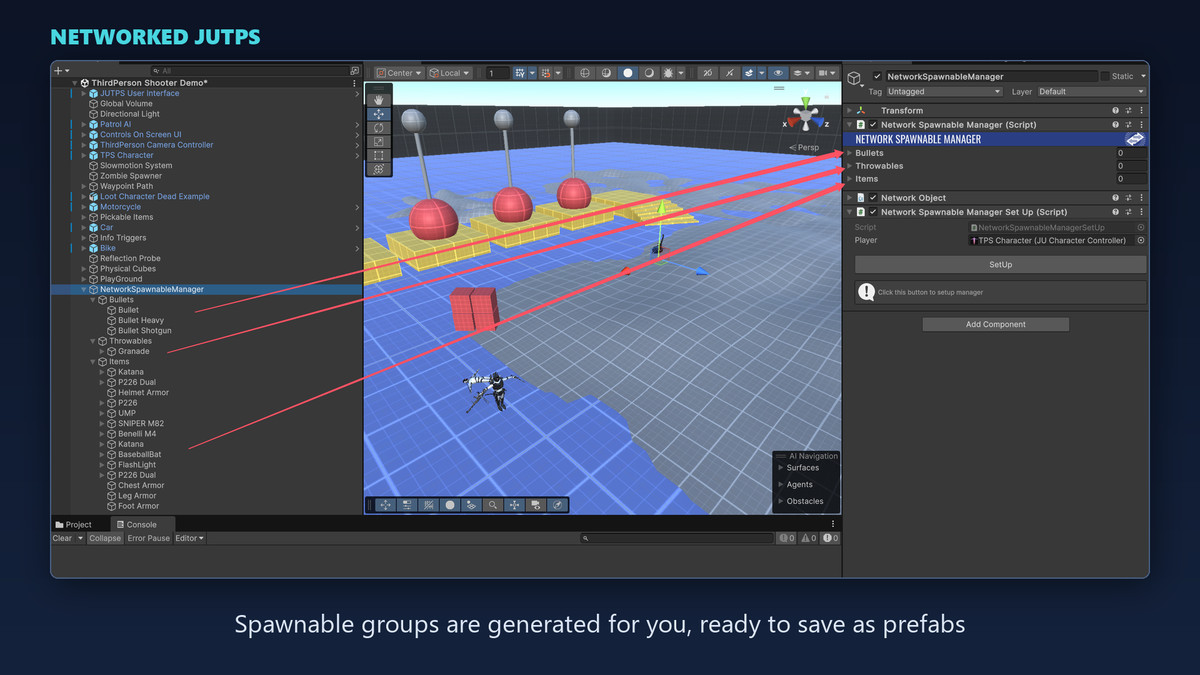
This package does that conversion through an editor window. Drop a character,
vehicle, or AI into a slot, press one button, and you get a networked prefab with
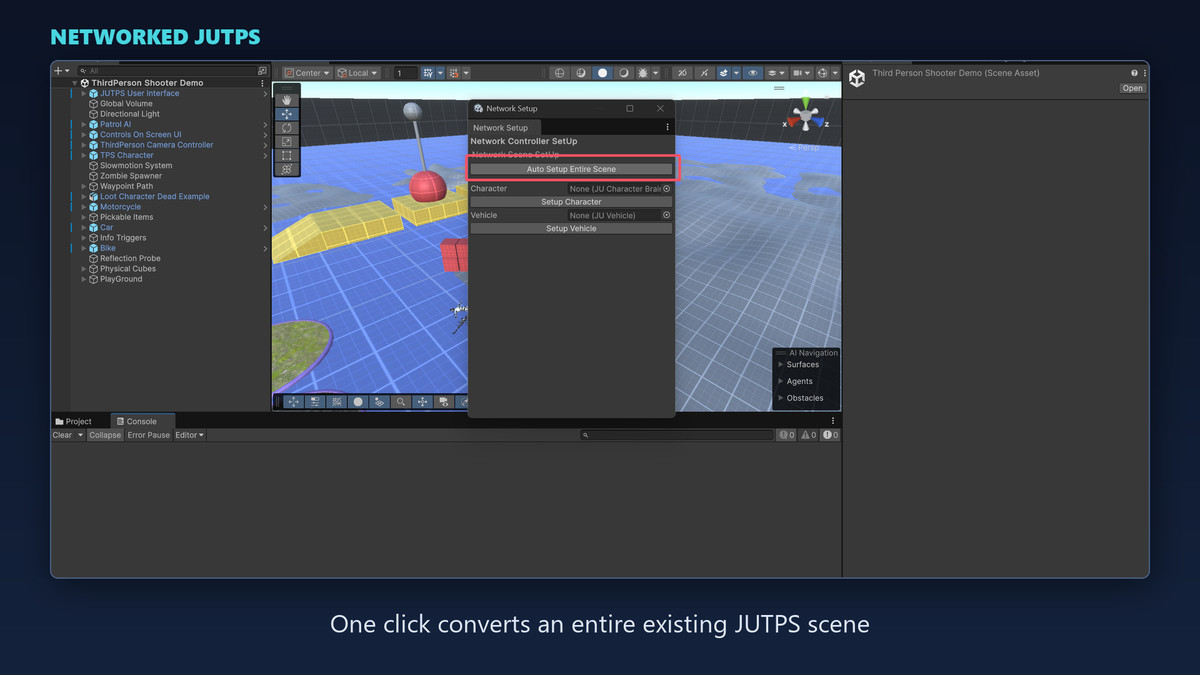
authority, replicated animation, and synced spawnables already wired. A separate
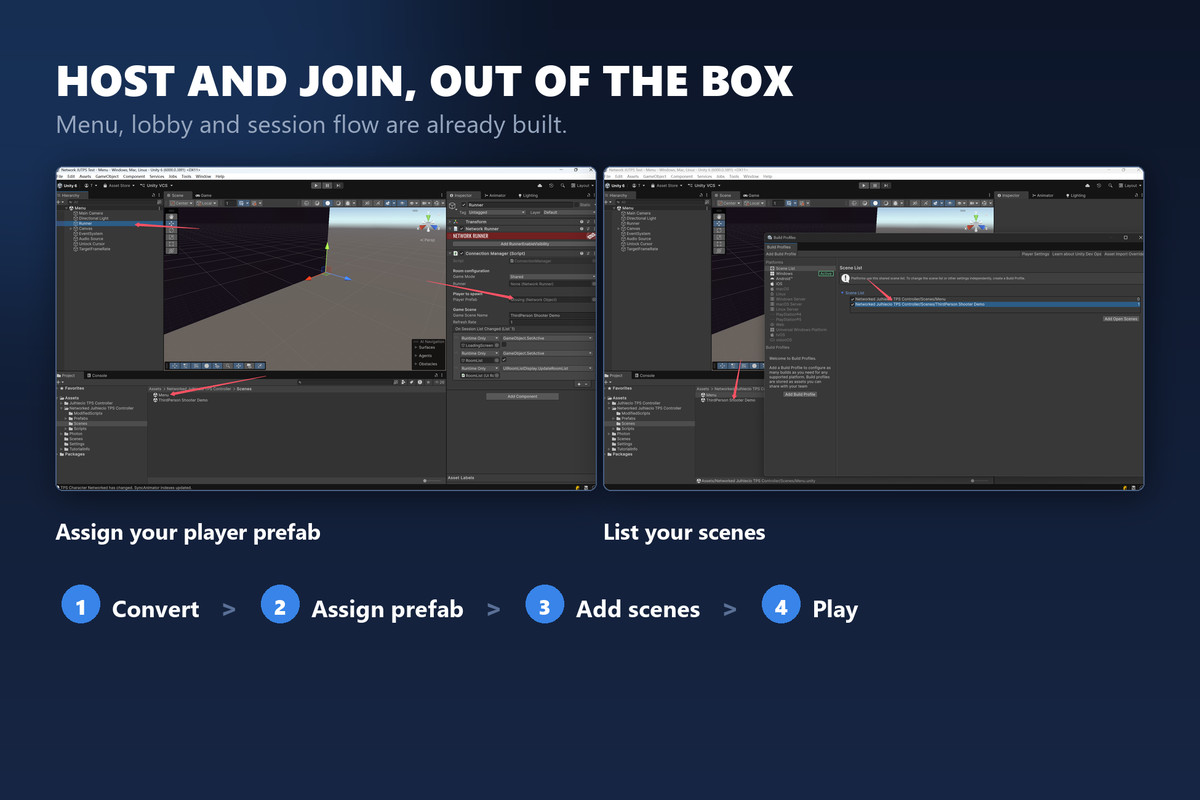
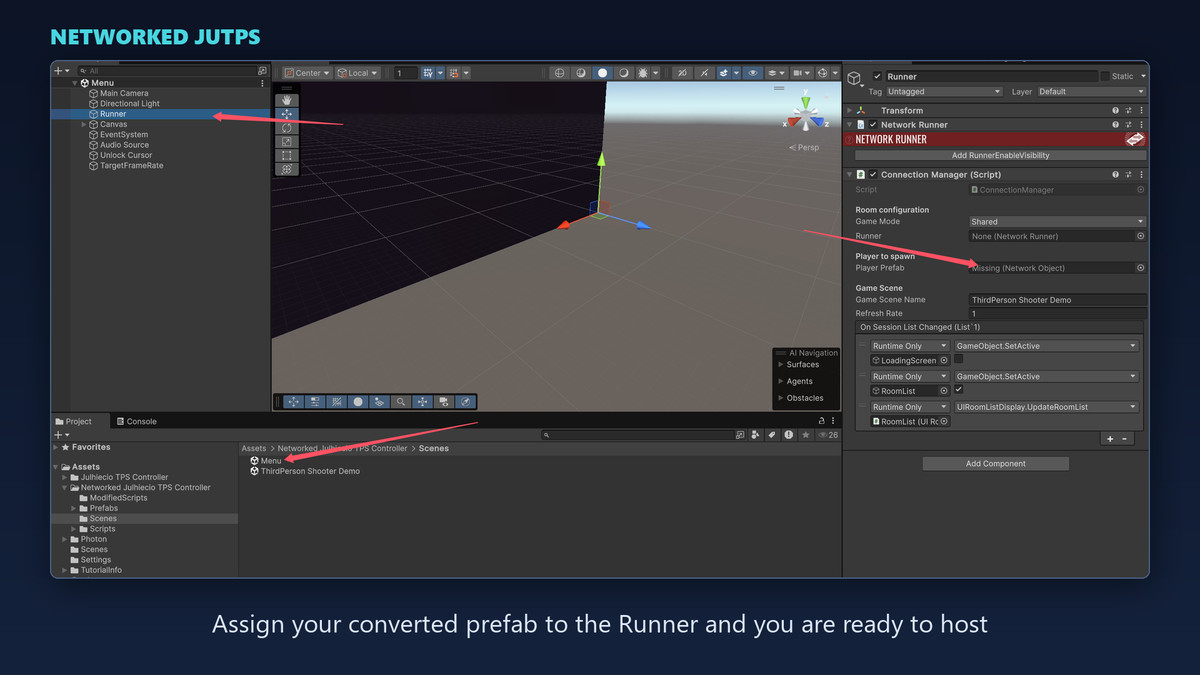
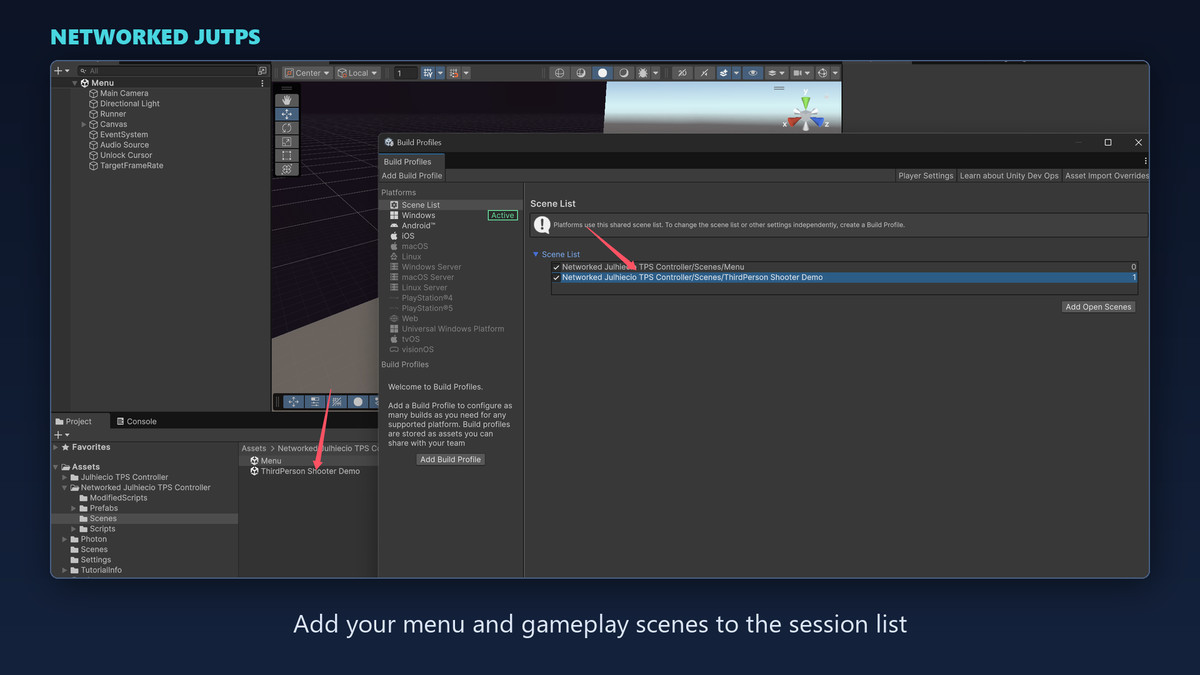
one-click pass converts an entire scene. A ready-made menu, lobby, and session
flow lets you host and join immediately, and demo scenes show everything
configured.
WHAT YOU GET
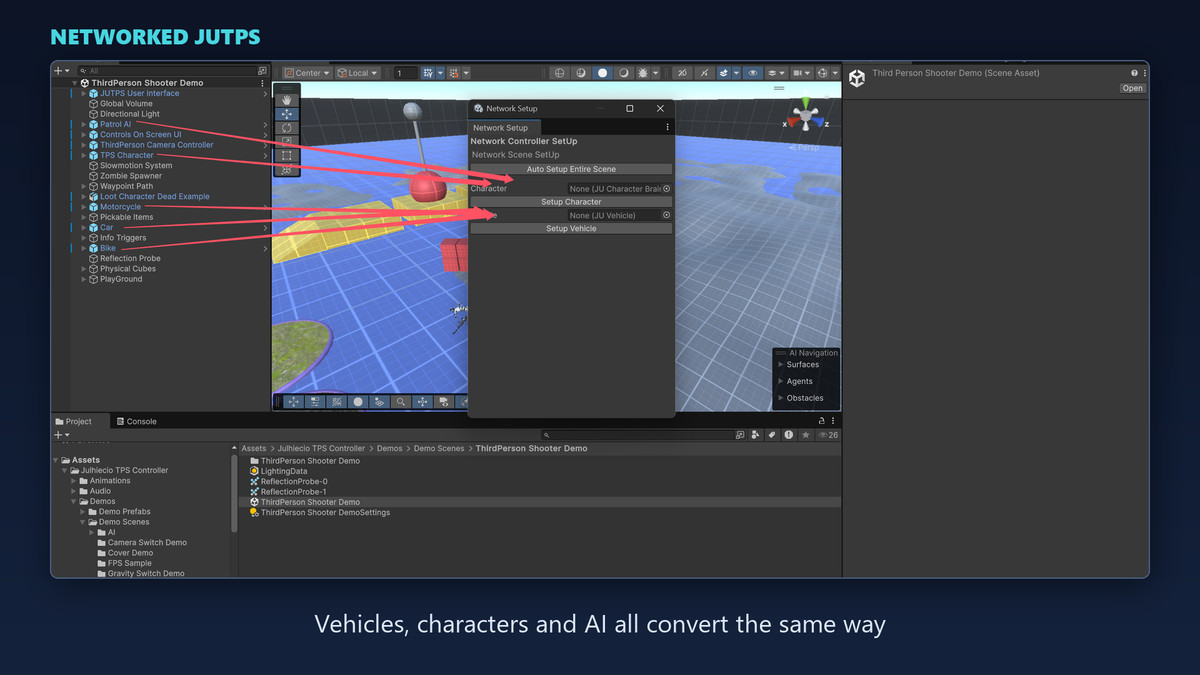
- One-button conversion for characters, vehicles, and AI
- Whole-scene conversion in a single pass
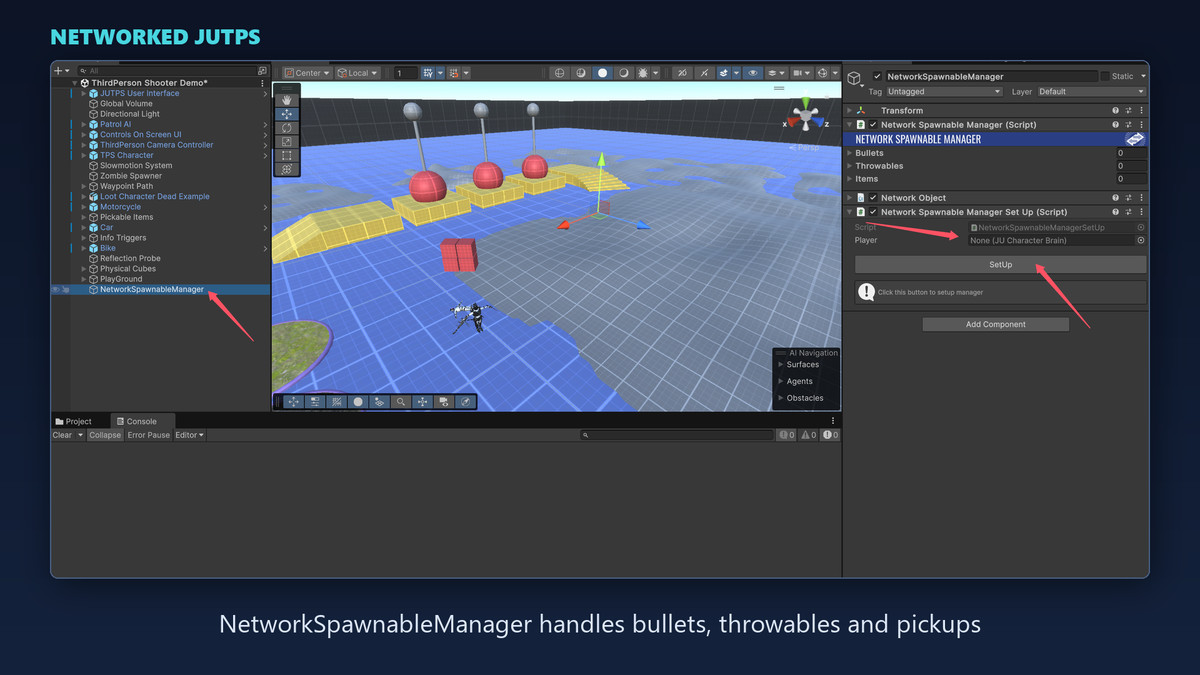
- Networked animation, ownership, and spawnable pooling handled for you
- Working menu, lobby, and session flow to test with straight away
- Demo scenes with everything already set up
HOW CUSTOMIZABLE IS IT?
The package converts your content — it does not replace it. Your characters,
weapons, vehicles, and AI keep their own models, animations, stats, and tuning;
conversion adds the networking layer on top and leaves the JUTPS logic and
inspector values intact. The demo scenes are reference examples, not a template
you have to build inside.
Extending it is part of the normal workflow. Design a new weapon, projectile, or
pickup, network it through the same window, and add it to the spawnable list —
the documentation walks through this. The menu and lobby scenes are plain Unity
scenes and prefabs, so you can restyle or replace the UI freely. All source is
included; nothing is locked behind a DLL.
WHAT GENRE DOES IT SUIT?
It is built for JUTPS, so it fits what JUTPS fits: third-person shooters. Within
that, it works for deathmatch and team shooters, co-op PvE and horde modes,
extraction and survival shooters, and vehicle-combat games — anything where
players share a session and need movement, shooting, animation, and spawned
objects to stay in sync. Because vehicles and AI are converted too, mixed
on-foot-and-driving gameplay is covered rather than being a separate problem.
It is not a general-purpose networking framework. If your project does not use
JUTPS, this package has nothing to convert.
BEFORE YOU BUY
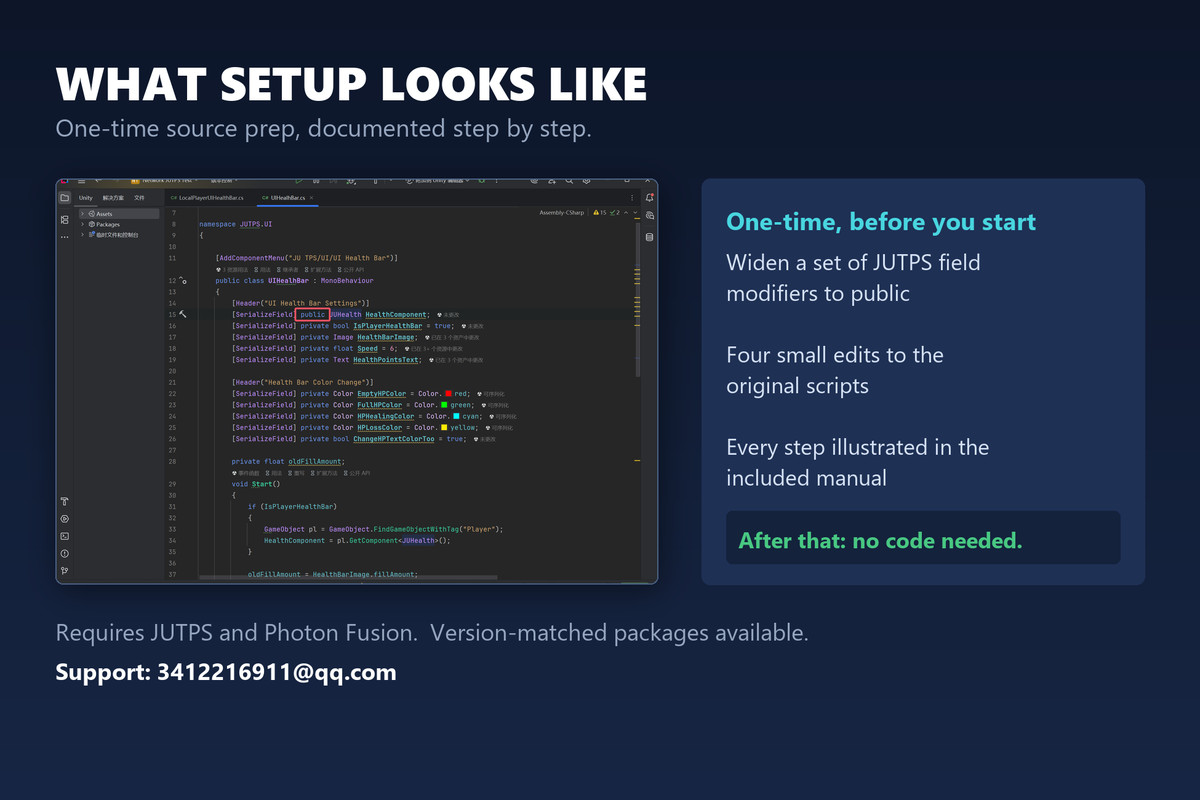
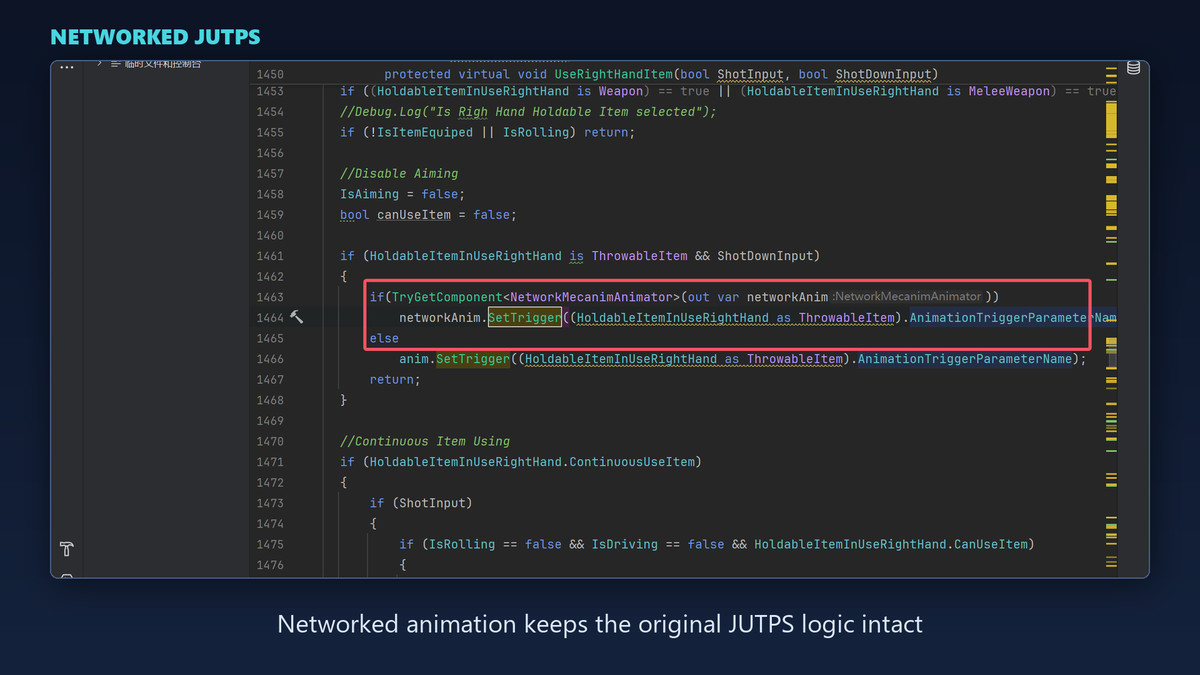
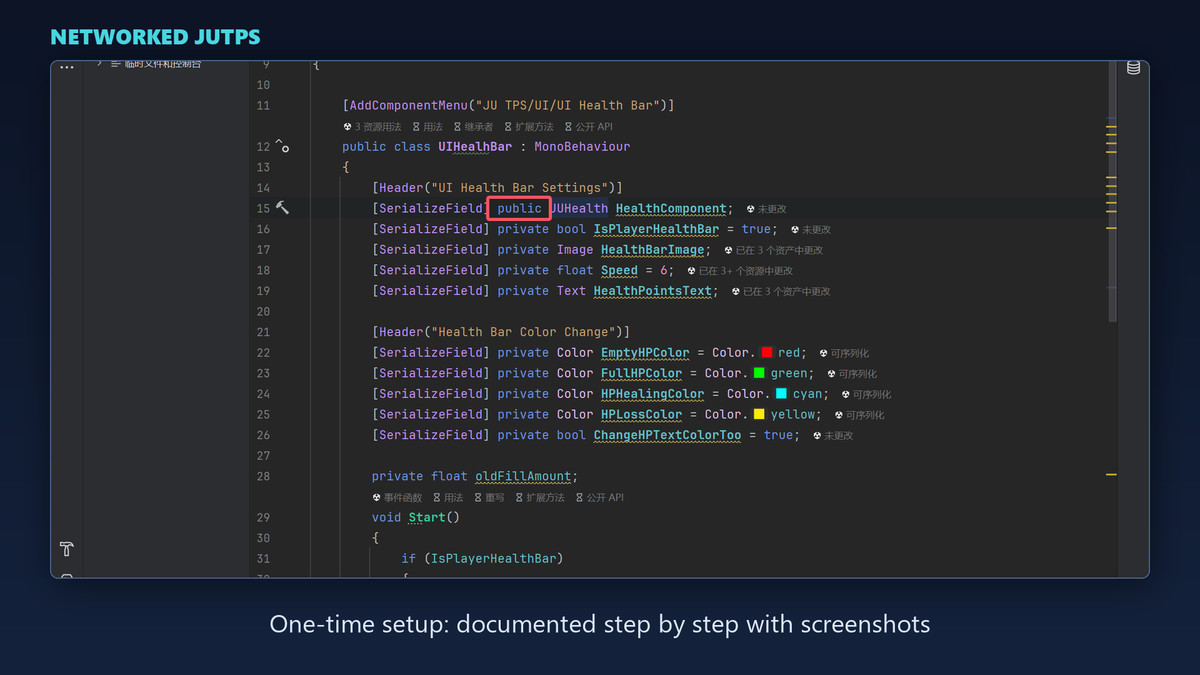
The initial import needs some comfort with code: you widen a set of JUTPS field
modifiers to public and make four small edits to the original scripts. Every step
is documented with screenshots, and it is a one-time setup — after that,
everything runs through the editor window with no further coding.
Requires JUTPS and Photon Fusion. Packages are versioned to match (for example
Networked JUTPS 3.3.9-2.0.12); pick the one matching your JUTPS and Fusion
versions. Stuck during setup? Email the developer for help.
Support: [email protected]
From the publisher's Asset Store listing.
Compatibility
| Unity version | Built-in | URP | HDRP | Custom |
|---|---|---|---|---|
| 6000.0.58f1 | Compatible | Compatible | Compatible | Compatible |
As listed on the Asset Store.