
 View on Asset Store (opens in new tab)
Package details
- Latest version
- 1.0.2
- Last updated
- First released
- Unity version
- 6000.5.6 or later
- Package size
- 12.3 MB
- Files
- 190
- Favorites
- 11
- Views in the past week
- 66
Price tracking
- Last checked
- Tracked since
- Lowest recorded
- $14.99 on
Keywords

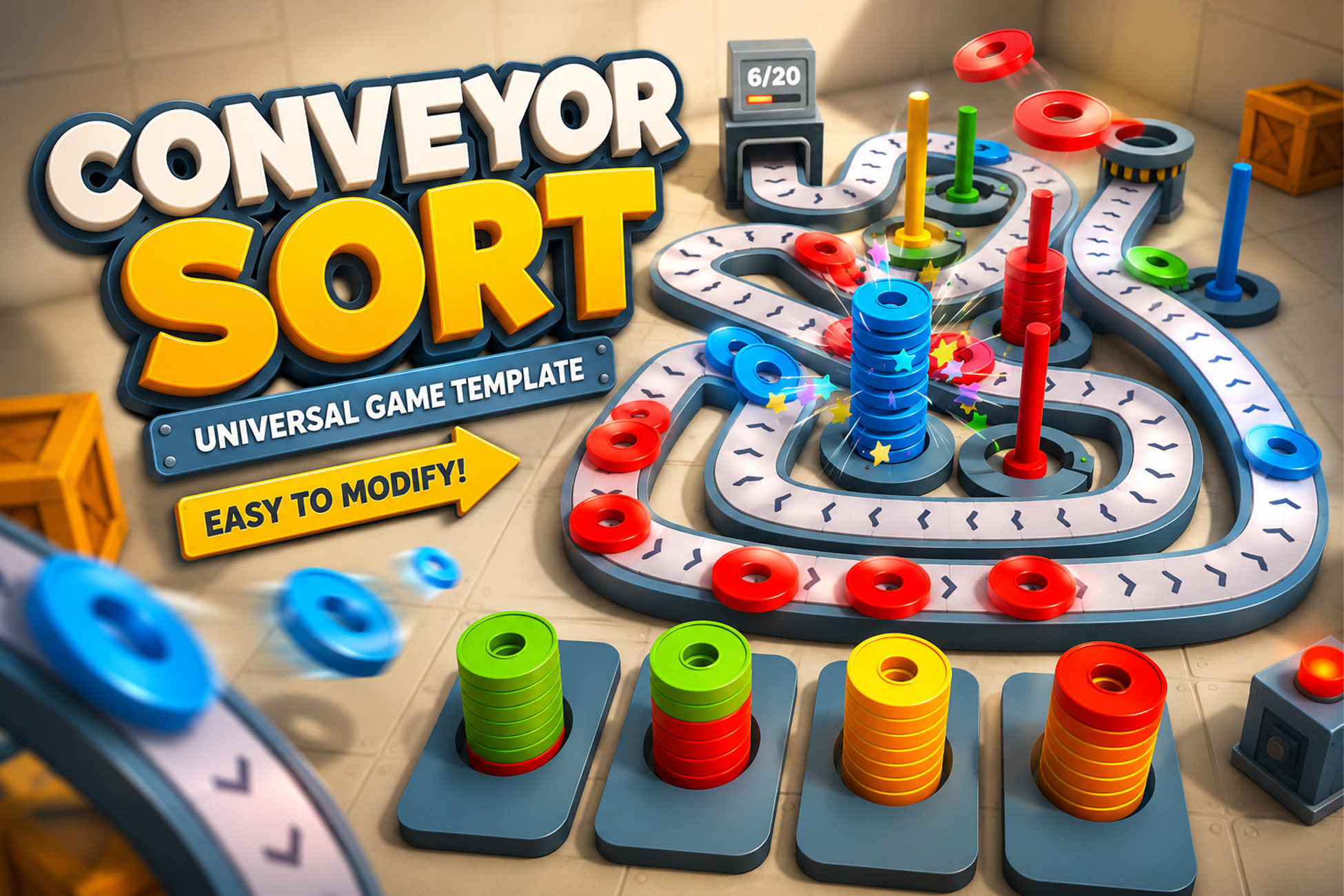
Conveyor Sort – Universal Game Template
It's a flexible template for creating conveyor-based sorting games. Instead of providing a prototype, it gives you tools to create game concepts by replacing the visuals and configuring levels.
Affiliate link · Purchases support this site
Price history
Last 6 months
USDAsset preview
1 / 5
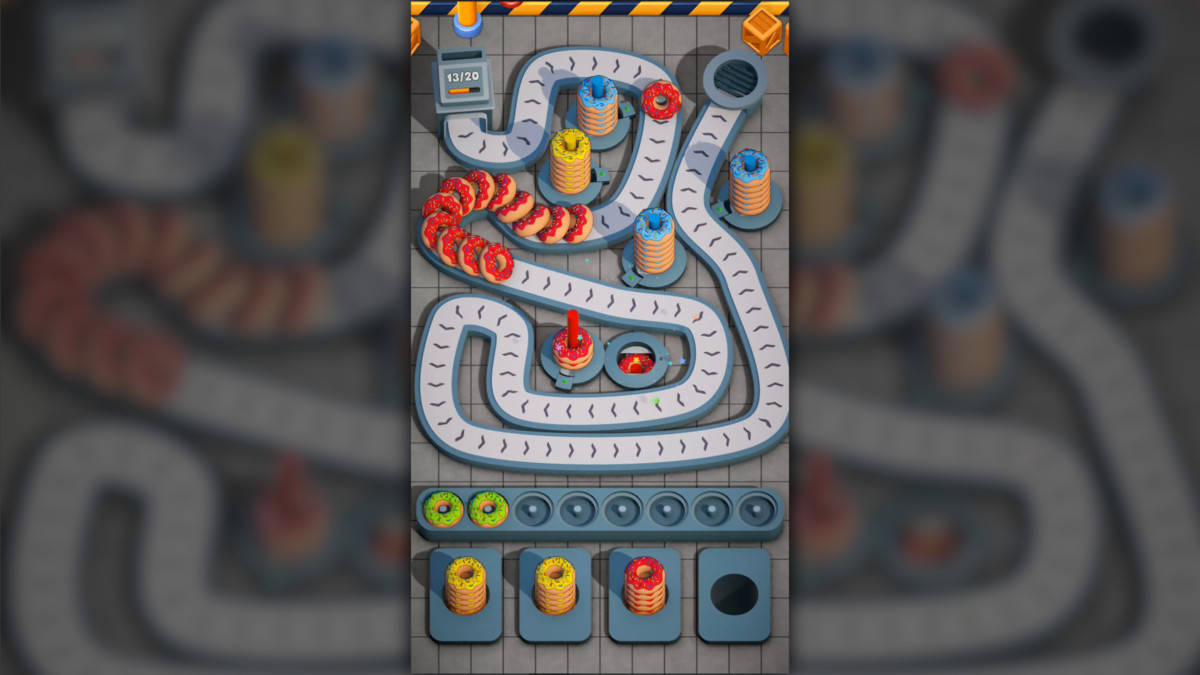
Conveyor Sort – Universal Game Template screenshot 1
About this asset
Build satisfying conveyor-based puzzle games without building the gameplay from scratch.
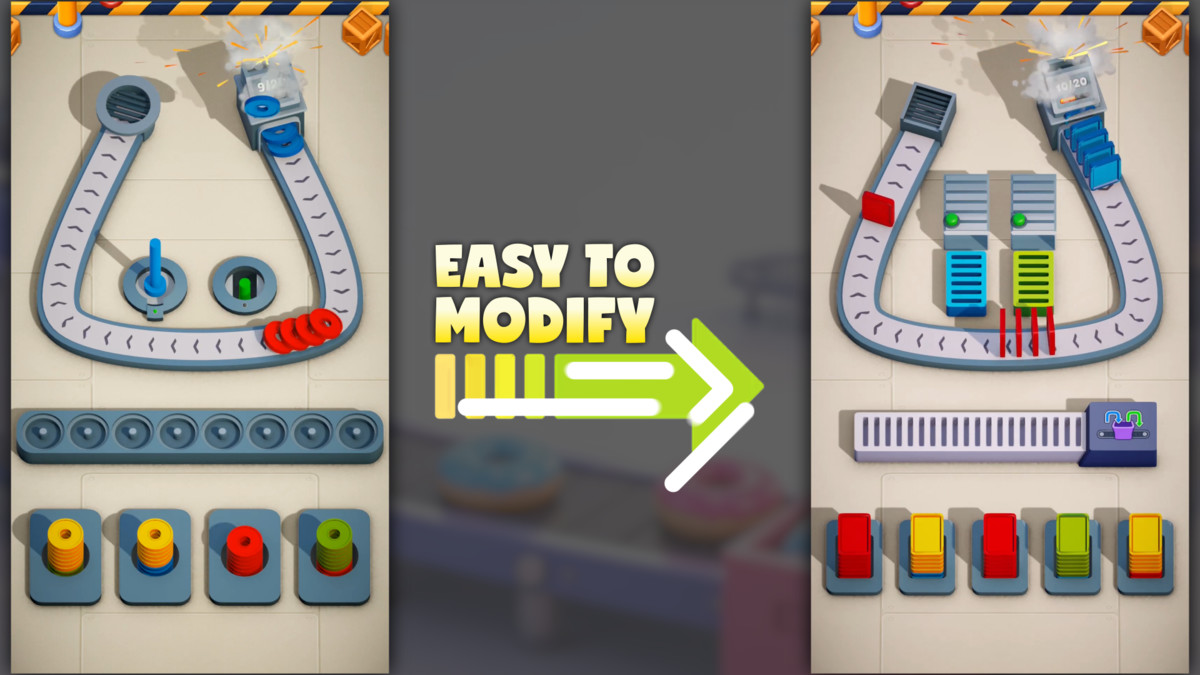
Conveyor Sort is a flexible and lightweight game template for creating conveyor-based sorting games in Unity. Instead of providing a single finished prototype, it gives you a modular gameplay framework that can be transformed into countless different game concepts simply by replacing the visuals and configuring new levels.
Whether you want to build a factory simulator, donut sorting game, warehouse puzzle, jewelry organizer, food processing game, or any other conveyor-based experience, the underlying gameplay remains the same while the presentation becomes entirely your own.
The project is designed to help you spend less time developing core mechanics and more time creating your game.
Why Conveyor Sort?
Most sorting games share the same foundation:
- Items travel through a predefined path.
- The player chooses where they should go.
- Correct decisions complete the level.
- New obstacles gradually increase the challenge.
Conveyor Sort already implements this foundation in a clean and reusable way, allowing you to focus on game design instead of rebuilding the same systems over and over again.
Designed for Fast Iteration
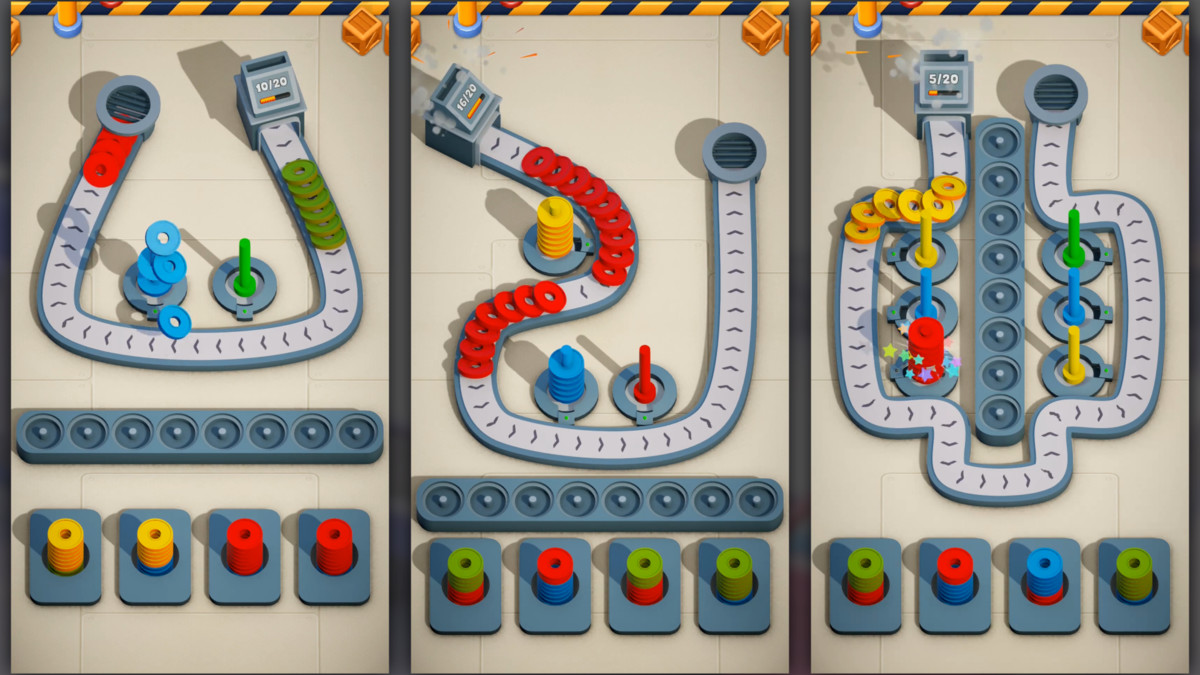
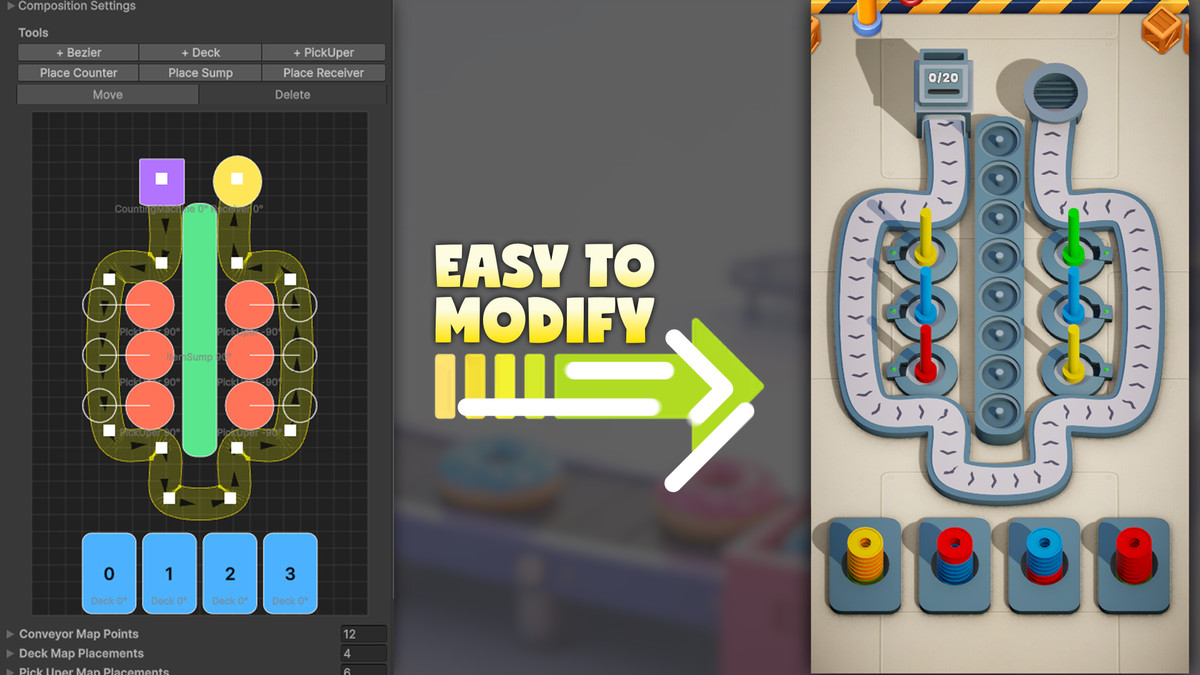
Creating a new level is intentionally simple. Build your gameplay by placing modular scene objects, configuring level data, and adjusting item flow directly inside the Unity Editor.
- No tightly coupled gameplay code.
- No complex setup.
- No unnecessary boilerplate.
The entire project is built around reusable components that are easy to understand, modify, and extend.
Main Features
- Universal conveyor-based sorting gameplay
- Clean modular architecture
- Event-driven gameplay systems
- Mobile-friendly implementation
- Object pooling for reusable gameplay objects
- Flexible configuration system
- Fast level creation workflow
- Configurable win and fail conditions
- Easy-to-understand project structure
- Unity 6 compatible
- Universal Render Pipeline (URP)
One Gameplay – Unlimited Themes
The included visuals are only an example. Replace them with your own assets and create completely different games:
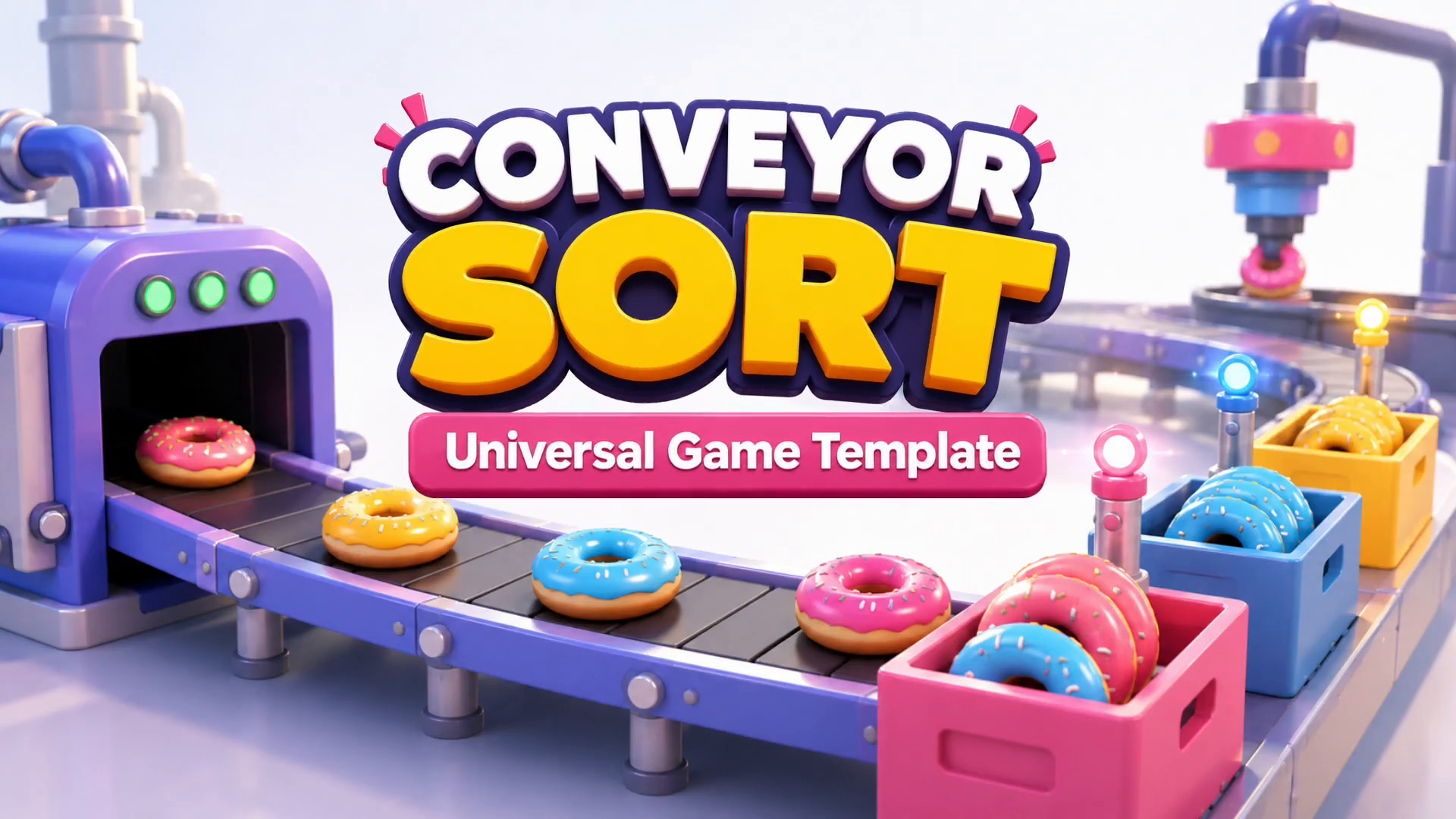
- Donuts
- Coins
- Colored Rings
- Mechanical Parts
- Batteries
- Jewelry
- Toys
- Food
- Packages
- Crystals
- Cards
- Or any custom object you can imagine.
The gameplay remains exactly the same while the visual style becomes entirely yours.
Optimized for Mobile
The template is designed with performance in mind. It includes:
- Event-driven architecture
- Reusable gameplay objects
- Object pooling
- Low runtime allocations
- Lightweight gameplay systems
- Efficient scene organization
making it suitable for mobile projects while remaining easy to expand.
Detailed Documentation Included
Comprehensive documentation explains:
- Project architecture
- Gameplay systems
- Creating new levels
- Configuration files
- Customizing visuals
- Extending mechanics
- Initial project setup
Whether you're an experienced Unity developer or creating your first hyper-casual prototype, you'll be able to understand the project quickly and start building immediately.
Requirements & Dependencies
This asset requires Unity Splines (com.unity.splines), available through the Unity Package Manager.
Unity Splines is not included with this asset and must be installed separately through Unity Package Manager.
Third-Party Notice
This asset uses Unity Splines by Unity Technologies under the license supplied with the Unity Splines package; see Third-Party Notices.txt included in the package for details.
From the publisher's Asset Store listing.
Technical details
Dependencies:
• Unity Splines (com.unity.splines) — required
• TextMesh Pro — used for UI text
Setup:
Install Unity Splines through Window → Package Manager before using the included conveyor system and demo scene.
No third-party fonts are included in the package. UI text uses the standard TextMesh Pro font asset.
Technical Details
- Built with Unity 6
- Compatible with Universal Render Pipeline (URP)
- Clean, modular, event-driven architecture
- Mobile-friendly implementation
- Object Pooling system
- Configurable gameplay through centralized configuration assets
- Easy-to-extend gameplay systems
- Fast level creation workflow
- Well-structured and documented source code
- Comprehensive documentation included
- Fully commented public API and organized project structure
- No external dependencies
Compatibility
| Unity version | Built-in | URP | HDRP | Custom |
|---|---|---|---|---|
| 6000.5.6f1 | Compatible | Compatible | Compatible | Compatible |
As listed on the Asset Store.