
 View on Asset Store (opens in new tab)
Package details
- Latest version
- 1.1.1
- Last updated
- First released
- Unity version
- 2022.3.62 or later
- Package size
- 41 KB
- Files
- 10
- Favorites
- 4
- Views in the past week
- 29
Price tracking
- Last checked
- Tracked since
- Lowest recorded
- Free on
Keywords

Quick Build Size Reporter
by Krykftn | Advanced Editor Tools & Systems (opens in new tab)
- Price drop
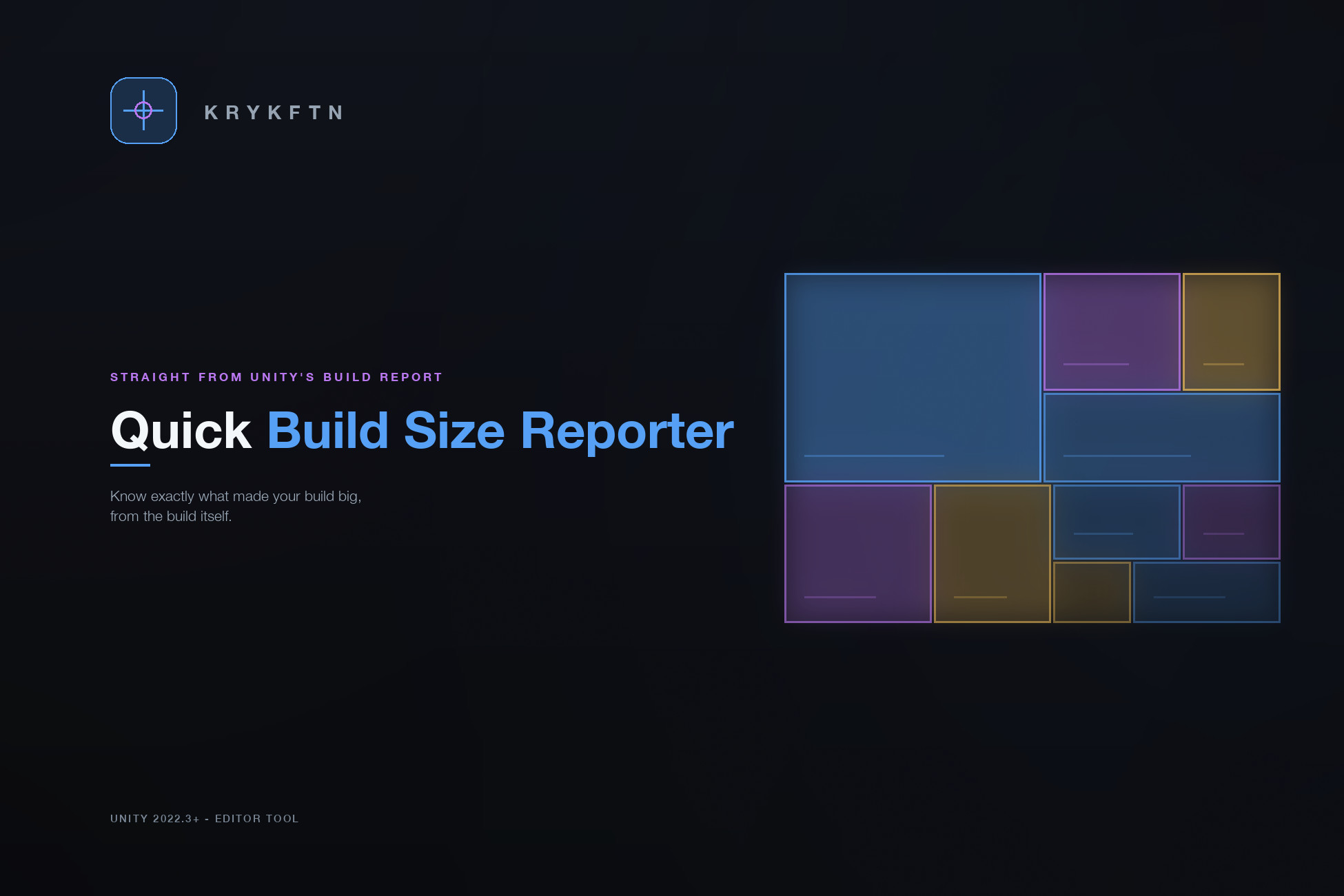
After every build, see exactly where your size went — a colored per-category breakdown, the heaviest files, warnings, and the delta vs. your last build. Editor-only, zero setup, no runtime cost.
Affiliate link · Purchases support this site
Price history
Last 6 months
USDAsset preview
1 / 2

Quick Build Size Reporter screenshot 1

About this asset
Stop guessing what's making your build big.
Quick Build Size Reporter hooks Unity's build pipeline and, after every build, prints a clean, colored report of exactly where your size went — straight to the Console, saved as a .txt, and shown in a dark editor window.
What you get after every build
Per-category breakdown: Textures, Meshes, Audio, Shaders, Fonts, Animations, Materials, Prefabs, Scripts, Data, Plugins, Other — with proportion bars and percentages.
Largest-files list: the top N heaviest assets with color-coded severity markers. Click one in the window to ping it in your Project.
Build-over-build delta: every build is compared to the last, so a size regression is obvious before it ships.
Warnings: counts of oversized files and large uncompressed textures, plus a third-party / Packages total.
Colored & readable: rich-text colors and severity dots that render right in the Unity Console.
Editor window: Tools > Quick Build Size Reporter — Latest / History / Settings, with CSV export.
Saved reports: a timestamped .txt per build in your project's BuildReports/ folder.
Zero setup, zero risk
Import it and build — that's the whole setup. It is Editor-only: nothing ships in your game, there is no runtime cost, and the entire pass is guarded so it can never fail a build.
Compatibility
Unity 2022.3 LTS or newer, any platform. No external package dependencies. Reads the official BuildReport API.
TOOLS THAT ACT ON WHAT THE REPORT FINDS
• Quick Texture Optimizer — scans every texture, sets per-platform compression and max size in bulk, and finds duplicate and unused textures
• Quick Asset Audit Pro — finds what your project carries and nothing uses, including unused files under Resources that every build ships anyway
• Also free: Quick Debug Console — an in-game console that exists only on the devices you whitelist
From the publisher's Asset Store listing.
Technical details
KEY FEATURES
Per-category breakdown — Textures, Meshes, Audio, Shaders, Fonts, Animations, Materials, Prefabs, Scripts, Data, Plugins, Other, with proportion bars and percentages.
Top-N largest files — the heaviest assets with color-coded severity markers; click to ping them in the Project.
Build-over-build delta — total size compared to your previous build, plus a full build history.
Warnings — oversized-file and large-texture counts, plus a third-party / Packages total.
Colored Console output — rich-text colors and severity dots that render in the Unity Console (no missing-glyph emoji), with a plain .txt export.
Editor window — Tools > Quick Build Size Reporter: Latest / History / Settings tabs, with CSV export.
Configurable — thresholds, number of files listed, output folder, and history limit.
HOW IT WORKS
Implements IPostprocessBuildWithReport and reads Unity's official BuildReport (summary + packedAssets) after each player build. Runs only in the editor at build time and is fully guarded, so it can never fail your build.
SUPPORTED
Unity 2022.3 LTS or newer. Any build target. Editor-only — zero runtime footprint. No external package dependencies.
Compatibility
| Unity version | Built-in | URP | HDRP | Custom |
|---|---|---|---|---|
| 2022.3.62f2 | Compatible | Compatible | Compatible | Compatible |
Editor-only tool — nothing is included in your game and there is no runtime code, so it is fully render-pipeline independent (Built-in, URP, HDRP). It reads Unity's official BuildReport API after a build. No external package dependencies. Unity 2022.3 LTS or newer, any build target.
As listed on the Asset Store.