
 View on Asset Store (opens in new tab)
Package details
- Latest version
- 1.0
- Last updated
- First released
- Unity version
- 6000.3.18 or later
- Package size
- 154 KB
- Files
- 65
- Favorites
- 2
- Views in the past week
- 10
Price tracking
- Last checked
- Tracked since
- Lowest recorded
- $24.49 on
Keywords
FlowKit — Screen Flow & Gamepad Navigation for UI Toolkit
A screen manager for UI Toolkit: navigation stack, transitions, modals and dialogs, with focus that works on keyboard, mouse and gamepad.
Affiliate link · Purchases support this site
Price history
Last 6 months
USDAsset preview
1 / 7
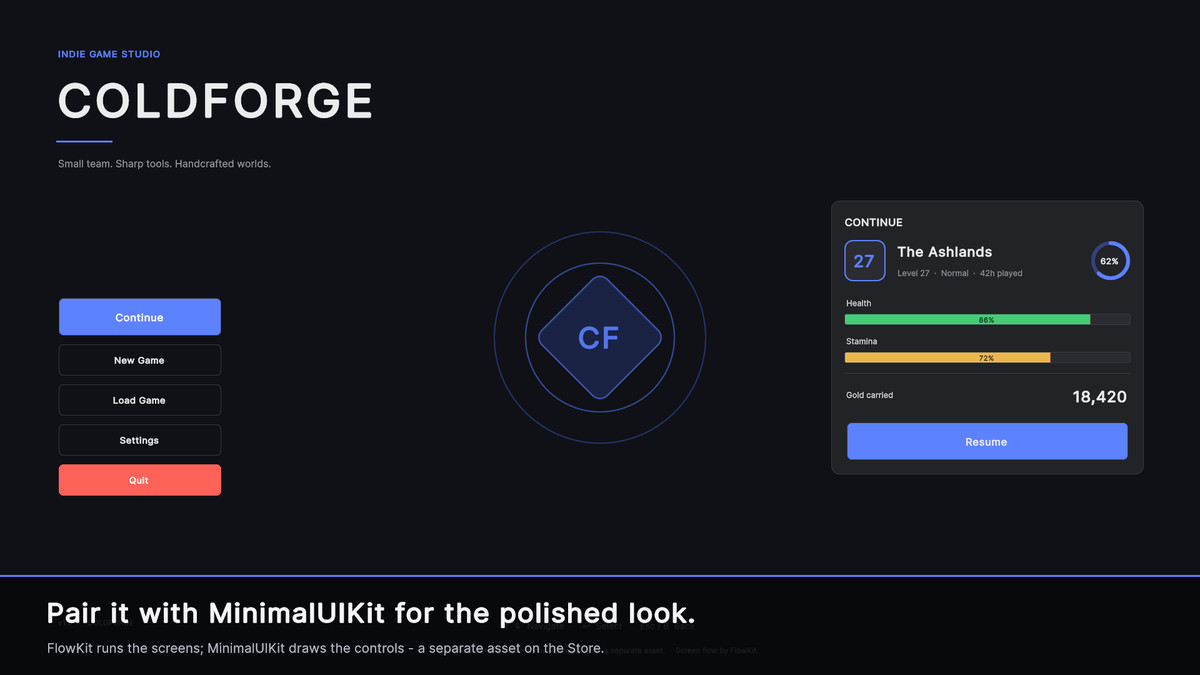
FlowKit — Screen Flow & Gamepad Navigation for UI Toolkit screenshot 1
About this asset
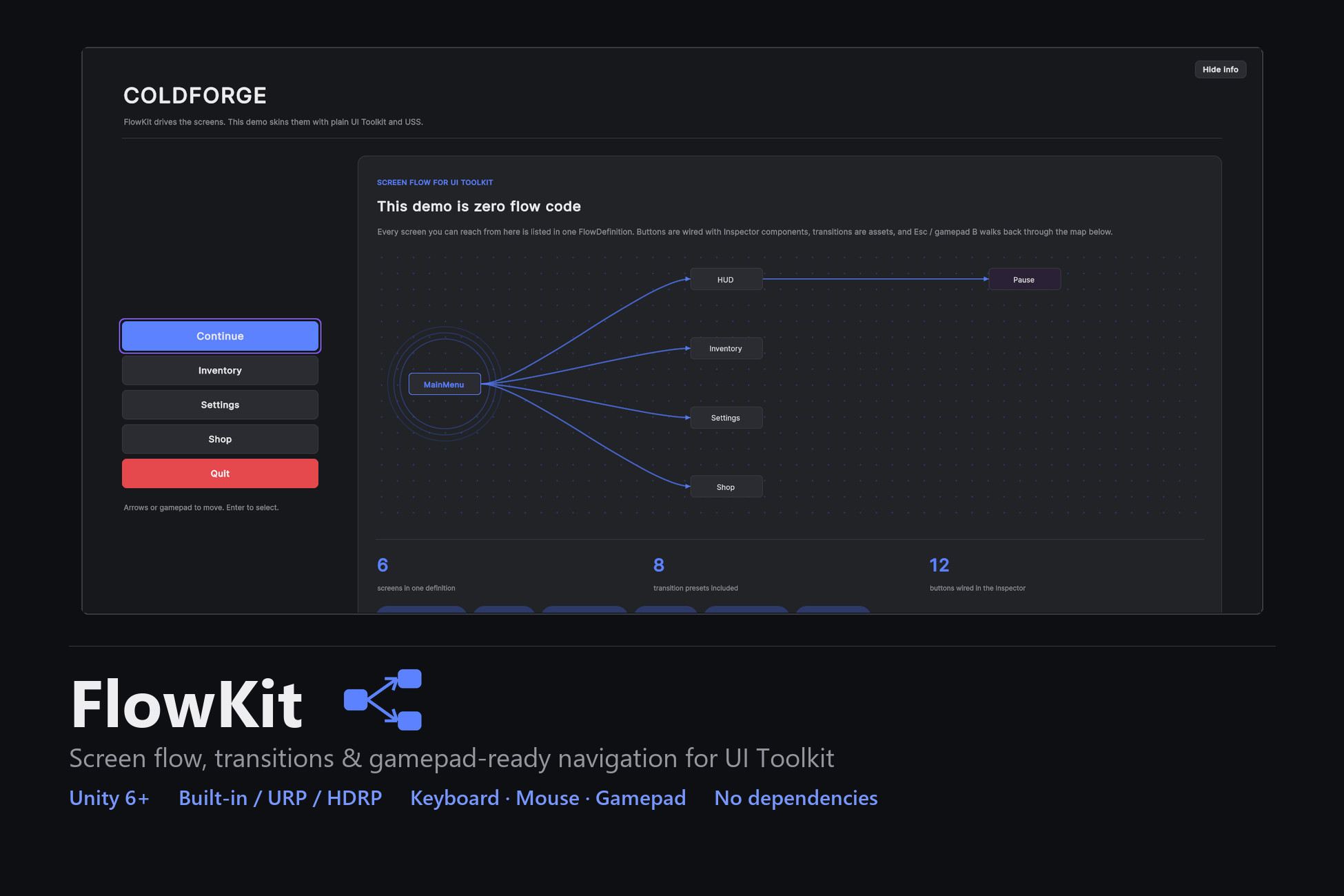
Unity's UI Toolkit is built for laying out UI, but it stops there — it has no screen manager, no transitions between screens, and no focus handling for keyboard or gamepad. FlowKit adds all of that on top: a screen navigation stack, transition assets, and focus that works with mouse, keyboard and gamepad.
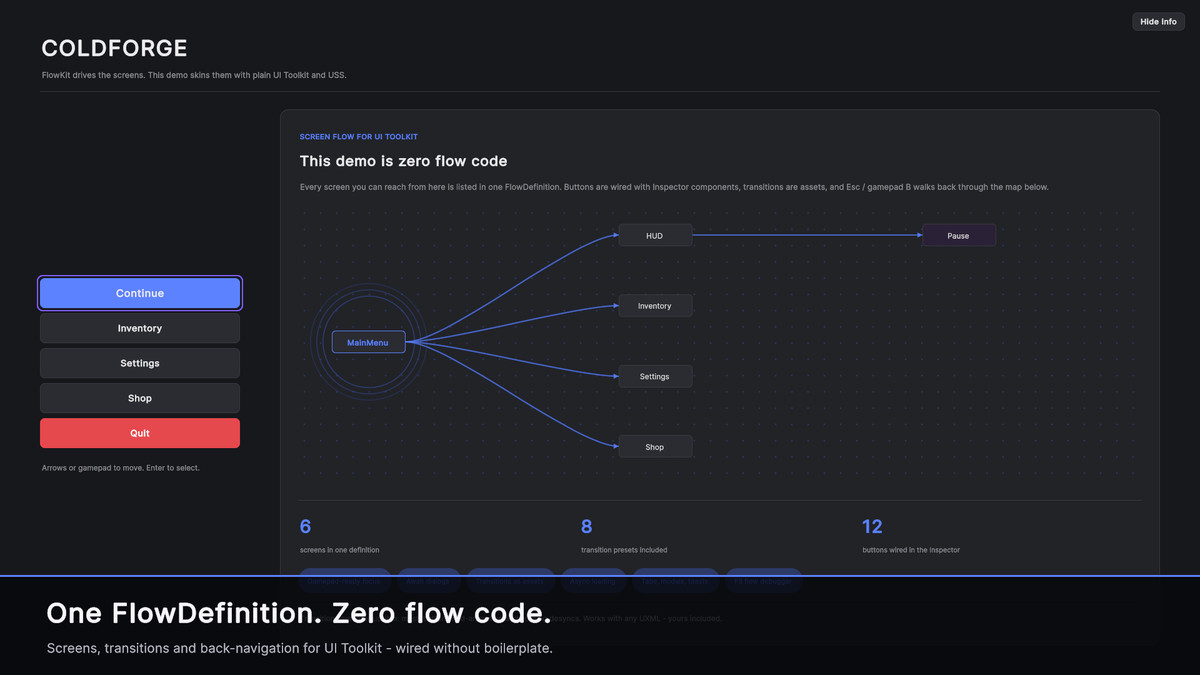
List your screens in one asset, wire the buttons in the Inspector, press Play.
Screen flow
- One FlowDefinition lists every screen (a name and a UXML).
- A real navigation stack: Push, Pop, Back, Show, Replace, ClearTo.
- Buttons wired with an Inspector component — no flow code.
Keyboard and gamepad focus
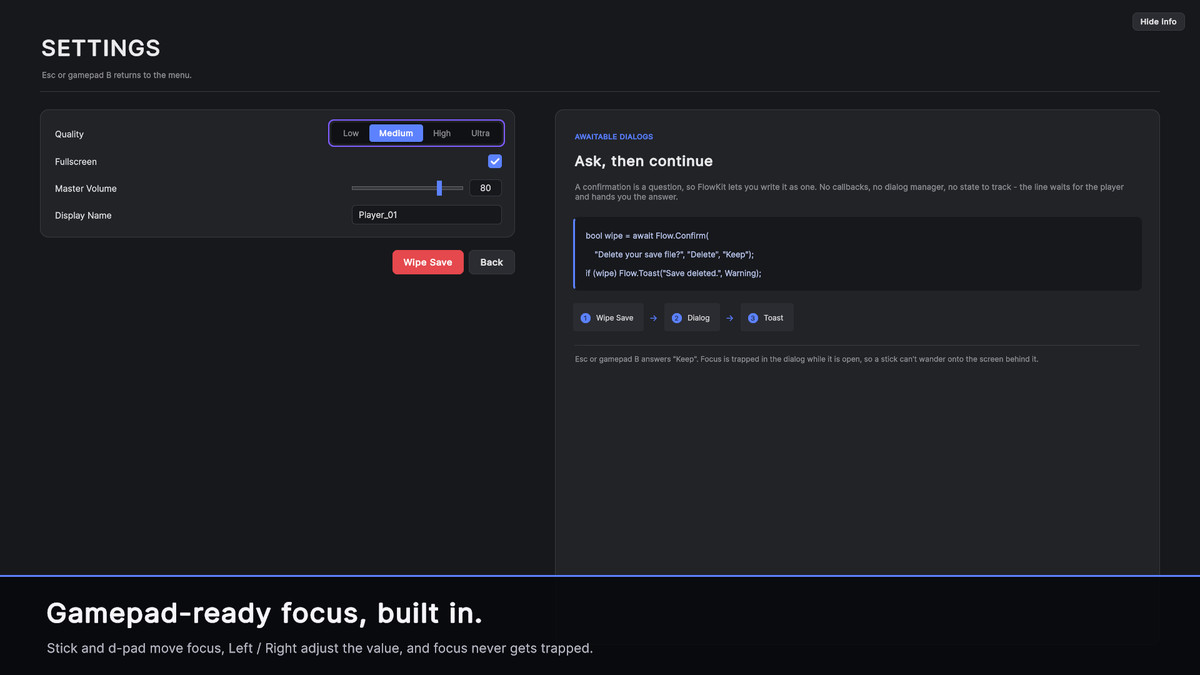
- Stick and d-pad move focus, A selects, B or Esc goes back.
- A visible focus ring follows the selection; lists scroll to keep it on screen.
- Focus stays inside an open modal and never gets trapped.
- Works on mouse, keyboard and gamepad, on both input backends.
Transitions
- Eight presets (fade, slide, scale, cascade), or make your own — duration, easing, child stagger. Interruptible: switching mid-animation never desyncs.
Modals and dialogs
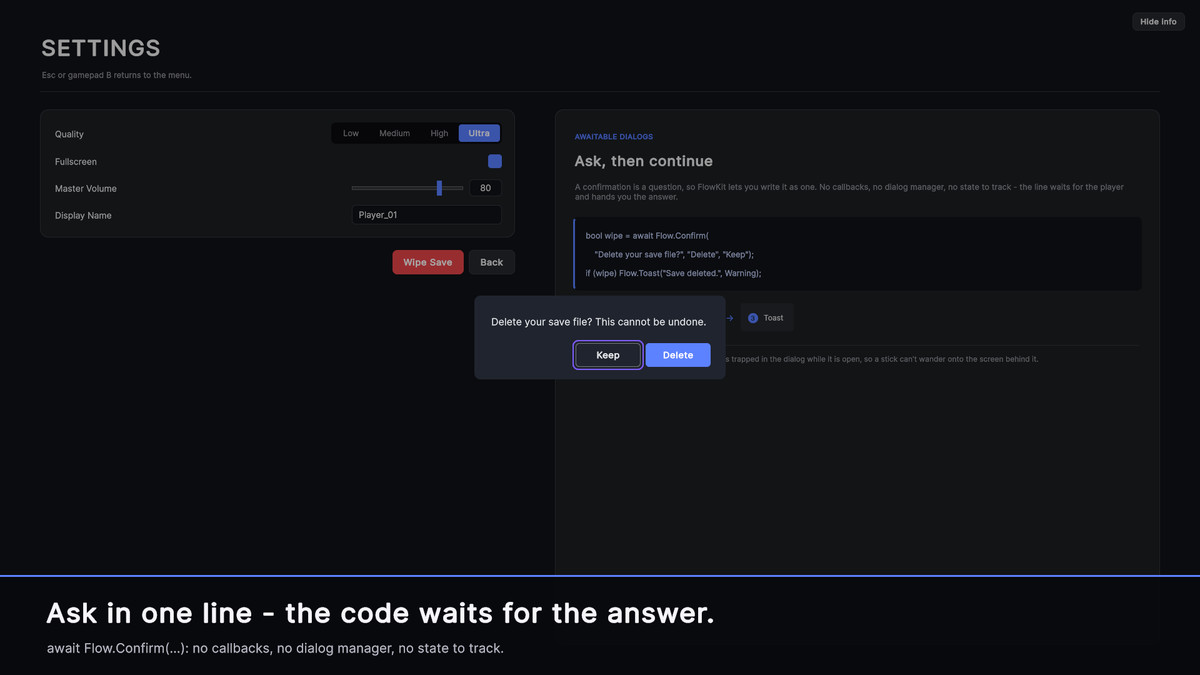
- await Flow.Confirm / Alert / Prompt, or your own UXML dialogs.
- Modal overlays with a focus trap, a priority popup queue, and non-blocking toasts.
Async screens
- Load data before a screen appears: the previous screen stays under a dimmed loader, then the new one reveals already filled. Esc cancels cleanly.
Also included
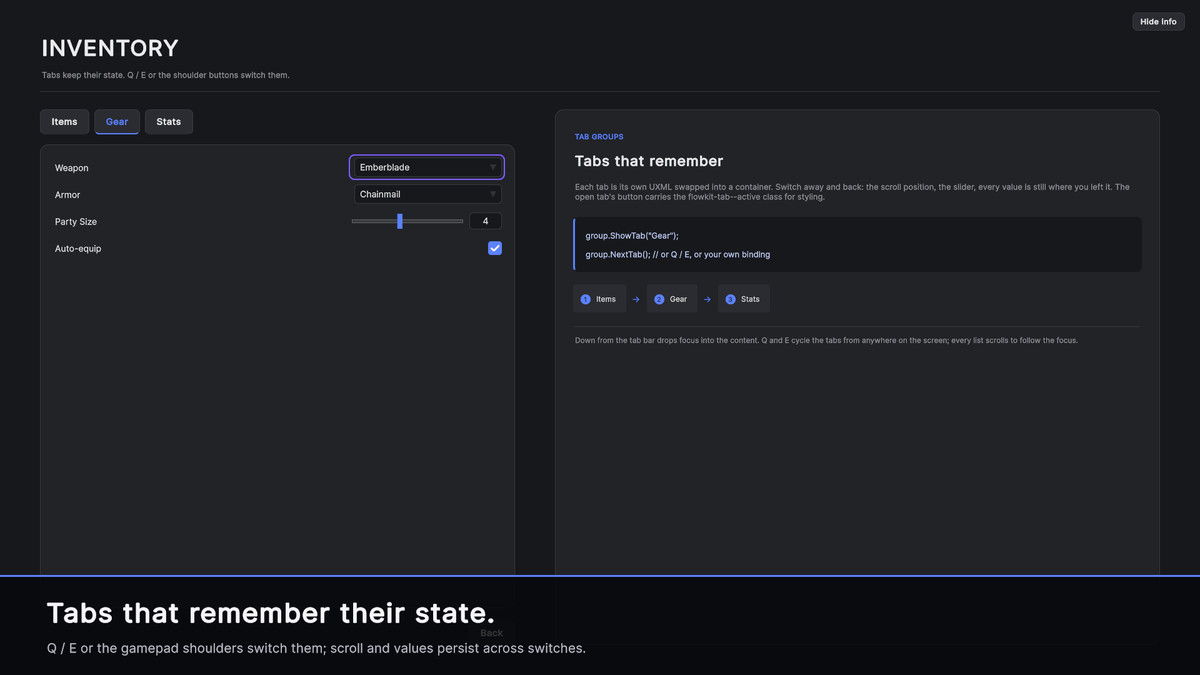
- Tab groups that keep their state (Q/E or gamepad shoulders).
- UnityEvent hooks for screen lifecycle.
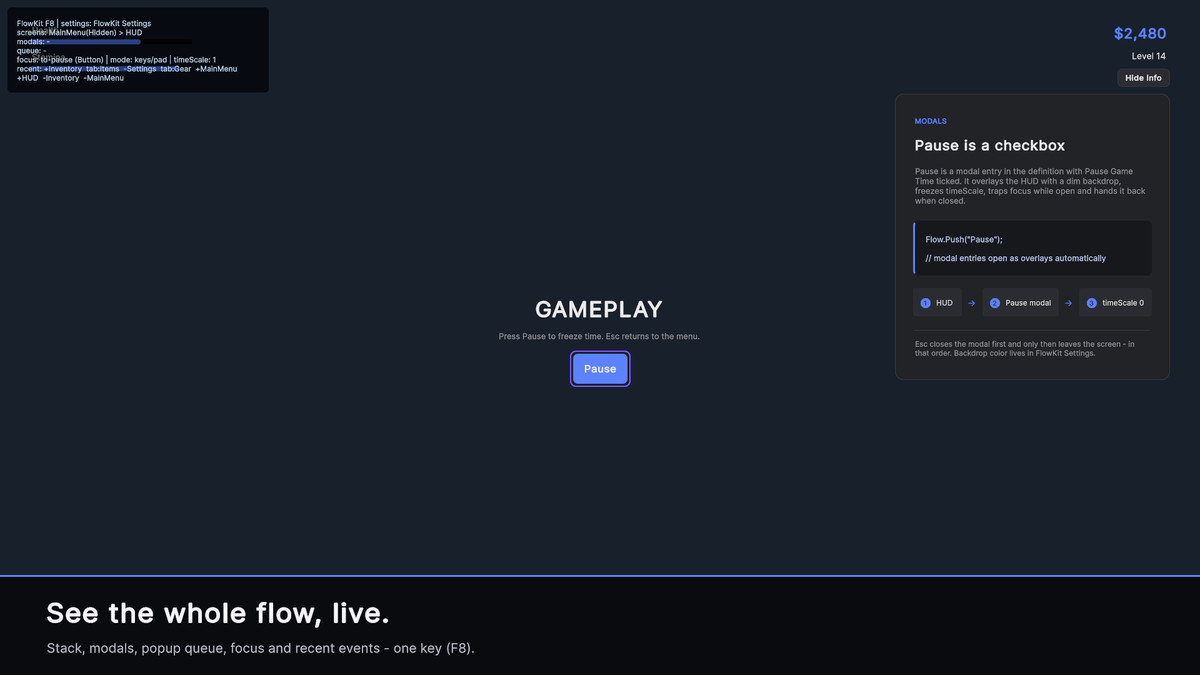
- An F8 debug overlay: screen stack, modals, queue, focus, recent events.
- A visual Flow Map editor that wires buttons by dragging.
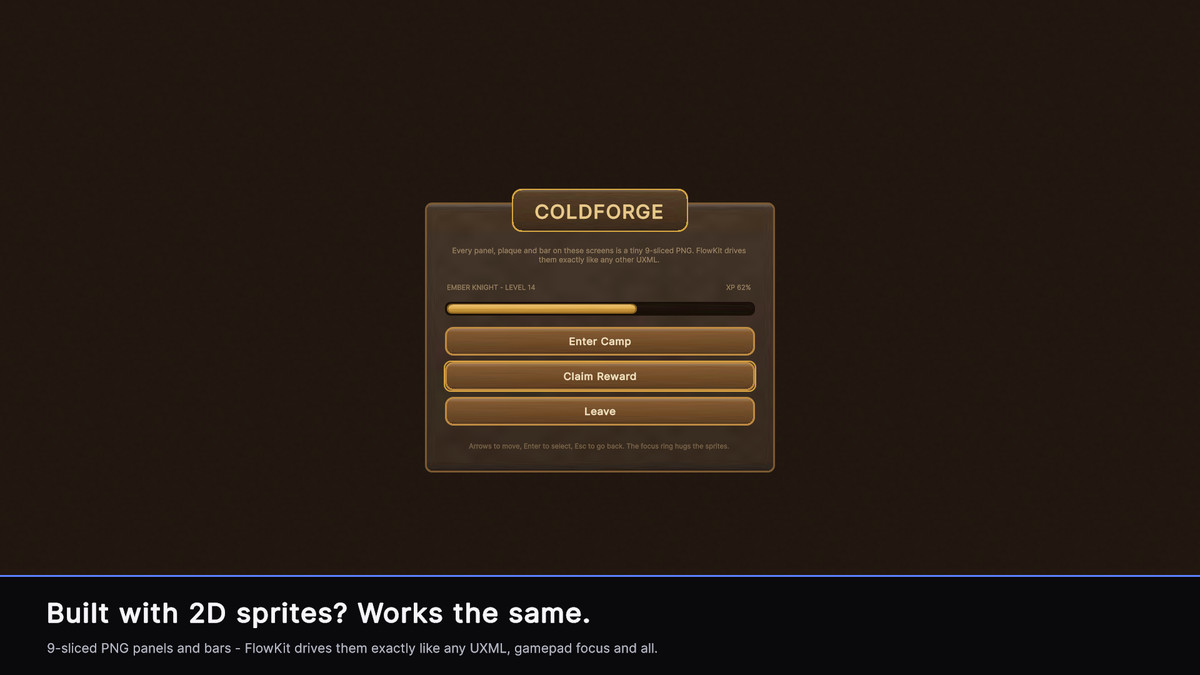
Works with any UXML — your own layouts, sprite-based art, or a component kit. Three self-contained demo scenes are included: plain UXML, a USS-styled skin, and a 9-sliced sprite skin.
Requires Unity 6 or newer. No dependencies. Built-in, URP and HDRP.
Pairs well with MinimalUIKit (sold separately) if you want ready-made themeable components.
Support and docs: [email protected]
From the publisher's Asset Store listing.
Technical details
Requirements / Technical details:
- Unity 6000.0 or newer
- Render pipelines: Built-in, URP, HDRP (UI Toolkit is pipeline-agnostic)
- Input: keyboard, mouse, gamepad — both the new Input System and legacy Input Manager (no forced package dependency)
- No third-party dependencies
- All platforms (desktop, console, mobile)
- Source C# included
Compatibility
| Unity version | Built-in | URP | HDRP |
|---|---|---|---|
| 6000.3.18f1 | Compatible | Compatible | Compatible |
As listed on the Asset Store.