
 View on Asset Store (opens in new tab)
Package details
- Latest version
- 1.0
- Last updated
- First released
- Unity version
- 6000.3.8 or later
- Package size
- 956 KB
- Files
- 50
- Favorites
- 1
- Views in the past week
- 8
Price tracking
- Last checked
- Tracked since
- Lowest recorded
- $25.00 on
Keywords

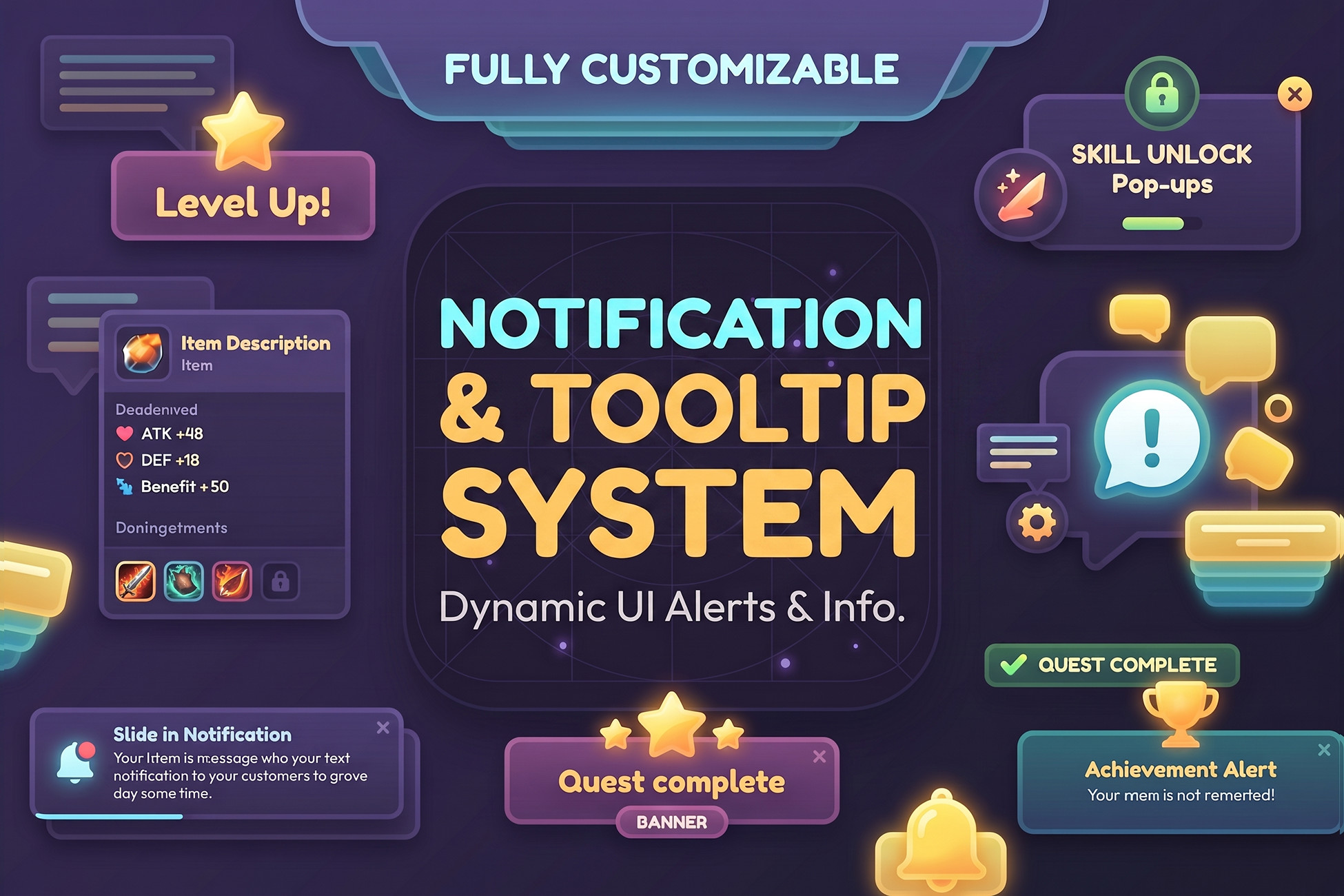
Notification & Tooltip System — Toast, Popup, Banner + Smart Tooltips
Production-ready Unity UI framework with notification and tooltip systems. Includes toast, popup, banner, hover, world-space tooltips, pooling, animations, and zero-code setup via prefabs.
Affiliate link · Purchases support this site
Price history
Last 6 months
USDAsset preview
1 / 7
Notification & Tooltip System — Toast, Popup, Banner + Smart Tooltips screenshot 1
About this asset
Notification Tooltip System delivers two fully independent, professional-grade UI frameworks: an in-game notification system and a tooltip system — both driven entirely from the Inspector via ScriptableObjects.
Notification System:
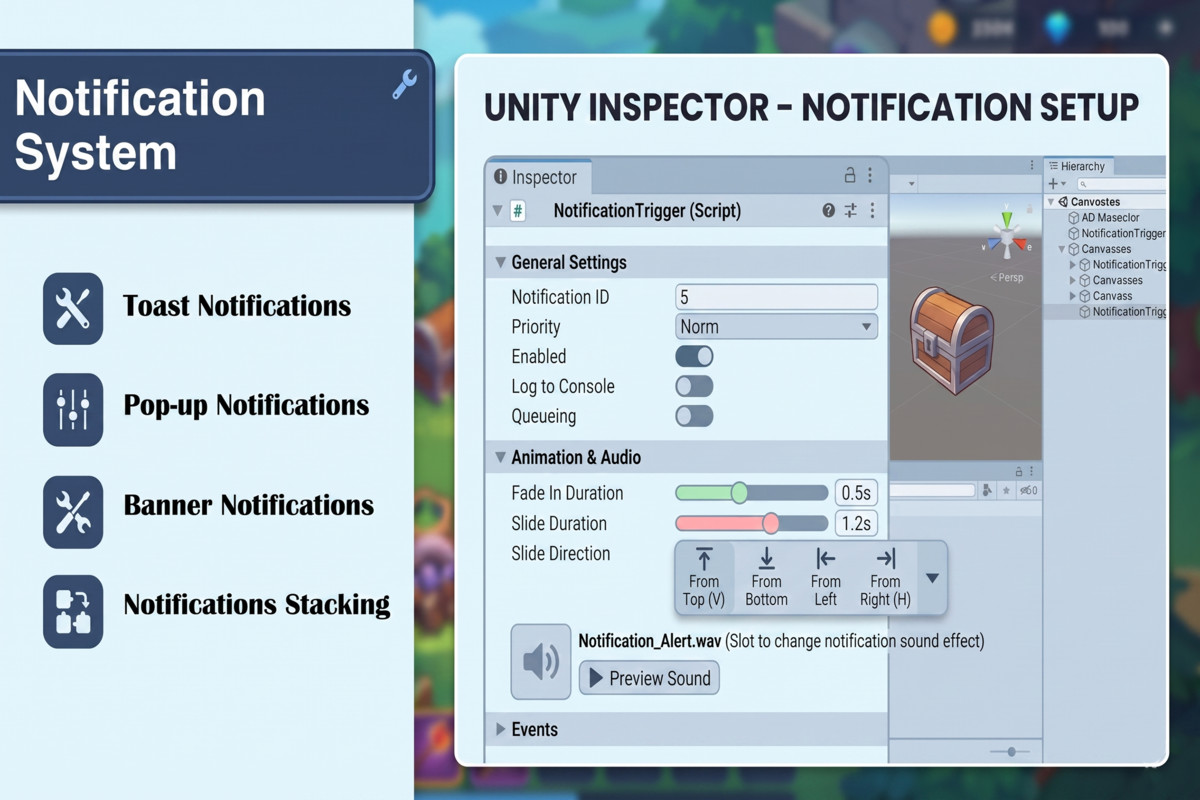
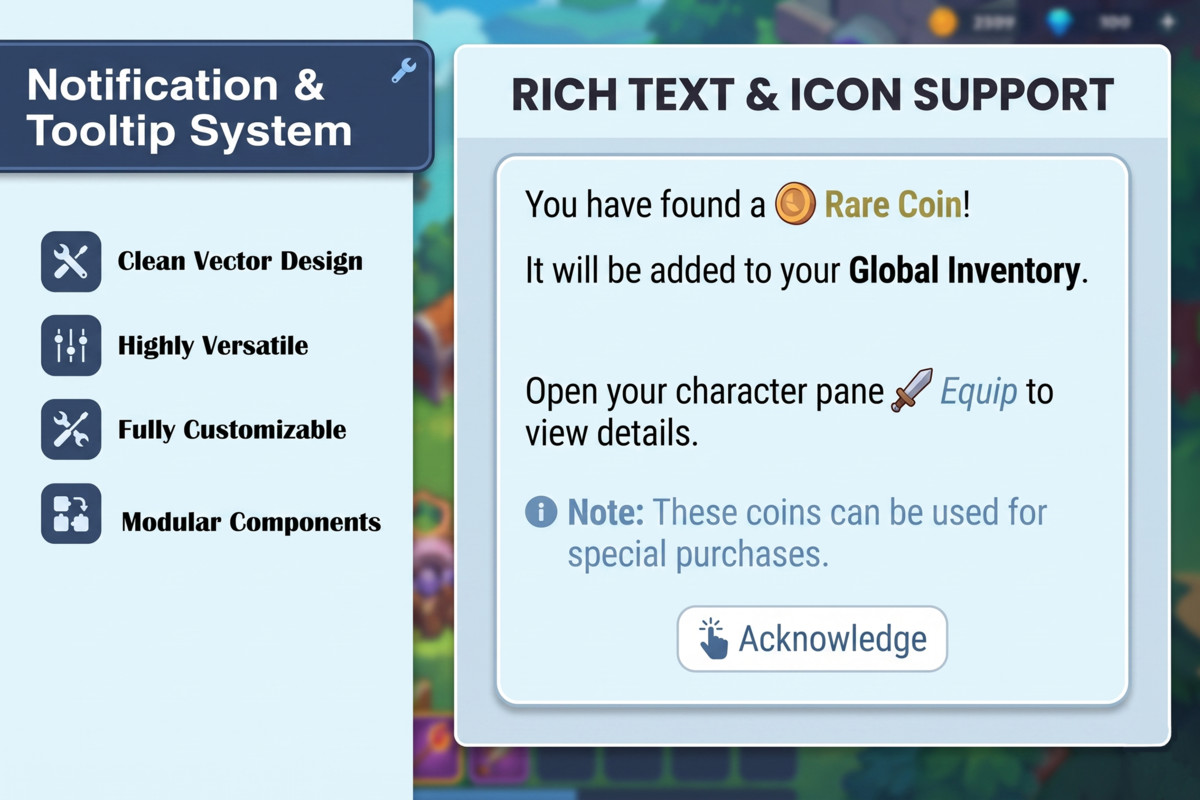
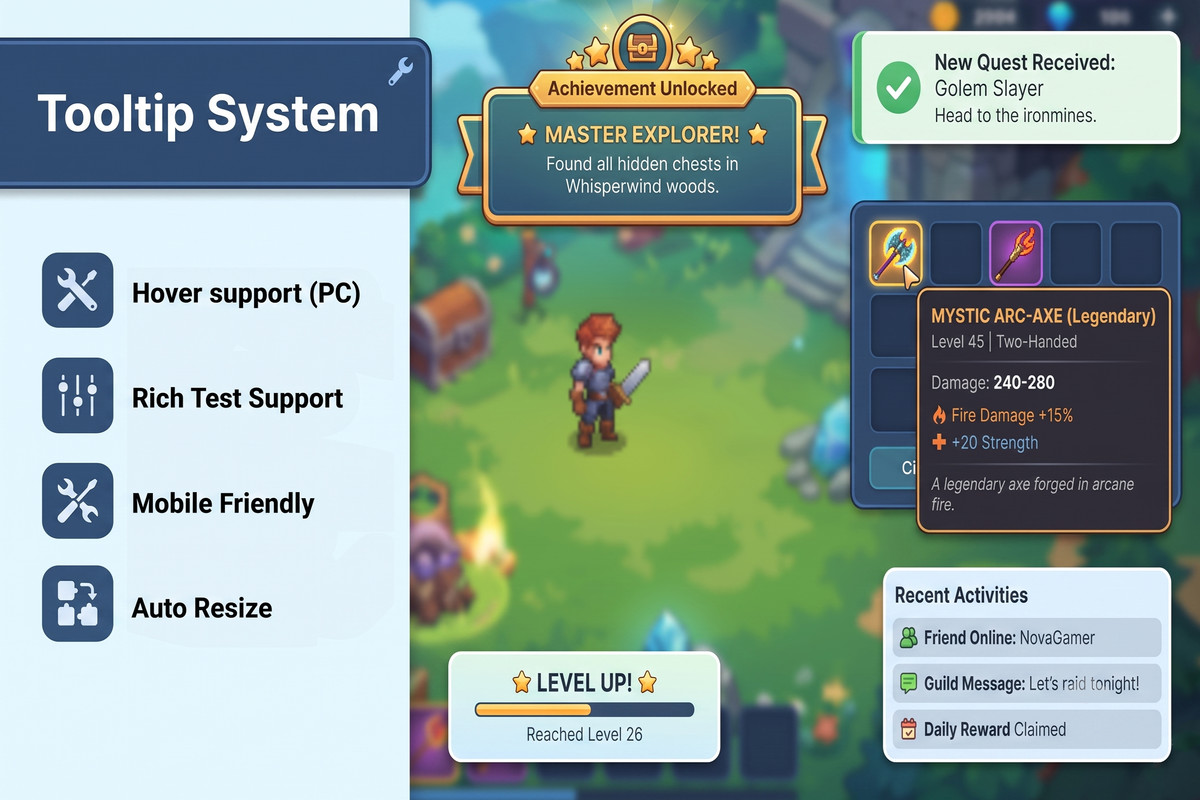
- Toast, Popup, and Banner notification types with a priority queue (Critical > High > Normal > Low)
- Critical interrupt support — urgent notifications re-queue whatever they replace so nothing is lost
- Object pooling: zero Instantiate/Destroy calls at runtime after warm-up, safe for mobile performance budgets
- Up to 8 stacked toasts across 6 anchor positions
- Built-in animation engine — 6 easing curves, 5 effects (Fade, Slide, Scale, and combinations) — no DOTween or external libraries required
Tooltip System:
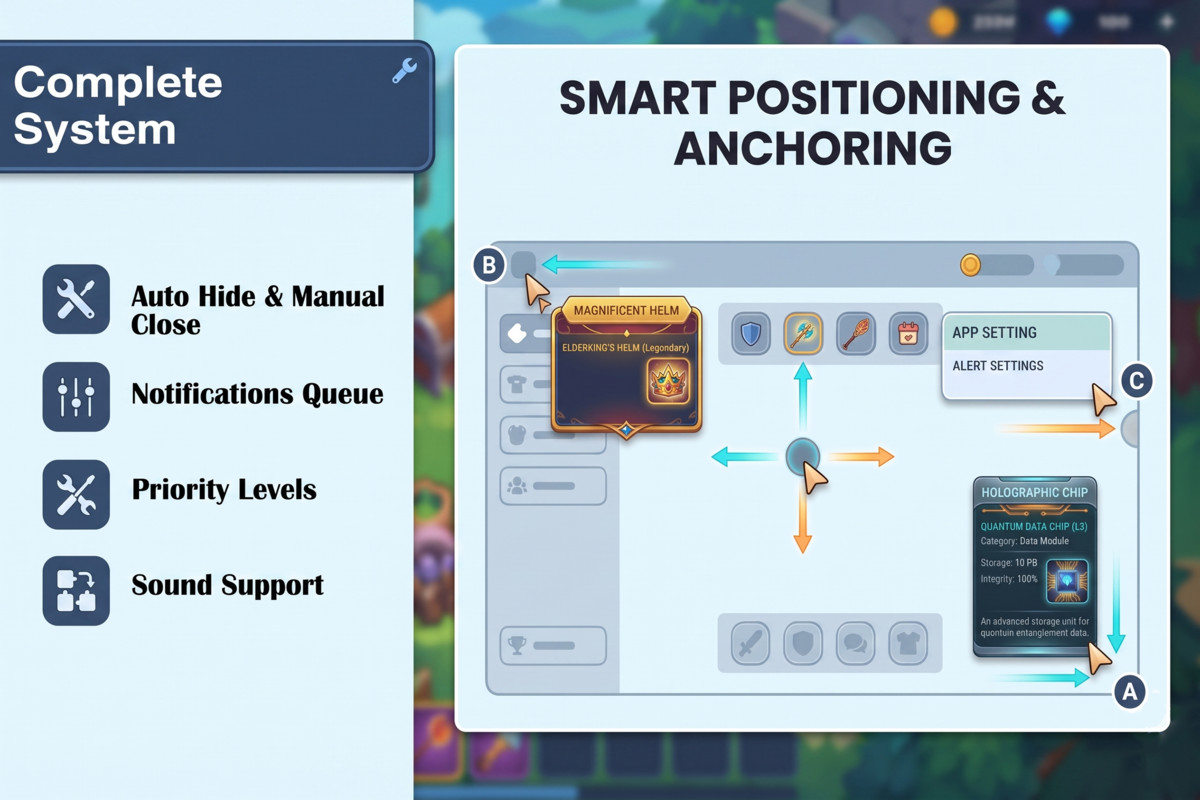
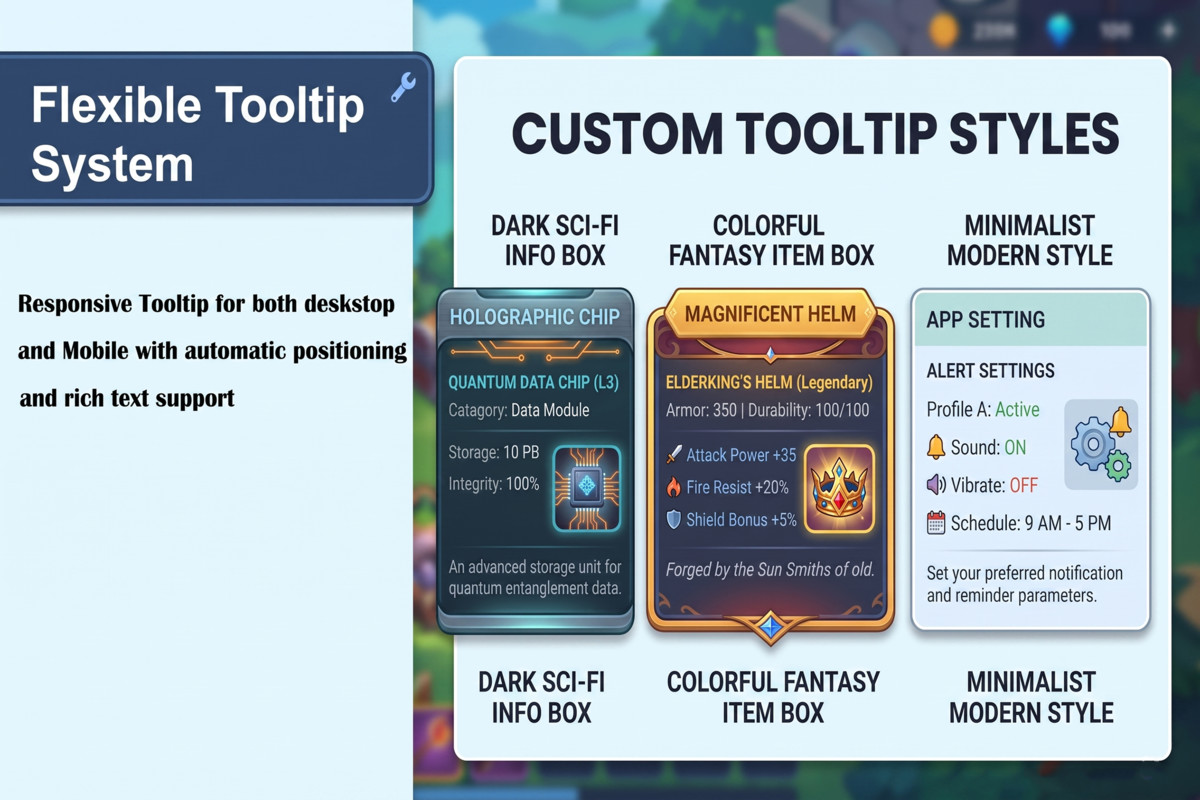
- UI hover tooltips and 3D world-space tooltips (via Physics.Raycast, no EventSystem Raycaster needed)
- Smart screen-edge avoidance keeps tooltips fully visible at any screen position
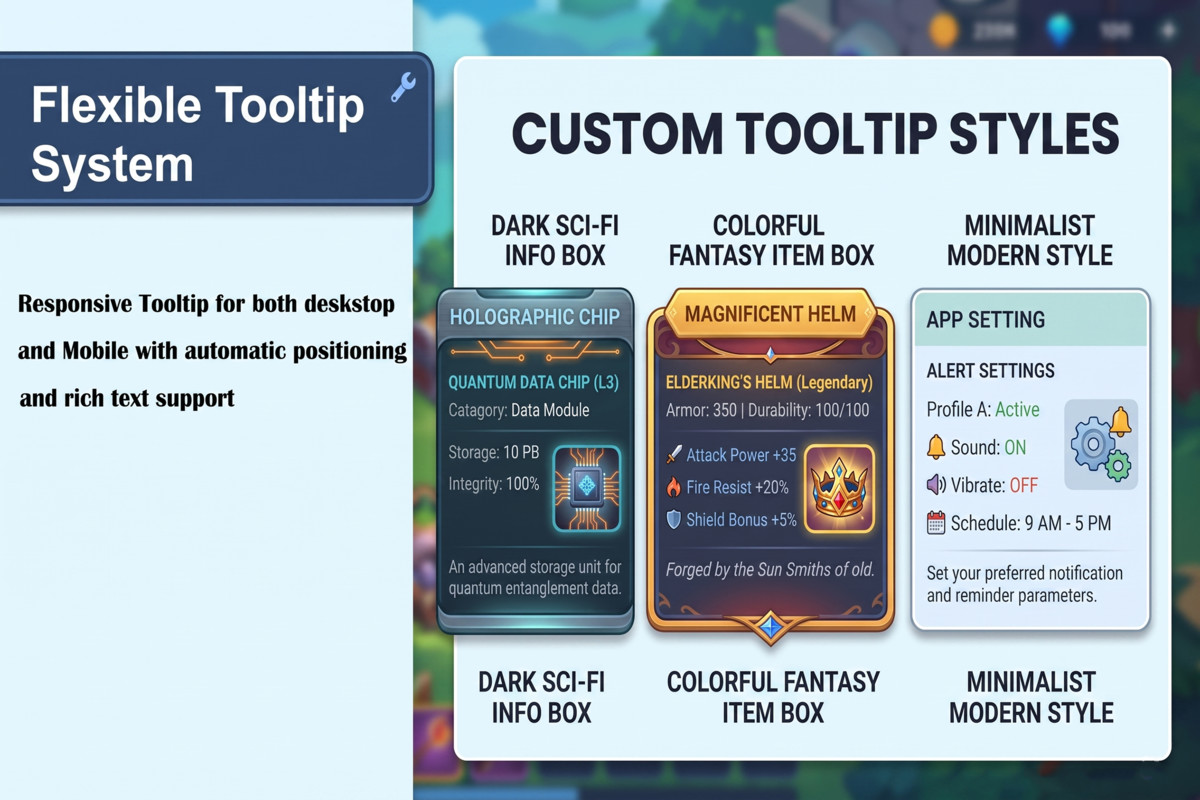
- Title, body, subtitle, icon, badge, and up to 4 stat blocks per tooltip
- Per-trigger style and background overrides
Drag two prefabs into your Canvas and both systems are live — no scripting required for standard use. Fully documented with PDF guide, script reference, and troubleshooting table. Compatible with Built-in, URP, and HDRP across Android, iOS, WebGL, Windows, macOS, and Linux.
From the publisher's Asset Store listing.
Technical details
UNITY VERSION
-------------
Minimum : Unity 2021.3 LTS
Tested : Unity 2021.3 LTS, Unity 2022.3 LTS, Unity 6 (6000.x)
Recommended : Unity 6
SUPPORTED RENDER PIPELINES
---------------------------
Built-in Render Pipeline : Supported
Universal Render Pipeline : Supported
High Definition Render Pipeline : Supported
The system is built entirely on Unity's UI layer (uGUI and
TextMeshPro). It contains no pipeline-specific shaders or
render features. All prefab materials use UI/Default or
TextMeshPro shaders, which are pipeline-independent.
PLATFORM SUPPORT
----------------
Android : Supported (primary mobile target, GC-optimized)
iOS : Supported
WebGL : Supported
Windows : Supported
macOS : Supported
Linux : Supported
Input: Supports Legacy Input Manager. Touch input is handled
via Input.GetTouch. New Input System is not required.
THIRD-PARTY PLUGINS
--------------------
None required.
Dependencies (all included with Unity):
- TextMeshPro (com.unity.textmeshpro)
- Unity UI / uGUI (com.unity.ugui)
No DOTween, no LeanTween, no external packages of any kind.
All animations are pure Unity coroutines.
INSTALLATION AND SETUP
----------------------
NOTIFICATION SYSTEM (2 steps):
Step 1 — Import the package into your Unity project.
Step 2 — Drag the NotificationSetup prefab into your
Canvas in the scene Hierarchy.
Location:
Assets / NotificationTooltipSystem /
Notification System / Prefabs / NotificationSetup
All configs, prefabs, and Transform references are
pre-assigned inside the shipped prefab. The system is
ready to use immediately after drag and drop.
To call from any script:
using NotificationTooltipSystem;
NotificationManager.Instance.ShowToast("Hello!");
TOOLTIP SYSTEM (2 steps):
Step 1 — Drag the TooltipParent prefab into your Canvas.
The tooltip prefab (TooltipNew) is already nested inside.
No second prefab needs to be dragged separately.
Location:
Assets / NotificationTooltipSystem /
Tooltip System / Prefabs / TooltipParent
Step 2 — Place TooltipParent at the bottom of the Canvas
children list so tooltips render above all other UI.
To add a tooltip to any UI element:
Add Component > Tooltip System > Tooltip Trigger (UI)
Fill in Title and Body in the Inspector.
No scripting required.
CREATING CONFIGS (optional — pre-created configs included):
Toast Config:
Assets > Create > NotificationSystem > Toast Config
Popup Config:
Assets > Create > NotificationSystem > Popup Config
Banner Config:
Assets > Create > NotificationSystem > Banner Config
Tooltip Config:
Assets > Create > TooltipSystem > Tooltip Config
Compatibility
| Unity version | Built-in | URP | HDRP |
|---|---|---|---|
| 6000.3.8f1 | Compatible | Compatible | Compatible |
As listed on the Asset Store.