
 View on Asset Store (opens in new tab)
Package details
- Latest version
- 1.0
- Last updated
- First released
- Unity version
- 6000.3.8 or later
- Package size
- 1.7 MB
- Files
- 54
- Views in the past week
- 5
Price tracking
- Last checked
- Tracked since
- Lowest recorded
- $20.00 on
Keywords

Save System Pro — Encrypted JSON Save/Load with Auto-Backup
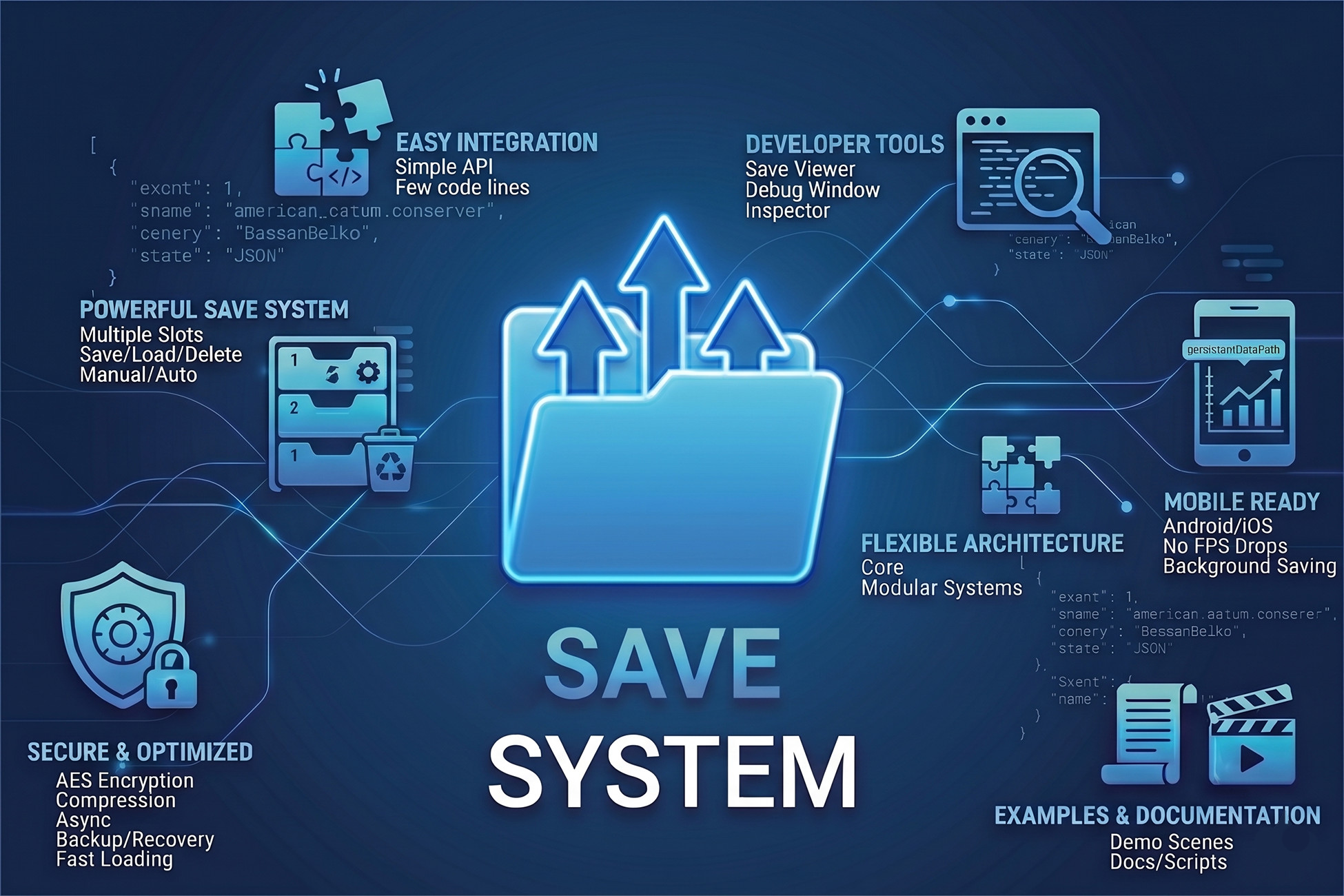
Lightweight Unity save system with JSON storage, multiple save slots, auto/manual saving, encryption, compression, backups, async operations, debugging tools, and cross-platform support.
Affiliate link · Purchases support this site
Price history
Last 6 months
USDAsset preview
1 / 5
Save System Pro — Encrypted JSON Save/Load with Auto-Backup screenshot 1

About this asset
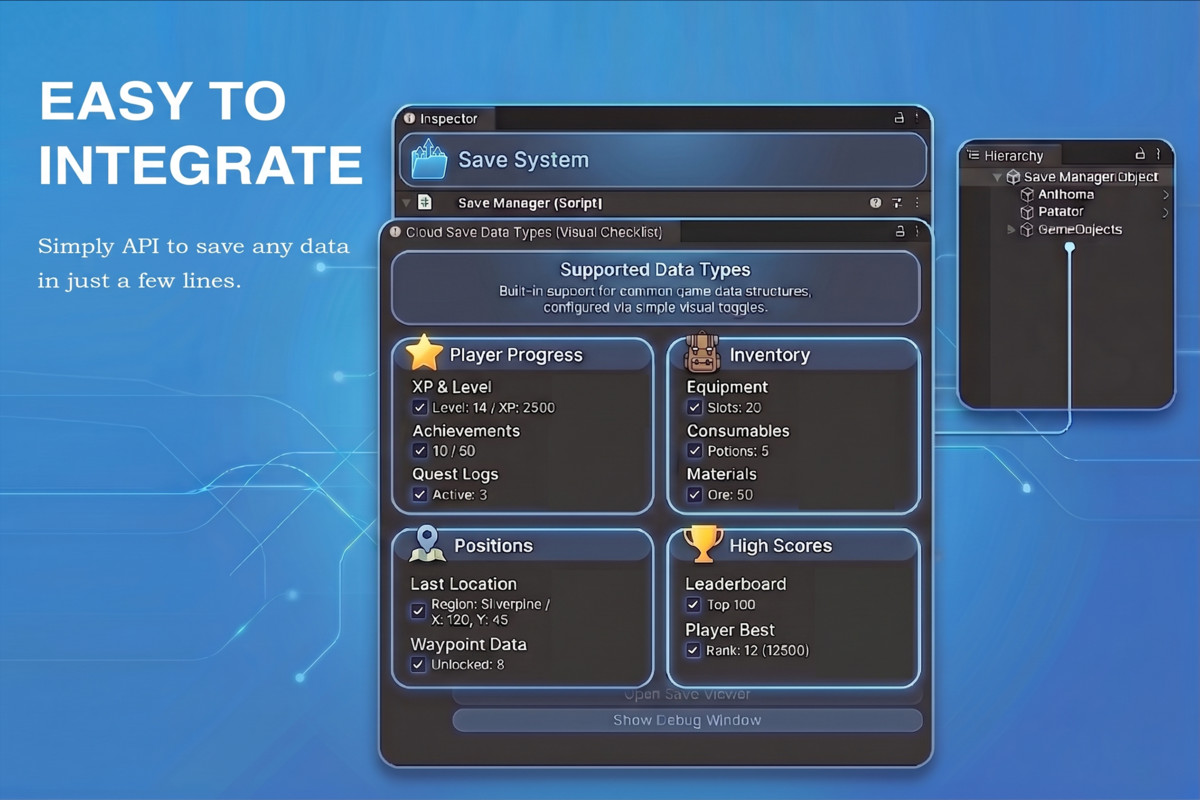
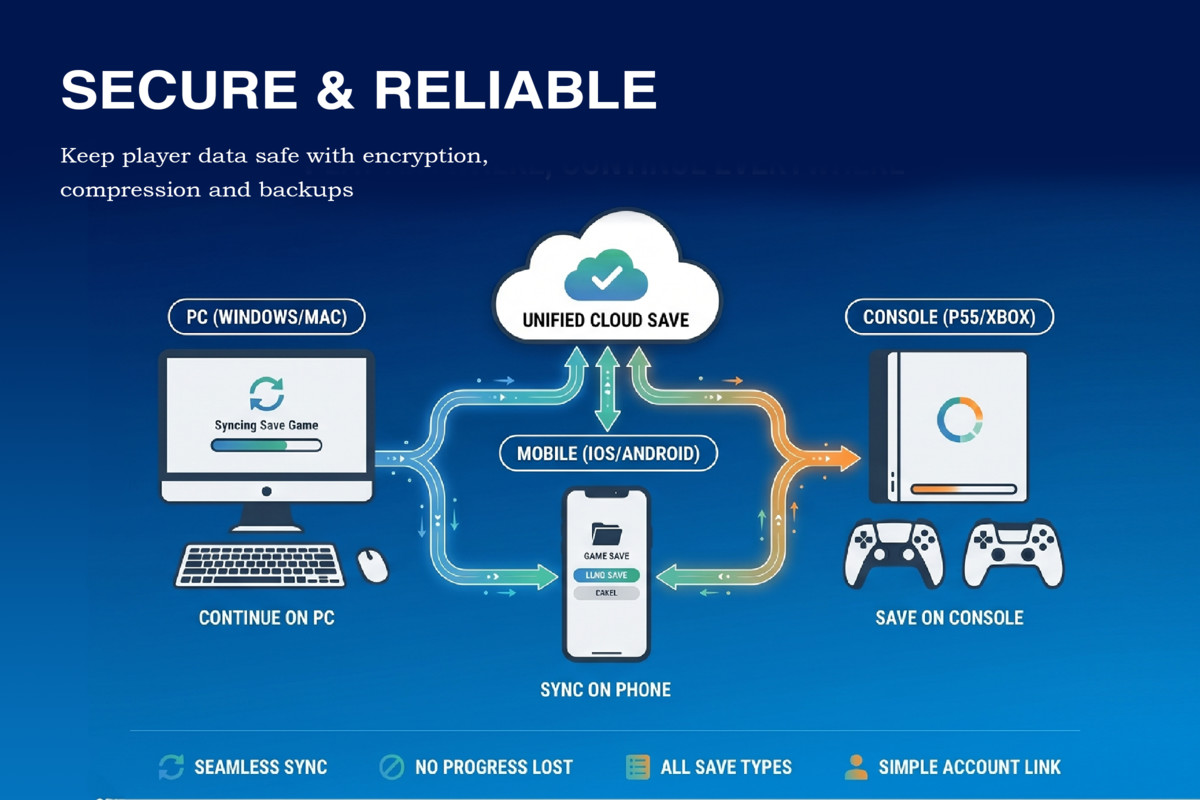
Save System Pro is a complete, developer-friendly save solution for Unity projects. Save any serializable data class — not just a fixed player-data structure — with automatic JSON conversion, encryption, and optional compression built in.
Core capabilities:
Save, load, and delete operations with multiple save slots or single-file mode
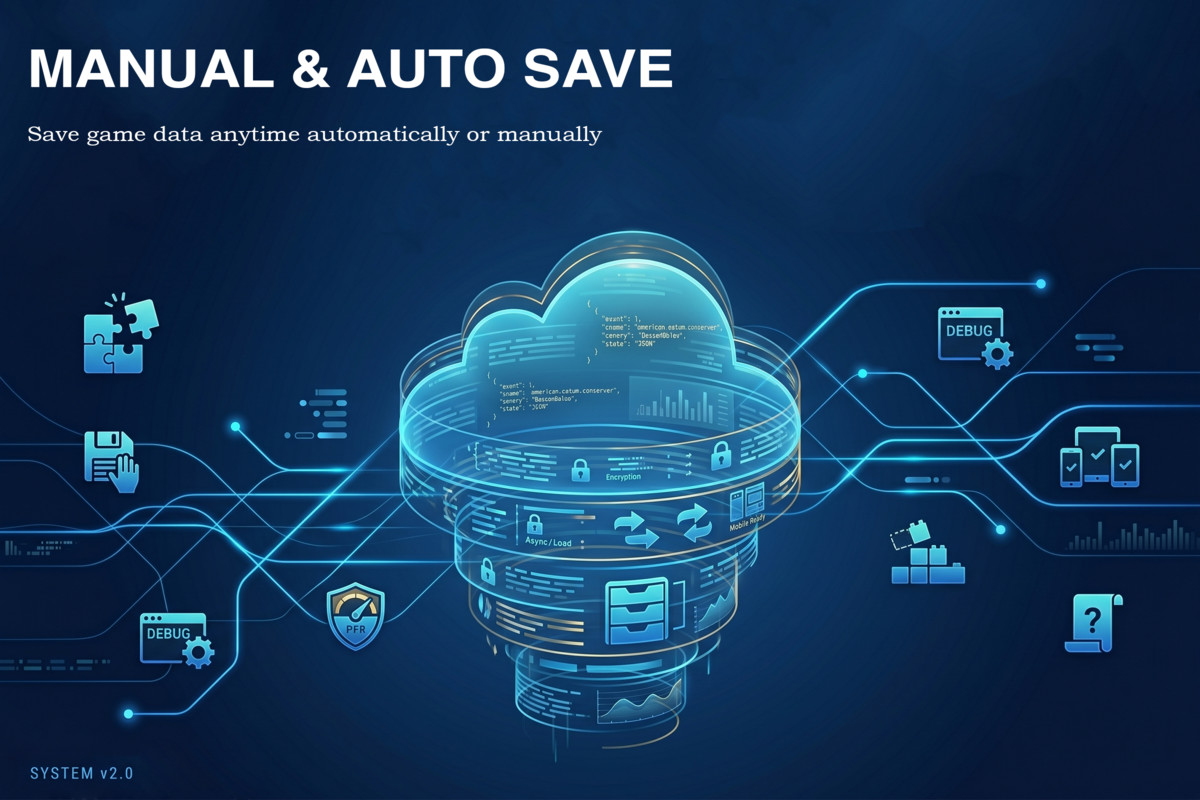
Manual and automatic saving, synchronous or async
Encryption and optional compression for secure, lightweight save files
Automatic backup creation and recovery — corrupted saves fall back safely
Built-in debug window: view save file size, path, timestamp, and all active saves at a glance
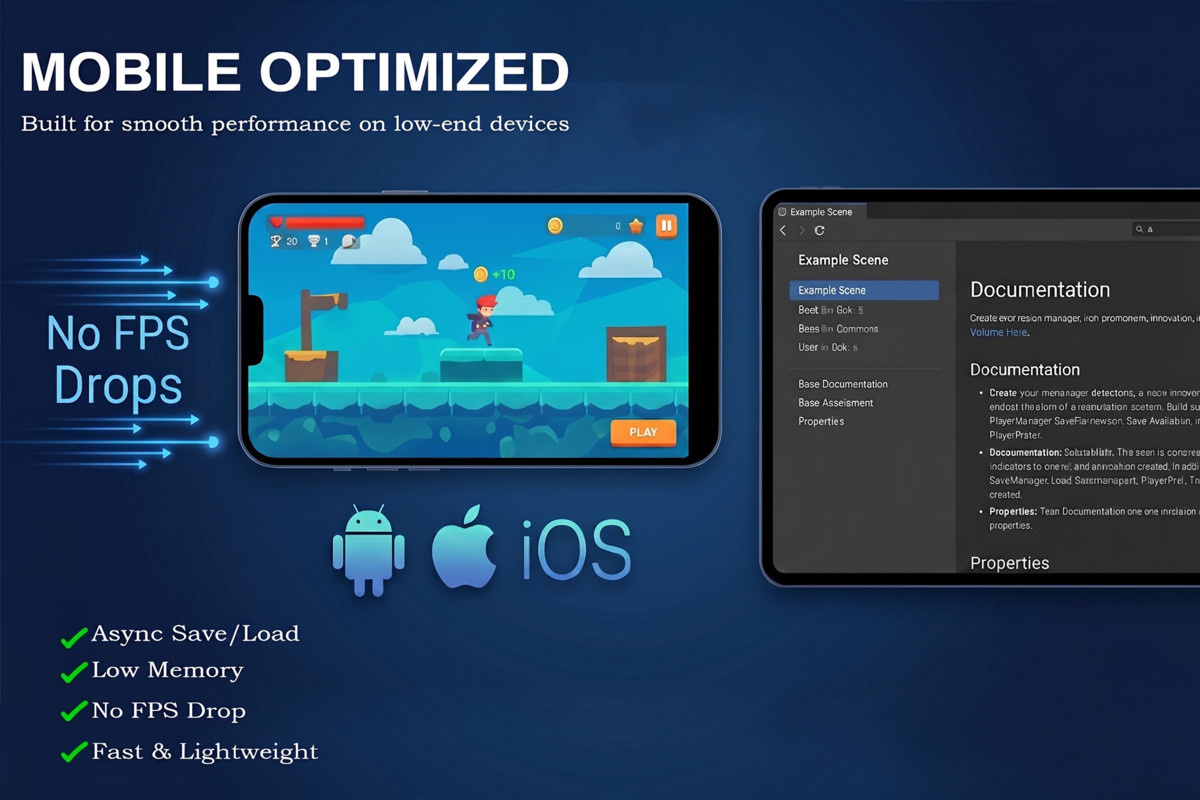
Zero third-party dependencies — works out of the box on Android, iOS, Windows, and Mac
Compatible with Built-in, URP, and HDRP
5 demo scenes included covering auto-save, manual save, multi-slot, combined data, and compression — so you can see every feature working before you write a line of code.
Import, attach SaveSystemInitializer to a GameObject, and you're saving progress in under 5 minutes. Full PDF documentation and example integration scripts included.
From the publisher's Asset Store listing.
Technical details
Unity Version: - Unity 2021 or newer recommended
Supported Render Pipeline: - Built-in Render Pipeline - Universal Render
Pipeline (URP) - High Definition Render Pipeline (HDRP)
Platform Support: - Android - iOS - Windows - Mac
Third-Party Plugins Used: - No third-party plugins required
Main Features: - Generic save system - JSON data storage - Multiple save
slots - Backup and recovery system - Encryption support - Compression
support - Async save/load operations - Debug logging system - Save file
viewer - Manual and automatic saving - Cross-platform support
Installation / Setup Instructions
1. Import the Unity Save System package into the Unity project.
2. Add required scripts:
- SaveSystem
- SaveSystemInitializer
- SaveSystemDebugSettings
3. Create an empty GameObject.
4. Attach SaveSystemInitializer.
5. Assign SaveSystemDebugSettings from the Inspector.
6. Create a serializable data class using [System.Serializable].
7. Use the API:
Save: SaveSystem.Save(data);
Load: SaveSystem.Load();
Delete: SaveSystem.Delete();
Compatibility
| Unity version | Built-in | URP | HDRP |
|---|---|---|---|
| 6000.3.8f1 | Compatible | Compatible | Compatible |
As listed on the Asset Store.