
 View on Asset Store (opens in new tab)
Package details
- Latest version
- 1.1.0
- Last updated
- First released
- Unity version
- 2022.3.57 or later
- Package size
- 126.2 MB
- Files
- 468
- Favorites
- 18
- Views in the past week
- 19
Price tracking
- Last checked
- Tracked since
- Lowest recorded
- $17.49 on
Keywords
CrowPSX - Retro Rendering Shader Suite
Retro rendering that holds up across a whole game, from foliage and terrain to decals and skies, with the authoring tools to keep hundreds of materials consistent. Built-in and URP.
Affiliate link · Purchases support this site
Price history
Last 6 months
USDAsset preview
1 / 10
CrowPSX - Retro Rendering Shader Suite screenshot 1
About this asset
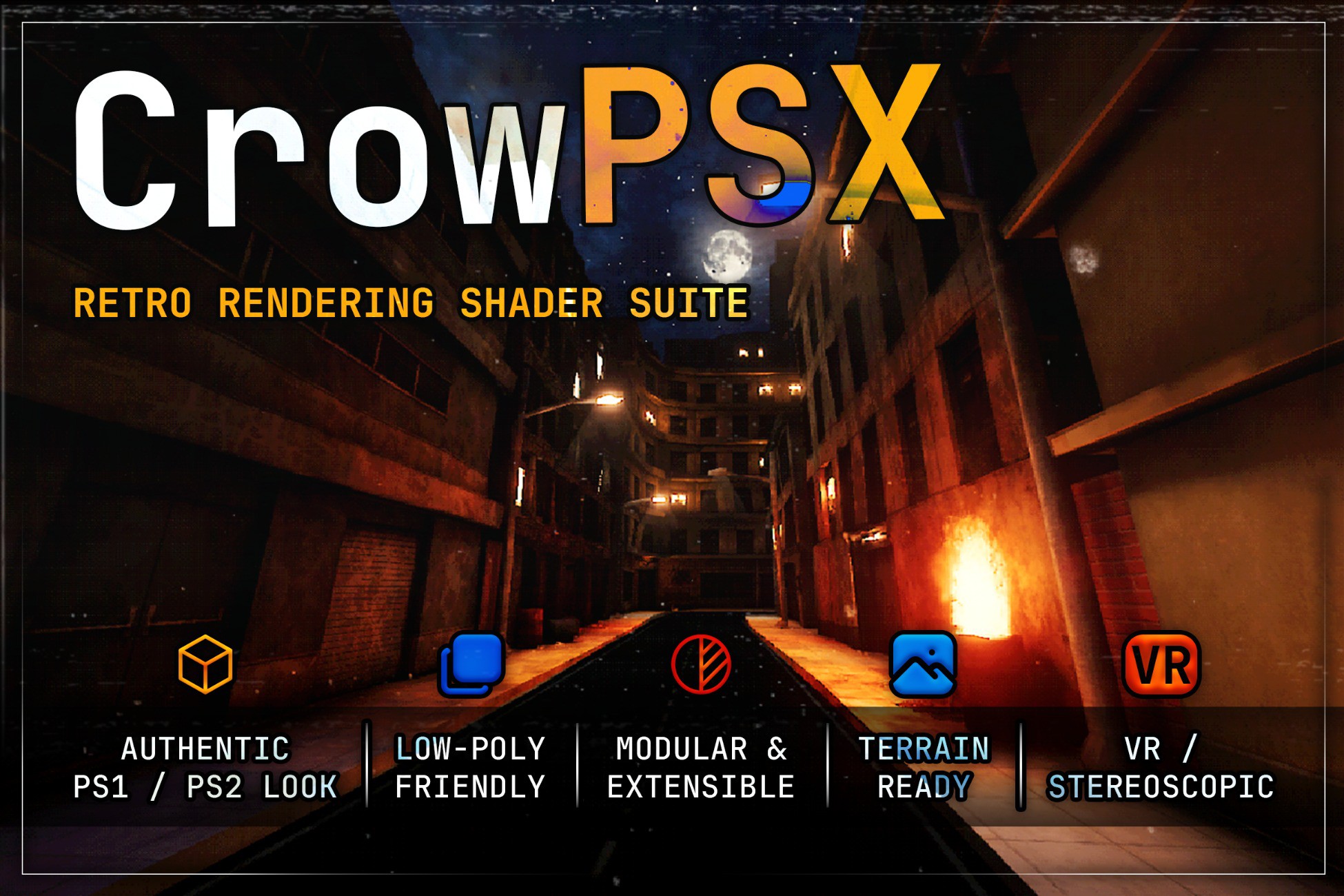
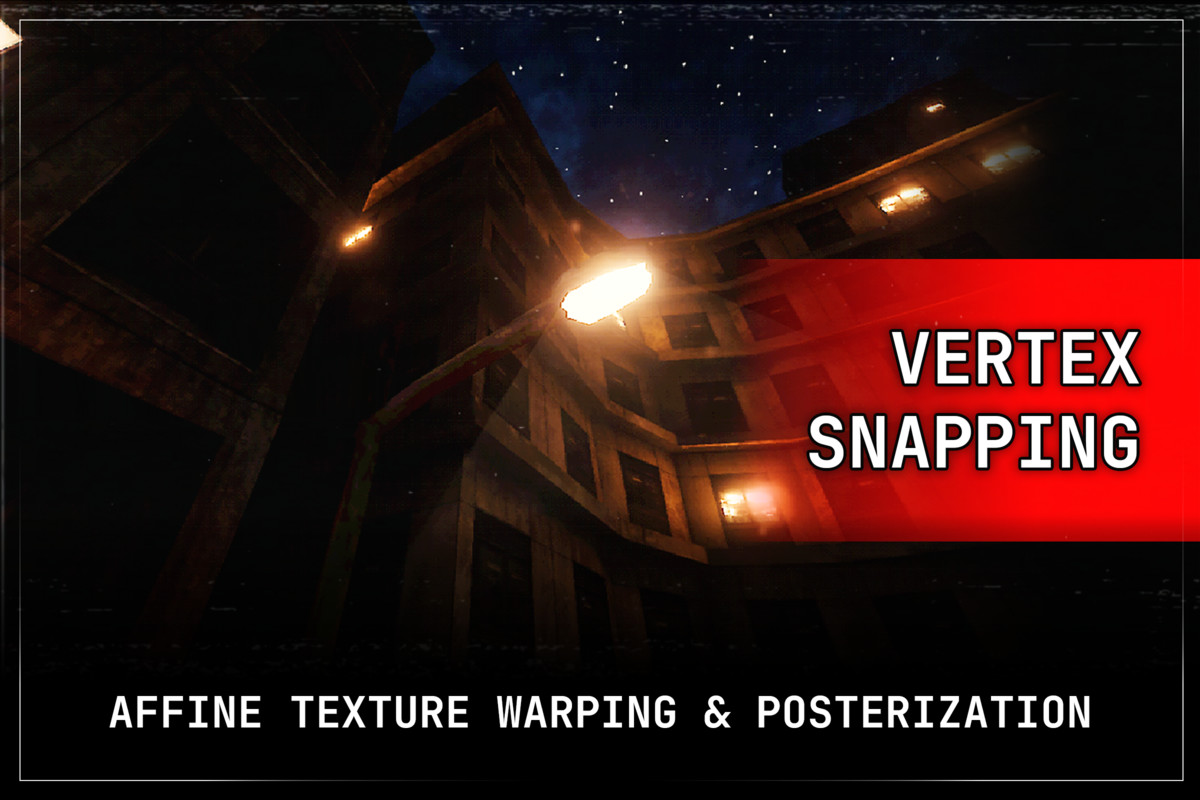
CrowPSX is a retro shader and material toolkit for Unity's Built-in Render Pipeline and URP. It brings the look of early 3D games to your project: wobbling vertices, warped textures, stepped lighting and limited color, with the controls to keep it subtle or push it to the extreme.
Tested on Unity 2022.3 LTS, 6.0, 6.3 and 6.6, including URP Forward+.
A full shader family
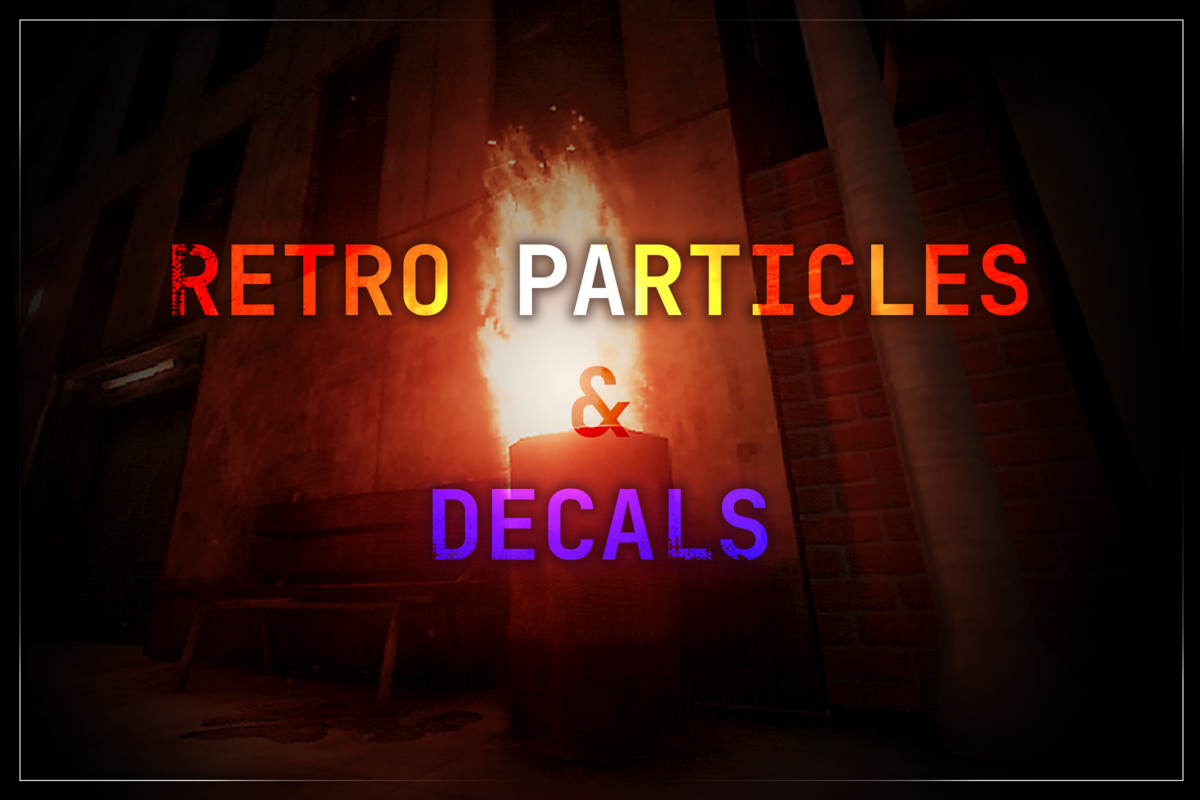
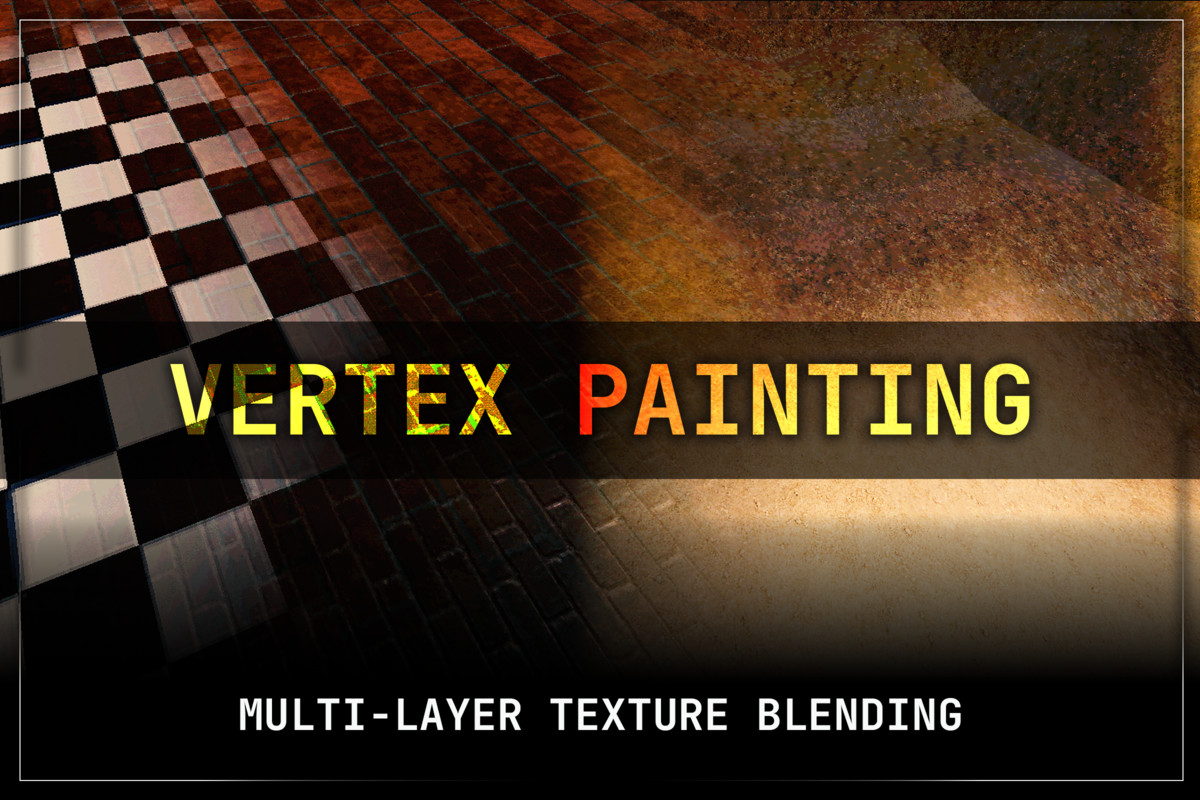
Surfaces, four-layer vertex painting, wind-animated foliage, terrain, particles, projected decals and a procedural sky all share one visual language, so a whole game can use one consistent style.
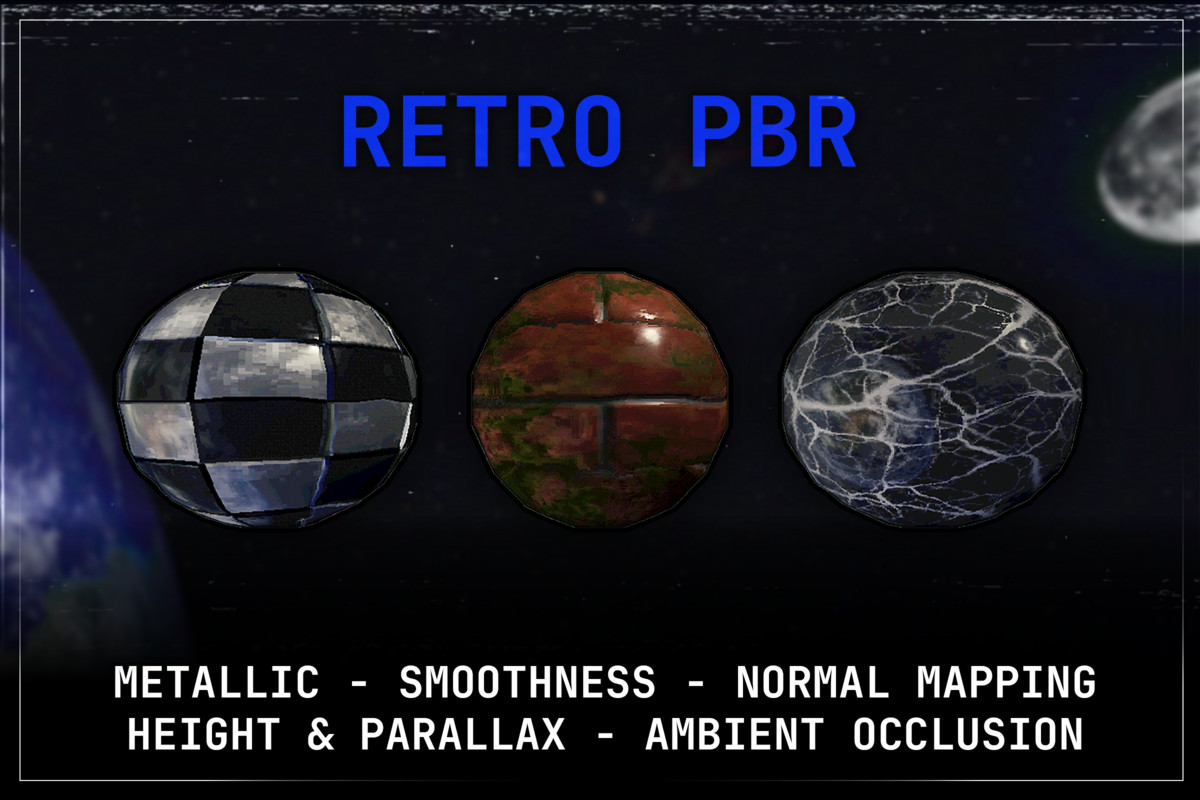
Every mesh shader comes in Default, Lite and PBR versions, so you can decide per material what to spend on quality and what to save for performance. Retro-inspired PBR is fully supported: normal, height and parallax maps, metallic and smoothness, all under the same snapping and lighting controls.
Lighting that behaves like the era
Choose per material between Pixel, Vertex and Vertex Hybrid lighting. Vertex lighting reproduces the soft, faceted Gouraud shading of the period. Hybrid keeps that per-vertex look while receiving realtime shadows. Stepped lighting and final-color posterization finish the effect.
One material, both pipelines
Each lit shader contains both a URP and a Built-in version in the same asset, and Unity picks the right one automatically. Switch your project's pipeline and your materials keep working, with nothing to convert or reassign. Builds only include the pipeline you are using.
A material inspector built for the job
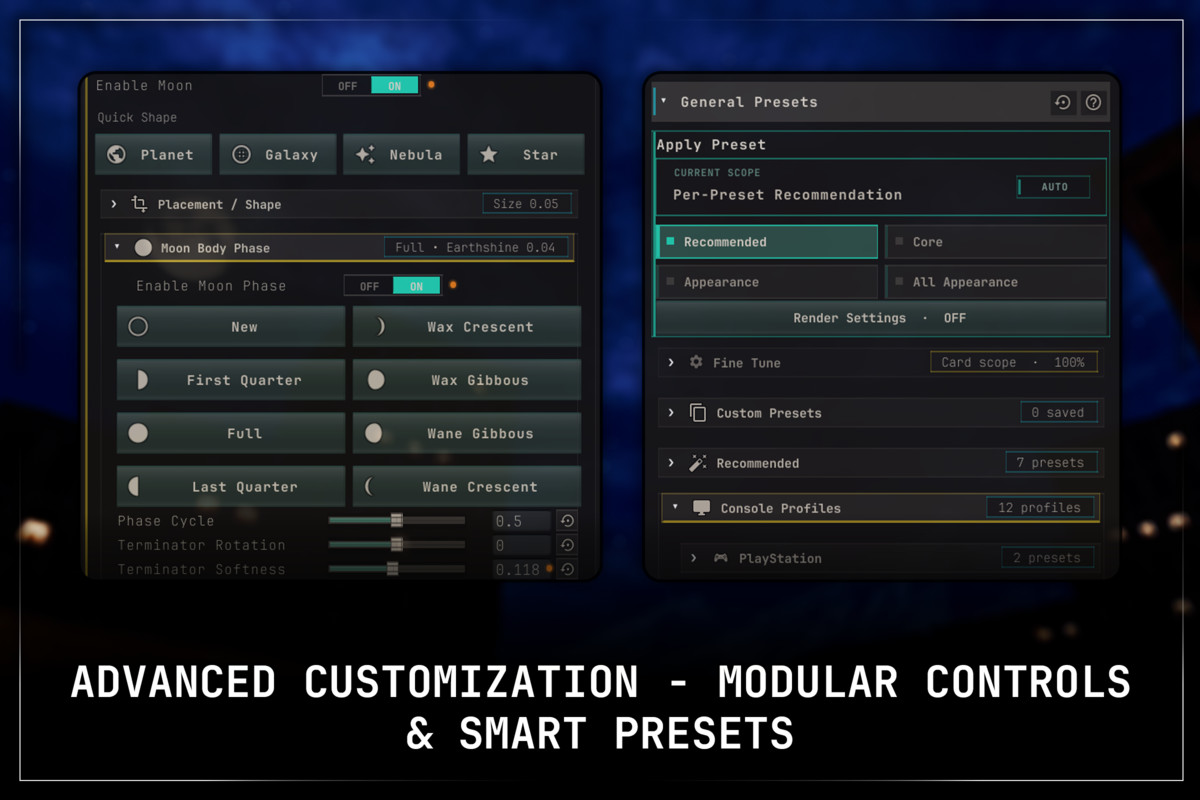
CrowPSX has a lot of controls, so the inspector is organized to keep them manageable: searchable, grouped, with a filter that shows only what you have changed. Presets give you starting points for different retro styles, and built-in diagnostics point out settings that are wasted, expensive or misconfigured, usually with a one-click fix.
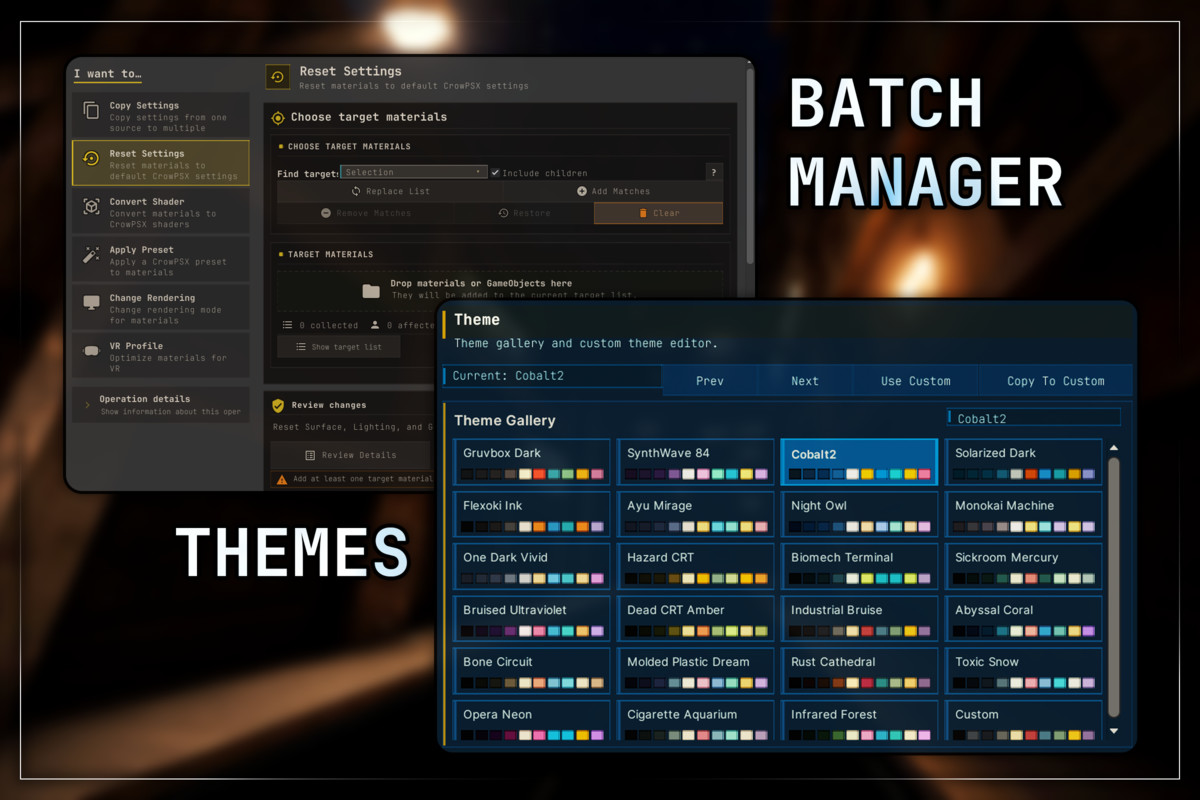
The Material Manager handles larger projects. Find CrowPSX materials across a selection, a scene or the whole project, then convert shaders, copy settings, apply presets and change rendering options in batches, or scan everything for problems in one pass.
What's included:
- A playable first-person demo scene that uses no content outside the package
- Example environments, materials, particles and decals
- Material presets and setup helpers
- An installation validator
- Documentation: getting started, a full shader reference, workflow guides and troubleshooting
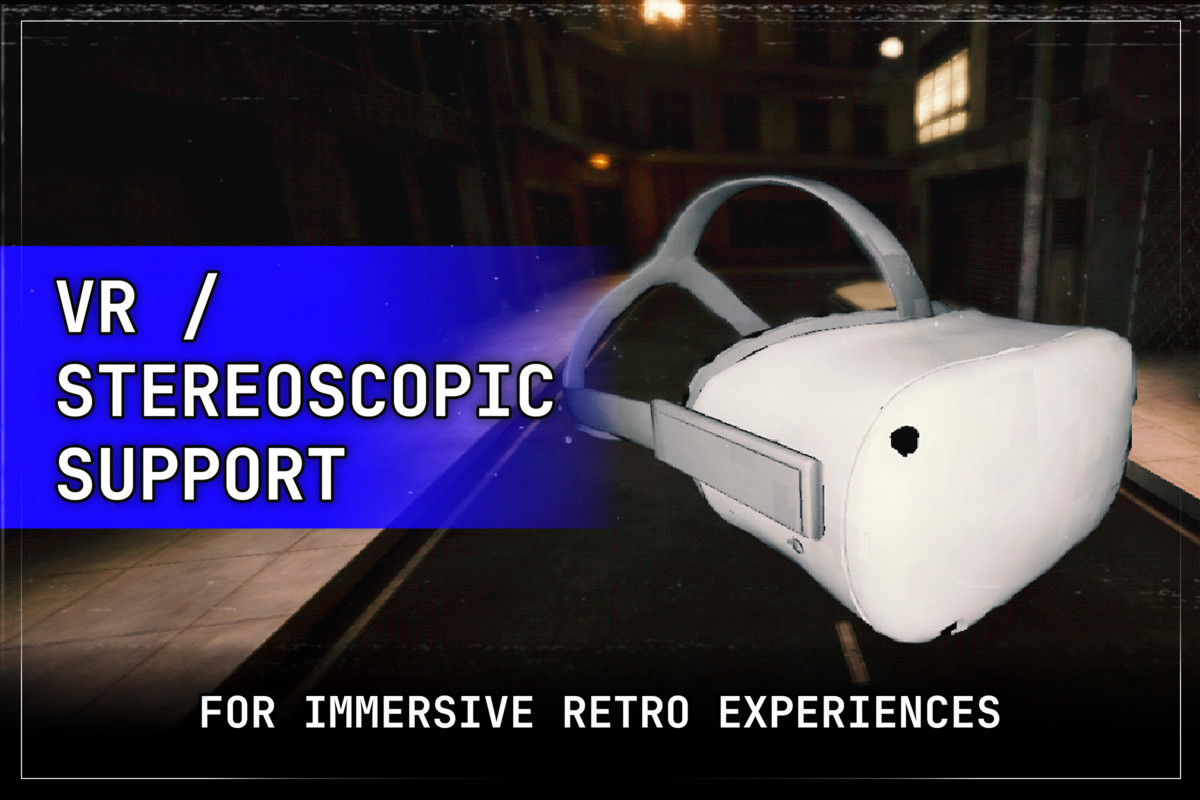
VR is supported, with comfort controls that tone down geometry snapping and texture warping for headsets.
Optional: CrowFX camera effects
CrowFX is my free, open-source companion package for screen effects such as virtual resolution, palettes, dithering, RGB bleed, channel jitter, ghosting and edge outlines. CrowPSX does not need it.
Compatibility and requirements
- Unity: 2022.3 LTS or newer; tested on 2022.3, 6.0, 6.3 and 6.6
- Pipelines: Built-in or URP (Forward and Forward+). HDRP is not supported.
- URP setup: depth-volume decals and outlines need a renderer feature on your Universal Renderer. The material inspector detects a missing feature and adds it in one click.
- Terrain: offers Pixel and Vertex lighting; Vertex Hybrid is available on the other lit shaders.
- Optional: Polybrush and Bakery are supported but not required.
Third-party notices
Asset uses JetBrains Mono under SIL Open Font License 1.1; selected Screaming Brain Studios and Kenney assets under CC0 1.0; Unity Built-in Terrain shader source under the MIT License; Pixabay sample audio under the Pixabay Content License; and publisher-made Tree It exports under the Tree It output terms. See Third-Party Notices.txt file in package for details.
Website and documentation
From the publisher's Asset Store listing.
Technical details
Shaders
- 14 shaders plus supporting terrain passes; every lit shader serves both Built-in and URP
- Surface: Default, Lite, PBR
- Vertex Painting: Default, Lite, PBR
- Nature (wind-animated foliage): Default, Lite, PBR
- Terrain PBR for Unity Terrain, Built-in and URP
- Particles: Standard and Grab Distortion
- Depth Volume decal
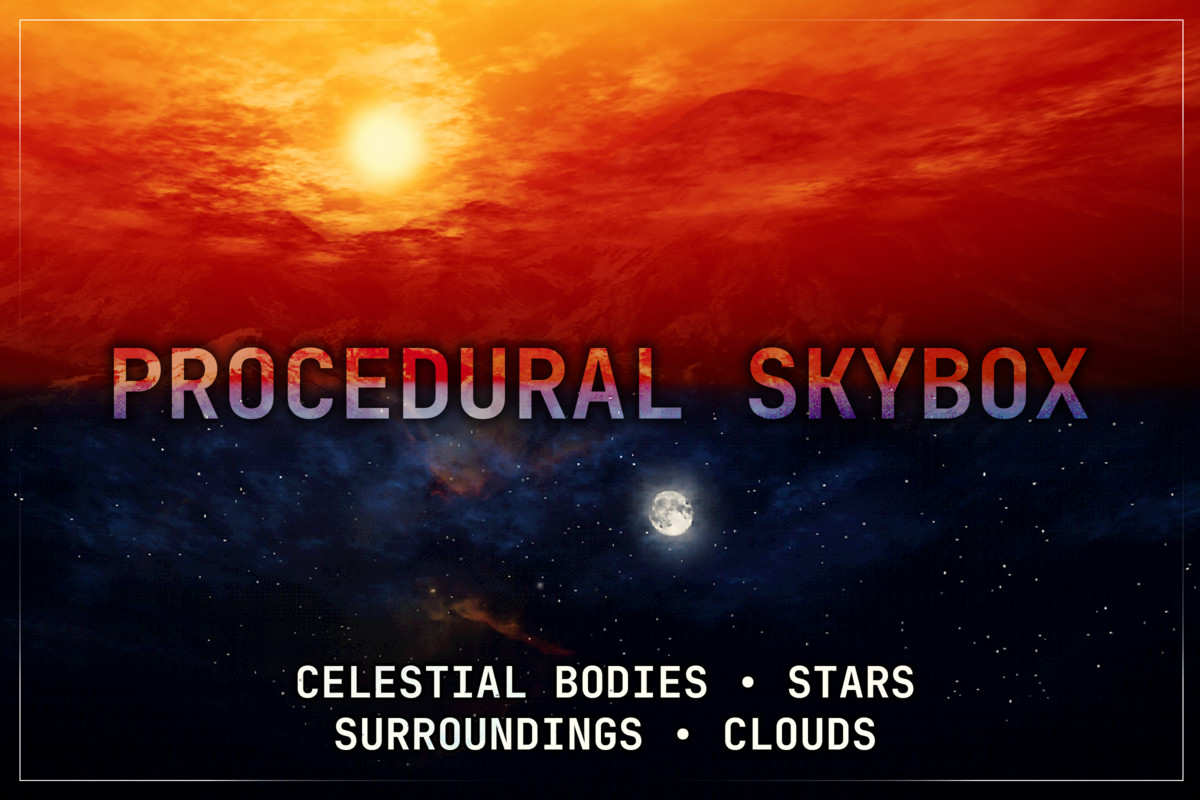
- HDR Procedural Skybox
Retro rendering
- Screen-space vertex snapping with pixel-snap templates
- Affine texture warping
- Pixel, Vertex and Vertex Hybrid lighting
- Stepped lighting and final-color posterization
- Opaque, Cutout and Transparent modes with alpha clipping and dithering
- Configurable culling, depth, stencil and render queue
- GPU instancing
Outlines
- Inverted-hull outlines on all six mesh-surface shaders
- Screen-fixed or world-space width, with distance fade
- Texture mask with UV transform, channel selection and inversion
- Optional color matching to the surface underneath
- Smooth outline normals baked into UV4 to close gaps at hard edges; survives static batching and skinning, and the original mesh can be restored
- No outline draw call when disabled
PBR
- Separate Maps or Packed Map workflow
- Smoothness or Roughness workflow
- Normal, Metallic, Ambient Occlusion and Height maps
- Parallax occlusion mapping, 1 to 64 steps, with height and floor controls
- Detail normal, metallic and surface-response maps
- Specular and reflection strength controls
- Linked or independent UV transforms per map
- Signed normal strength (-4 to 4) for inverted relief
- Packed layout: R Metallic, G AO, B Height, A Smoothness/Roughness
- Built-in tool to create and assign packed maps
Vertex painting
- Four material layers driven by vertex color (Base, R, G, B)
- Independent textures, tints, UVs and PBR workflow per layer
- Layers with no painted weight skip their texture sampling
- Polybrush Texture Paint setup helper
Nature and terrain
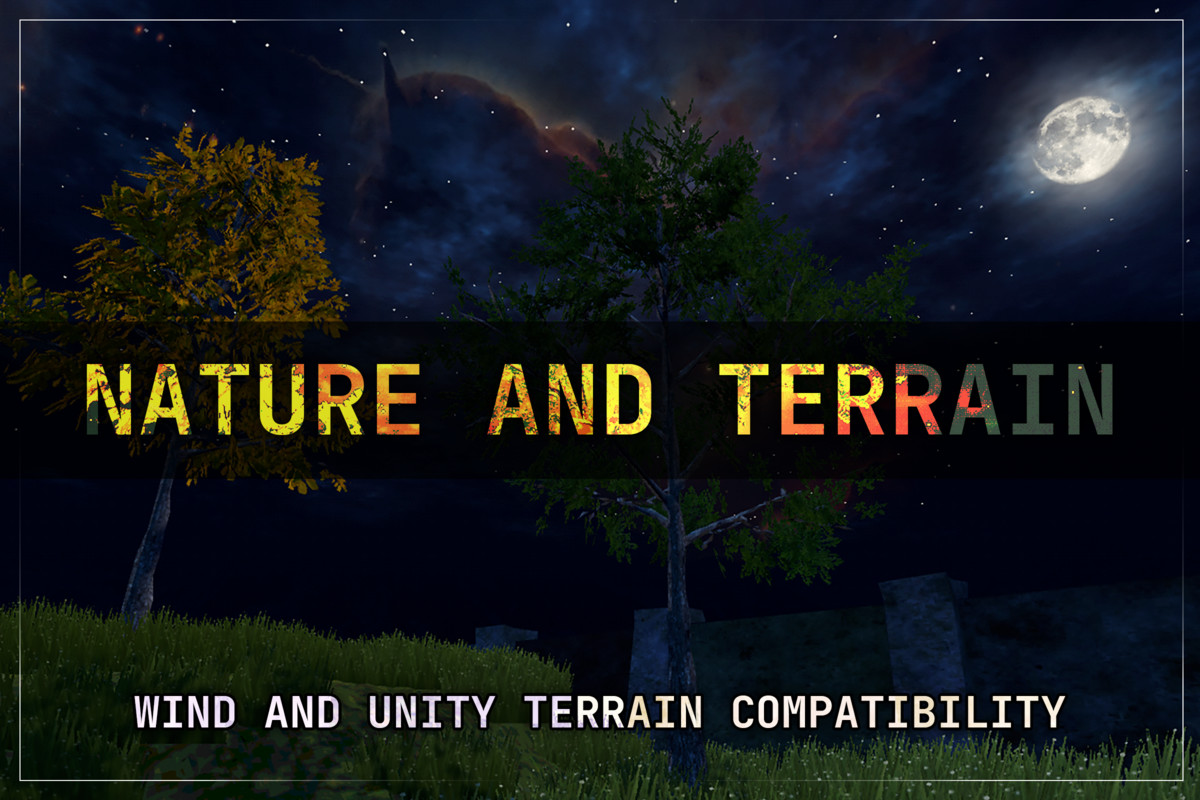
- Anchored wind with sway, gusts, turbulence and leaf flutter
- Anchor by local height, vertex alpha, UV2 or texture mask
- Wind presets and per-plant variation
- Shadows follow the animated foliage in realtime
- TerrainLayer Albedo, Normal, Metallic and Smoothness
- Terrain holes, additional layers and distant basemaps
Grunge and emission
- Projected, masked grunge with multiple blend modes
- Grunge affects PBR channels, including signed height for embossing or carving
- Textured, masked, animated HDR emission
- Emission bakes with the Progressive Lightmapper; Bakery alpha-meta supported
Particles and decals
- Flipbooks, secondary textures, packed VFX maps and custom vertex streams
- Soft particles, dissolve and UV distortion
- Distance, camera and intersection fading
- Framebuffer refraction, with a stereo-safe fallback for Single Pass Instanced and Multiview
- Depth-volume decals with Normal, Premultiplied, Additive and Multiply blending
- Unlit and HDR emission output for decals
- Stencil presets for decal blockers and receivers
Procedural sky
- HDR zenith, horizon and ground gradients
- Multiple textured suns, moons and planets
- Moon phases with eight presets
- Star fields, and one or two cloud layers lit by the sun or moon
- Transparent skyline layer
- Independent rotation and motion for each sky element
Editor tools
- Custom material inspector with search, modified-only filter and reset controls
- Built-in and custom presets
- Material diagnostics with suggested fixes
- Material Manager for project-wide batch editing and scanning
- Shader conversion and settings copy between materials
- Outline normal baking and restoration
- Installation validator
VR
- Multi-Pass, Single Pass Instanced and Android Multiview
- Stereo-stable vertex snapping
- Comfort profiles with separate VR snap and affine strengths
Compatibility
- Unity 2022.3 LTS or newer; tested on 2022.3, 6.0, 6.3 and 6.6
- Built-in Render Pipeline and URP (Forward and Forward+); HDRP not supported
- Shader Model 3.5 or higher recommended
- Demo scene runs with the Input Manager, the Input System, or both
Included content
- 1 playable demo scene with a first-person sample controller
- 12 models (demo layout, props, and 2 trees with LODs)
- 37 materials, 9 prefabs
- 57 textures, 128 to 2048 px (one sky texture at 7962 × 3807)
- 10 sound effects (WAV)
- 11 documentation guides, including a shader reference and troubleshooting
Compatibility
| Unity version | Built-in | URP | HDRP |
|---|---|---|---|
| 2022.3.57f1 | Compatible | Compatible | Not listed |
As listed on the Asset Store.