
 View on Asset Store (opens in new tab)
Package details
- Latest version
- 1.1
- Last updated
- First released
- Unity version
- 2022.3.62 or later
- Package size
- 111.3 MB
- Files
- 181
- Favorites
- 1
- Views in the past week
- 5
Price tracking
- Last checked
- Tracked since
- Lowest recorded
- $40.00 on
Keywords
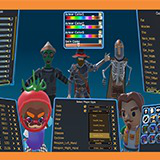
DCCT - Dedicated Character Customization Tool
DCCT (Dedicated Character Customization Tool) is independent tool that will help you customize your 3D models. Support all Unity versions from Unity 2019 to Unity 6
Affiliate link · Purchases support this site
Price history
Last 6 months
USDAsset preview
1 / 8
DCCT - Dedicated Character Customization Tool screenshot 1



About this asset
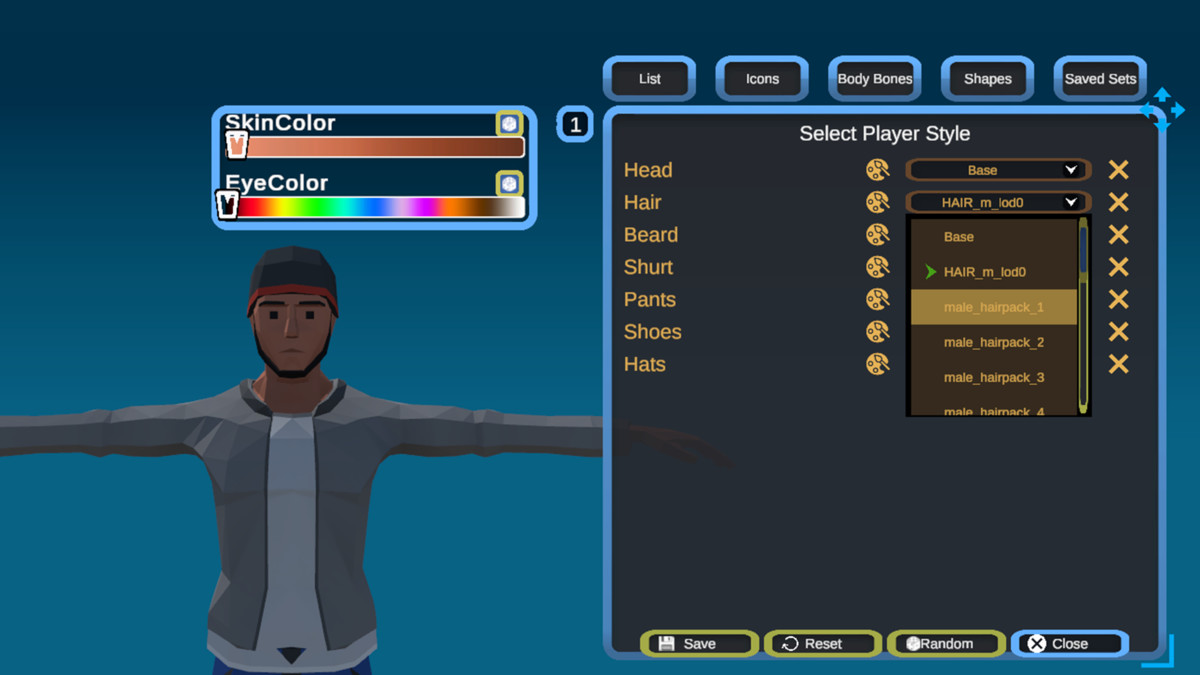
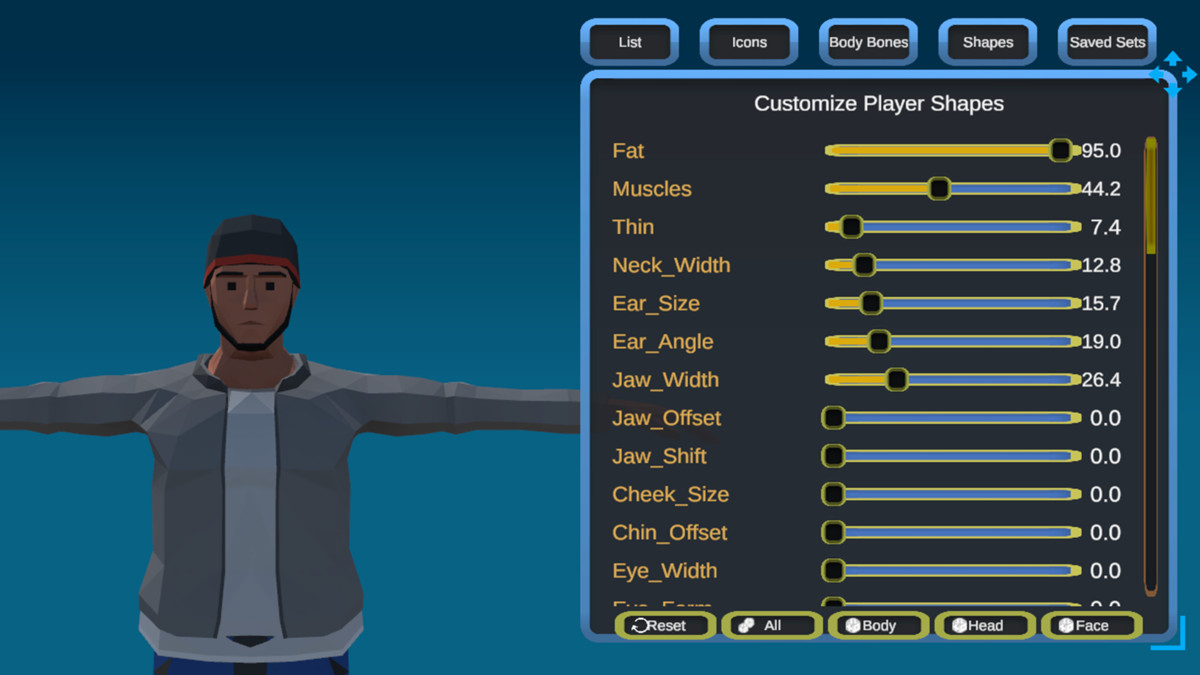
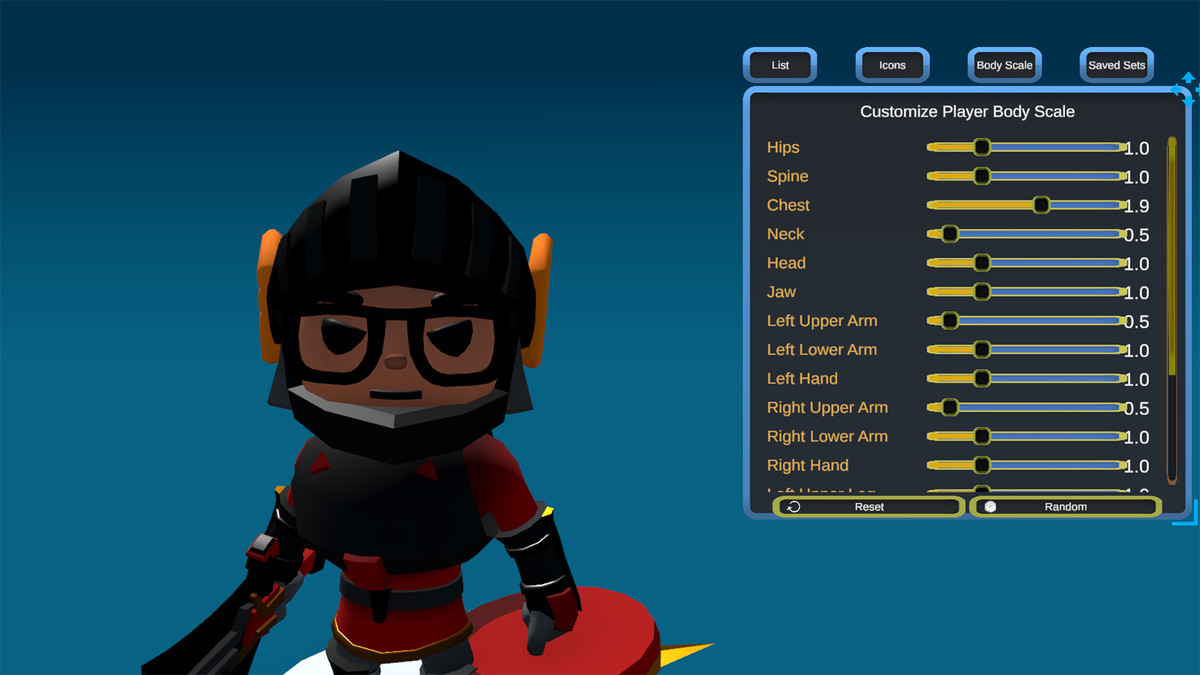
DCCT (Dedicated Character Customization Tool) is independent tool that will help you customize your 3D models.
Warning: The models in the images and Videos are not included!
They are only for presentation purposes!
However, if you own any of the models, you can find quick integration file inside.
It works across many game types like First Person Shooters (FPS), Third Person Shooters (TPS), Role Playing Games (RPG), Real Strategy Games (RTS), Platformers, Virtual Reality (VR) and etc.
You can use it in any project to save time and add core features.
Please watch some videos before buying: >>> Video Tutorials <<<
Features:
- support all Unity versions from Unity 2019 to Unity 6.4 ( tested )
- easy 3D model setup
- multi humanoid models supported (via ScriptableObject and JSON files)
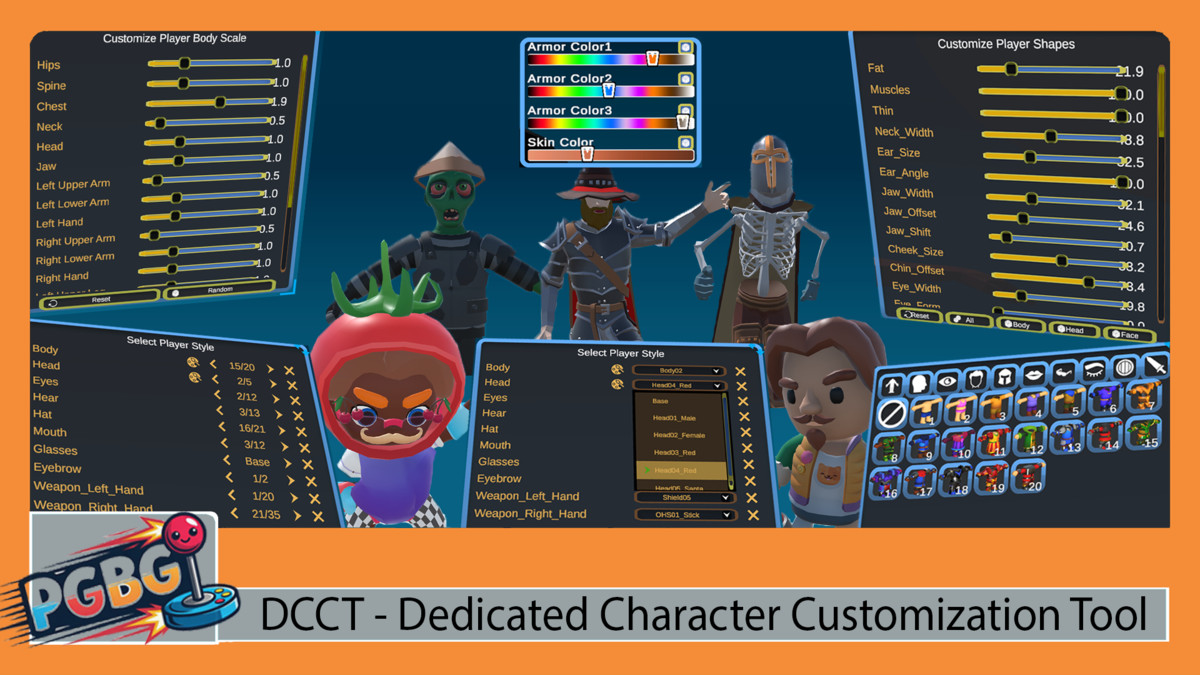
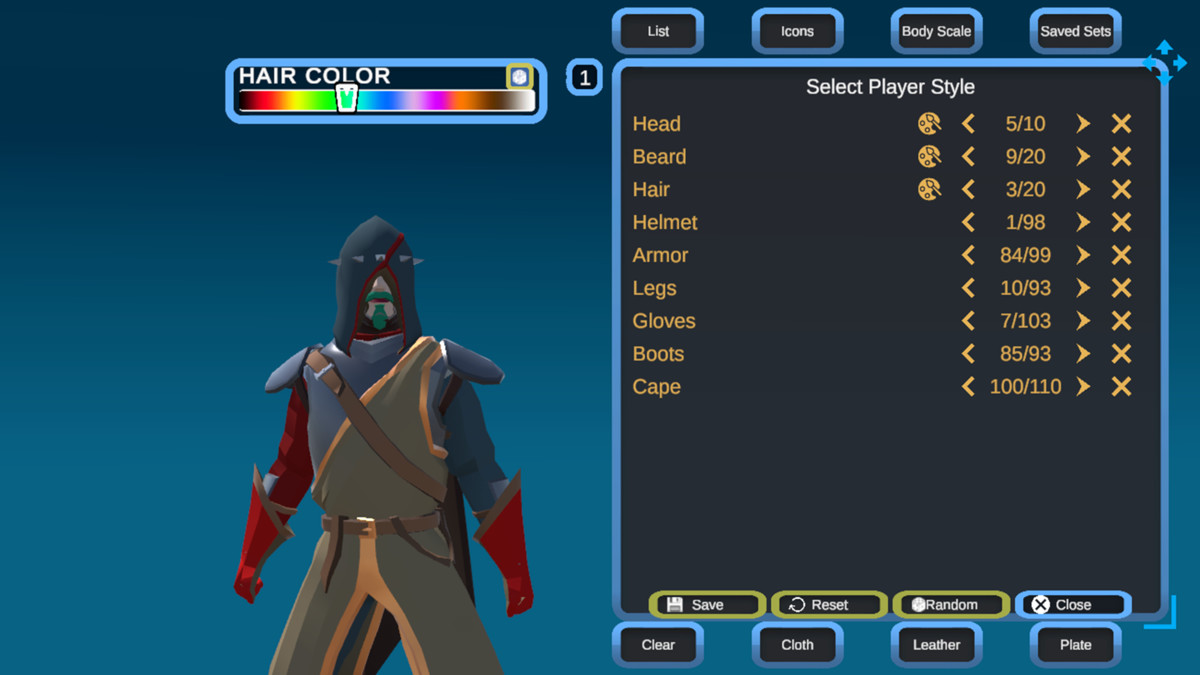
- two built in UI types to change models (List and Icons)
- you can adjust/change the model materials and colors in game from the UI
- you can change the model scale from in game UI
- you can change the model blend shapes from in game UI
- you can set up categories for your models/item and filter them in play mode
- you can lock and unlock items
- you can save/export your models
- you can integrate it in any project and 3rd party tools (simple integration demo script is included)
The documentation is short, but you can watch detailed video tutorials.
It`s hard to explain some of the features so it's better to see them.
If you can't setup your model and I don't have video for this "model type" I will try to make a setup video.
From the publisher's Asset Store listing.
Technical details
Using the Unity UI module requires having the Unity UI, Input system, and TextMesh Pro packages imported in your project.
Compatibility
Support all Unity versions from Unity 2019 to Unity 6 (tested from 2019.4.4f2 to 6.4) !
Works with all pipelines.
However, depending on the material shaders some options may not be available, or manual changes need to be made for them to work.
This is only in case you want to use in game color change on a specific material.
As listed on the Asset Store.