
 View on Asset Store (opens in new tab)
Package details
- Latest version
- 1.0.0
- Last updated
- First released
- Unity version
- 6000.3.9 or later
- Package size
- 2.4 MB
- Files
- 33
- Favorites
- 1
- Views in the past week
- 20
Price tracking
- Last checked
- Tracked since
- Lowest recorded
- $9.99 on
Keywords

Leadwort Kuwahara Filter
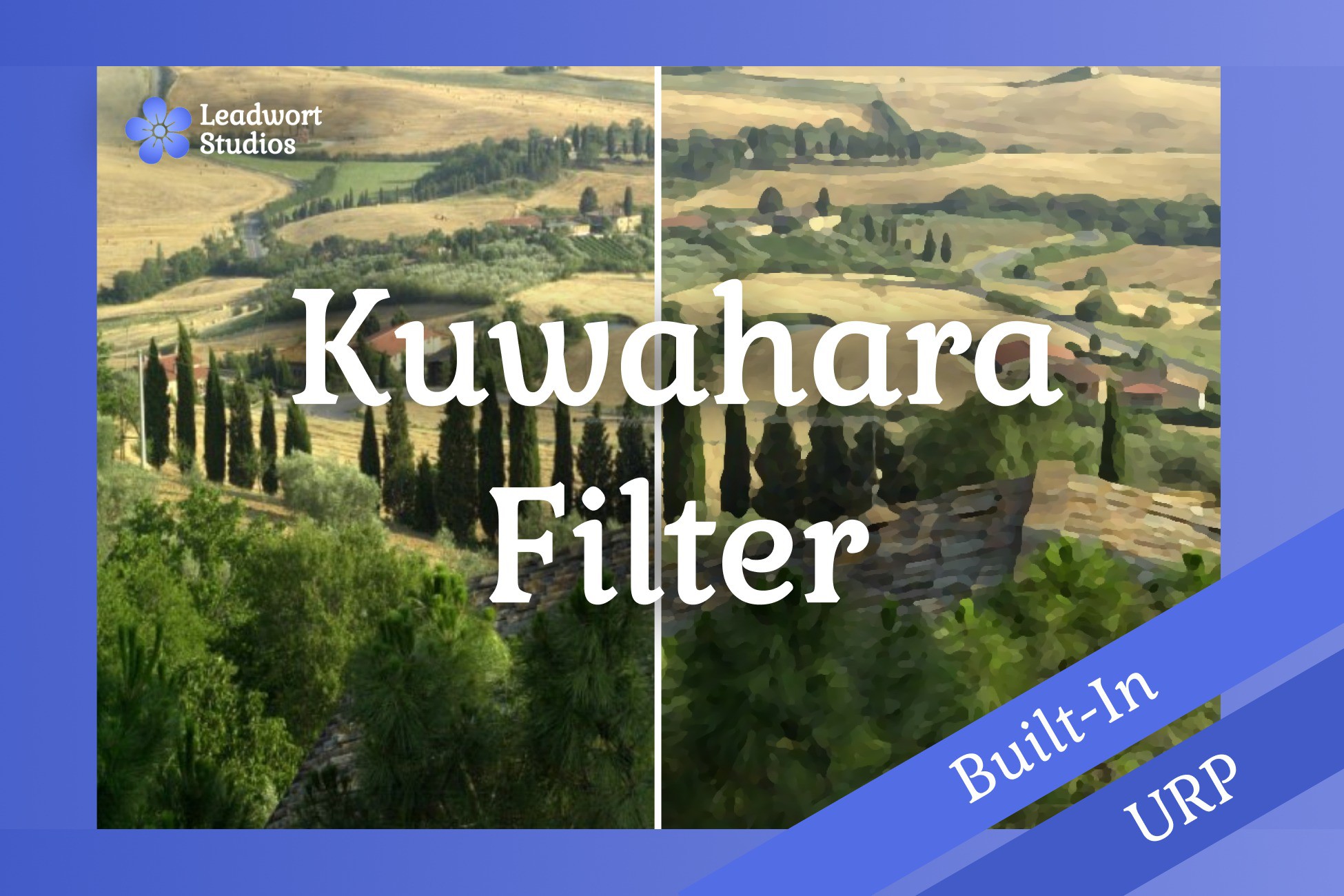
Turn your game's landscapes into a painterly scene with this customizable post process filter.
Affiliate link · Purchases support this site
Price history
Last 6 months
USDAsset preview
1 / 6
Leadwort Kuwahara Filter screenshot 1
About this asset
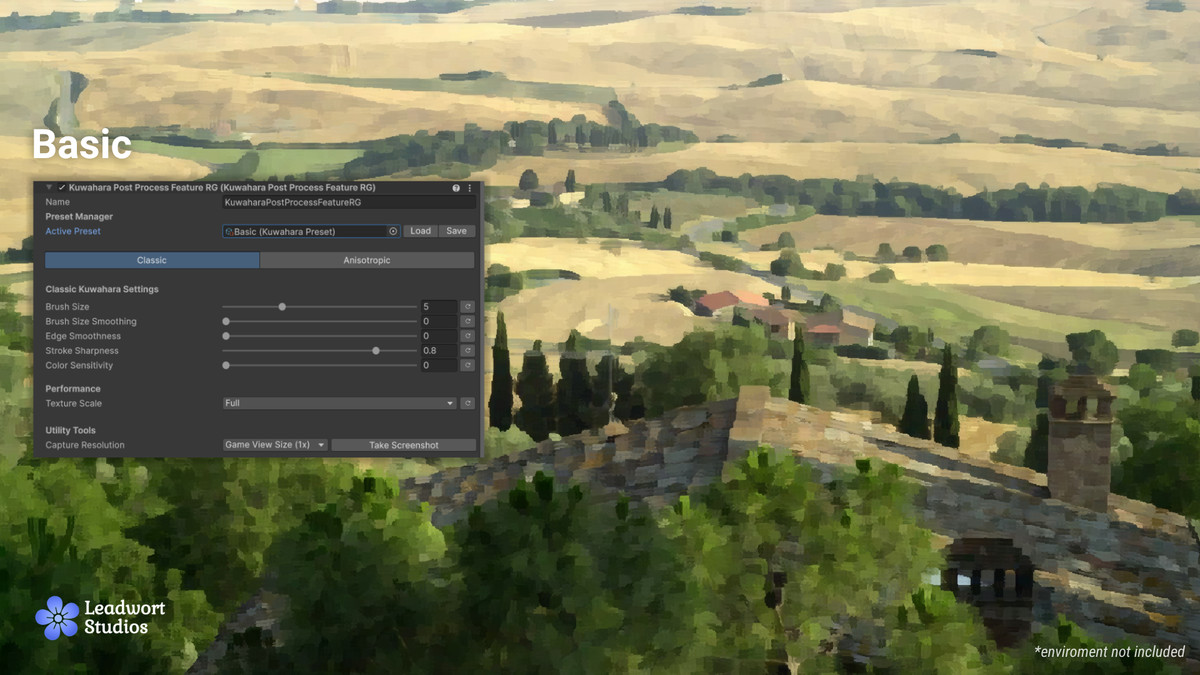
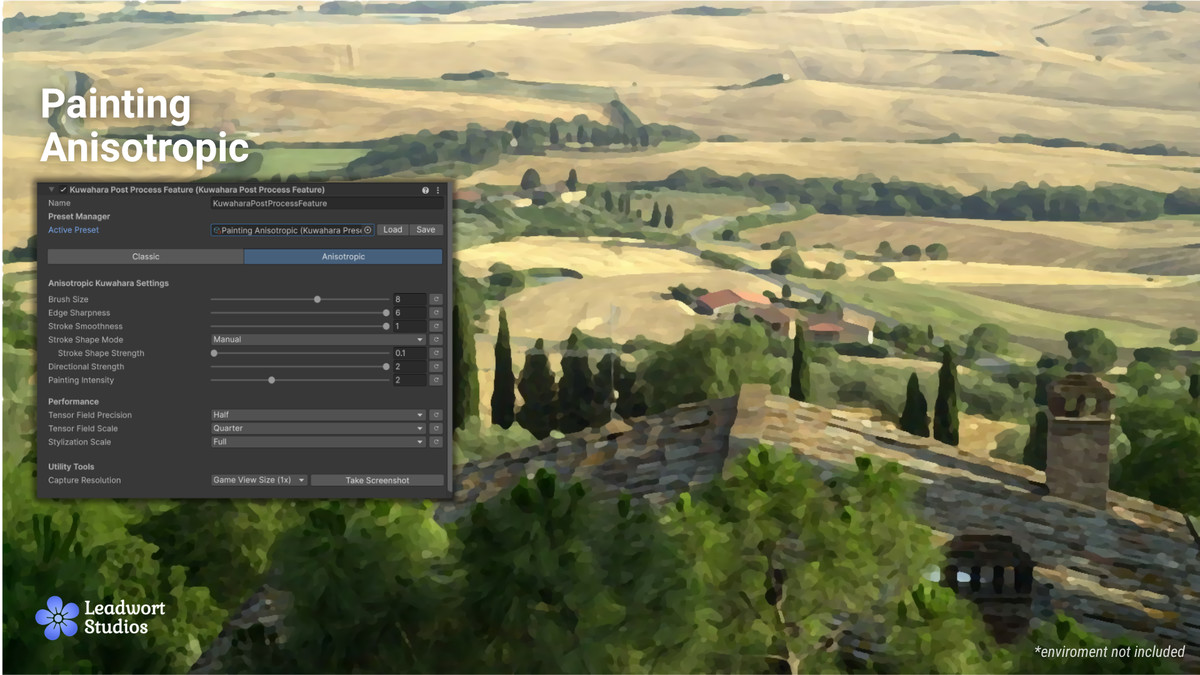
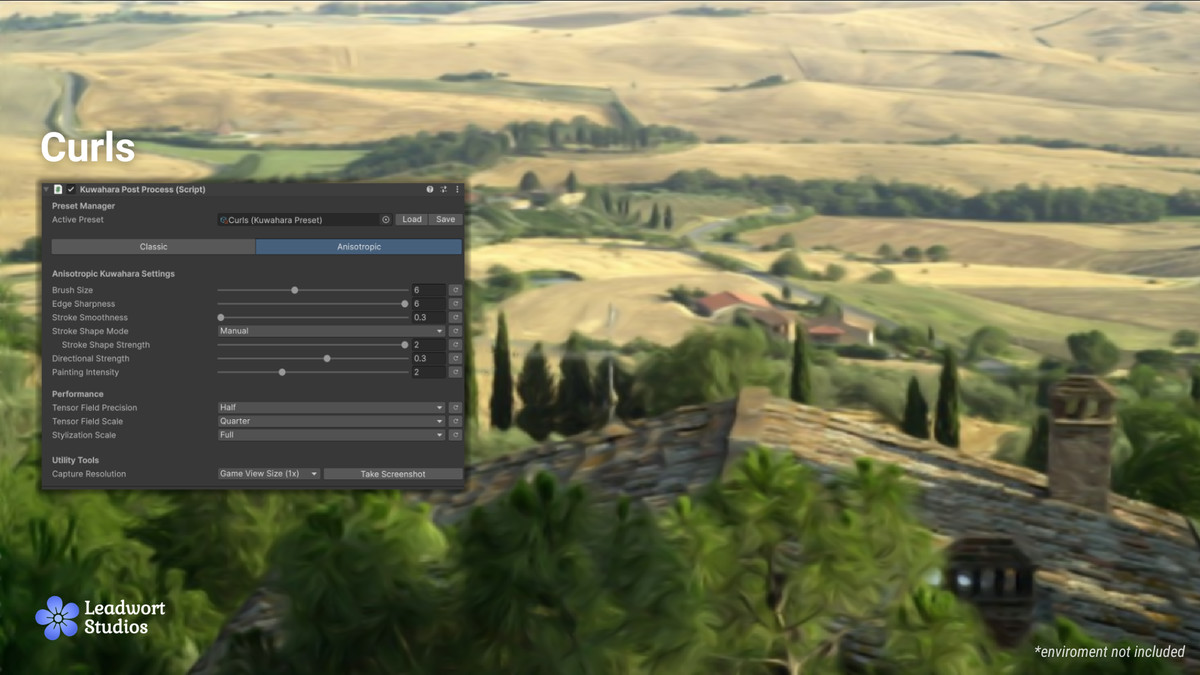
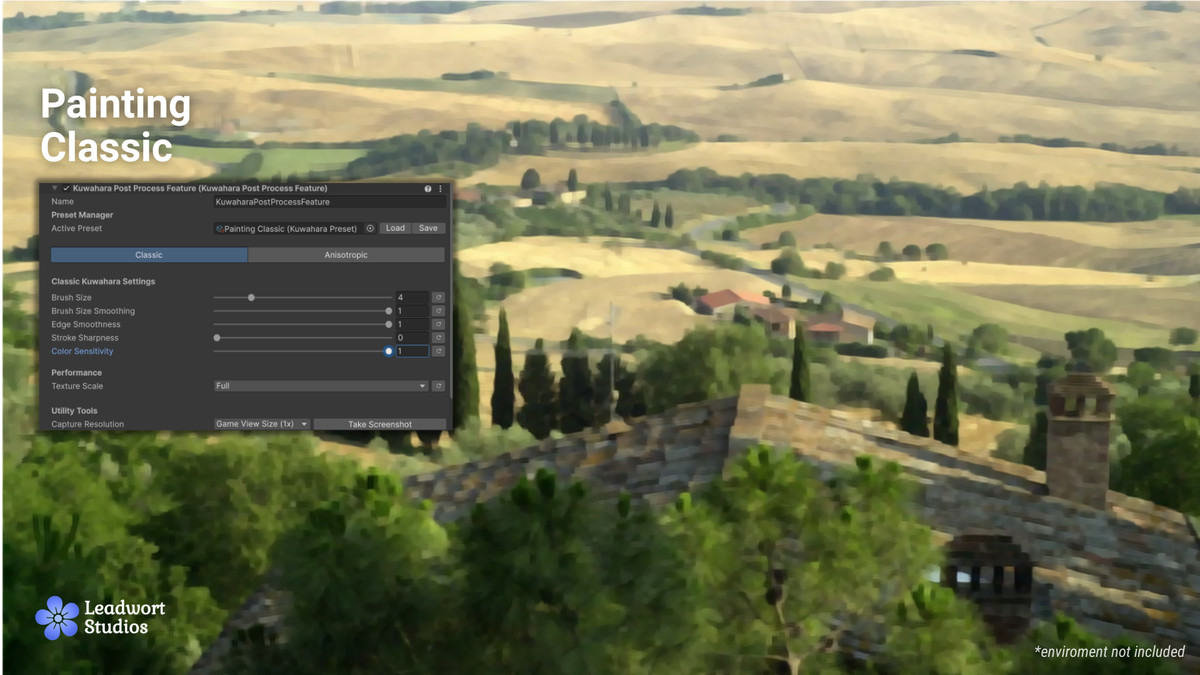
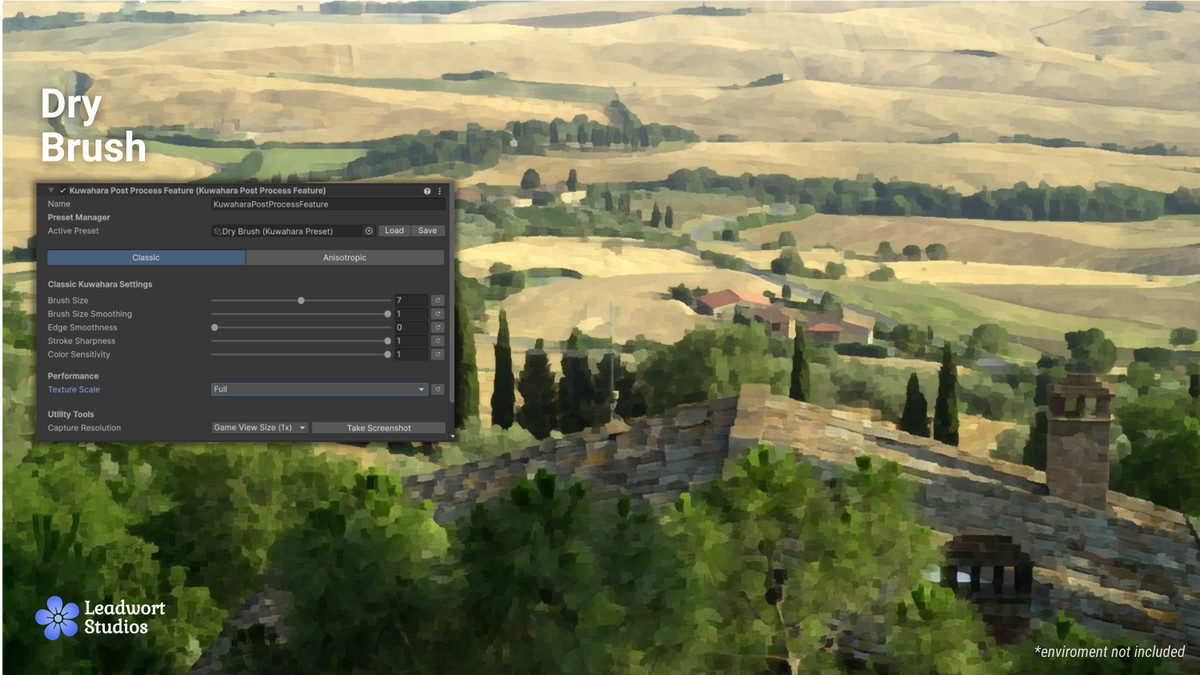
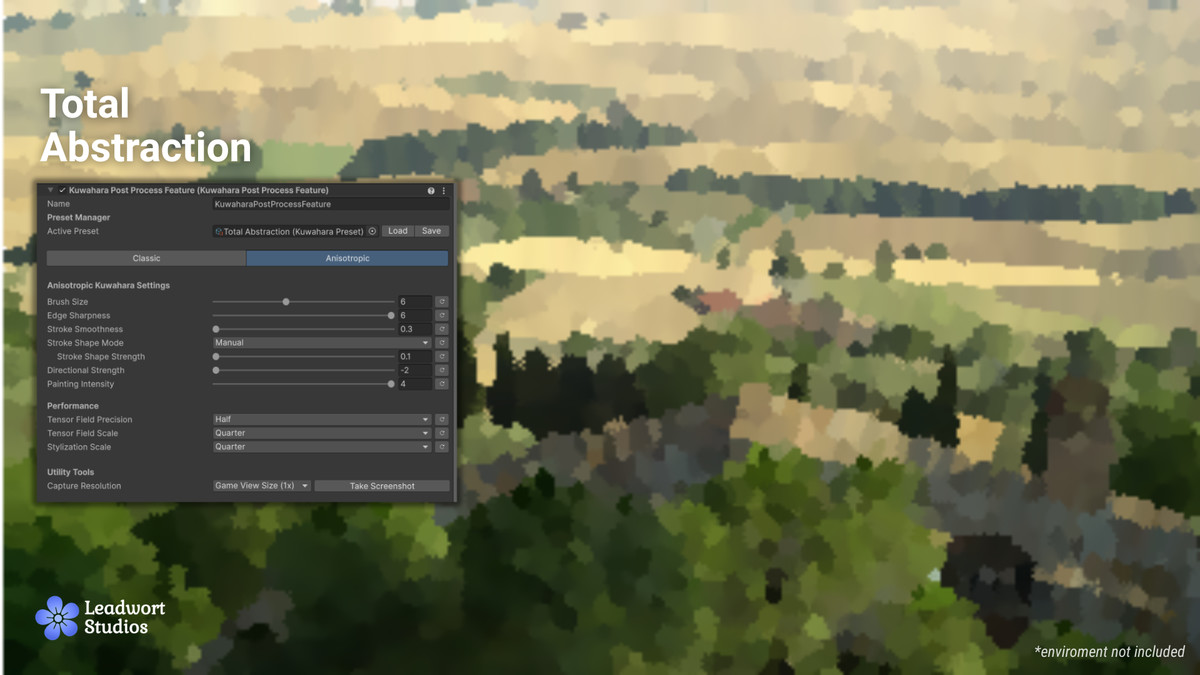
Kuwahara Filter is a customizable post-processing effect that turns your scene into a painterly, oil-paint-like render. It works with both the Built-In Render Pipeline and URP (Universal Render Pipeline), including full support for the Render Graph API introduced in newer URP versions.
Troubleshooting
If you get the following error when importing:
Failed to find one or both Kuwahara filter shaders. This can happen transiently right after adding the component in Edit Mode; if persists, try re-importing the asset.
Then try re-importing the asset right clicking the asset folder -> Reimport.
If you get a gray/black screen when enabling the asset then:
Enter play mode, this should fix the error.
If any of these errors persist please contact us: [email protected]
From the publisher's Asset Store listing.
Technical details
- Classic Kuwahara Filter.
- Anisotropic Kuwahara Filter.
- Public API to change the effect via scripting.
- Screenshot system.
Compatibility
| Unity version | Built-in | URP | HDRP |
|---|---|---|---|
| 6000.3.9f1 | Compatible | Compatible | Not listed |
As listed on the Asset Store.