
 View on Asset Store (opens in new tab)
Package details
- Latest version
- 1.0
- Last updated
- First released
- Unity version
- 6000.5.5 or later
- Package size
- 38 KB
- Files
- 11
- Favorites
- 1
- Views in the past week
- 9
Price tracking
- Last checked
- Tracked since
- Lowest recorded
- $19.99 on
Keywords

XR Mouse Sim — Test XR UI in Play Mode, No Headset
Iterate on world-space XR UI without putting on a headset. Mouse-driven hover, click, drag and scroll through the real XRI interaction chain — zero changes to your scenes, input actions or prefabs.
Affiliate link · Purchases support this site
Price history
Last 6 months
USDAsset preview
1 / 3
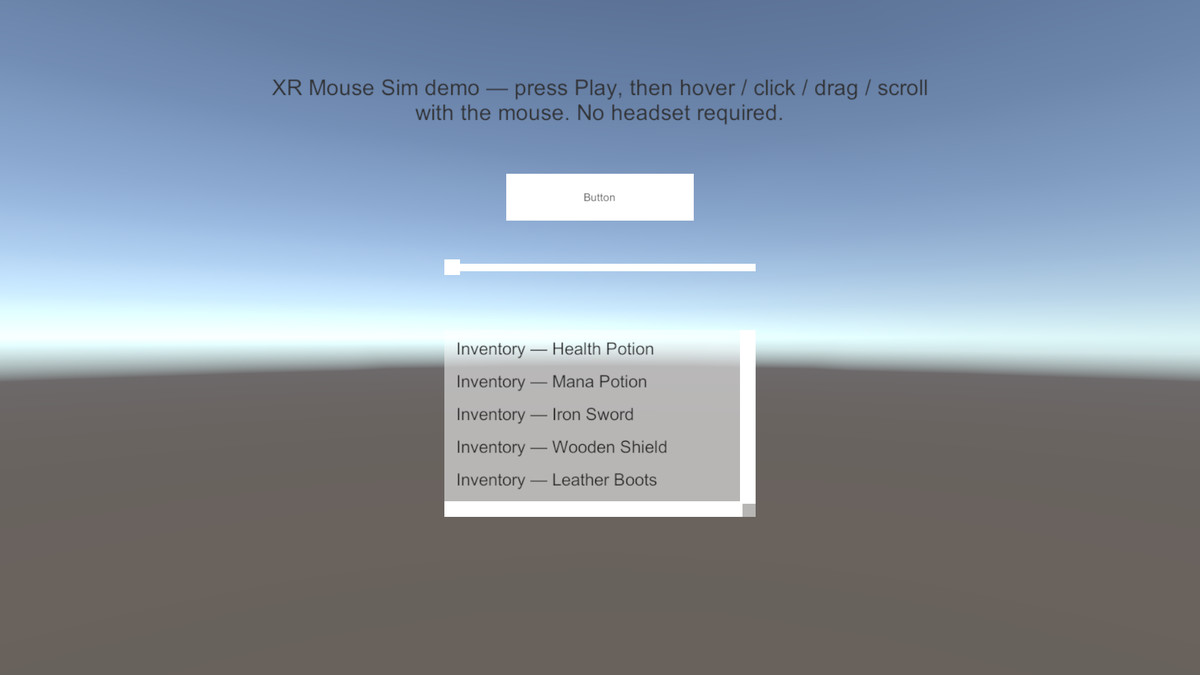
XR Mouse Sim — Test XR UI in Play Mode, No Headset screenshot 1
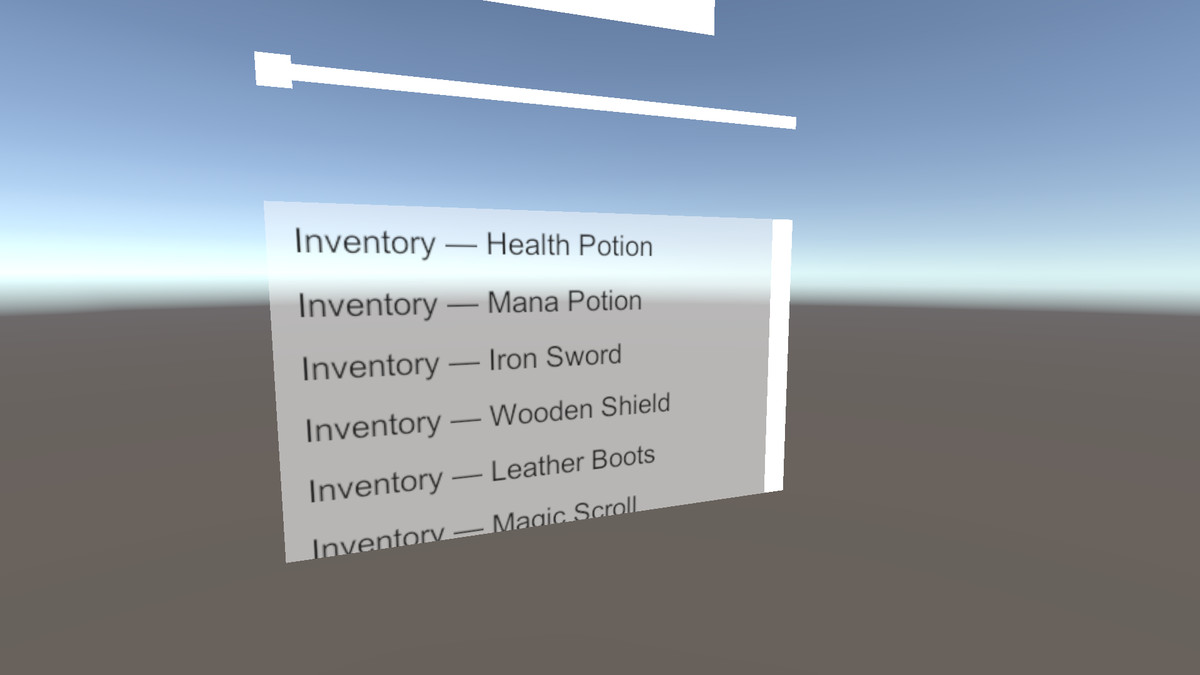
About this asset
**Stop reaching for the headset every time you tweak a button.**
XR Mouse Sim lets you test world-space UI in the Unity editor with just your mouse. Enter Play Mode, move the cursor over any world-space canvas, and hover, click, hold-and-drag and wheel-scroll simply work — through the same XRI event chain your players will use on device.
**Native XRI, not mouse emulation hacks**
- Pose is injected via an editor-only ray interactor; select/trigger fire through virtual device state
- Your Select action fires with its own bindings — we never touch your InputActionAsset
- No modifications to your scenes, prefabs, cameras or EventSystem
**Full interaction parity**
- Hover highlights, click, slider drag, ScrollRect wheel scrolling
- Works with your existing XR UI setup (XRUIInputModule + TrackedDeviceGraphicRaycaster)
**Zero-friction setup**
- Auto-spawns in Play Mode inside the editor only — nothing ships in your build (editor-gated, build pollution: zero)
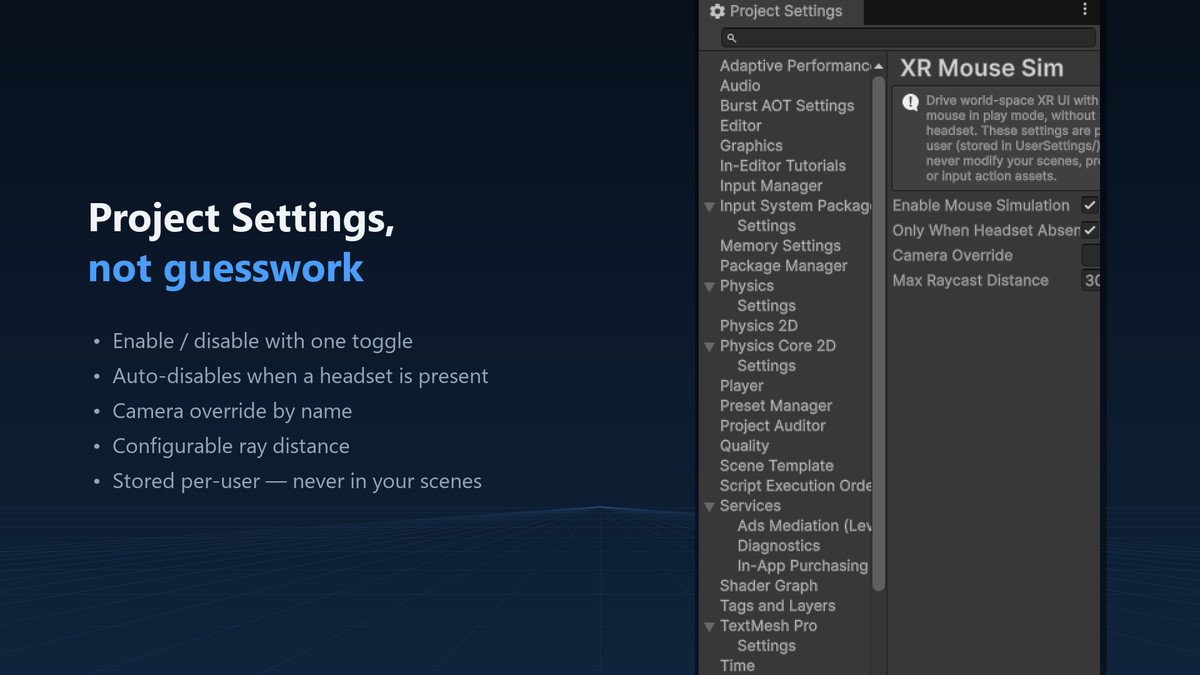
- Project Settings panel: enable toggle, headset gate, camera override, ray distance
- Getting Started window, demo scene and full documentation included
**Honest scope**
- Editor-only tool for Unity 6 + XRI 3.5+. Not a runtime input solution; gamepad/touch simulation not included.
Questions? [email protected] — support is a feature, not an afterthought.
From the publisher's Asset Store listing.
Compatibility
| Unity version | Built-in | URP | HDRP | Custom |
|---|---|---|---|---|
| 6000.5.5f1 | Compatible | Compatible | Compatible | Compatible |
Requires Unity 6 (6000.0+) and XR Interaction Toolkit 3.5+ (com.unity.xr.interaction.toolkit, installed via Package
Manager; the Input System package is installed with it automatically). Editor-only tool — nothing ships in player builds.
Works with any XR platform supported by XRI (OpenXR, Meta Quest, etc.). Verified on Unity 6000.5 with XRI 3.5.1.
As listed on the Asset Store.