
 View on Asset Store (opens in new tab)
Package details
- Latest version
- 1.0.0
- Last updated
- First released
- Unity version
- 6000.3.21 or later
- Package size
- 335 KB
- Files
- 30
- Favorites
- 5
- Views in the past week
- 15
Price tracking
- Last checked
- Tracked since
- Lowest recorded
- Free on
Keywords

Mesh Polisher
Review and standardize model normal and tangent import settings with profiles, batch audits, and safe restore tools.
Affiliate link · Purchases support this site
Price history
Last 6 months
USDAsset preview
1 / 7
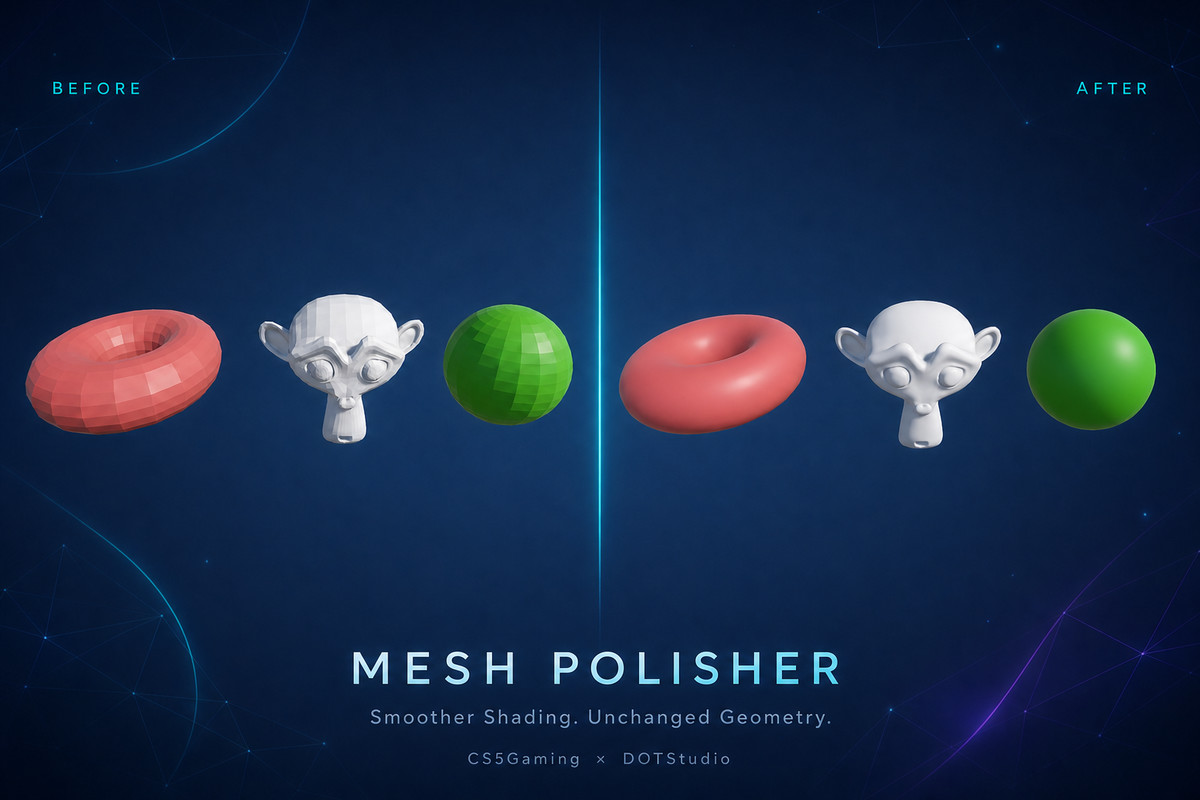
Mesh Polisher screenshot 1
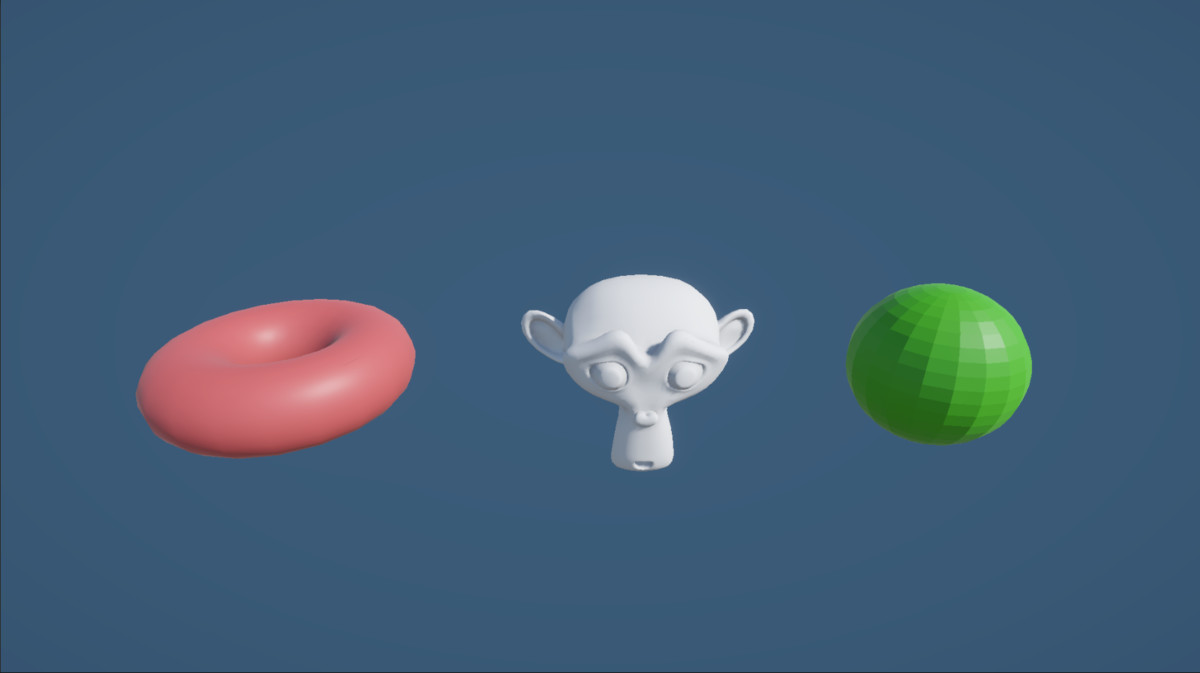
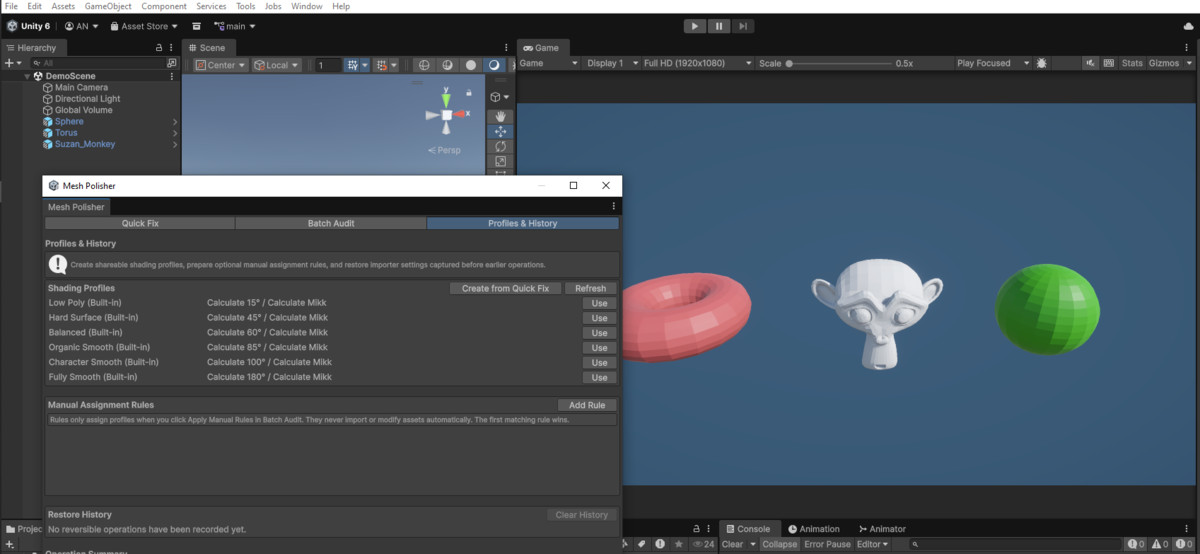
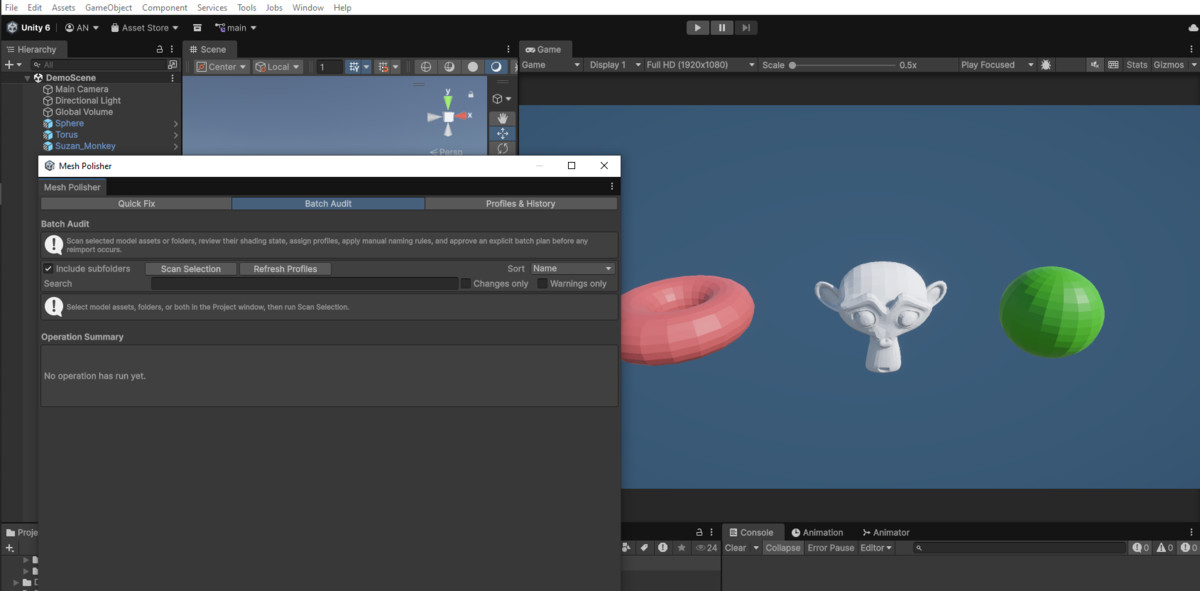
About this asset
Mesh Polisher helps you inspect and standardize normal and tangent import settings for model assets.
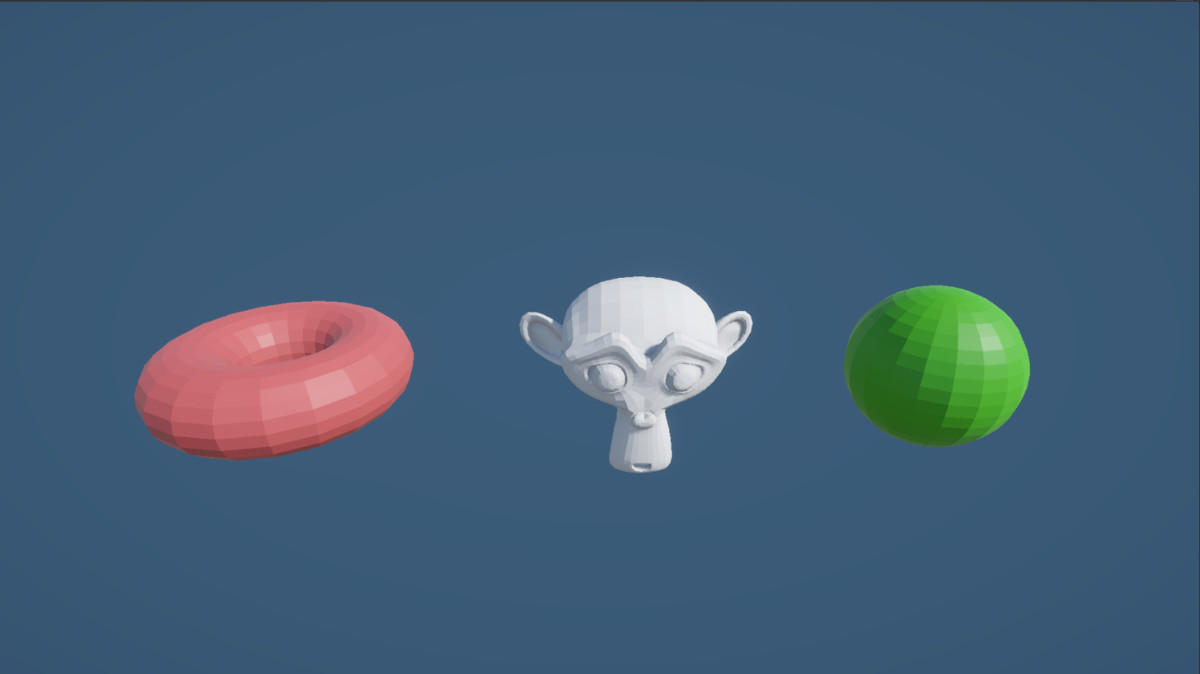
Inconsistent import settings can cause visible shading differences between models. Checking each model by hand can also take time and can lead to mistakes. Mesh Polisher gives you one clear workflow for small fixes and reviewed batch operations.
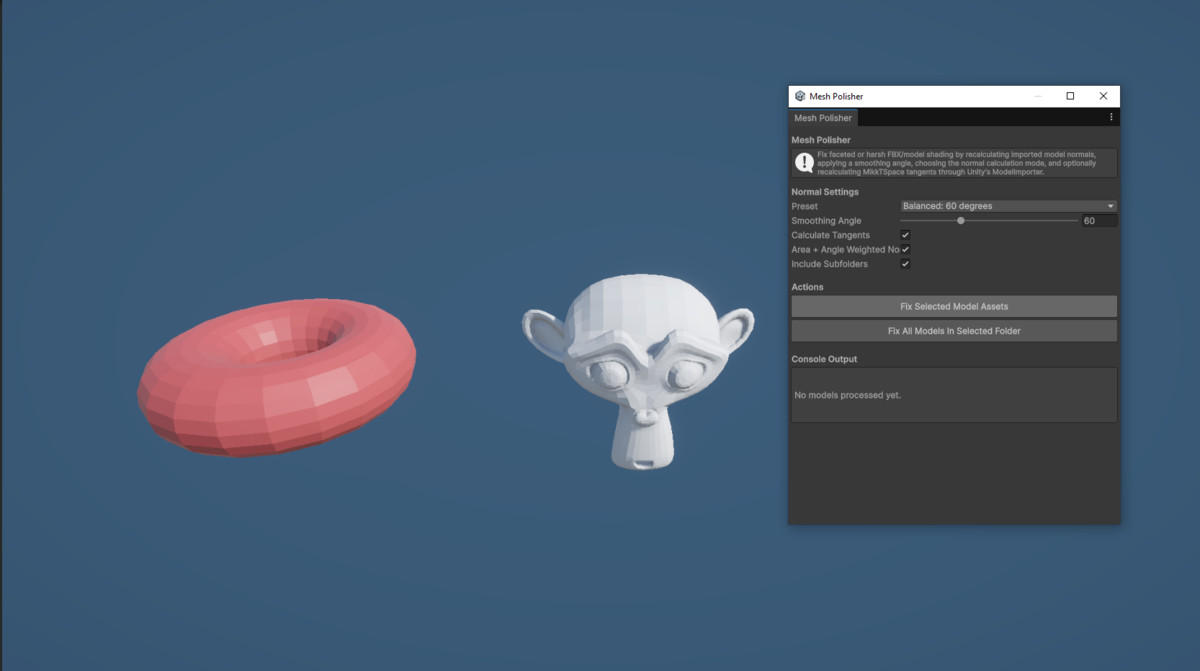
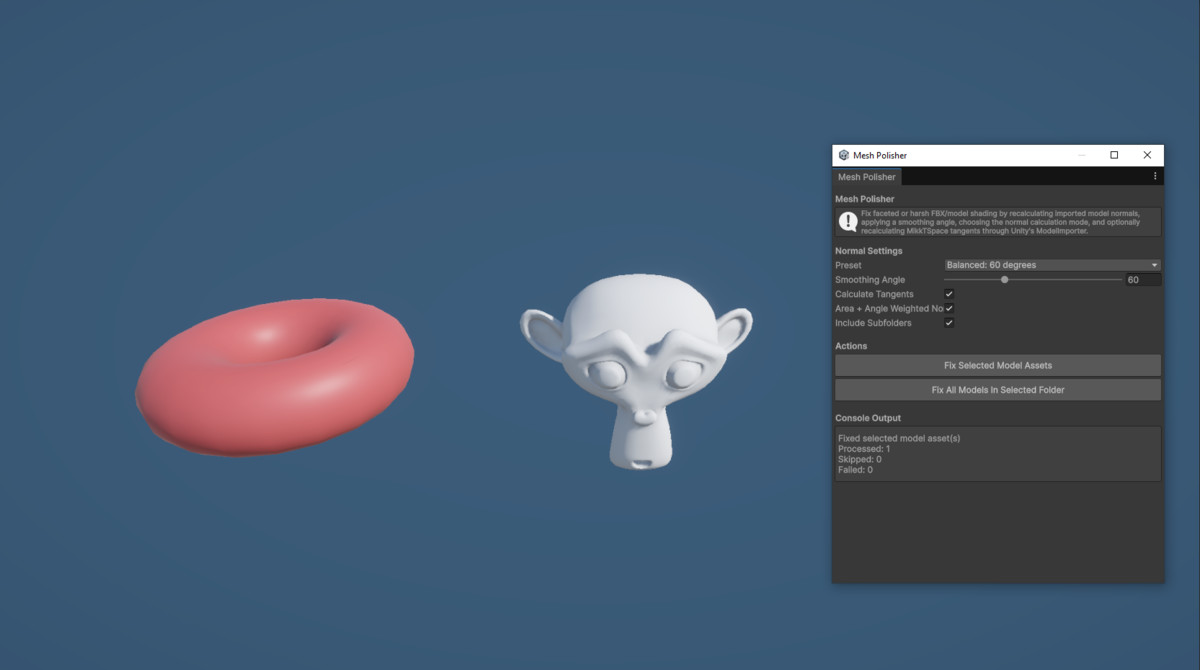
Use Quick Fix to process selected models or a model folder. Use Batch Audit to scan multiple models before you make changes. The audit shows the current settings, planned profile, model statistics, warnings, and exact proposed changes.
Built-in shading profiles give you useful starting points for low-poly, hard-surface, organic, and character models. You can also create custom profile assets for your project.
Manual assignment rules can assign profiles by asset path or filename. Rules do not process assets automatically. You apply them to the current batch plan and review the results before you continue.
Mesh Polisher saves the previous importer settings before a successful change. Restore History lets you return affected models to those saved settings.
This tool is useful for artists, technical artists, developers, and teams that manage many model assets. It is suitable for projects of all genres because it works with model import settings and does not depend on a render pipeline.
Mesh Polisher focuses on import settings. It does not edit mesh geometry, topology, UVs, materials, skin weights, or blend shapes.
From the publisher's Asset Store listing.
Technical details
Main features
- Quick Fix for selected model assets
- Folder processing with optional subfolder support
- Batch Audit for models and folders
- Static and skinned mesh identification
- Mesh, vertex, and triangle counts
- Search, status filters, and sorting
- Individual and multi-row profile assignment
- Exact change preview before processing
- Built-in shading profiles:Low Poly
Hard Surface
Balanced
Organic Smooth
Character Smooth
Fully Smooth - Custom reusable profile assets
- Manual path and filename assignment rules
- Contains, Starts With, and Ends With rule matching
- Progress display and cancellation
- Automatic skipping of matching models
- Restore History with asset GUID support
- Project window context command
- Editor-only assembly
- EditMode workflow tests
- Demo models and demo scene
- README and offline PDF documentation
Diagnostics
Batch Audit can report:
- Missing normal data
- Normal count and vertex count differences
- Zero-length or invalid readable normals
- Imported normals that a calculated-normal profile will replace
- Normal and tangent setting combinations that need review
- Model assets that contain no mesh sub-assets
Settings managed
Mesh Polisher can change these ModelImporter fields:
- Normal import mode
- Normal calculation mode
- Smoothing angle
- Tangent import or calculation mode
The calculation mode and smoothing angle apply when Unity calculates the normals.
Setup
- Import the package.
- Select model assets or folders in the Project window.
- Open Tools > DOT Tools > Mesh Polisher.
- Choose Quick Fix or Batch Audit.
- Review and confirm the operation.
You can also right-click a model asset that contains a mesh and select DOT Tools > Mesh Polisher Settings.
Dependencies
- Unity 2022.3 or newer
- No external package dependencies
- No render-pipeline dependency
- No runtime components
Safety
- The tool does not modify the source FBX or other source model file.
- The tool does not use an automatic asset postprocessor.
- Every operation requires a user action and confirmation.
- Restore History records managed importer settings before successful changes.
- The audit warns you before a profile replaces imported custom normals.
Limitations
- Works with assets imported through Unity's ModelImporter.
- Does not edit vertices, faces, normals, topology, UVs, or materials directly.
- Does not repair flipped faces, non-manifold geometry, broken UVs, or poor topology.
- Detailed normal validation needs readable mesh data.
- Applying importer changes causes Unity to reimport the affected models.
Compatibility
| Unity version | Built-in | URP | HDRP | Custom |
|---|---|---|---|---|
| 6000.3.21f1 | Compatible | Compatible | Compatible | Compatible |
Editor-only and render-pipeline independent. It works with the Built-in Render Pipeline, URP, and HDRP because it changes ModelImporter settings only. It has no runtime components and adds no player-build dependency. Unity 2022.3 or newer is required.
As listed on the Asset Store.