
 View on Asset Store (opens in new tab)
Package details
- Latest version
- 1.0
- Last updated
- First released
- Unity version
- 6000.3.9 or later
- Package size
- 135 KB
- Files
- 17
- Favorites
- 1
- Views in the past week
- 5
Price tracking
- Last checked
- Tracked since
- Lowest recorded
- $15.00 on
Keywords

Editor Workflow Suite
Editor utilities designed to color-code your Hierarchy, manage ScriptableObjects, and pin sticky notes directly to GameObjects. Streamline your project's workflow with zero compilation overhead.
Affiliate link · Purchases support this site
Price history
Last 6 months
USDAsset preview
1 / 4
Editor Workflow Suite screenshot 1

About this asset
Take back control of your Unity Editor.
When working on large, complex game architectures, the Unity Editor can quickly become a cluttered mess of uniform lists and buried data. The Editor Workflow Suite is a collection of three premium, high-impact utilities built to eliminate daily friction, keep your team organized, and speed up your development time.
Built with a strict zero-clutter philosophy, these tools use native Editor APIs and Assembly Definitions to ensure they never slow down your compile times or interfere with your codebase.
🔥 Core Features:
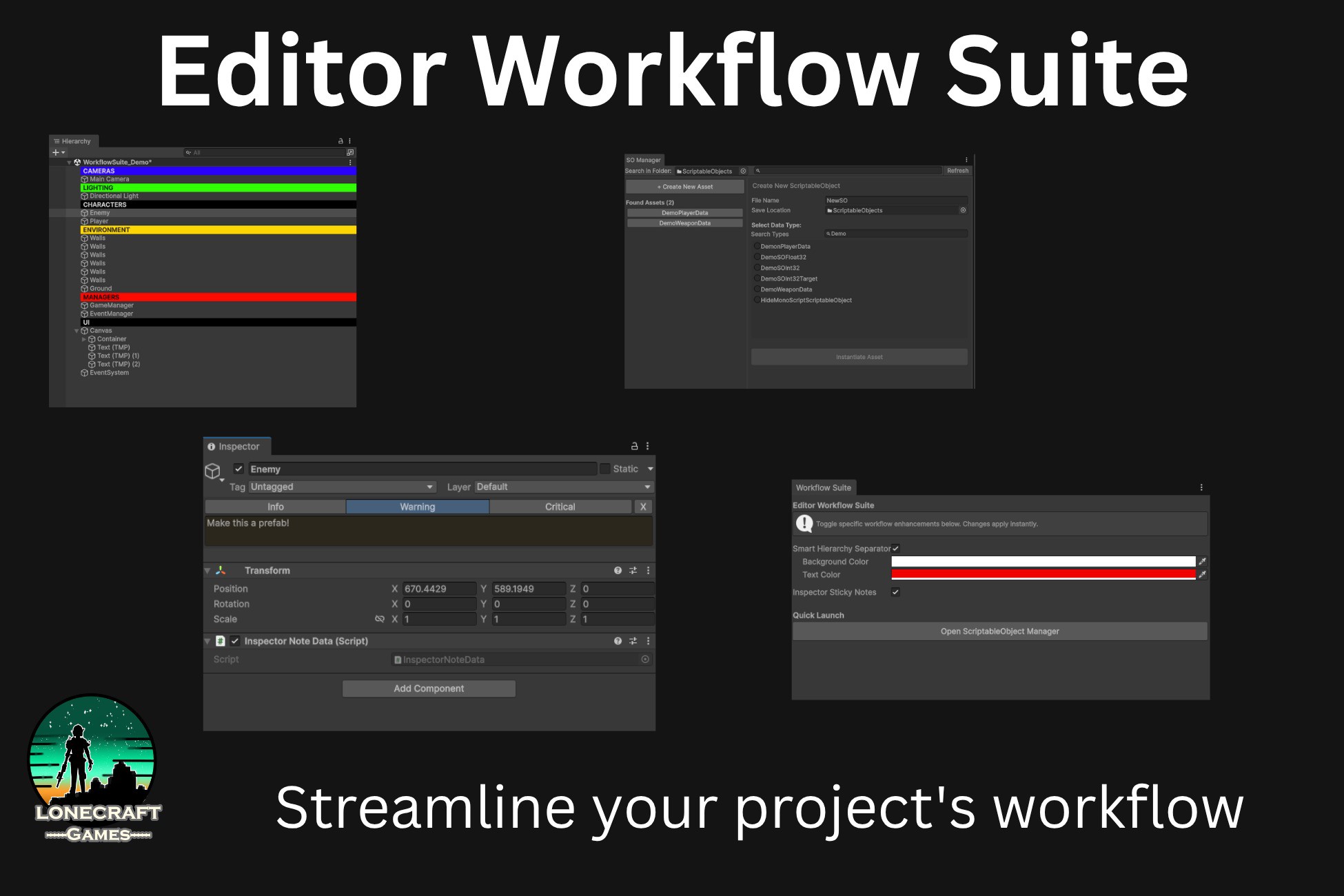
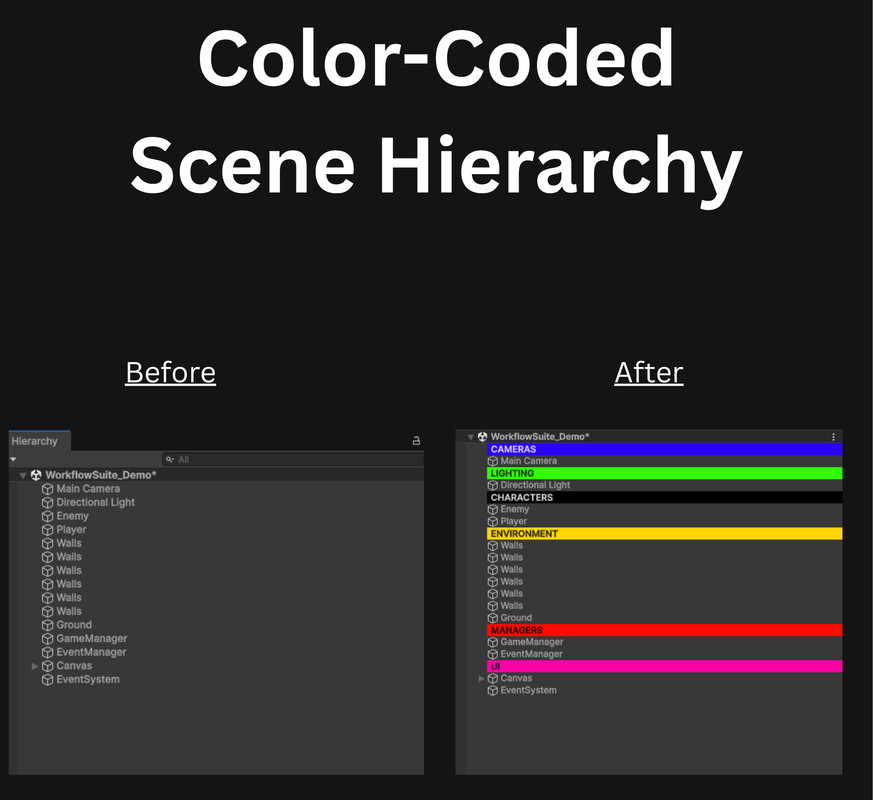
1. Smart Hierarchy SeparatorsStop relying on empty GameObjects to organize your scenes. Simply right-click any GameObject to transform it into a bold, cleanly styled folder banner.
- Custom Colors: Color-code your scene (e.g., Red for Enemies, Blue for Managers) with a dedicated Inspector UI.
- Indentation Friendly: Perfectly respects Unity’s native foldout arrows and parent/child depth.
2. Quick-Note Inspector Sticky NotesTeam members constantly forget why specific game components are configured a certain way, leading to bugs. Fix this by pinning stylized notes directly to your GameObjects.
- Global Injection: Injects a clean "Add Sticky Note" button at the very top of your Inspector.
- Severity Levels: Color-code your notes (Green for Info, Yellow for Warnings, Red for Critical Bugs).
- Build-Safe: Uses a tiny, zero-overhead runtime tag that won't break your builds.
3. ScriptableObject ManagerCreating and finding ScriptableObjects natively requires hunting blindly through deep right-click menus. This dual-pane control center fixes that.
- Find & Edit: Search your entire project (or a specific folder) for existing data assets and edit them in a dedicated window.
- Rapid Creation: Search through all available SO types in your project, choose a target save folder, and instantiate new data in seconds.
Why Choose This Suite?
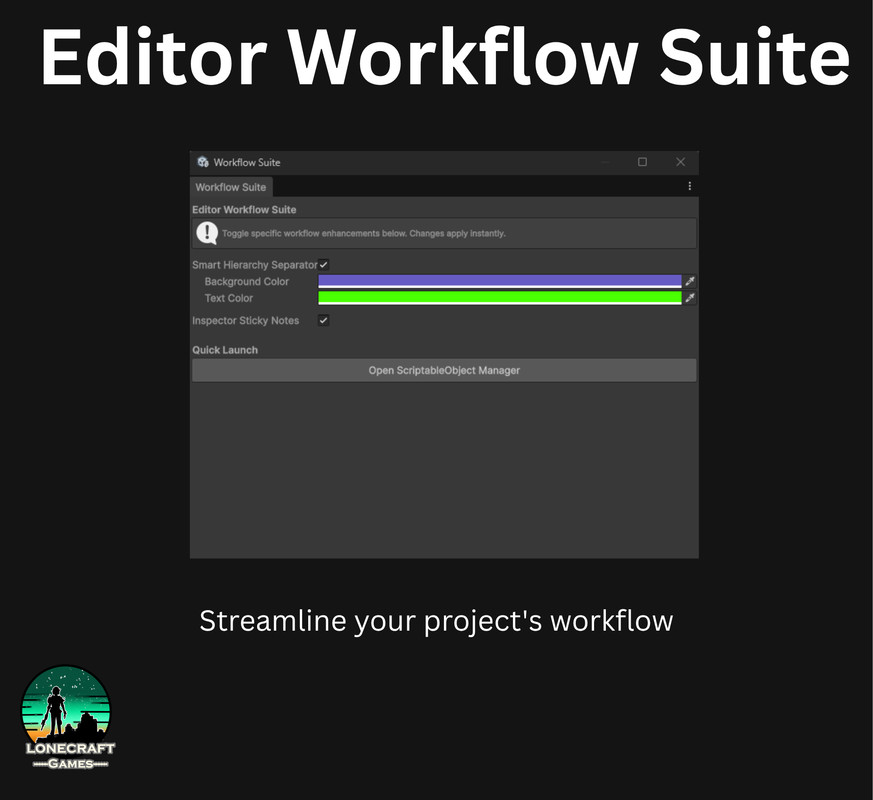
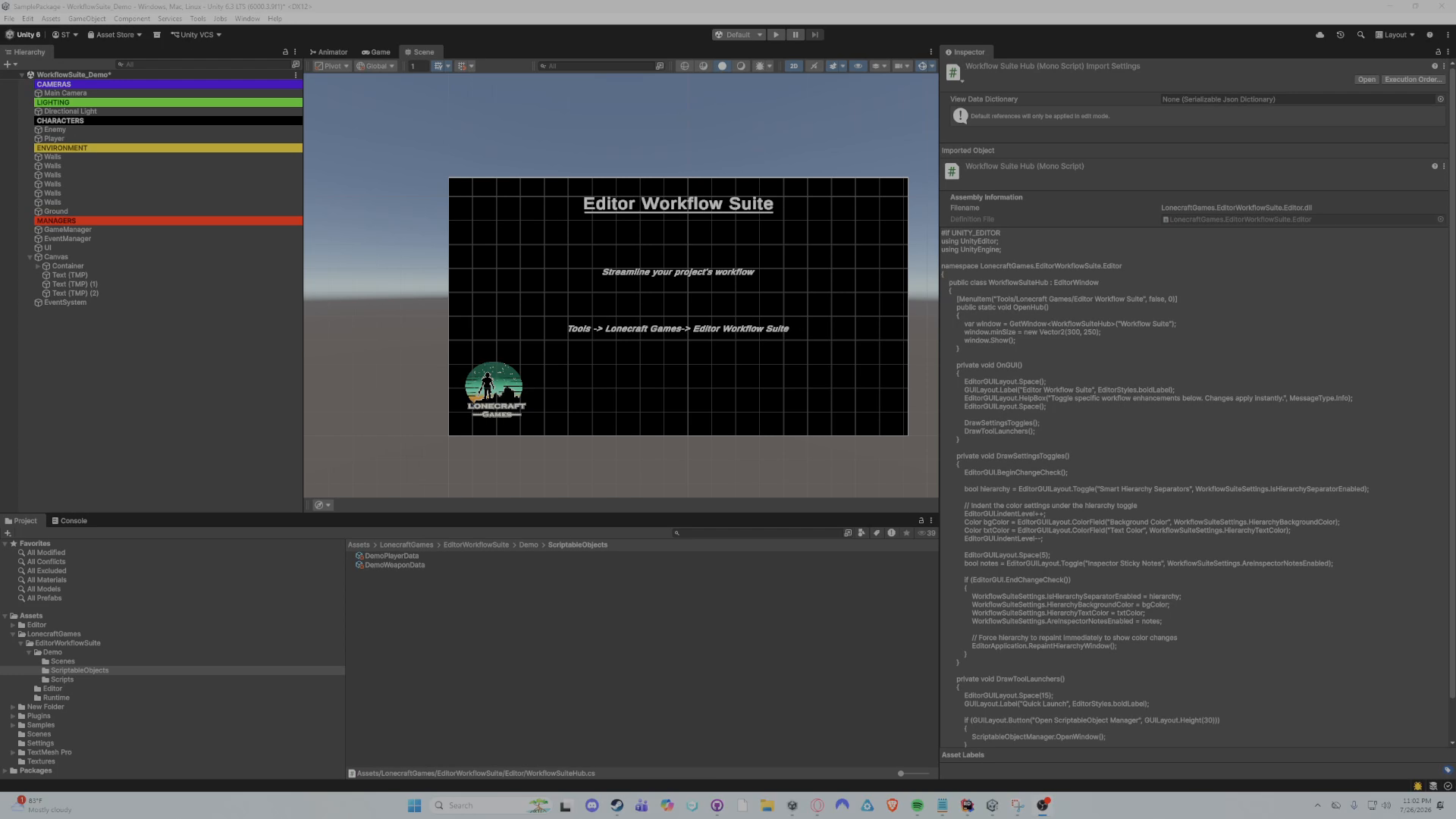
- Plug & Play: No setup required. A centralized Hub window lets you toggle features on or off instantly.
- Professionally Sandboxed: Fully contained within custom namespaces and .asmdef files so it compiles once and never touches your game's code.
From the publisher's Asset Store listing.
Technical details
Features:
- 1 Centralized Settings Hub Window
- 1 ScriptableObject Manager Window (Dual-pane UI)
- 1 Hierarchy Rendering Override System (Color customizable)
- 1 Global Inspector Sticky Note Injector
Technical Specs:
- Dependencies: None (Uses standard Unity Editor APIs)
- Namespaces: Yes (Strictly contained in LonecraftGames.EditorWorkflowSuite)
- Assembly Definitions: Yes (Separated into Runtime and Editor to ensure zero impact on user compile times and guarantee build safety)
- Supported Render Pipelines: Built-in, URP, HDRP
- Supported OS: Windows, macOS
Included Files:
- 6 Editor Scripts
- 2 Runtime Scripts (Lightweight, zero-overhead data tags)
- 2 Assembly Definition Files (.asmdef)
- 1 Demo Scene & Dummy ScriptableObject
- 1 PDF Documentation Manual
Compatibility
| Unity version | Built-in | URP | HDRP |
|---|---|---|---|
| 6000.3.9f1 | Compatible | Compatible | Compatible |
As listed on the Asset Store.