
 View on Asset Store (opens in new tab)
Package details
- Latest version
- 1.0.2
- Last updated
- First released
- Unity version
- 6000.3.12 or later
- Package size
- 24 KB
- Files
- 15
- Views in the past week
- 2
Price tracking
- Last checked
- Tracked since
- Lowest recorded
- $4.99 on
Keywords

Visual Folder System
Extension that helps you easily sort and organize your project using colors, icons, and bookmarks.
Affiliate link · Purchases support this site
Price history
Last 6 months
USDAsset preview
1 / 4
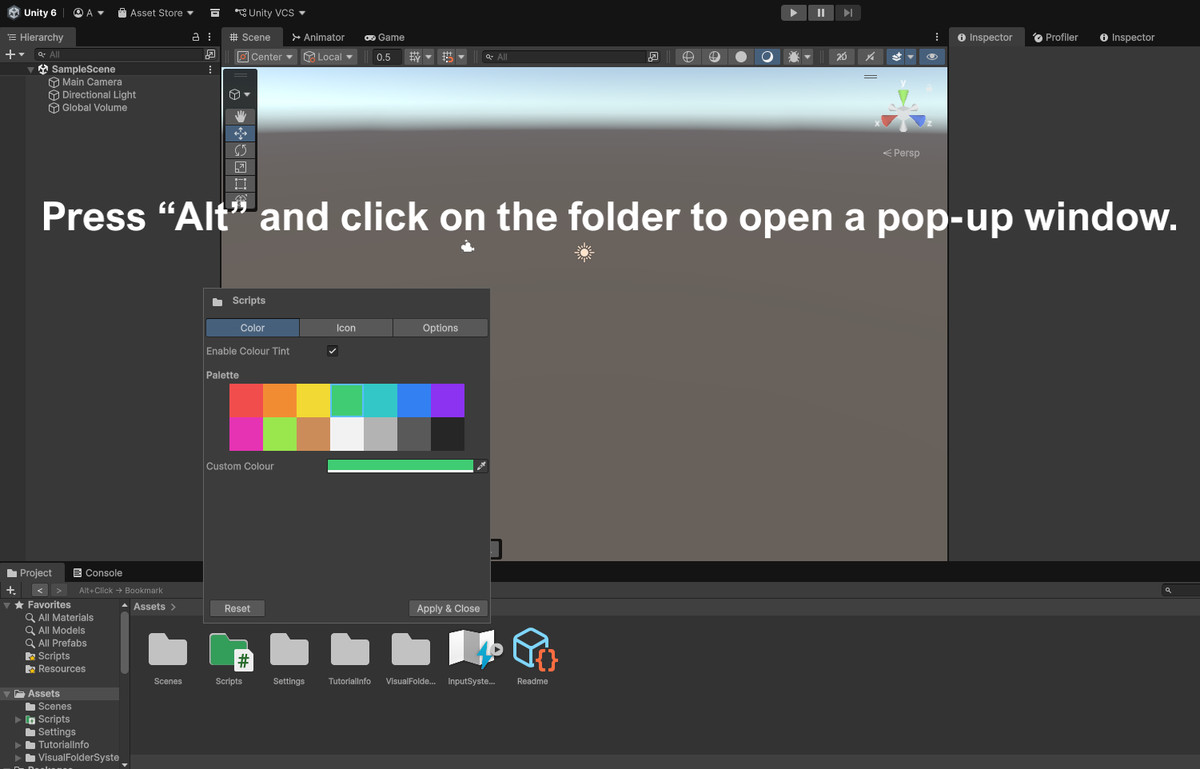
Visual Folder System screenshot 1
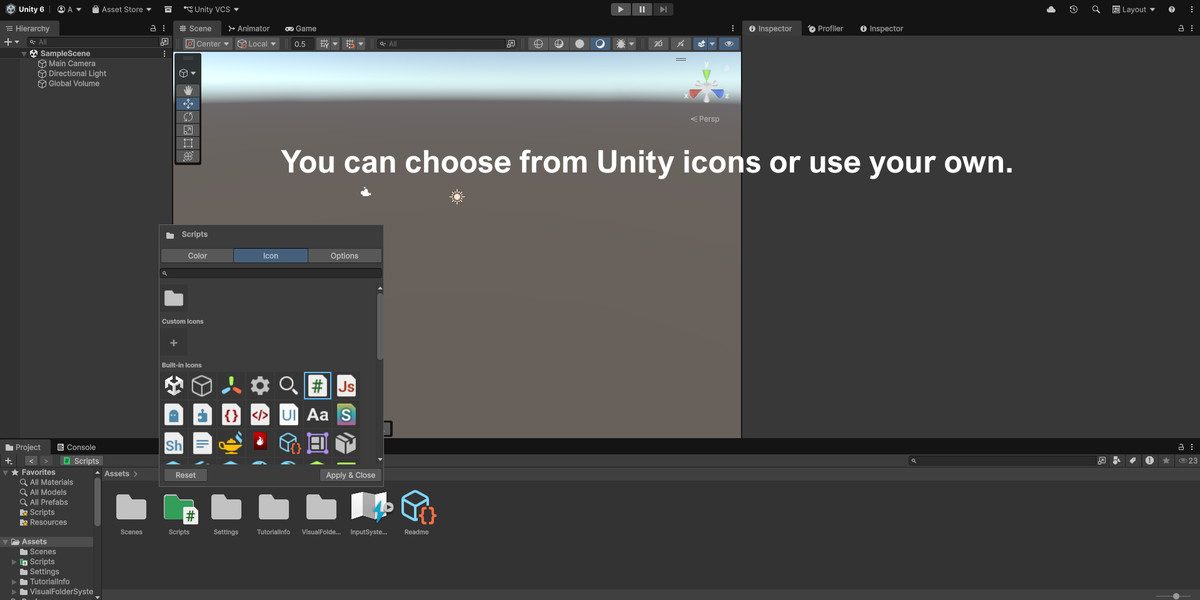
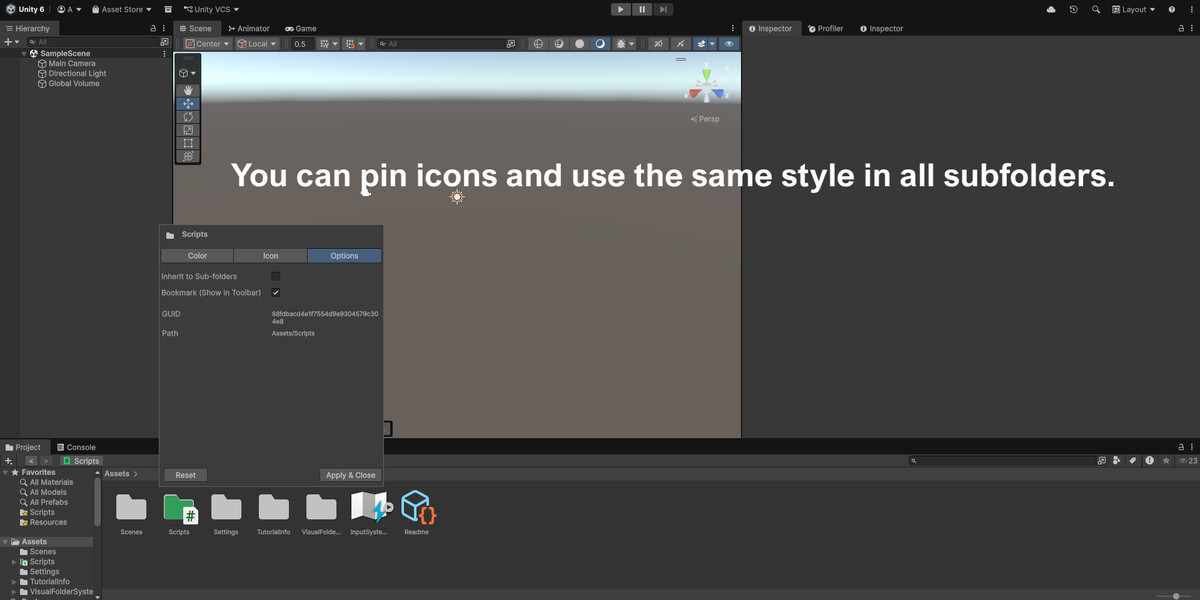
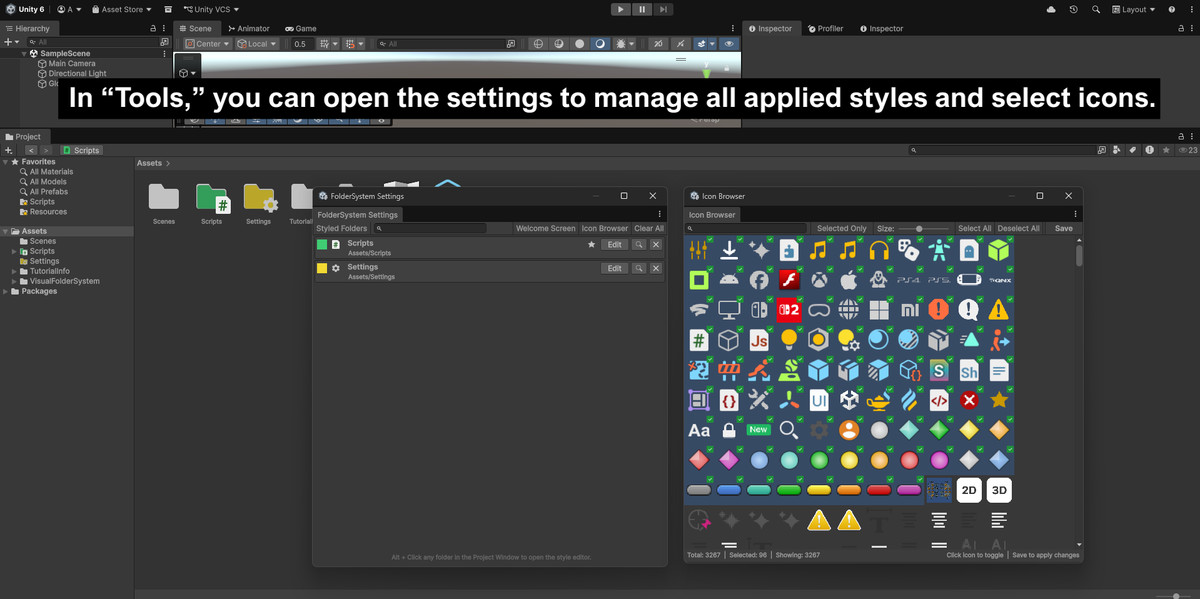
About this asset
I created this tool because I needed to better organize my project.
Features include:
Color-coding folders with any color.
Use custom icons or Unity’s built-in icon library. (You’ll need to select which ones you want to use in your version of Unity via the icon browser.)
You can pin folders.
And you can use the folder history to easily return to where you were before.
This is an editor tool; it does not increase the export size.
To display the window, click on a folder while holding down the Alt key, or use the tools in the “Tools” menu.
Tool is injected into the “Project” window.
Data is saved to a .json file, so it can be easily shared.
From the publisher's Asset Store listing.
Technical details
Technical Disclaimer:
- This asset relies heavily on internal Unity Editor APIs. While it is stable in official releases, it may require updates following major Unity Editor changes.
- Beta and Alpha versions of the Unity Editor are NOT officially supported. Maintenance updates for new stable Unity versions will be prioritized for supporters and contributors.
Compatibility
| Unity version | Built-in | URP | HDRP | Custom |
|---|---|---|---|---|
| 6000.3.12f1 | Compatible | Compatible | Compatible | Compatible |
As listed on the Asset Store.