
 View on Asset Store (opens in new tab)
Package details
- Latest version
- 2.0.0
- Last updated
- First released
- Unity version
- 6000.5.4 or later
- Package size
- 1.2 MB
- Files
- 547
- Favorites
- 9
- Views in the past week
- 52
Price tracking
- Last checked
- Tracked since
- Lowest recorded
- Free on
Keywords
Smart Inventory System
A free modular inventory framework with spatial bags, equipment progression, crafting stations, item effects, safe saves, clean starters and explained feature controls.
Affiliate link · Purchases support this site
Price history
Last 6 months
USDAsset preview
1 / 10
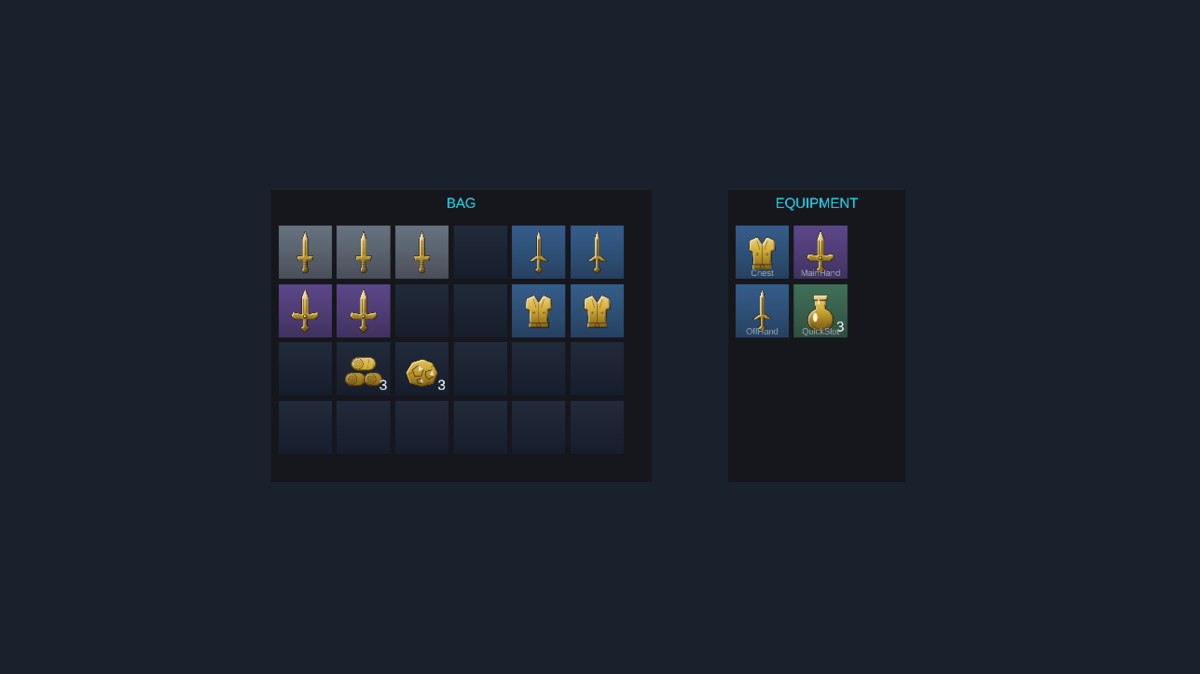
Smart Inventory System screenshot 1
About this asset
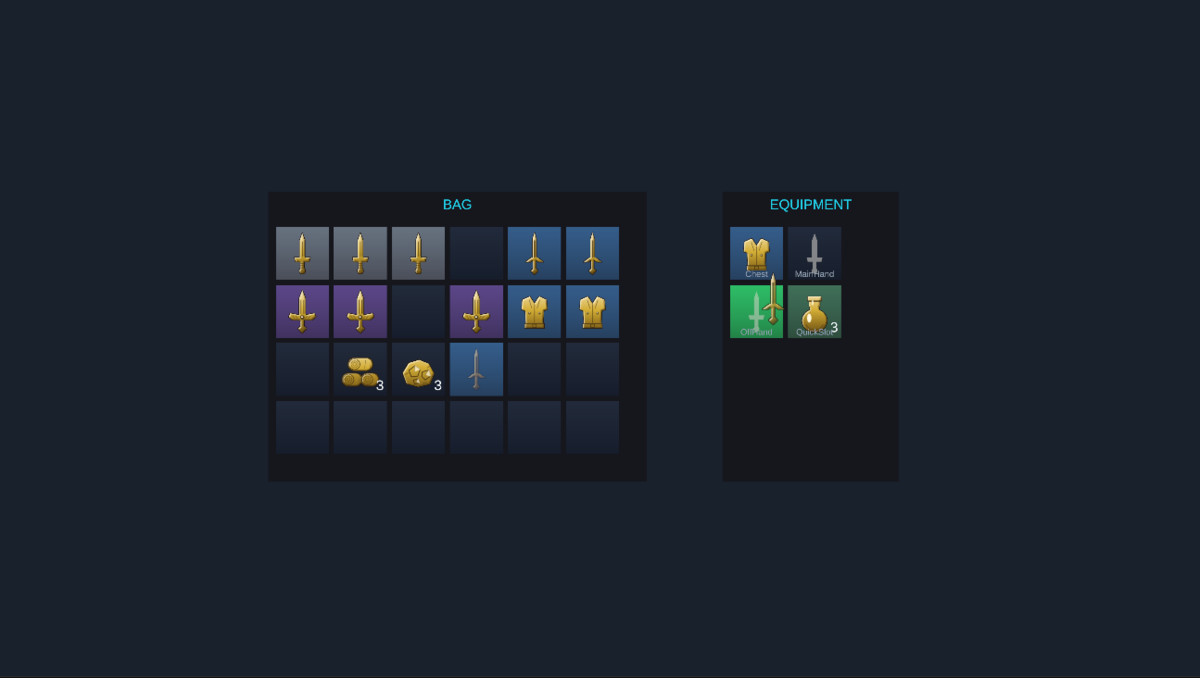
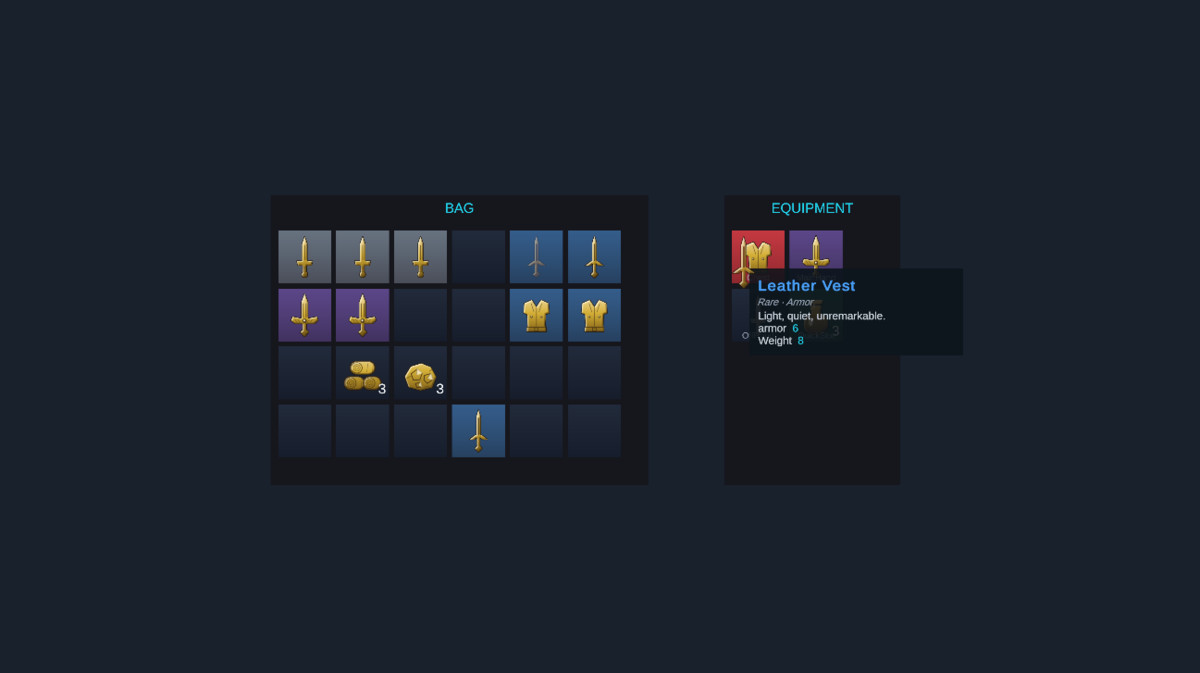
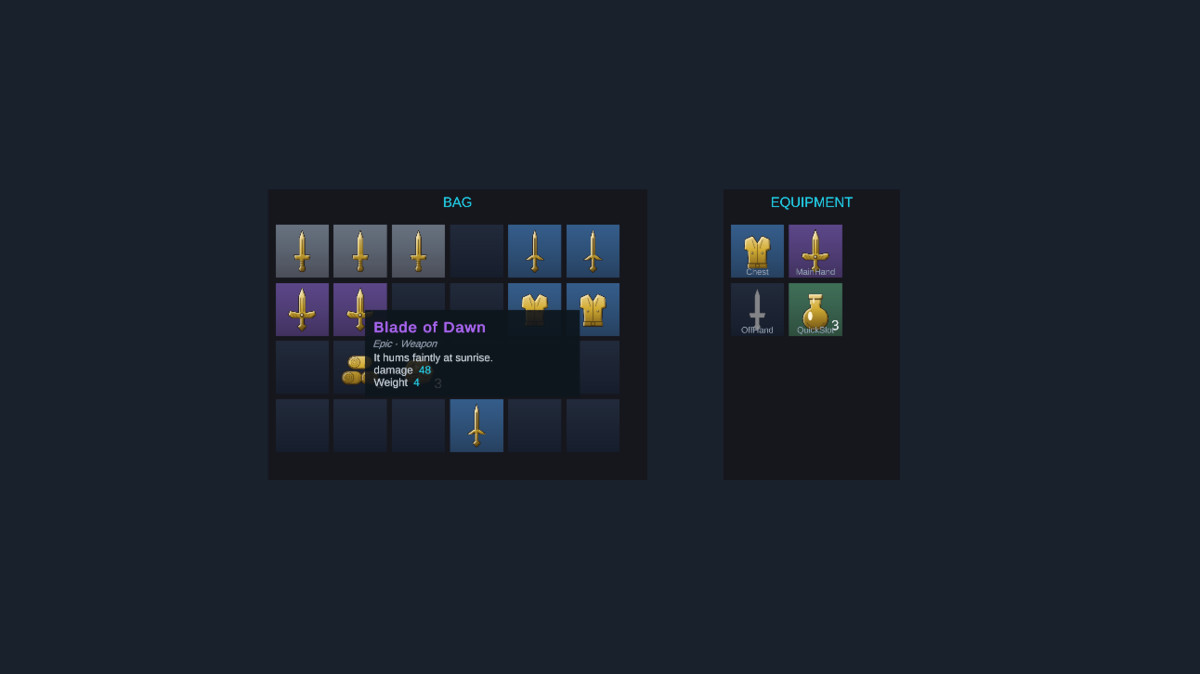
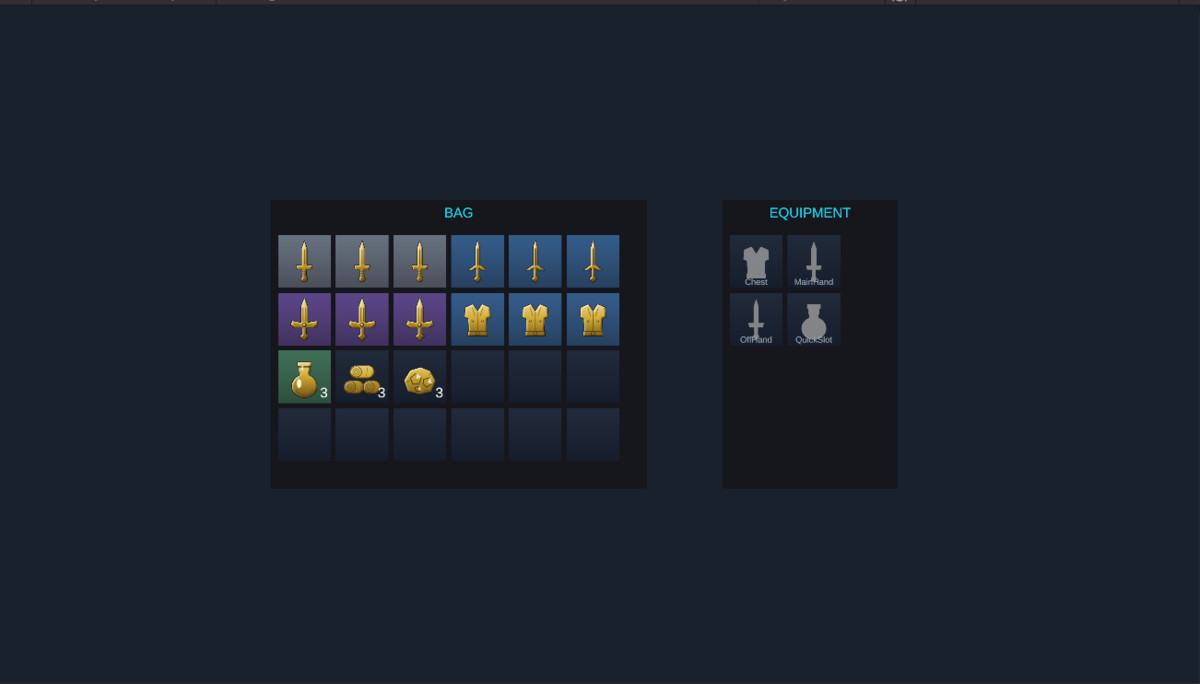
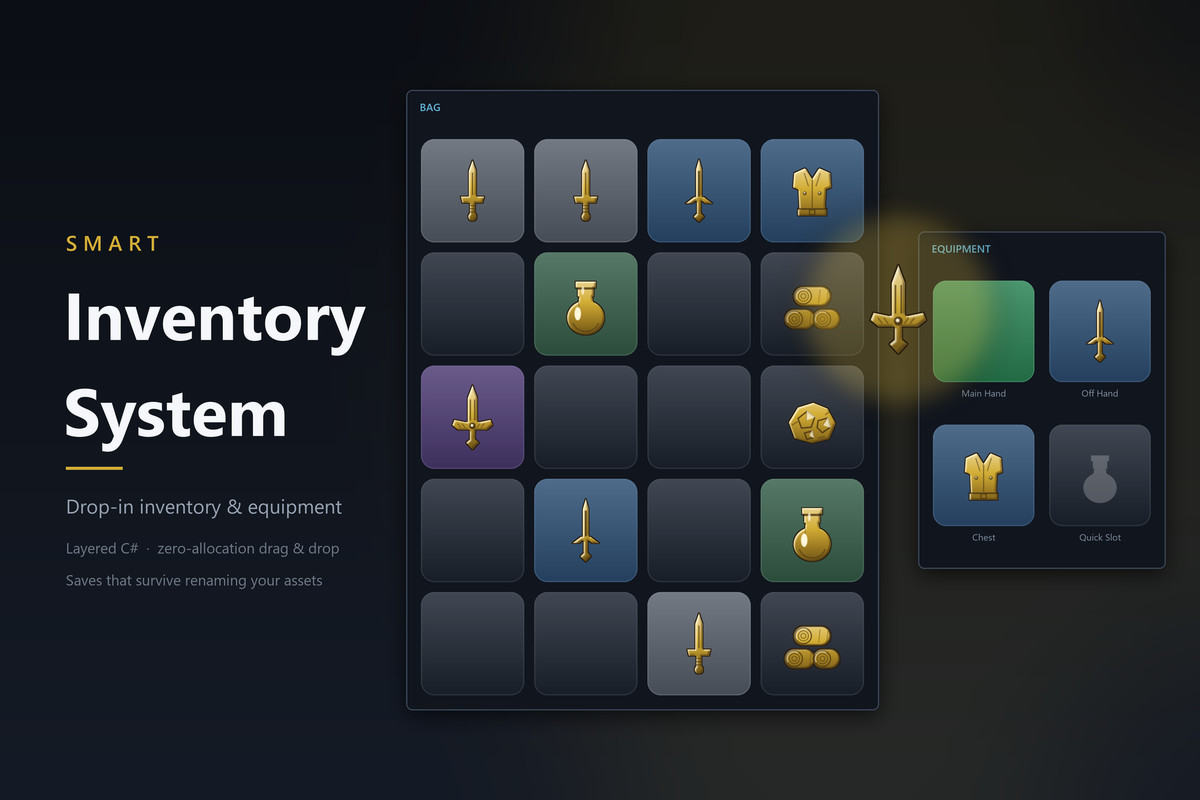
Smart Inventory System 2.0 is a free modular inventory framework. Keep the conventional inventory screen, start with a spatial pack, or compose the systems your game needs. Full C# source and English documentation are included.
CHOOSE YOUR SYSTEMS
The Feature Control Panel explains each option and what disabling it changes. Choose optional modules before Play; dependencies follow automatically. Required identity, safe stacking, base inventory and save validation remain active. Profiles govern linked contexts and sessions, without deleting content or silently discarding saved data.
ITEMS AND CONTAINERS
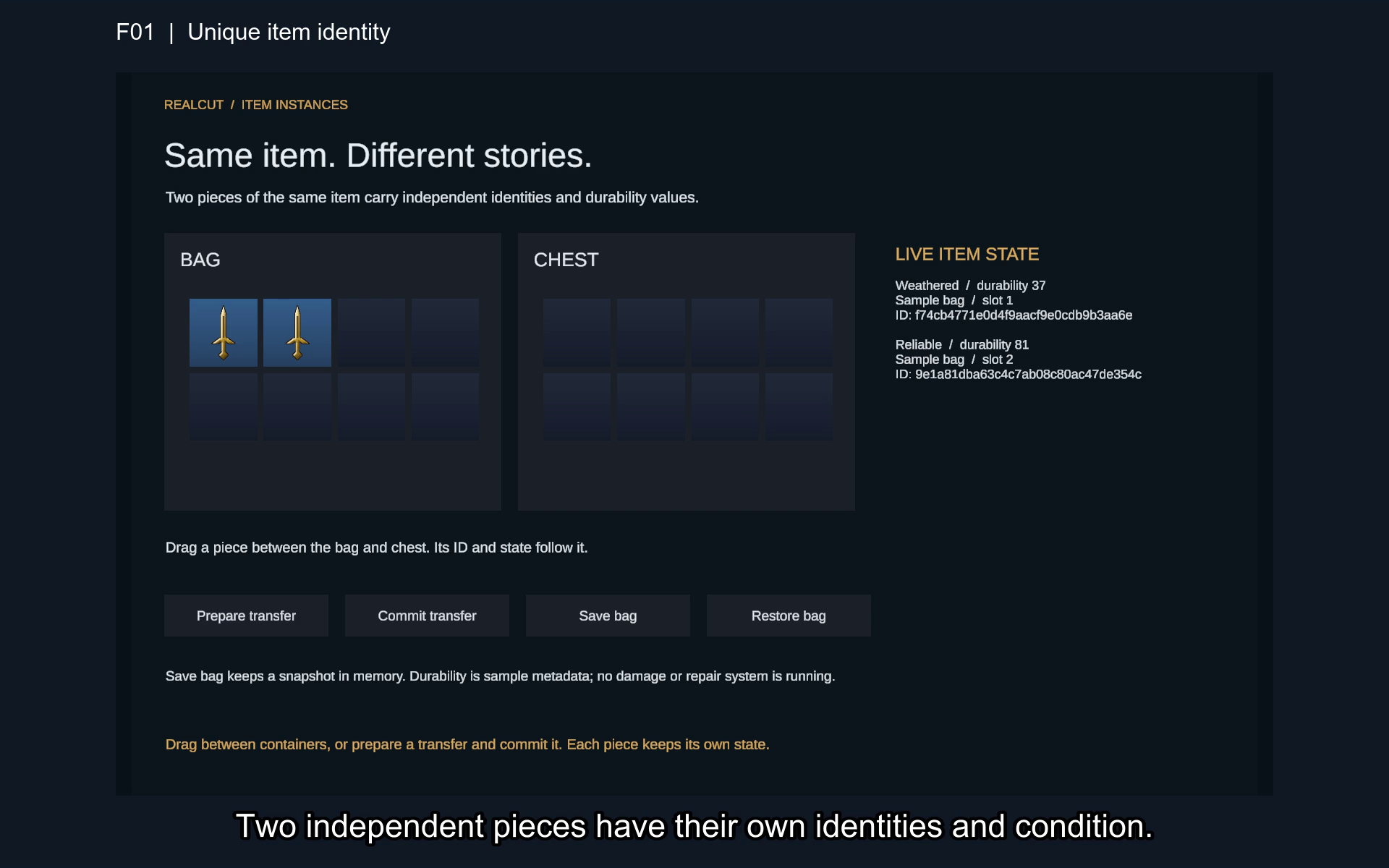
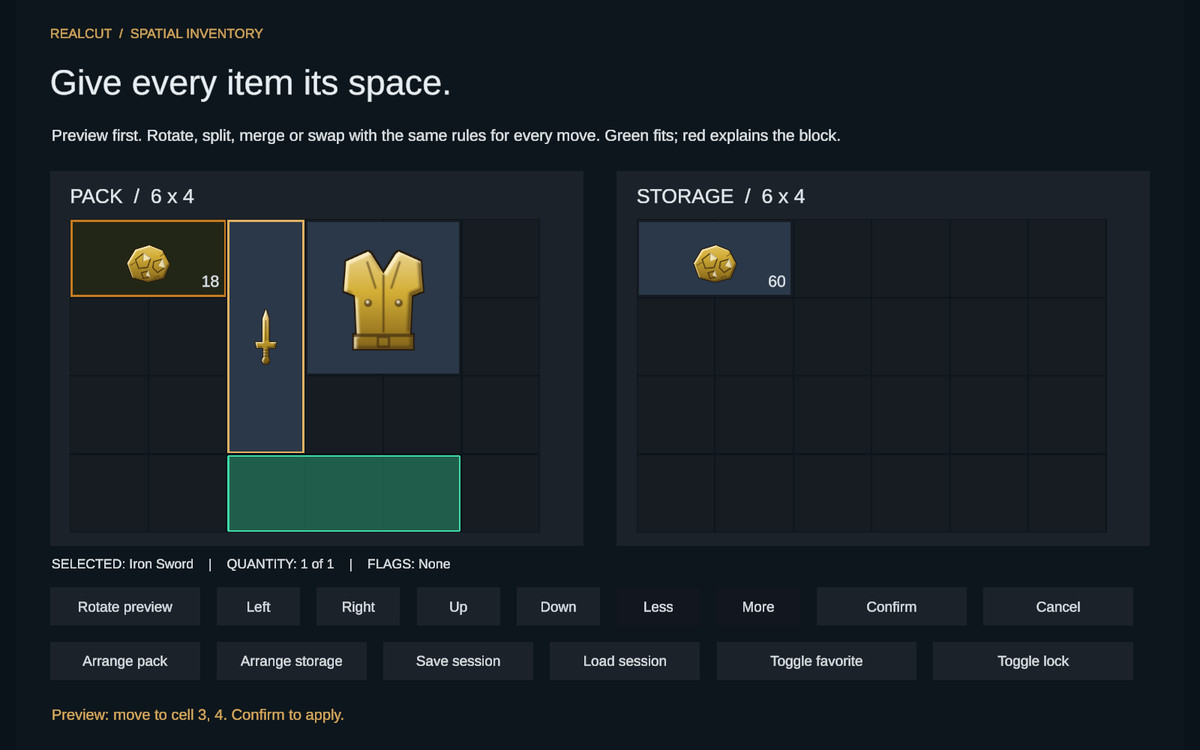
Independent identities and personal properties; safe stacking; durability and repair; rolled properties; upgrades; sockets; charges and recharging; quest and ownership policies; ordinary slots; spatial footprints; validated movement and rotation; automatic arrangement; capacity changes; nested storage; weight and volume limits; favorites and locks; bulk transfer reports.
EQUIPMENT AND PROGRESSION
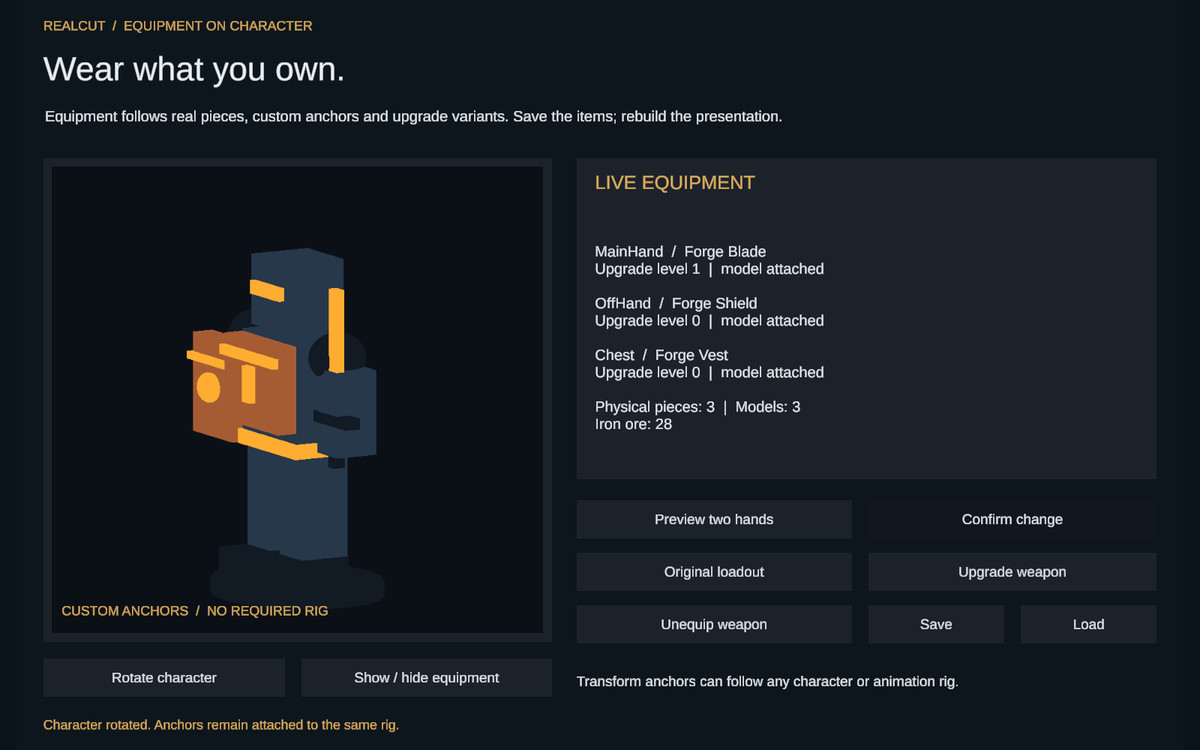
Named equipment slots, two-handed occupancy, owned-item loadout presets, before/after comparisons, equipment set bonuses and character visuals following the actual equipped pieces.
CRAFTING AND GAMEPLAY
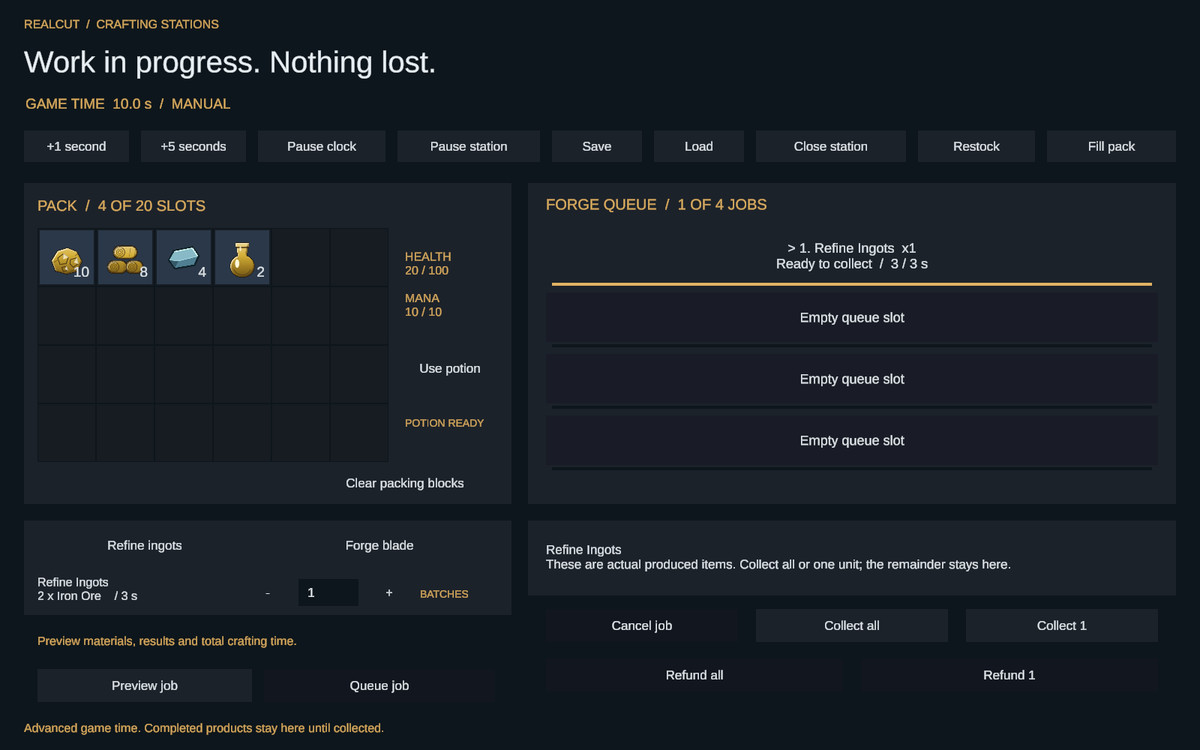
Recipe discovery and prerequisites, complete batch-cost previews, atomic crafting, explicit-time station queues, cancellation and protected refunds, dismantling with exact previews, actor effects and logical cooldowns.
INSTALL IN YOUR OWN GAME
Use the clean conventional screen or optional Gameplay Session and Gameplay Panel prefabs. The clean gameplay starter begins empty and grants nothing automatically. One integrated workshop shows systems sharing actual items and saved state; focused scenes explain individual modules. GAME_INTEGRATION.md maps setup for every module. FEATURE_CONTROLS.md explains profiles and existing-save behavior.
No other RealCut product is required. Your game owns world interactions, rewards, actor integration, persistence lifetime and custom policies. The optional complete gameplay host manages one actor and one crafting station; advanced games can compose lower-level services.
From the publisher's Asset Store listing.
Technical details
Full C# source with separate Core, Data, Persistence, Components, UI and optional Gameplay layers. Core has no UnityEngine dependency. Stable item and instance IDs survive asset renames.
Prepared atomic operations validate costs, placement and ownership before committing. Versioned JSON and explicit save coordinators capture participating inventories, actor state and crafting stations together. Backup and recovery examples are included.
Independent item state includes durability, rolled properties, upgrades, sockets and charges. Configure quest/ownership policies, favorites, locks, load limits, capacity and nested storage. Spatial inventories support footprints, rotation, placement and arrangement.
Equipment supports slot rules, two-handed occupancy, owned-item loadouts, comparisons, set bonuses and character visuals. Crafting includes discovery, prerequisites, batch previews, timed queues, refunds and dismantling. Actor effects use a shared logical clock.
The Feature Control Panel provides explanations, dependency handling and presets. Clean starter prefabs, focused demo scenes and an integrated workshop provide several ways to build your game integration.
The included UI uses uGUI and TextMeshPro; import TMP Essential Resources for text. Input System integration is optional. Unity Test Framework is needed only to run included test assemblies. Unity packages and TMP resources are installed separately; see Third-Party Notices.txt.
English documentation includes setup, module integration, customization, save migration and a public API reference. Built-in and URP 17.5.0 example rendering have been checked on Windows with Unity 6000.5.4f1.
Compatibility
| Unity version | Built-in | URP | HDRP |
|---|---|---|---|
| 6000.5.4f1 | Compatible | Compatible | Not listed |
The inventory Core is independent of rendering. Included examples use uGUI and TextMeshPro with Built-in rendering or URP 17.5.0. Import TMP Essential Resources for UI text. Themes, slot prefabs and item visuals can be customized for your game.
As listed on the Asset Store.