
 View on Asset Store (opens in new tab)
Package details
- Latest version
- 1.5.2
- Last updated
- First released
- Unity version
- 6000.6.0 or later
- Package size
- 1.7 MB
- Files
- 54
- Favorites
- 29
- Views in the past week
- 68
Price tracking
- Last checked
- Tracked since
- Lowest recorded
- $13.99 on
Keywords

UI Shapes – Procedural Image Effects
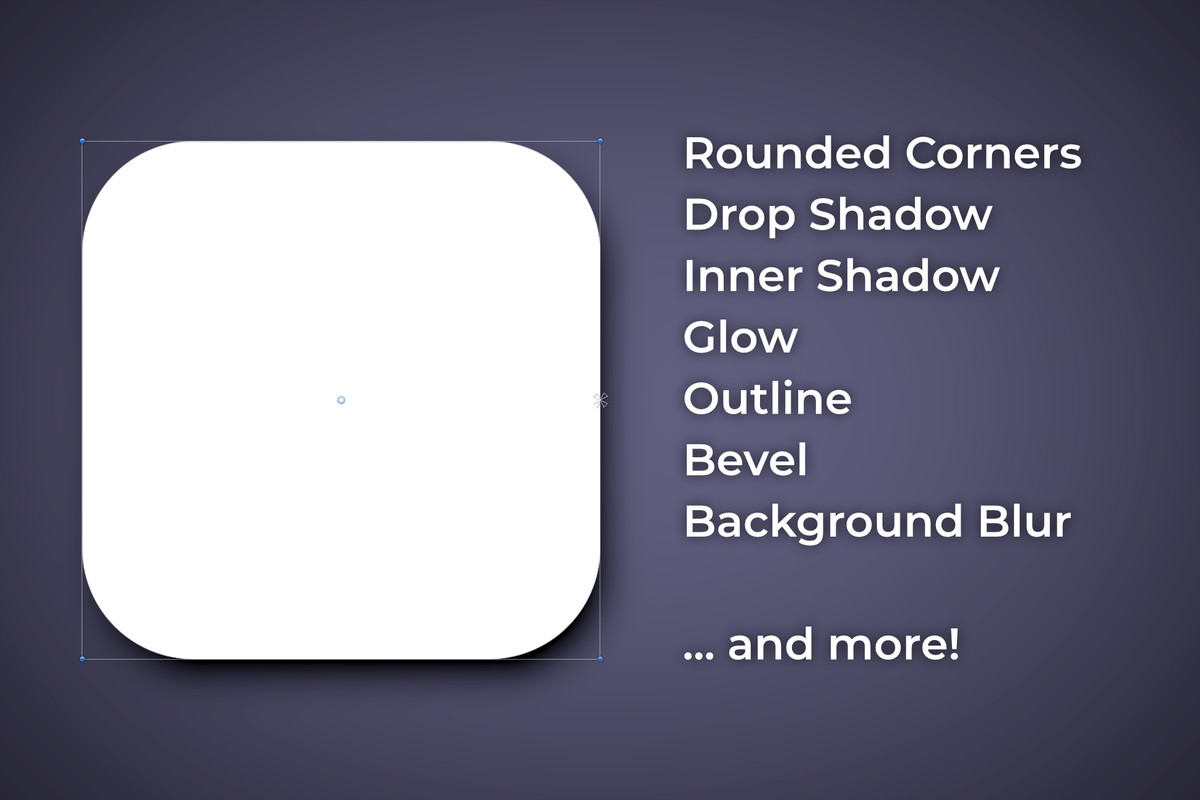
Rounded corners, gradients, shadows, glow, outline, bevel, blur and more! Easy to use for designers and artists. Batched, scriptable, animatable and mobile friendly.
Affiliate link · Purchases support this site
Price history
Last 6 months
USDAsset preview
1 / 11
UI Shapes – Procedural Image Effects screenshot 1




About this asset
✅ Verified to work in Unity versions 2022.3 up to 6.6
✨ One component. Every UI effect. Easy to use. ✨
Effects
- Fill
- Texture
- Drop Shadow
- Inner Shadow
- Glow
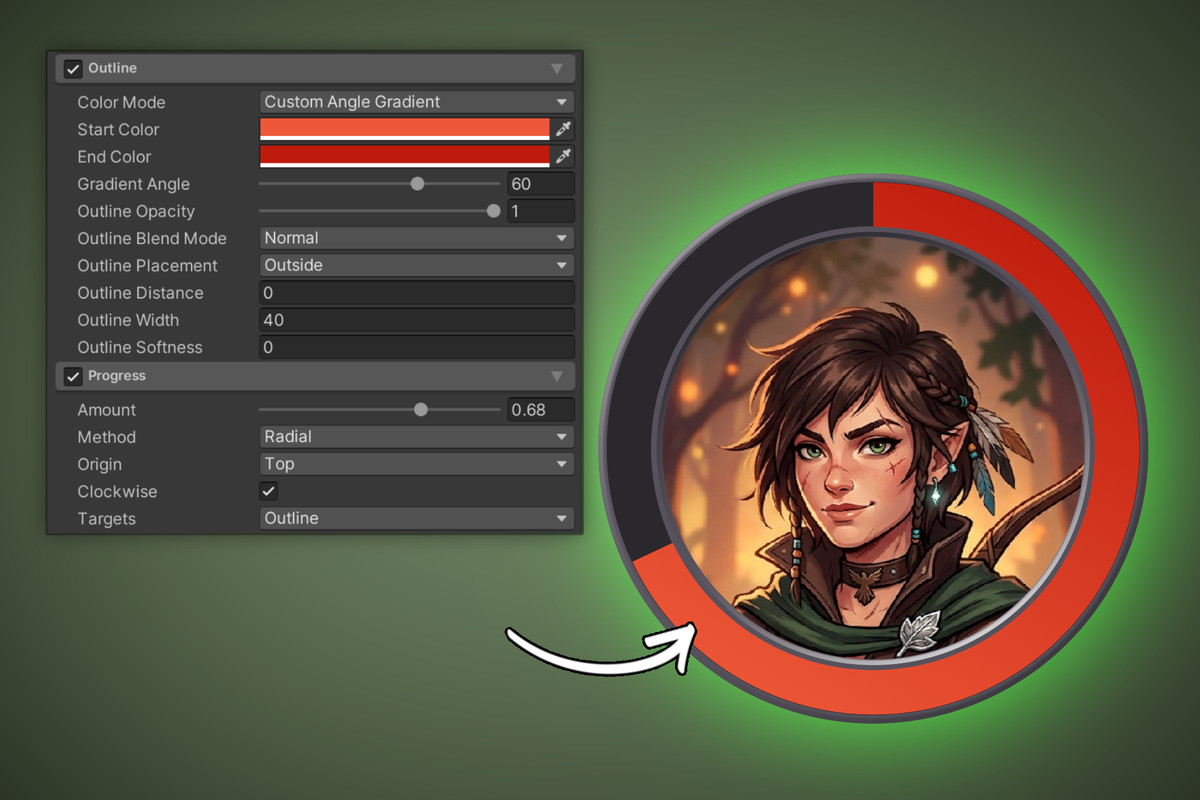
- Outline
- Bevel
- Background Blur
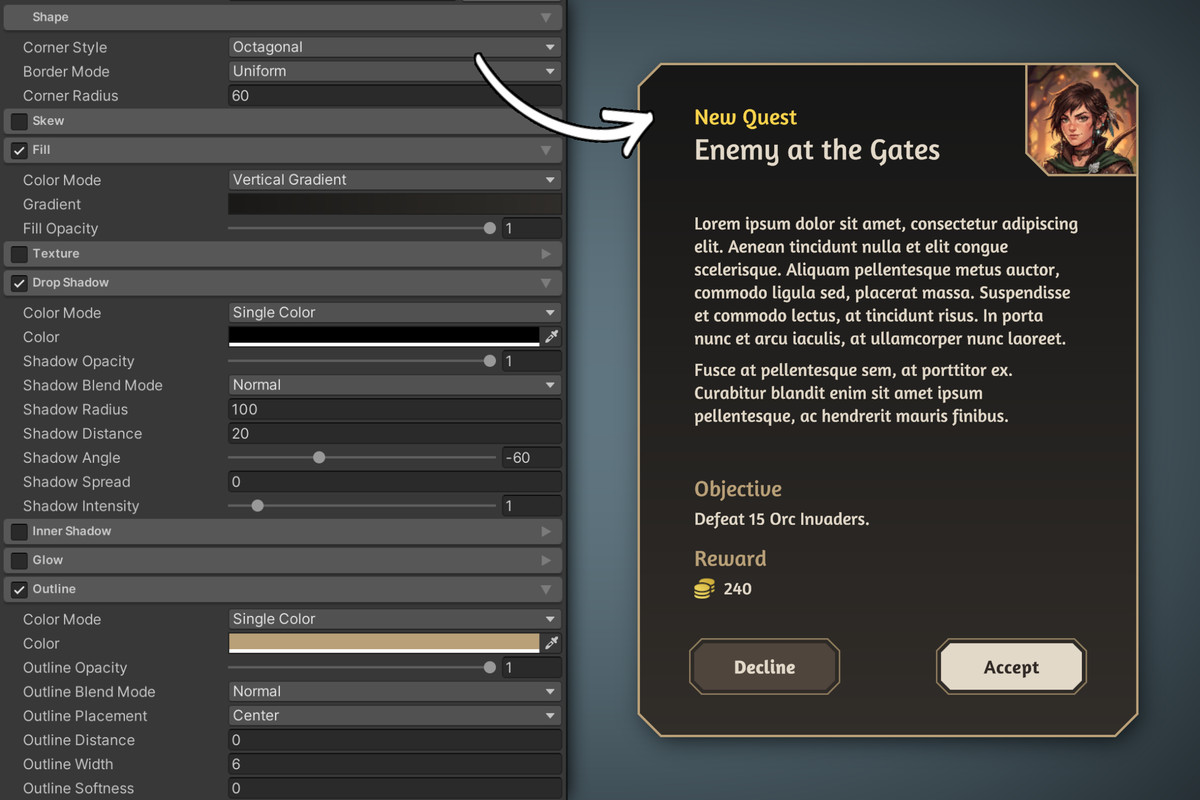
Mix them freely on each single element. Every effect has its own colour (or gradient), opacity and blend mode.
Try out the effects in your browser:
Shapes
- Sharp, Rounded and Octagonal corners, or the famous Squircle shape
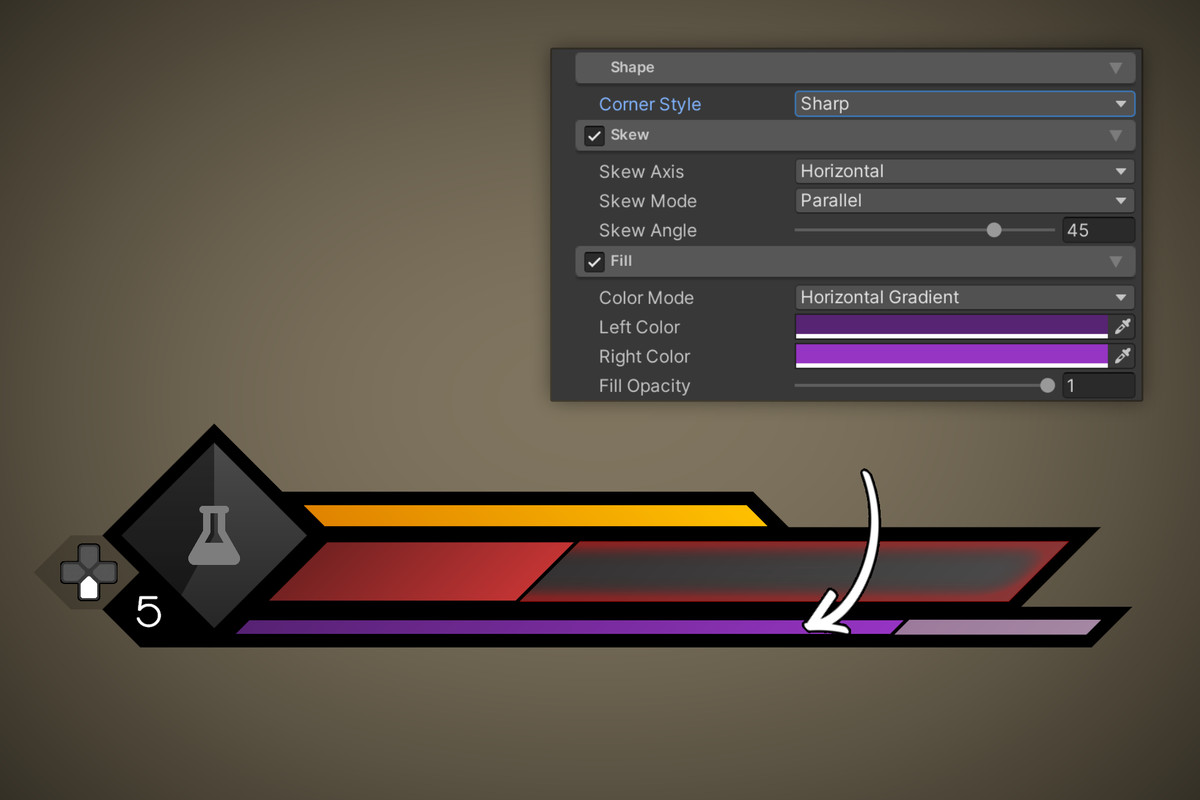
- Skew and taper into slants, trapezoids and triangles
- Progress, linear or radial, for health bars or timers
Masking
- Soft masking uses the real silhouette, corners, chamfer and skew included
- Anti-aliased edges (no jagged lines or curves)
- Masks all child shapes, Images, RawImages and TextMeshPro
- Padding and Softness settings for all 4 sides
- Culling: Automatically draws only elements that are visible on screen
- Also supports Unity's Mask or RectMask2D via Simple masking mode
Animate Buttons & Co.
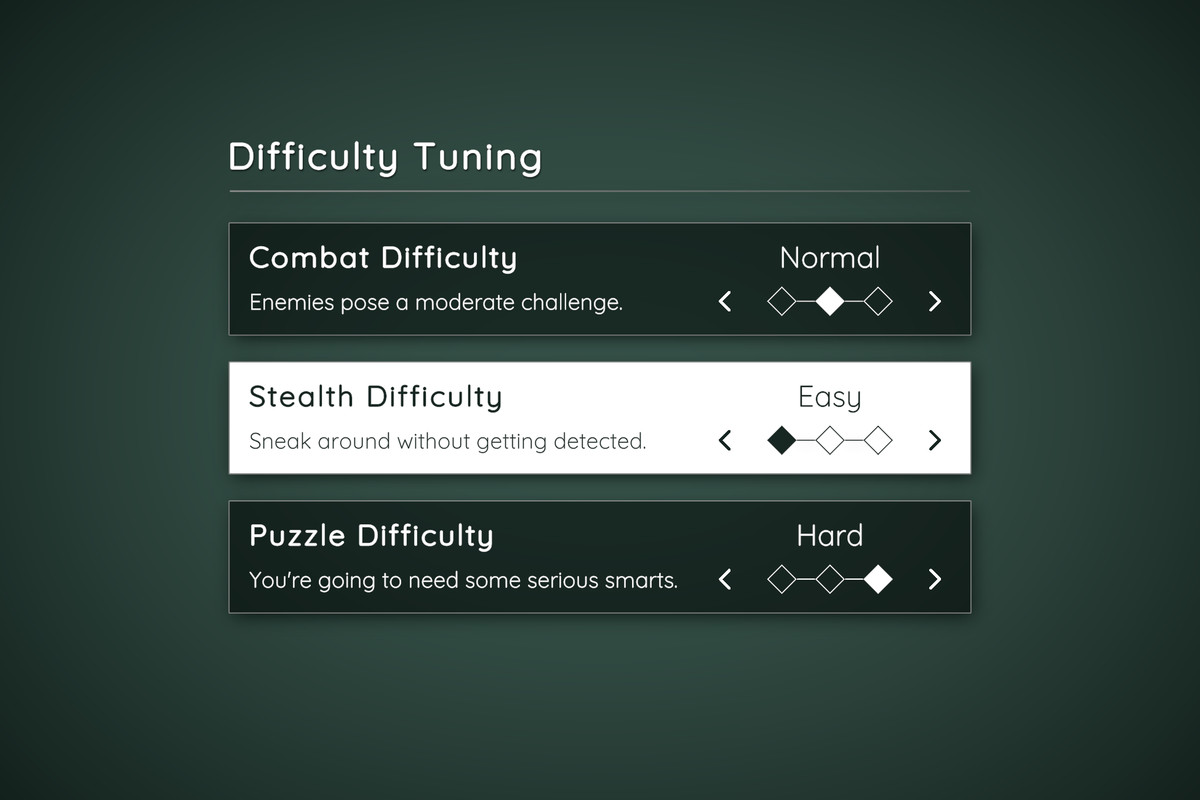
- Full support for Buttons, Toggles, Sliders, Dropdowns, Input Fields & Scroll Views
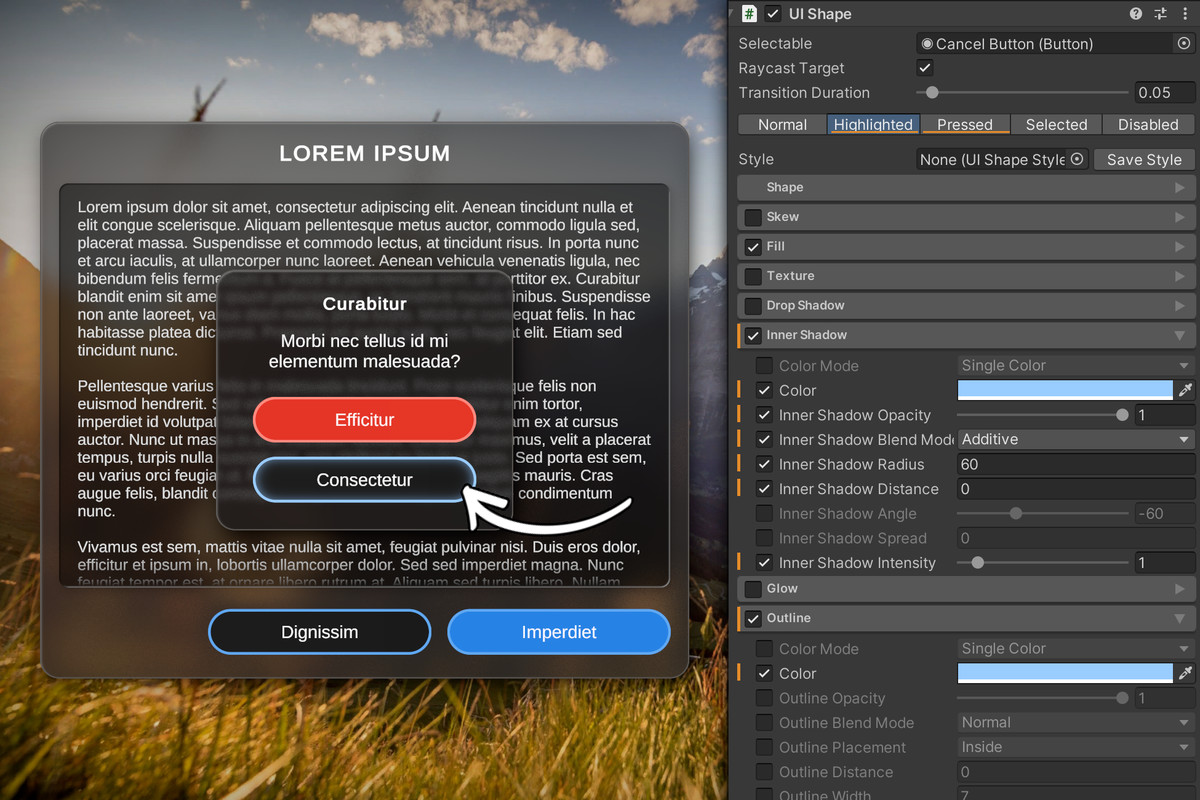
- Tabs for Highlighted/Pressed/Selected/Deactivated states, previewed live in the Scene view. Override the visual look and set a cross fade duration.
- Easily animate any attached Texts as well.
- Attach Sound Effects to all states and tweak their volume and pitch ranges.
- Use Events to call methods on any other script when entering or exiting a state.
Easy to use
- Add UI Shape to any UI GameObject, or use GameObject → UI → UI Shape
- Switch on the effects you want. Each one is a collapsible module with its enable checkbox in the header.
- Click Add... to make it interactive, and style each state on its own tab.
Ready for production
- Animator ready and fully scriptable from C#
- Reusable style assets: save a look once, load it anywhere, edit it live.
- Effects of the same kind batch across the whole canvas, so busy screens stay at a handful of draw calls.
- Mobile performance has been benchmarked and optimized on real Android hardware and holds up well.
Demo
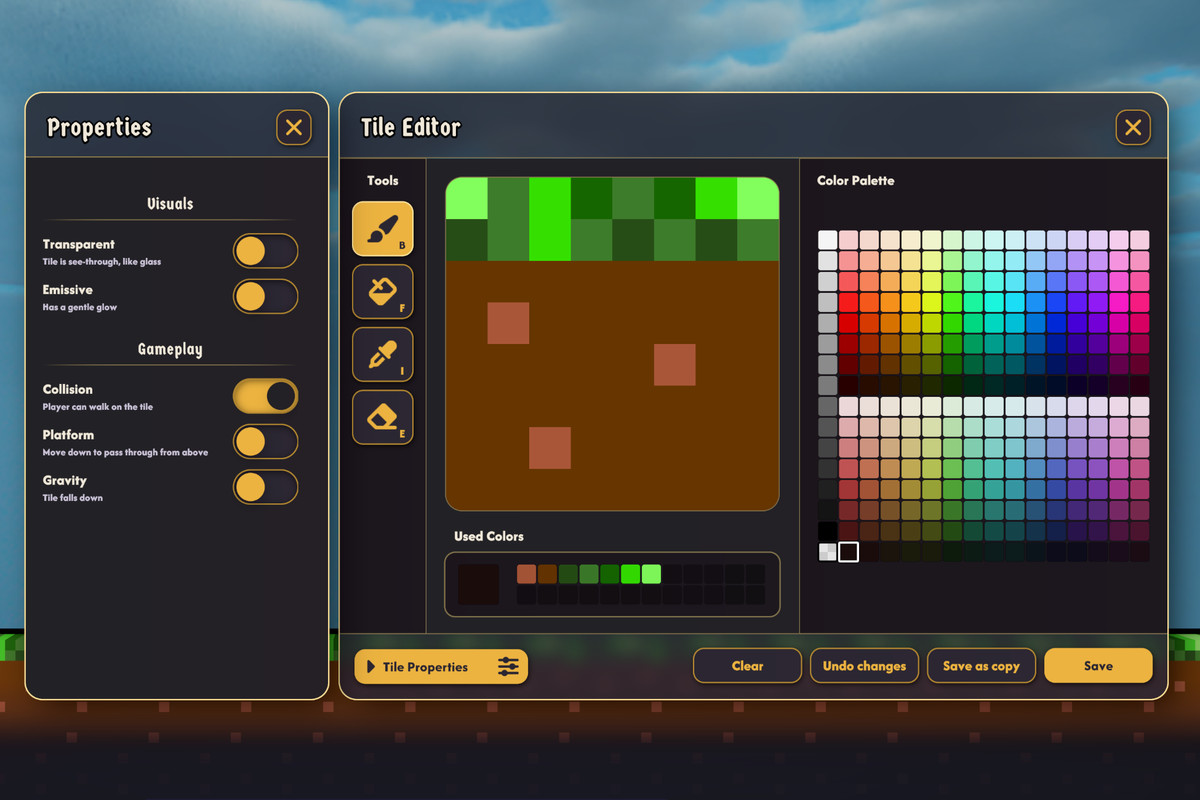
Includes a demo scene with example UI elements.
Documentation
https://prizmgames.net/UIShapes/Manual.html
The full PDF manual also ships inside the package under UI Shapes/Documentation.
Third Party Licenses
Asset uses TMP_SDF-Mobile shader under Unity Companion License; Fast Rounded Rectangle Shadows under MIT License;
The TextMeshPro clipping shader is derived from Unity's own TMP_SDF-Mobile shader and is licensed for use with Unity engine software.
See Third-Party Notices.txt file in package for details.
From the publisher's Asset Store listing.
Technical details
Architecture
- One UIShape component manages its own renderers. Effect parameters travel in vertex channels, so effects of the same kind share a static material and batch into a single draw call per canvas.
- Shapes are signed distance fields evaluated per fragment: resolution independent at any canvas scale and correctly anti aliased at any radius.
Performance
- Allocation free runtime paths, including the per frame soft mask scan.
- Lazy recomposition: a shape costs CPU only on the frames it changes.
- Soft masked content is culled outside the mask rect, so scroll views scale with visible rows.
- Background Blur ships with Low, Medium and High quality settings. Fill rate guidance is documented in the manual.
- Profiled and optimized on physical Android hardware.
Compatibility
- Unity 2022.3 LTS or newer, including Unity 6.6
- Graphics: Shader Model 3.0 or better (OpenGL ES 3.0+, Metal, Vulkan, DirectX 11+).
- Dependencies: uGUI (com.unity.ugui). TextMeshPro is optional and supported by soft masking when present.
- Shaders are referenced by the component, so player builds include them automatically.
- Background Blur on URP uses an included renderer feature (one time setup).
Supported platforms
- Mobile: iOS and Android.
- Desktop: Windows, macOS and Linux.
- Consoles: PlayStation, Xbox and Nintendo Switch. No platform specific code.
- Web: WebGL.
Limitations
- Background blur on URP requires adding the included UI Shapes Background Blur renderer feature to your URP renderer. Setup instructions appear in the inspector. On HDRP, setup is automatic. On Built-in, no setup is needed.
- On URP and HDRP, background blur captures the camera image rather than the individual panel, so UI drawn on the same canvas behind a blur panel is not blurred. Blurring UI behind UI is supported on Built-in only.
Code and integration
- Full C# and shader source, runtime and editor
- Namespace PrizmGames.UIShapes, auto referenced assembly definitions, PascalCase scripting API for every setting
- Styles are plain ScriptableObject assets, safe to version control
- Also consumable as a UPM package (com.prizmgames.uishapes)
Documentation
Compatibility
| Unity version | Built-in | URP | HDRP |
|---|---|---|---|
| 6000.6.0f1 | Compatible | Compatible | Compatible |
As listed on the Asset Store.