
 View on Asset Store (opens in new tab)
Package details
- Latest version
- 1.1.0
- Last updated
- First released
- Unity version
- 2022.3.17 or later
- Package size
- 3.9 MB
- Files
- 844
- Favorites
- 3
- Views in the past week
- 22
Price tracking
- Last checked
- Tracked since
- Lowest recorded
- $12.49 on
Keywords

SheetForge — Google Sheets & Excel to ScriptableObject
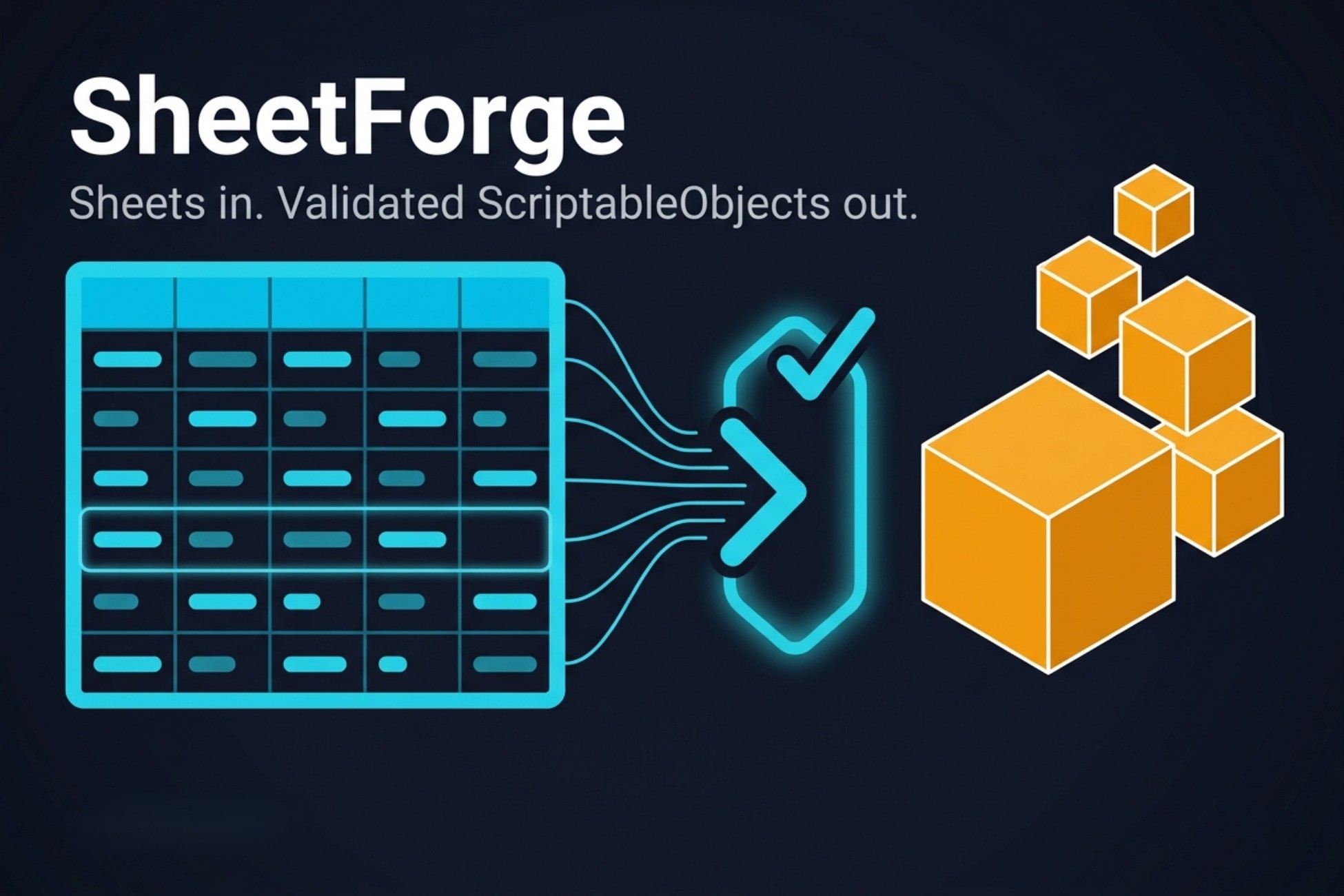
Import Google Sheets, Excel and CSV/TSV into strongly-typed ScriptableObjects — every cell validated, every error reported with its fix. Edit in Unity or in a browser; push back to Google Sheets.
Affiliate link · Purchases support this site
Price history
Last 6 months
USDAsset preview
1 / 11

SheetForge — Google Sheets & Excel to ScriptableObject screenshot 1



About this asset
TRY IT FREE IN YOUR BROWSER → web.sheetforge.workers.dev
DOCS AND LIMITS → docs.sheetforge.workers.dev
SheetForge imports Google Sheets, Excel and CSV/TSV, validates every cell, generates C# classes and bakes strongly-typed ScriptableObjects. Edits go back to the sheet.
■ HIGHLIGHTS
- Edit in the browser, no Unity needed
- Every error at once, with the fix
- Types live in the sheet, not in C# attributes
- Data Studio: a real spreadsheet inside Unity
- Works with or without Addressables; no runtime parsing, no reflection
- Many sheets, one game
- Localization sheets, plugins, UI in 10 languages
■ EDIT IN THE BROWSER, NO UNITY NEEDED
The web app runs this package's own C# core compiled to WebAssembly: same table, same validation rules, same editors, with Google Sheets read and write. Designers never install Unity.
■ EVERY ERROR AT ONCE, WITH THE FIX
One import reports every problem together: tab, row, column, the offending value, why it is wrong and how to fix it, with a jump link to the cell. Nothing bakes while an error stands, but the failing sheet still opens for editing.
■ TYPES LIVE IN THE SHEET
A @type row declares int, Color, Enum<Rarity>, RecordId@Items, AssetRef@Icons<Sprite>, LocRef@Strings, List<T>… No schema file, no attributes. Add a column; the next import regenerates the class, compiles and bakes on its own.
■ DATA STUDIO: A REAL SPREADSHEET INSIDE UNITY
Filter, sort, drag rows, rename columns, search every sheet. Color, curve and gradient cells open full editors; drop a sprite onto an asset cell. Undo is Unity's own Ctrl+Z. Push writes to Google Sheets and skips any cell a teammate changed since your import.
■ WORKS WITH OR WITHOUT ADDRESSABLES
Baked data ships through Addressables, a Resources folder or a scene-carried catalogue, chosen per workbook. Game code is one line, identical in every mode. No runtime parsing, no reflection, IL2CPP-safe — the import tooling stays in the editor.
■ MANY SHEETS, ONE GAME
Items, monsters and strings in separate spreadsheets: each is a workbook, one import runs them all in dependency order, and a cell in one can reference a tab in another.
■ LOCALIZATION AND PLUGINS
An @loc sheet is keys × locales; a LocRef cell shows the source text inline. With Unity Localization installed, imports fill your String Tables. Plugins add cell types, validators, templates and panels with no core edits; a Unity-built plugin DLL loads unmodified in the browser.
■ WHAT IT WON'T DO
For a handful of records, a plain ScriptableObject is simpler. Excel is import and export, never edited in place: .xlsx in, one .xlsx out. The browser validates but never bakes. Renaming a column or tab changes generated code; game code using it needs a manual update.
Asset uses Geist under SIL OFL 1.1 and Lucide under ISC; see Third-Party Notices.txt file in package for details.
From the publisher's Asset Store listing.
Technical details
- Sources: Google Sheets (a service account or a link-shared export URL in Unity; per-file Google sign-in in the web app) and local .tsv / .csv / .xlsx. The xlsx codec is our own — no third-party DLLs.
- Your credentials only: no API keys ship with the package. Google's APIs are free within Google's standard quotas and governed by Google's own terms.
- Self-describing sheets: @name, @type, @desc, @overlap, @style, @enum and @loc rows. Comment rows and column order survive a full round trip.
- Types: int, float, bool, string, Color, AnimationCurve, Gradient, enums (sheet-defined or from code), RecordId@Tab, IntId@Tab, LocRef@Tab, AssetRef (Addressables, with type restriction and sub-asset addresses), ResourceRef, DirectRef, List<T>, plus plugin-registered types.
- Validation: every diagnostic in one pass, each with a why, a fix and a jump link to the cell; typo suggestions; no partial output. A failing sheet still opens for editing — only codegen, bake, export and push wait for a clean run.
- Codegen and bake: strongly-typed classes and ScriptableObjects. No runtime text parsing, no reflection, no link.xml, IL2CPP-safe. One load call (SheetForgeDatabases.LoadAsync) across Addressables, Resources and Scene catalogue delivery, chosen per workbook.
- Data Studio: resize, hide, filter and sort columns; multi-select and drag rows and columns; cross-sheet search; structure editing with rename propagation; enum authoring; color, curve, gradient and asset cell editors; a record canvas; native Ctrl+Z / Ctrl+Y; row virtualization for large sheets.
- Several workbooks: separate baked assets, code, addresses and baselines per workbook; any number active at once, imported in dependency order (also from a script); cross-workbook references in every reference type; a workbook map.
- Write-back: Export to TSV / CSV / JSON / one xlsx workbook with live dropdown rules; Google Push with change detection, per-cell conflict skipping and approved row deletion.
- Localization: @loc sheets with per-locale coverage; with com.unity.localization installed, imports fill String Tables (keys renamed in the Data Studio keep their entry ids); a reverse importer, a translation workbook that round-trips locales through xlsx, and key-constant classes for game code.
- Web app (web.sheetforge.workers.dev): the same C# core compiled to WebAssembly — authoring, validation, visual editors, xlsx import, cross-sheet search and Google read/write in a browser; your plugin DLLs load unmodified; Google sign-in is per-file only.
- Plugins: cell types, wrappers, validators, edge contributors, structural markers, sheet templates, source providers, declarative studio UI, themes, UI strings, canvas augmenters, code registries and pipeline observers — all with zero core edits. A plugin market with a public registry and hash-pinned downloads.
- Onboarding: Getting Started window, drag-and-drop source setup, error-to-cell console links, a no-network Health Check and automatic UI-language detection. Editor UI and error reports in 10 languages.
Compatibility
| Unity version | Built-in | URP | HDRP | Custom |
|---|---|---|---|---|
| 6000.3.21f1 | Compatible | Compatible | Compatible | Compatible |
| 6000.0.79f1 | Compatible | Compatible | Compatible | Compatible |
| 2023.1.22f1 | Compatible | Compatible | Compatible | Compatible |
| 2022.3.17f1 | Compatible | Compatible | Compatible | Compatible |
Asset delivery is a Settings choice: Addressables (recommended default), Resources, or Scene catalogue — chosen per workbook; the latter two need no extra package, covering mini-games and playable ads where Addressables isn't an option. Matching cell types: AssetRef, ResourceRef, DirectRef.
Renderer-agnostic: no rendering code touched. Unity 6 tested; 2022.3 minimum.
As listed on the Asset Store.