
 View on Asset Store (opens in new tab)
Package details
- Latest version
- 1.0.0
- Last updated
- First released
- Unity version
- 6000.3.2 or later
- Package size
- 90 KB
- Files
- 68
- Views in the past week
- 1
Price tracking
- Last checked
- Tracked since
- Lowest recorded
- $9.99 on
Keywords

Hierarchy Studio
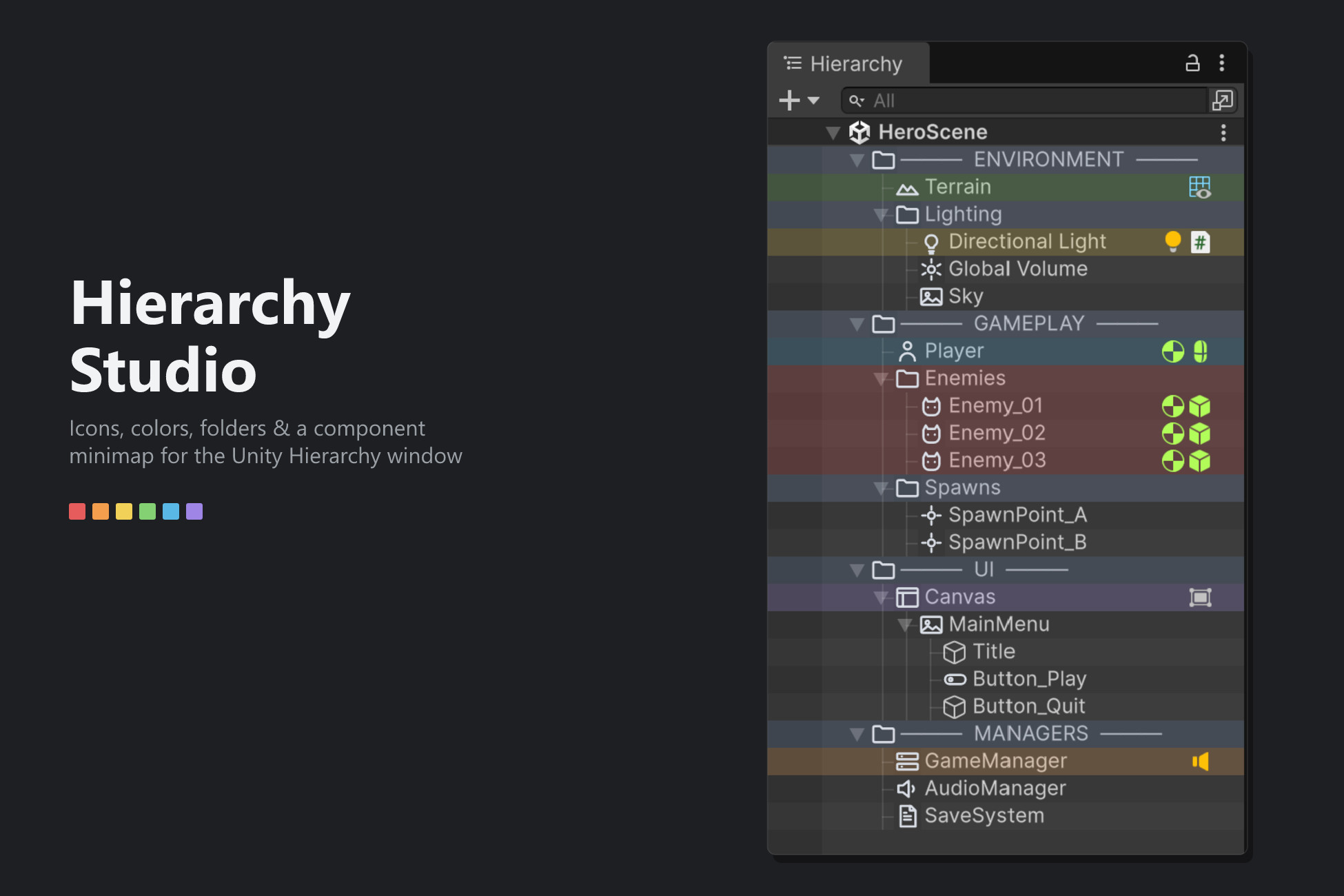
Custom icons, colors, folders & a component minimap for the Hierarchy window — clean, fast, and fully optional. Nothing added to your scenes.
Affiliate link · Purchases support this site
Price history
Last 6 months
USDAsset preview
1 / 2
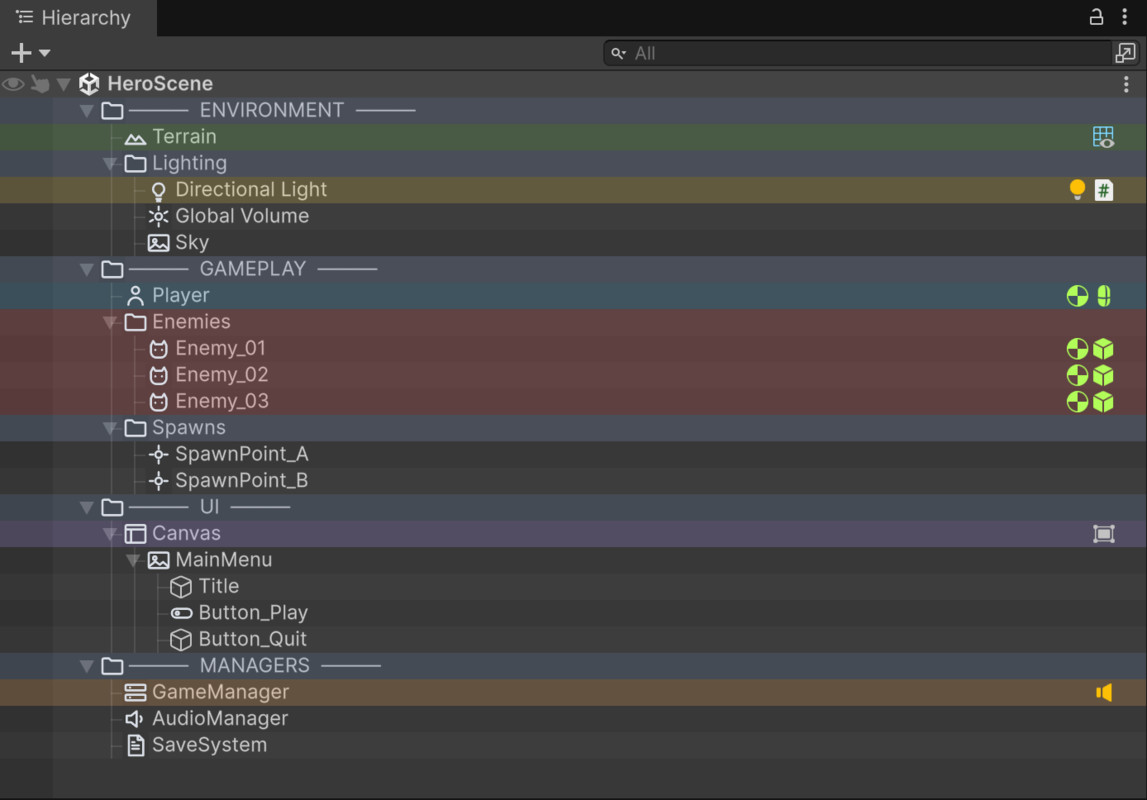
Hierarchy Studio screenshot 1
About this asset
Hierarchy Studio makes Unity's Hierarchy window faster to read and nicer to work in — without touching your scenes or your builds.
Everything is optional, everything is configurable, and nothing is stored on your GameObjects: all data lives in a single editor asset keyed by each object's stable ID. Remove the package any time and your project is untouched.
★ Custom icons — assign one of 24 hand-made icons to any GameObject and spot it instantly.
★ Custom colors — quick-pick palette or the full native color picker (eyedropper, hex, HSV). Color a single object or a whole multi-selection at once.
★ Organization folders — turn any GameObject into a folder with a distinct icon and tint, straight from GameObject > Folder or the right-click popup.
★ Component minimap — see every object's components at a glance as icons on the right of the row. Alt+click an icon to open a mini-inspector for that component — edit values without leaving the Hierarchy.
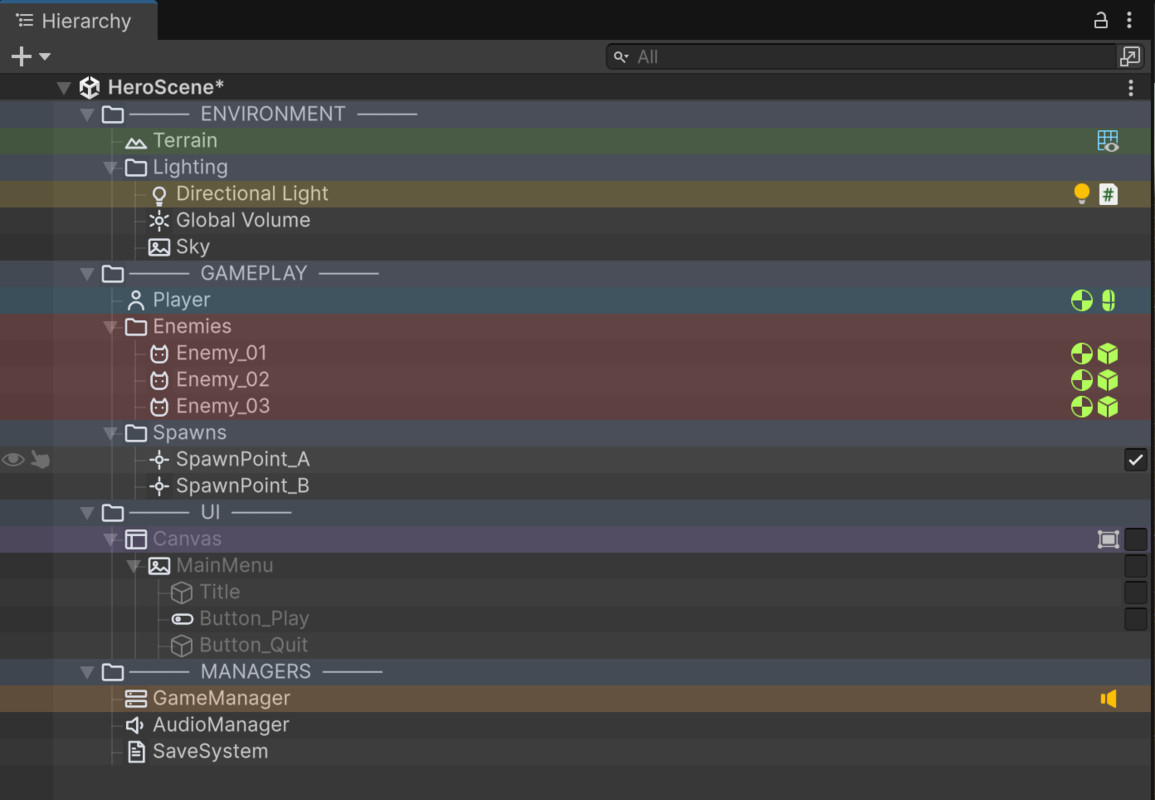
★ Activation toggle — enable/disable an object on hover, without selecting it. Full Undo support.
★ Zebra striping & tree lines — subtle readability boosters for deep, crowded hierarchies.
★ Fully configurable — toggle every feature independently in Preferences > Hierarchy Studio, and edit the color palette to taste.
★ Fast — only visible rows are processed; ~0.07 ms of CPU per frame even on a 2000-object scene. No lag, no freezes.
Requirements: Unity 6.0 or newer. Editor-only — nothing ships in your build.
From the publisher's Asset Store listing.
Compatibility
| Unity version | Built-in | URP | HDRP | Custom |
|---|---|---|---|---|
| 6000.3.2f1 | Compatible | Compatible | Compatible | Compatible |
As listed on the Asset Store.